

 DownloadAuroraFX Ultra Lite Shaders
Get the files on 9Minecraft
Guides
Step-by-step, in-game.
Adjust Lighting and Brightness to Your PreferenceAccess Shader Settings Open the shader options menu by pressing the designated key (usually accessed through Video…Enhance Water and Reflections Without Losing FramesLocate Water Enhancement Options In Shader Options, find settings labeled for water quality, reflections, or surface…Optimize Shader Performance on Low-End HardwareDisable Advanced Visual Features Enter Shader Options and look for toggles related to advanced effects like ambient…Troubleshoot Visual Glitches and ArtifactsIdentify Common Issues Common glitches include flickering blocks, strange shadow banding, color shifts in specific…
Frequently asked questions
How do I enable the shader after installing it?
Open your Options menu in-game, go to Video Settings, then select Shaders. Find AuroraFX Ultra Lite in the list and click it to activate. You'll see the visual changes apply immediately to your world.
Will this shader work with my resource pack?
Yes, AuroraFX Ultra Lite is designed to work alongside most resource packs since it focuses on lighting and basic visual adjustments rather than replacing textures. Load your resource pack normally and the shader will enhance it.
Why do I see weird colors or dark patches in certain areas?
This usually happens when shader settings conflict with your world lighting or when you're using incompatible mods that alter lighting. Try adjusting the brightness slider in the shader options, or disable any mods that heavily modify light sources.
Can I use this on a server or in multiplayer?
Shaders are client-side only, so you can use AuroraFX Ultra Lite on any server or multiplayer world without affecting other players or requiring server installation.
See all 10 AuroraFX Ultra Lite Shaders questions ›
Gallery
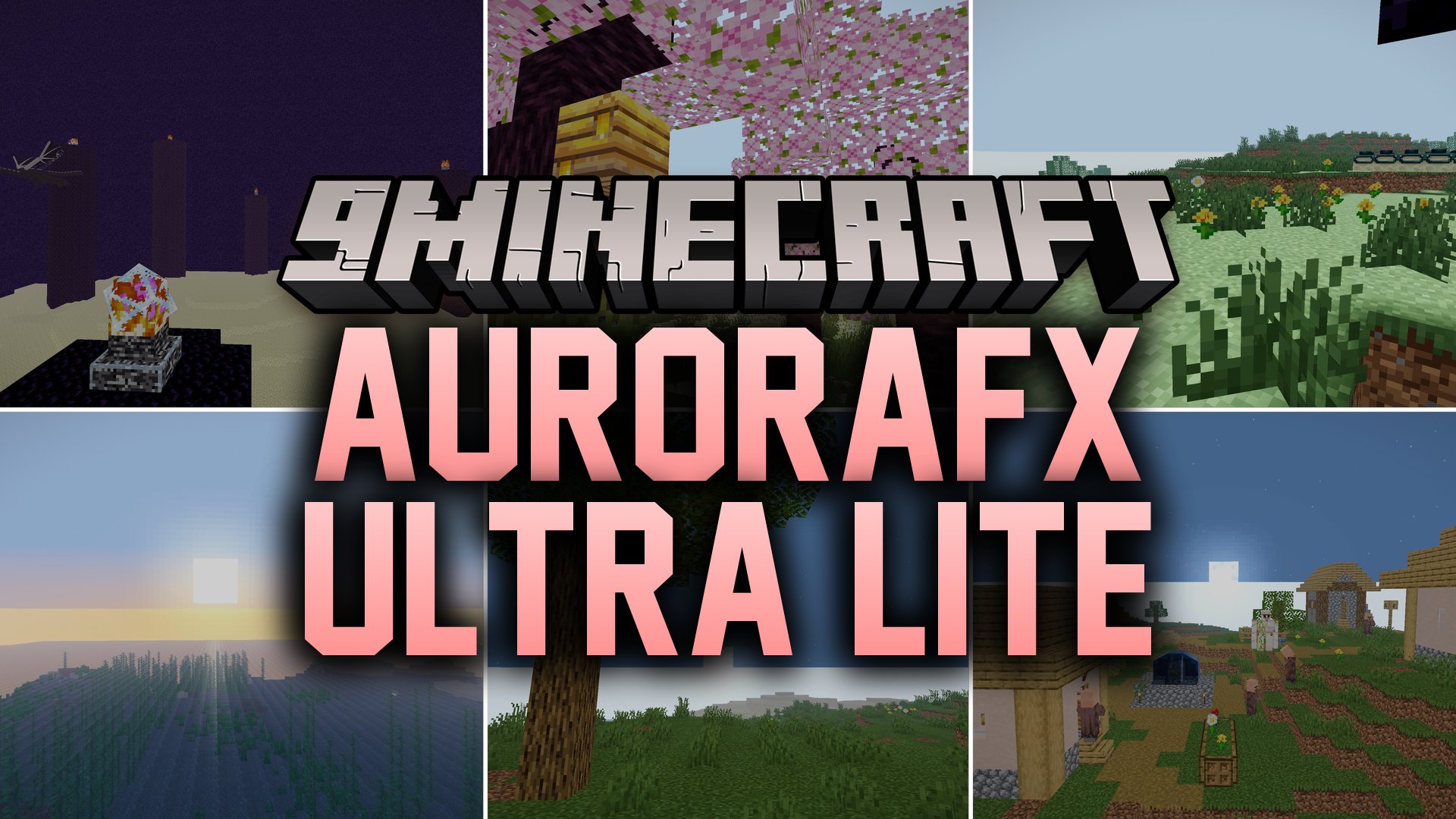
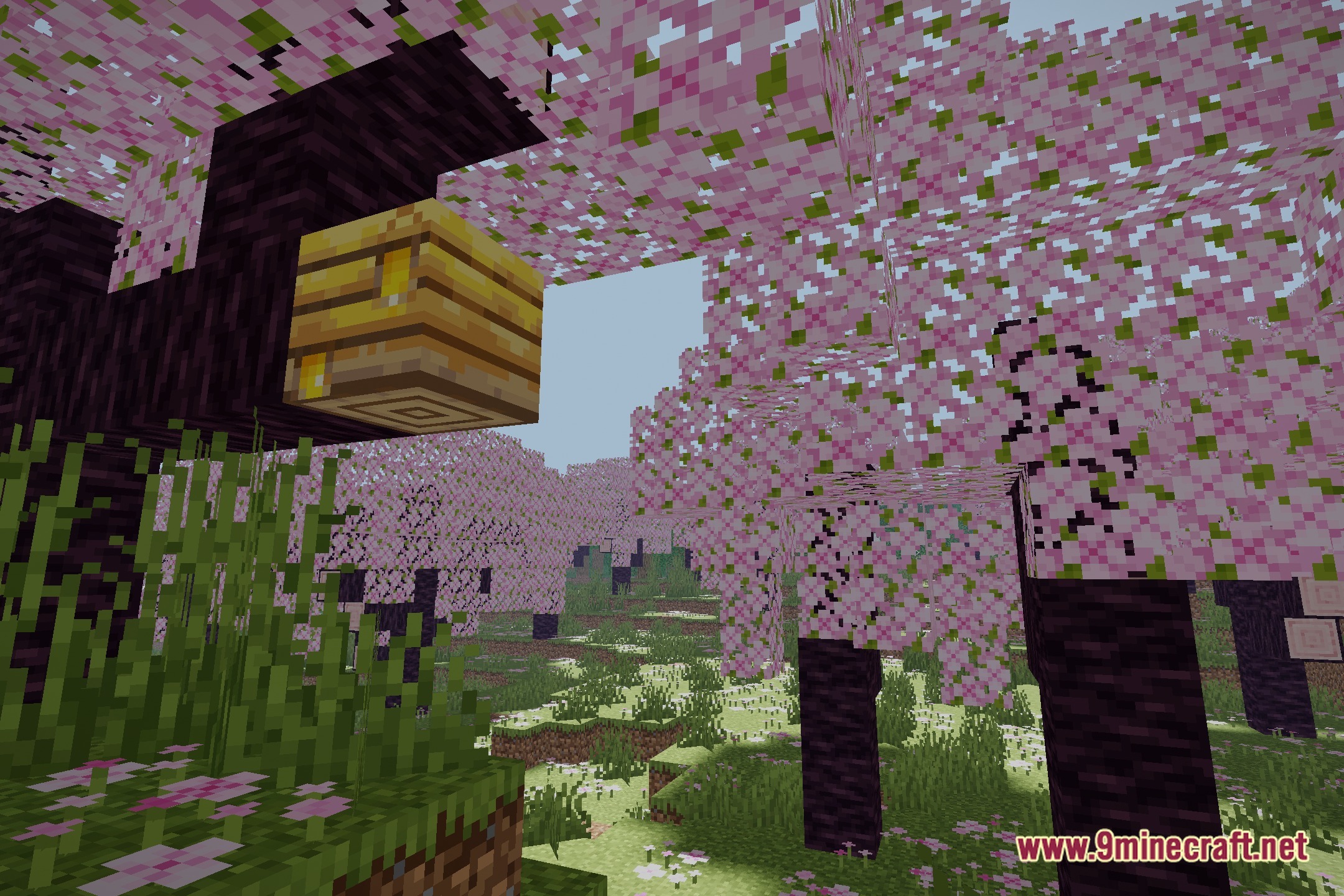
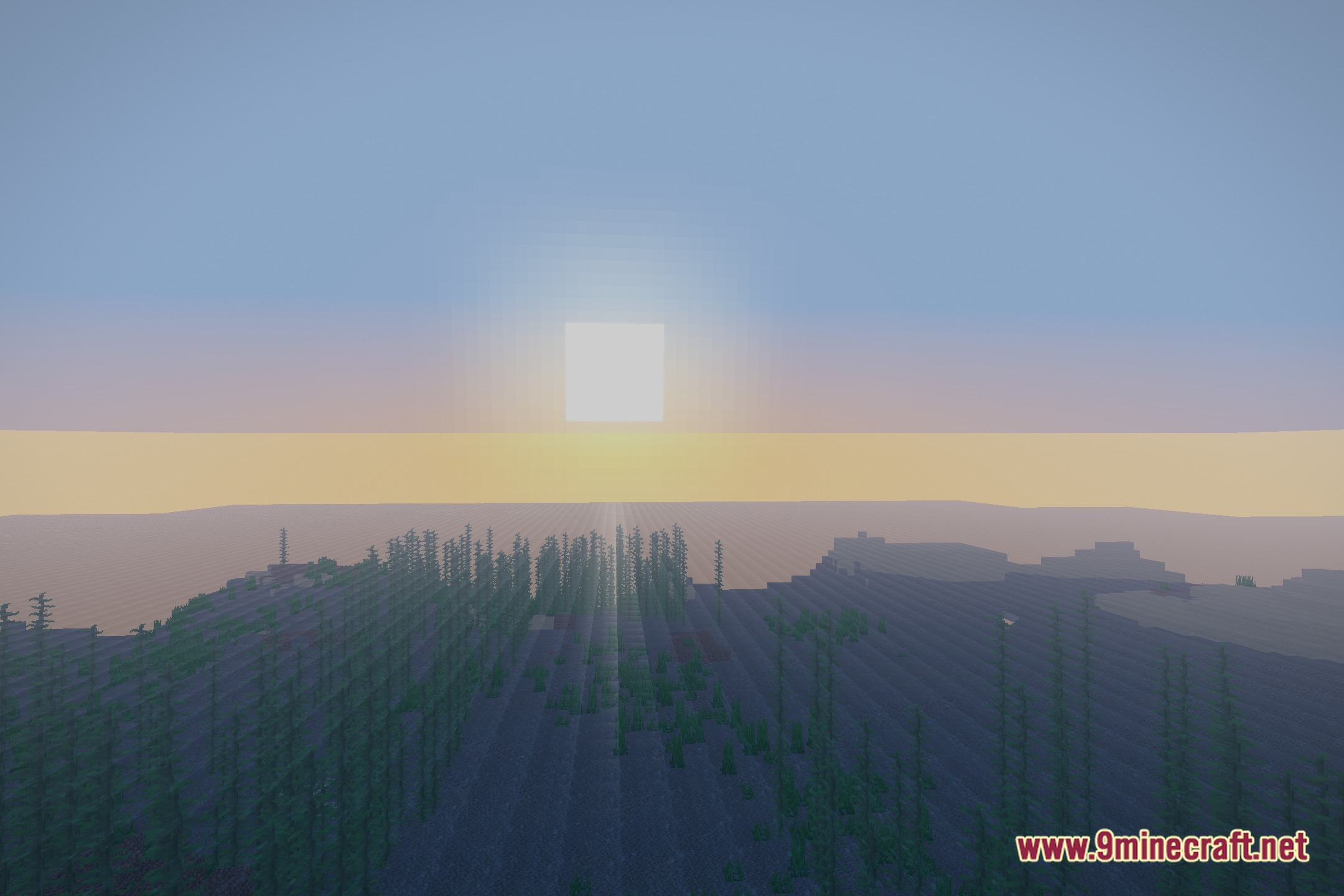
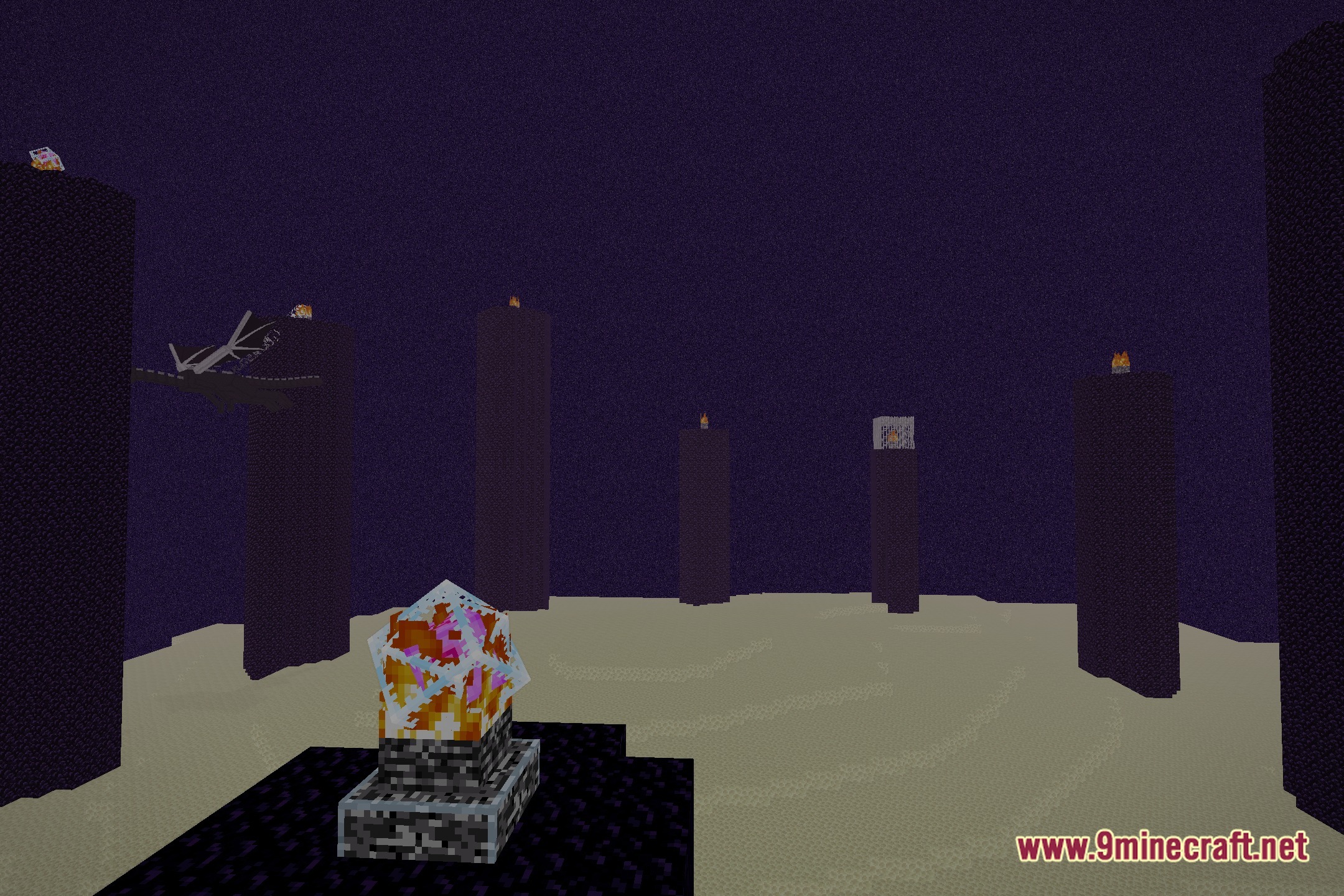
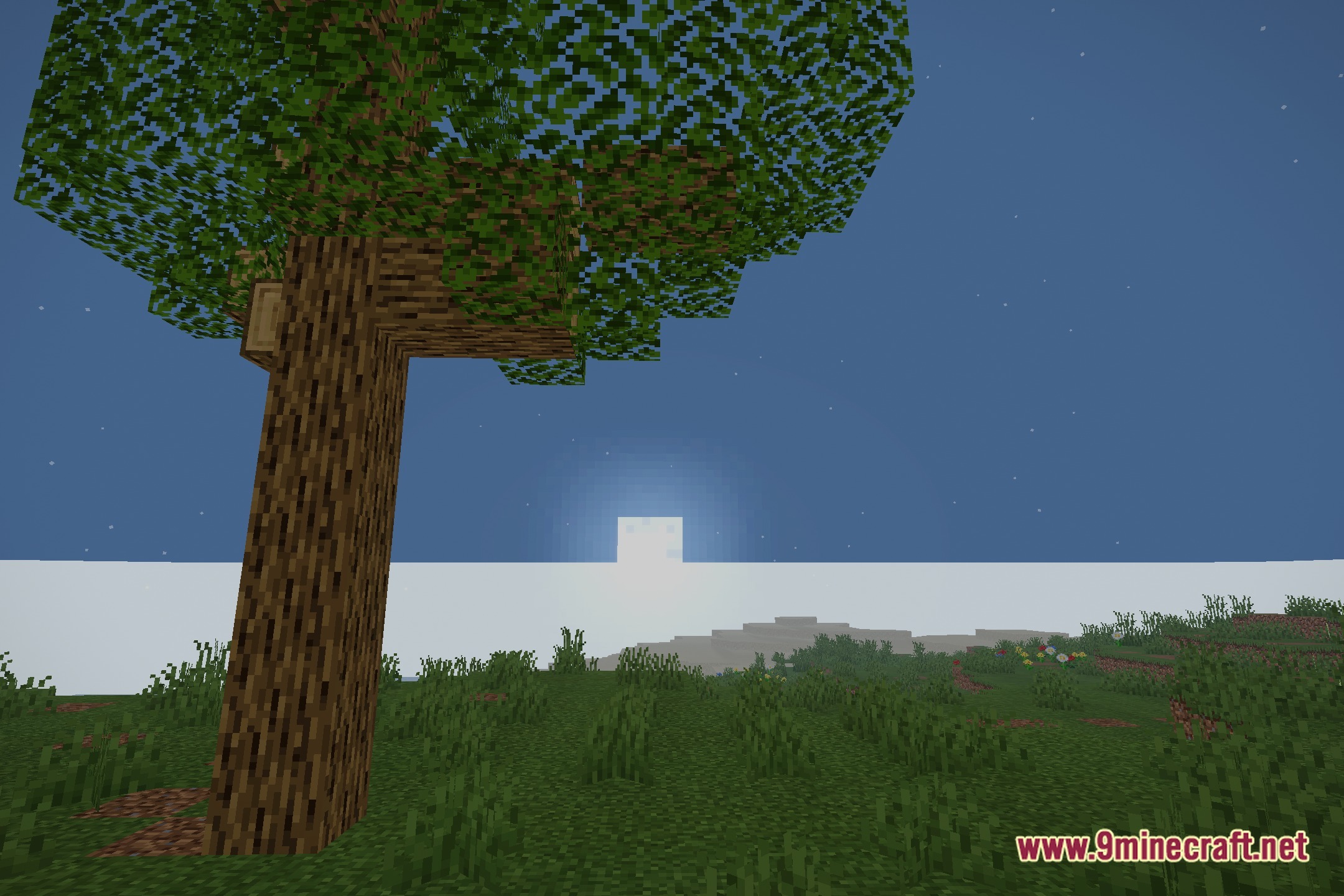
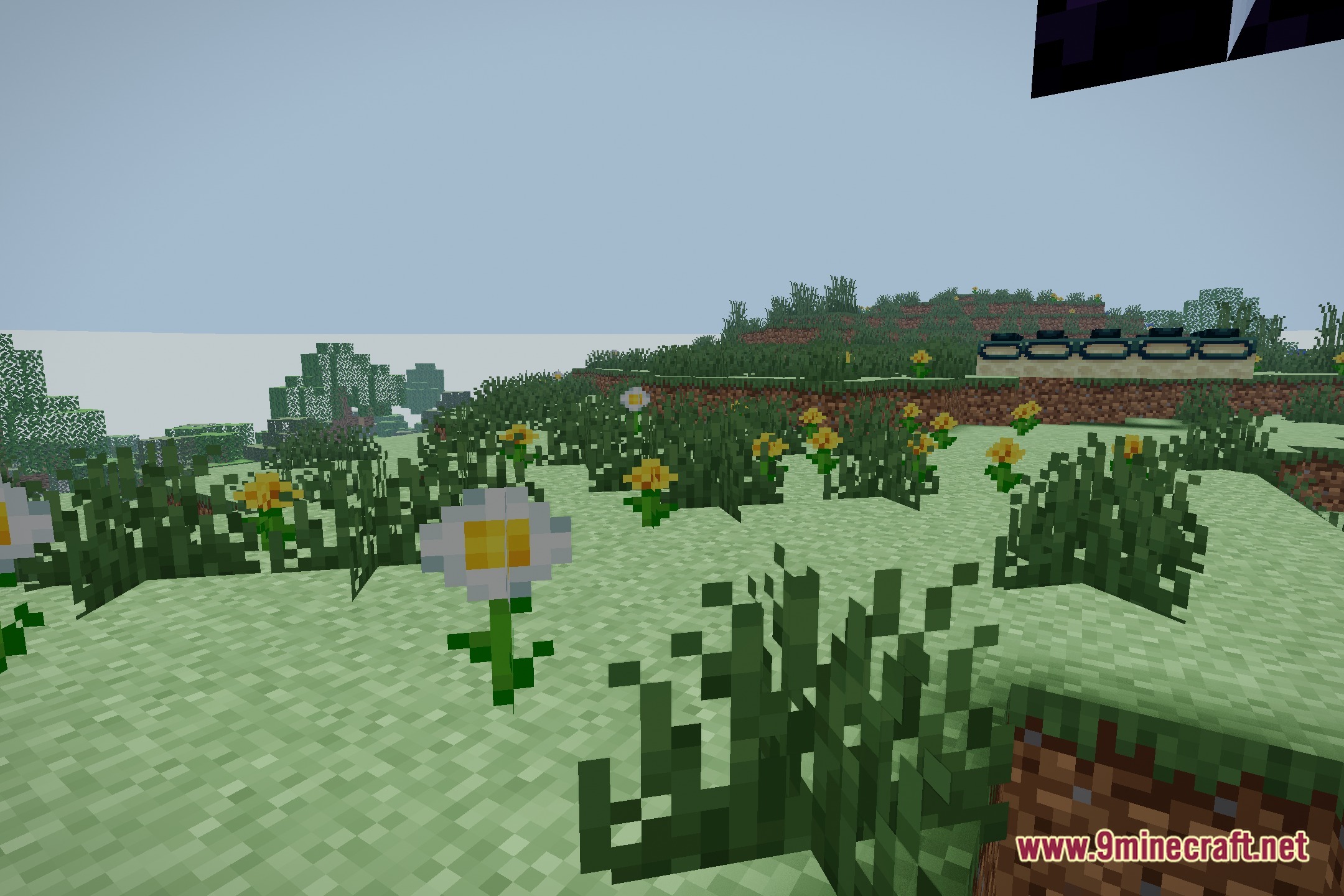
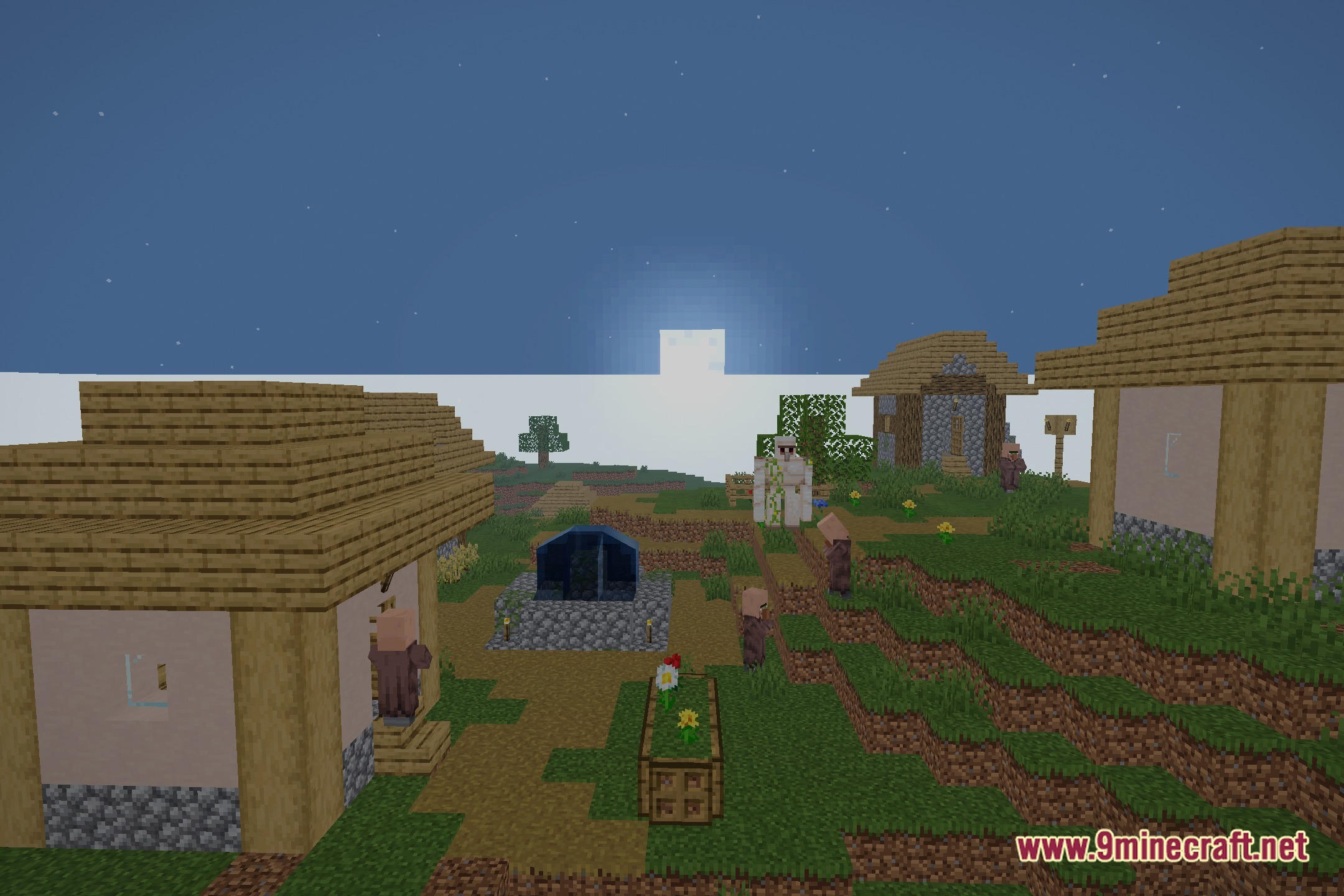
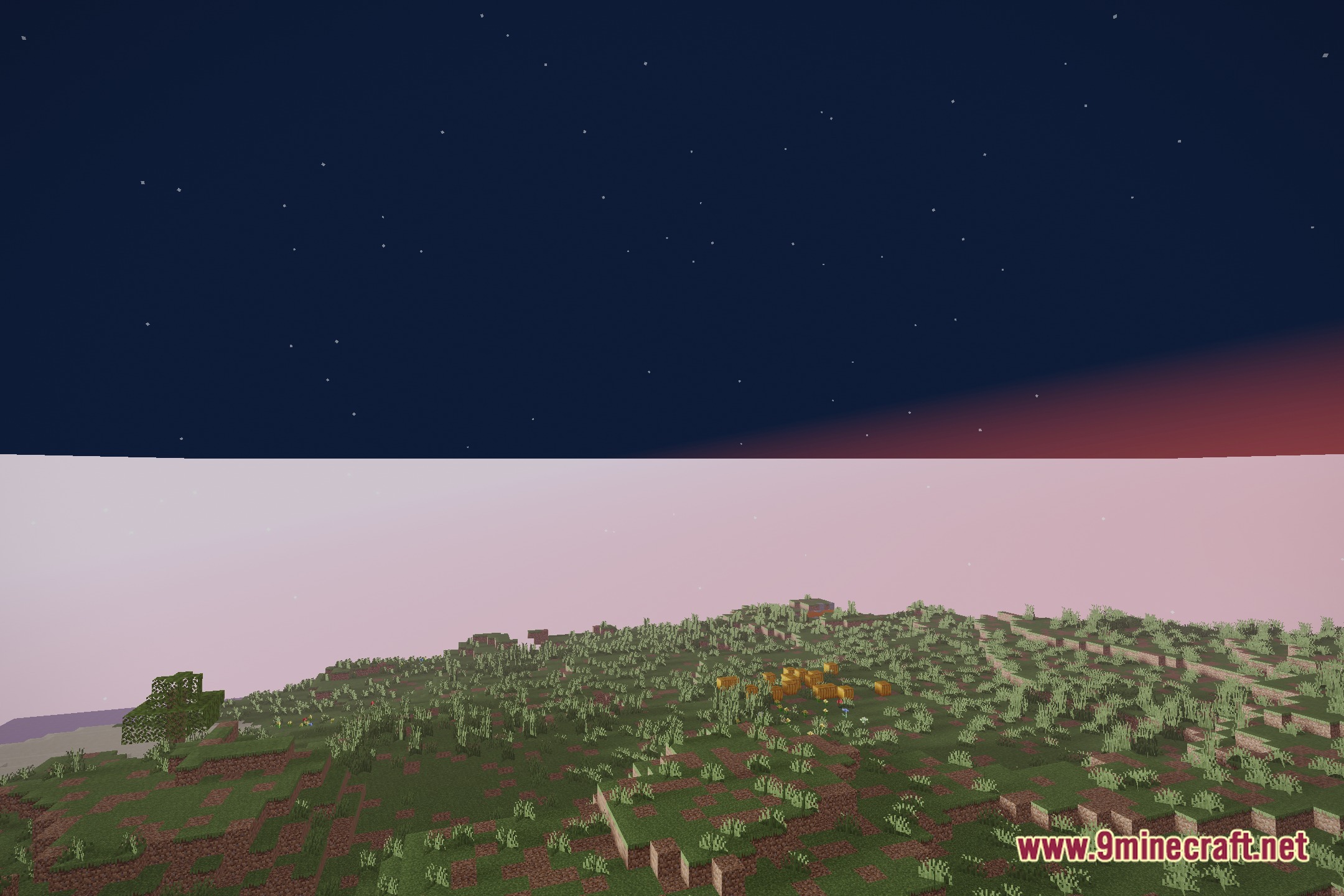
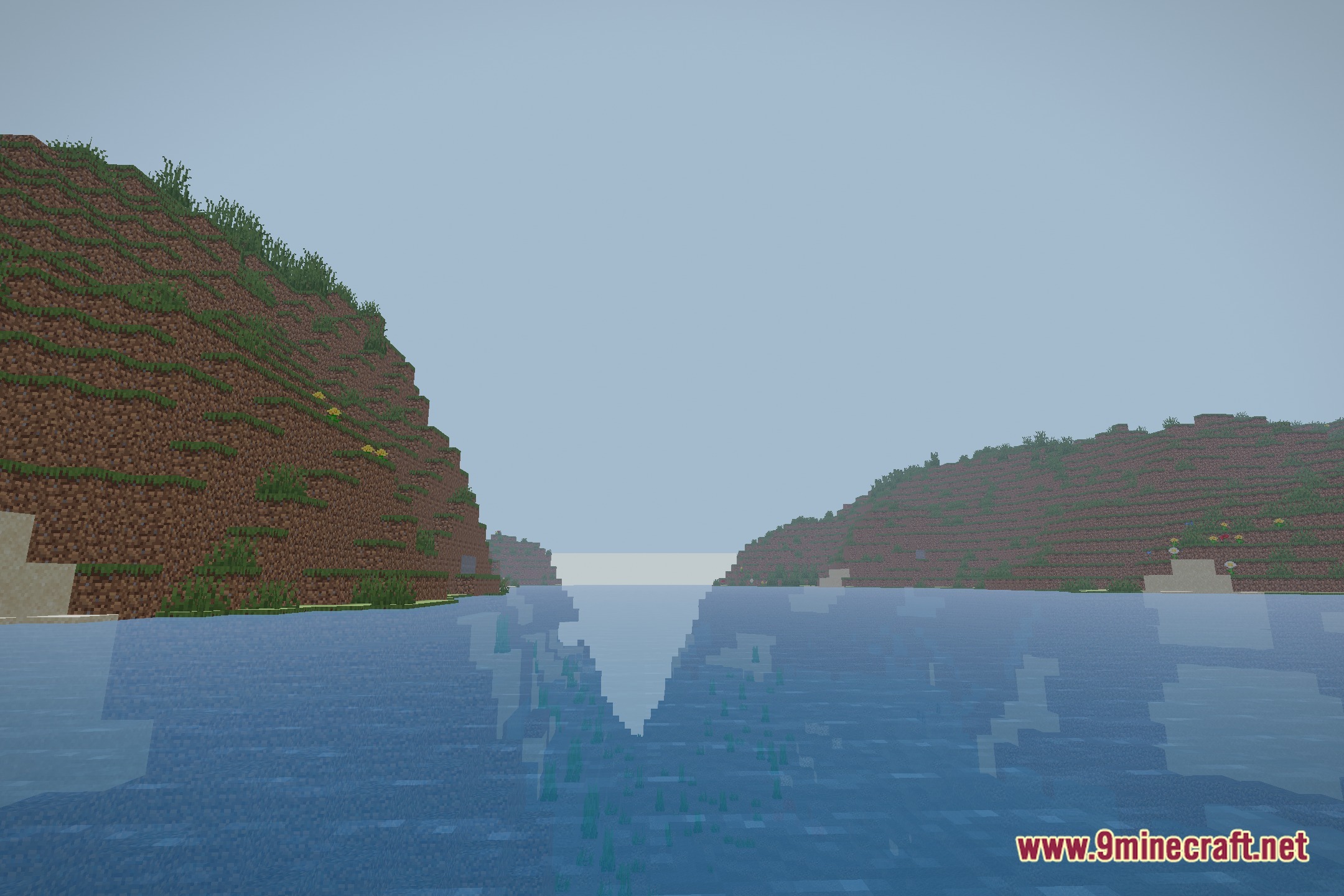
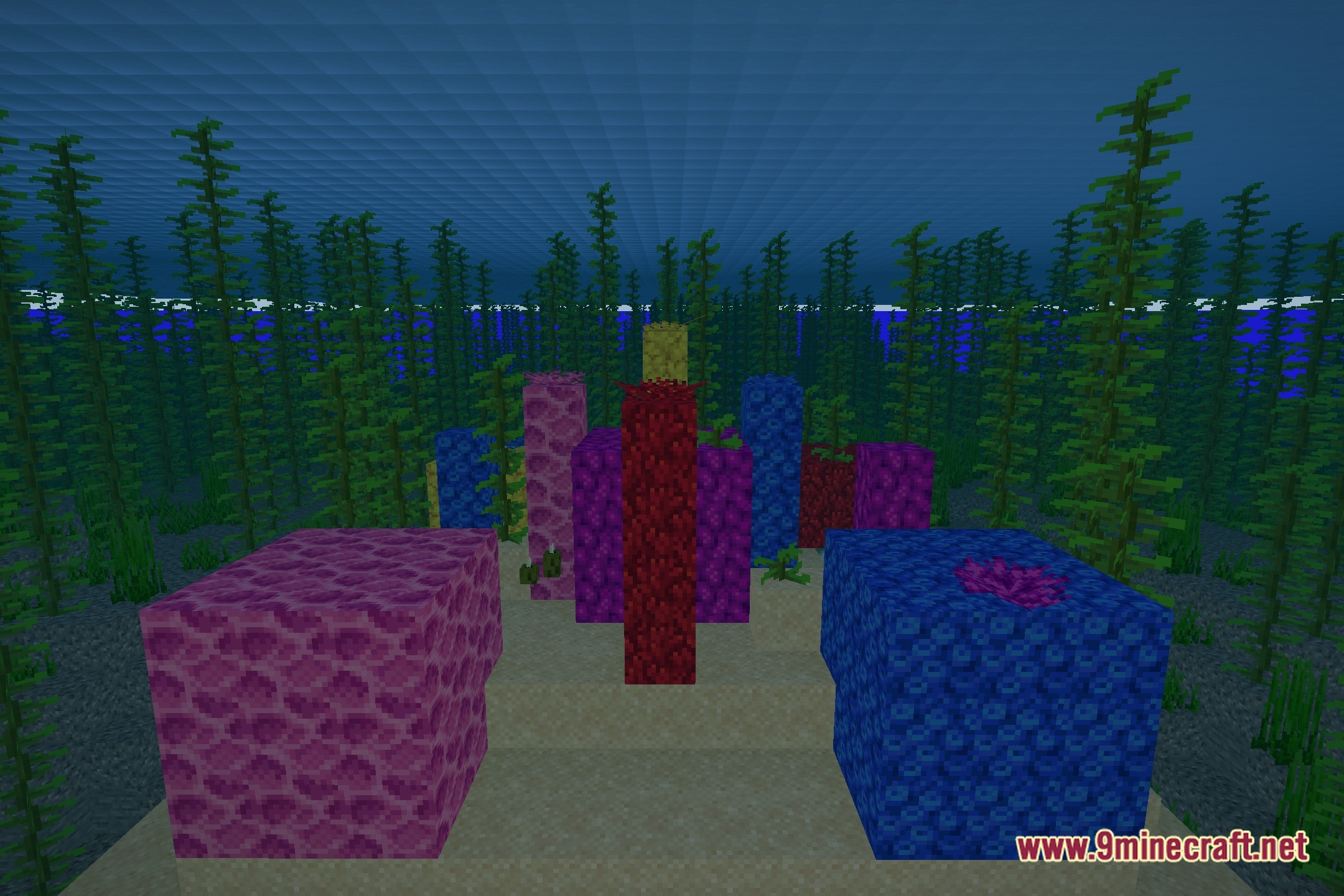
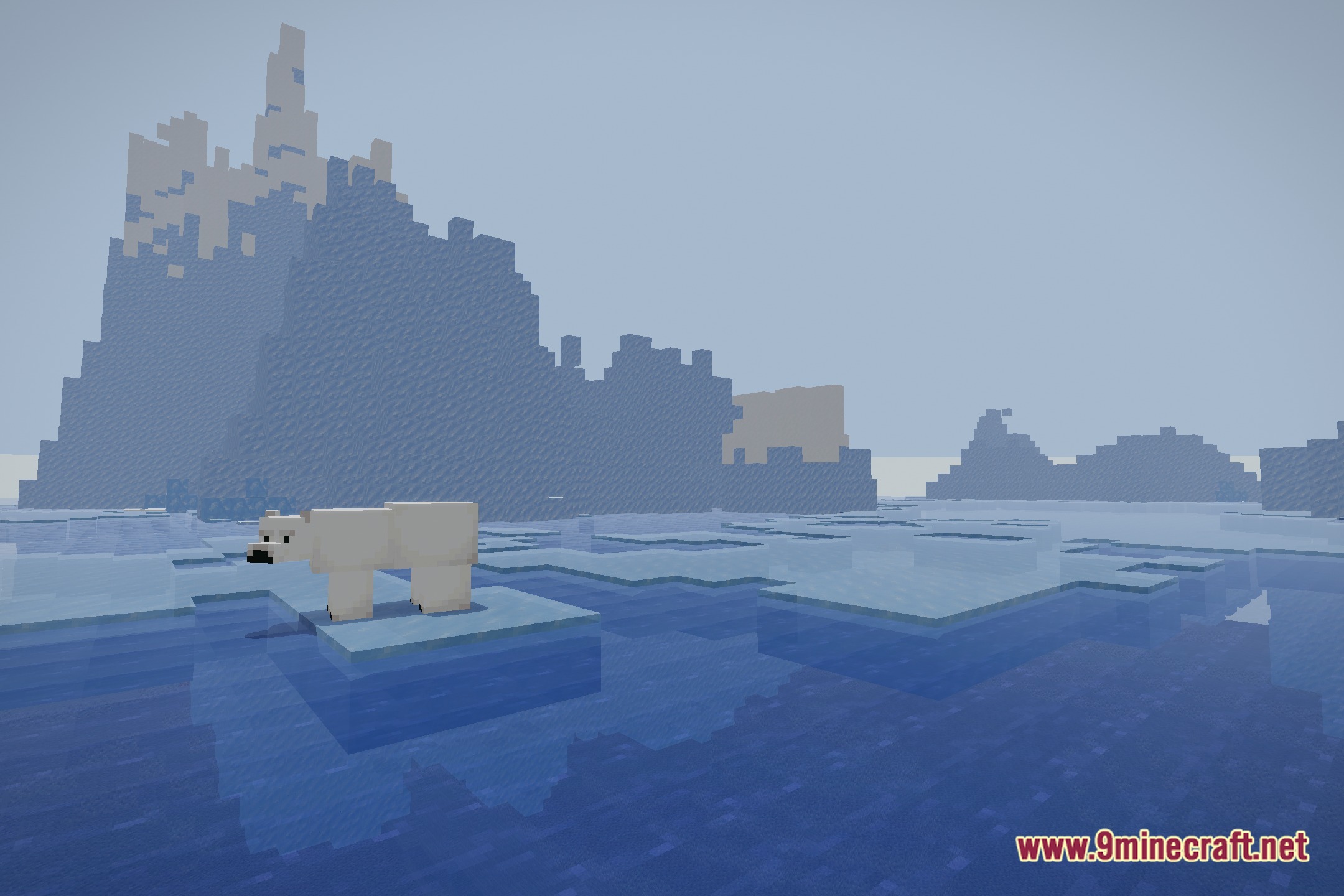
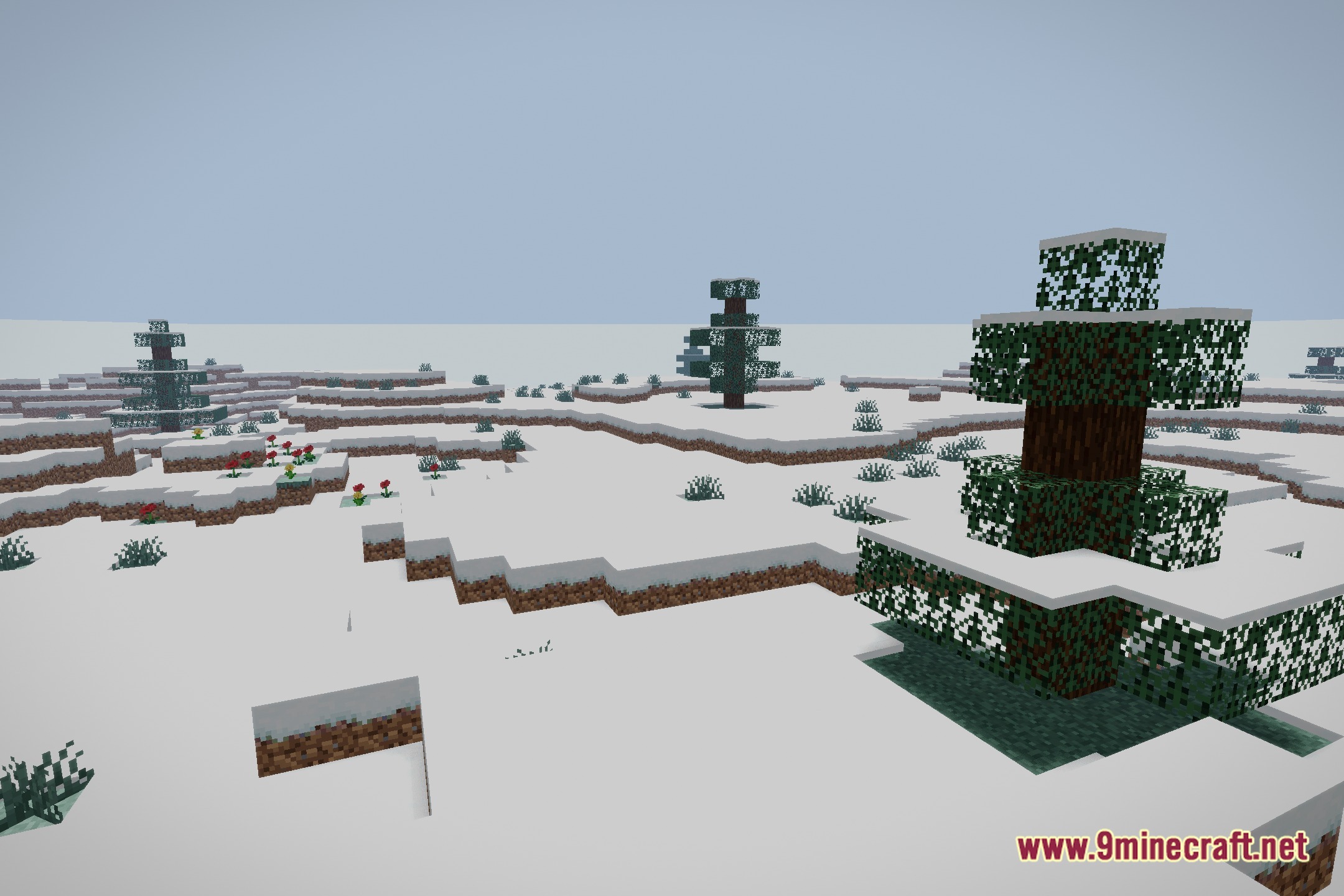
12 images from the Aurorafx Ultra Lite Shaders page.
You May Also Like
Wikis that share the most with this one
Wikis on the same theme: end
More shader wikis on the site
The most downloaded mods that have a wiki here