

 DownloadCherry Reimagined Shaders
Get the files on 9Minecraft
Guides
Step-by-step, in-game.
Adjust Water Clarity and Reflection SettingsAccess Shader Settings Open the shader configuration menu by pressing the designated shader settings key (usually…Enhance Sky and Cloud AppearanceAccess Sky and Atmosphere Settings Open shader options and navigate to the sky, clouds, or atmosphere section. You'll…Optimize Shadow Softness for PerformanceLocate Shadow Settings Open the shader options menu and find the shadows or lighting section. Look for options…Reduce Lag While Maintaining Visual QualityIdentify Performance Bottlenecks Enable your frame rate counter (F3 in vanilla Minecraft) and note your FPS in…
Frequently asked questions
How do I enable the shader after installing it?
Open Options > Video Settings > Shaders, then locate Cherry Reimagined in your shader folder and click to select it. The shader will activate immediately, though you may need to restart your world for all effects to fully load.
Why does my water look weird or too bright?
Water clarity and reflection intensity can be adjusted in the shader settings menu. Look for water-related options in the shader configuration screen and reduce reflection strength or clarity if the effect feels overwhelming.
Can I use this shader with other mods like Optifine?
Cherry Reimagined is designed to work independently and may conflict with other shader packs or visual mods. Use it alone for best results, though it typically works fine alongside non-visual mods like storage or utility additions.
My shadows look too harsh or blocky—how do I fix this?
Access the shader settings and find the shadow softness option, then increase the value to create smoother, more natural-looking shadows across your terrain and buildings.
See all 10 Cherry Reimagined Shaders questions ›
Gallery
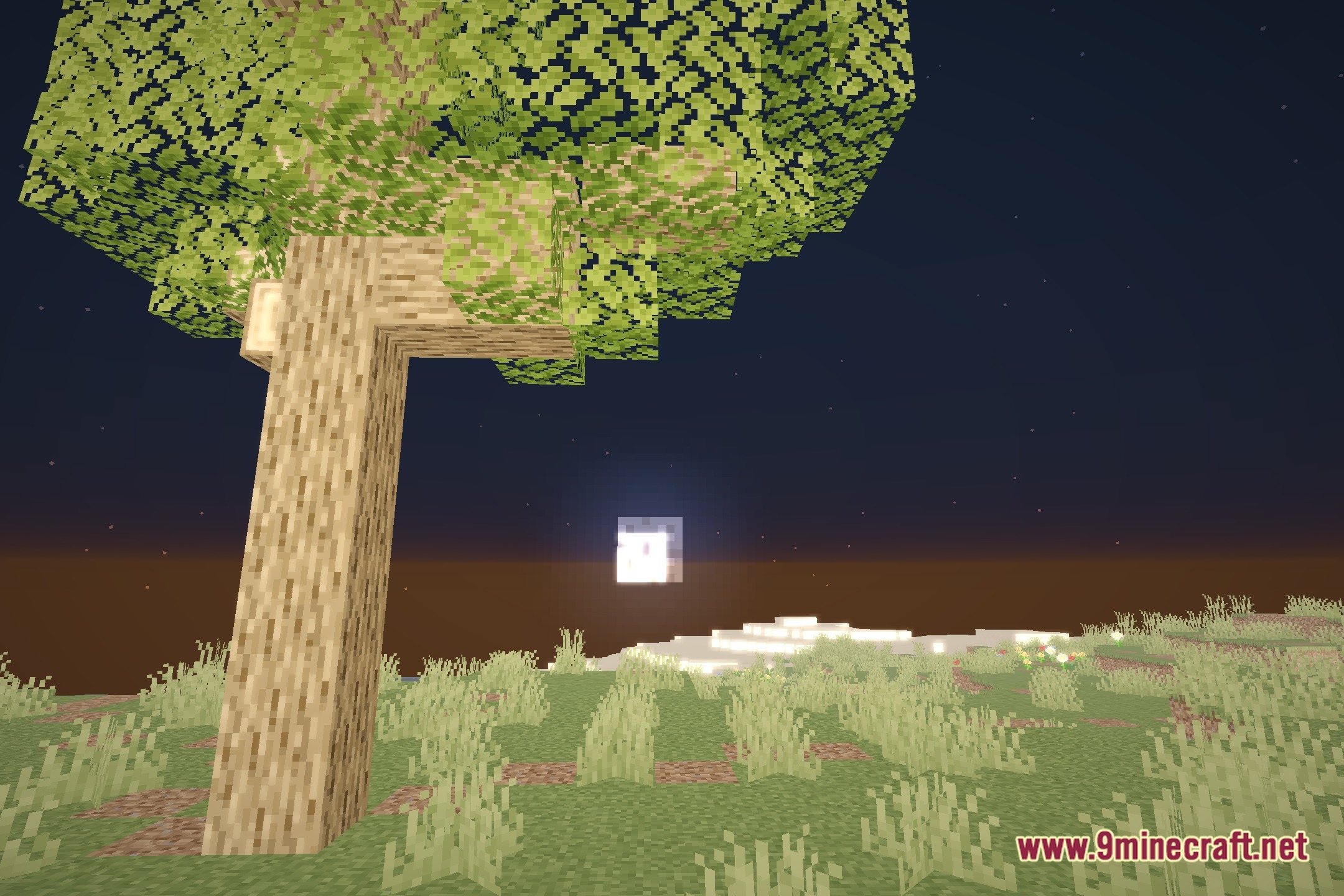
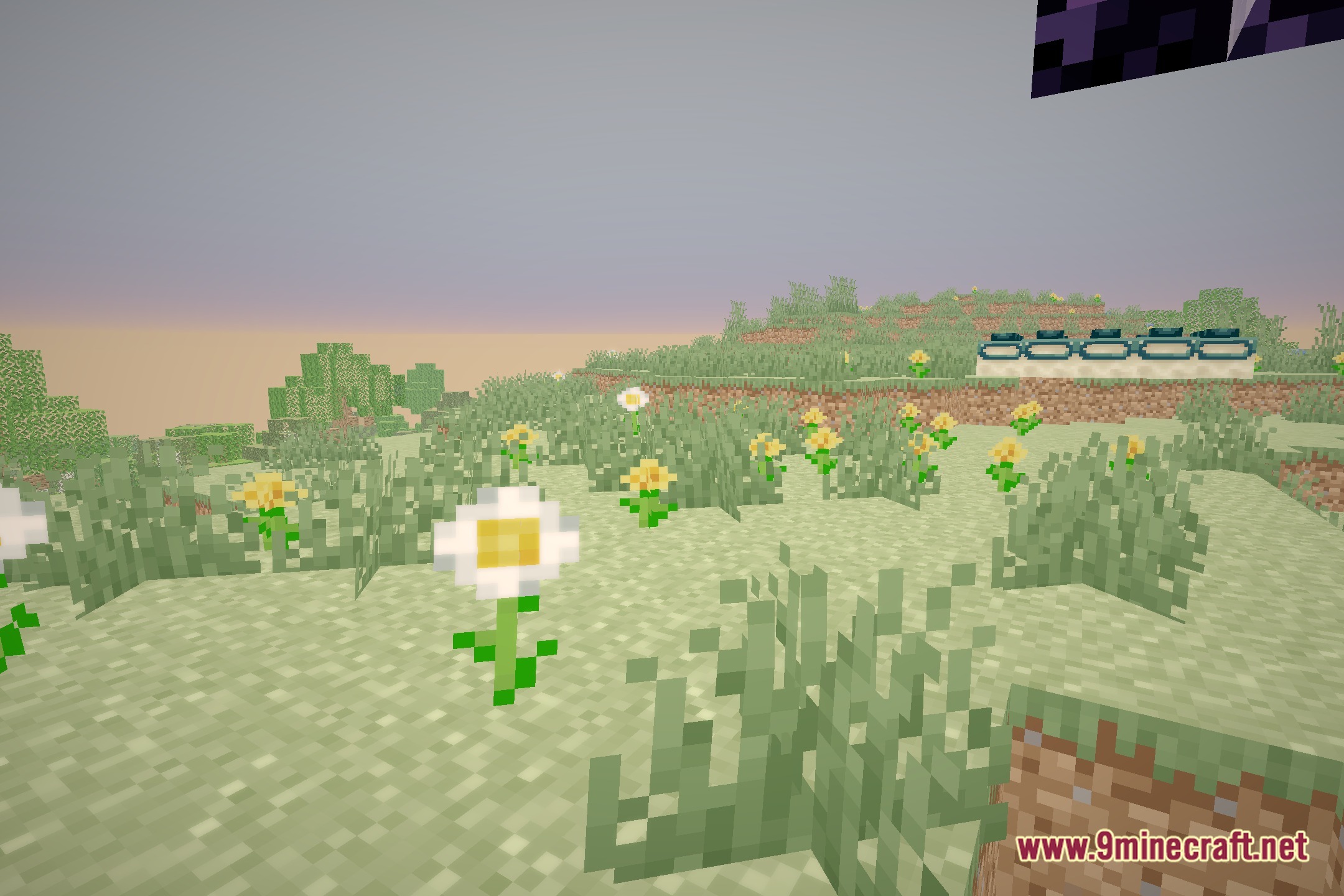
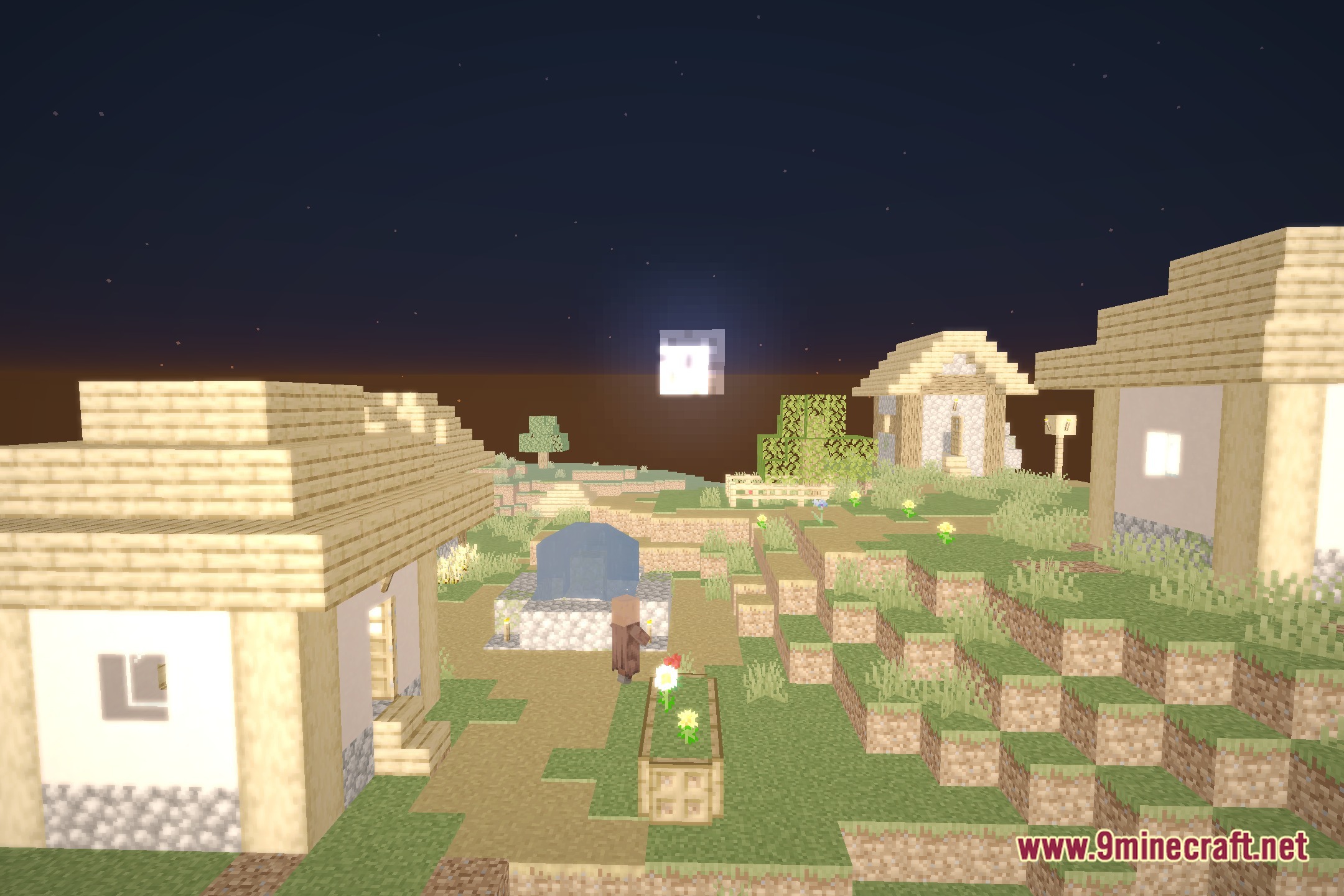
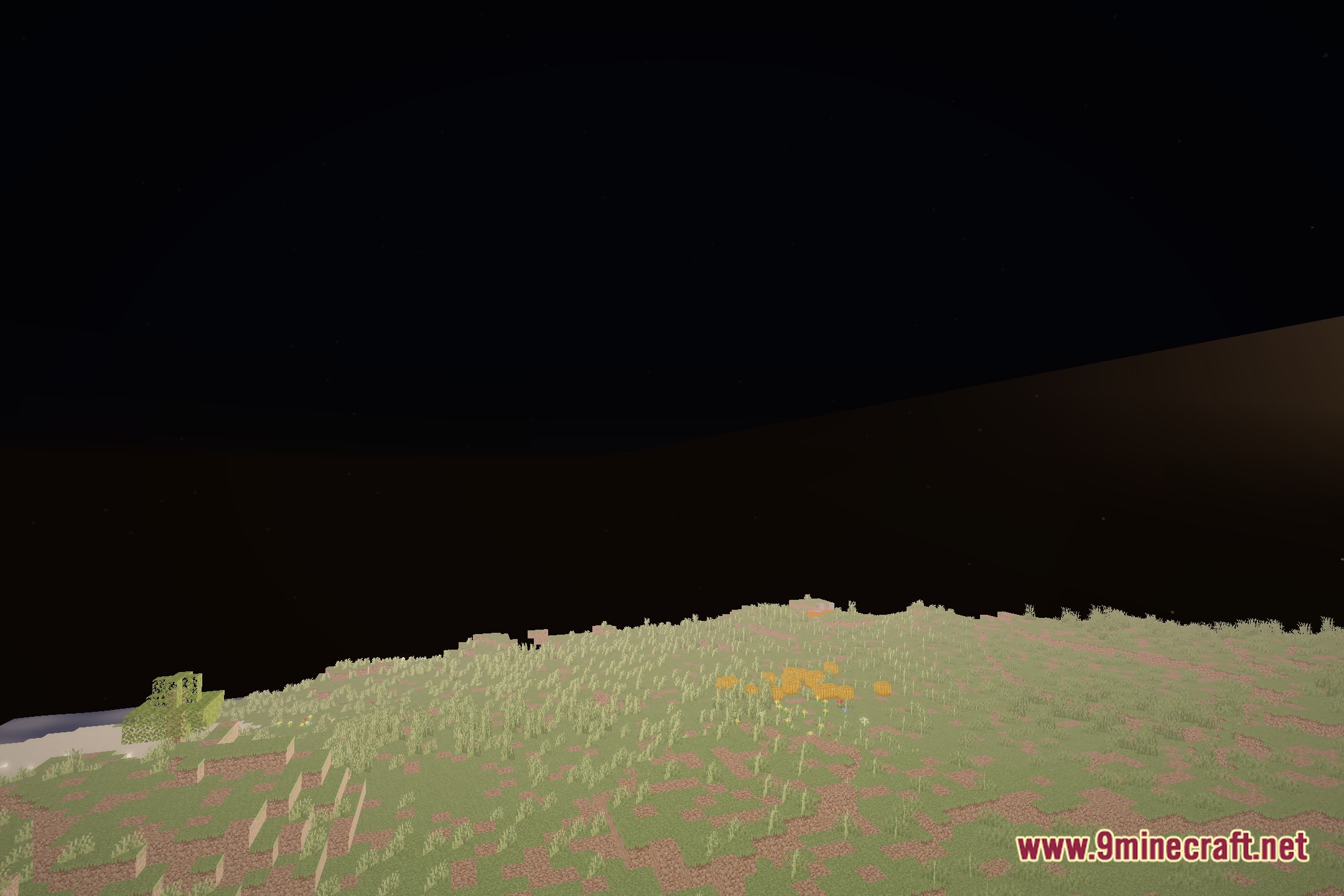
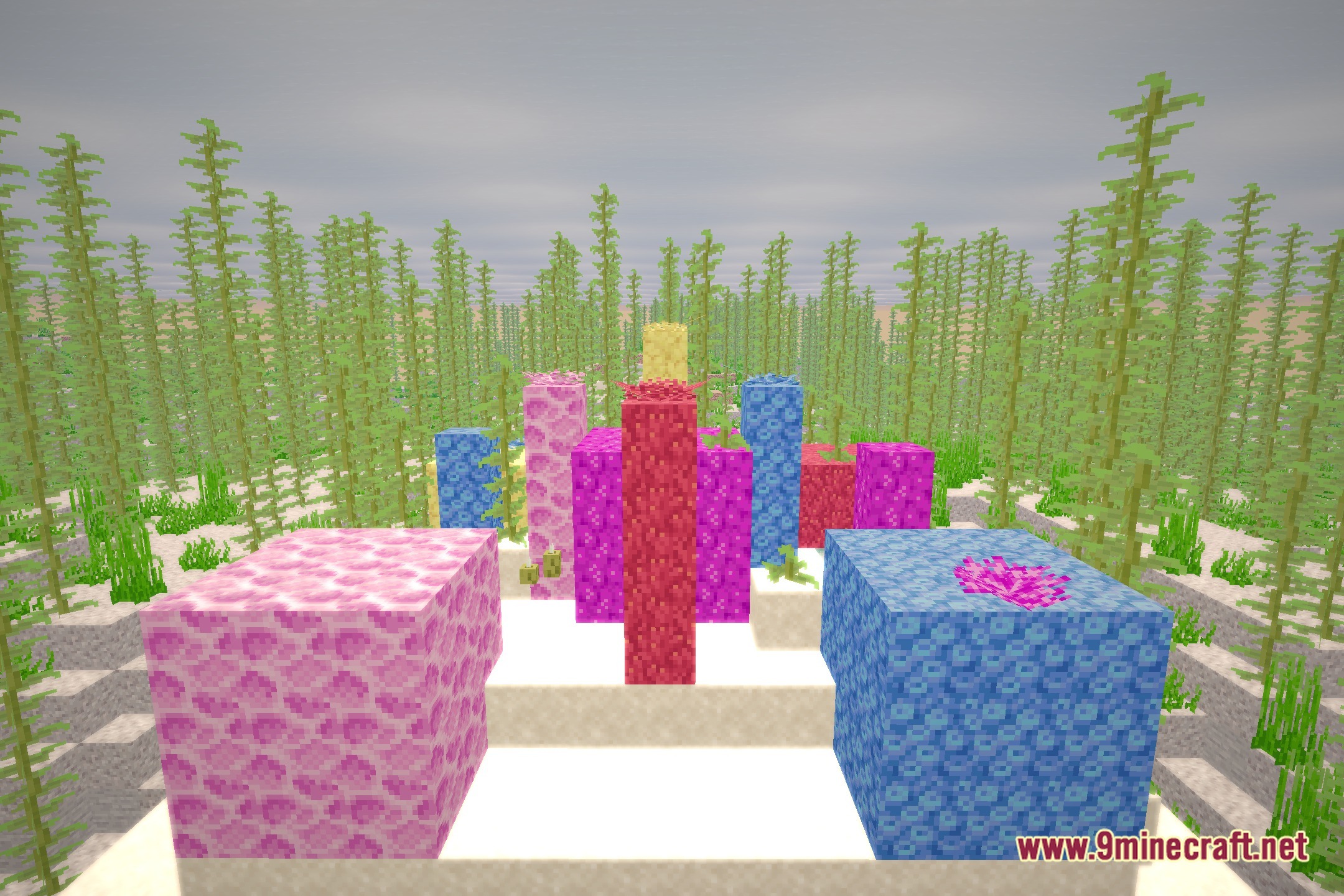
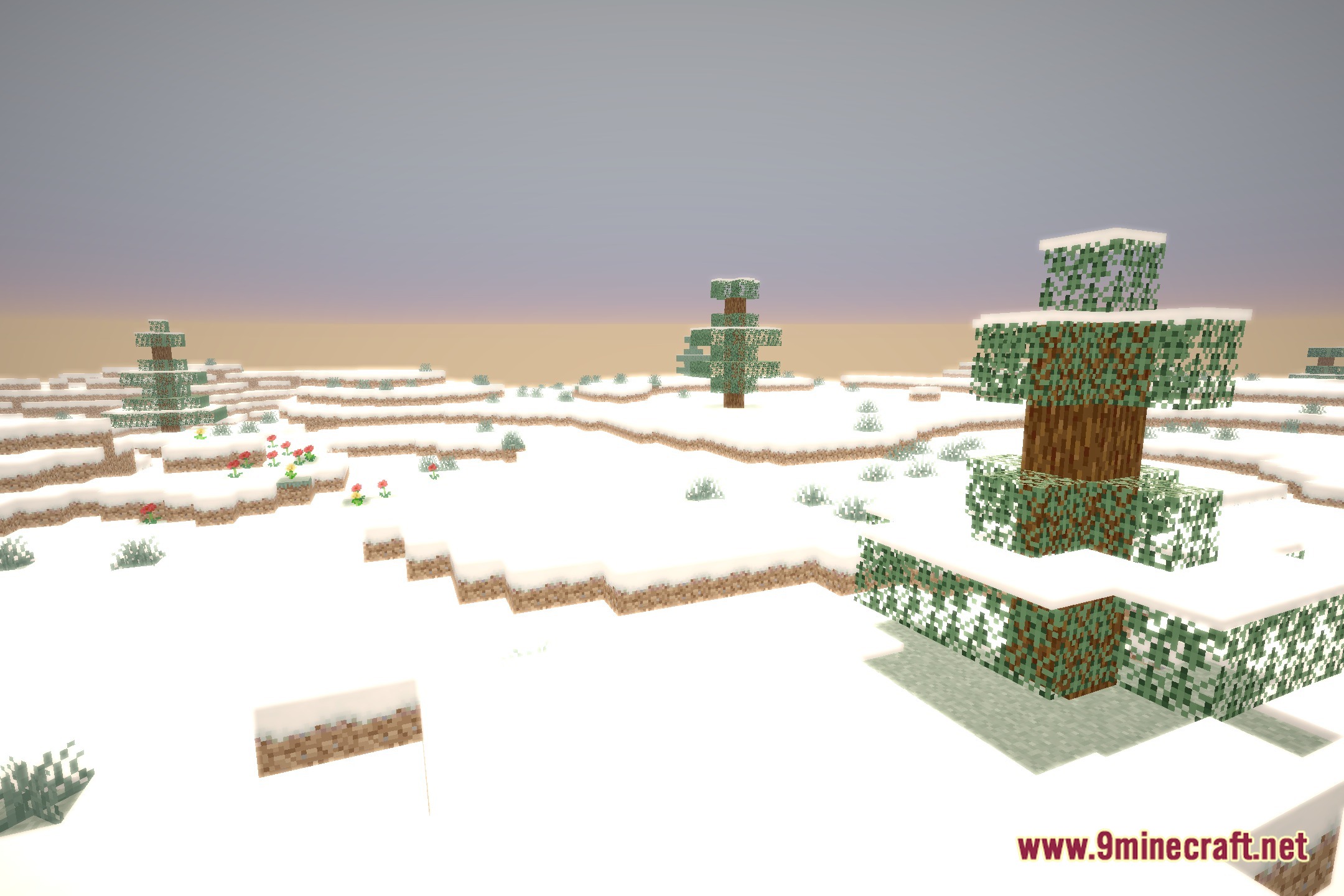
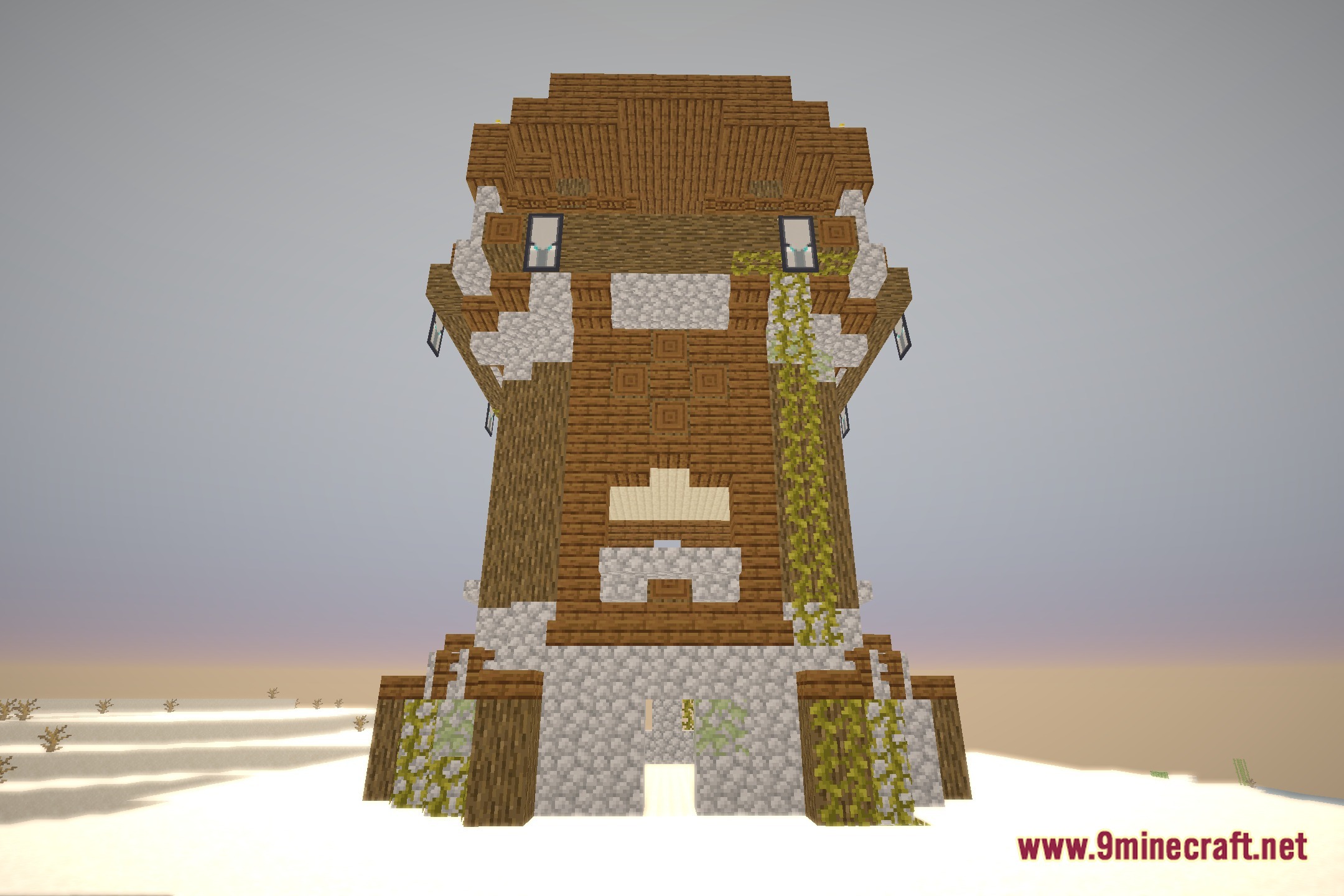
12 images from the Cherry Reimagined Shaders page.
You May Also Like
Wikis that share the most with this one
 Flow Reimagined Shaders
Wikis on the same theme: light
More shader wikis on the site
 Celestial Order Fix Shaders
 Cealith Shaders
The most downloaded mods that have a wiki here