

 DownloadAuraBound Shaders
Get the files on 9Minecraft
Guides
Step-by-step, in-game.
Adjust Lighting Intensity for Your PlaystyleAccess Shader Settings Open the shader options menu by pressing the designated key (usually found in your video…Enhance Cave Exploration with Better Night VisionLocate Night Vision Settings In shader options, find the night vision or cave lighting adjustment. AuraBound Shaders…Maintain Vanilla Aesthetics While Using ShadersDisable Fantasy Effects AuraBound Shaders blends fantasy and vanilla tones. If you prefer pure vanilla appearance,…Optimize Performance on Low-End HardwareReduce Shadow Quality AuraBound Shaders is designed for budget systems, but you can push performance further. In…
Frequently asked questions
How do I enable AuraBound Shaders after installing it?
Open your Video Settings in-game, navigate to Shaders, and select AuraBound Shaders from the list. Apply the changes and the shader will activate immediately.
Why is my frame rate dropping with this shader?
Check your Shader Options menu for settings like shadow quality or lighting intensity—lowering these will improve performance. If you're on low-end hardware, disable any advanced shadow features to maintain smooth gameplay.
Can I use AuraBound Shaders with resource packs?
Yes, AuraBound Shaders works alongside most resource packs. Load your resource pack normally through the Resource Packs menu and the shader will apply its lighting on top of the pack's textures.
The caves are too dark even with night vision. How do I fix this?
Open Shader Options and increase the night vision brightness or ambient lighting slider. You can also boost torch glow intensity to make handheld light sources more effective in dark spaces.
See all 10 AuraBound Shaders questions ›
Gallery
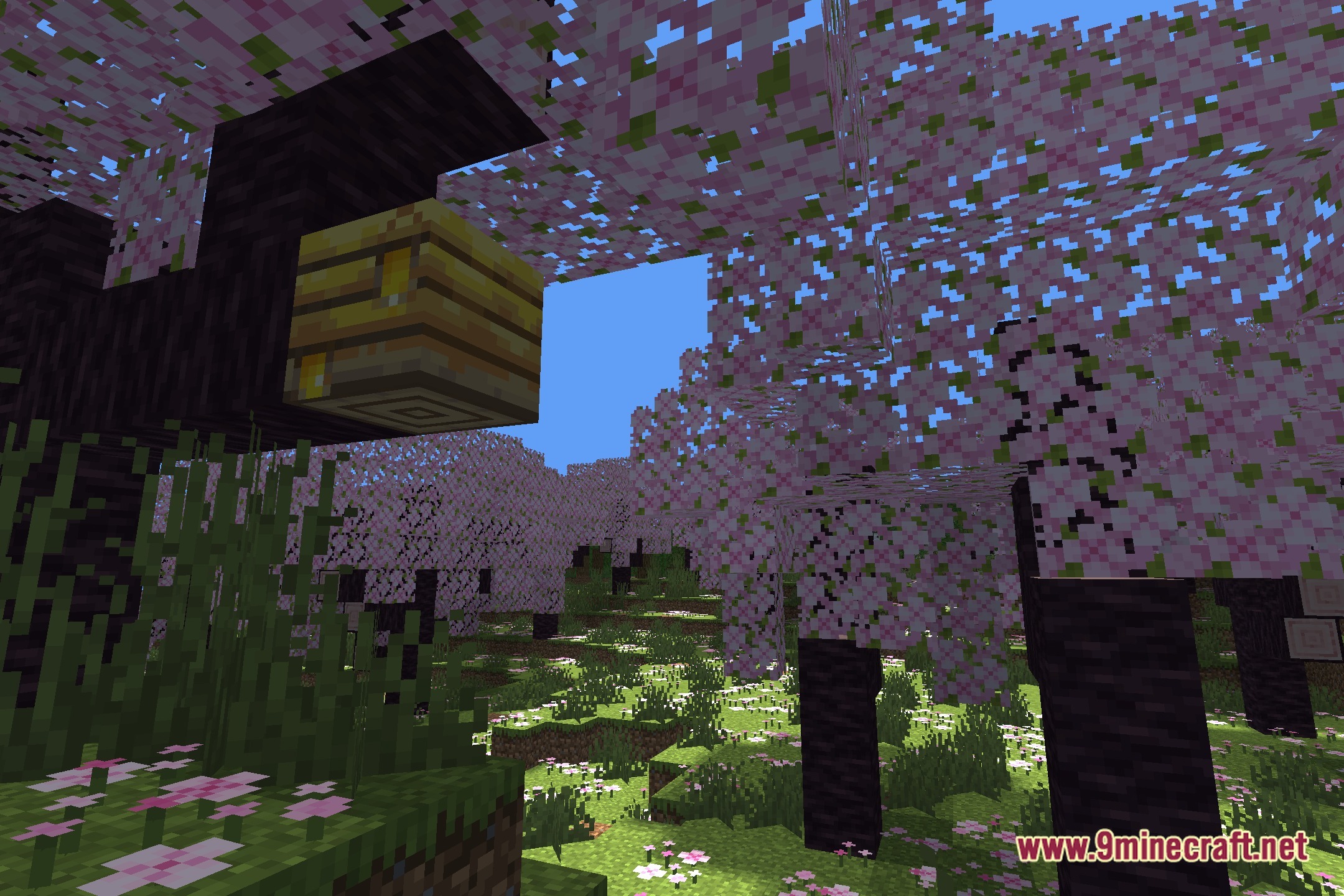
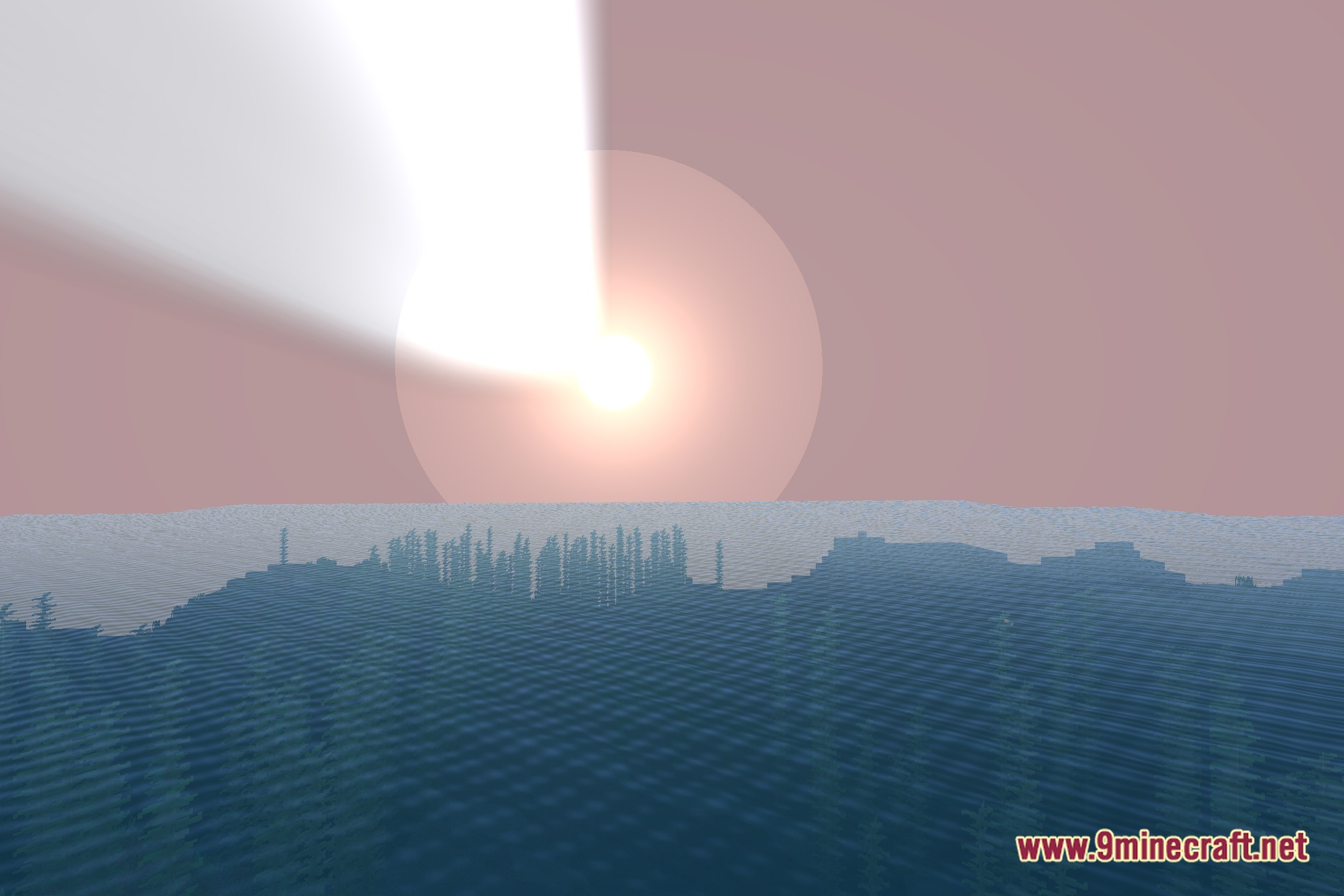
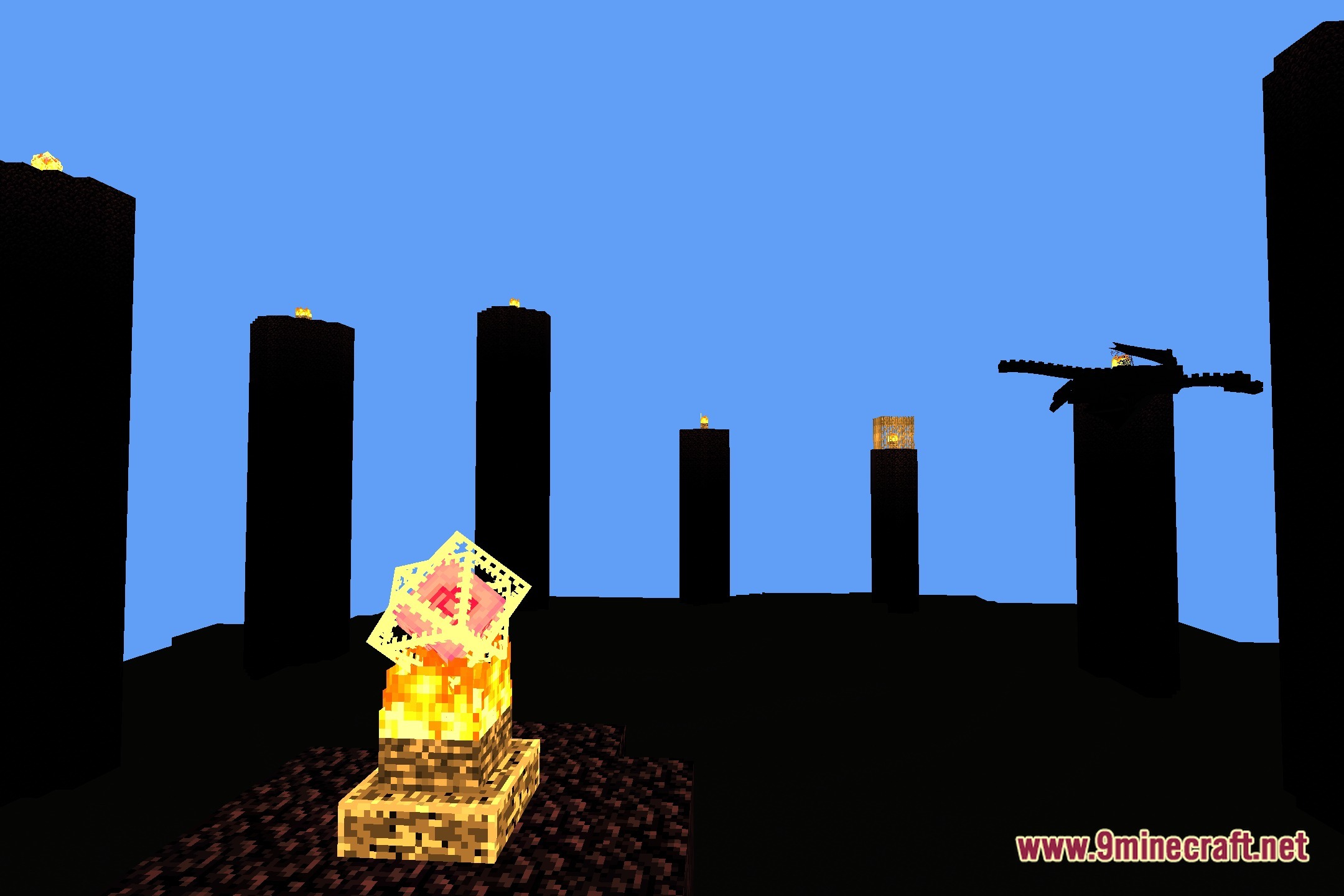
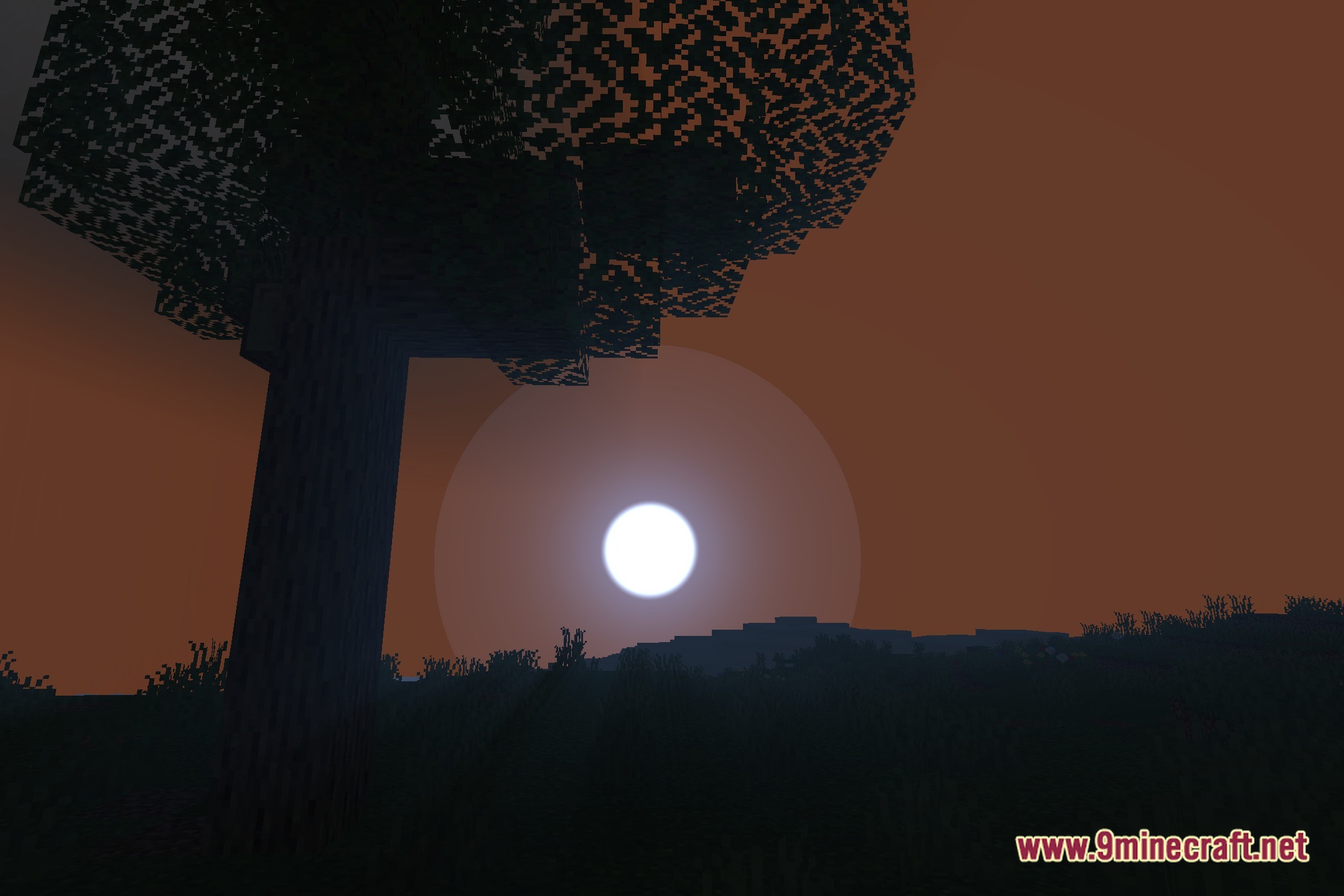
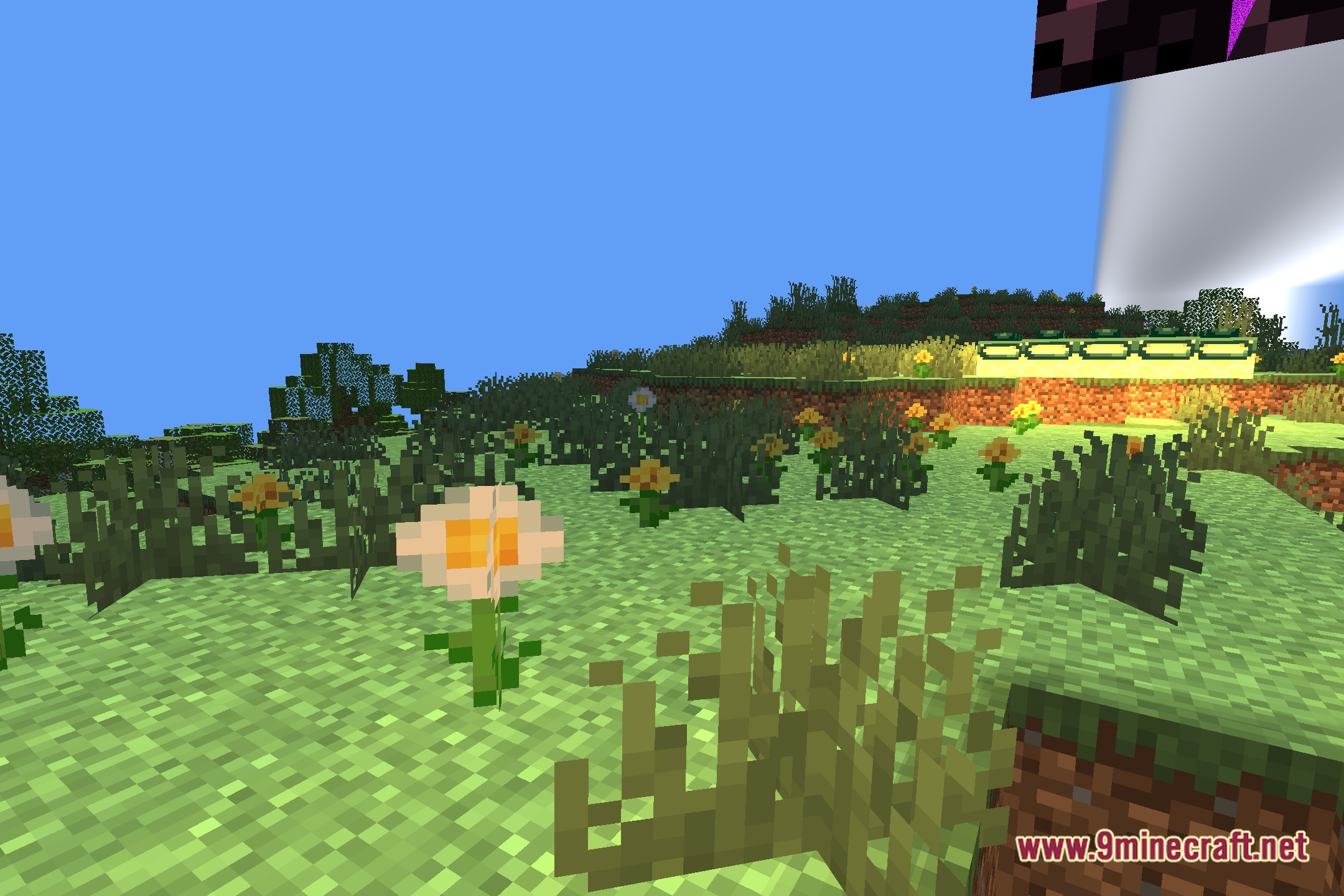
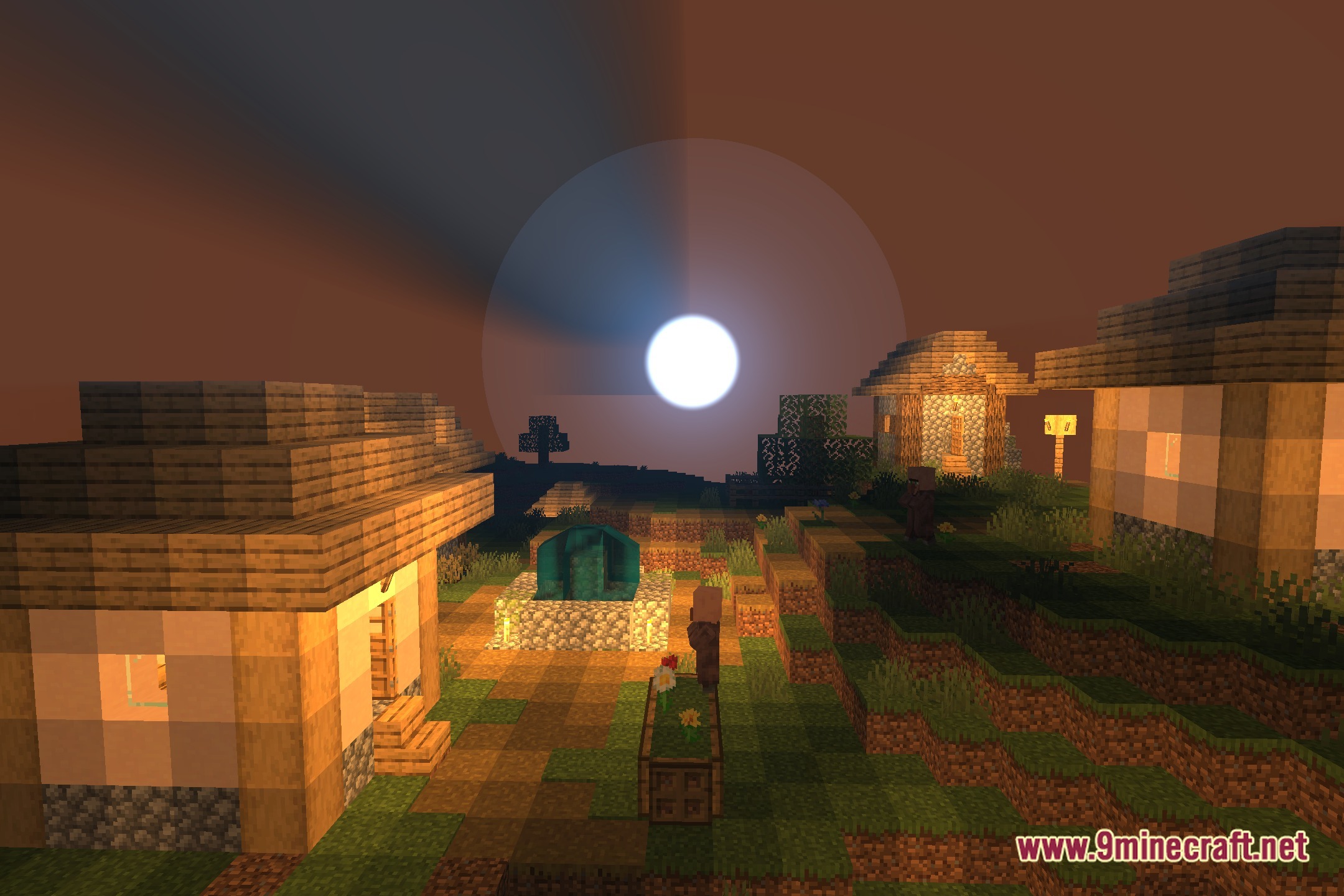
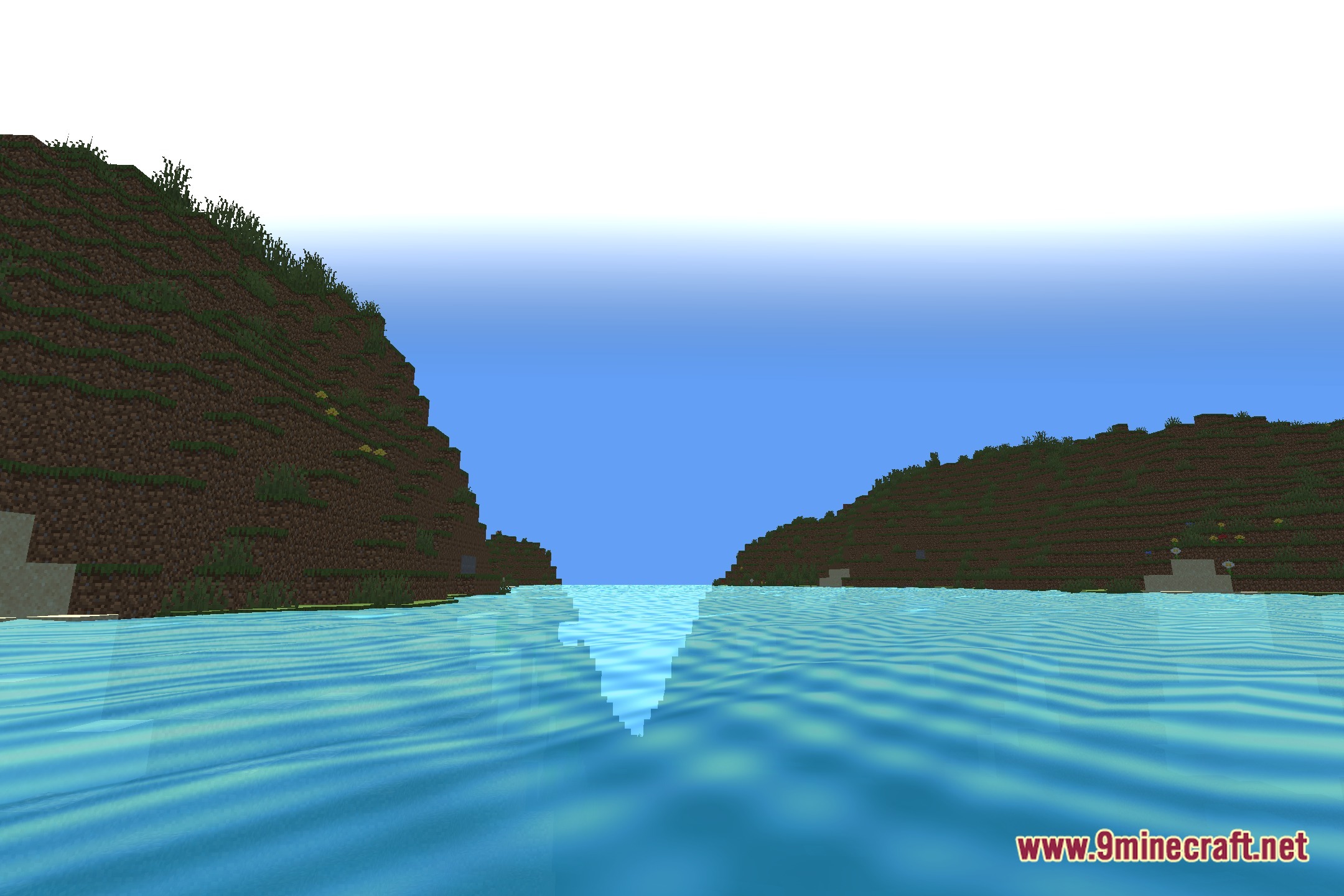
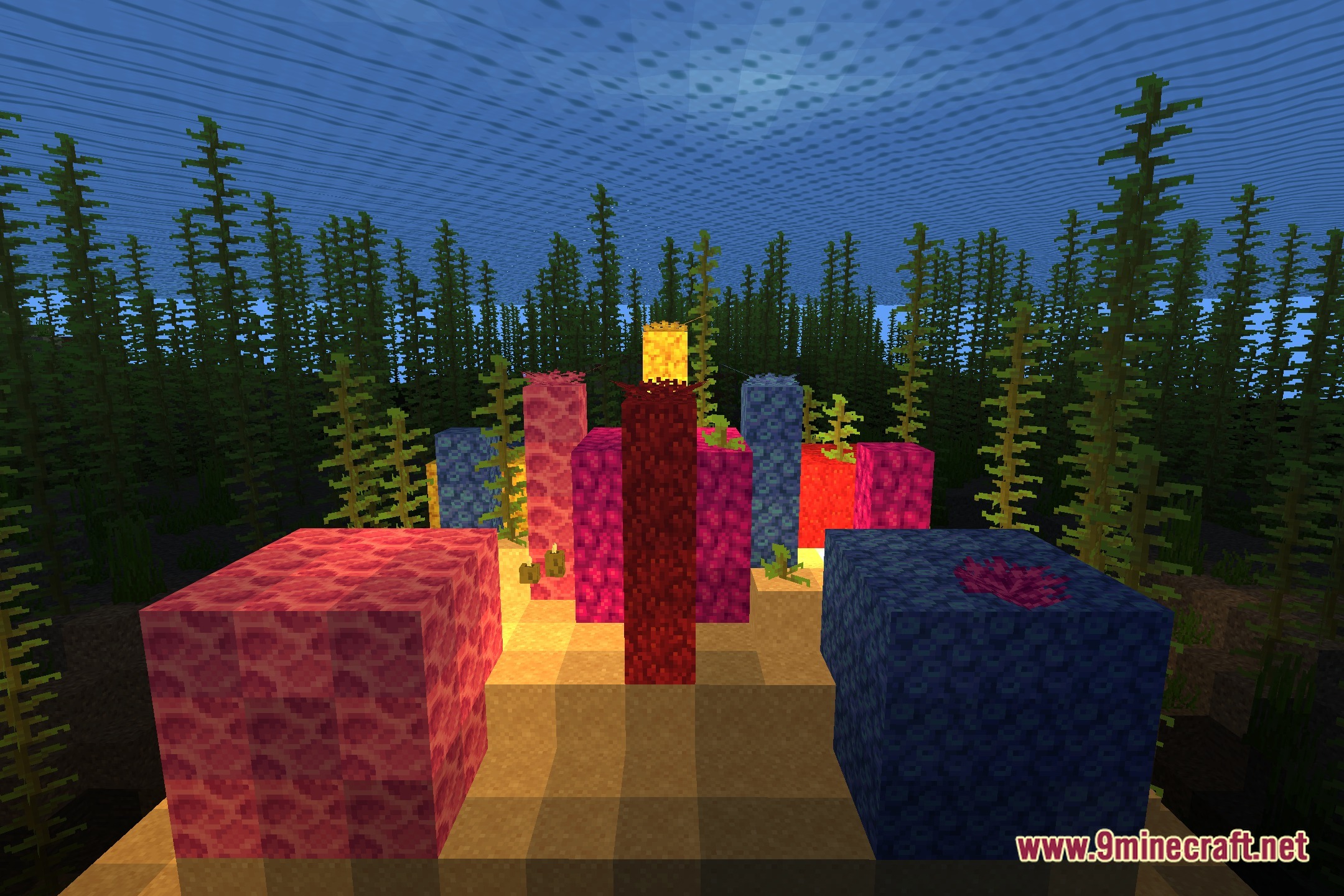
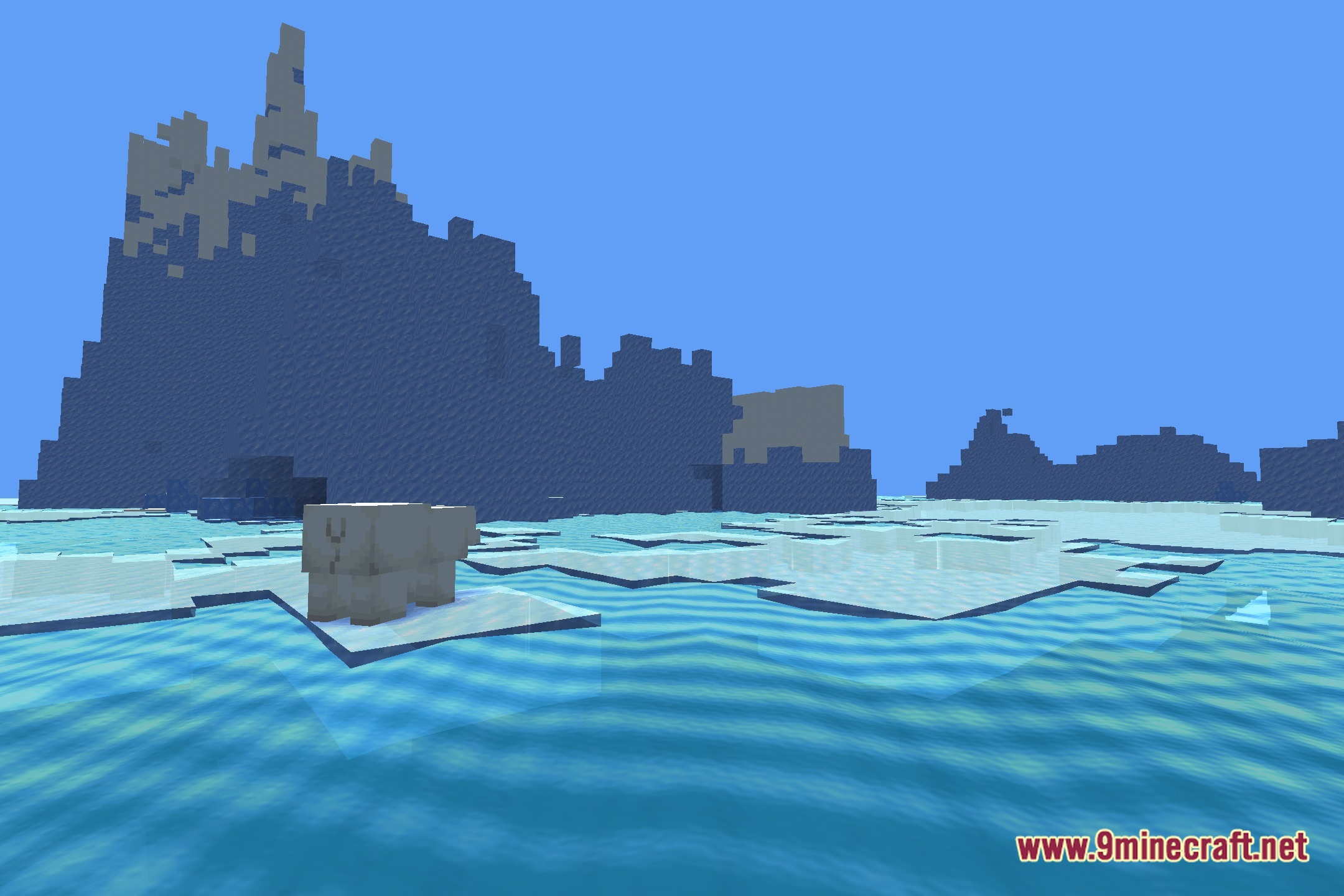
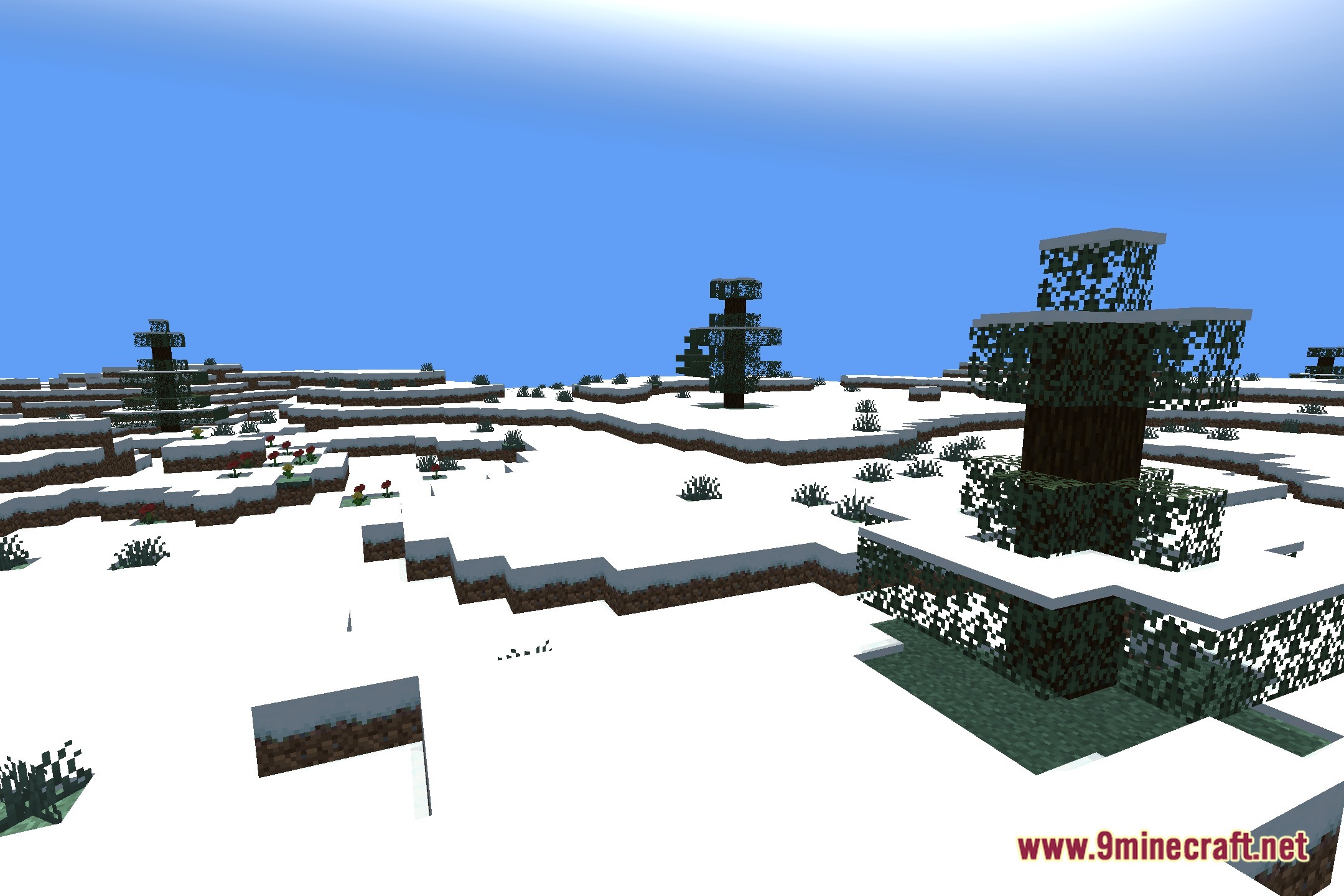
12 images from the Aurabound Shaders page.
You May Also Like
Wikis that share the most with this one
More shader wikis on the site
The most downloaded mods that have a wiki here