

 DownloadAuraLite Shaders
Get the files on 9Minecraft
Guides
Step-by-step, in-game.
Enable and Disable Shader EffectsAccess Shader Settings Open your in-game settings menu and navigate to the shader options panel. AuraLite Shaders…Improve Water and Underwater VisibilityUnderstand Water Fixes AuraLite Shaders corrects several water rendering issues that normally make underwater…Make Lava and Magma Blocks Look More RealisticView Lava Cracks at Angles AuraLite Shaders enhances lava rendering so cracks appear deeper and more…Optimize Performance While Keeping Visual QualityIdentify Performance Bottlenecks AuraLite Shaders is designed for high performance, but you can fine-tune further.…
Frequently asked questions
How do I turn on AuraLite Shaders after installing it?
Open your Shader Options menu in-game, find AuraLite Shaders in the list, and select it. Your world will reload with the shader applied immediately.
Why is my frame rate dropping with this shader?
Try disabling anti-aliasing or bloom in the shader settings, as these are the most performance-heavy features. You can also lower your render distance or disable volumetric clouds if you need more frames.
Can I use AuraLite Shaders with resource packs?
Yes, AuraLite works with most resource packs. If you're using a LabPBR-compatible pack, the shader will display shiny and textured surfaces correctly.
Why do my shadows look broken on hills and mountains?
This is a known issue with older shader versions—update to the latest version where shadow fixes have been applied to slopes and uneven terrain.
See all 10 AuraLite Shaders questions ›
Gallery
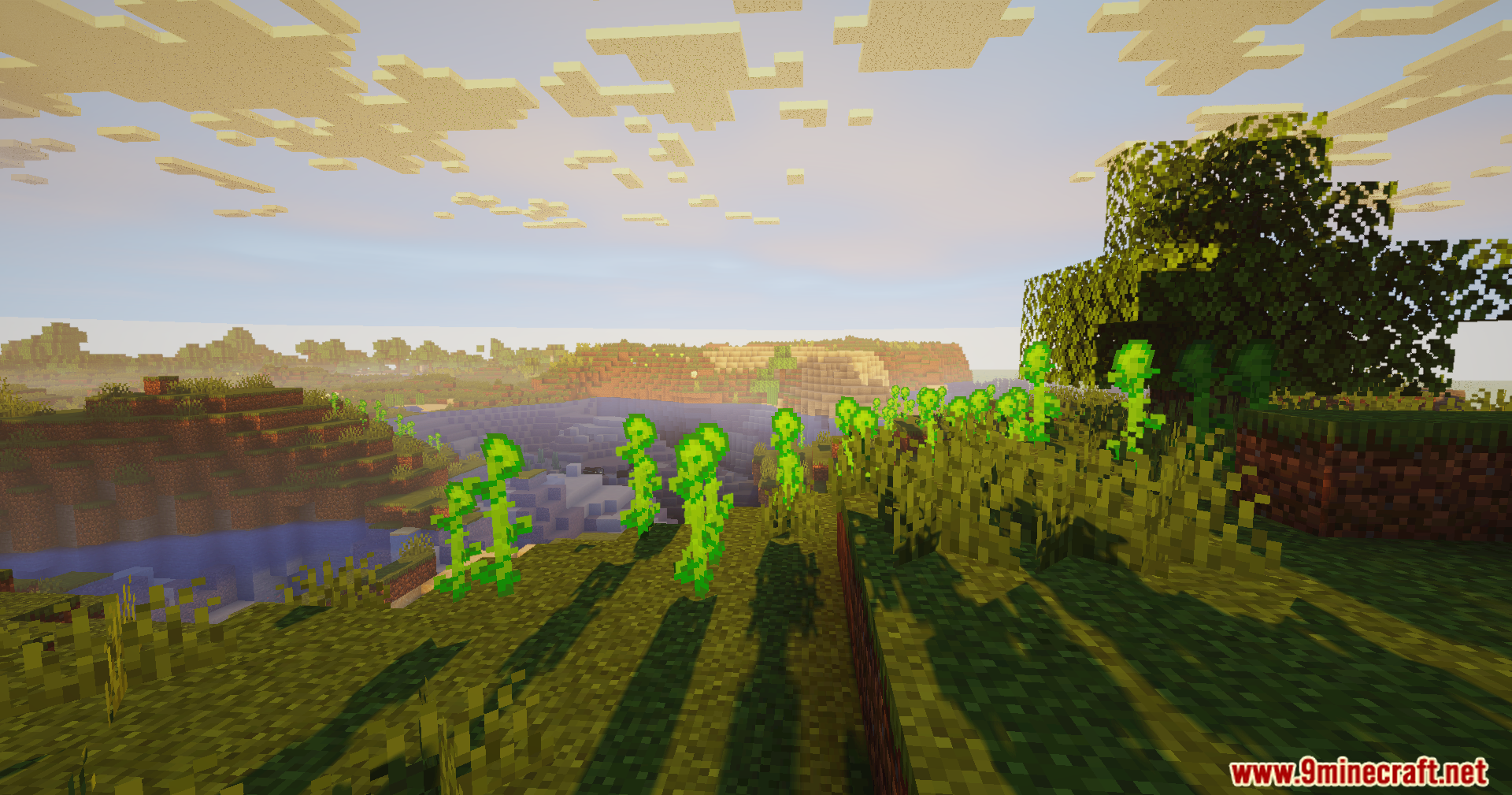
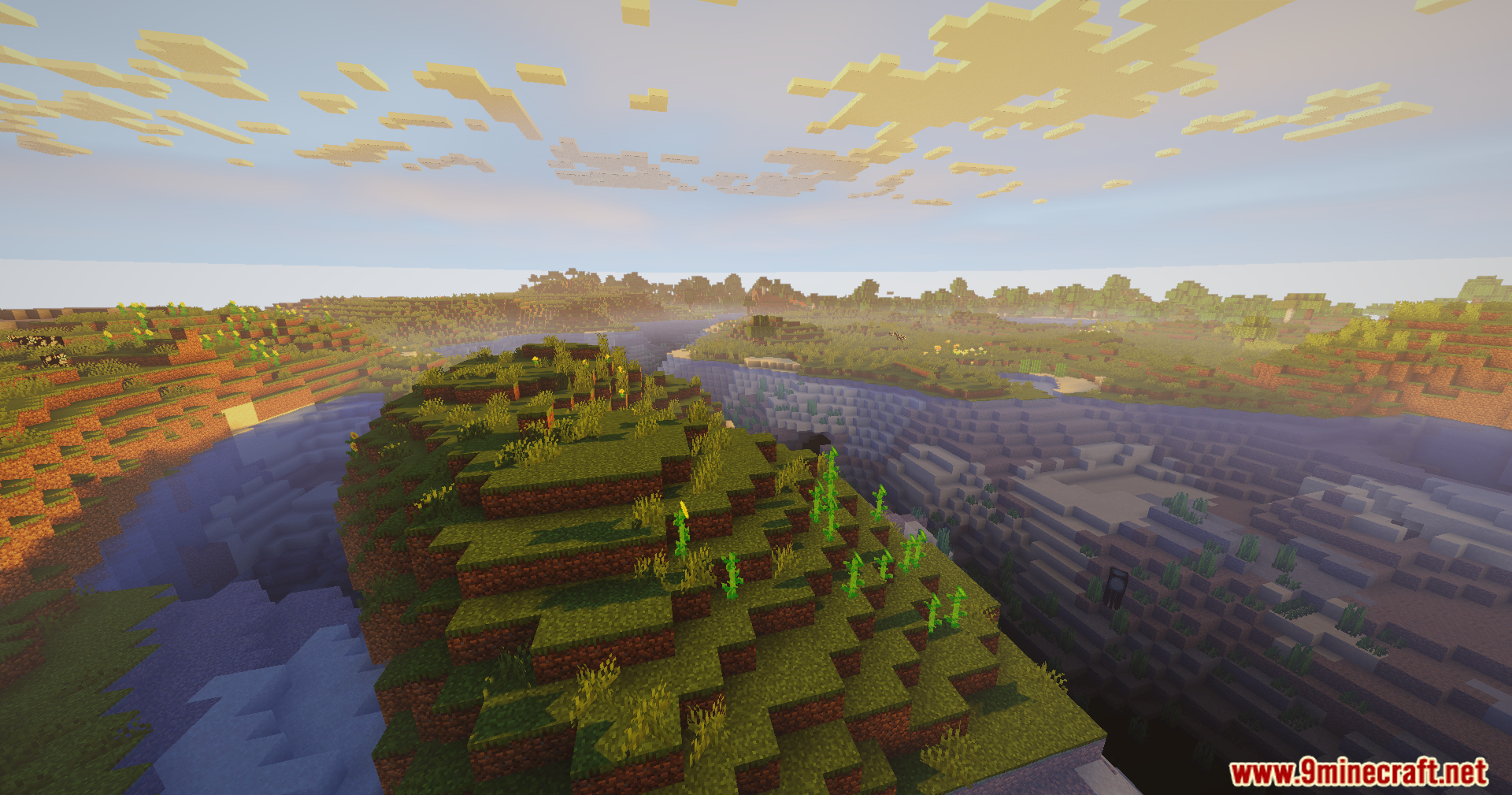
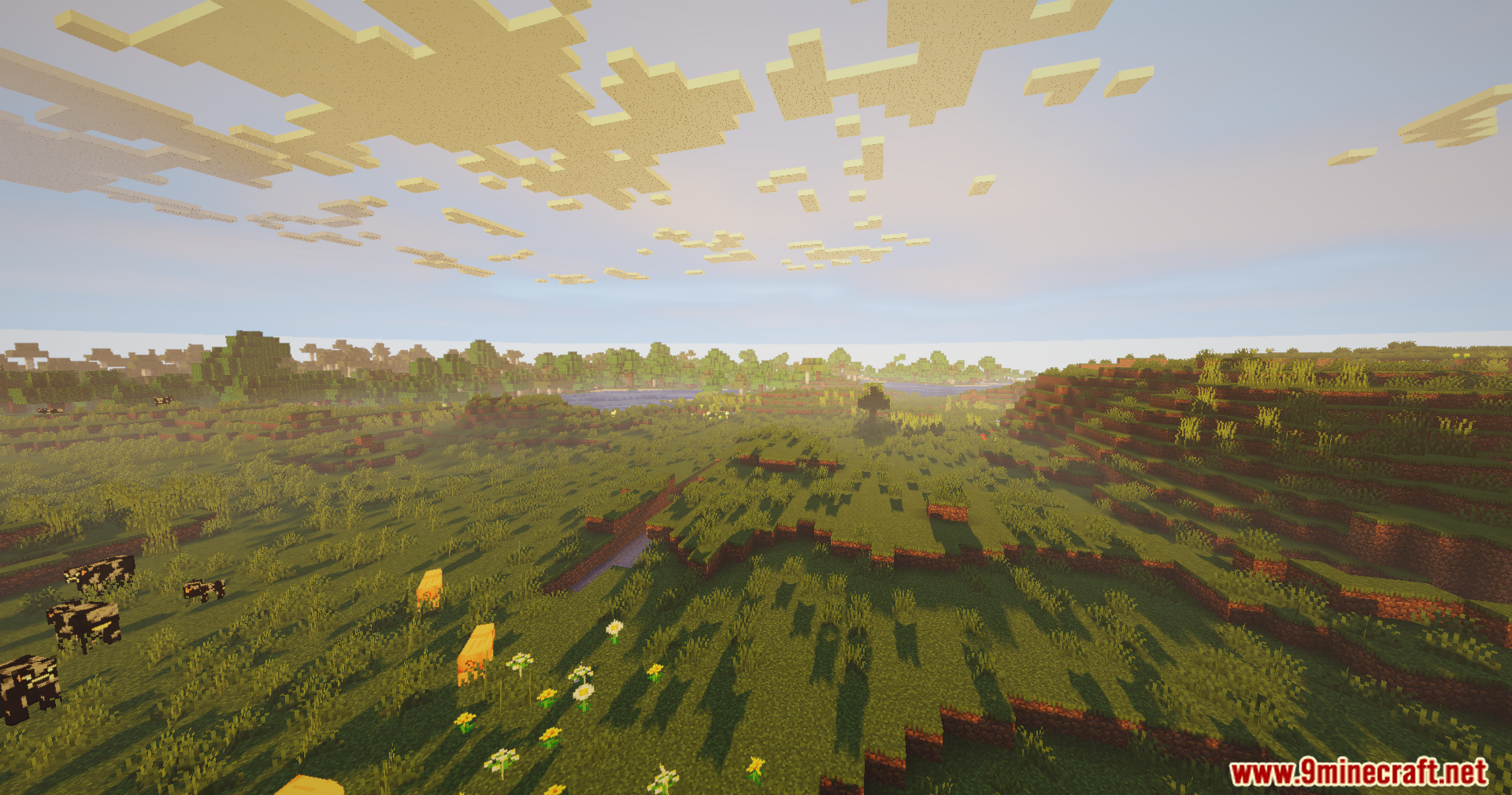
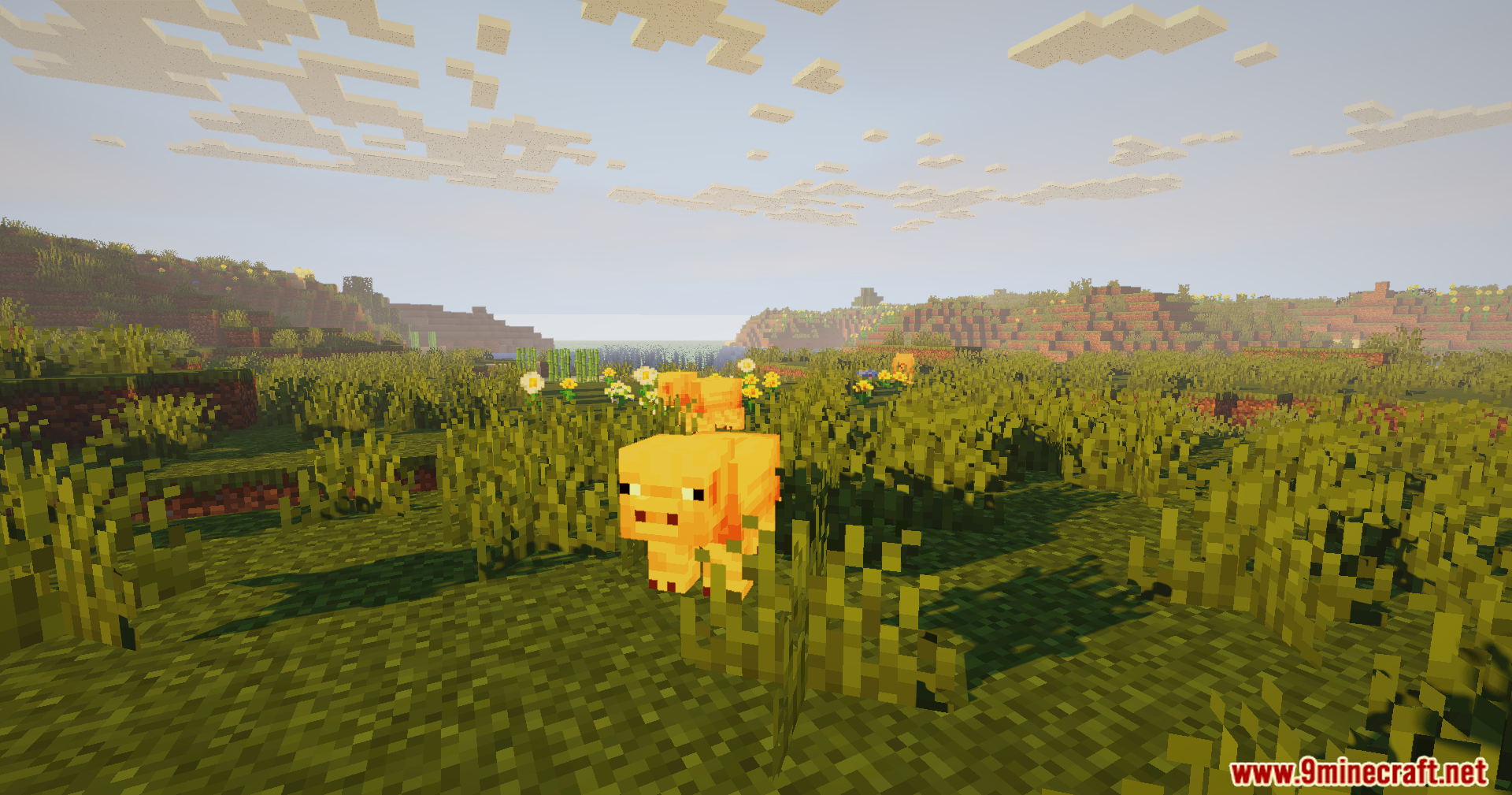
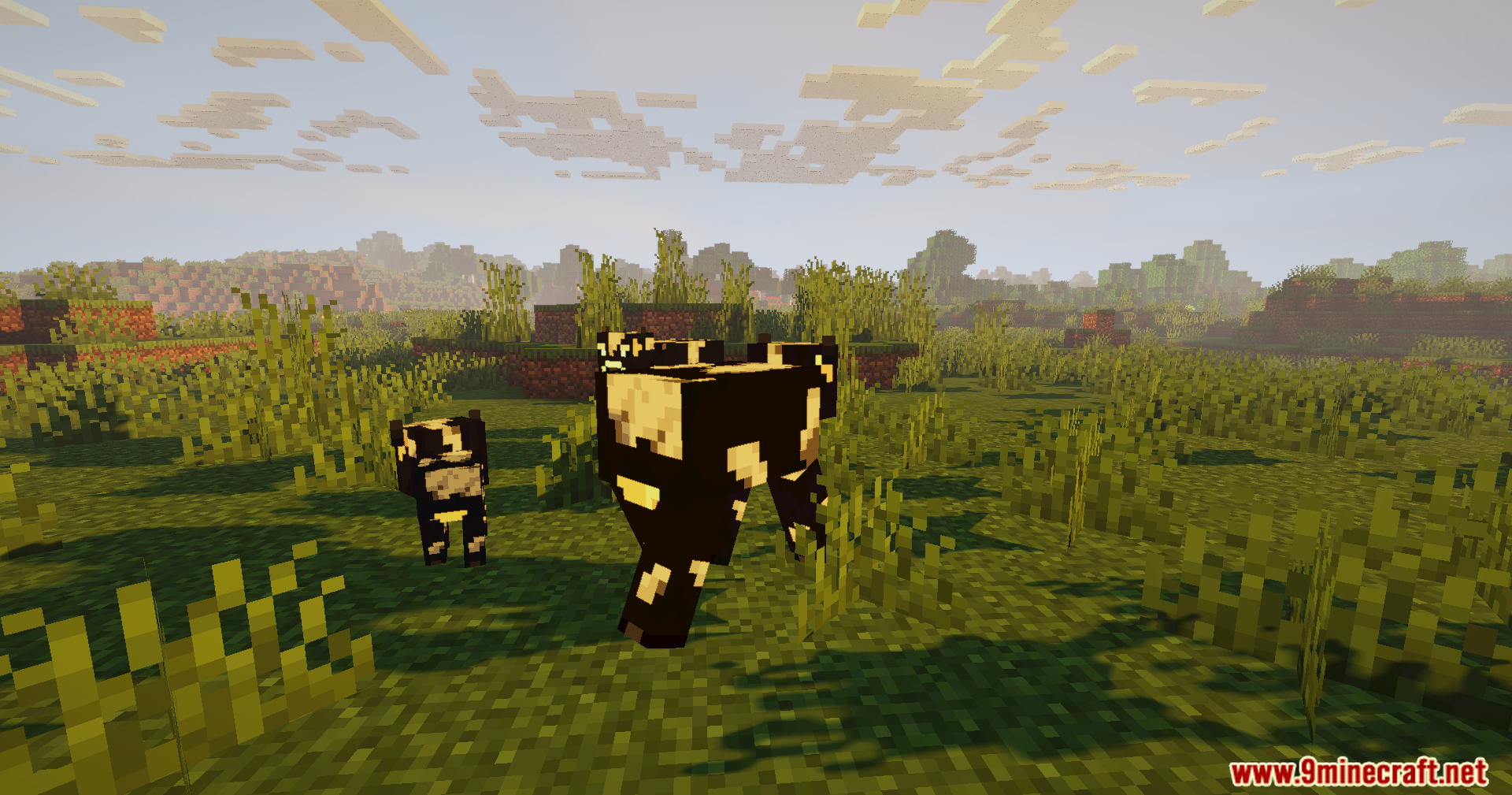
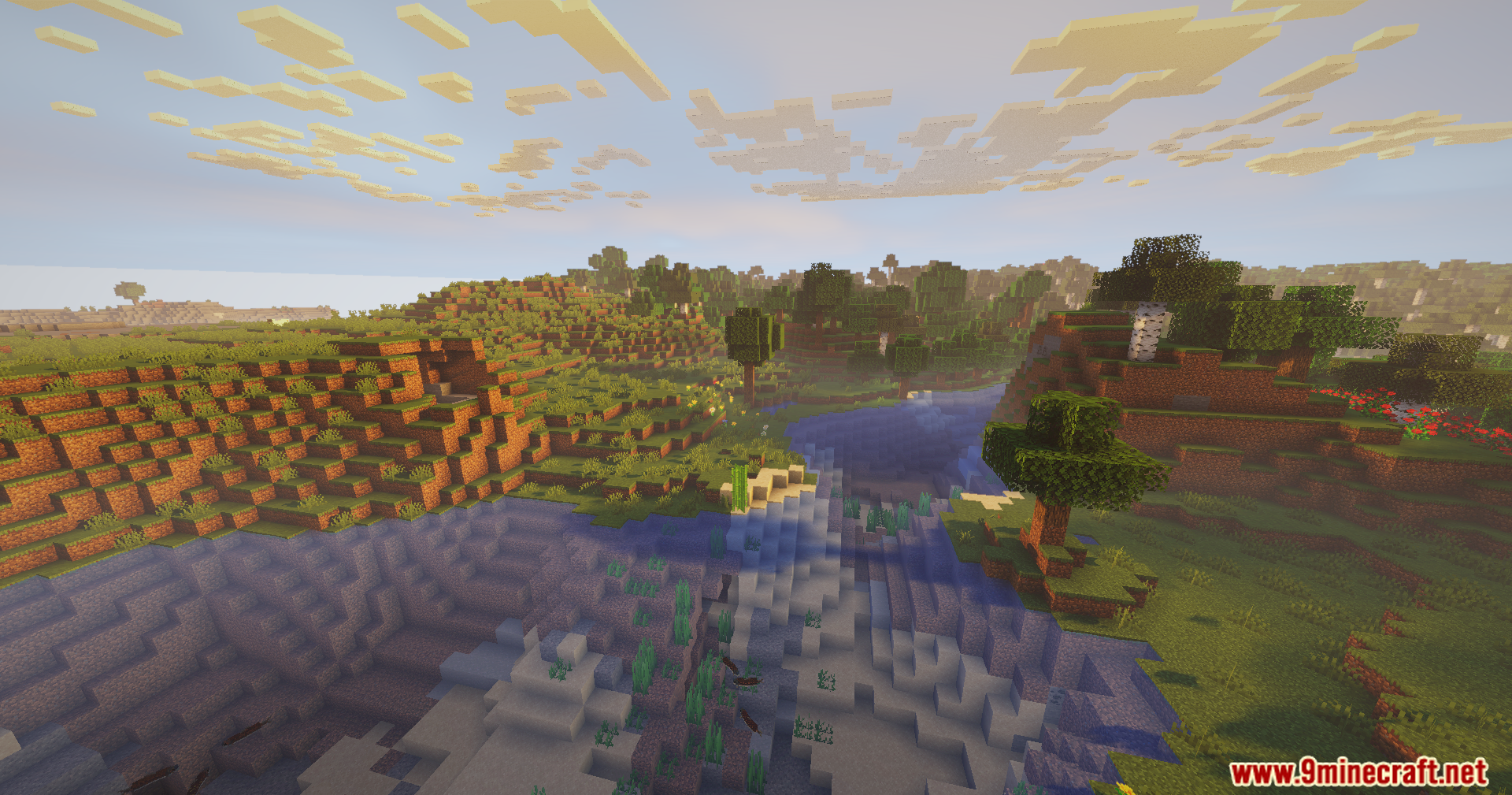
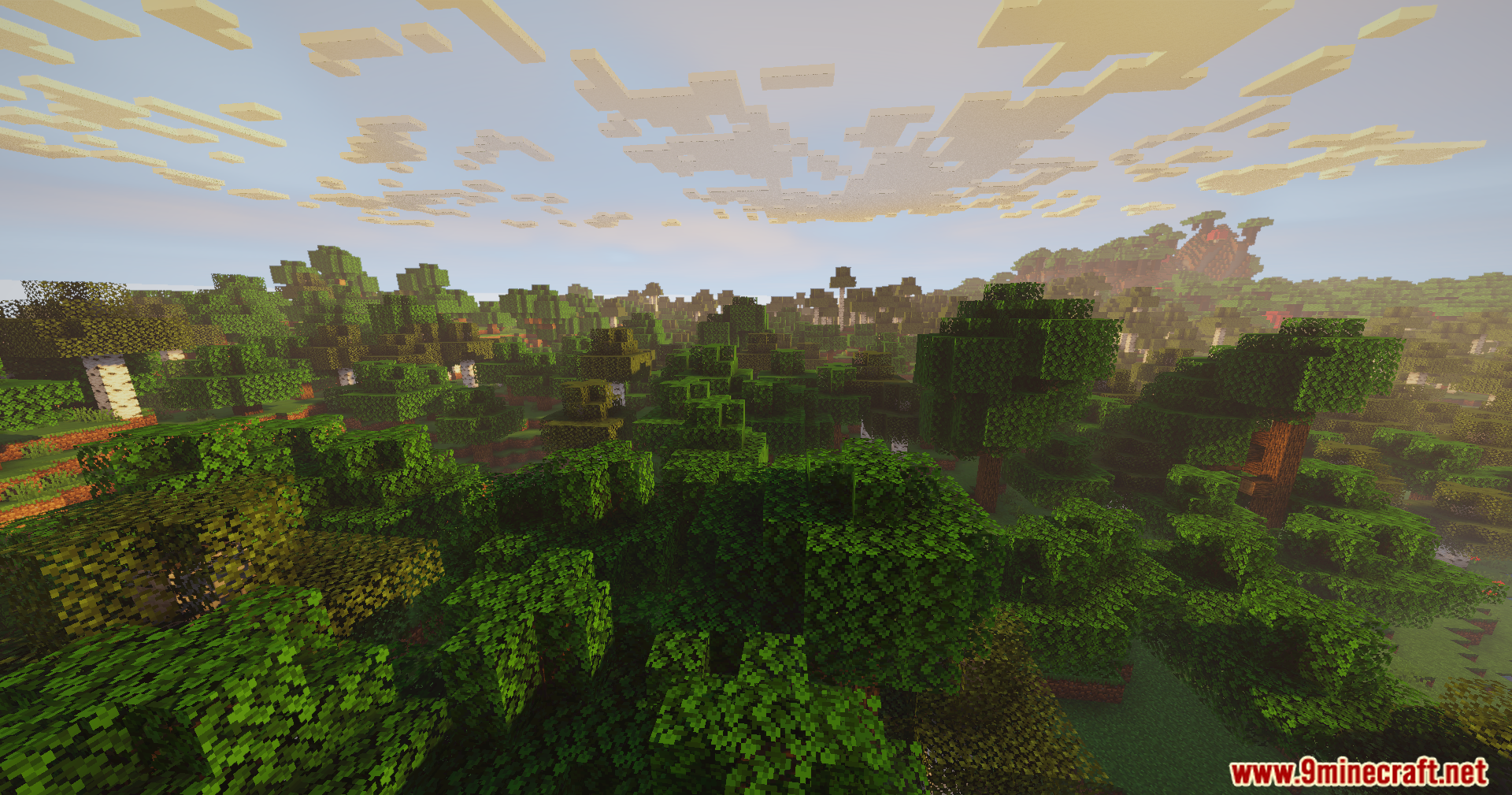
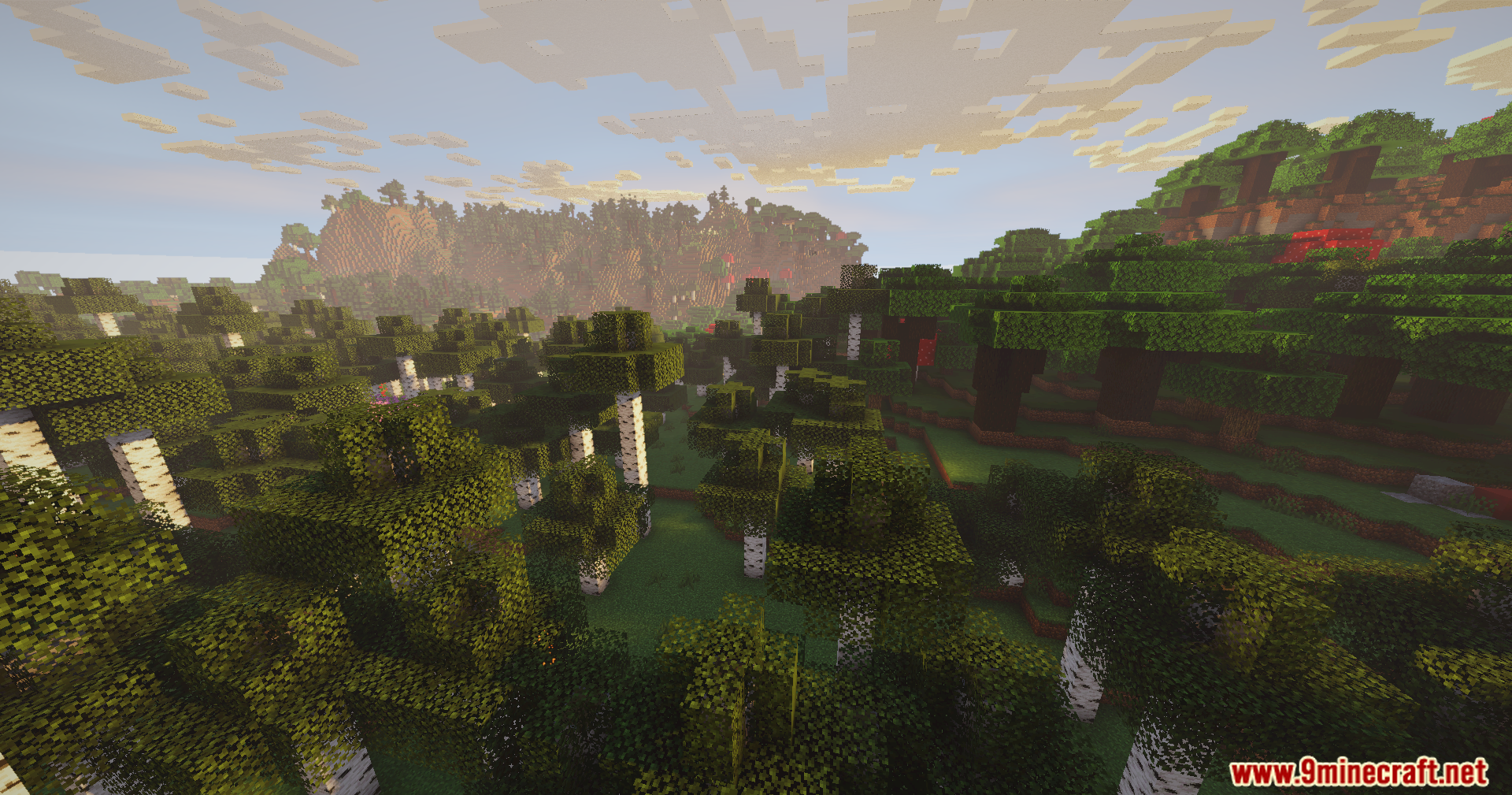
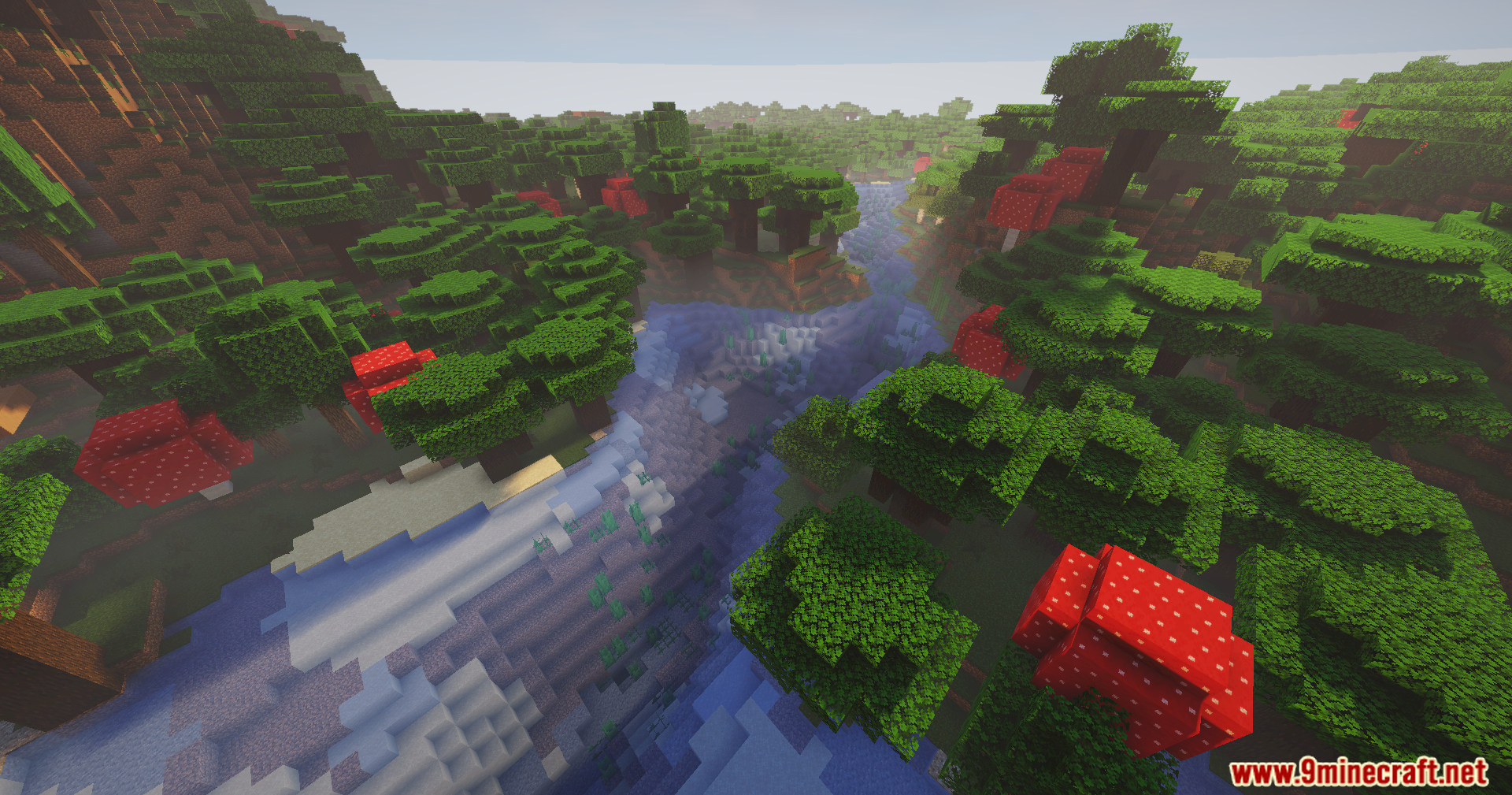
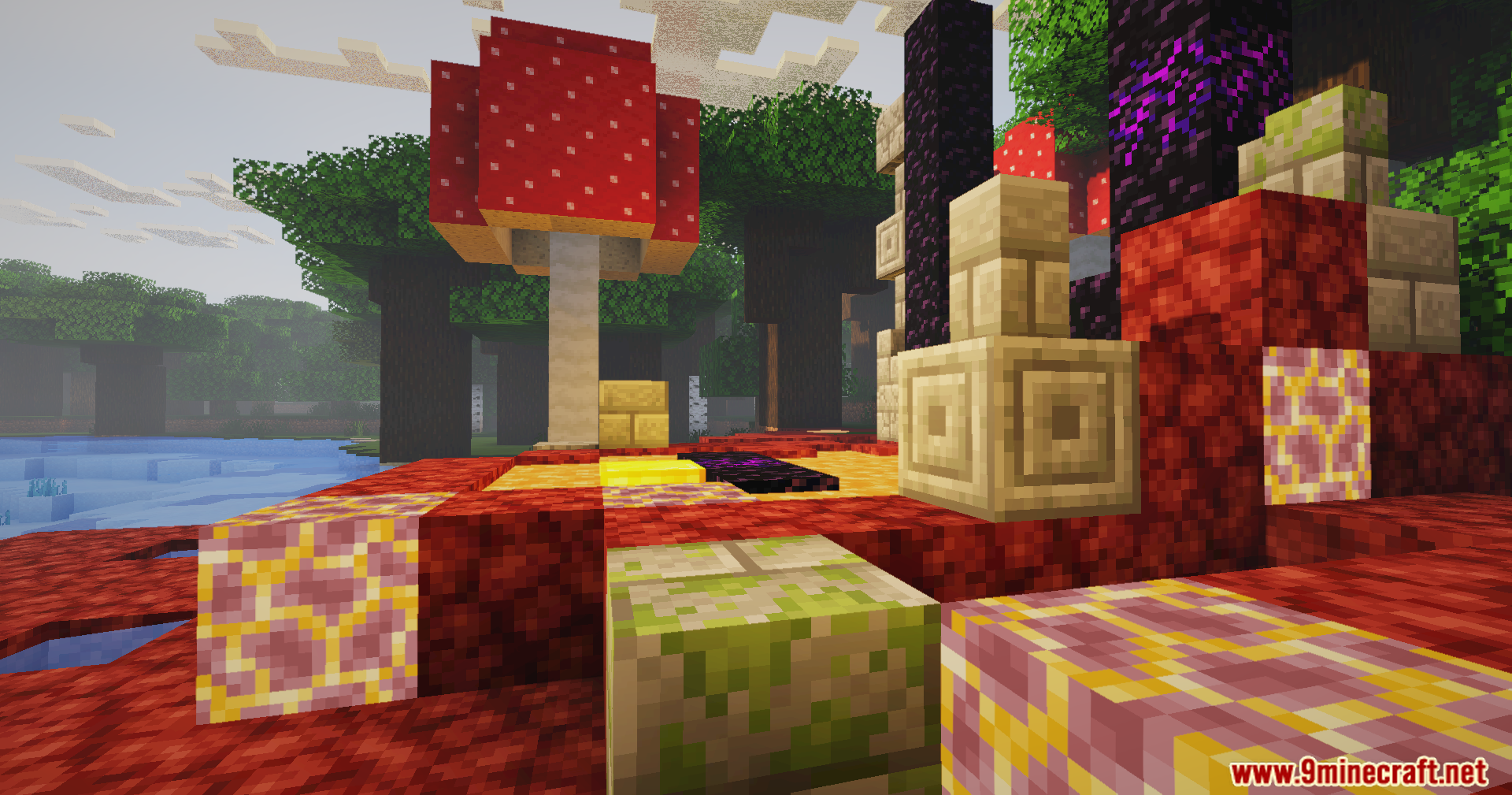
11 images from the Auralite Shaders page.
You May Also Like
Wikis that share the most with this one
Wikis on the same theme: light
More shader wikis on the site
The most downloaded mods that have a wiki here