

 DownloadAurumLite Shaders
Get the files on 9Minecraft
Guides
Step-by-step, in-game.
Adjust Shadow Quality and PerformanceFinding the Shader Settings Open the shader options menu by pressing the designated key while in-game (usually…Enable or Disable PBR Surface RenderingUnderstanding PBR in AurumLite Physically-Based Rendering (PBR) makes materials look more realistic by calculating…Preserve Vanilla Aesthetics While Using ShadersWhy AurumLite Keeps Vanilla Style AurumLite Shaders is designed to enhance lighting without drastically changing…Troubleshoot Low Frame Rates on Weak HardwareQuick Performance Checks If AurumLite causes lag on your potato computer, start by lowering render distance in Video…
Frequently asked questions
How do I turn on shaders after installing AurumLite?
Open your video settings in-game, find the Shaders option, and select AurumLite Shaders from the list. The shaders will apply immediately to your world.
Will this shader pack work on my Mac?
Yes, AurumLite Shaders includes specific optimizations for Mac hardware, though performance depends on your Mac's GPU and age. Start with lower shadow quality settings if you experience lag.
What's the difference between PBR on and off?
With PBR enabled, surfaces like metal and stone render with cleaner, more realistic material finishes and reflectivity. Disabling it keeps surfaces flatter and can improve performance on very weak systems.
Can I use this with resource packs?
Yes, AurumLite Shaders works alongside resource packs, though the shader's lighting effects will interact with your chosen texture pack's colors and details.
See all 10 AurumLite Shaders questions ›
Gallery
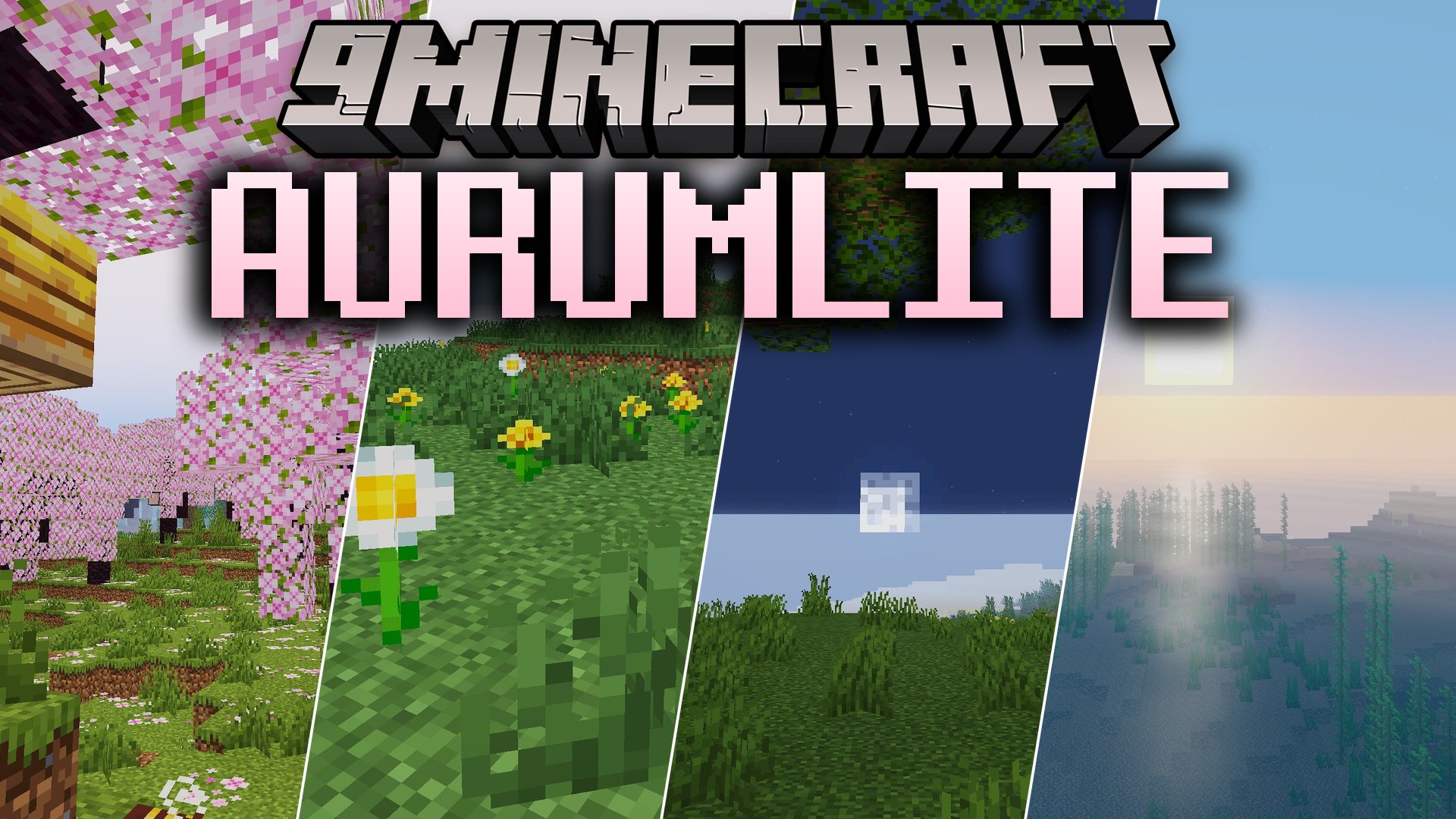
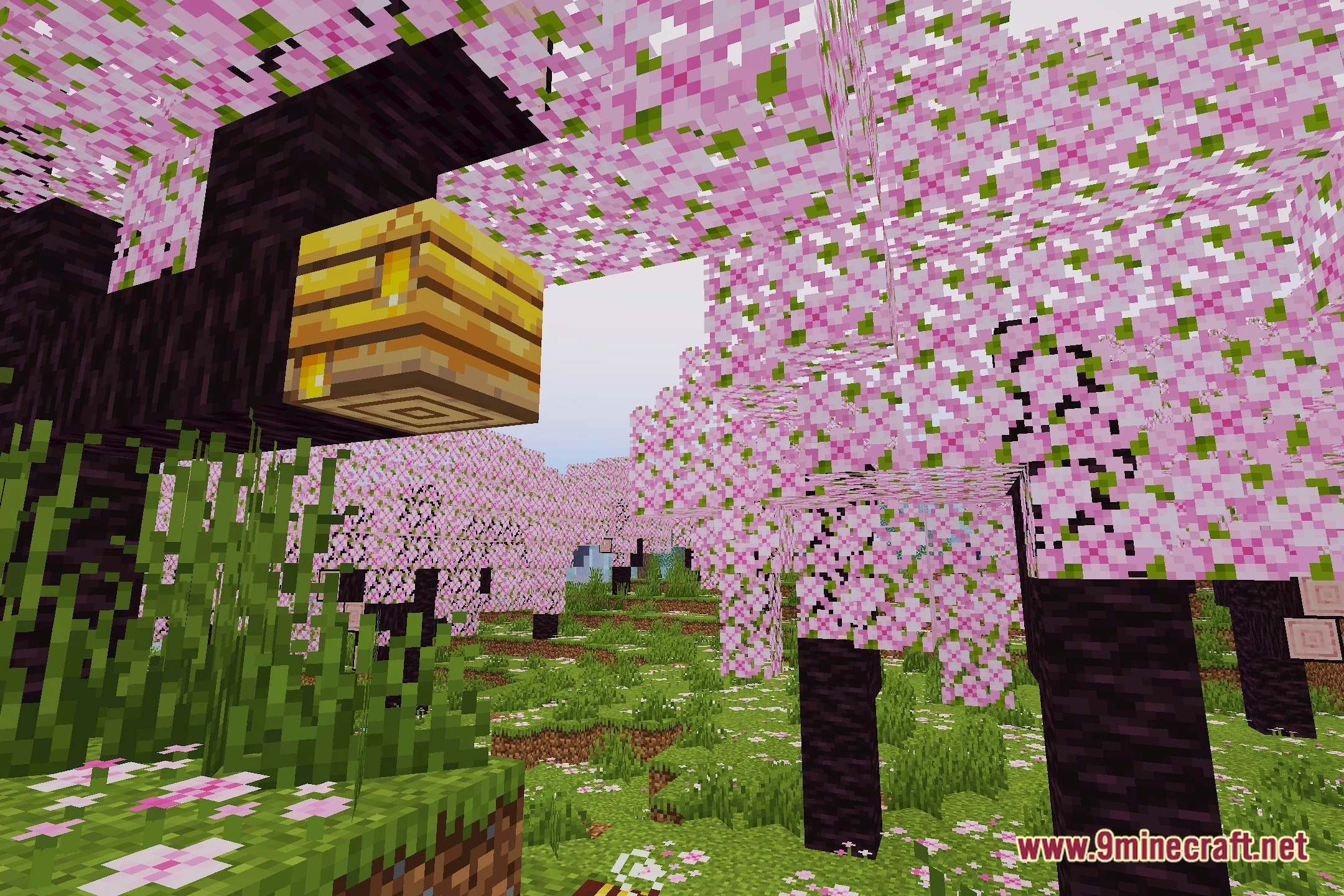
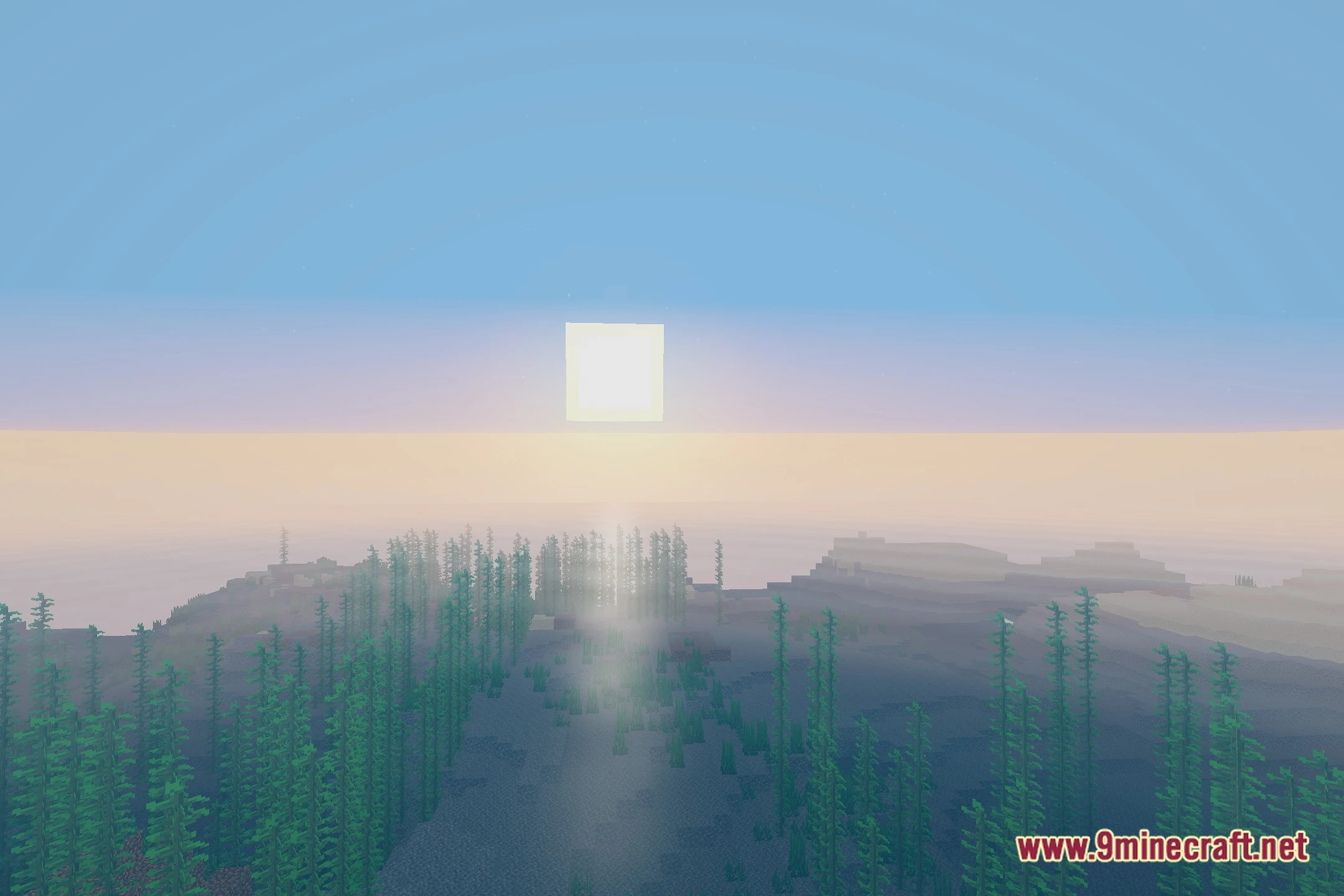
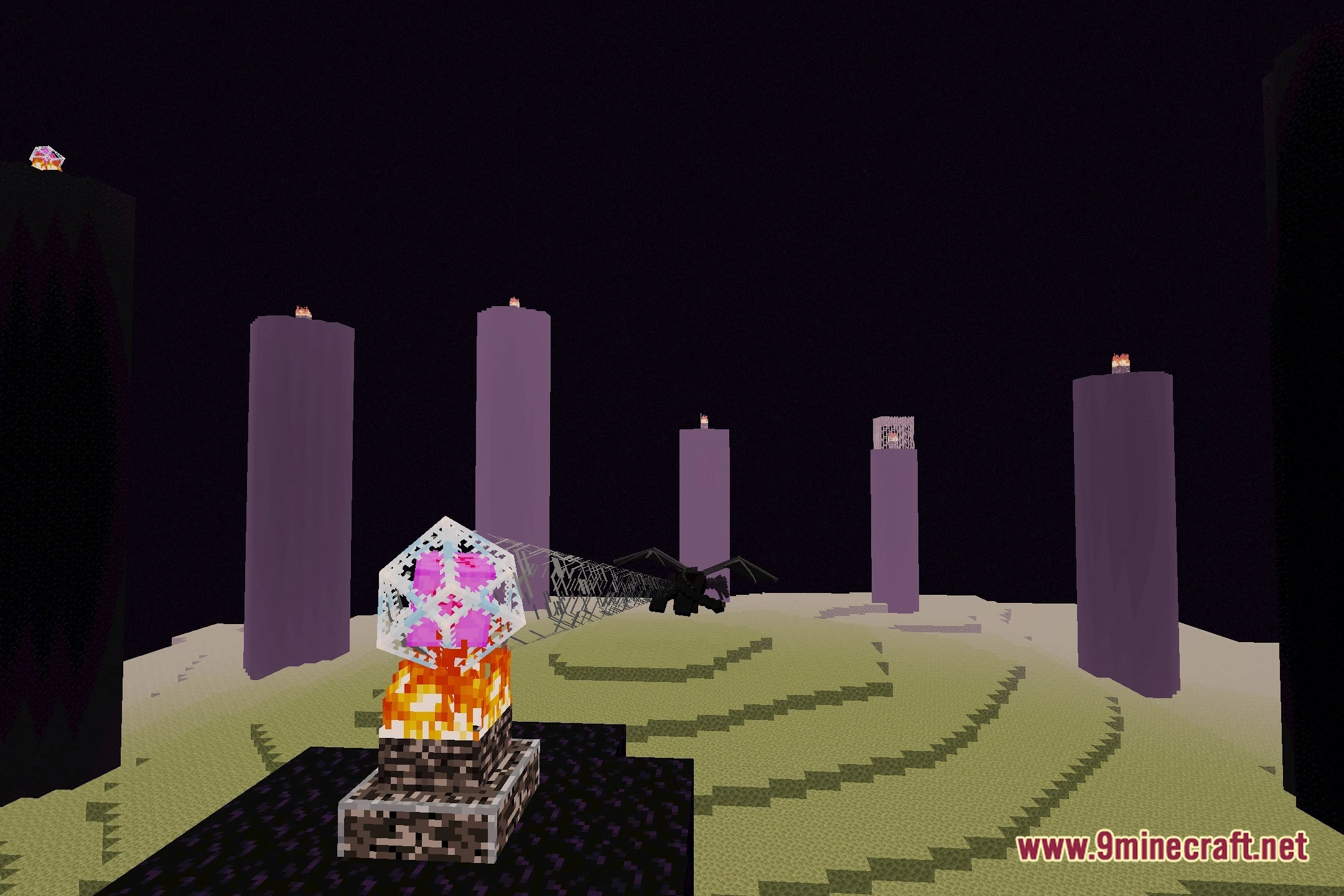
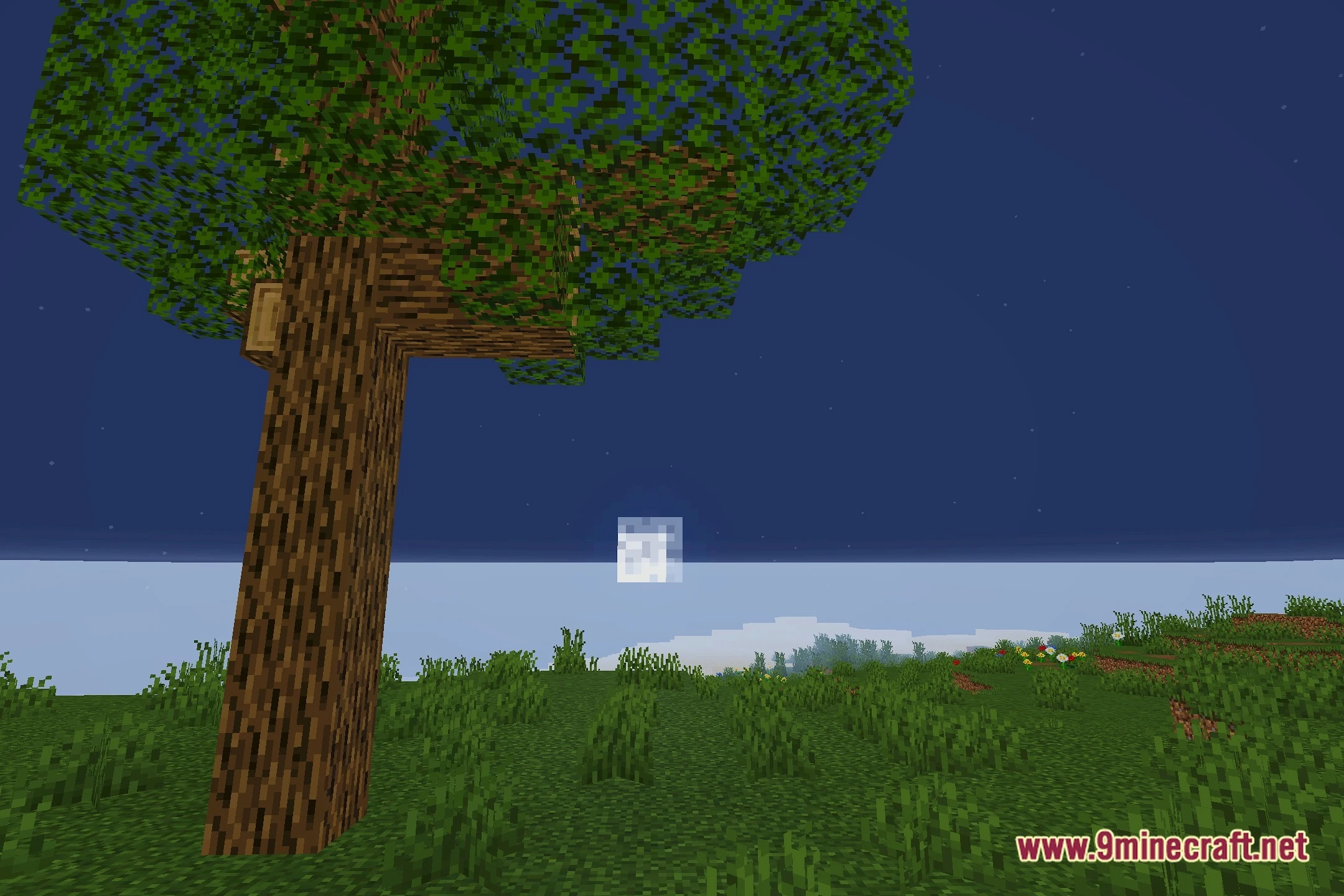
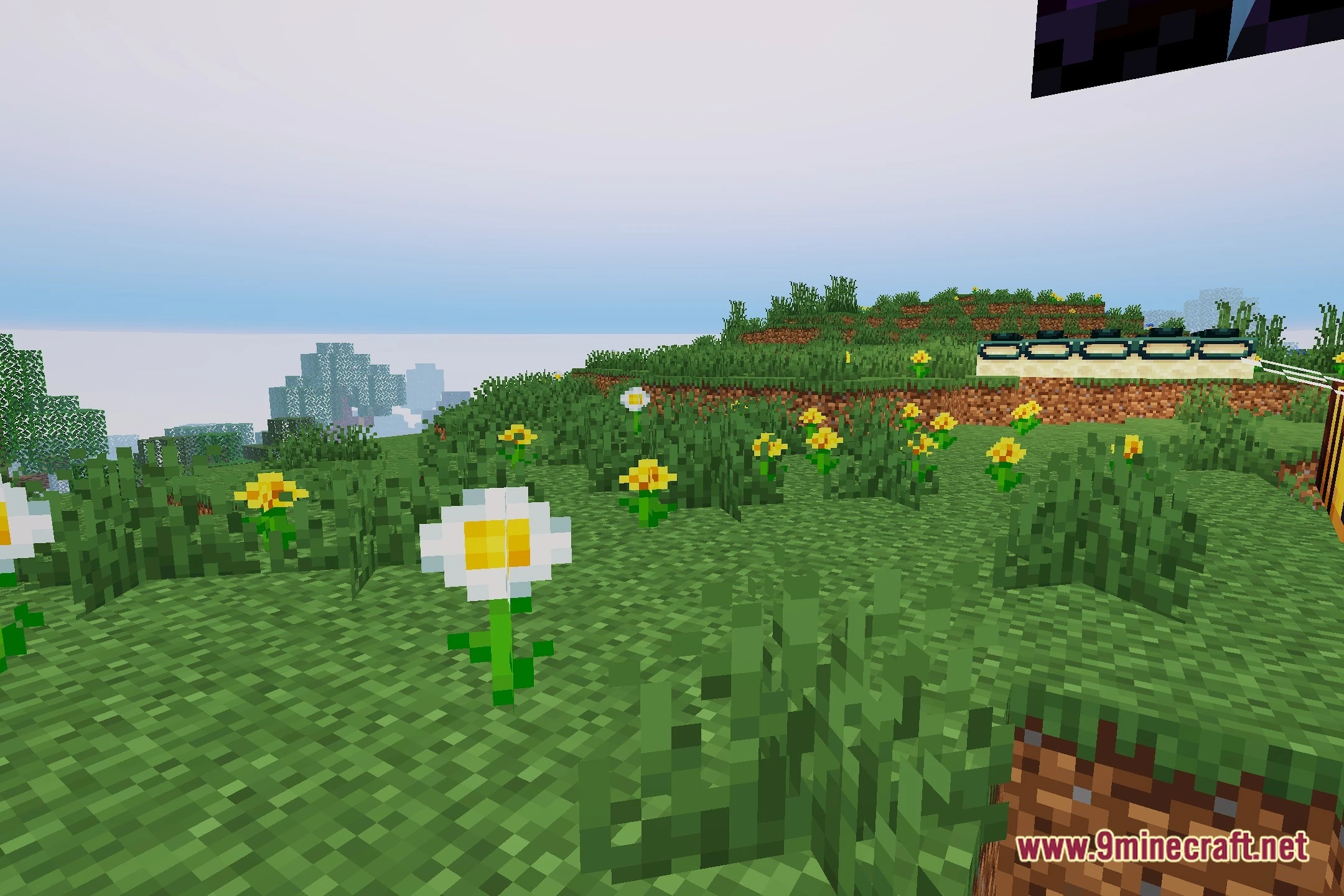
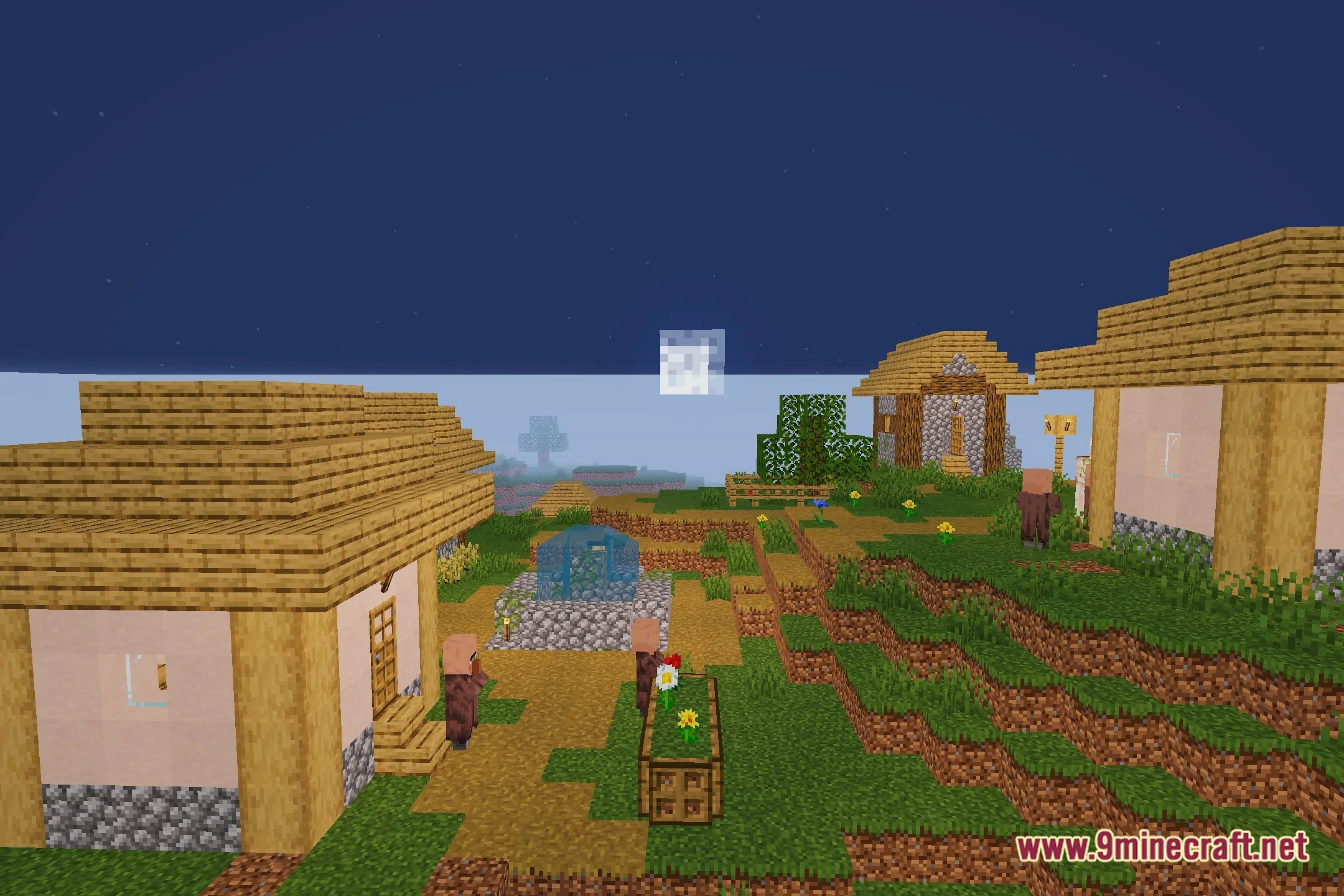
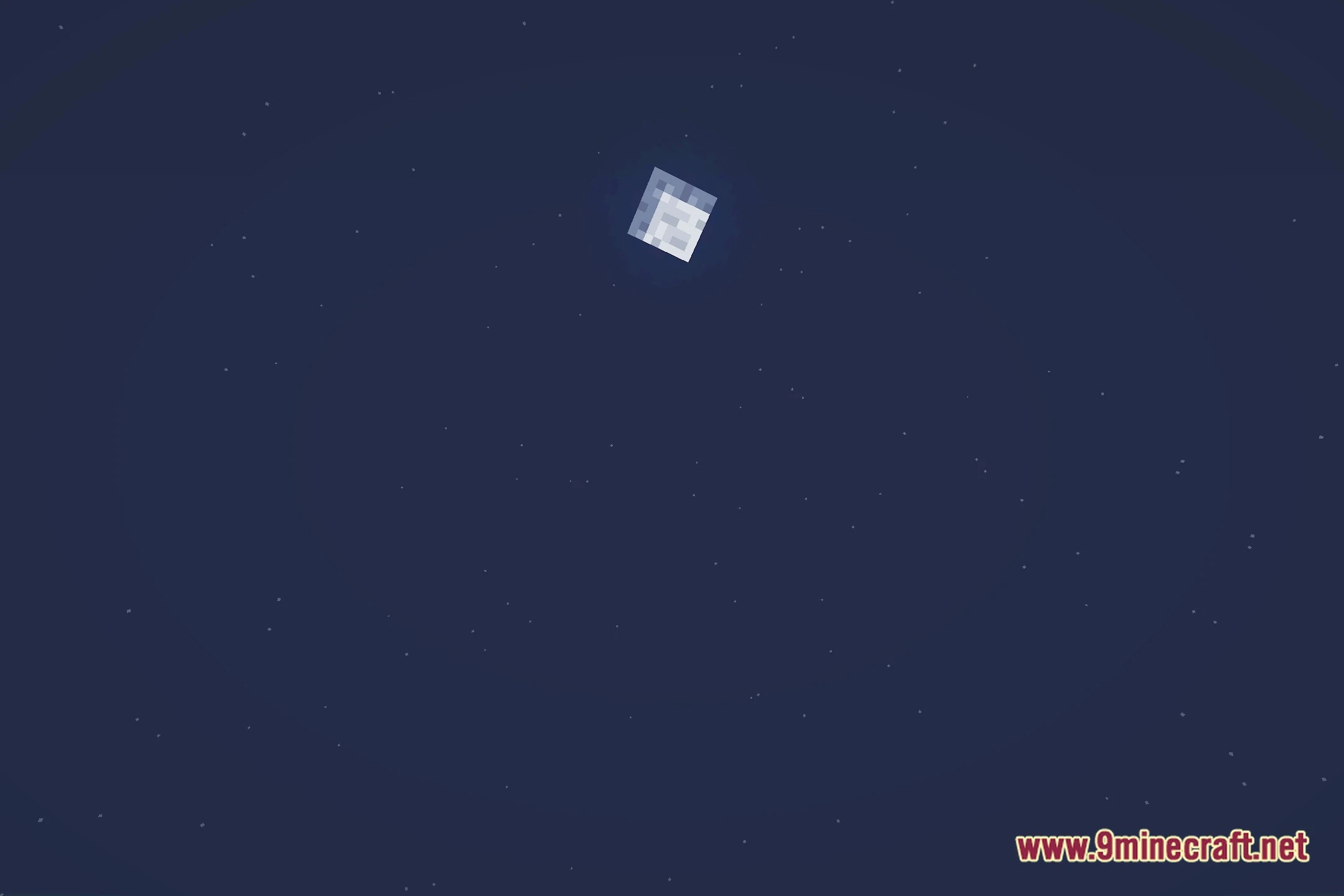
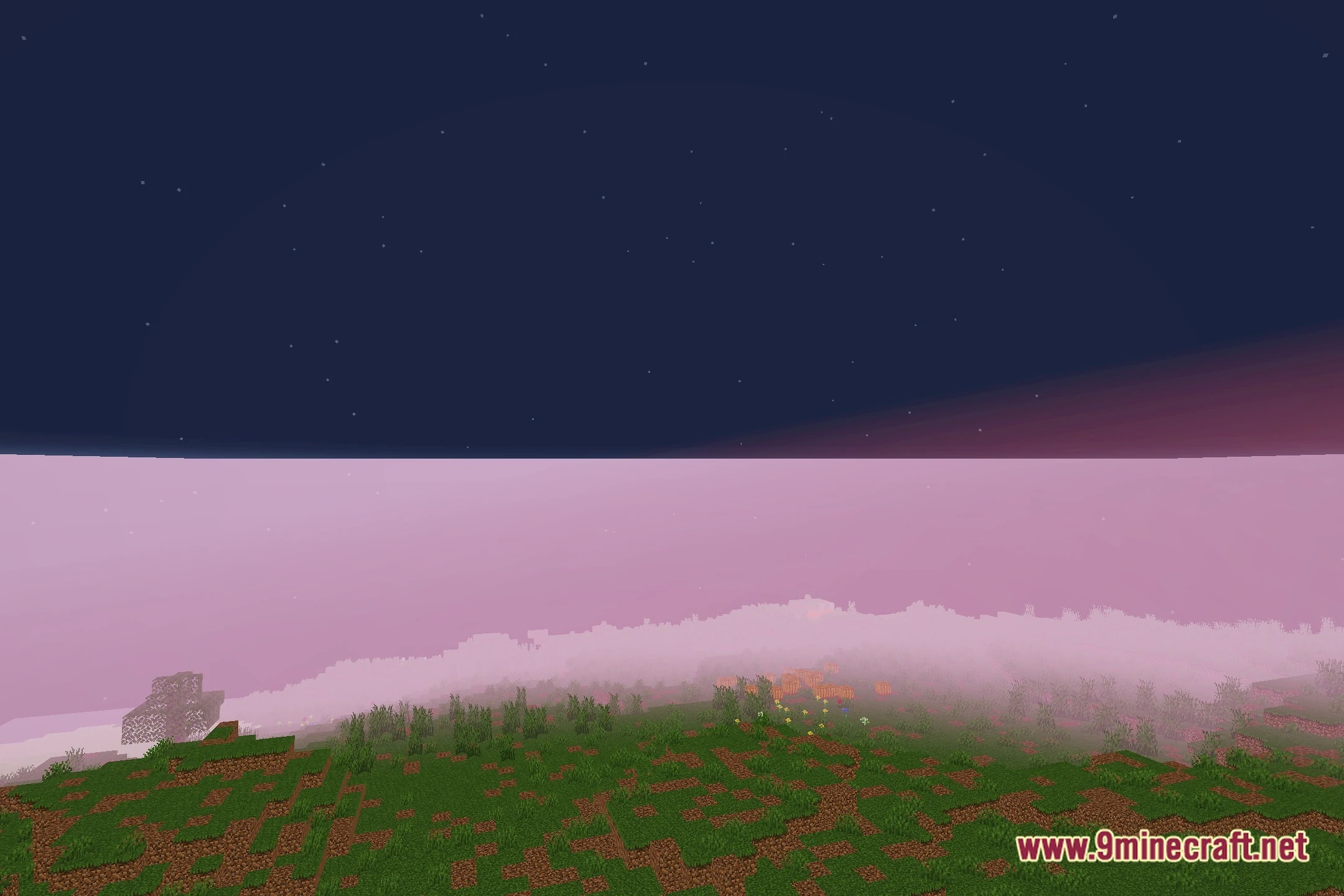
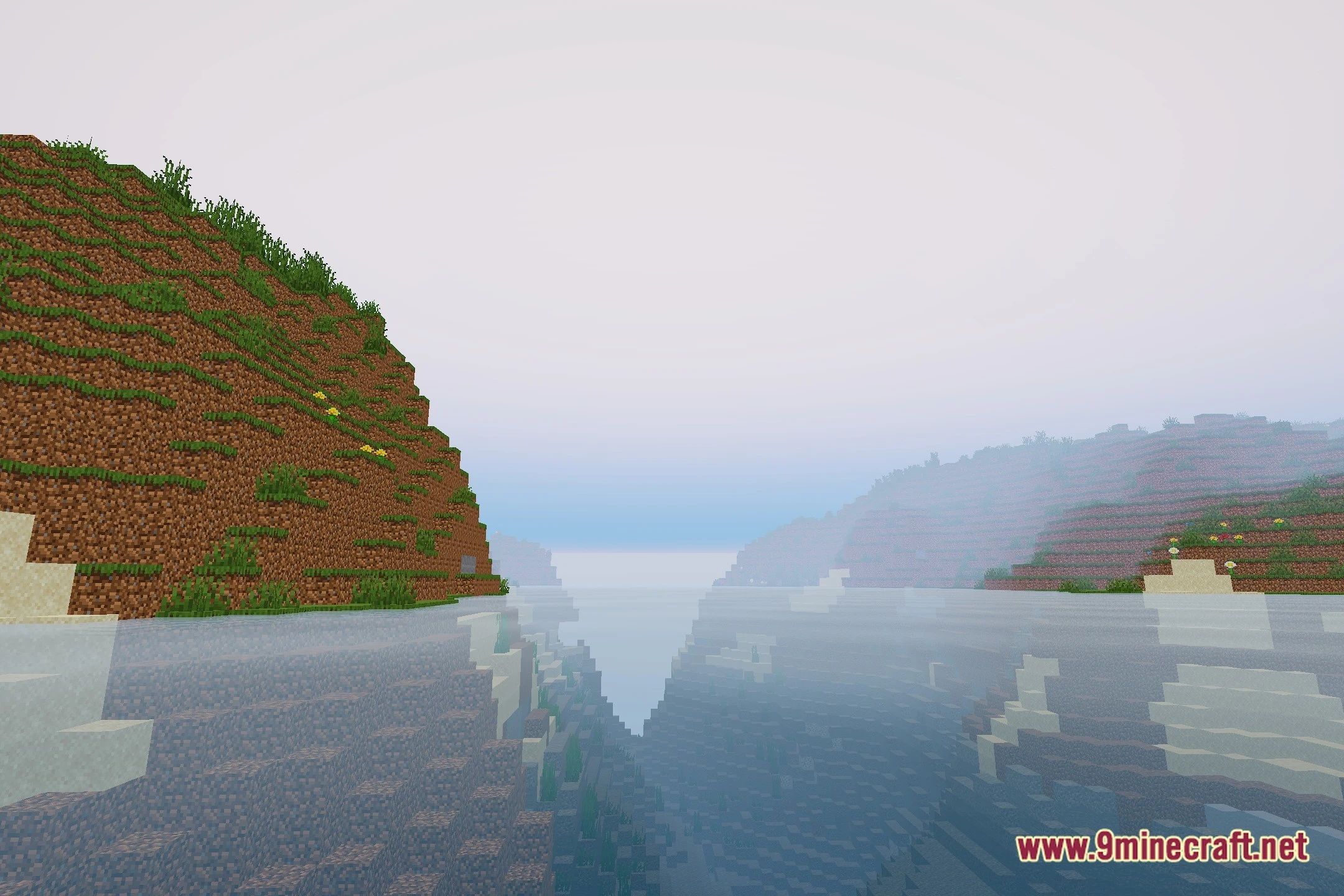
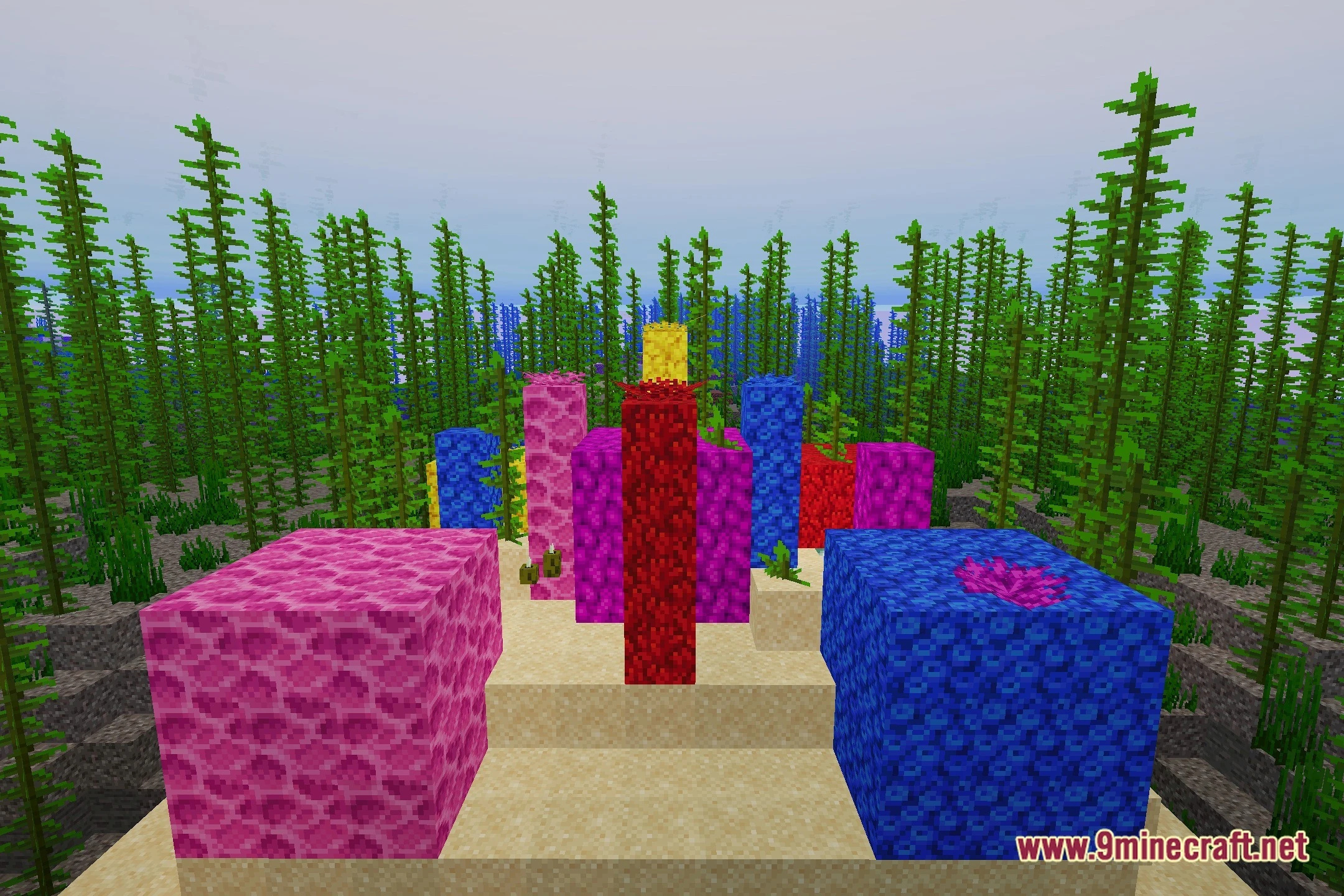
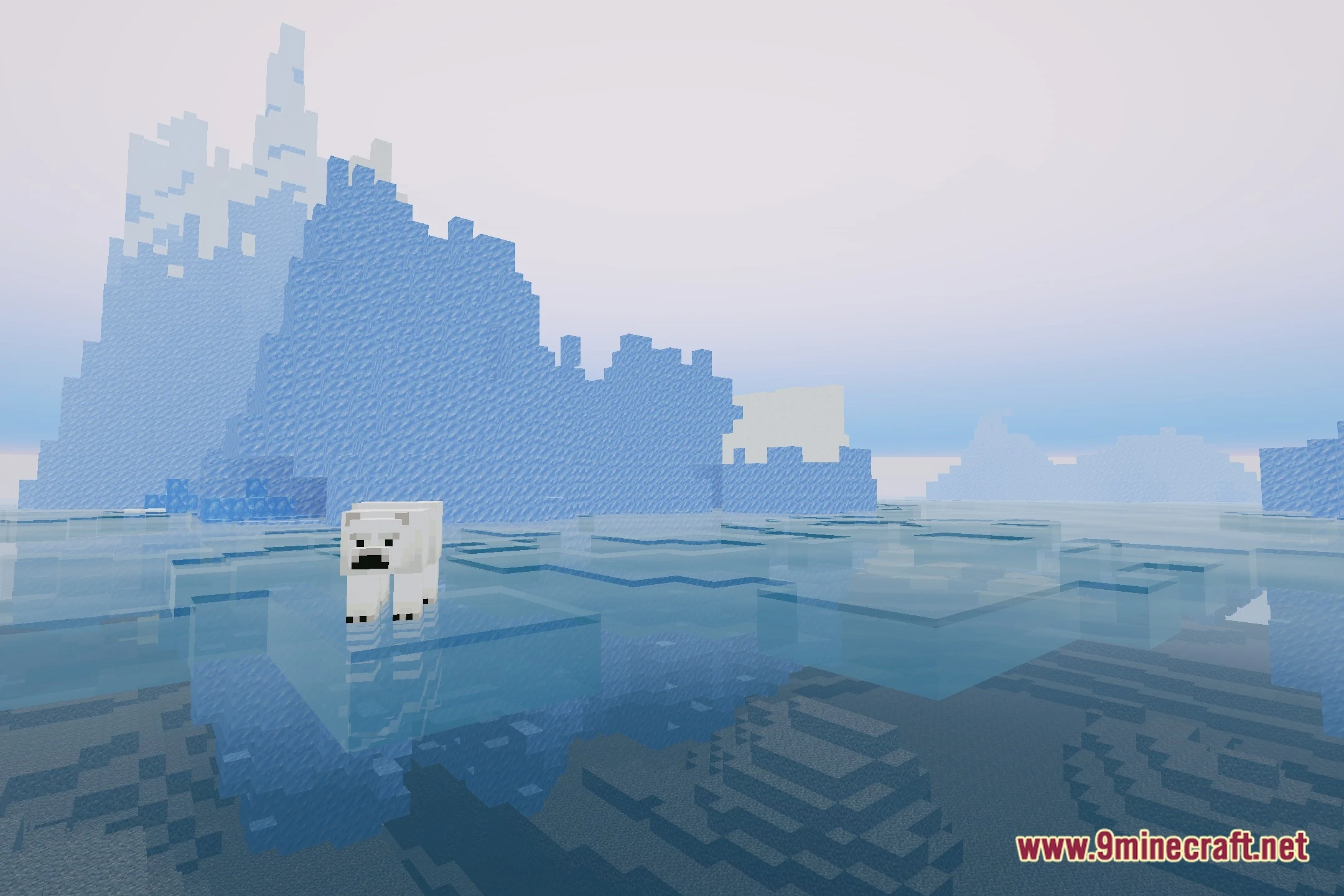
12 images from the Aurumlite Shaders page.
You May Also Like
Wikis that share the most with this one
Wikis on the same theme: gold
More shader wikis on the site
The most downloaded mods that have a wiki here