

 DownloadLight Dust Mod
Get the files on 9Minecraft
Guides
Step-by-step, in-game.
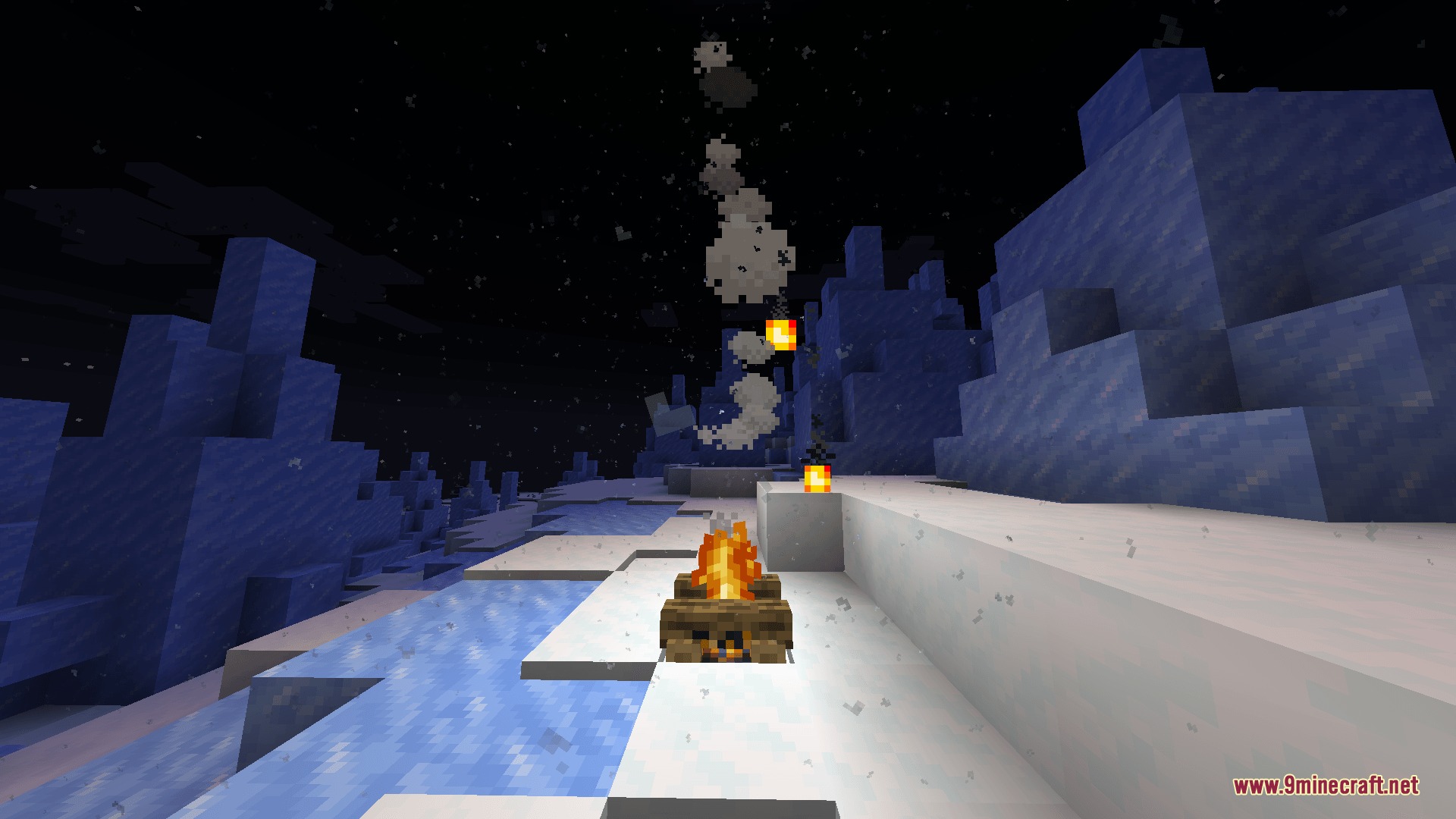
Make Dust Particles More Visible in Bright AreasUnderstand Light-Based Spawning Dust particles in this mod are generated by light sources and respond to illumination…Observe Heat Updrafts and Particle BehaviorFind Heat Source Blocks Certain blocks in Minecraft generate heat and create updrafts in this mod. Lava, magma…Reduce Dust Particle Lag and Improve PerformanceSwitch to Fast Spawn Mode If you're experiencing frame rate drops from dust particles, the mod's performance settings…Watch Dust React to Your Movement and ActionsTrigger Particle Effects Through Motion Dust particles respond directly to physical forces in your world. Sprint…
Frequently asked questions
Do I need to do anything to start seeing dust particles?
Why can't I see dust particles even though the mod is installed?
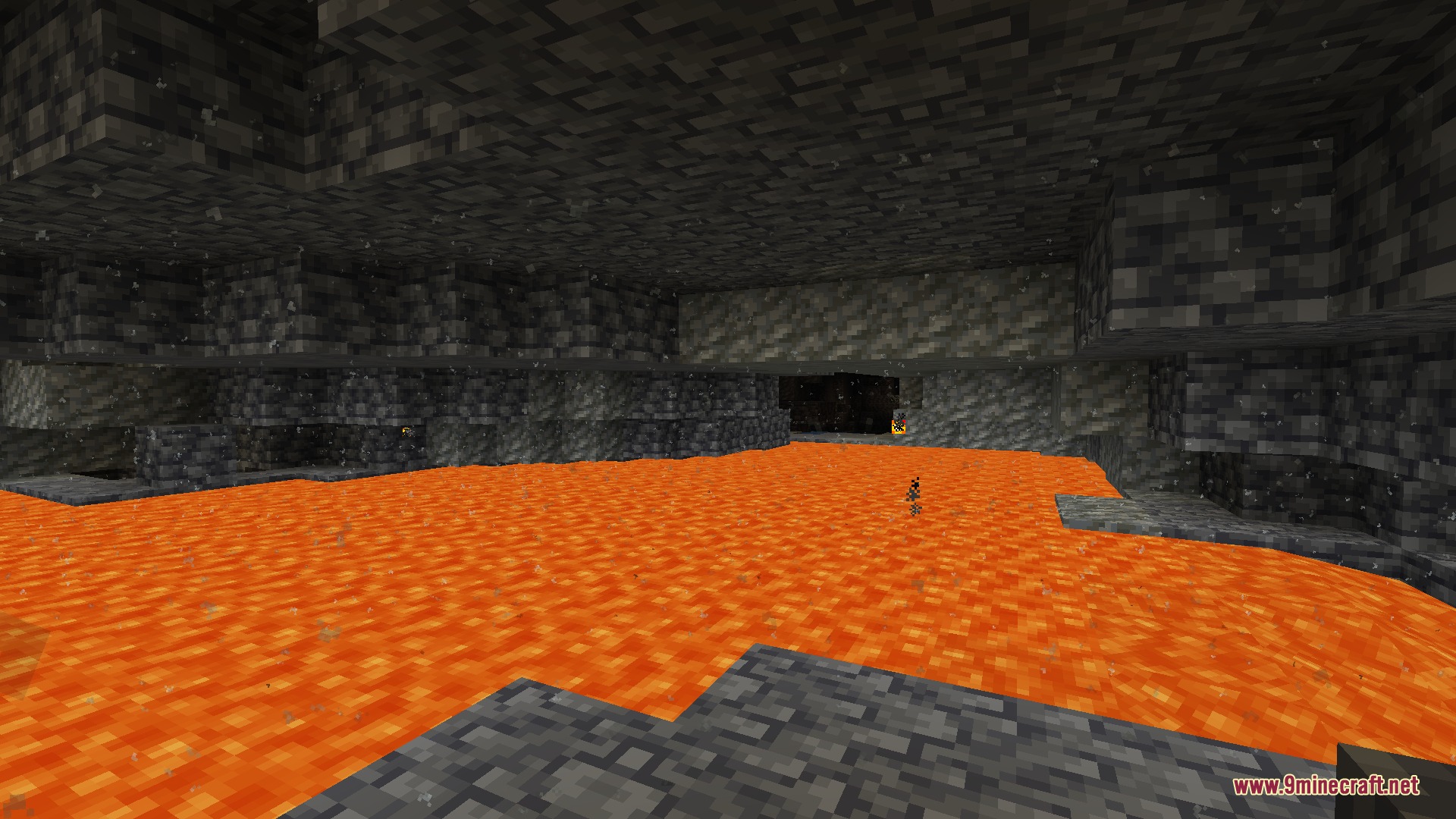
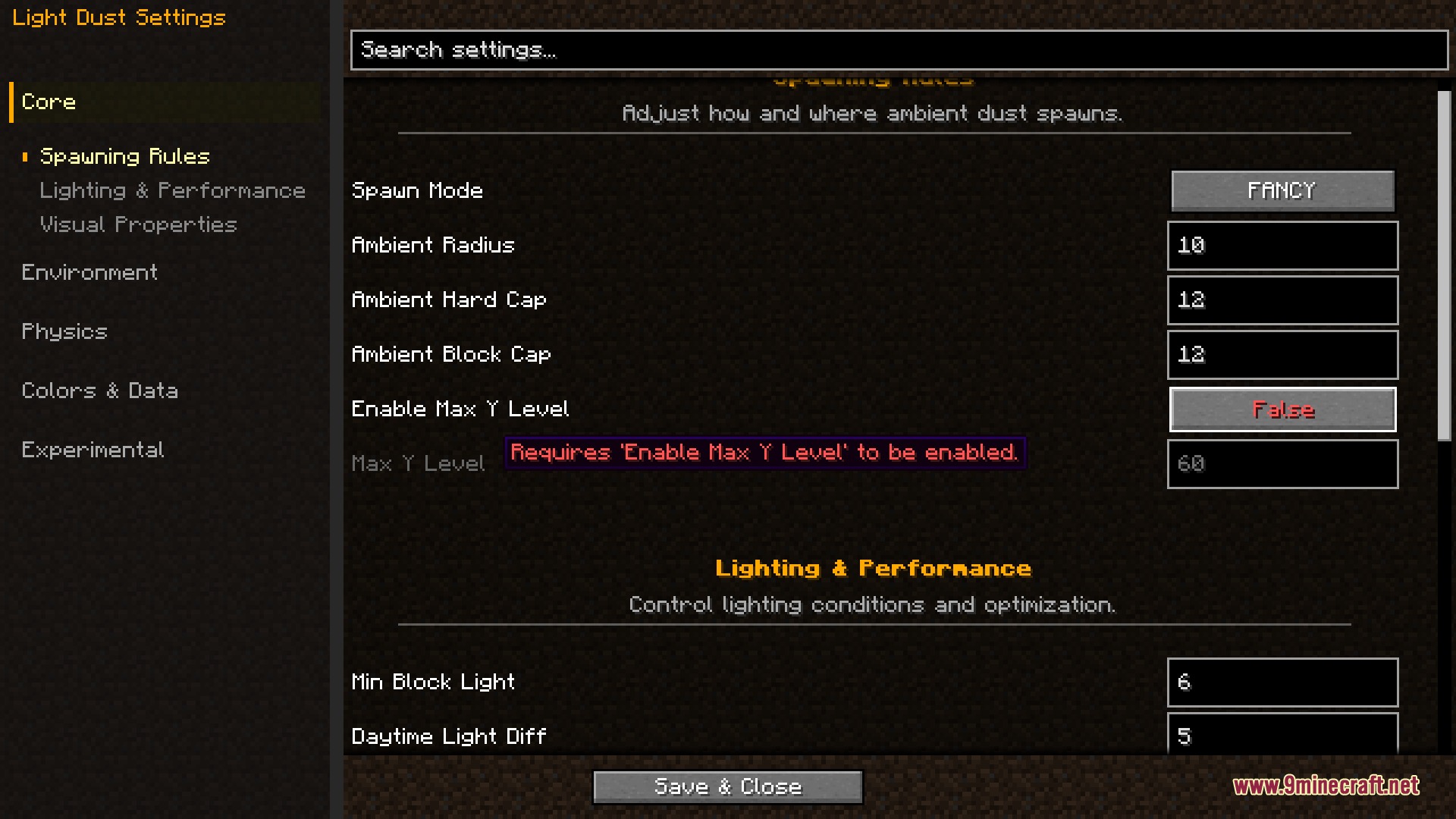
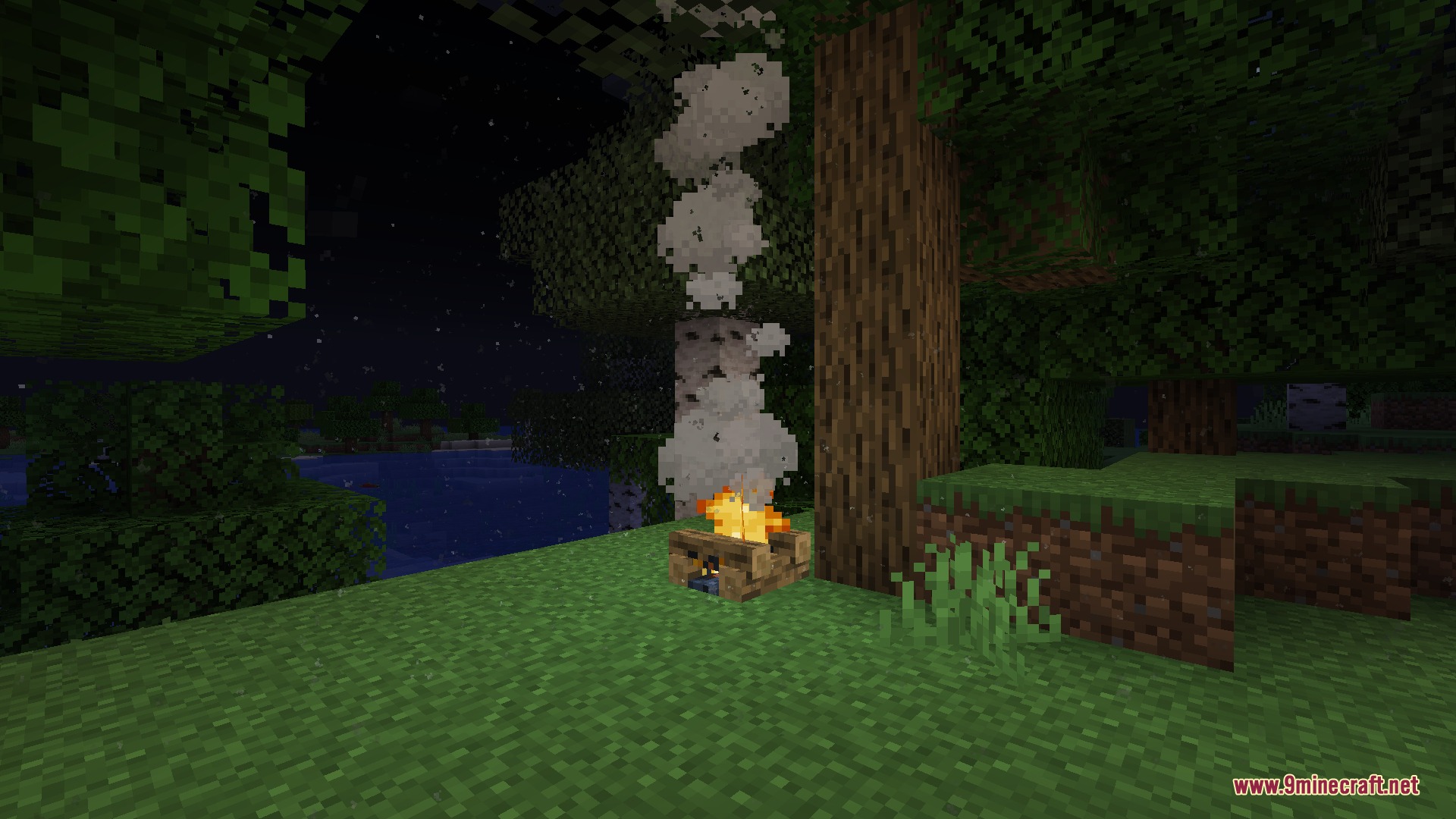
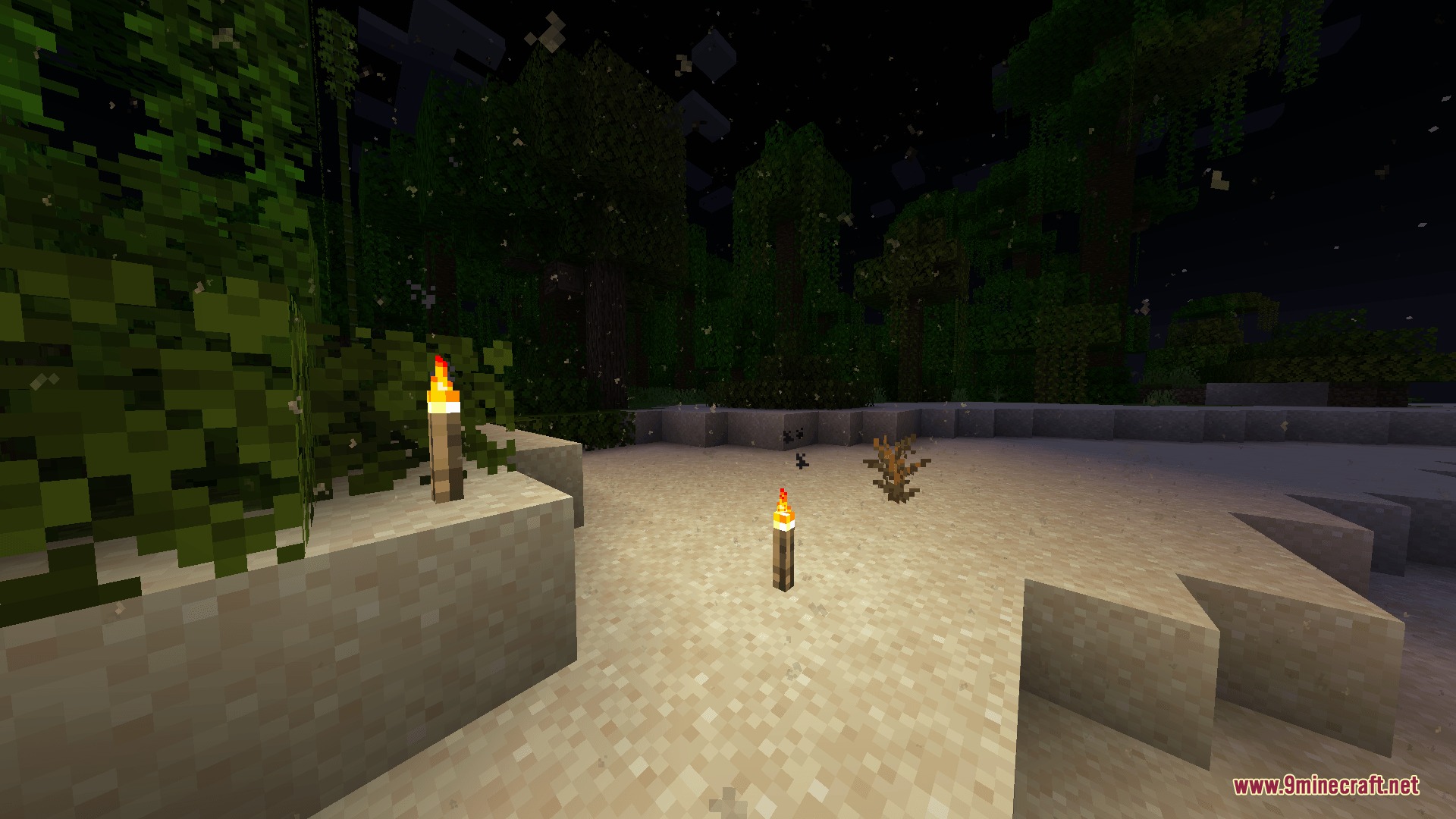
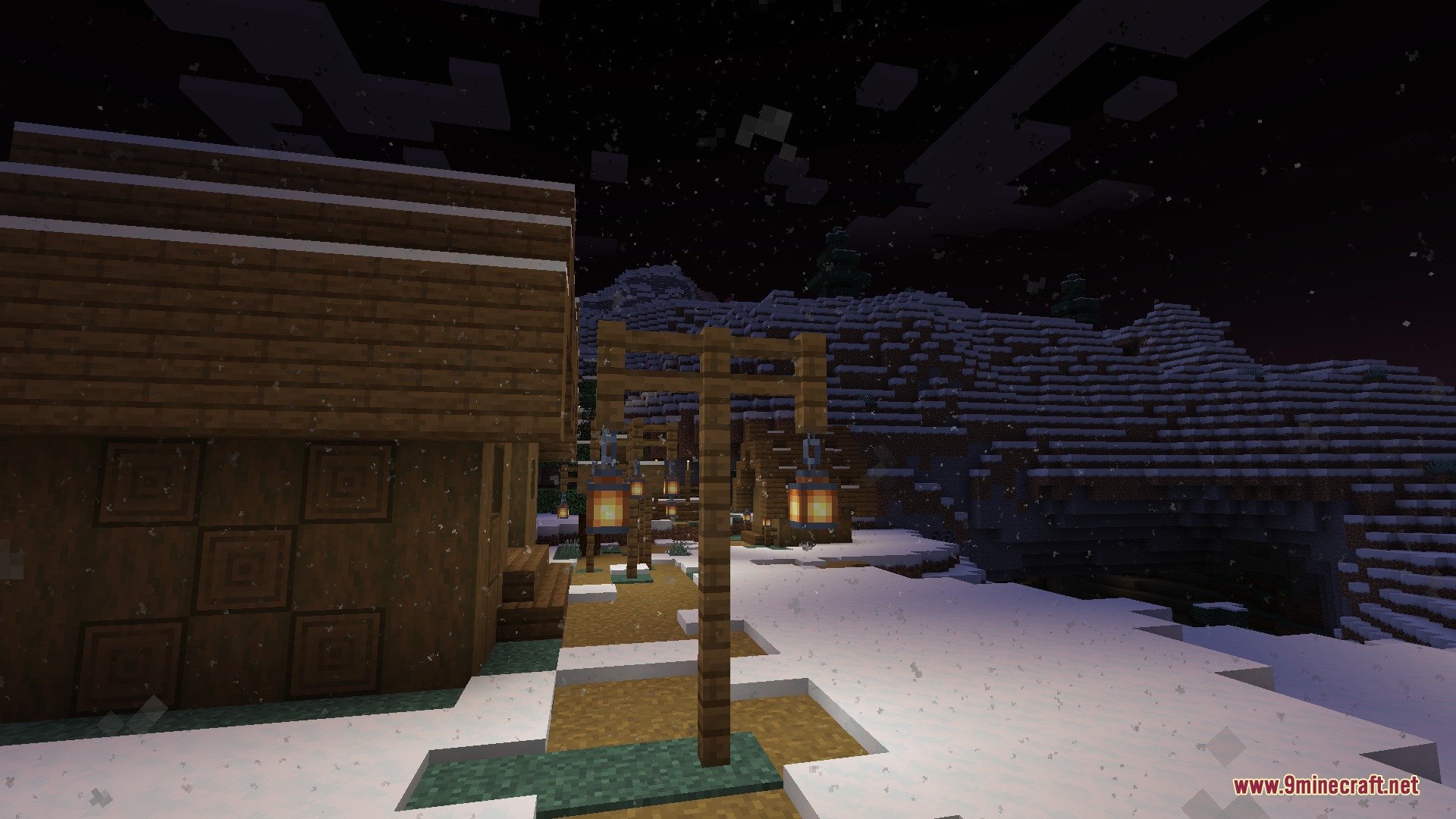
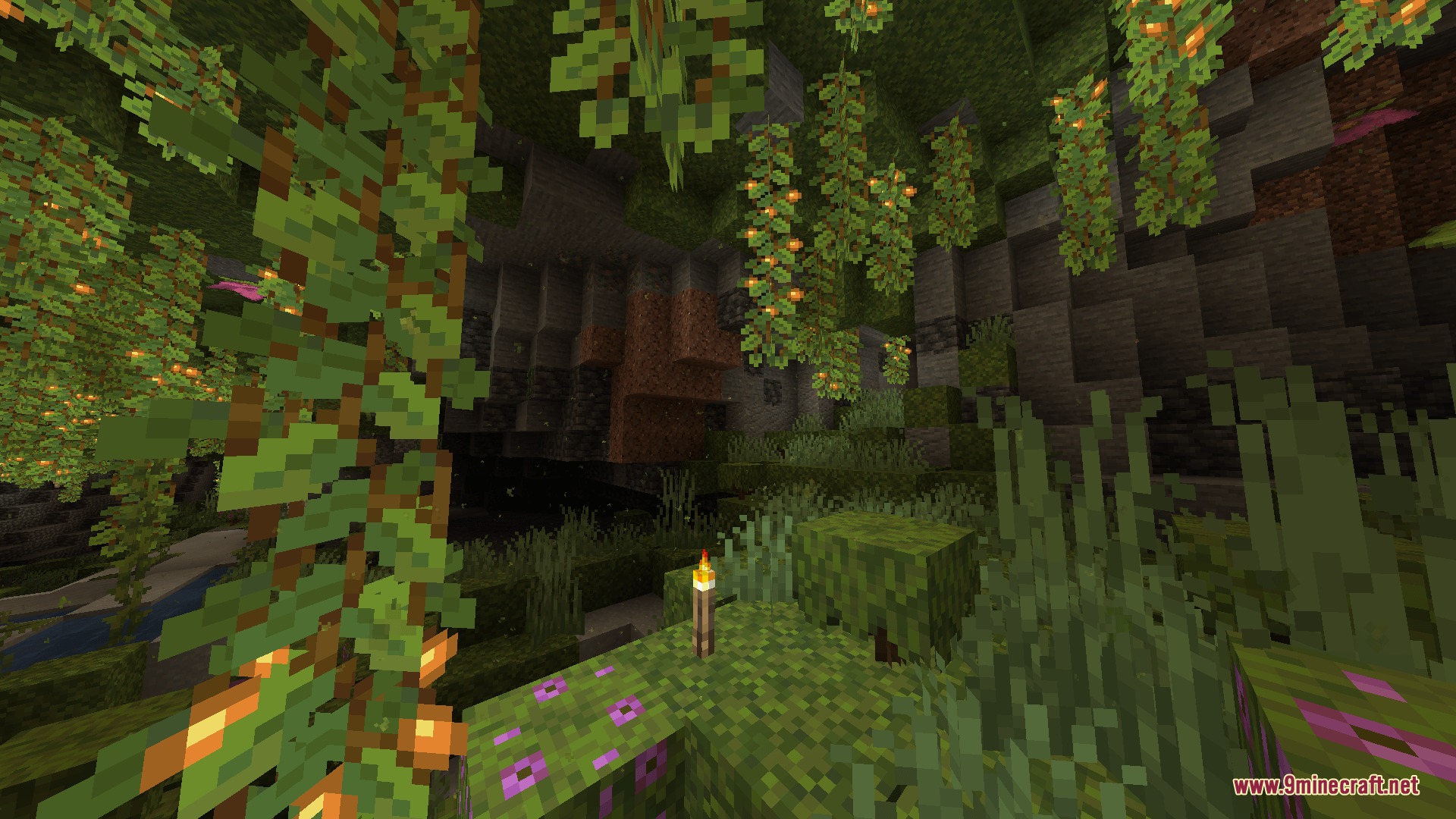
Dust only spawns in areas with sufficient light; very dark caves or night-time outdoor areas may have few or no particles. Try standing near a bright light source, or check your spawn mode and particle settings in the in-game configuration menu.
How do I make dust particles more visible in bright daylight?
Increase the particle spawn rate or switch to Fancy spawn mode in the mod settings for more detailed particle generation. You can also look toward shaded areas or indoors where contrast makes particles easier to spot.
What's the difference between Fast and Fancy spawn modes?
Fast mode uses simpler calculations to protect FPS, while Fancy mode creates more detailed and realistic particle spreading patterns at a higher performance cost. Choose Fast if you're experiencing lag, or Fancy if your system can handle it and you want more visual detail.
See all 10 Light Dust questions ›
Gallery
9 images from the Light Dust Mod page.
You May Also Like
Wikis that share the most with this one
Wikis on the same theme: light
More mod wikis on the site
The most downloaded mods that have a wiki here
A few wikis from each of the other kinds