

 DownloadLuma Light Mod
Get the files on 9Minecraft
Guides
Step-by-step, in-game.
Adjust Colored Lighting Intensity and SaturationAccess the Configuration Menu Open the mod's settings through your client options or in-game configuration screen.…Customize Biome-Specific Sky, Fog, and Weather ColorsAccess Biome Color Settings In the Luma Light configuration, find the Biome Colors or Atmosphere section. This…Customize Sunlight and Moonlight ColorsFind Daylight Settings In your Luma Light config, locate the Sunlight or Daylight Color section. This controls the…Enable or Disable Outlines on Specific ElementsLocate Outline Settings In the Luma Light configuration menu, find the section labeled Outlines or Edge Detection.…
Frequently asked questions
How do I turn on the mod after installing it?
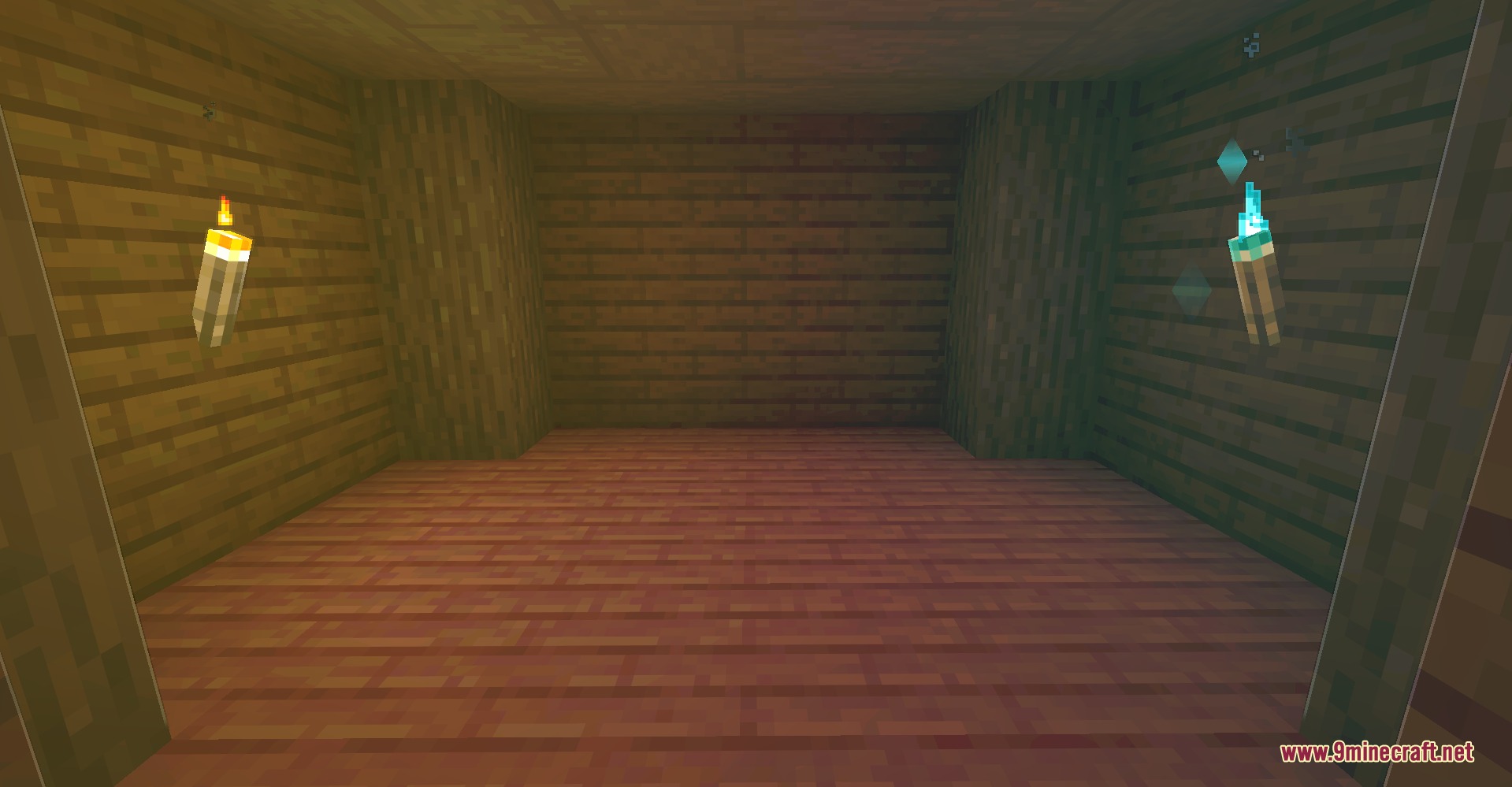
Luma Light Mod activates automatically once installed—you'll see colored lighting and outlines in your world right away. If you don't see the effects, check that the mod is loaded in your mod folder and that you've restarted the game.
Can I use this mod on multiplayer servers?
Yes, Luma Light Mod is client-side only, so it works on vanilla multiplayer servers without causing conflicts or requiring the server to have the mod installed.
Why do some blocks not glow with colored light?
Colored light is generated from luminous block textures, so only blocks that emit light in vanilla Minecraft (like glowstone, lamps, or lava) will produce colored light; non-luminous blocks won't glow even if they're colorful.
How do I make outlines less visible or turn them off completely?
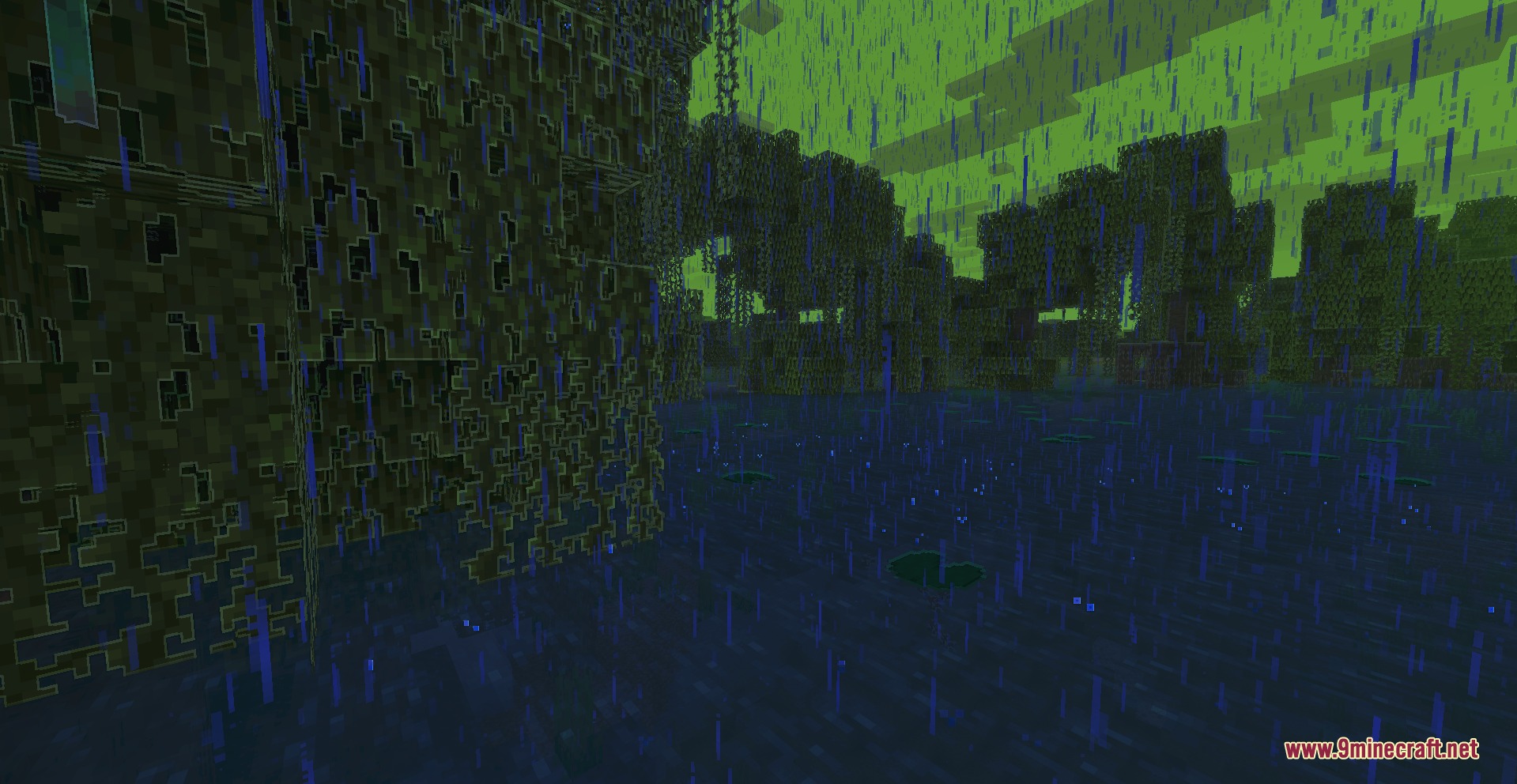
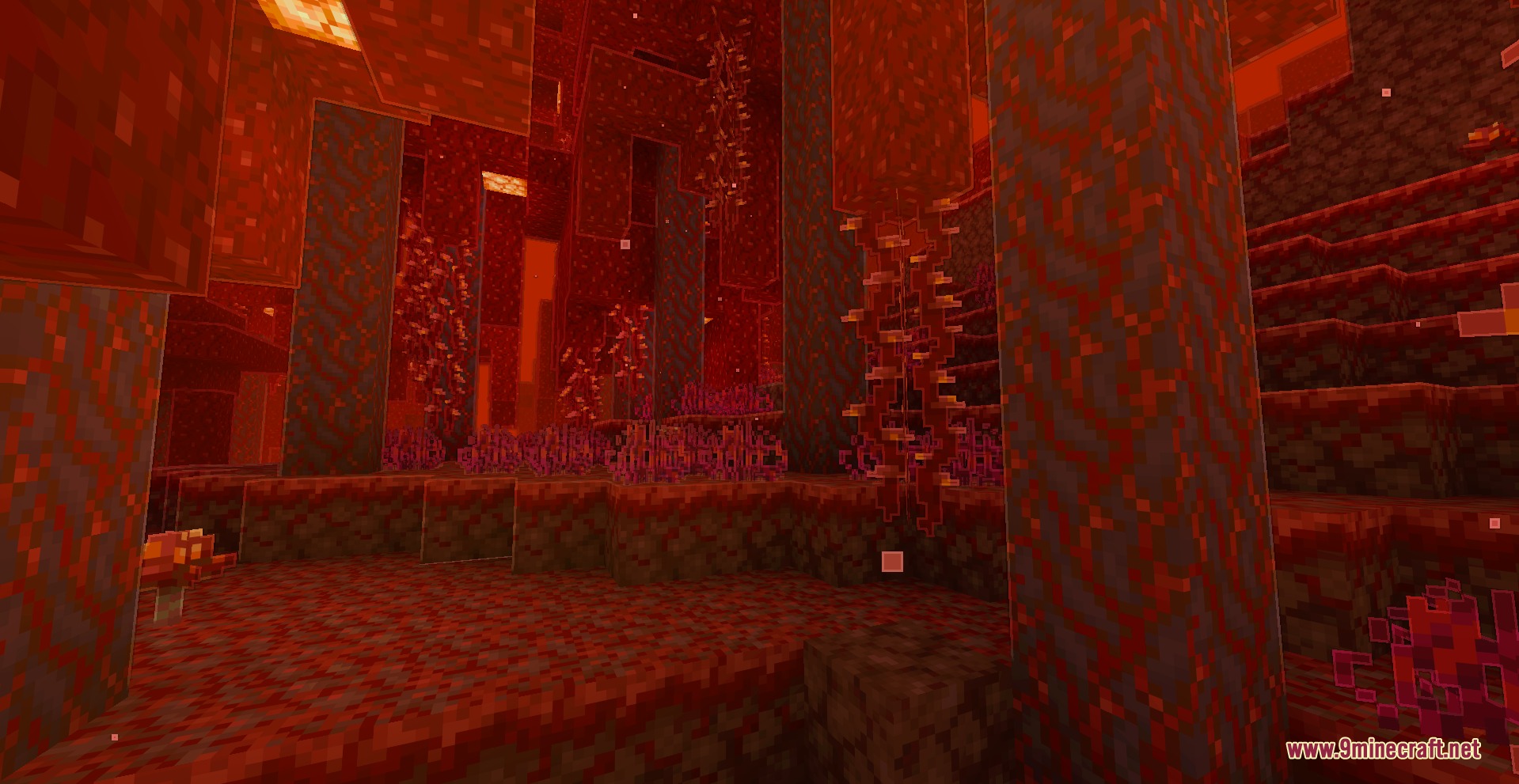
Open the mod's settings menu and use the outline customization options to disable outlines globally or selectively on terrain, mobs, items, and hands depending on your preference.
See all 10 Luma Light questions ›
Gallery
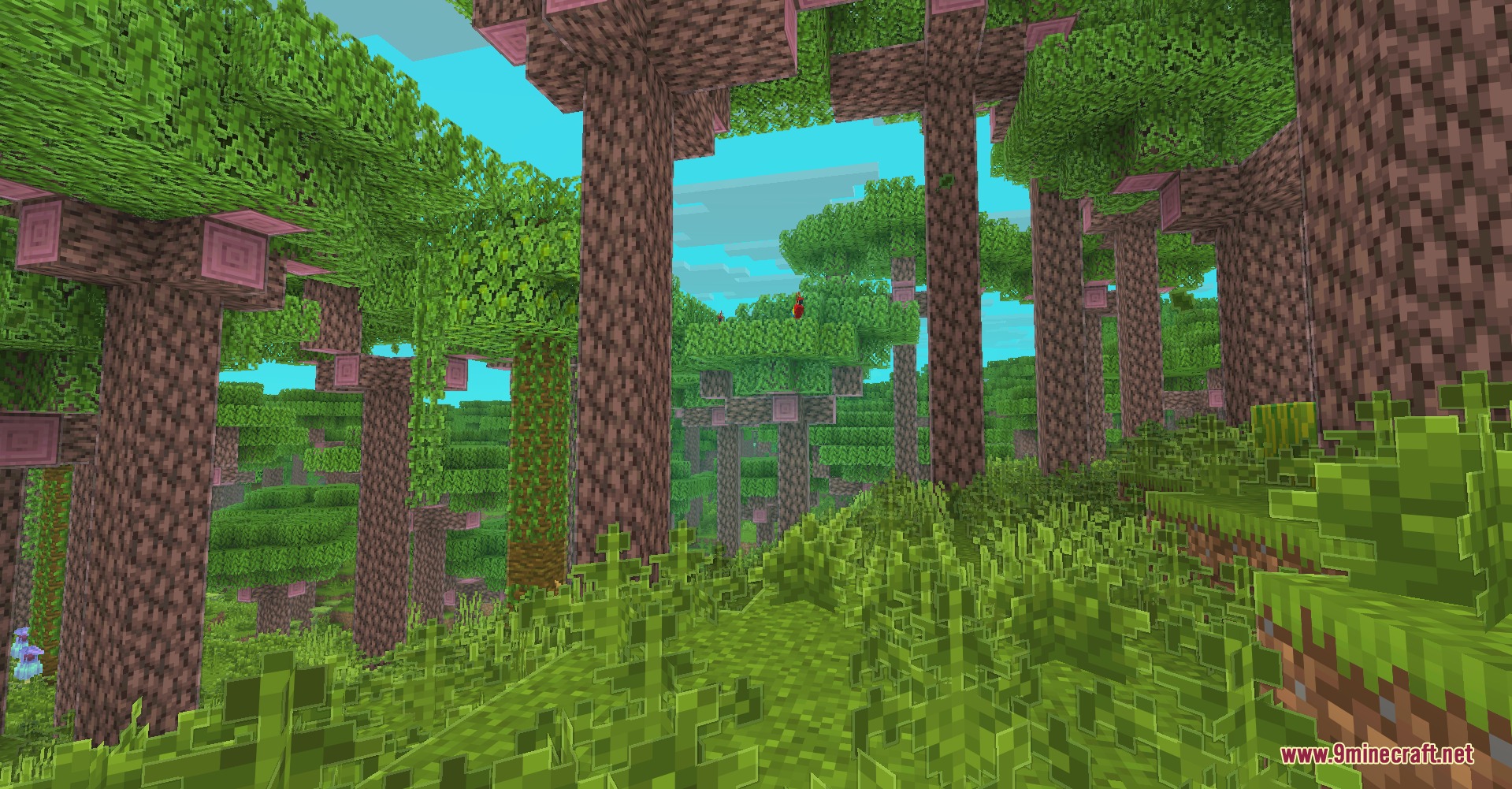
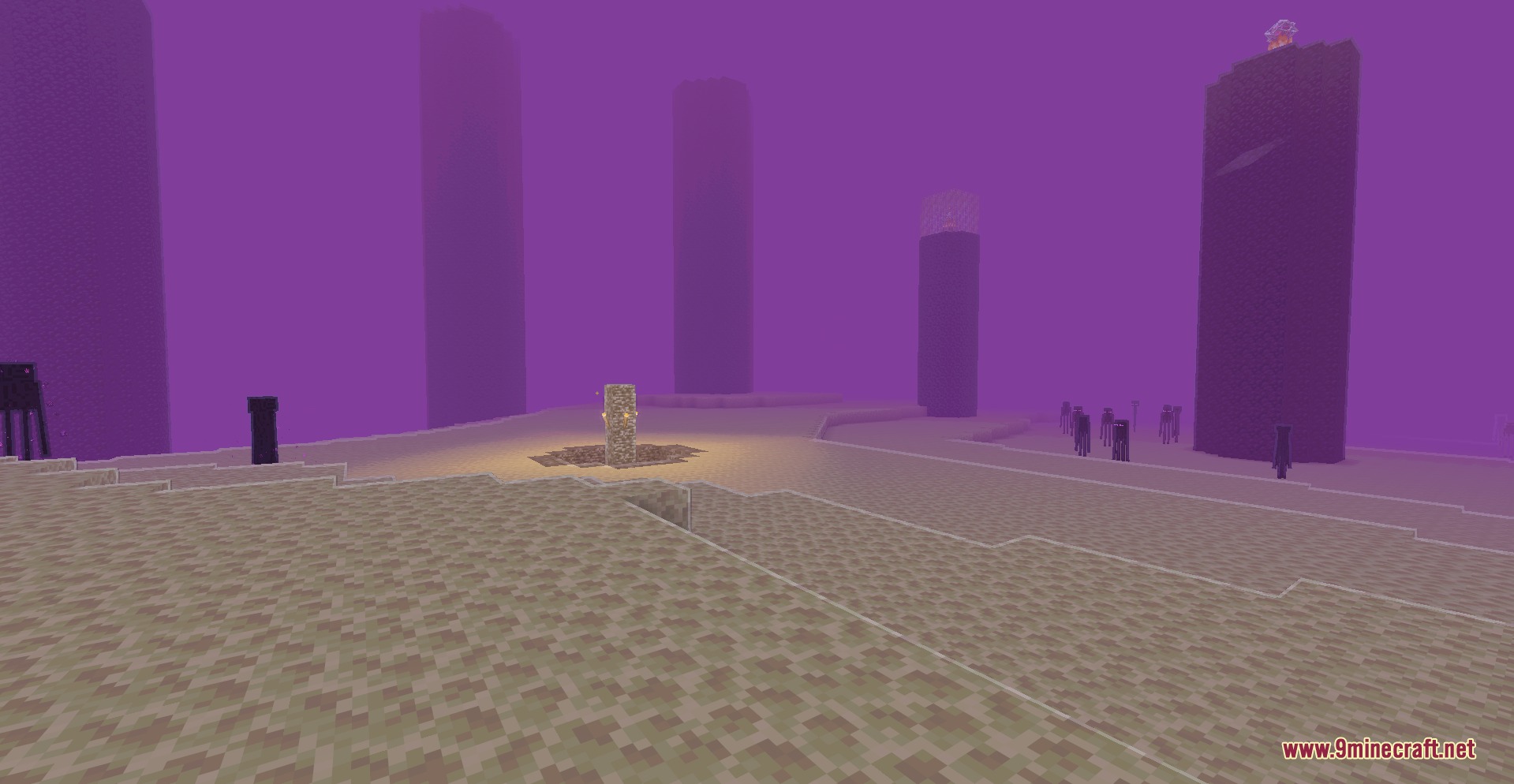
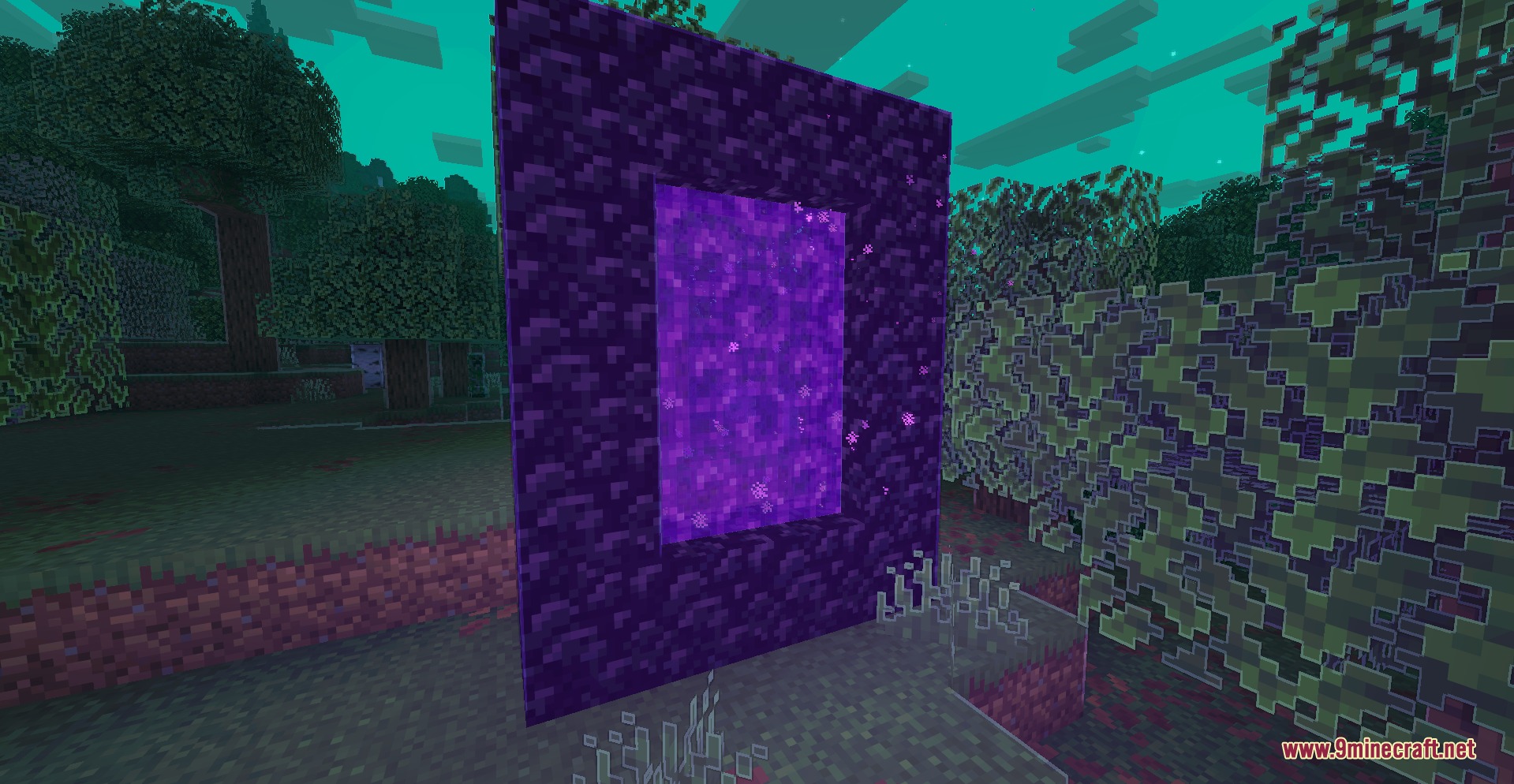
9 images from the Luma Light Mod page.

You May Also Like
Wikis that share the most with this one
Wikis on the same theme: light
More mod wikis on the site
The most downloaded mods that have a wiki here
A few wikis from each of the other kinds