

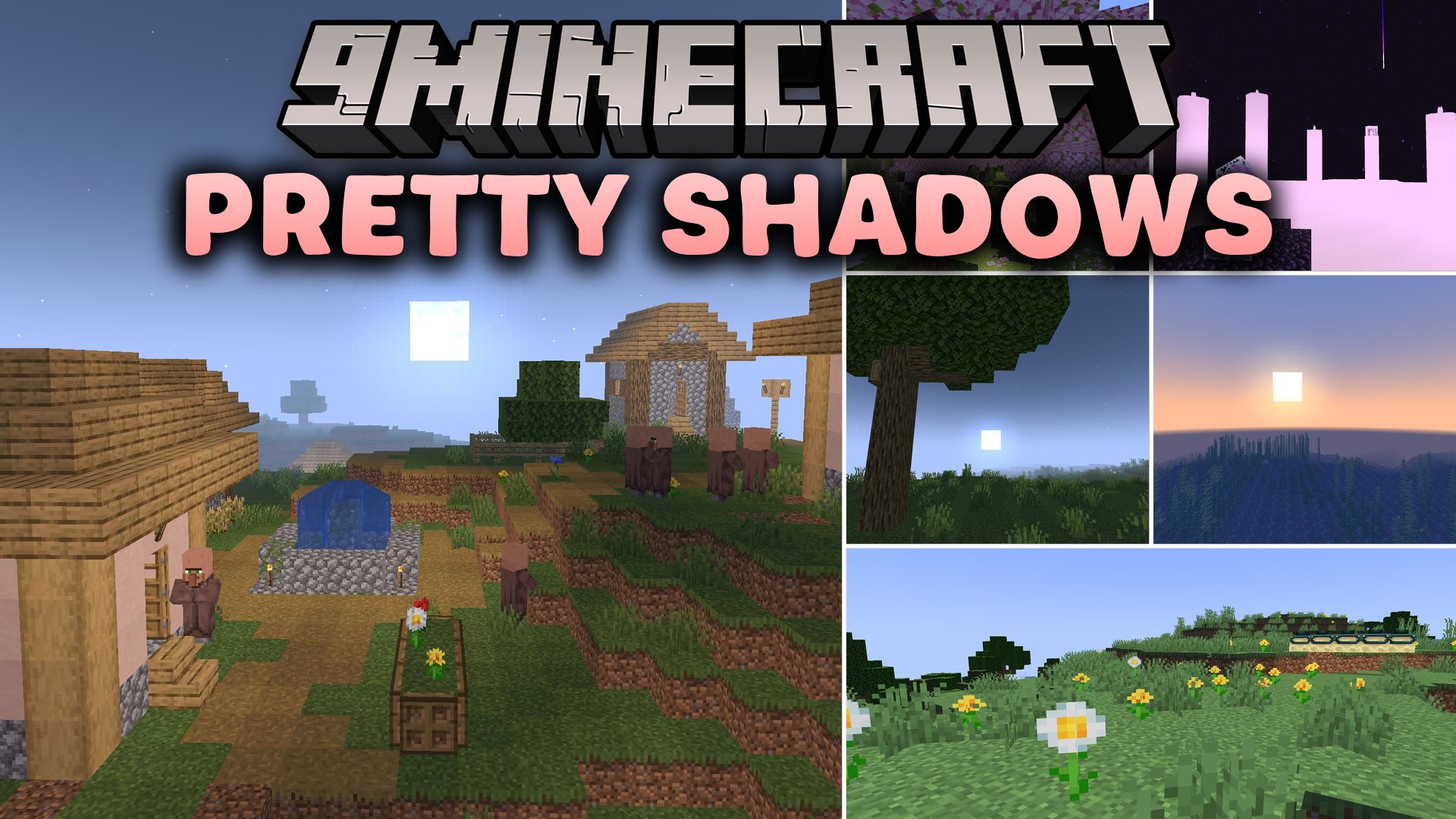
 DownloadPretty Shadows Shaders
Get the files on 9Minecraft
Guides
Step-by-step, in-game.
Adjust Shadow Distance and SharpnessAccess Shader Settings Open your shader options menu while in-game. On OptiFine, press Shift + O then navigate to…Balance Daylight and Torchlight IndoorsAccess Lighting Controls Open shader options (OptiFine: Shift + O > Shaders > Shader Options ; Iris: /iris config ).…Customize Fog and Visibility RangeOpen Fog Controls Access your shader options menu (OptiFine: Shift + O > Shaders > Shader Options ; Iris: /iris…Enhance Water and Surface ReflectionsLocate Reflection Settings Open shader options (OptiFine: Shift + O > Shaders > Shader Options ; Iris: /iris config…
Frequently asked questions
How do I turn on Pretty Shadows Shaders after installing it?
Launch Minecraft with either Iris or OptiFine installed, then open Video Settings and select Shaders. Find Pretty Shadows Shaders in the list and click it to activate—you'll see the changes immediately in-world.
Why do my shadows look too dark or too light?
Open the shader options menu (usually by pressing a hotkey in-game or through Video Settings > Shaders > Shader Options) and adjust the shadow intensity slider to find your preferred balance between contrast and visibility.
Can I use Pretty Shadows Shaders with resource packs?
Yes, Pretty Shadows Shaders works alongside resource packs since it only affects lighting and shadows, not textures—load both together without conflicts.
How do I reduce fog if it's too thick?
Access the shader options menu and look for fog distance or visibility range controls, then increase the value to push the fog further away or decrease it to bring fog closer.
See all 10 Pretty Shadows Shaders questions ›
Gallery
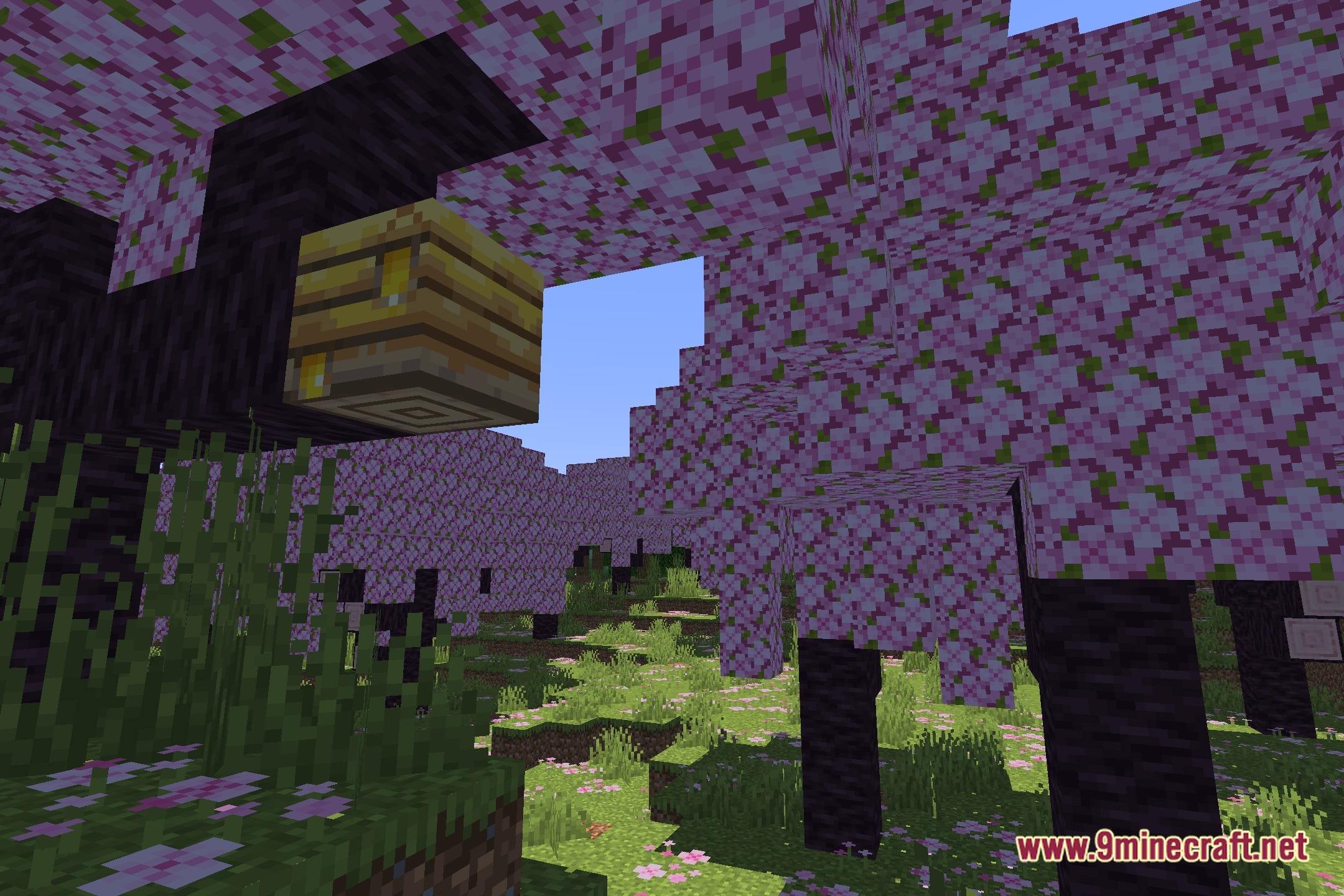
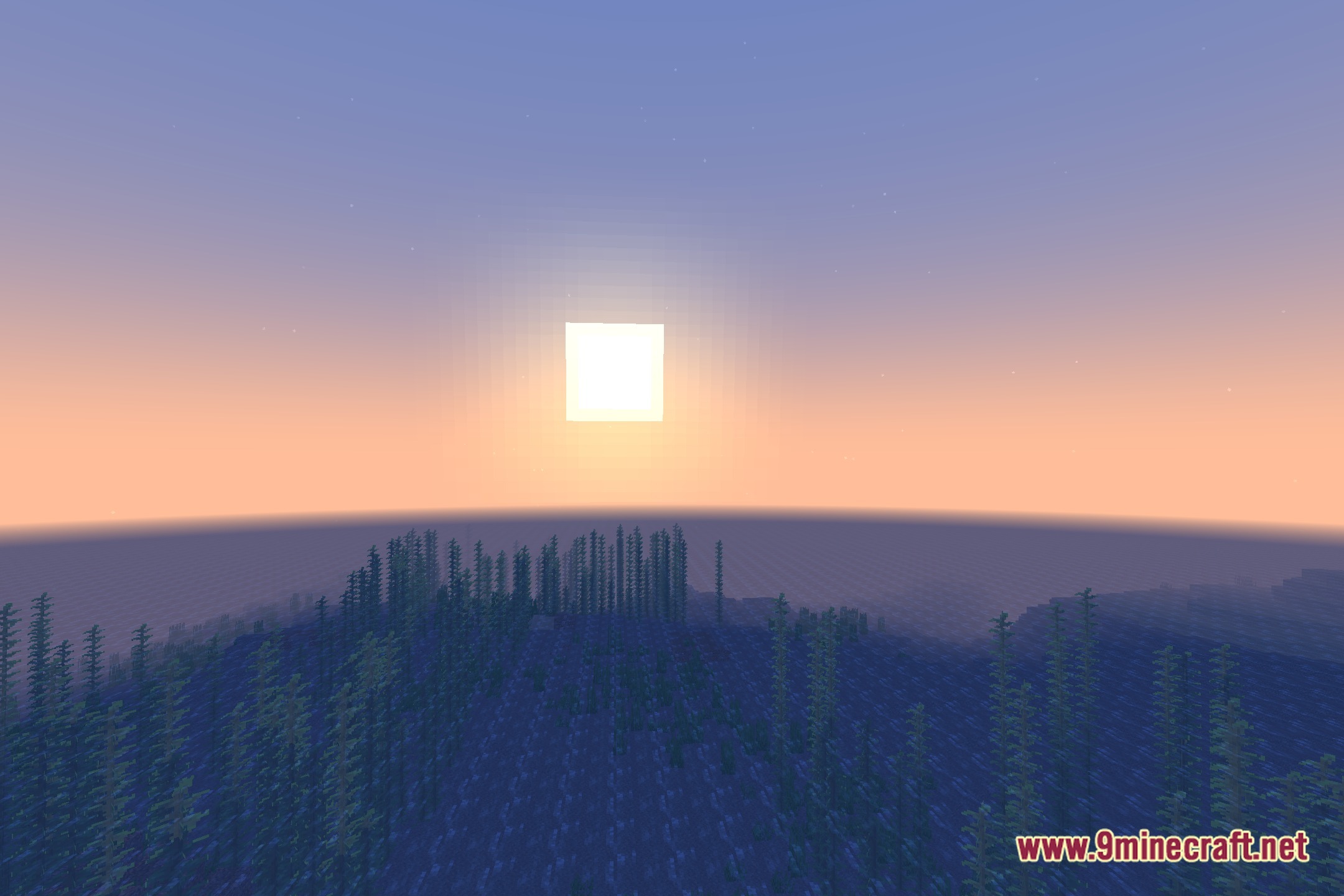
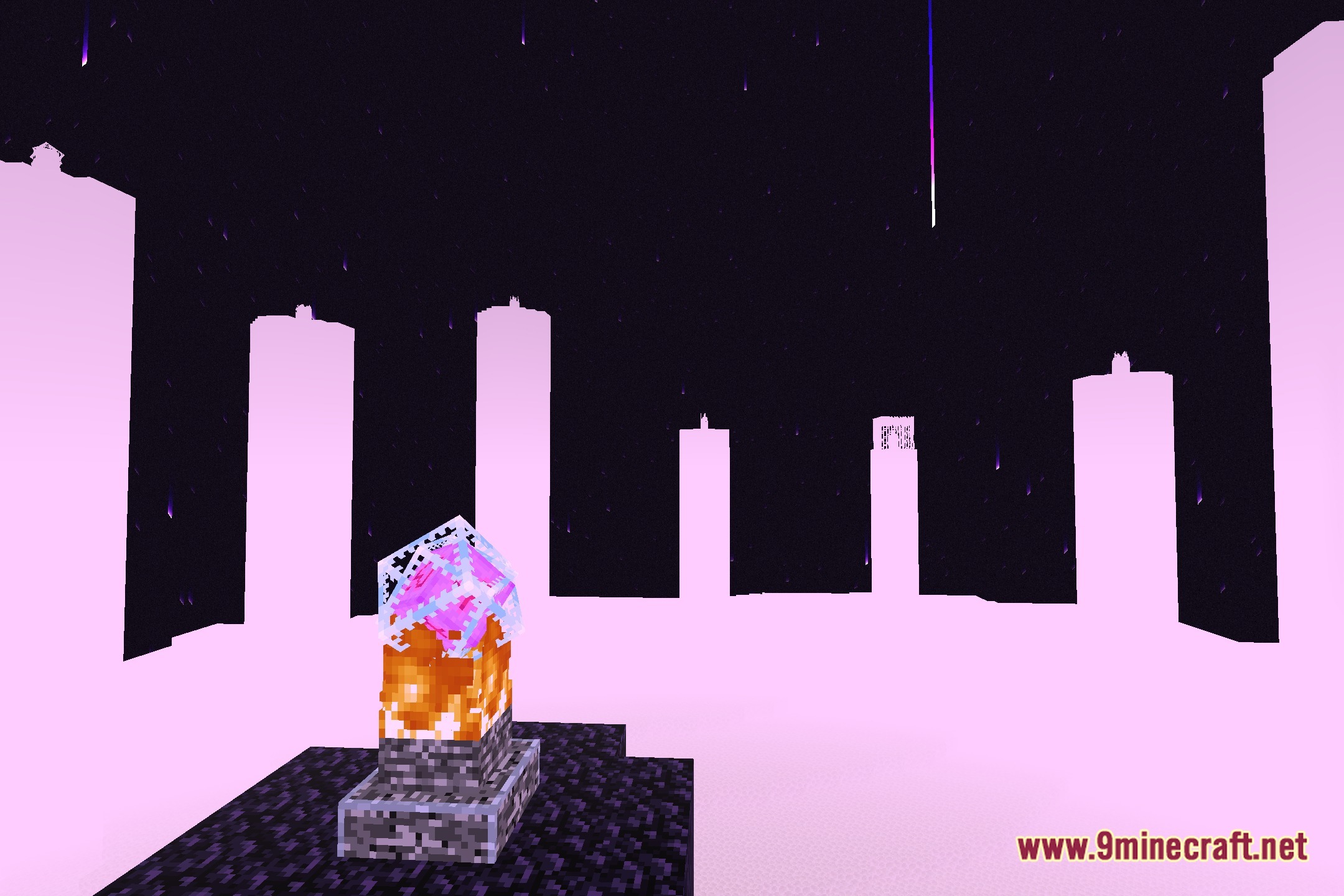
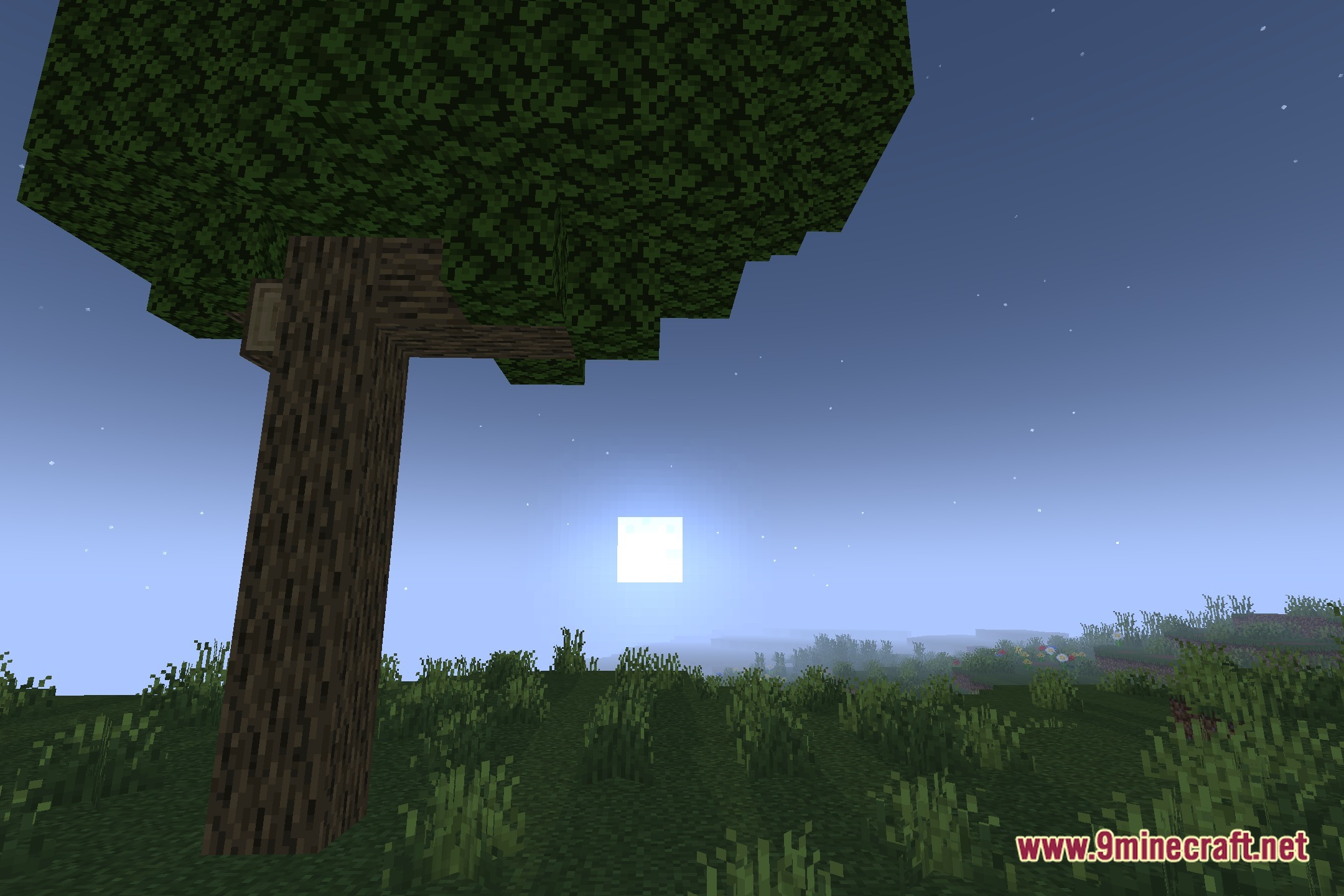
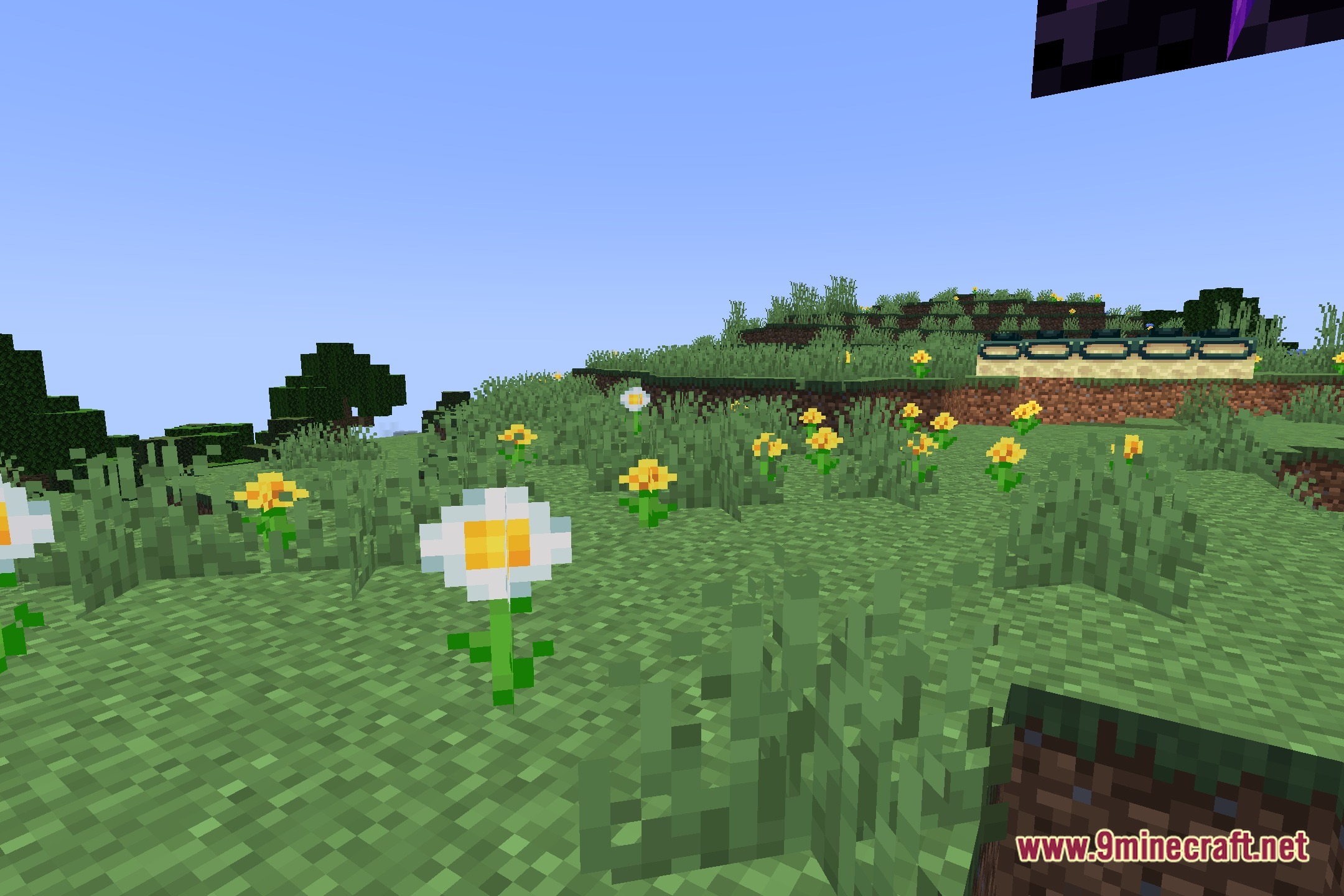
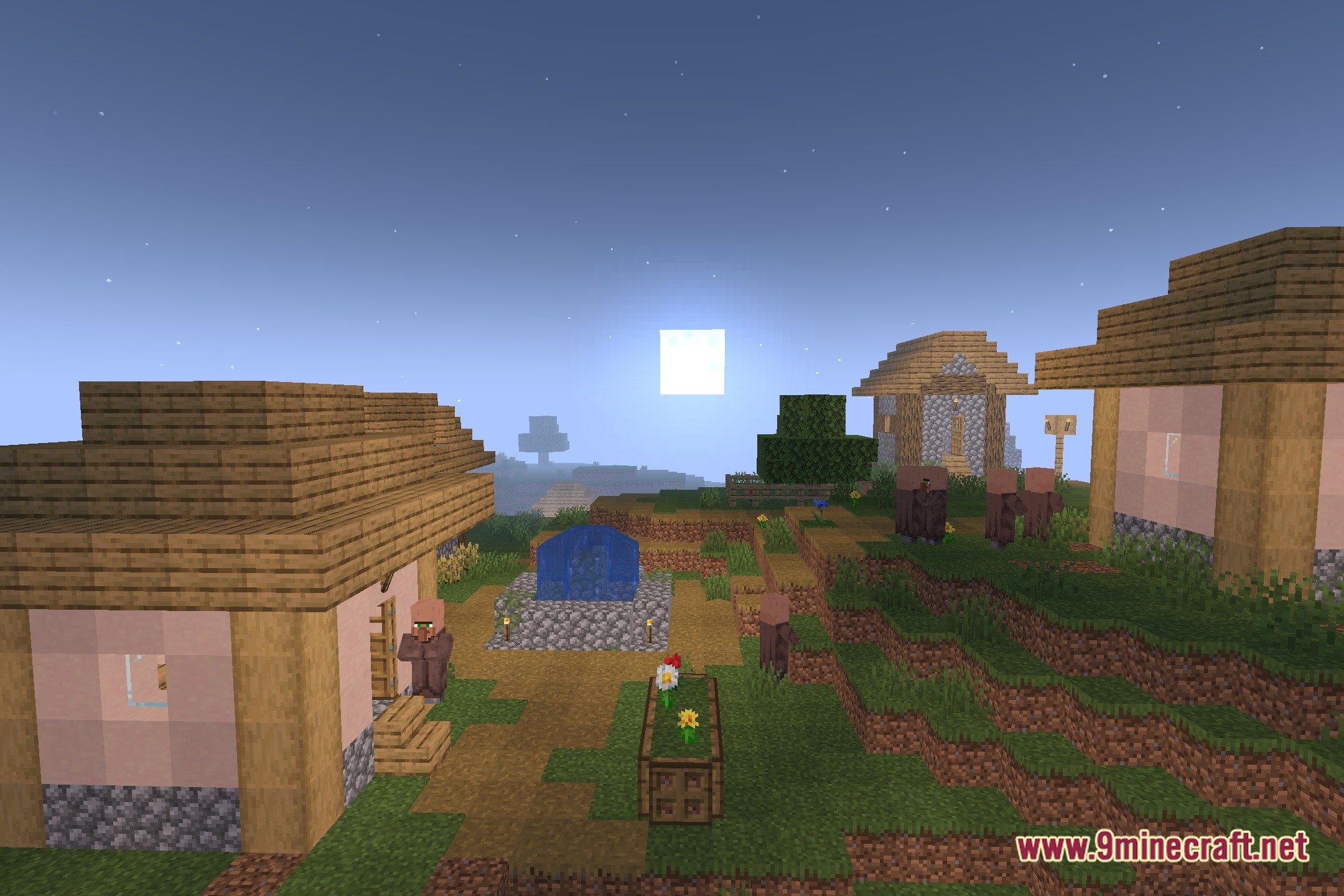
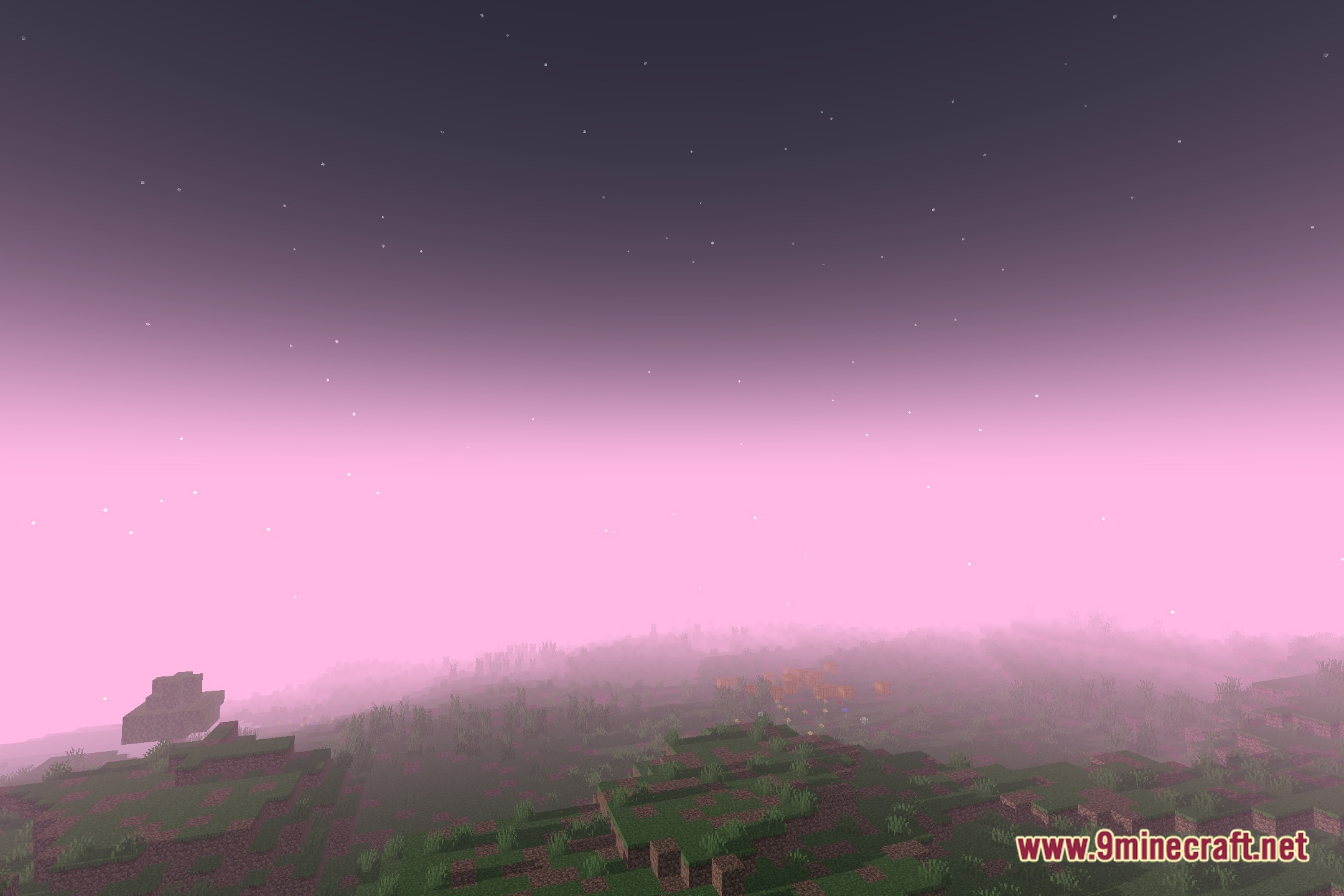
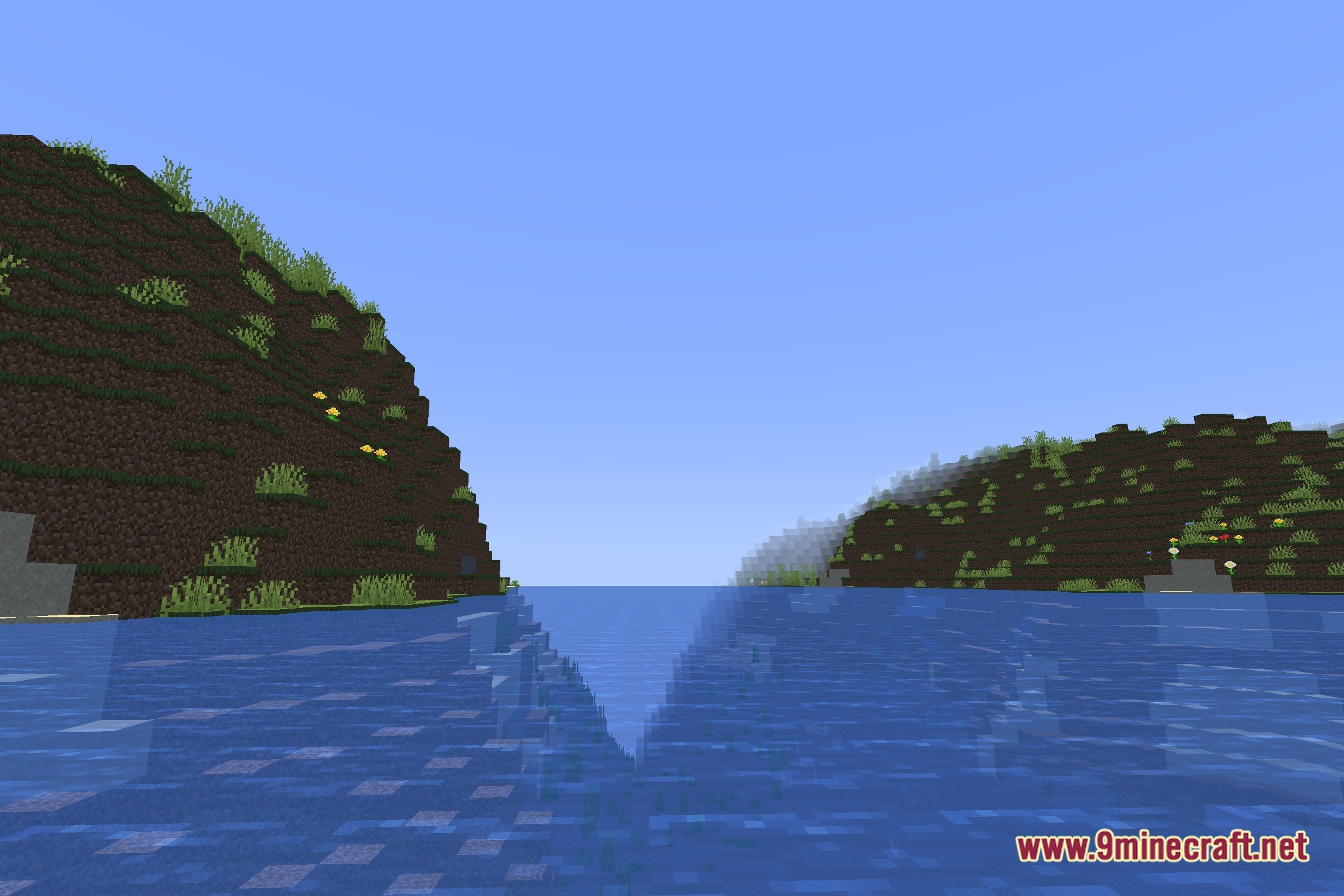
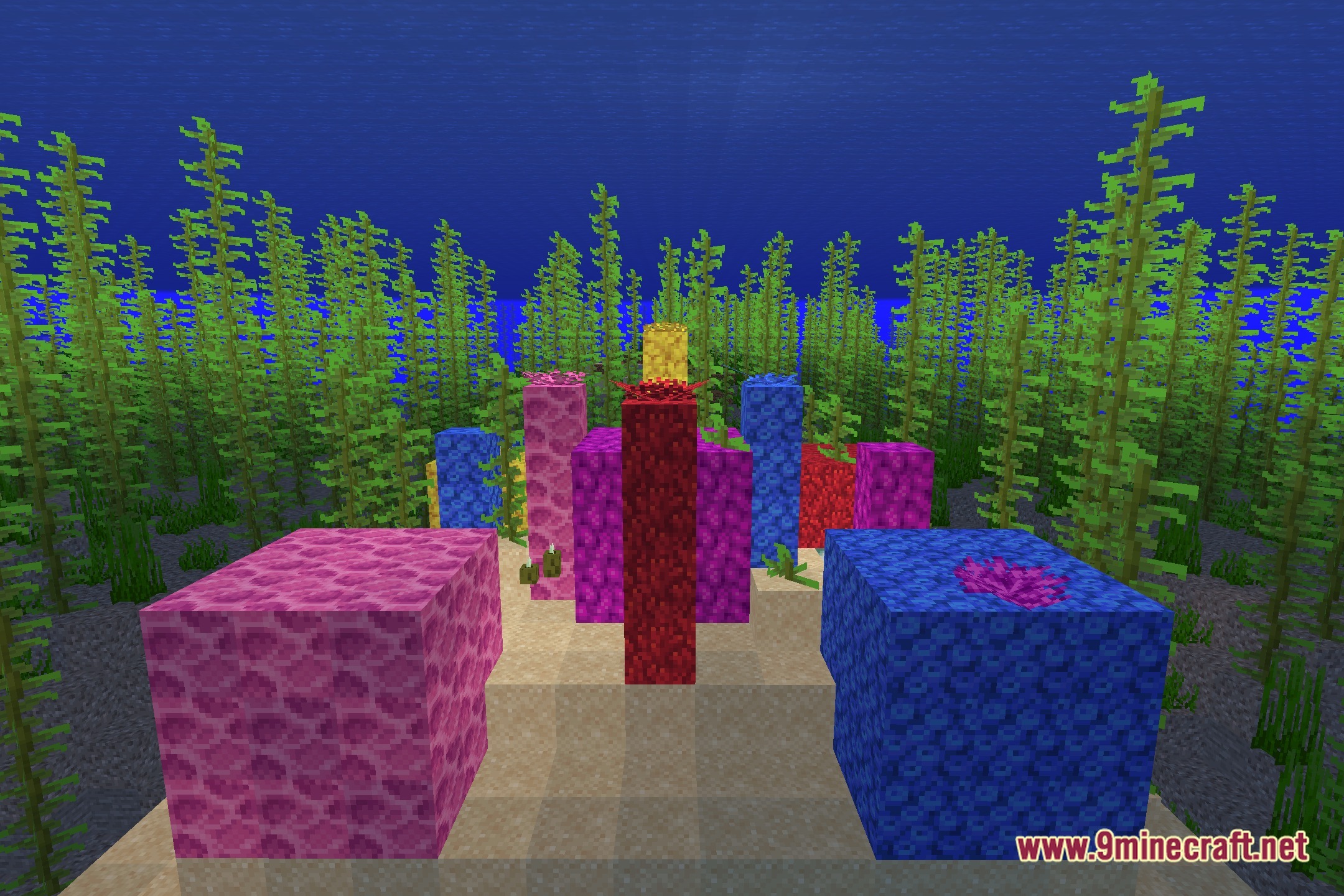
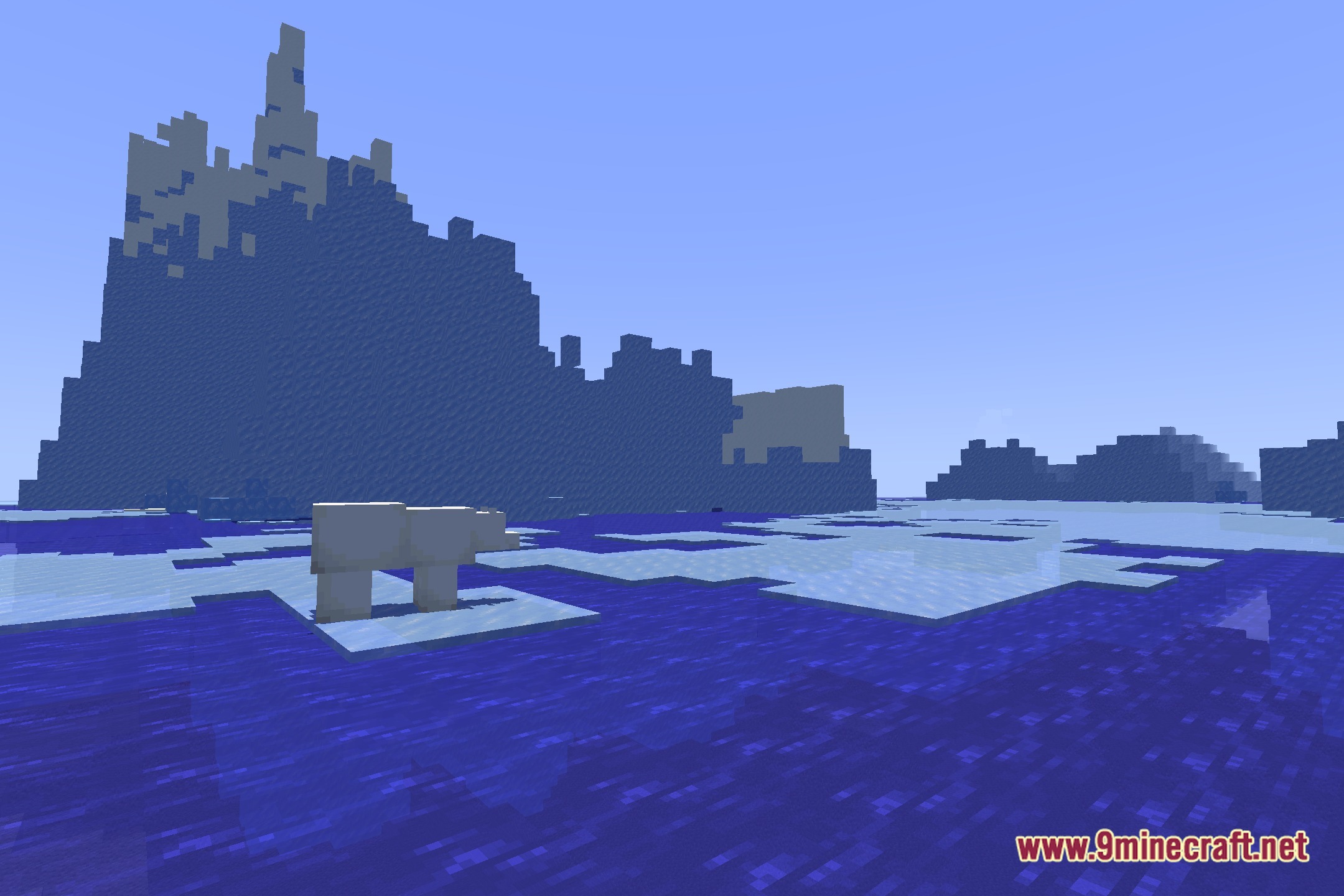
12 images from the Pretty Shadows Shaders page.
You May Also Like
Wikis that share the most with this one
Wikis on the same theme: end
More shader wikis on the site
The most downloaded mods that have a wiki here