

 DownloadMore & Better Shadows Shaders
Get the files on 9Minecraft
Guides
Step-by-step, in-game.
Adjust Shadow Distance and QualityAccess Shader Settings Open your shader options menu while in-game. This is typically found in Video Settings >…Optimize Shadows for Low-End PerformanceLower Shadow Resolution Reduce shadow map resolution in shader options. This is the primary performance setting—lower…Troubleshoot Missing or Broken ShadowsVerify Shader is Active Confirm the shader is actually enabled in Video Settings > Shaders. The shader name should…Use Shadows to Enhance Build AestheticsLeverage Shadow Depth for Landscaping Shadows cast by terrain and trees create natural depth in outdoor builds.…
Frequently asked questions
How do I turn on shadows after installing the mod?
Open your shader settings menu (usually accessed through video settings) and select More & Better Shadows Shaders from the available shader list. Shadows will activate immediately once applied.
Why are my shadows not showing up?
Check that your graphics card supports shader rendering and that you haven't disabled shadows in the shader options menu. If shadows still don't appear, verify the mod is properly installed and try restarting your game.
Can I use this shader with other mods?
Yes, this shader is compatible with most mods since it only affects lighting and shadows. However, mods that heavily modify rendering or lighting may conflict—test in-game to confirm compatibility.
My FPS dropped after installing shadows. How do I fix it?
Reduce the shadow distance and quality settings in the shader options—lower values have less performance impact. You can also lower your render distance or disable other visual features to regain FPS.
See all 10 More & Better Shadows Shaders questions ›
Gallery
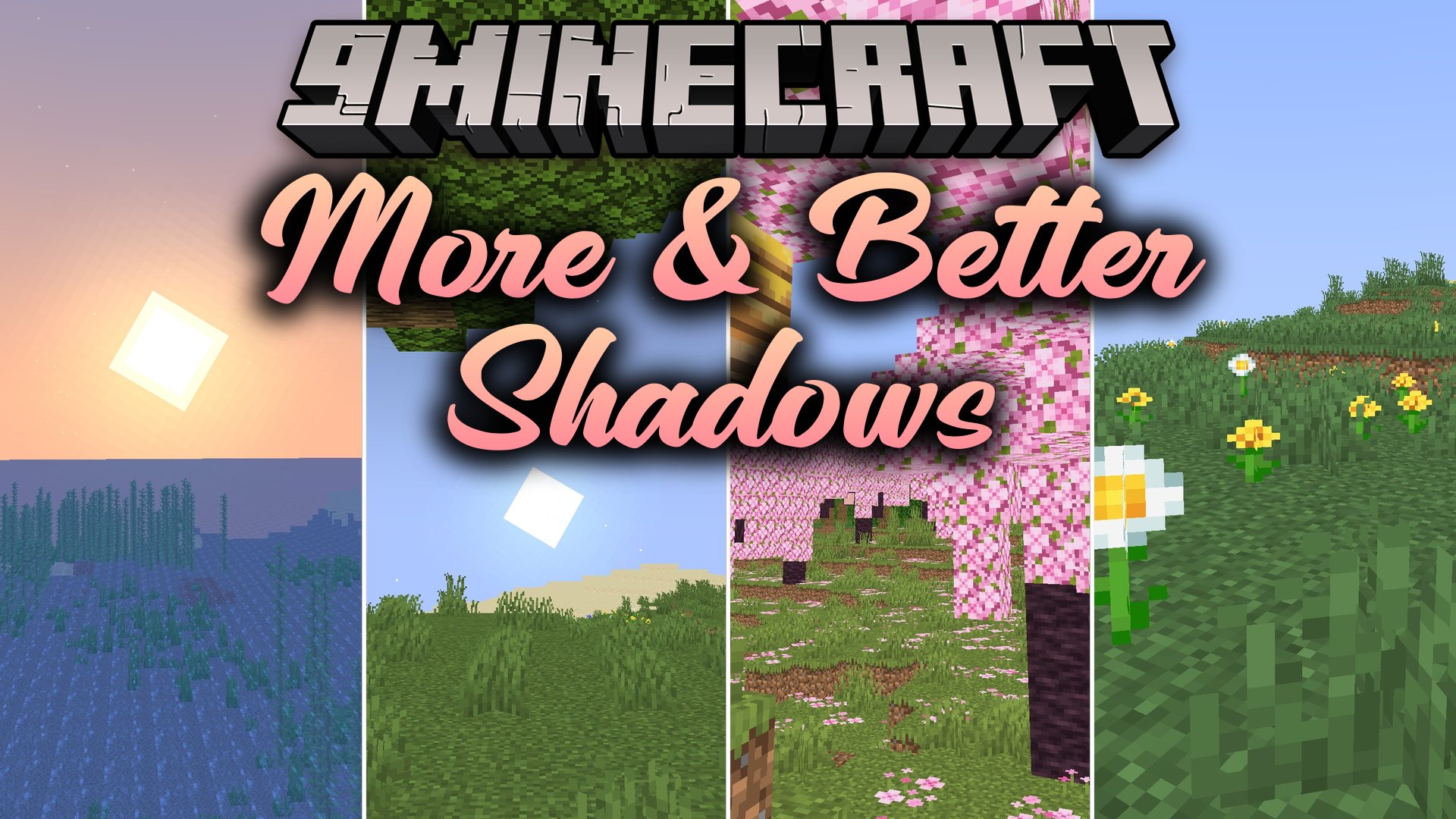
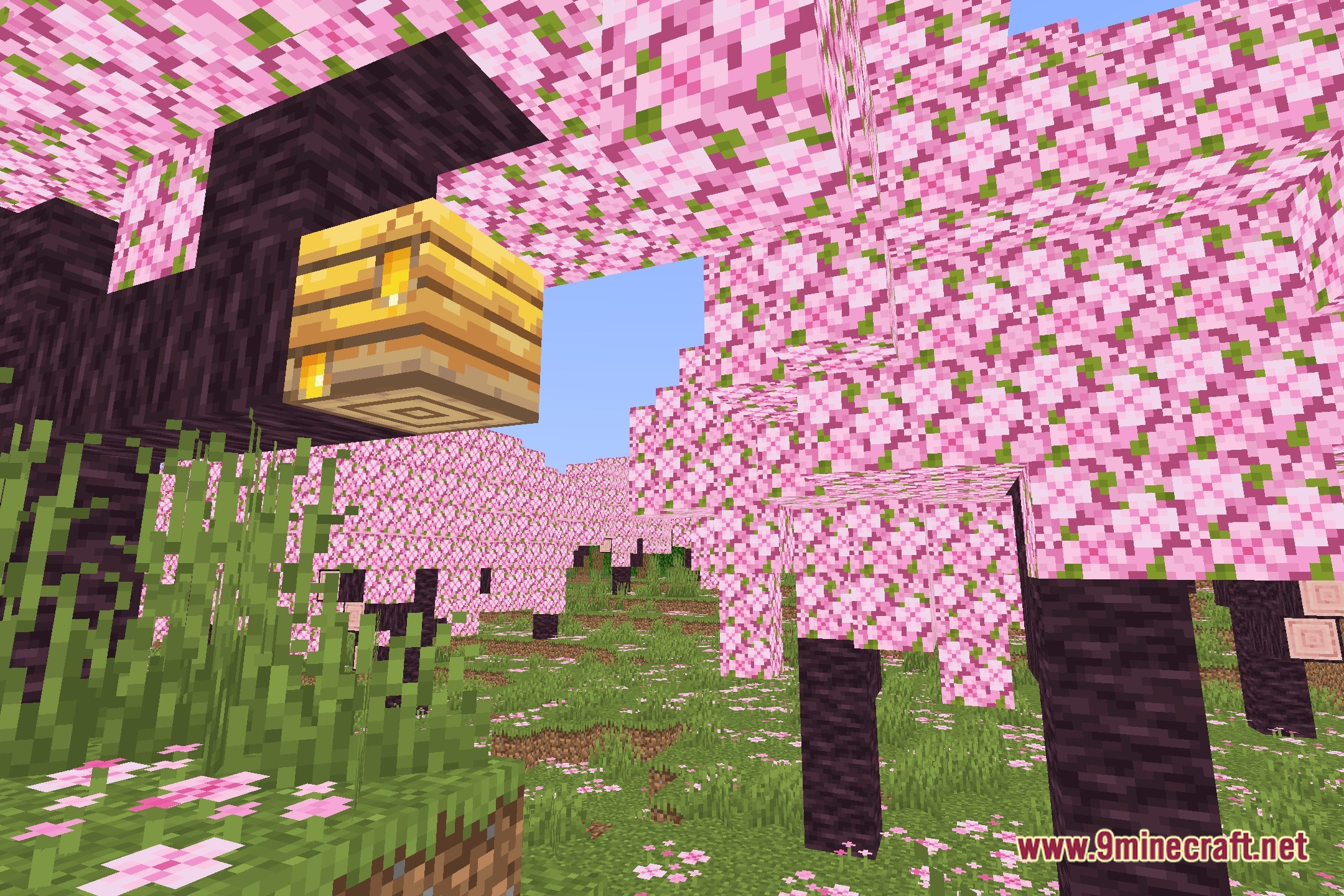
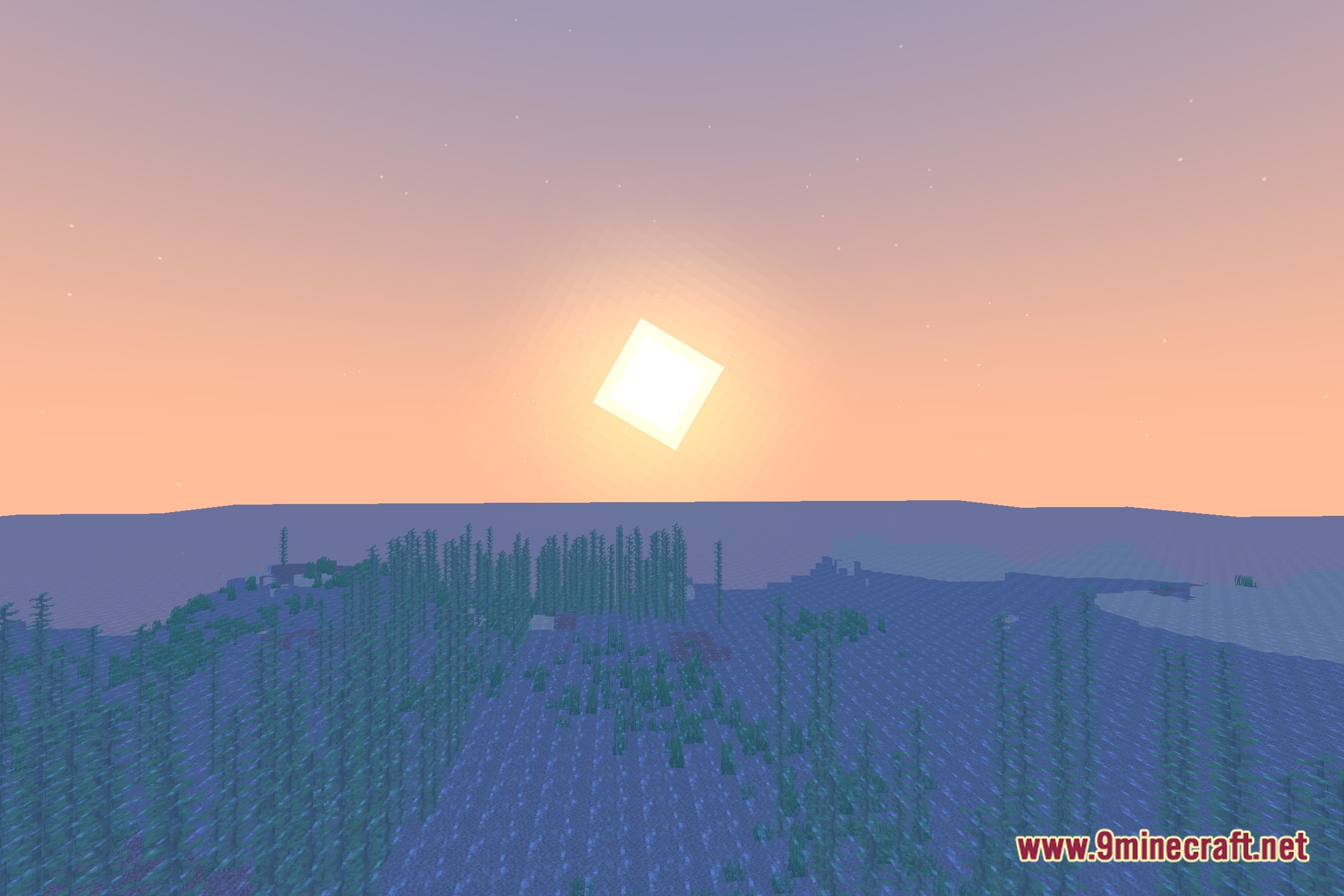
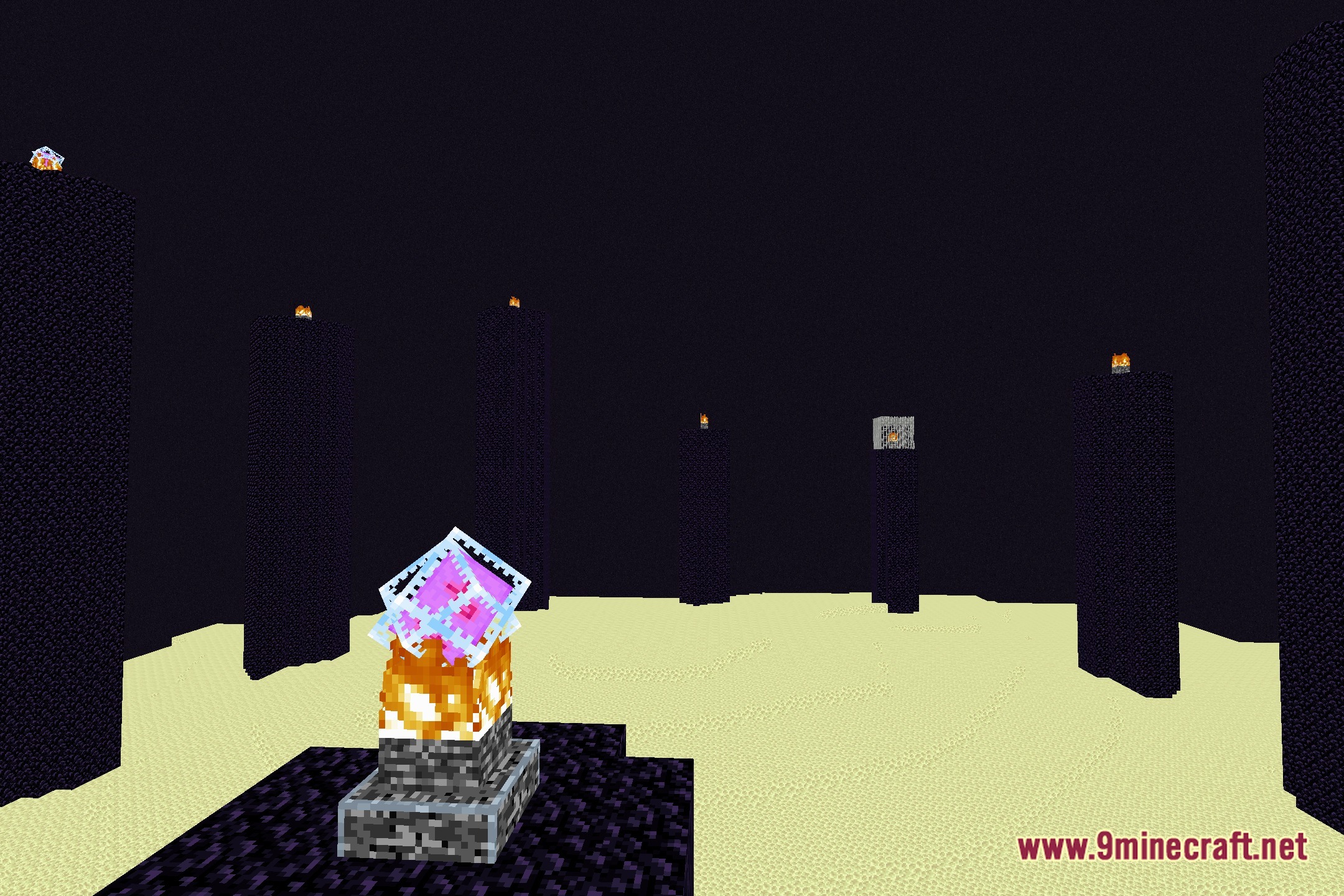
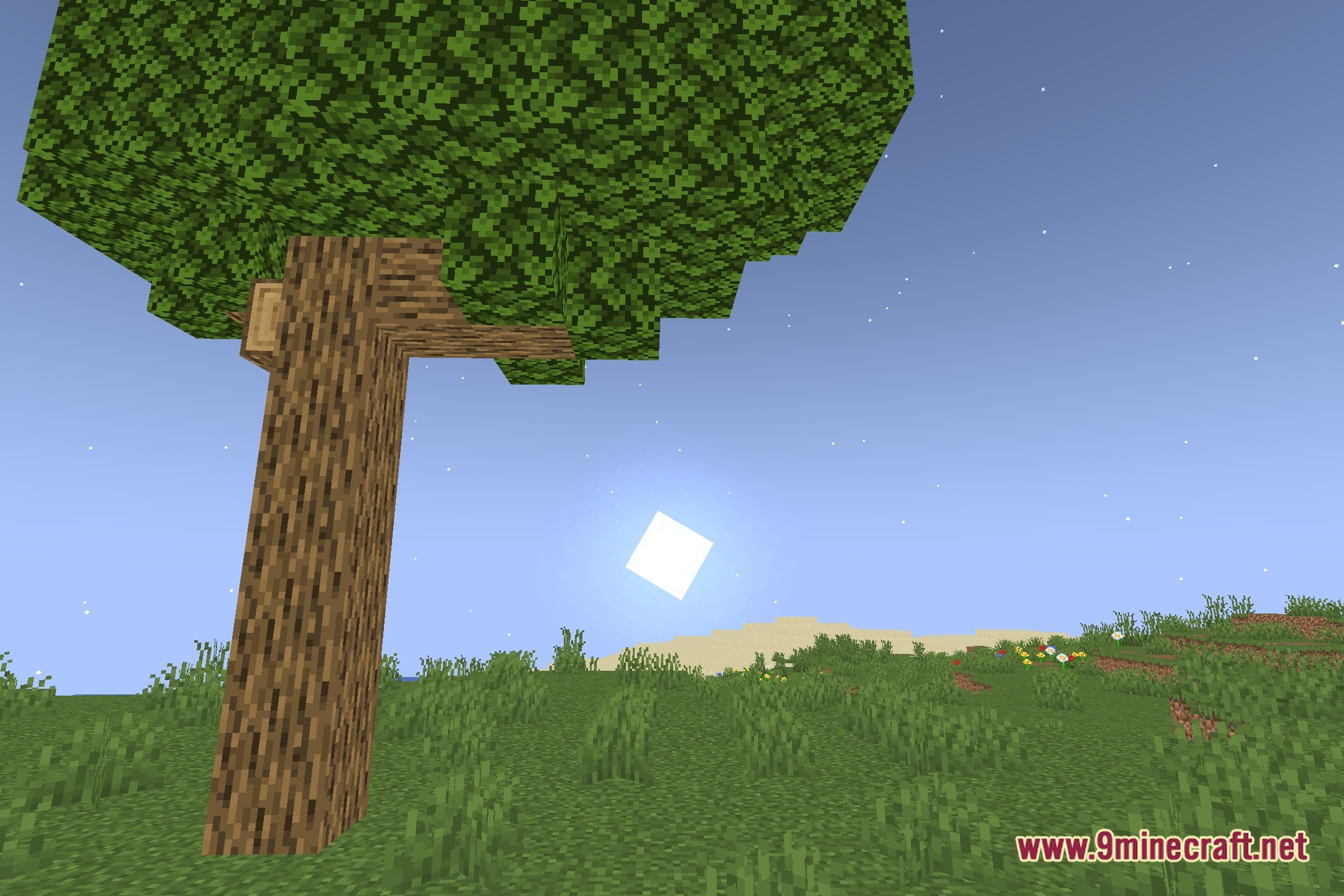
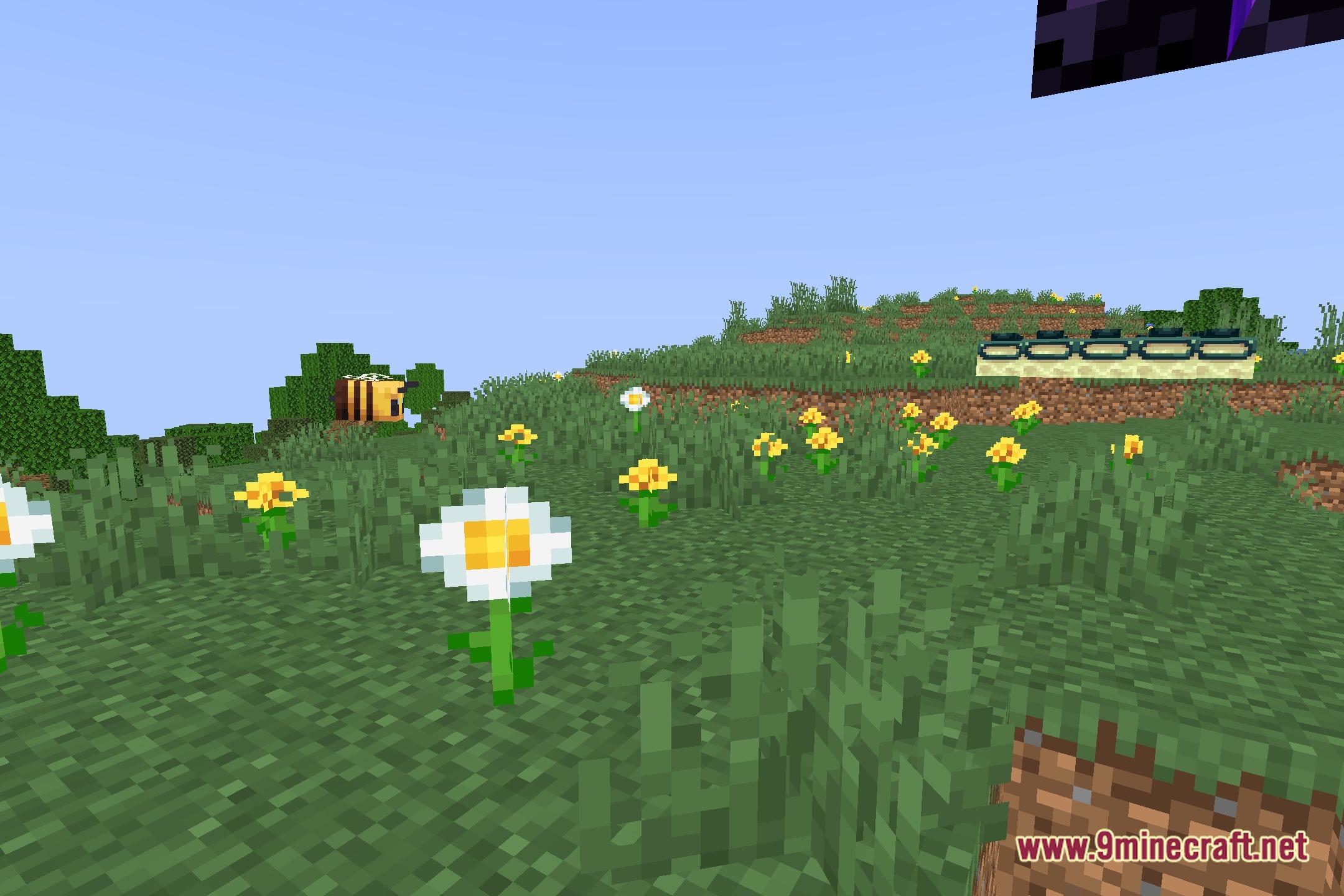
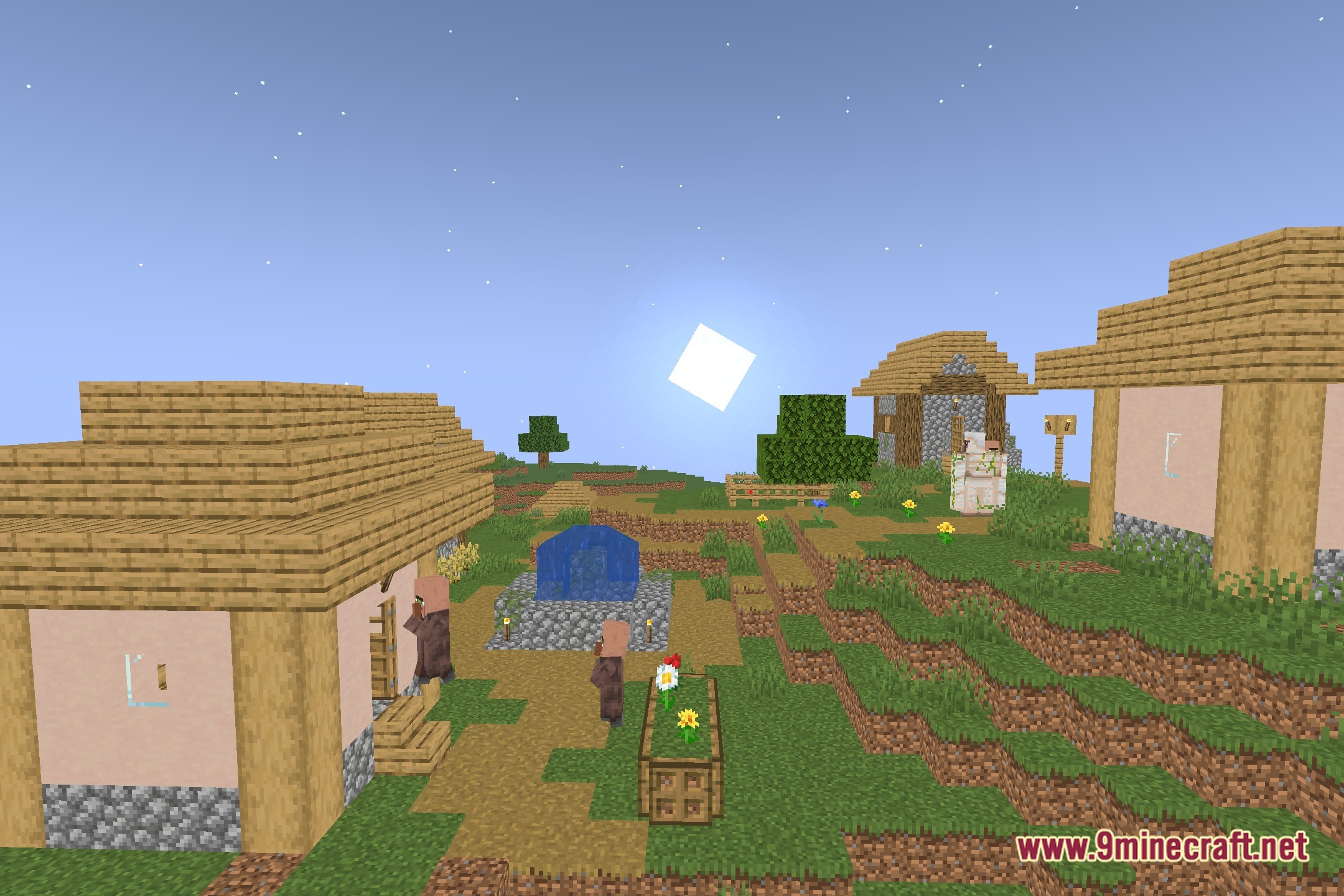
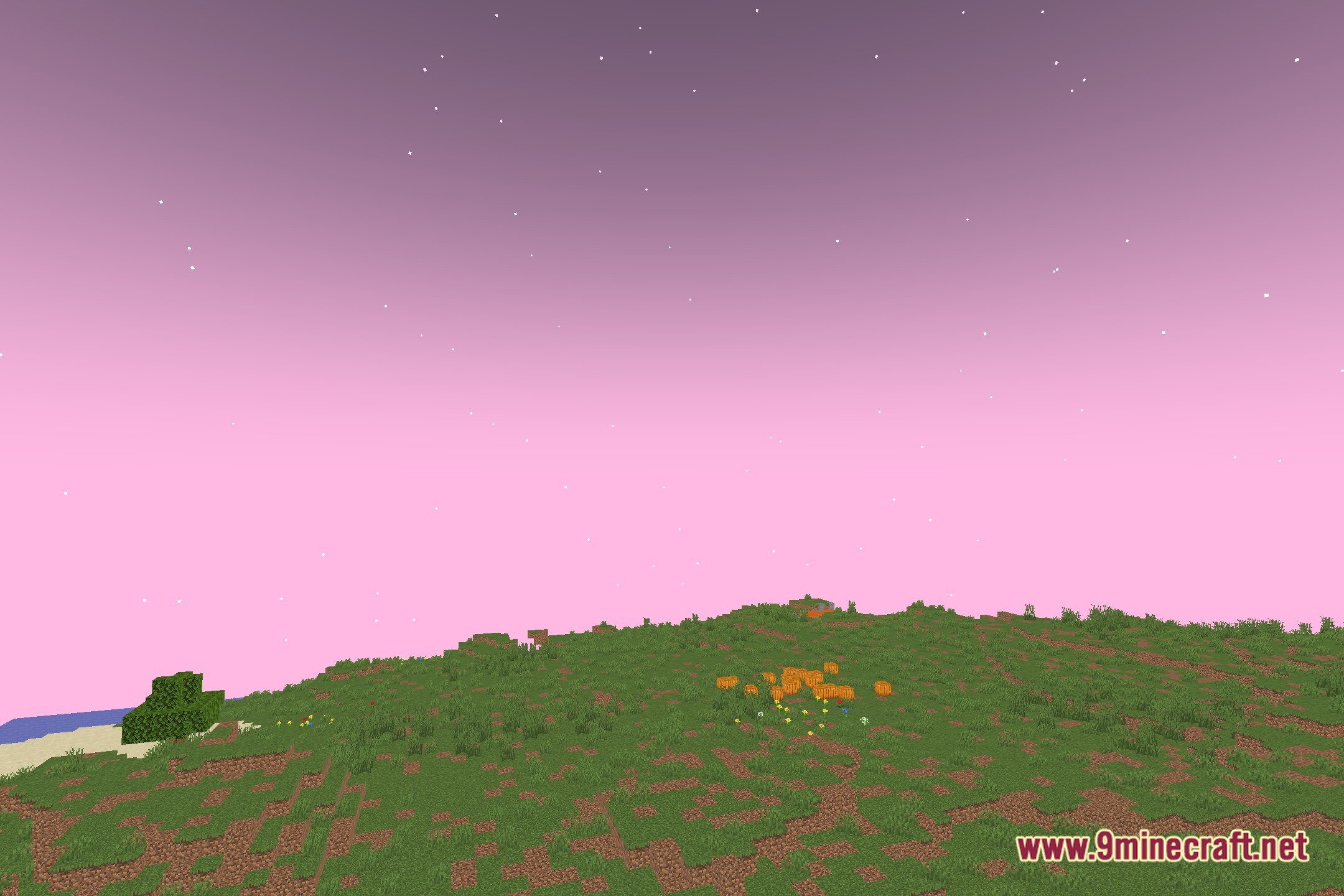
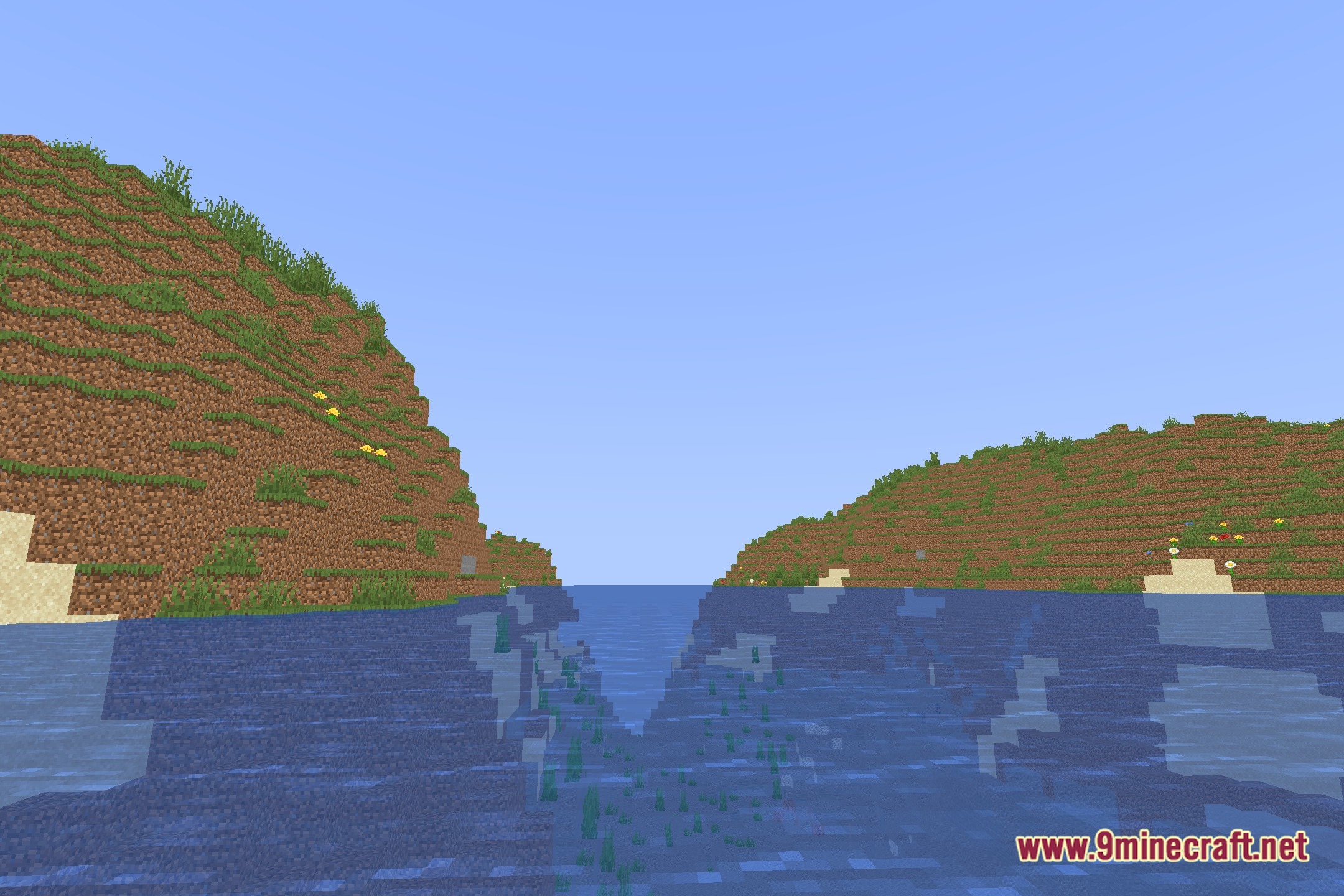
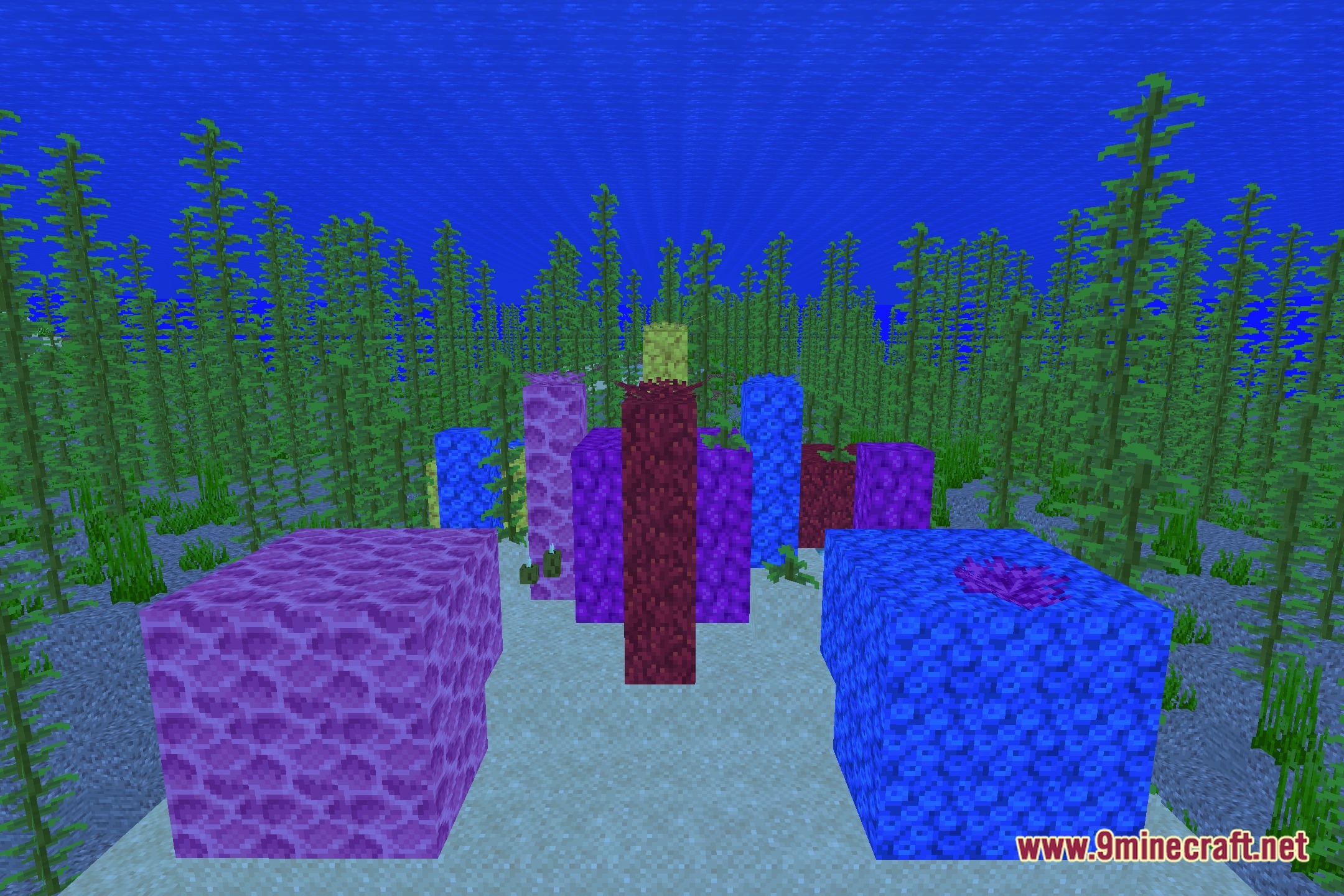
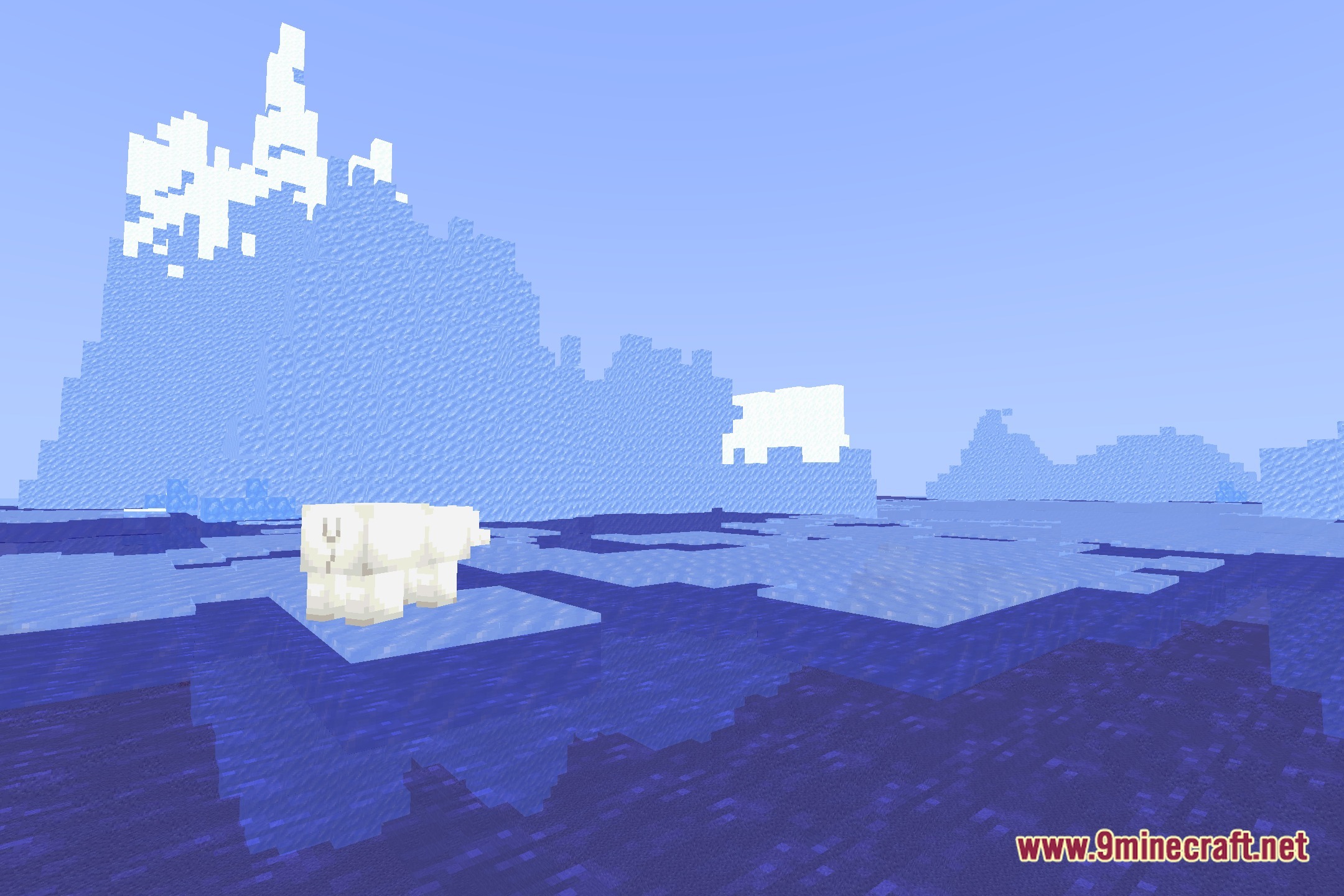
12 images from the More Better Shadows Shaders page.
You May Also Like
Wikis that share the most with this one
Wikis on the same theme: end
More shader wikis on the site
 Moody Dreams Shaders
The most downloaded mods that have a wiki here