

 DownloadVivid Cinematic Shadows Shaders
Get the files on 9Minecraft
Guides
Step-by-step, in-game.
Adjust Shadow Quality and DistanceAccess Shader Settings Open the shader options menu by pressing the designated key (usually accessed through your…Enhance Bloom Effects from Light SourcesFind Bloom Controls Open shader settings and locate the bloom or glow section. This shader spreads soft bloom…Optimize Water Reflections for Your SystemLocate Water Settings In the shader options menu, find the water or reflection section. This shader includes…Troubleshoot Flickering or Unstable ShadowsIdentify the Problem Shadows flickering, banding, or changing erratically usually stem from shadow map resolution…
Frequently asked questions
How do I turn on the shader after installing it?
Open Options > Video Settings > Shaders, then locate Vivid Cinematic Shadows in your shader list and click it to activate. You'll see the effects apply immediately to your world.
Why do my shadows look blocky or pixelated?
Shadow Quality is set too low for your preference. Go to Shader Options and increase the shadow resolution or distance slider to make shadows smoother and more detailed.
Can I use this shader with other mods?
Yes, Vivid Cinematic Shadows works with most mods, but mods that heavily modify rendering (like other shaders or lighting overhauls) will conflict. Mods that add blocks or items work fine.
My water looks too reflective and I get lag—how do I fix it?
Open Shader Options and lower the water reflection quality or disable reflections entirely. You can also reduce the reflection distance to improve performance while keeping some water realism.
See all 10 Vivid Cinematic Shadows Shaders questions ›
Gallery
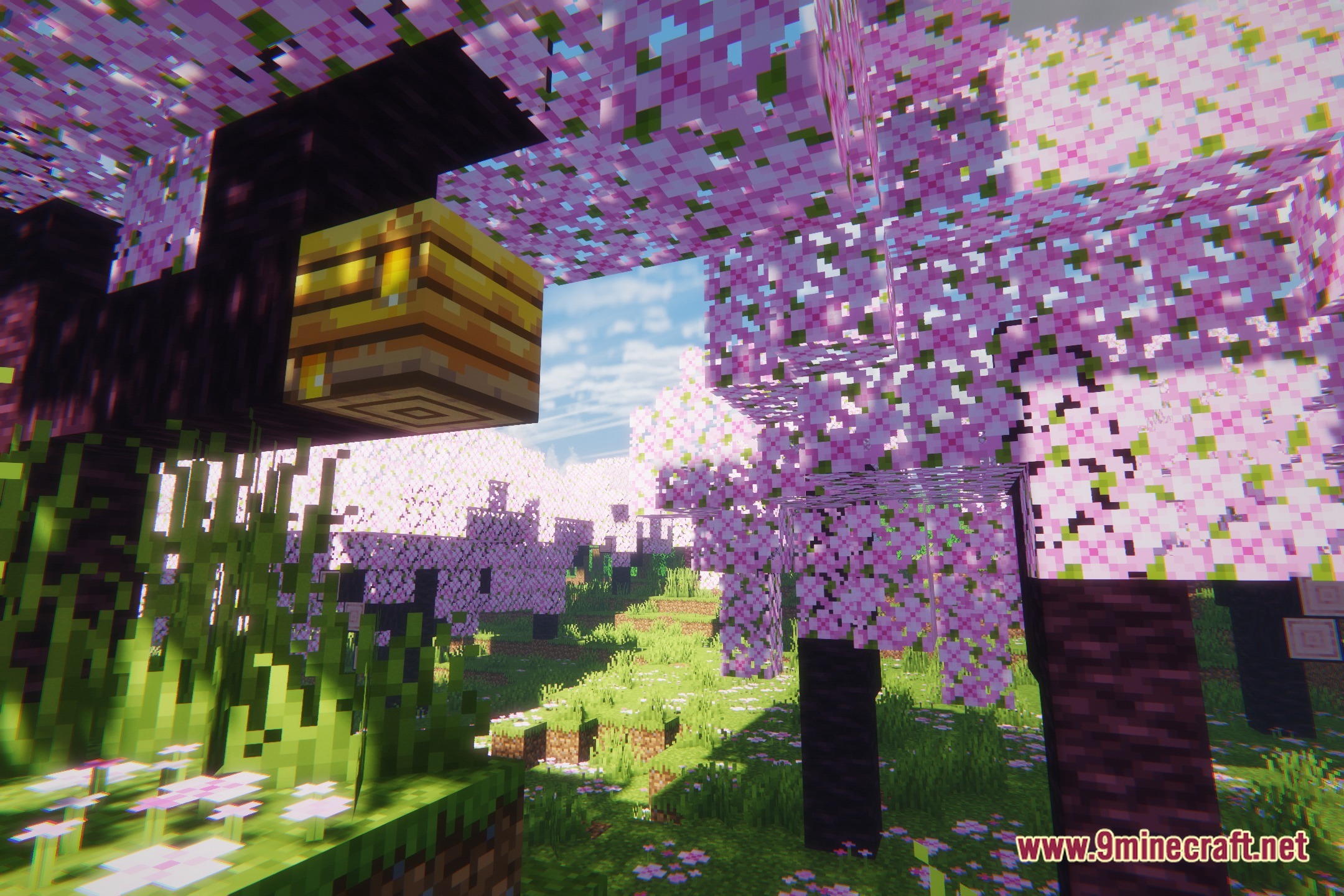
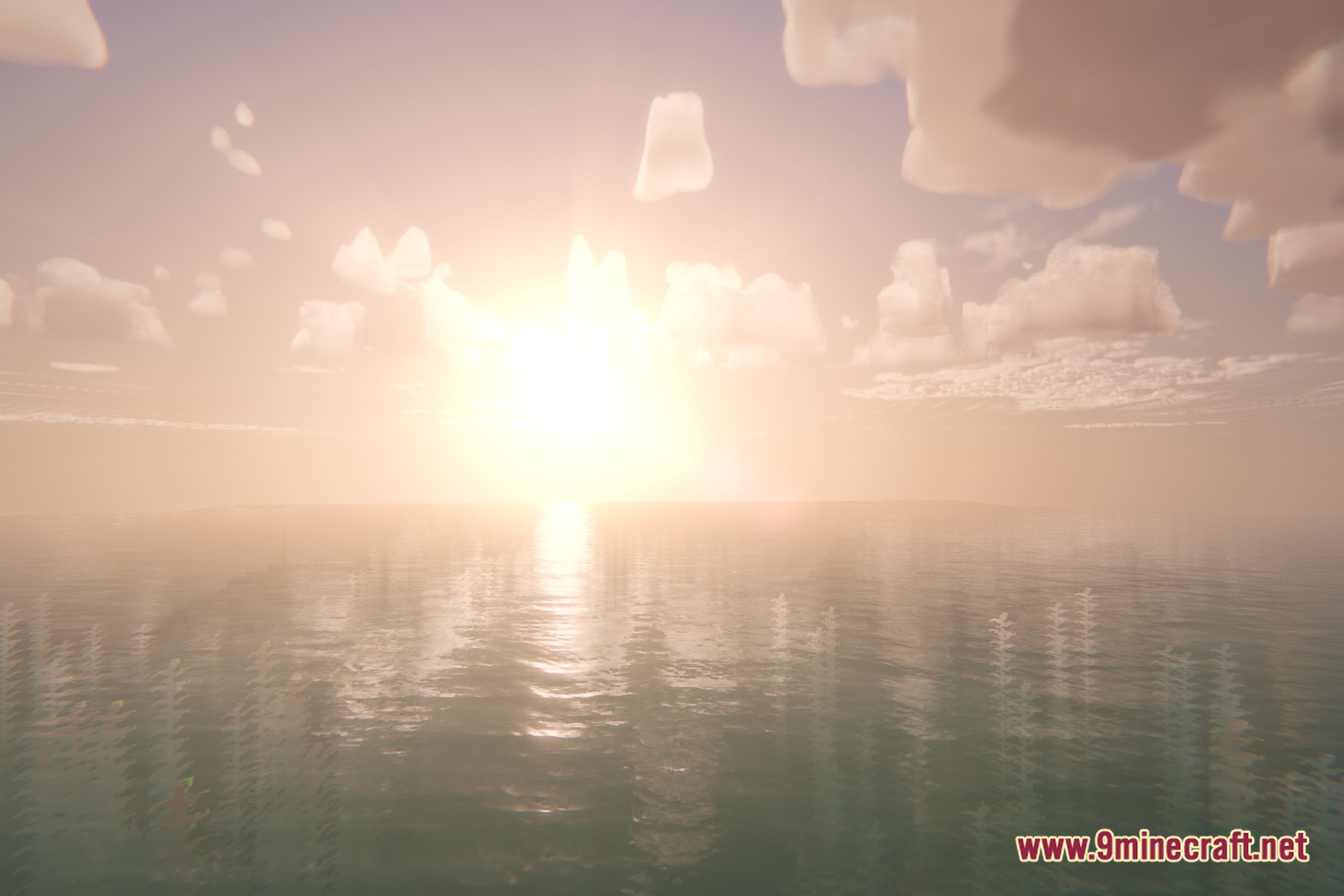
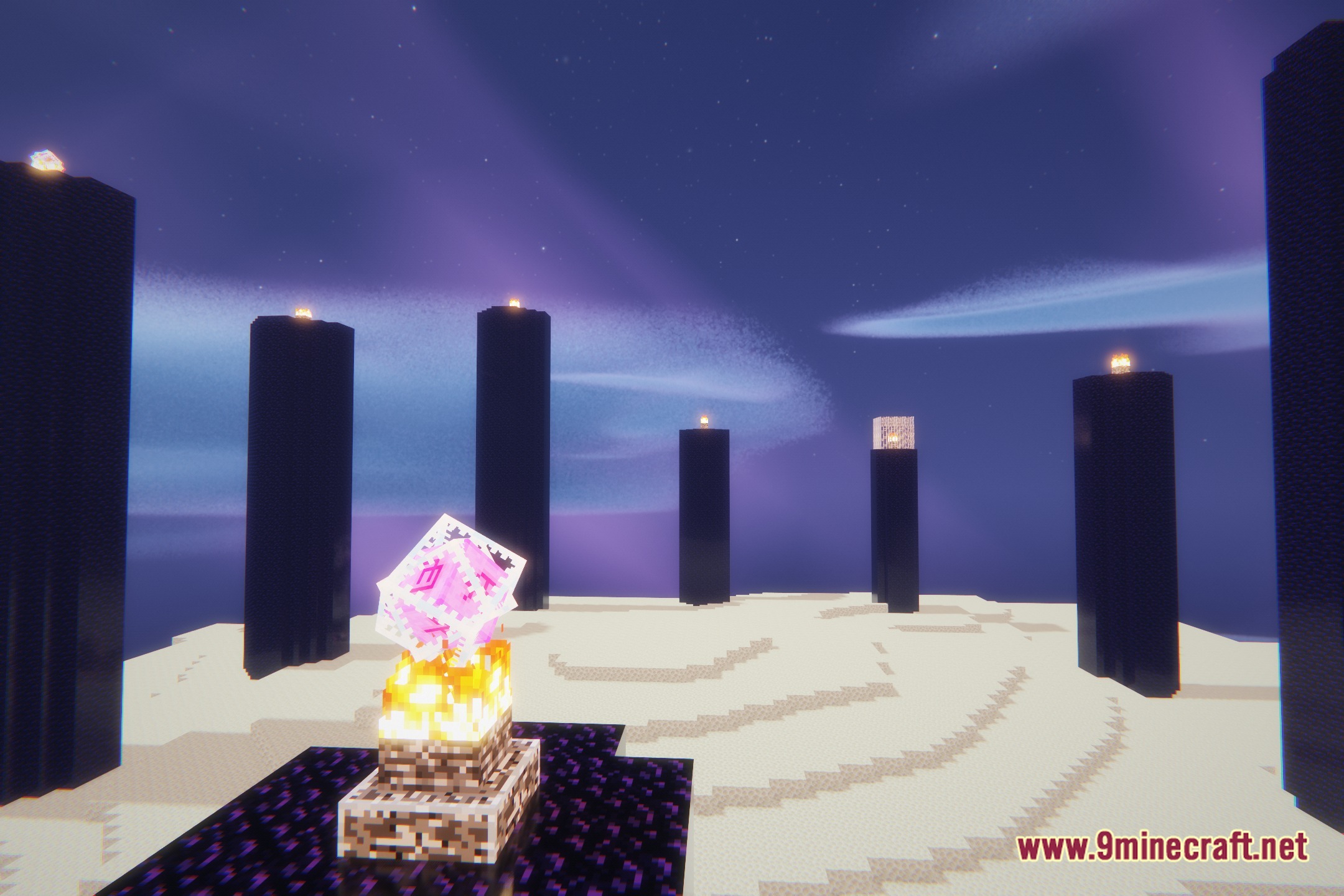
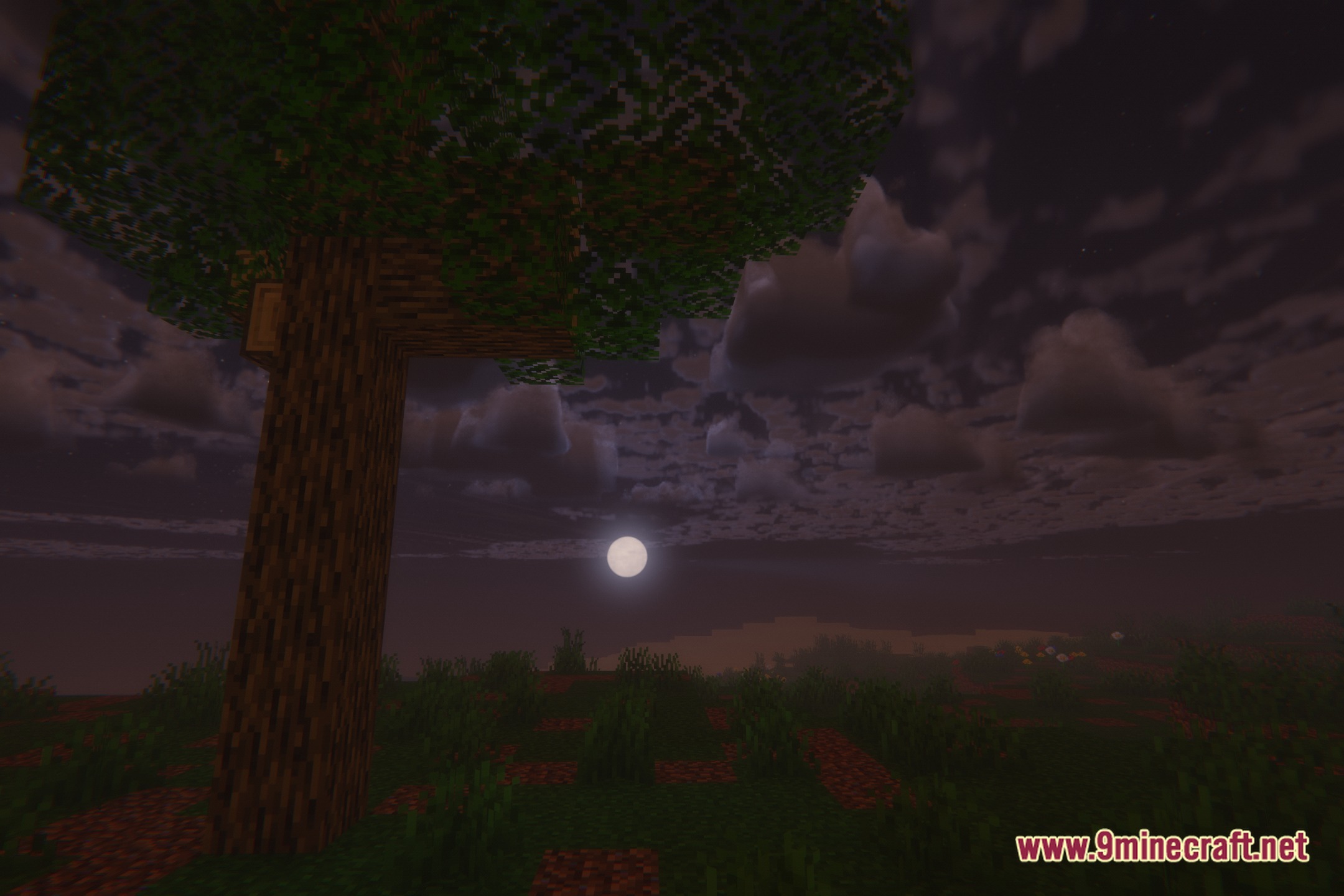
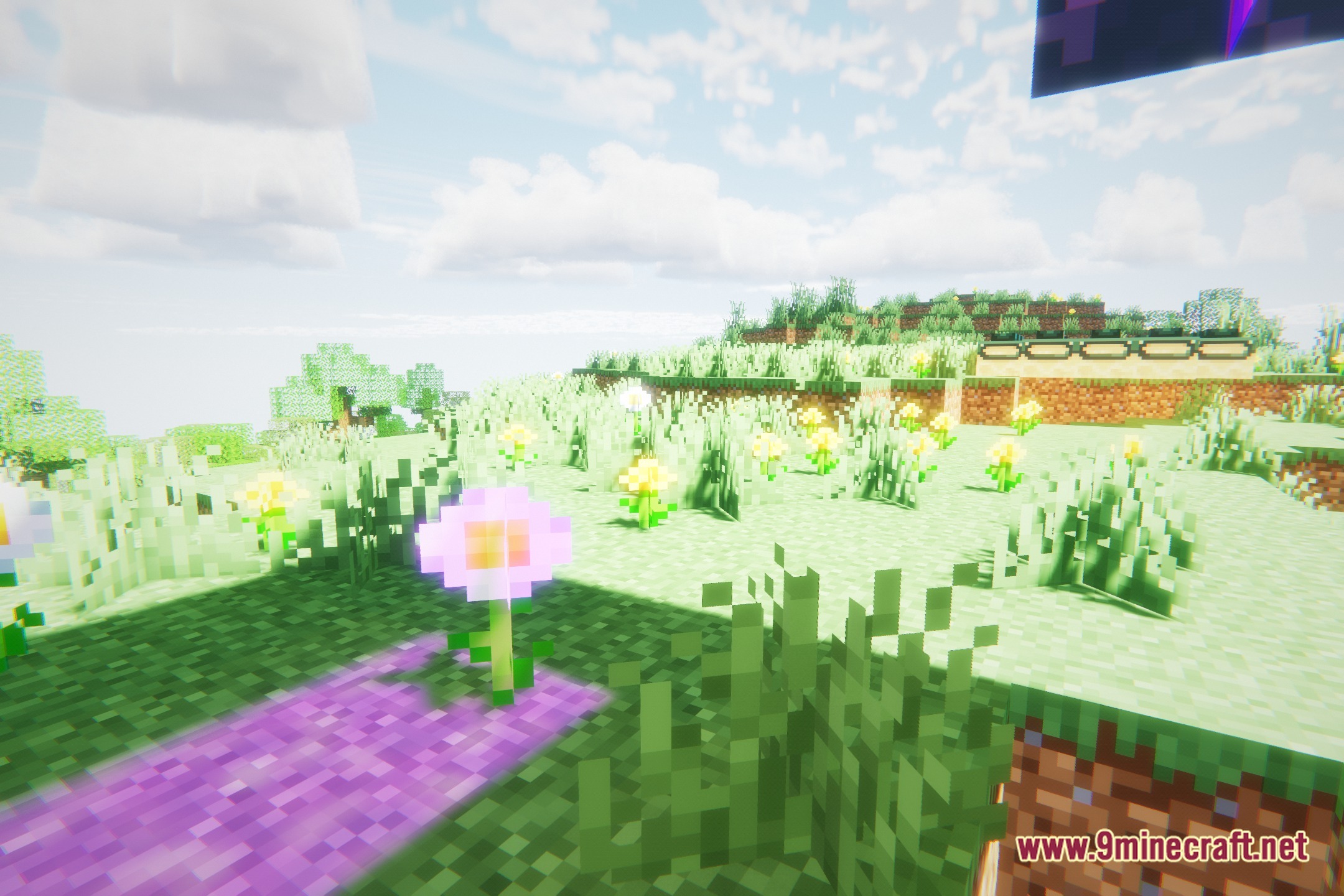
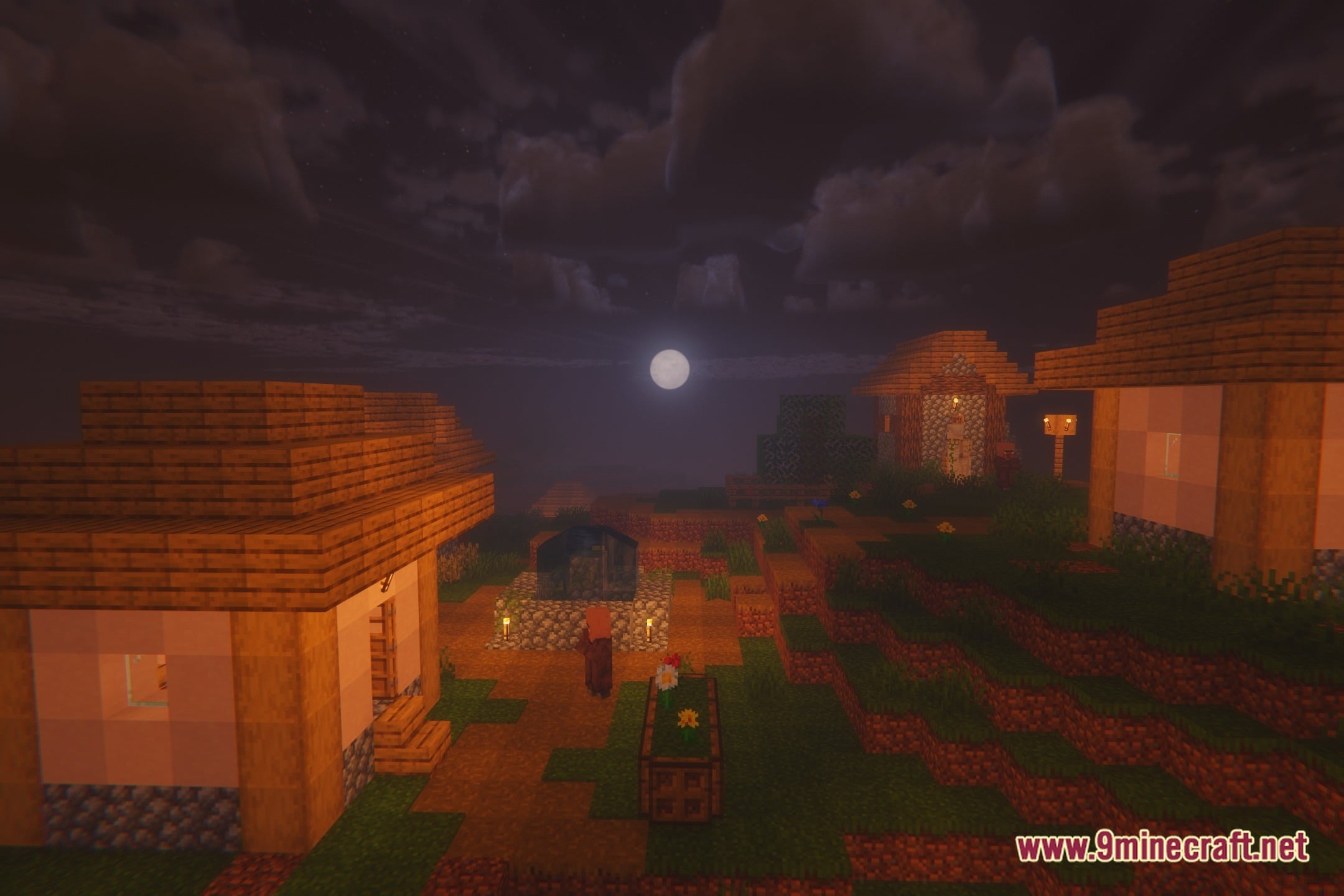
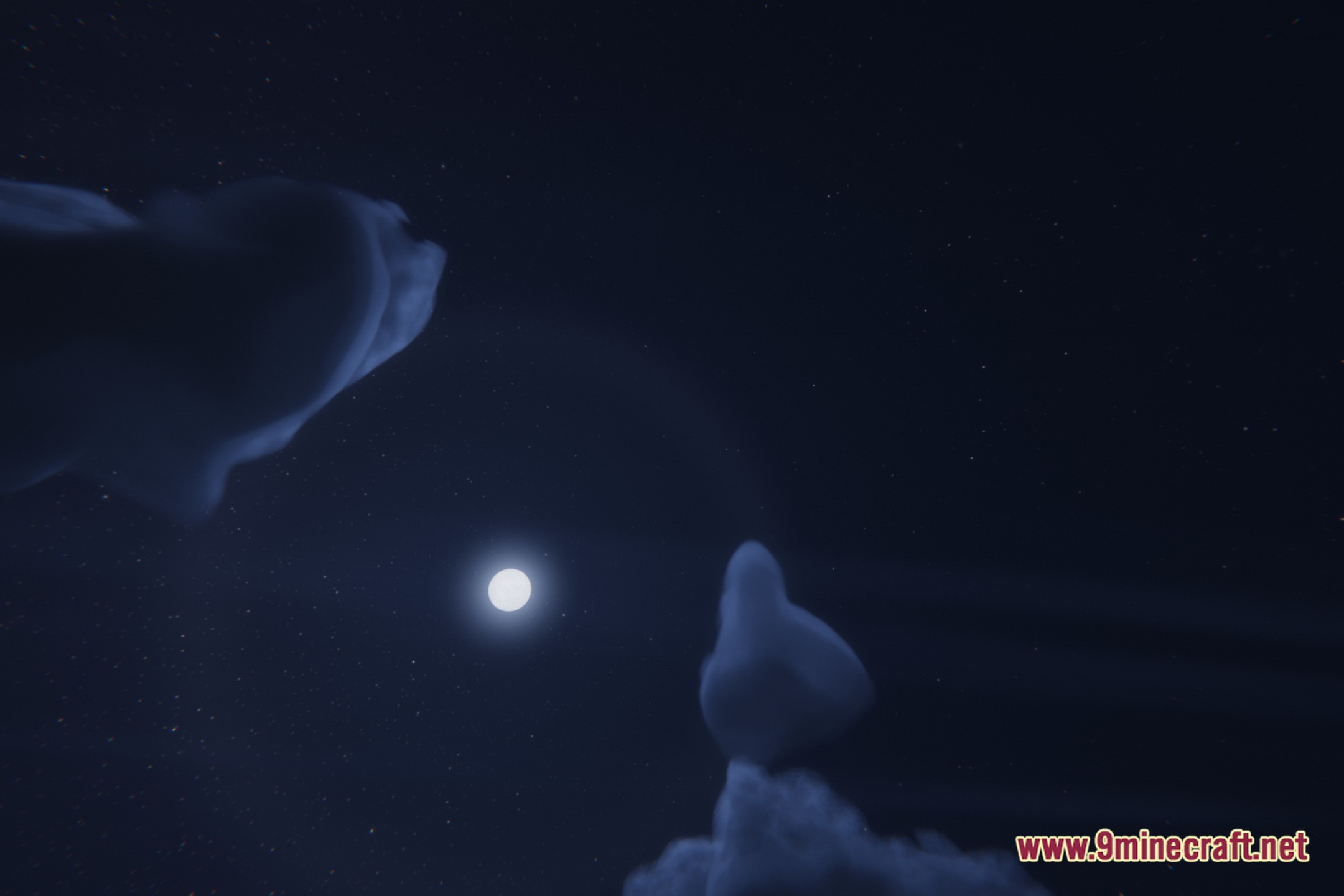
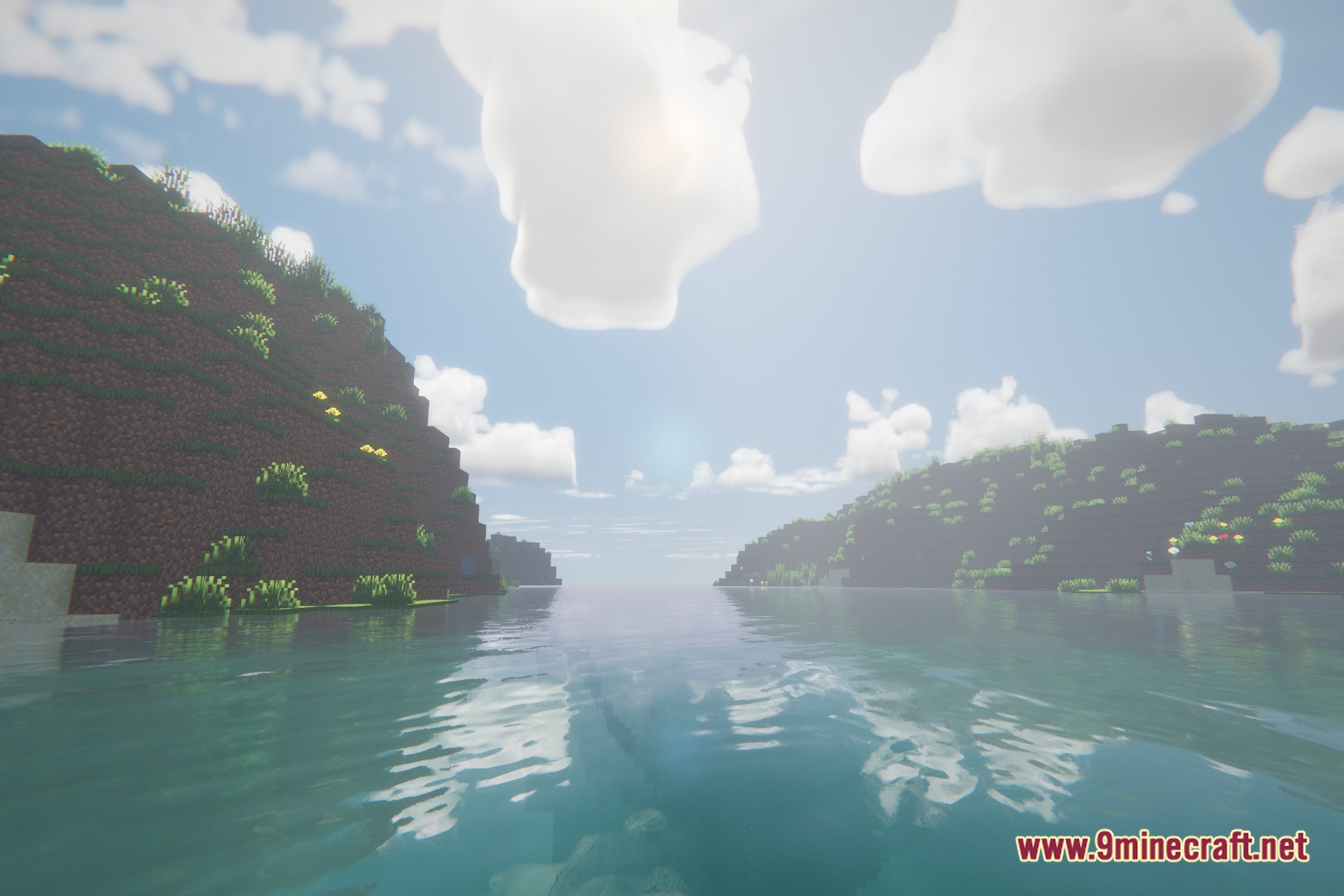
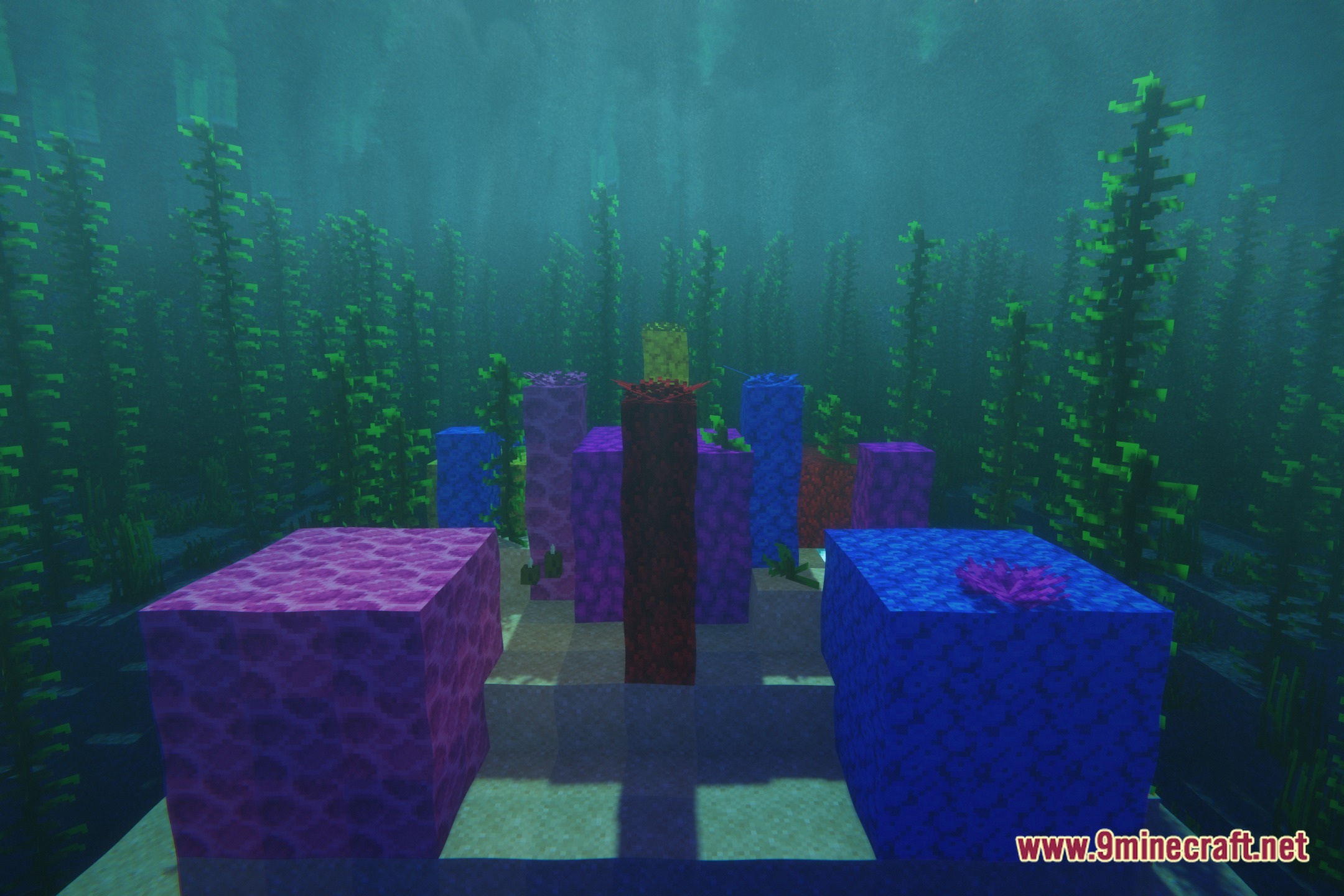
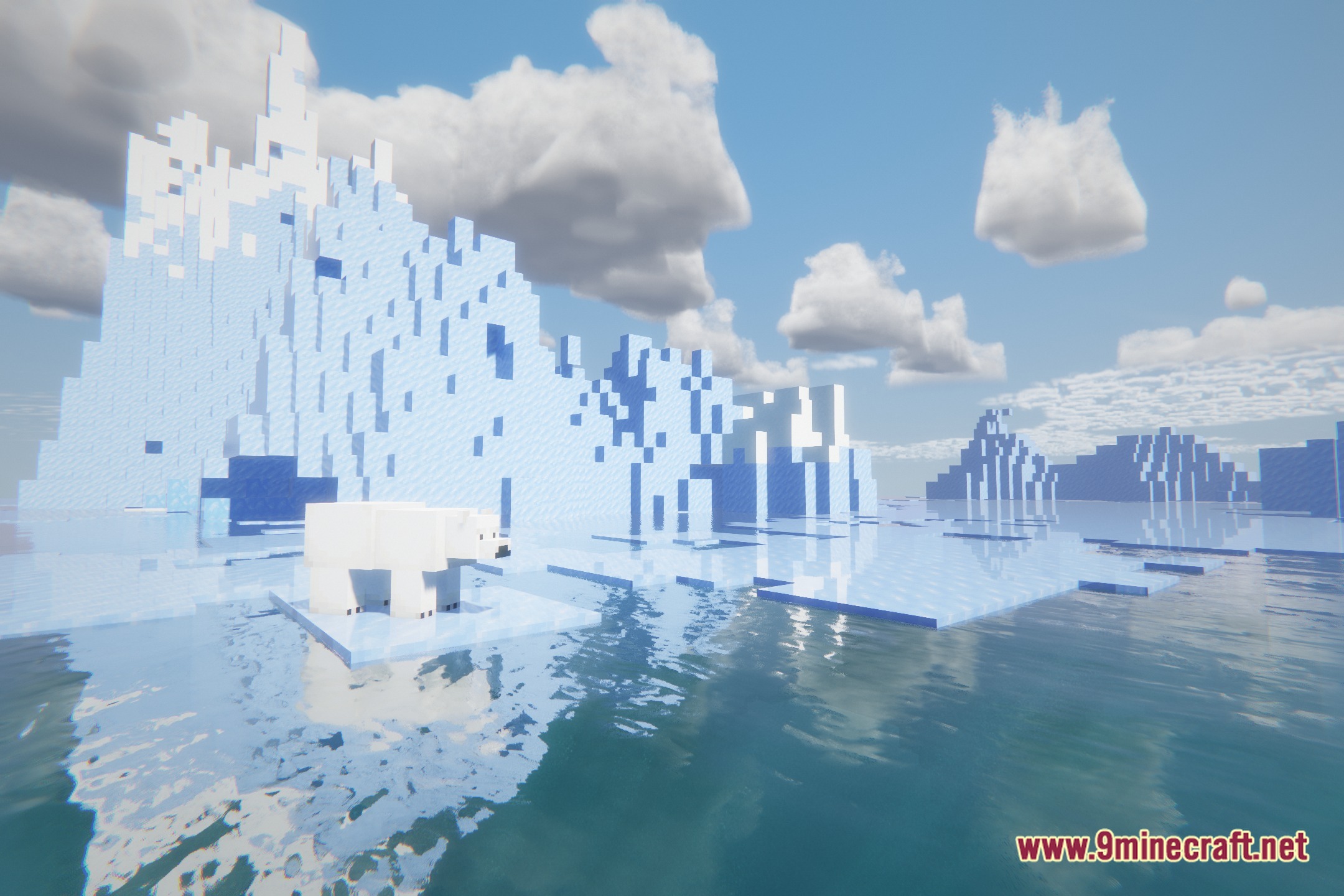
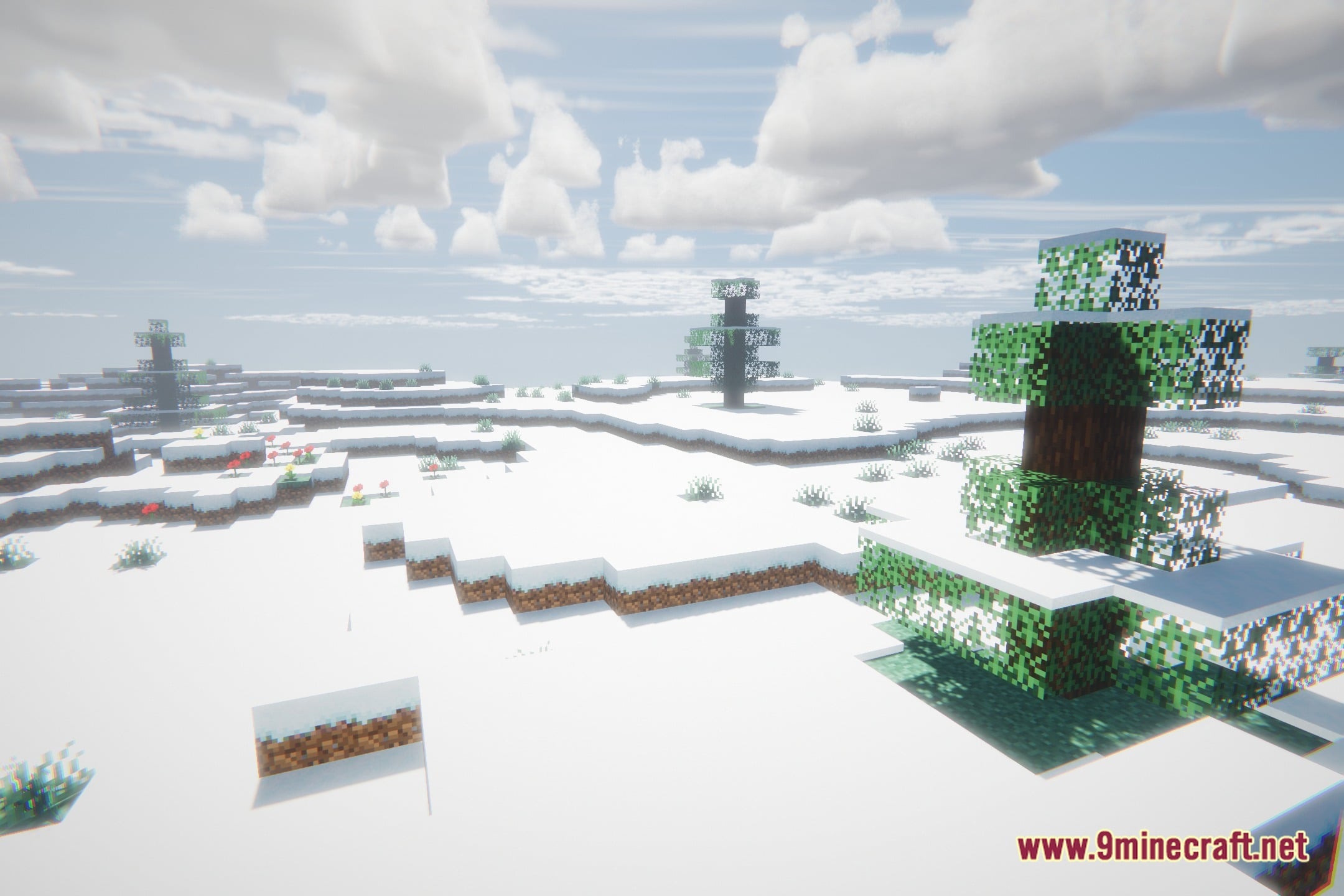
12 images from the Vivid Cinematic Shadows Shaders page.
You May Also Like
Wikis that share the most with this one
Vivid Lucid Shadows ShadersVivid Cinematic Rays ShadersHarran Cinematic Shadows ShadersVivid Cinematic Lighting ShadersHaunting Cinematic Shadows ShadersVivid Cinematic Atmosphere ShadersVivid Cinematic Reflections ShadersShadows Z ModCinematic Zoom ModCinematic Frame FlowOnly Shadows ShadersVivid Utility Frames
Wikis on the same theme: light
More shader wikis on the site
The most downloaded mods that have a wiki here