

 DownloadLuminara Rebuilt Shaders
Get the files on 9Minecraft
Guides
Step-by-step, in-game.
Adjust Cloud Density and AppearanceAccess Shader Settings Open the shader options menu by pressing Right Shift + R (or your configured key) while…Customize Light Ray (God Ray) IntensityOpen Light Ray Settings Access shader options ( Right Shift + R ) and find the Volumetric Lighting , Light Rays , or…Enhance Water Reflections and TransparencyLocate Water Settings Open shader options ( Right Shift + R ) and navigate to the Water or Reflections tab. Adjust…Reduce Eye Strain in Dark Caves and DungeonsEnable Adaptive Brightness Open shader settings ( Right Shift + R ) and find the Lighting or Ambient Light section.…
Frequently asked questions
How do I enable the shader after installing it?
Open your Options menu in-game, go to Video Settings, then select Shaders. Find Luminara Rebuilt Shaders in the list and click it to activate. You'll see the visual changes take effect immediately.
Why do my caves look too bright?
Luminara brightens dark areas by design, but you can reduce this in the shader settings by lowering ambient light values or adjusting cave brightness specifically. Check the guide on reducing eye strain for detailed customization steps.
Can I use this shader with other mods?
Luminara works with most mods, but mods that heavily modify lighting or add custom blocks may cause visual conflicts. Test your mod combination in a test world first to check for issues.
How do I turn off the god rays if they're too intense?
Open the shader options menu (usually by pressing a hotkey like Right Shift while in-game) and look for Light Ray or God Ray settings, then reduce the intensity slider. The guide on customizing light ray intensity has more detailed steps.
See all 10 Luminara Rebuilt Shaders questions ›
Gallery
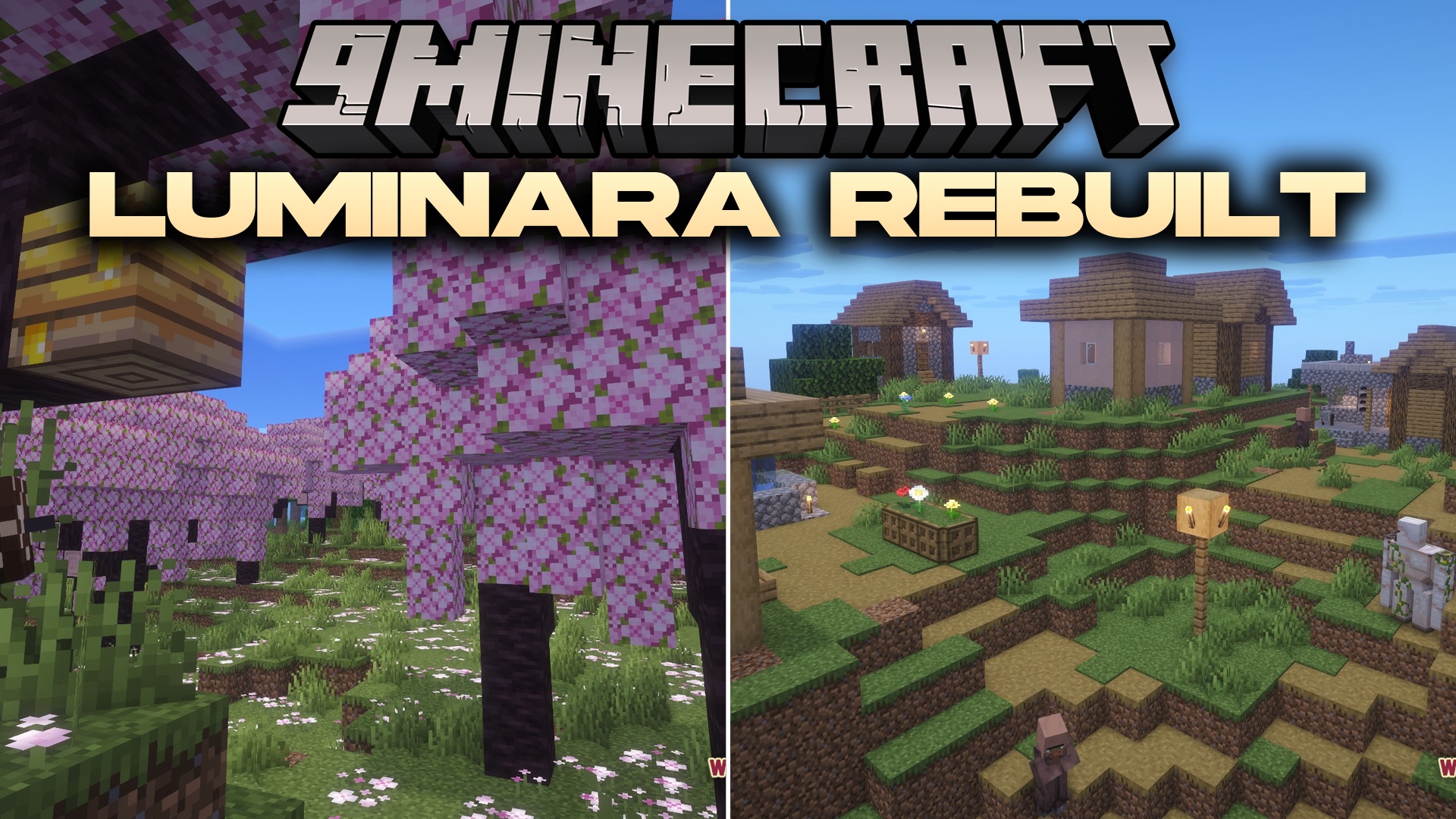
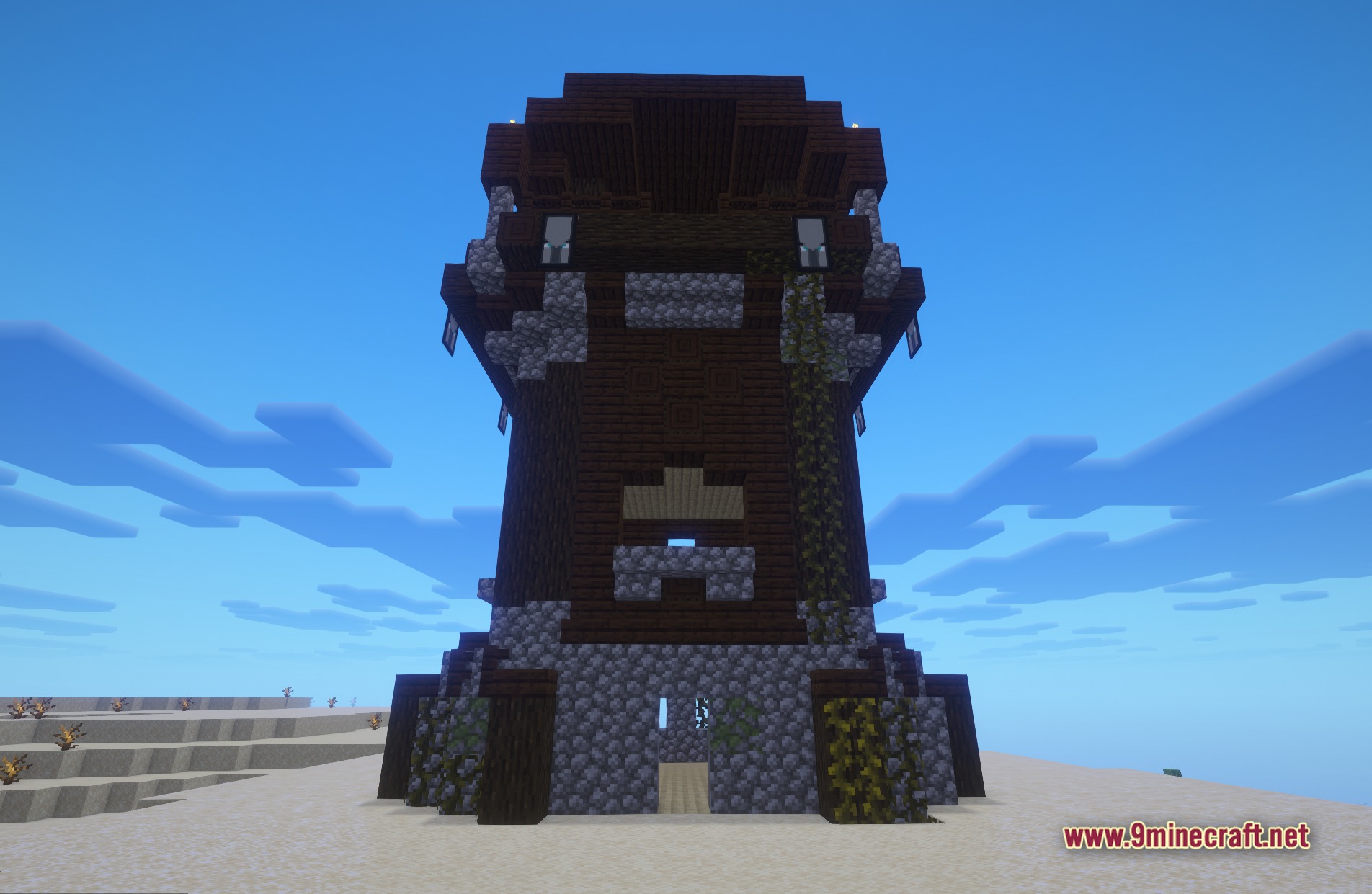
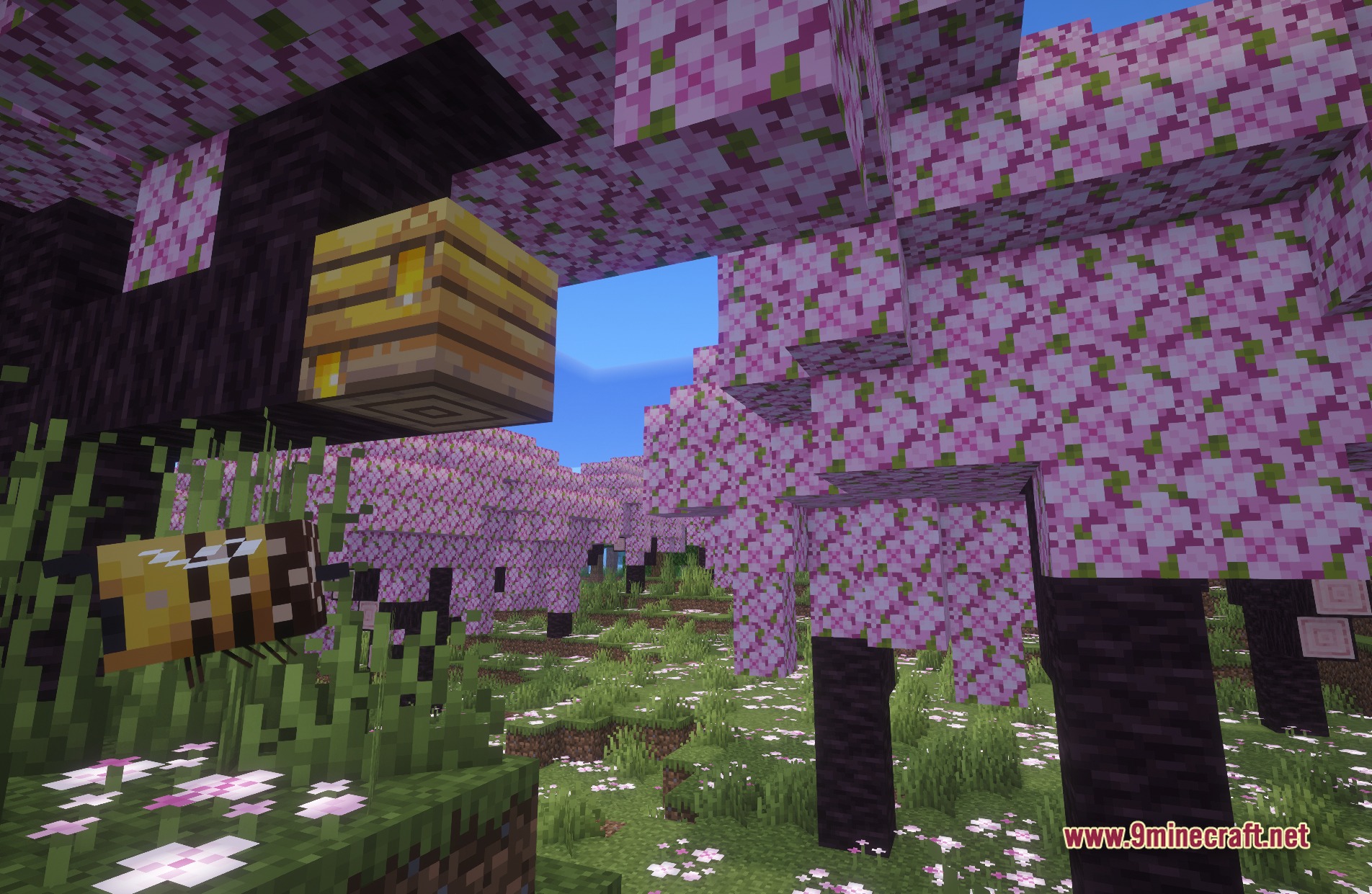
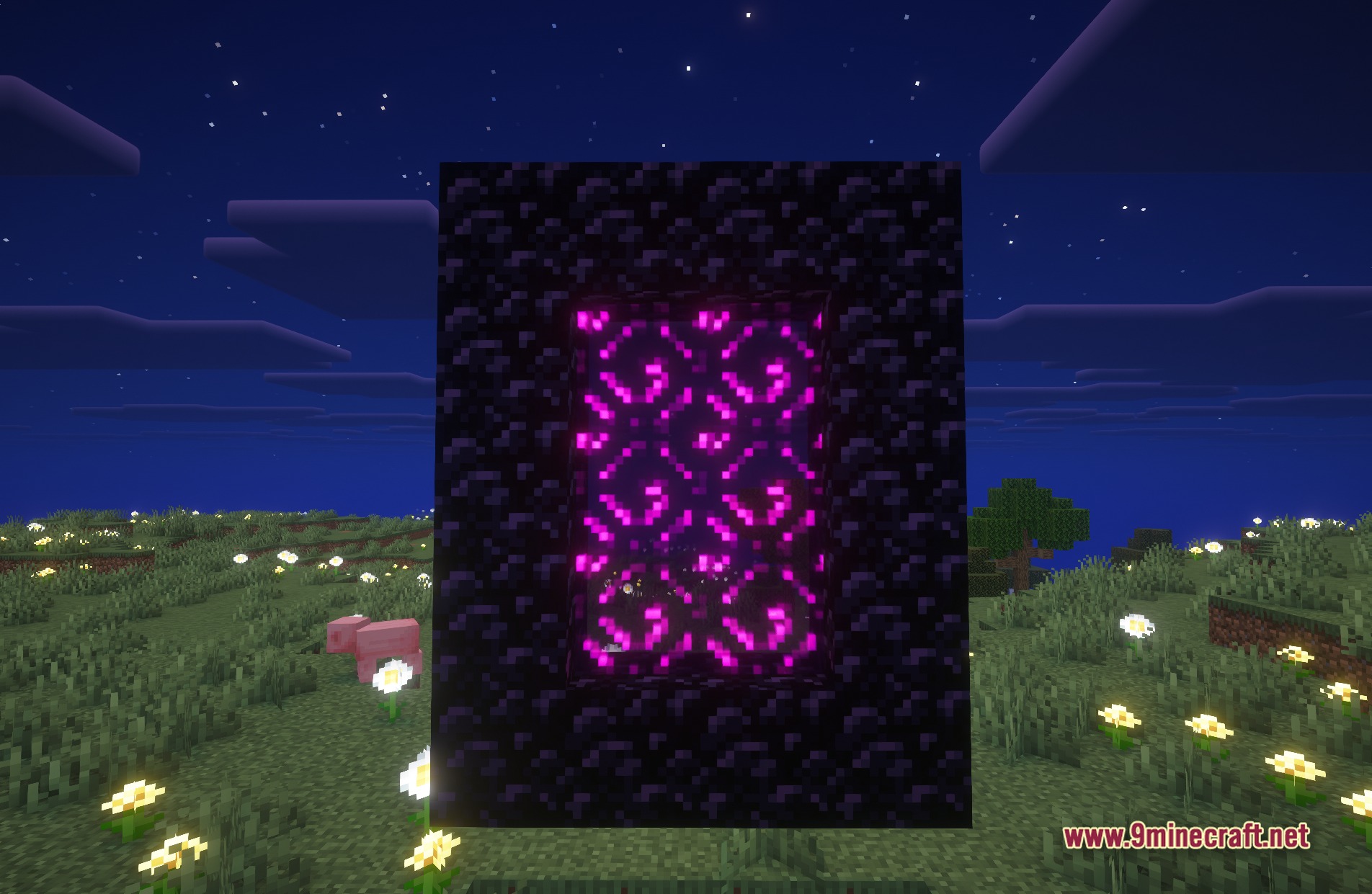
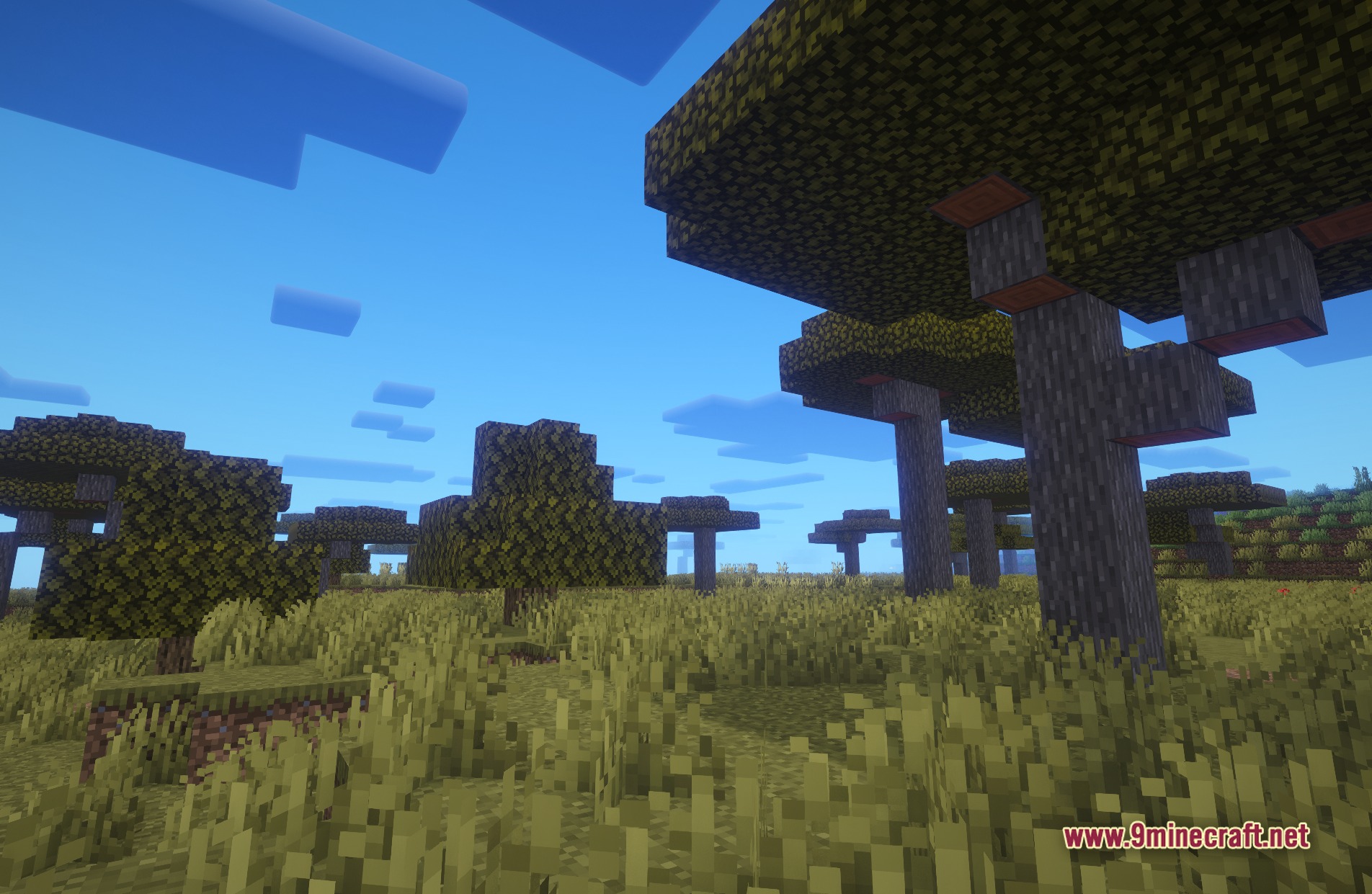
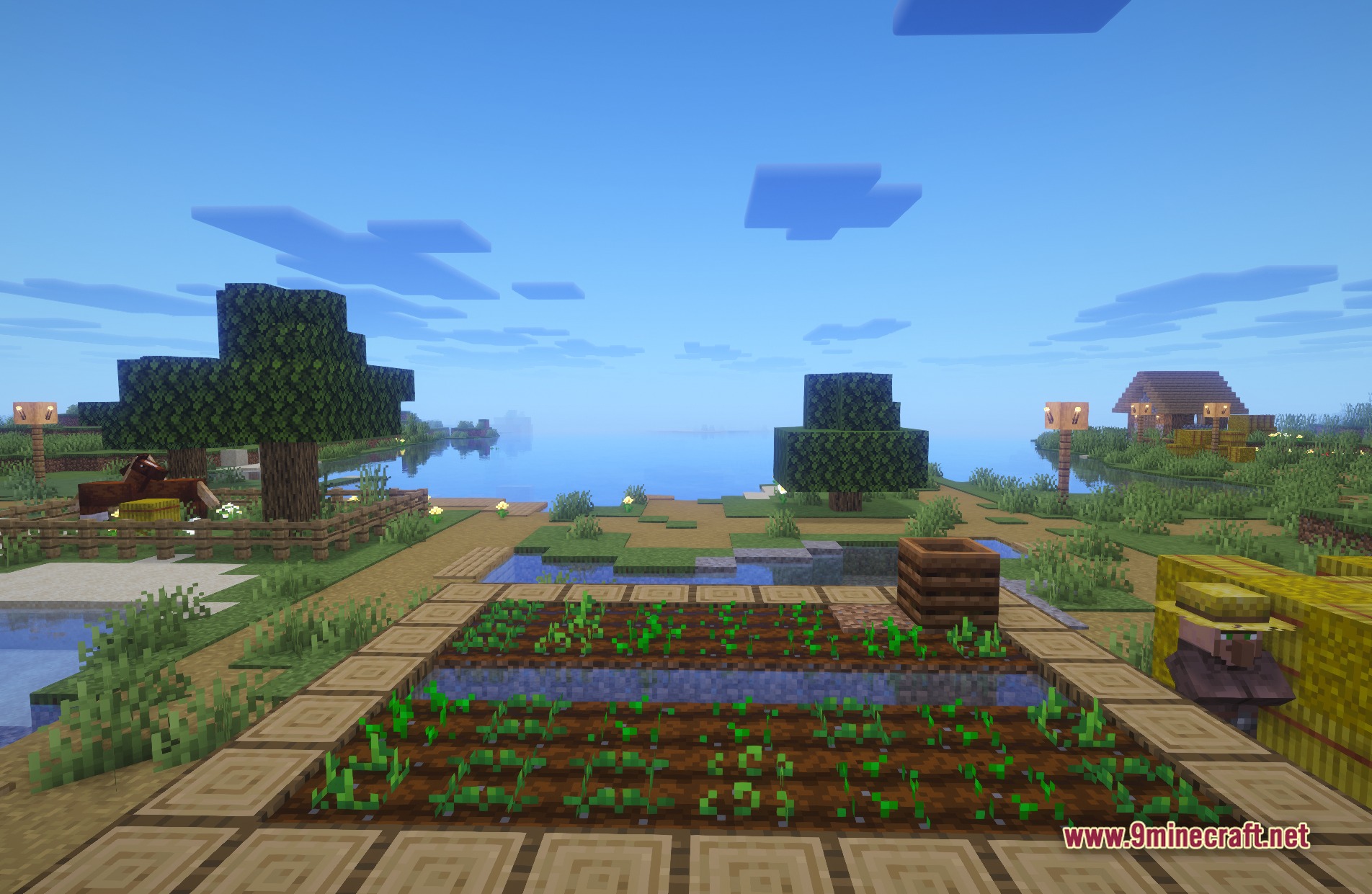
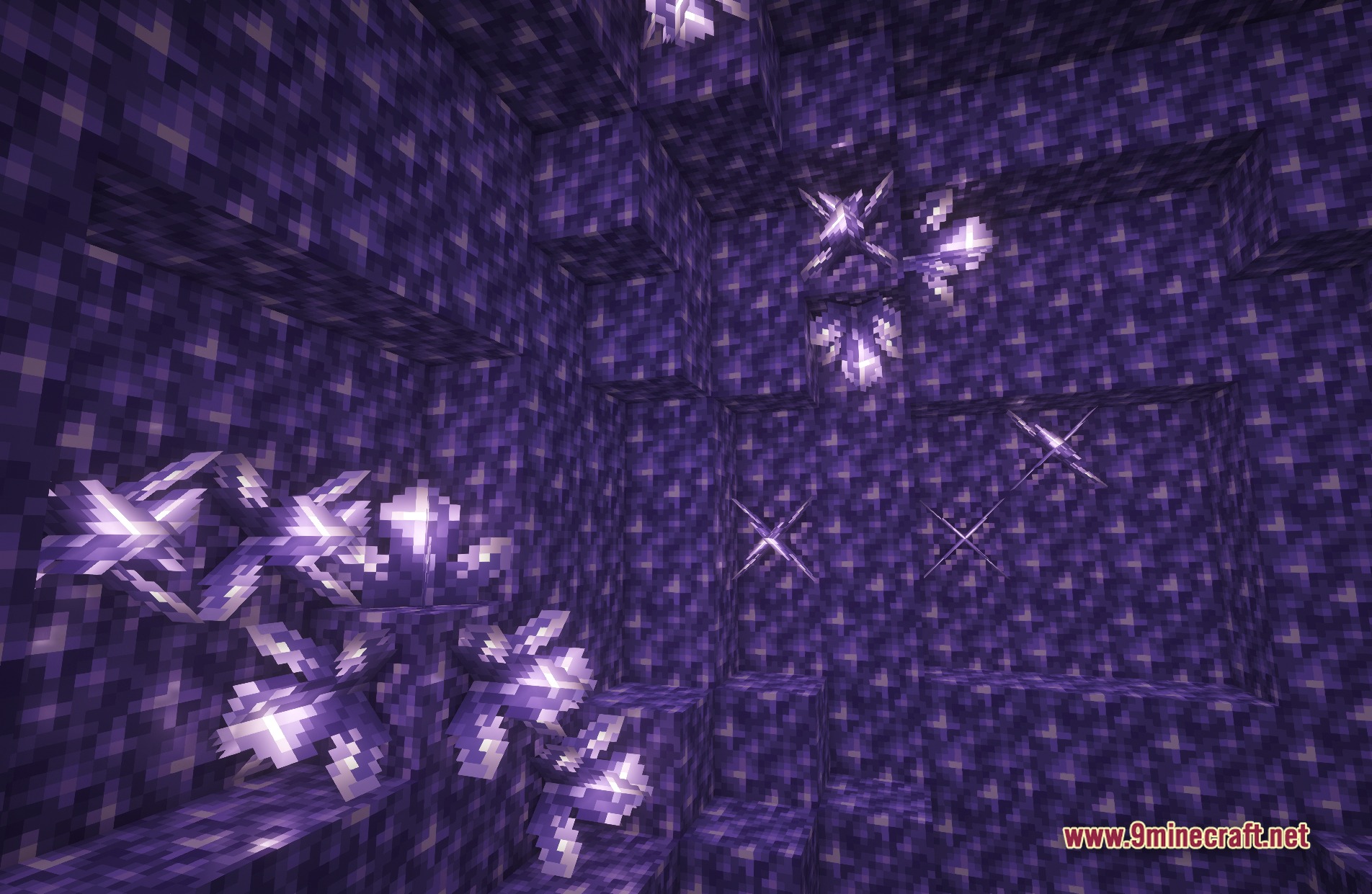
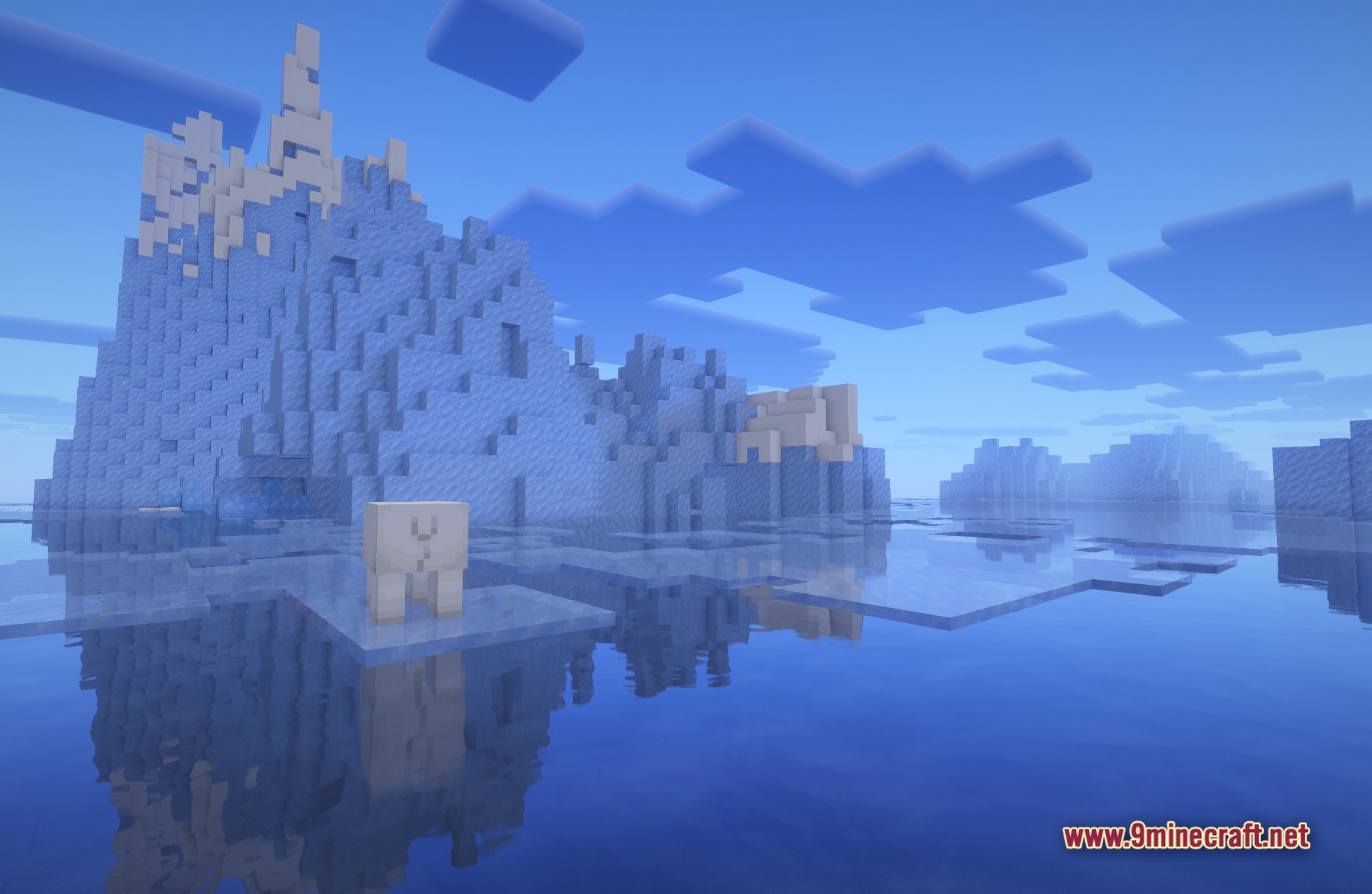
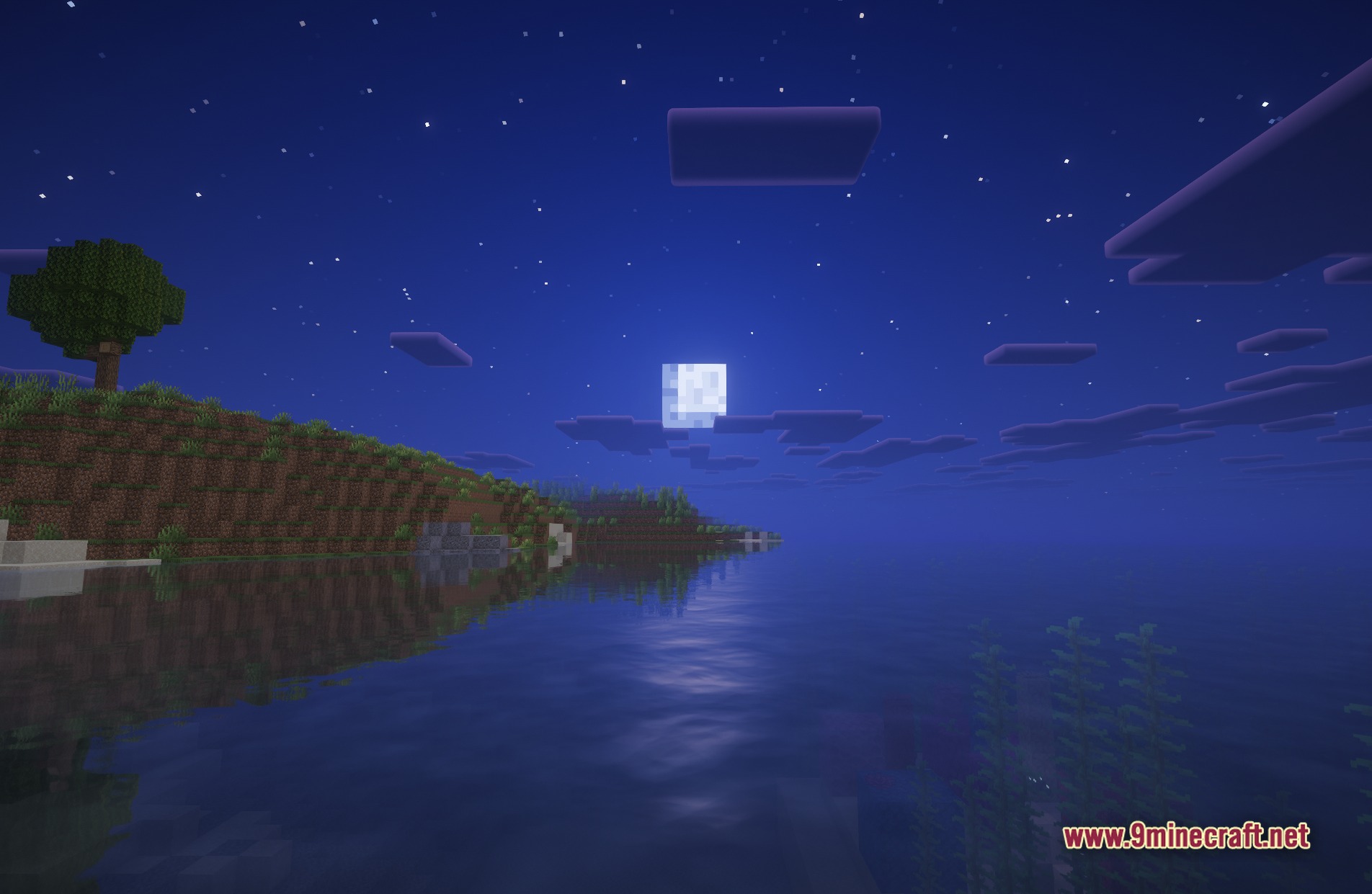
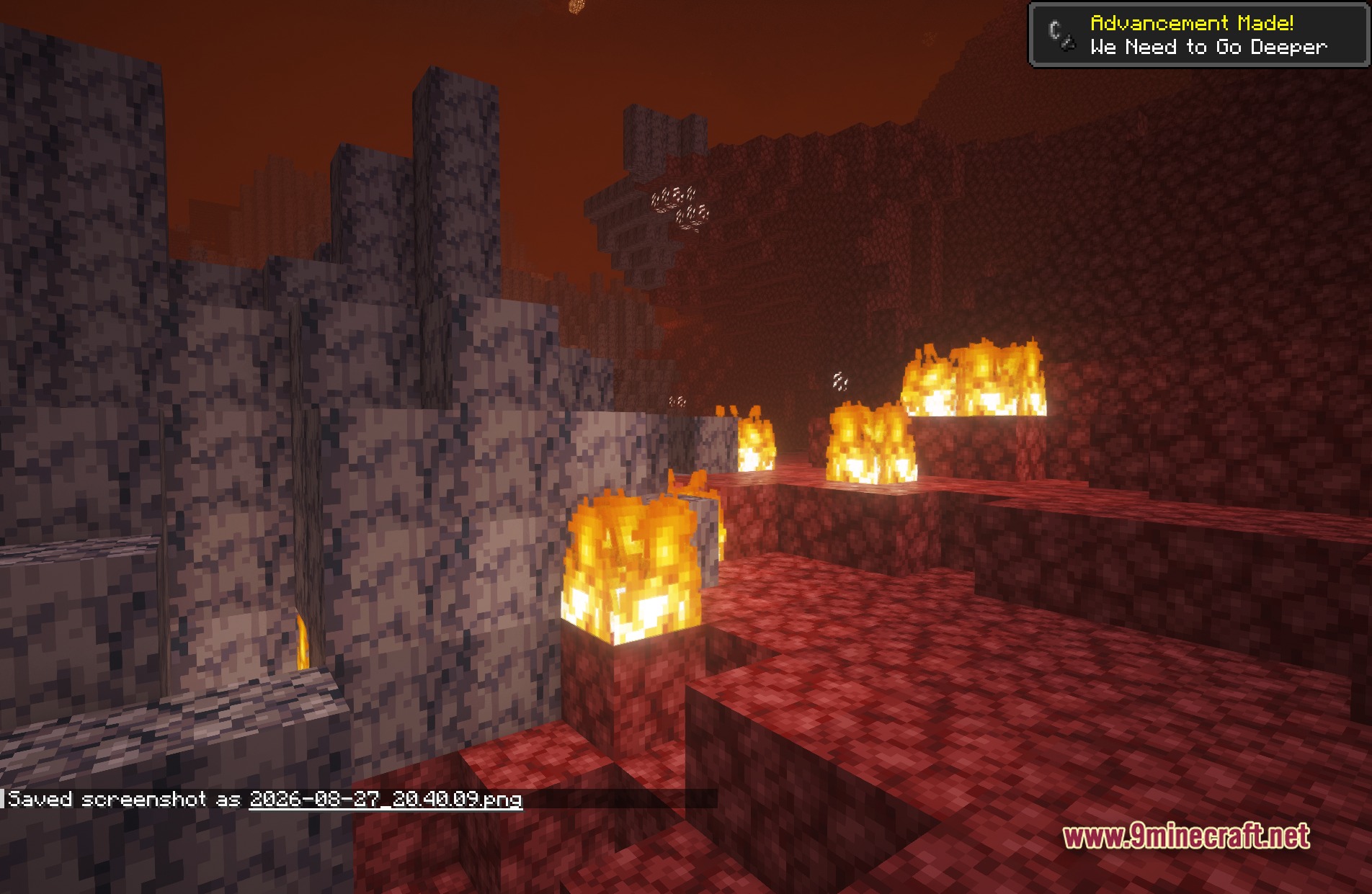
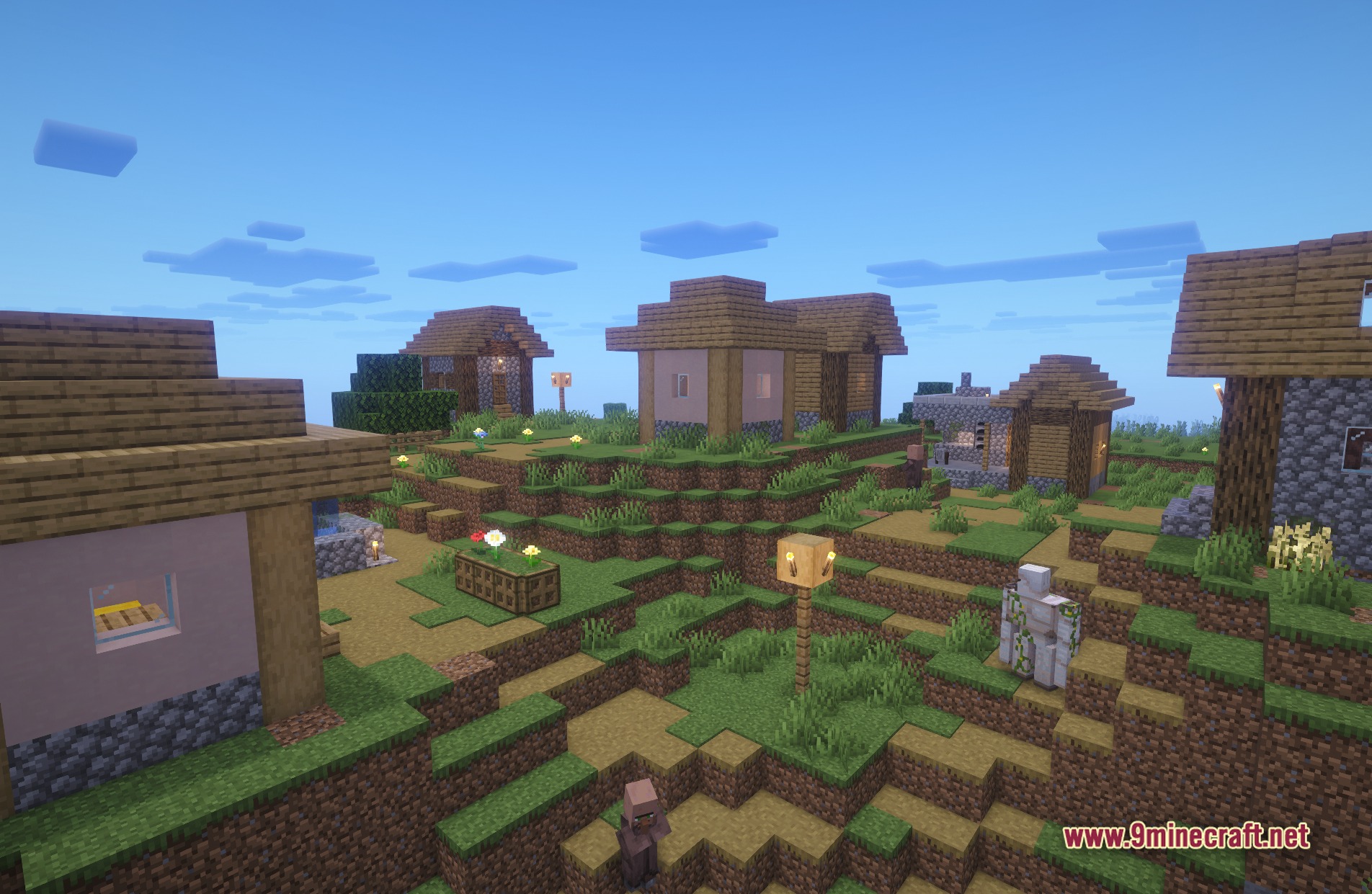
11 images from the Luminara Shader Rebuilt Shaders page.
You May Also Like
Wikis that share the most with this one
Wikis on the same theme: light
More shader wikis on the site
 LumaVox Shaders
The most downloaded mods that have a wiki here