

 DownloadLucidus Shaders
Get the files on 9Minecraft
Guides
Step-by-step, in-game.
Adjust Lighting Brightness and Color IntensityAccess Shader Settings Open your shader options menu while in-game. This is typically found in Video Settings >…Explore Caves Comfortably Without Losing AtmosphereUse the Brightened Night Feature Lucidus Shaders lifts darkness in caves and at night without making them feel…Make Torches and Lanterns Cast Colored LightUnderstand Colored Lighting Lucidus Shaders automatically applies colored light to vanilla light sources like torches…Maximize Performance on Low-End HardwareVerify Shader is Optimized Lucidus Shaders is designed for potato PCs, but you can still optimize further. Check your…
Frequently asked questions
How do I turn on colored lighting after installing the mod?
Why do my torches and lanterns not glow colored?
Make sure you're using actual light blocks like torches, lanterns, and soul lanterns—the shader only affects designated light sources. If those blocks still don't glow, verify the mod is properly installed and your graphics driver is up to date.
Can I adjust how bright the colored lighting is?
Yes, you can adjust lighting brightness and color intensity through the shader settings accessible in your video options menu. Look for shader-specific sliders to customize the glow strength to your preference.
Does this shader work on really old or weak computers?
Yes, Lucidus Shaders is specifically designed to run smoothly on low-end hardware and potato PCs with minimal performance impact. It uses simple lighting calculations instead of heavy post-processing effects.
See all 10 Lucidus Shaders questions ›
Gallery
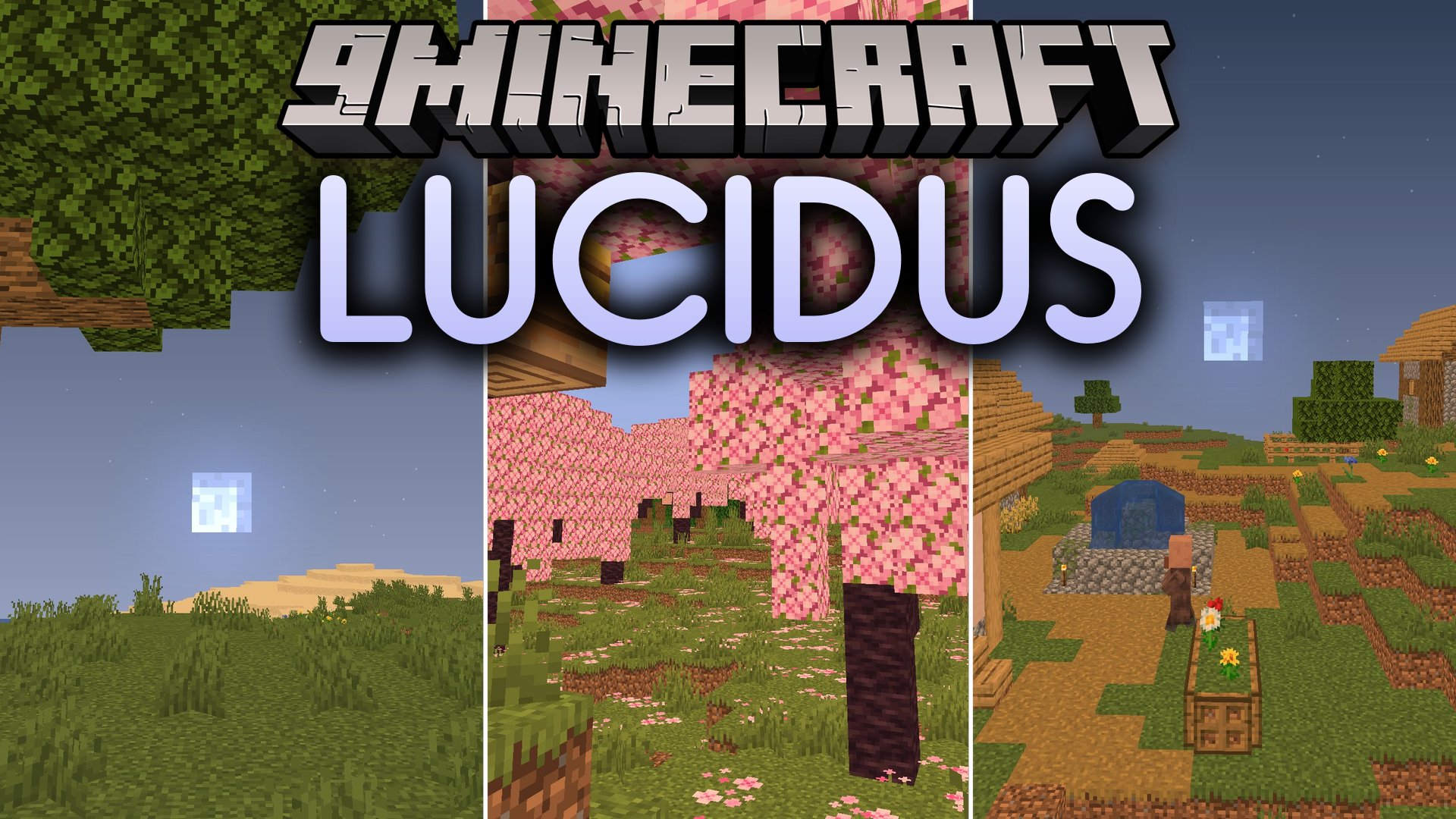
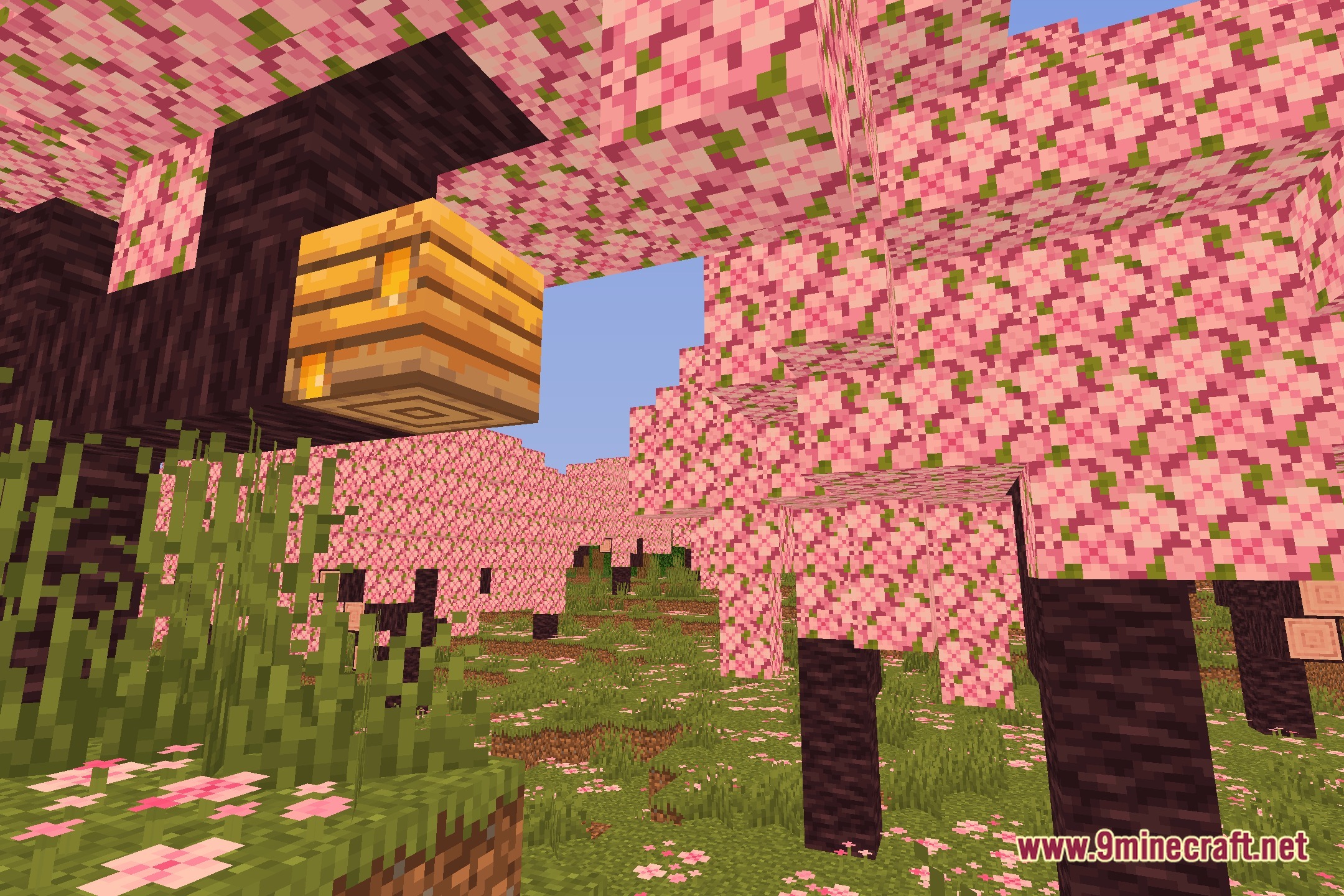
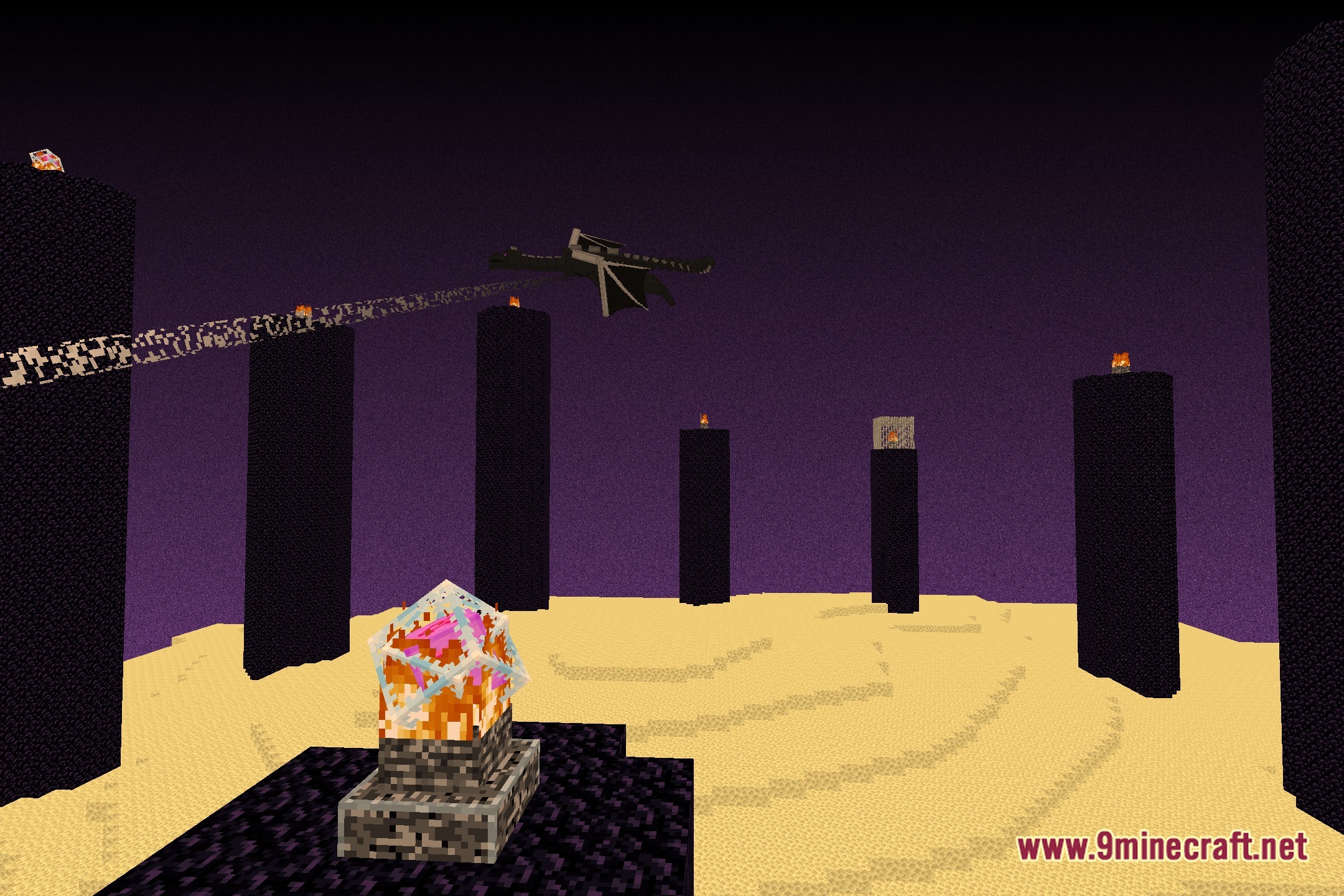
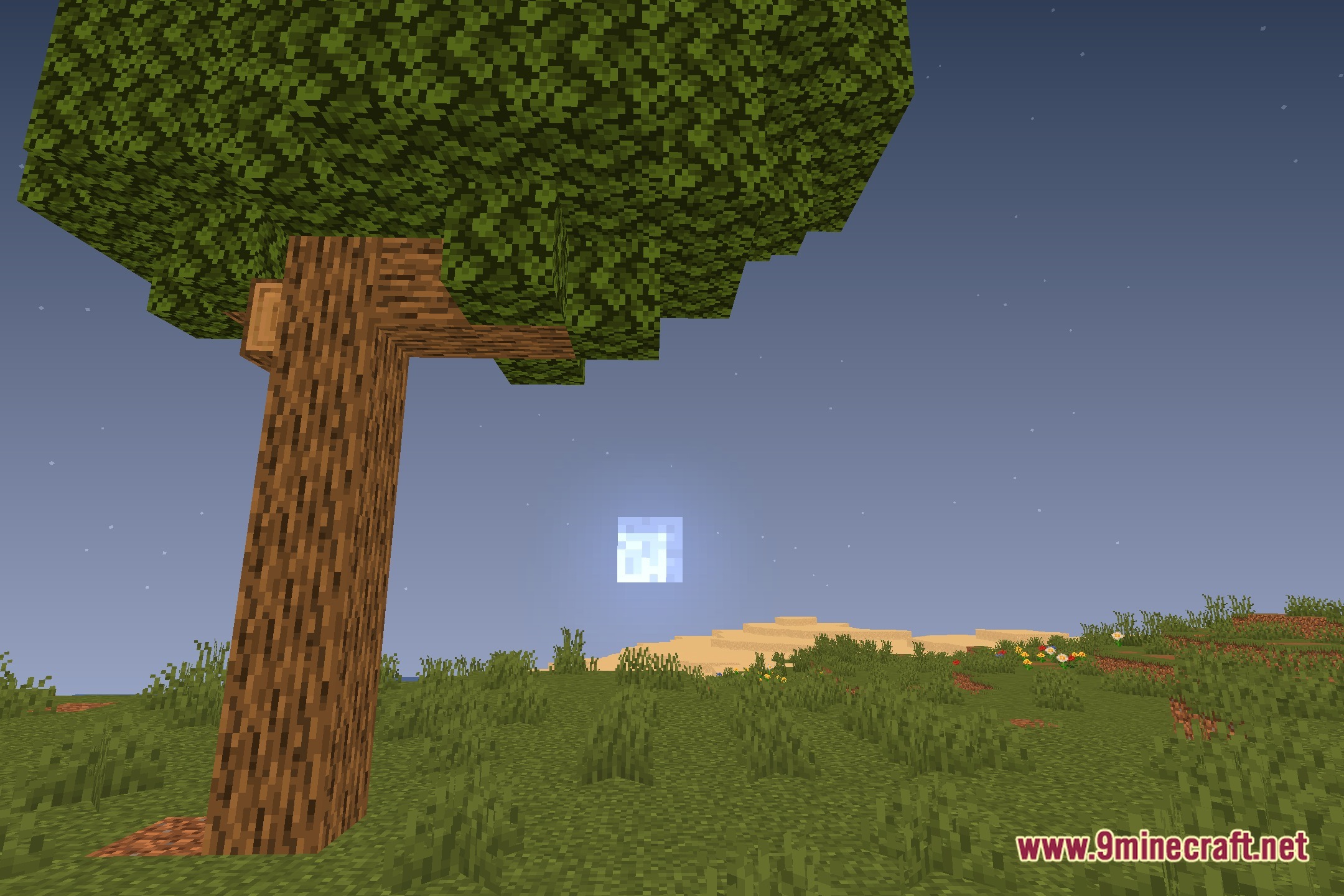
12 images from the Lucidus Shaders page.
You May Also Like
Wikis that share the most with this one
Wikis on the same theme: light
More shader wikis on the site
 Lost Signal VHS Shaders
 Loot’s Very Vanilla Shaders
 Lixexis Shaders
The most downloaded mods that have a wiki here