

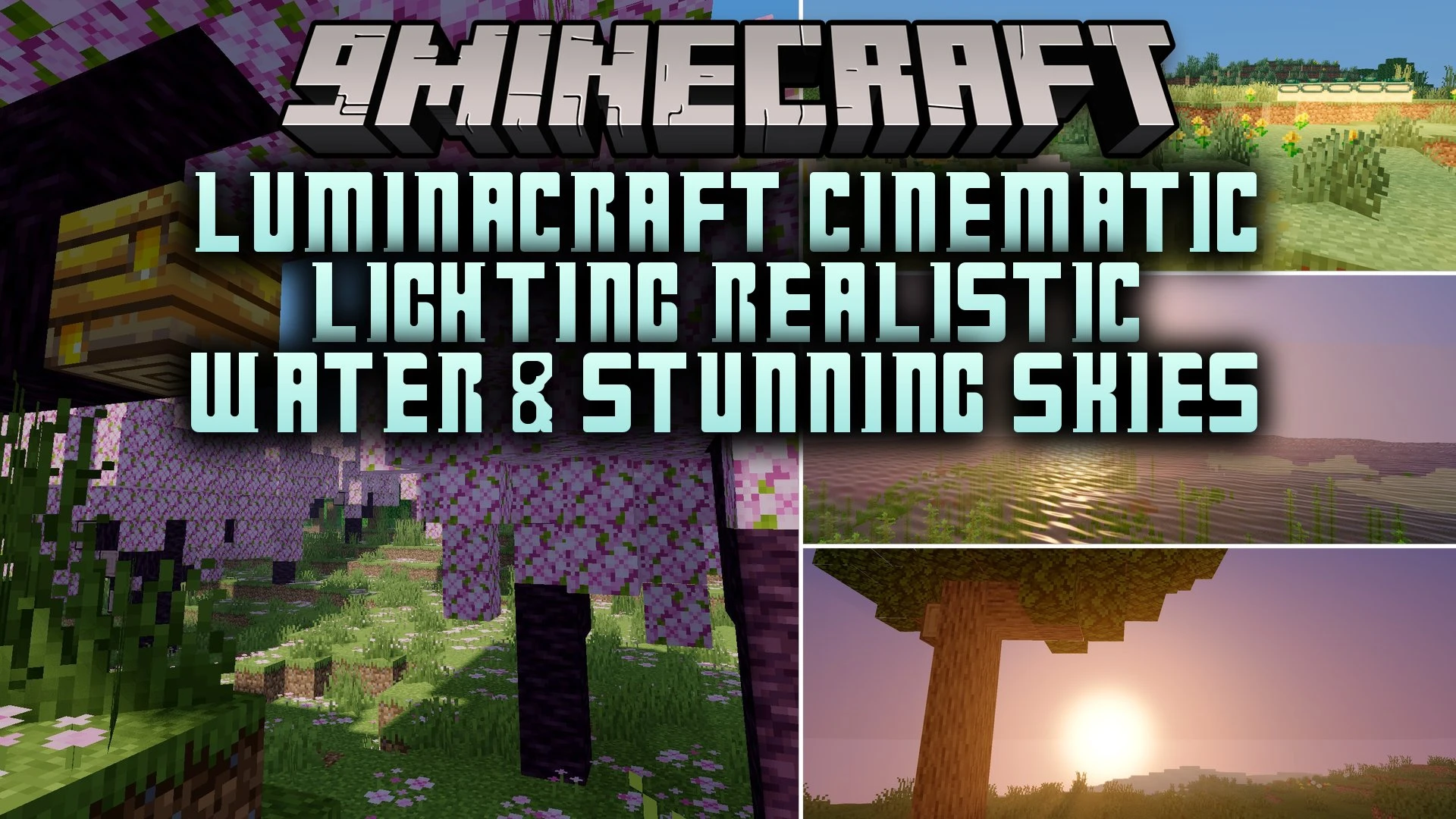
 DownloadLuminaCraft Cinematic Lighting Realistic Water & Stunning Skies Shaders
Get the files on 9Minecraft
Guides
Step-by-step, in-game.
Adjust Water Clarity and Reflection IntensityAccess Shader Settings Open the shader options menu by pressing the designated key (usually found in your controls or…Enhance Sky and Cloud AppearanceOpen Sky Configuration Access shader settings and navigate to the Sky or Atmosphere section. This controls how…Optimize Shadow Quality for PerformanceLocate Shadow Settings Access your shader options and find the Shadows or Lighting category. This section controls…Reduce Lag While Maintaining Visual QualityIdentify Performance Bottlenecks Monitor your frame rate using the debug screen. Access shader settings and look for…
Frequently asked questions
How do I enable the shader after installing it?
Launch Minecraft, go to Options > Video Settings > Shaders, then locate and select LuminaCraft from your shader folder. Click Apply and the shader will load on your next world.
Why does my water look flat or not reflective?
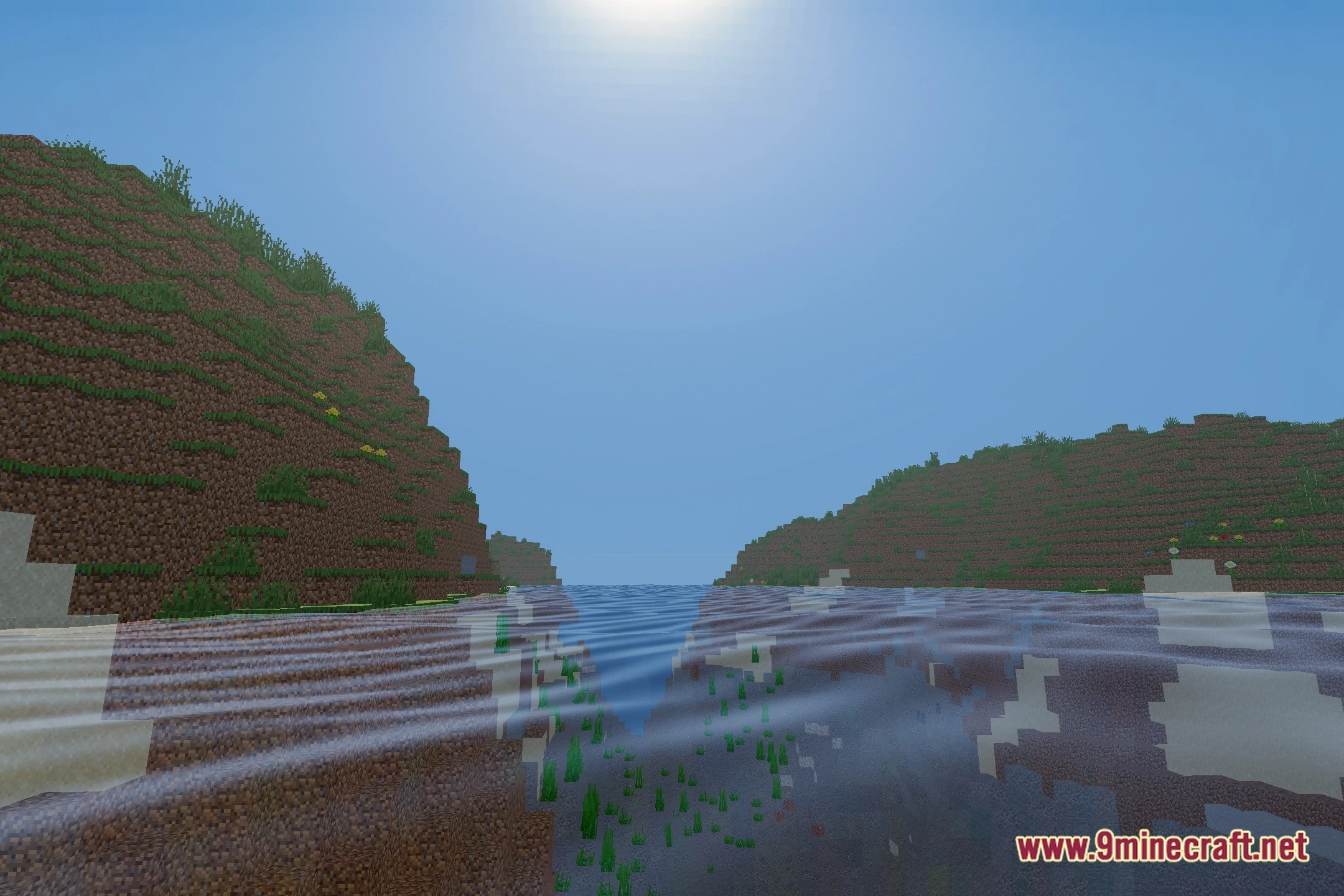
Check your shader settings for water reflection intensity—it may be set too low. You can adjust water clarity and reflection strength in the shader options menu to make reflections more visible.
The mod is making my game lag. What should I do?
Open the shader settings and reduce shadow quality, lower cloud render distance, or disable advanced water reflections. These changes will significantly improve performance while keeping most visual features.
Can I use this shader with other mods?
LuminaCraft works with most mods, but incompatibilities can occur with other shaders or mods that heavily modify rendering. Test your mod combination in a test world first to check for conflicts.
See all 10 LuminaCraft Cinematic Lighting Realistic Water & Stunning Skies Shaders questions ›
Gallery
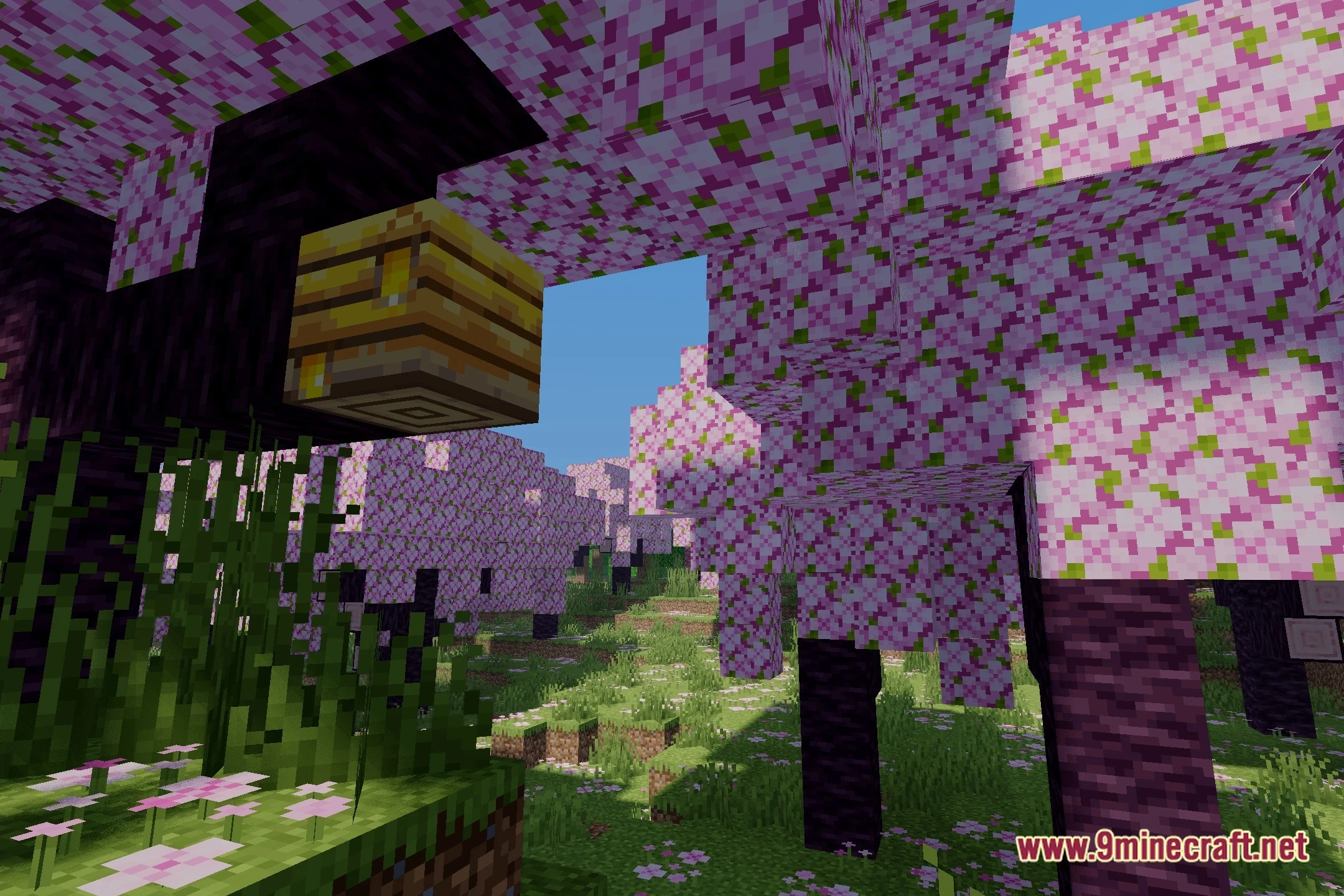
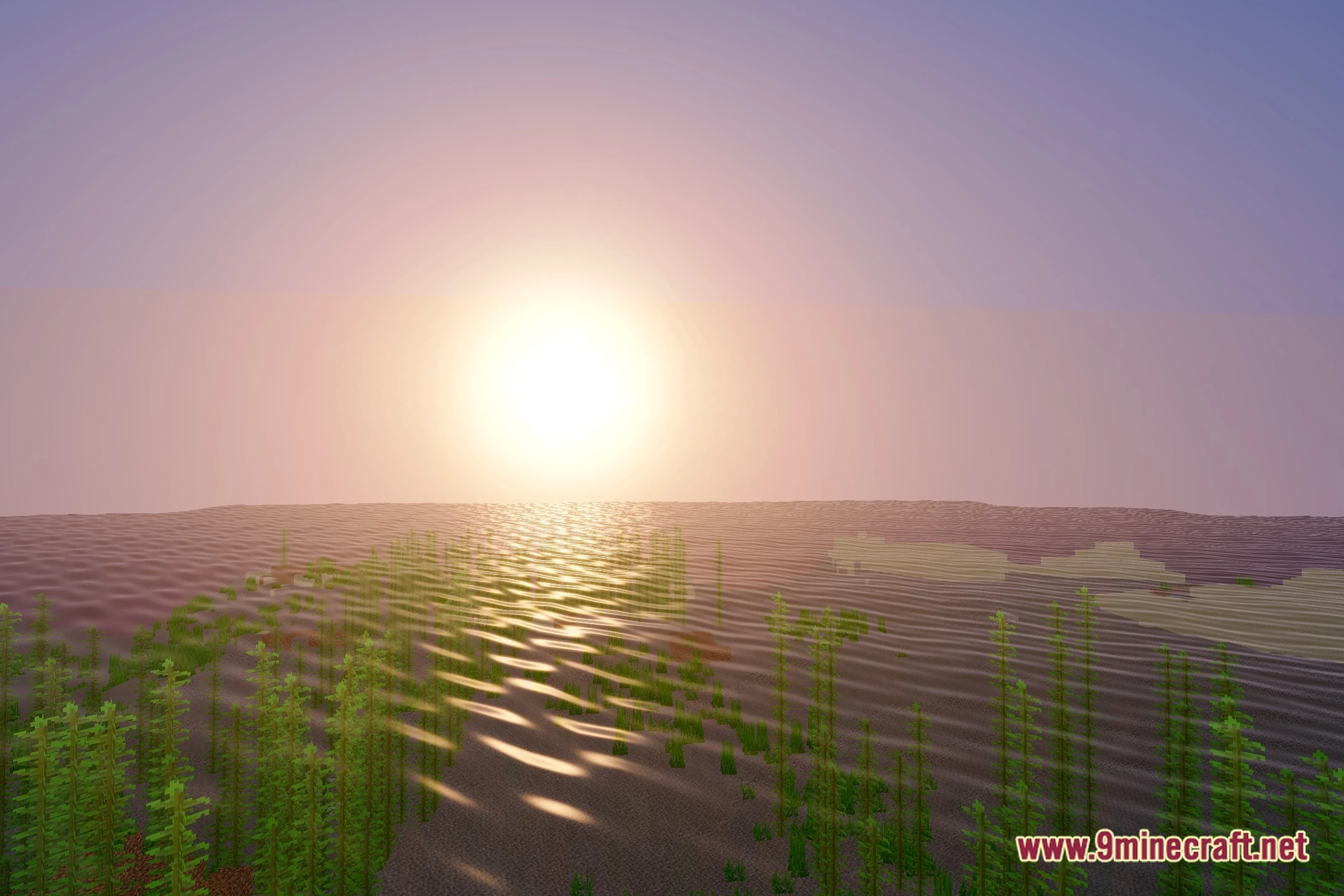
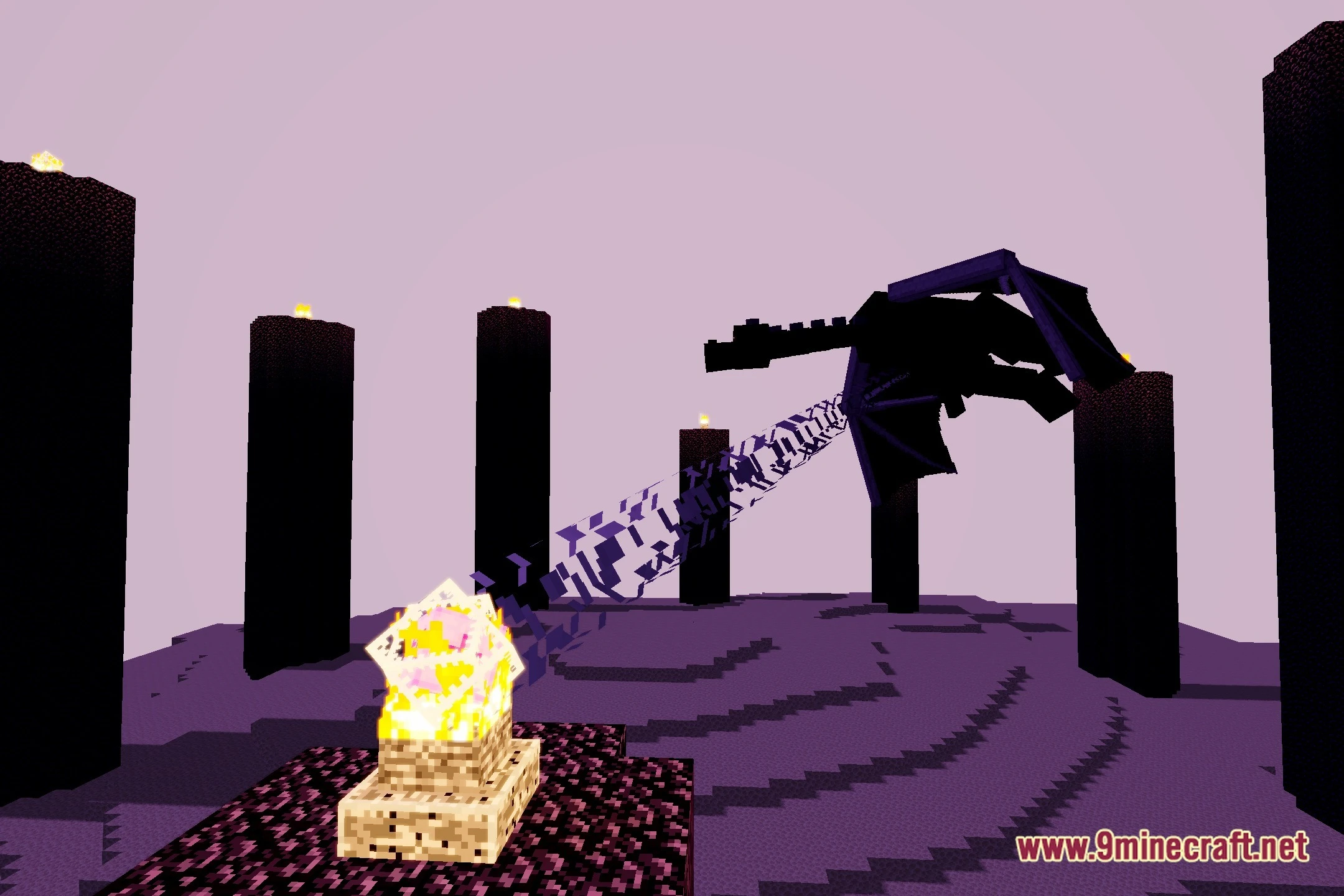
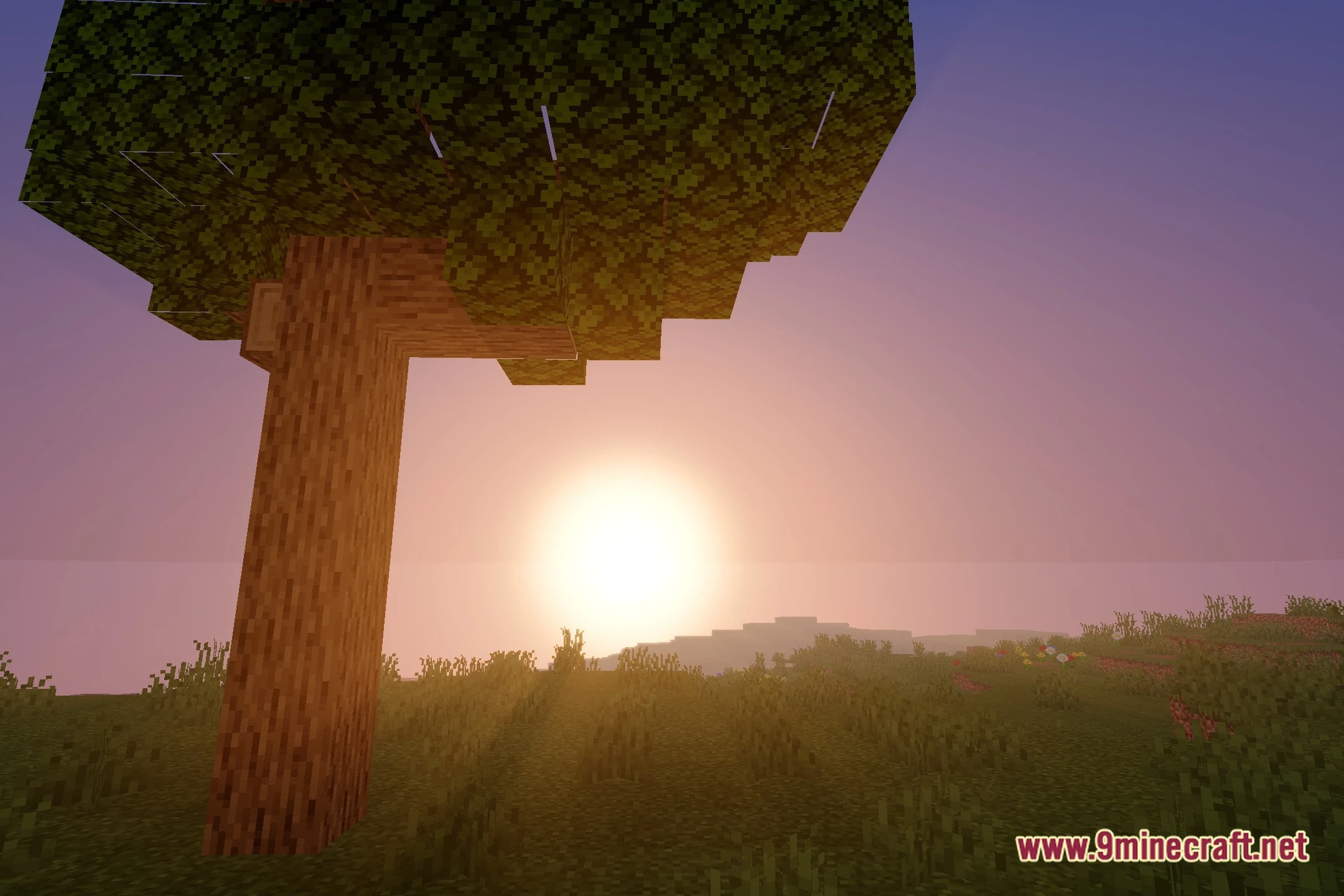
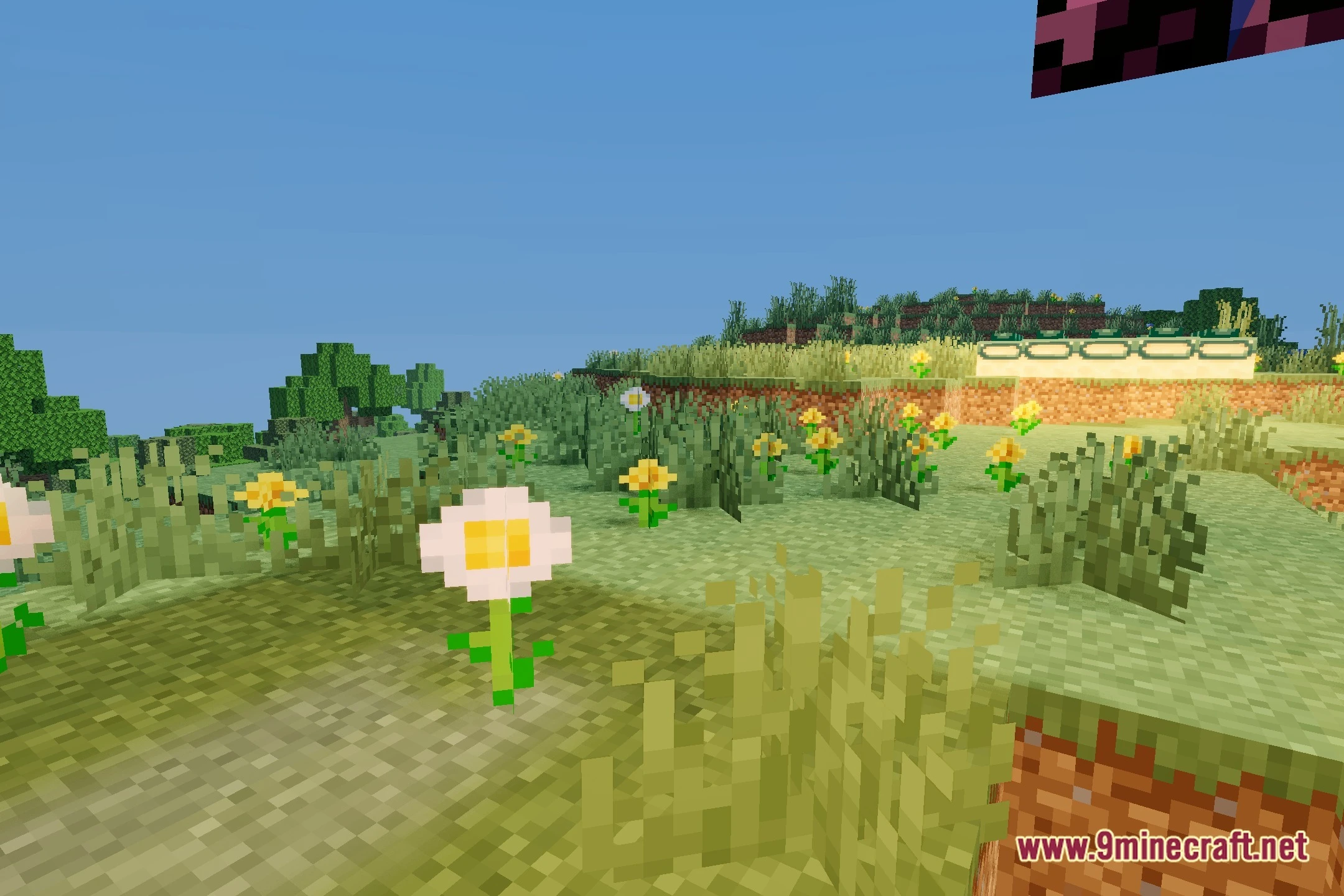
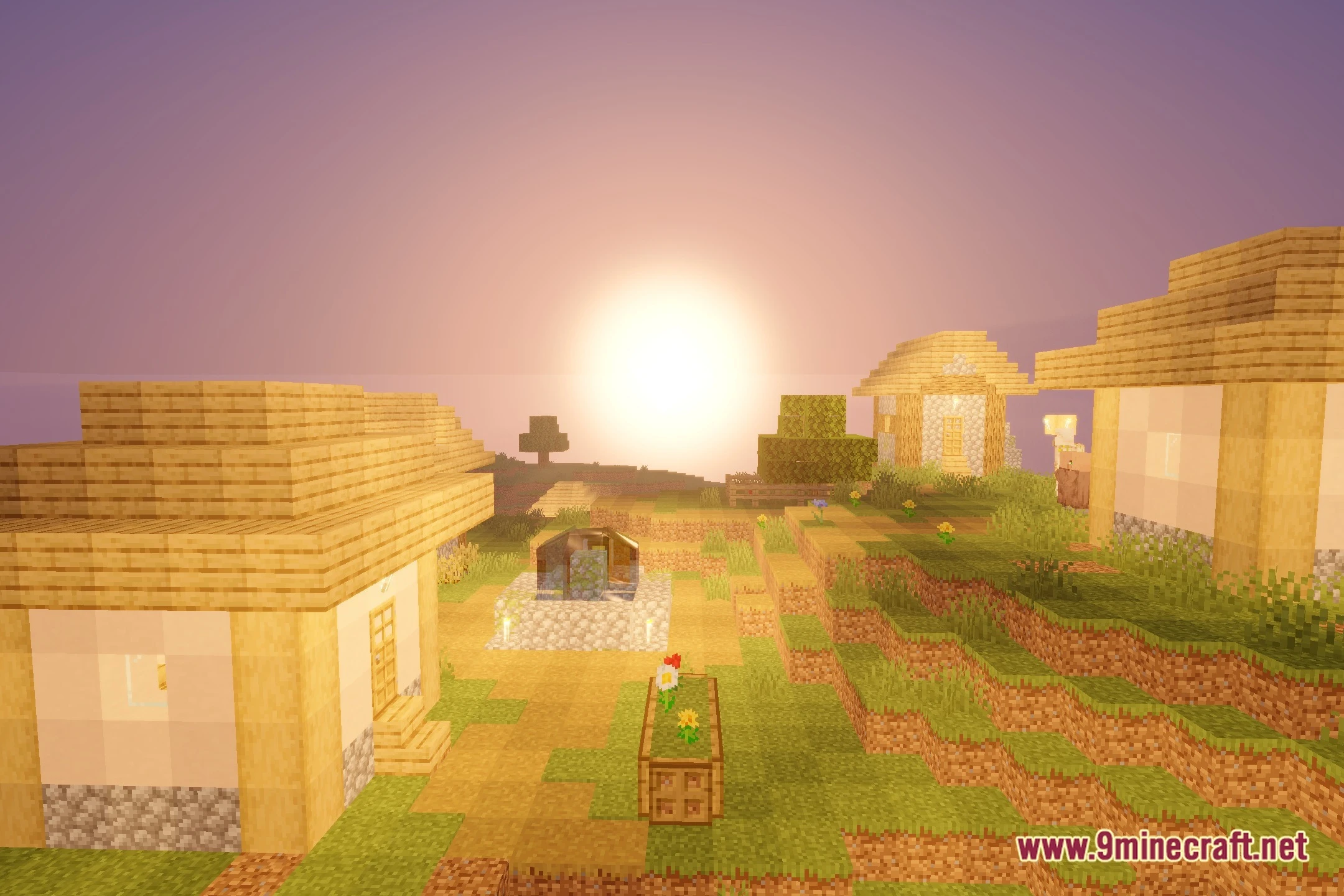
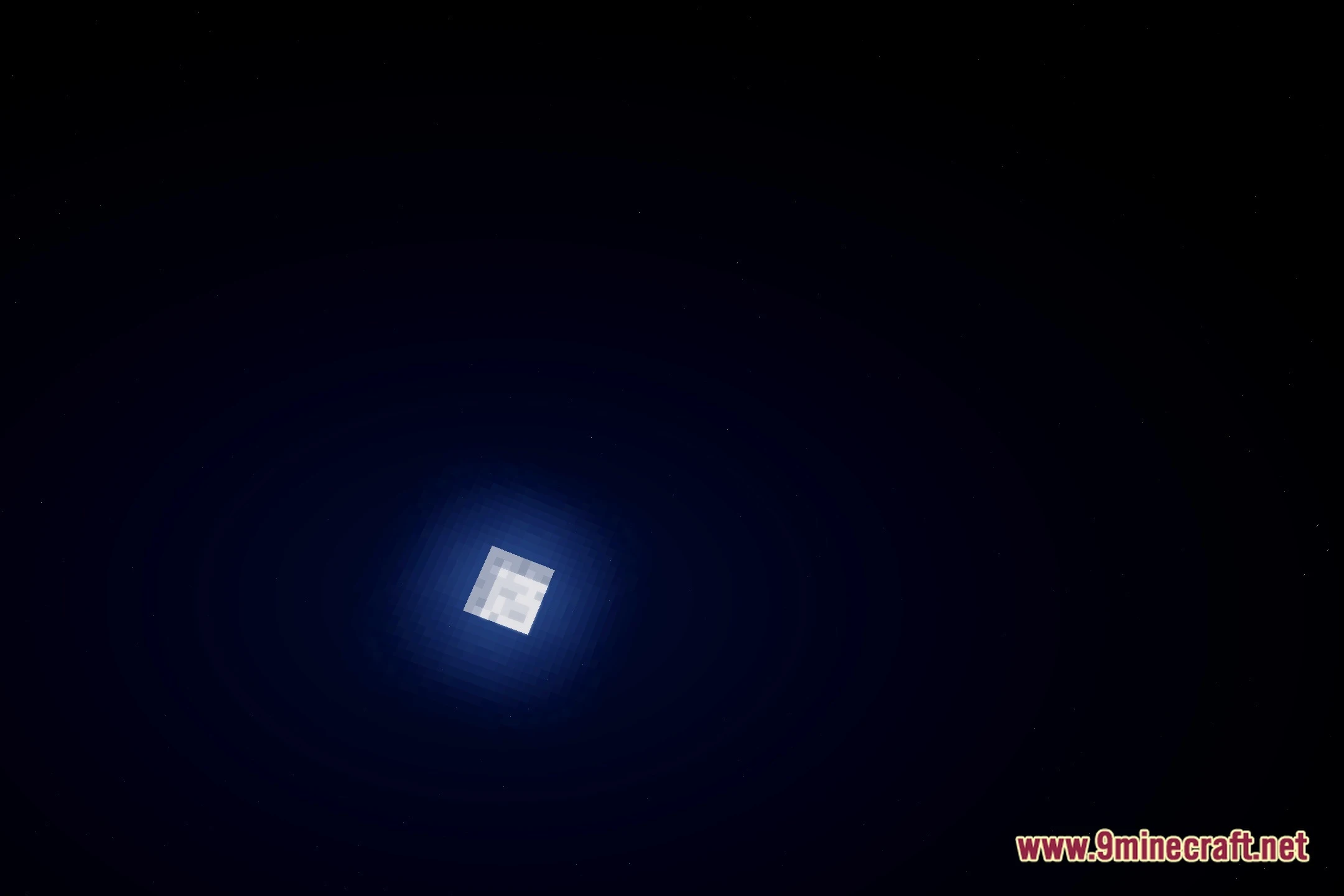
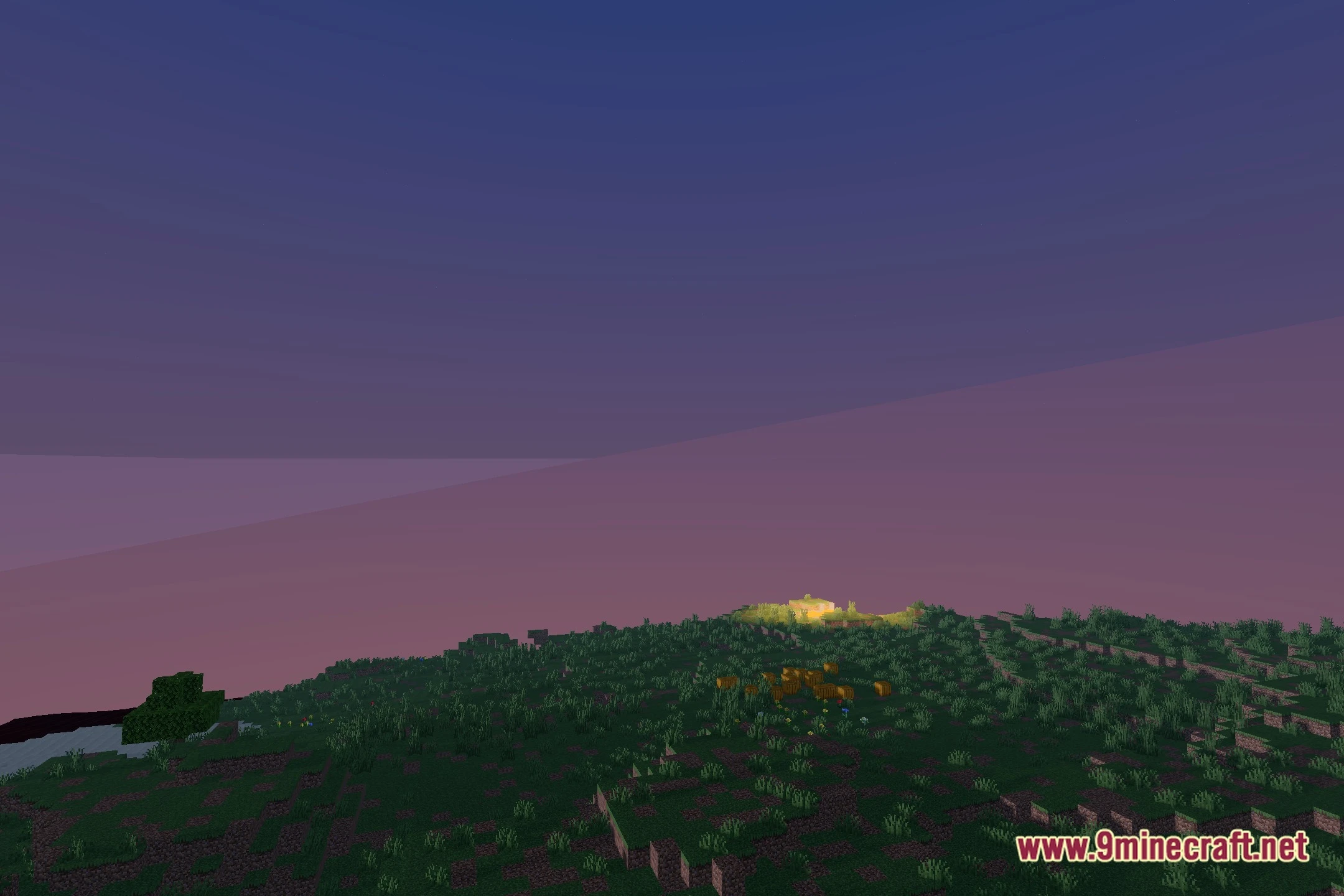
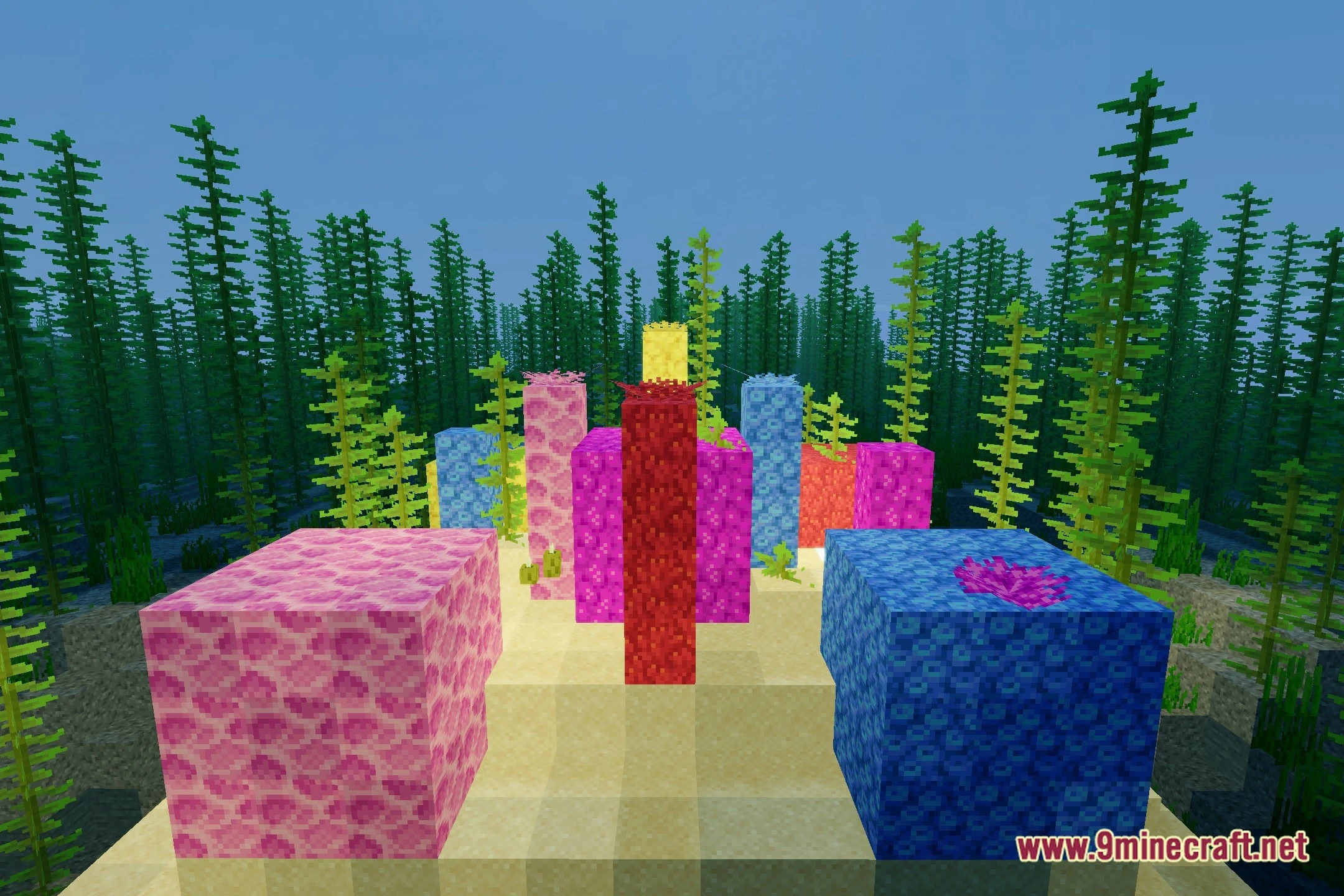
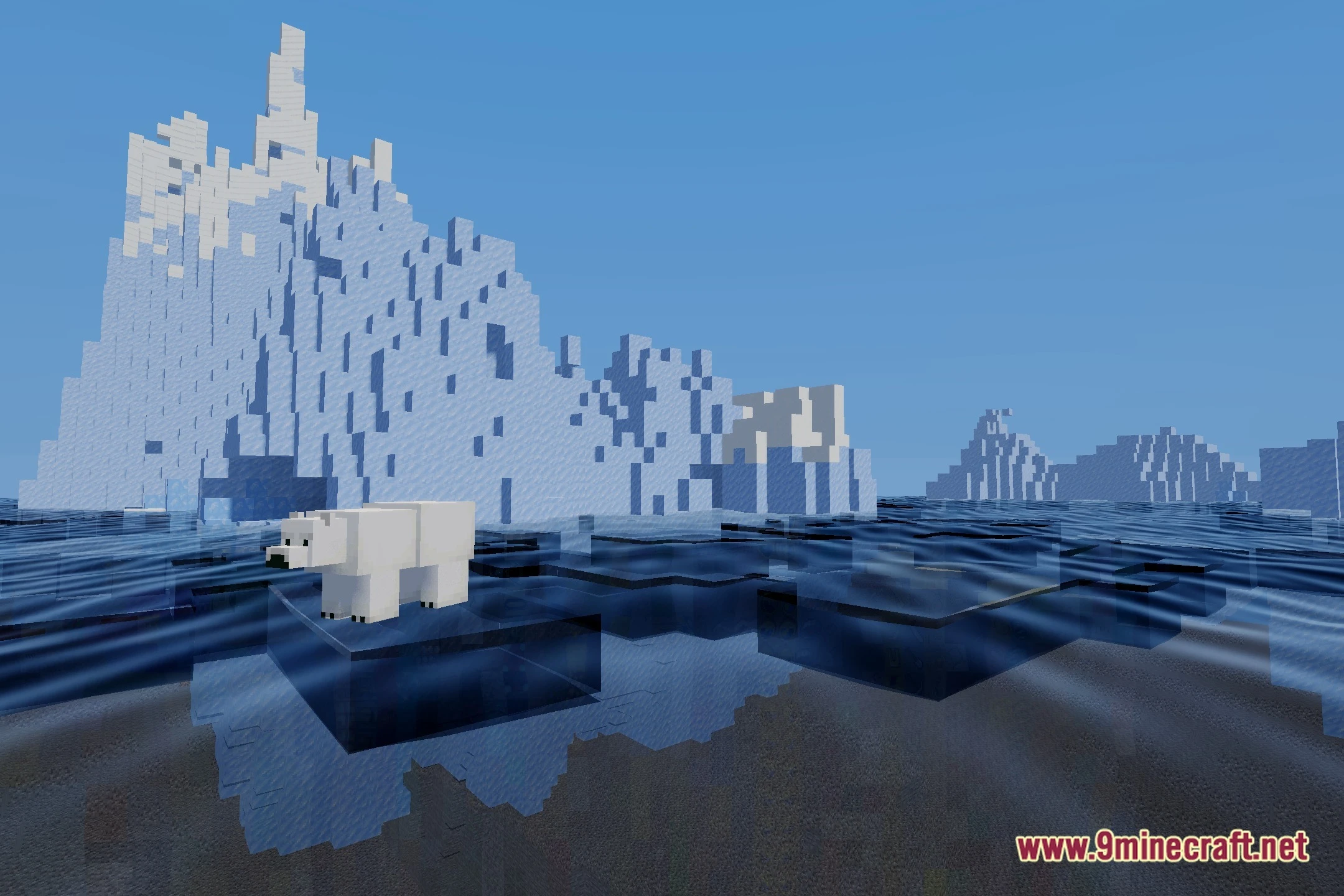
12 images from the Luminacraft Cinematic Lighting Realistic Water Stunning Skies Shaders page.
You May Also Like
Wikis that share the most with this one
Wikis on the same theme: light
More shader wikis on the site
 LumaVox Shaders
The most downloaded mods that have a wiki here