

 DownloadLumeon Shaders
Get the files on 9Minecraft
Guides
Step-by-step, in-game.
Adjust Shader Settings for Your HardwareAccess the Shader Menu Press the Shader Options button in your Video Settings menu (usually accessible via ESC >…Enhance Water Appearance and ReflectionsEnable Realistic Water Features Water in Lumeon Shaders is rendered with path-traced reflections by default. To see…Maximize Visual Quality on High-End HardwareSelect the Ultra Performance Profile If your PC can handle it, choose the Ultra preset in Shader Options. This…Reduce Lag and Improve Frame RateSwitch to a Lower Performance Profile If you're experiencing frame rate drops, the fastest solution is to select a…
Frequently asked questions
How do I enable Lumeon Shaders after installing it?
Open your Video Settings in-game, navigate to Shaders, and select Lumeon Shaders from the list. The shader will activate immediately, though you may need to restart your world for all effects to fully load.
Why is my game running slowly with this shader?
Lumeon Shaders uses path-tracing which is demanding; try switching to a lower performance preset in the shader settings menu. You can also disable or reduce bloom intensity and reflection quality to gain more frames.
Can I adjust individual shader settings or am I stuck with presets?
You can customize individual settings beyond presets—open the shader options screen (usually by pressing a key while in-game or through Video Settings) to tweak lighting intensity, shadow softness, bloom, and water reflections separately.
Why do my reflections look broken or disappear at certain angles?
Water reflections depend on your hardware and performance preset; lower presets reduce reflection quality or distance. Make sure you're not looking at water from extreme angles, as some reflection systems have viewing limits.
See all 10 Lumeon Shaders questions ›
Gallery
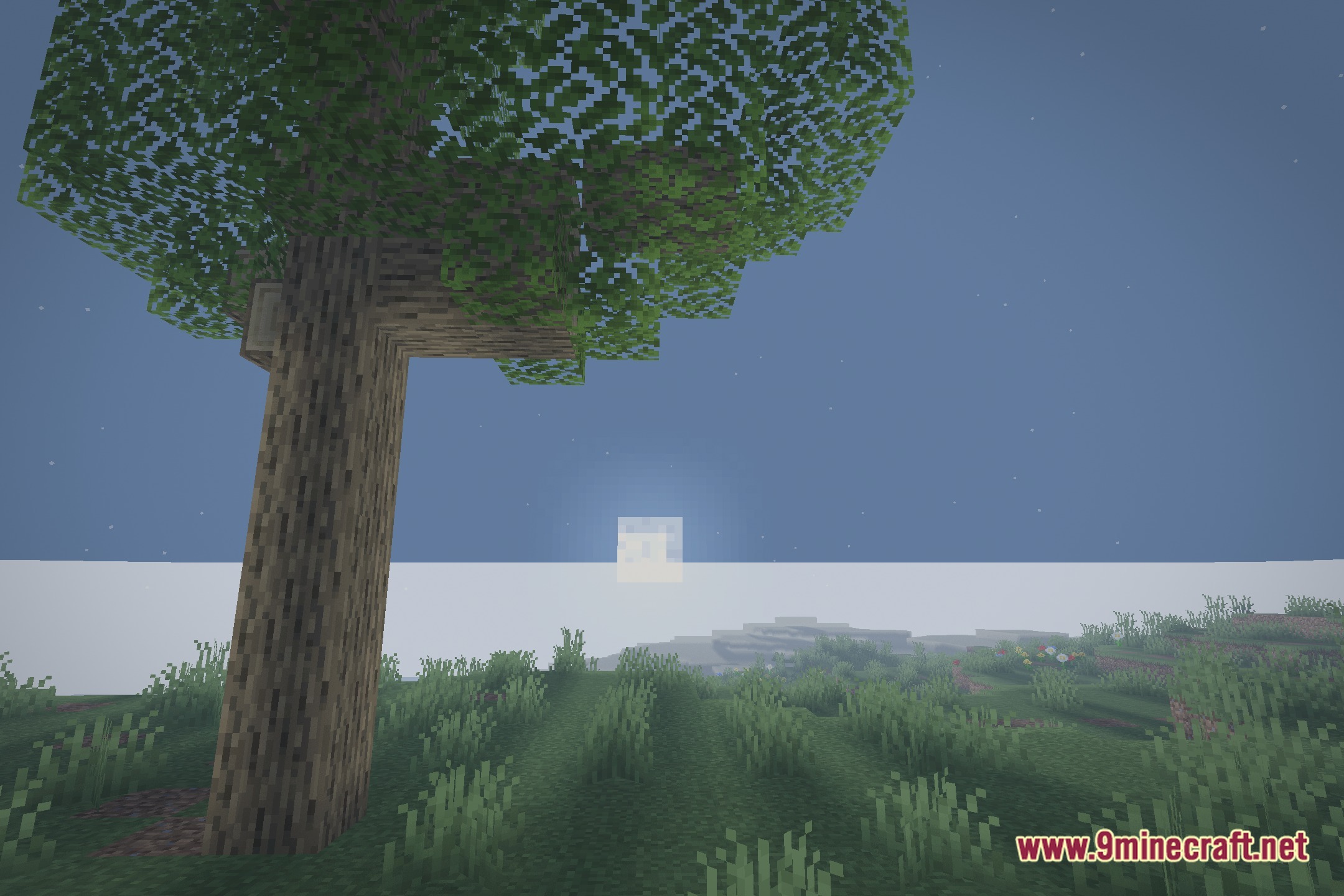
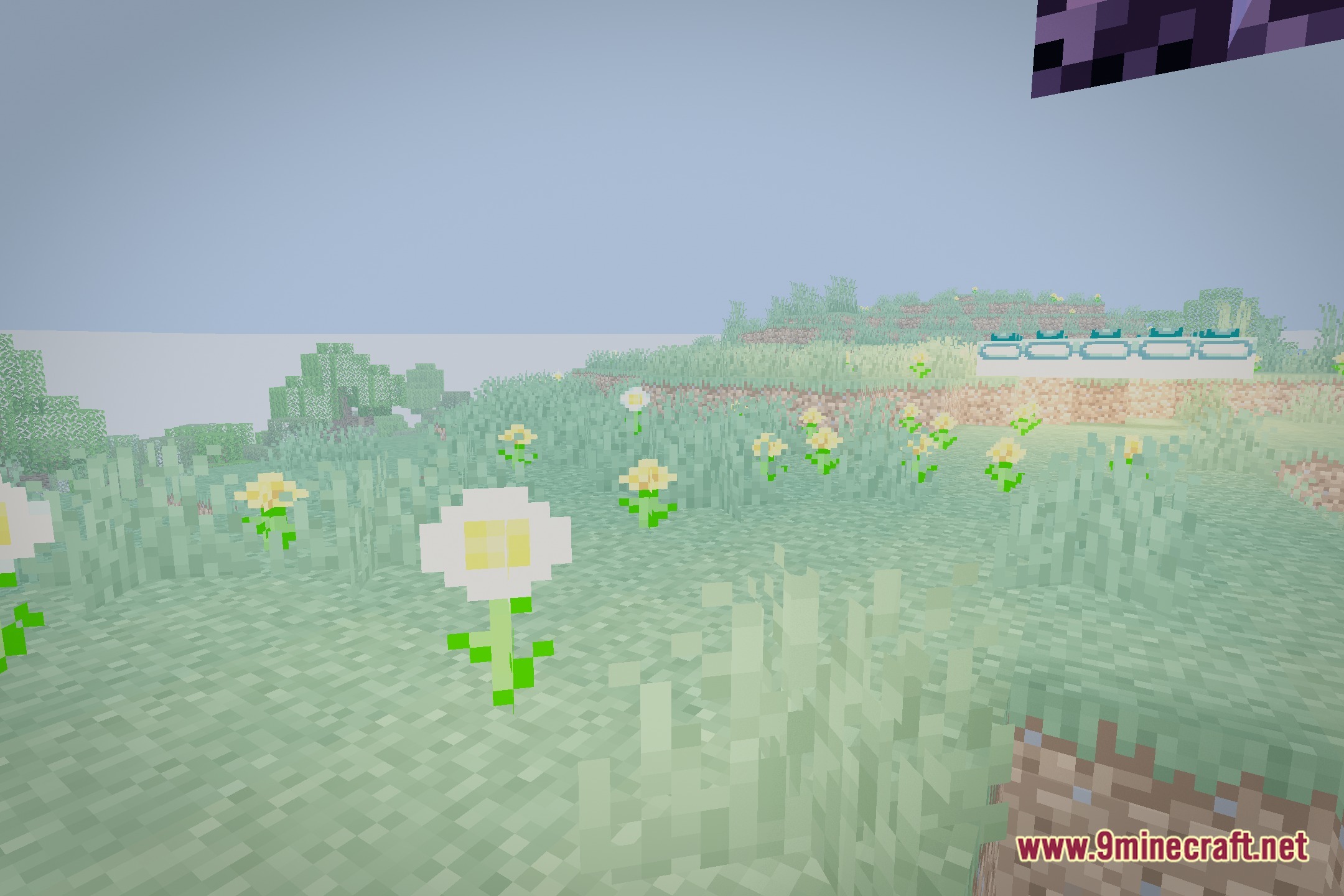
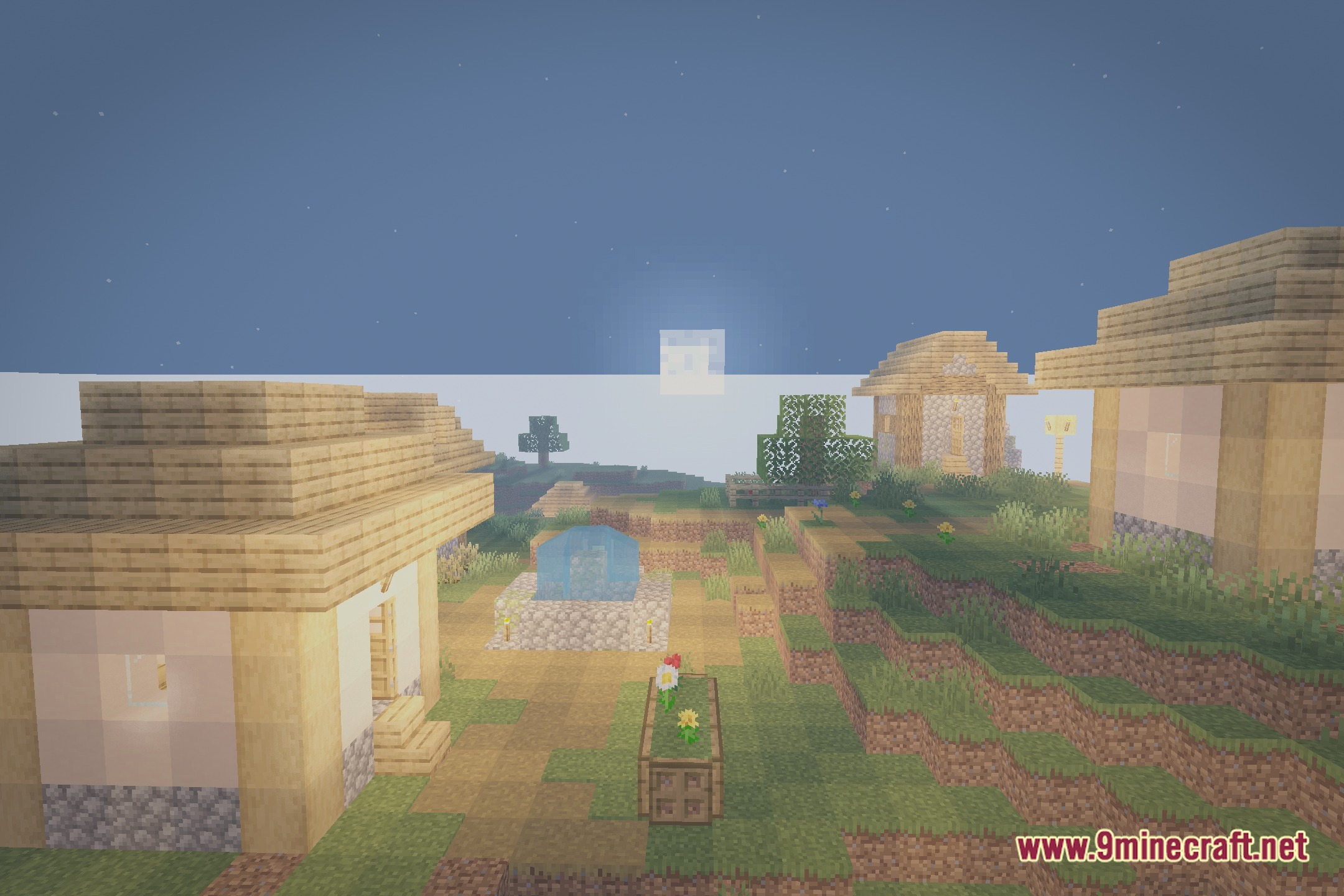
12 images from the Lumeon Shaders page.
You May Also Like
Wikis that share the most with this one
Wikis on the same theme: light
More shader wikis on the site
 LumaVox Shaders
The most downloaded mods that have a wiki here