

 DownloadFont Shaders
Get the files on 9Minecraft
Guides
Step-by-step, in-game.
Customize Font Shader Appearance SettingsAccessing Shader Options Font Shaders includes customizable settings to adjust how the text-based rendering appears…Enable Font Shaders in Your WorldPrerequisites Before activating Font Shaders, ensure OptiFine is installed and working in your Minecraft instance.…Optimize Font Shaders for Better PerformanceReduce Visual Complexity Font Shaders demands significant processing power. To improve frame rates: 1. Lower your…Troubleshoot Font Shaders Not DisplayingVerify Installation If Font Shaders isn't rendering text characters across your world: 1. Confirm OptiFine is…
Frequently asked questions
How do I turn on Font Shaders after installing it?
Open your Shaders menu in OptiFine settings, find Font Shaders in the list, and select it to activate. The shader will apply immediately to your world.
Why isn't Font Shaders showing up in my shaders list?
Make sure OptiFine is installed and working first—Font Shaders requires it to function. If it's still missing, verify the shader file is in your shaderpacks folder and restart the game.
Can I use Font Shaders with other mods?
Font Shaders works alongside most mods, but conflicts can occur with mods that heavily modify rendering or GUI elements. Test it with your modpack to confirm compatibility.
How do I change which font or character set Font Shaders uses?
Open the shader settings menu and look for font or character customization options—these let you switch between different text styles and symbol sets.
See all 10 Font Shaders questions ›
Gallery
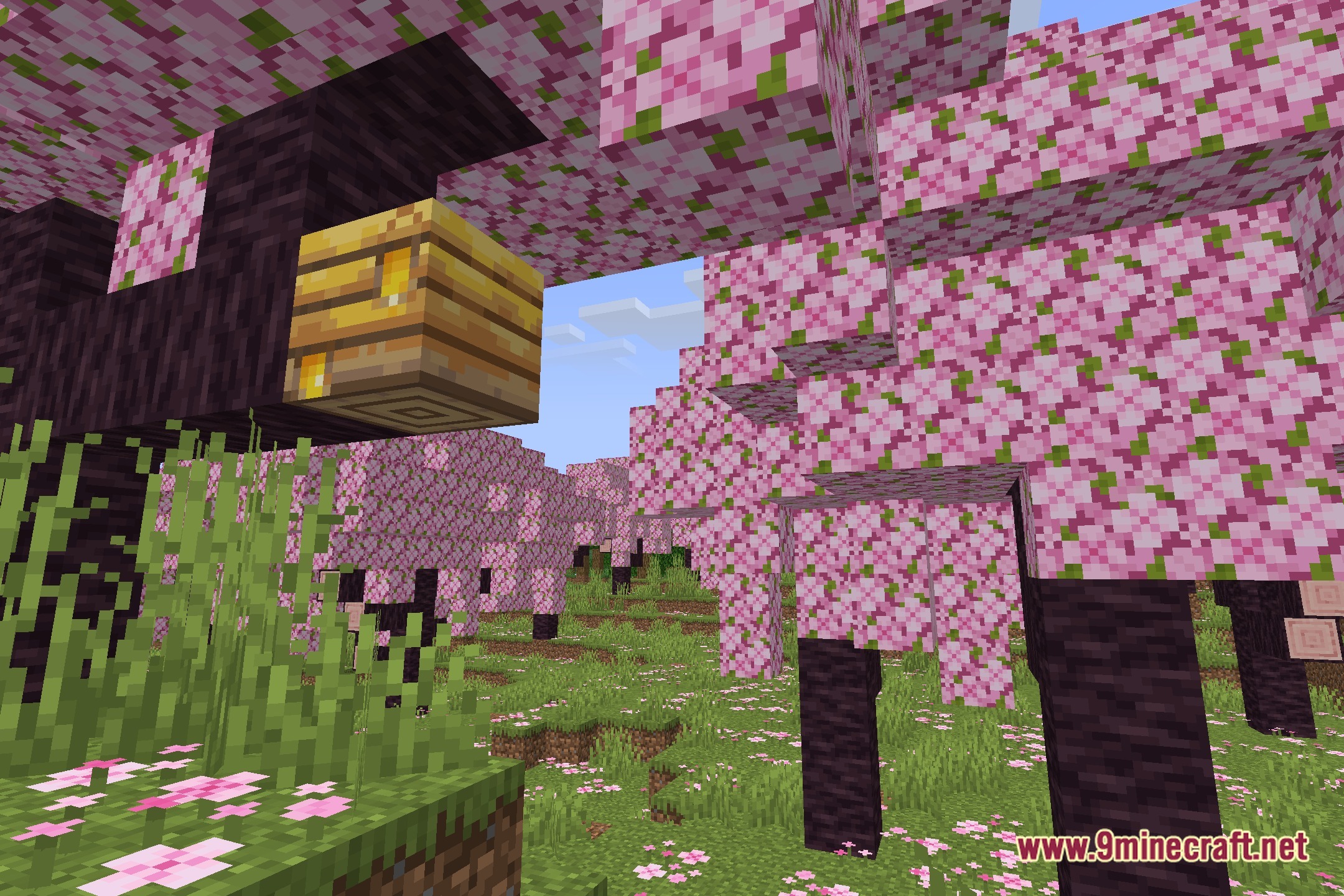
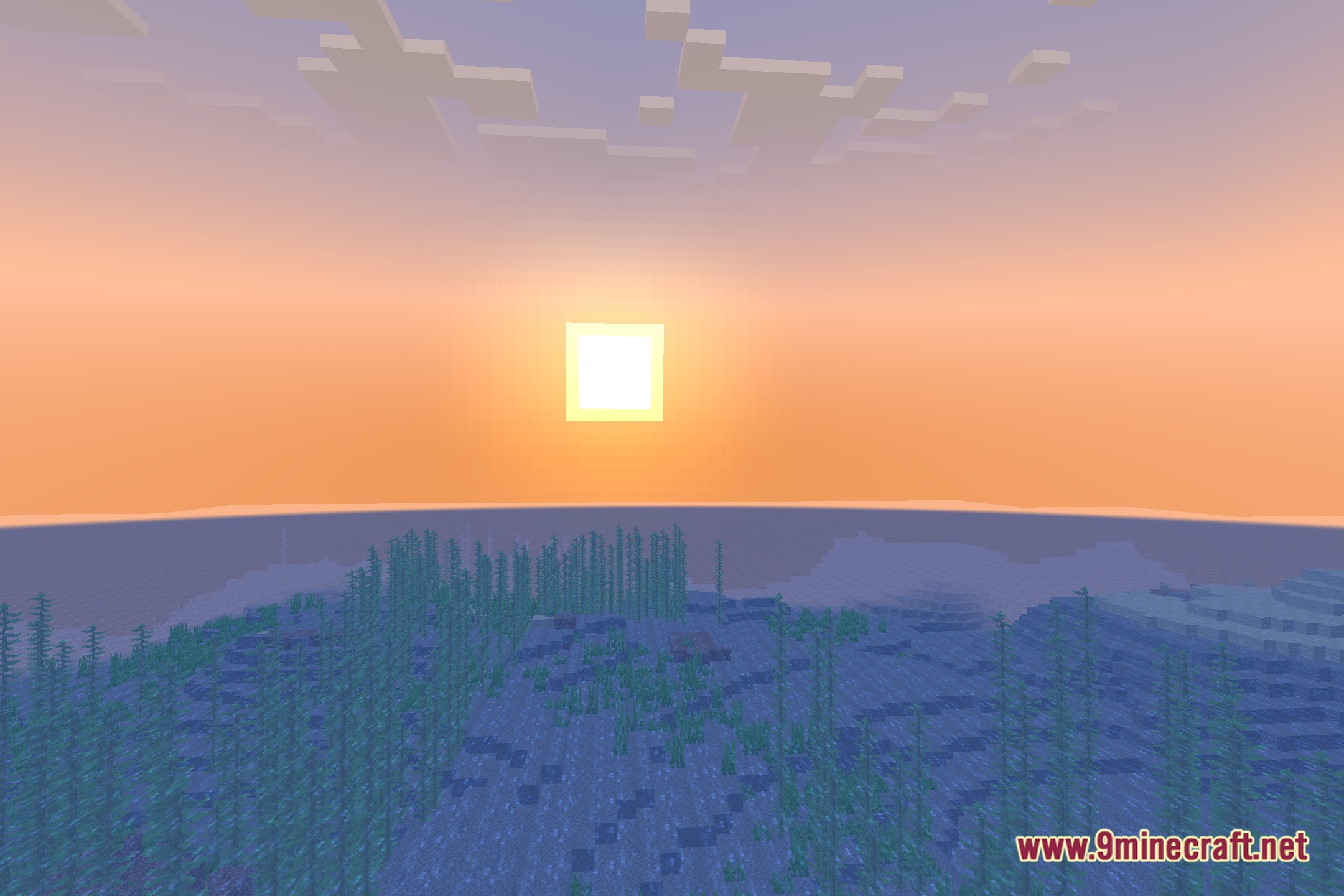
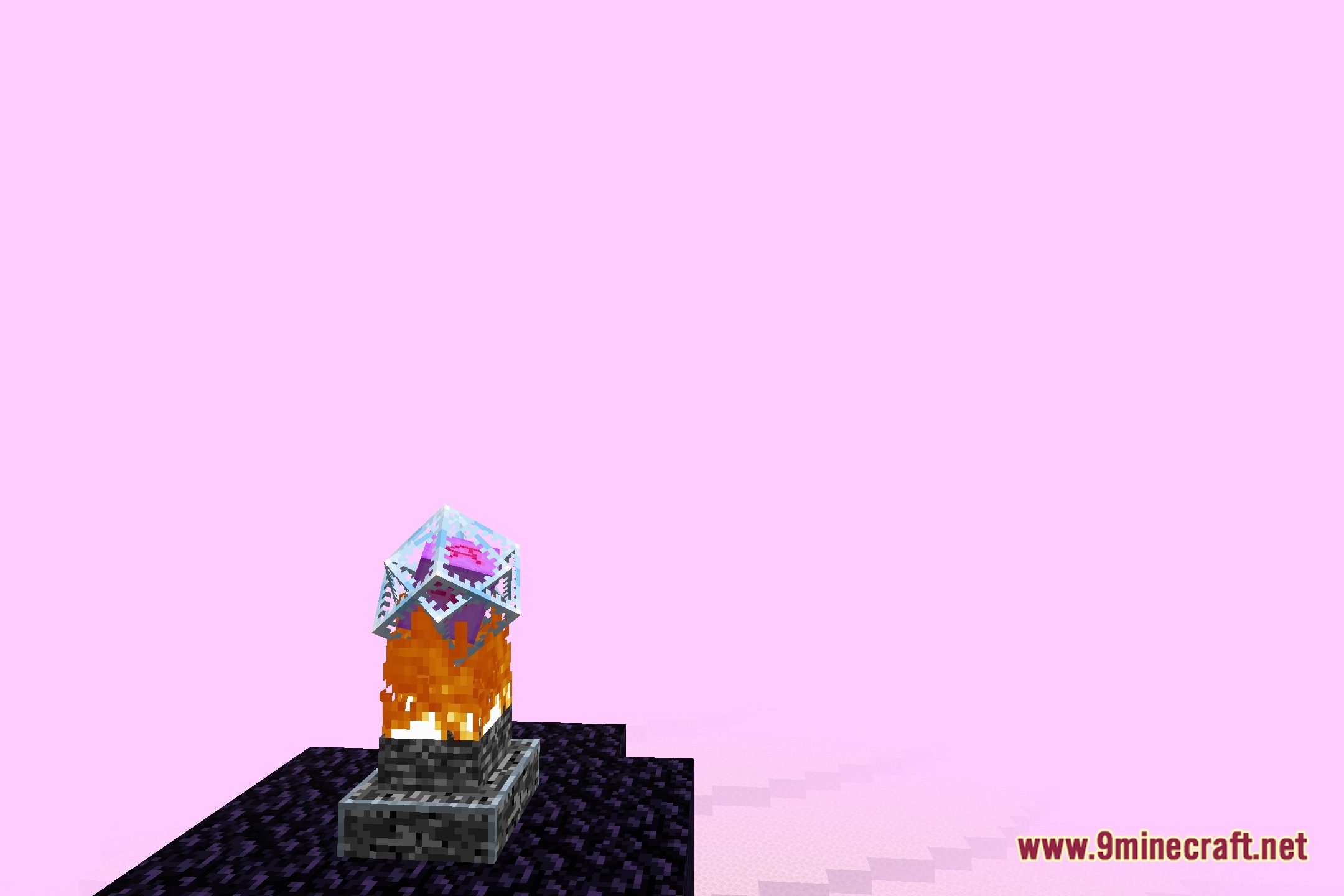
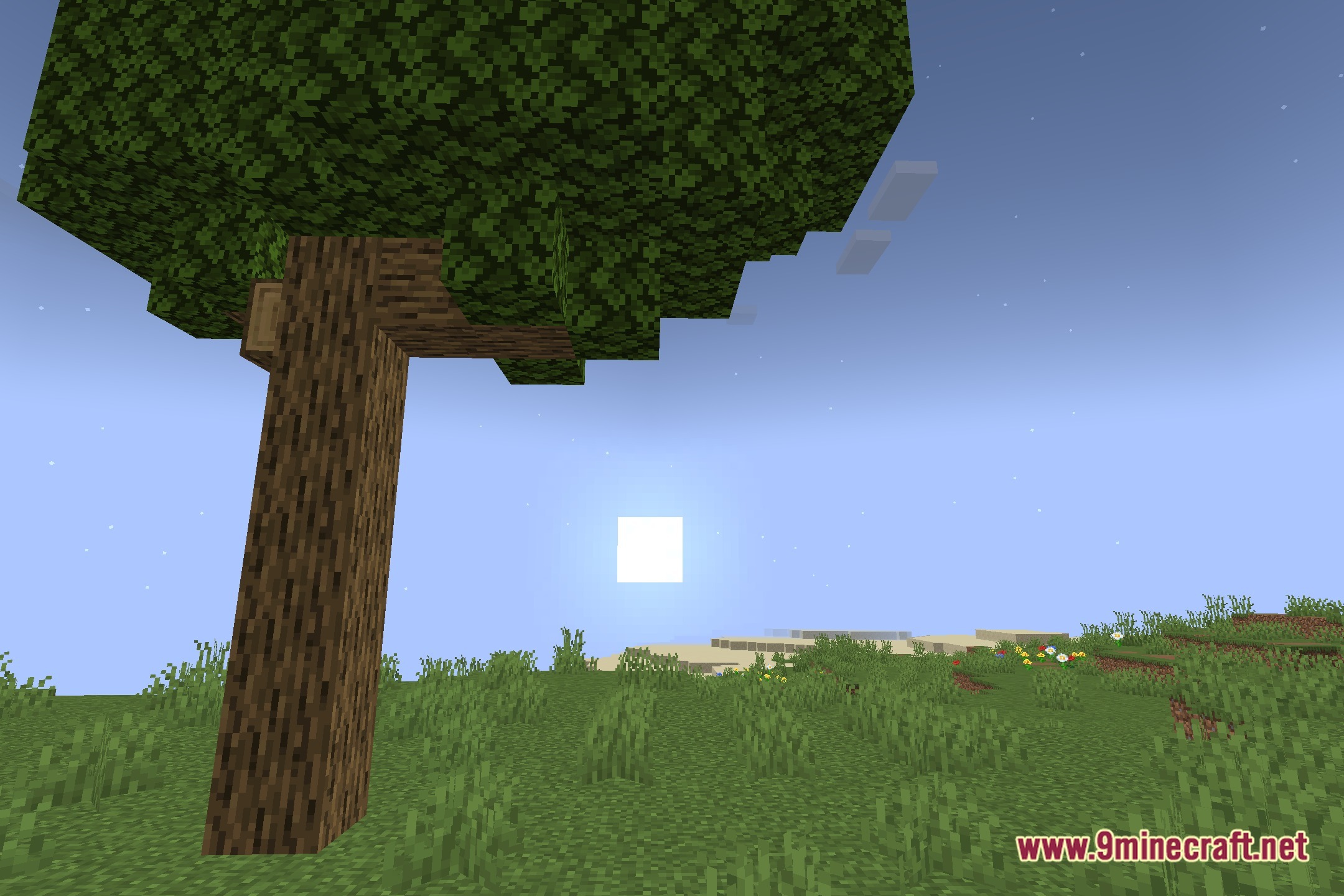
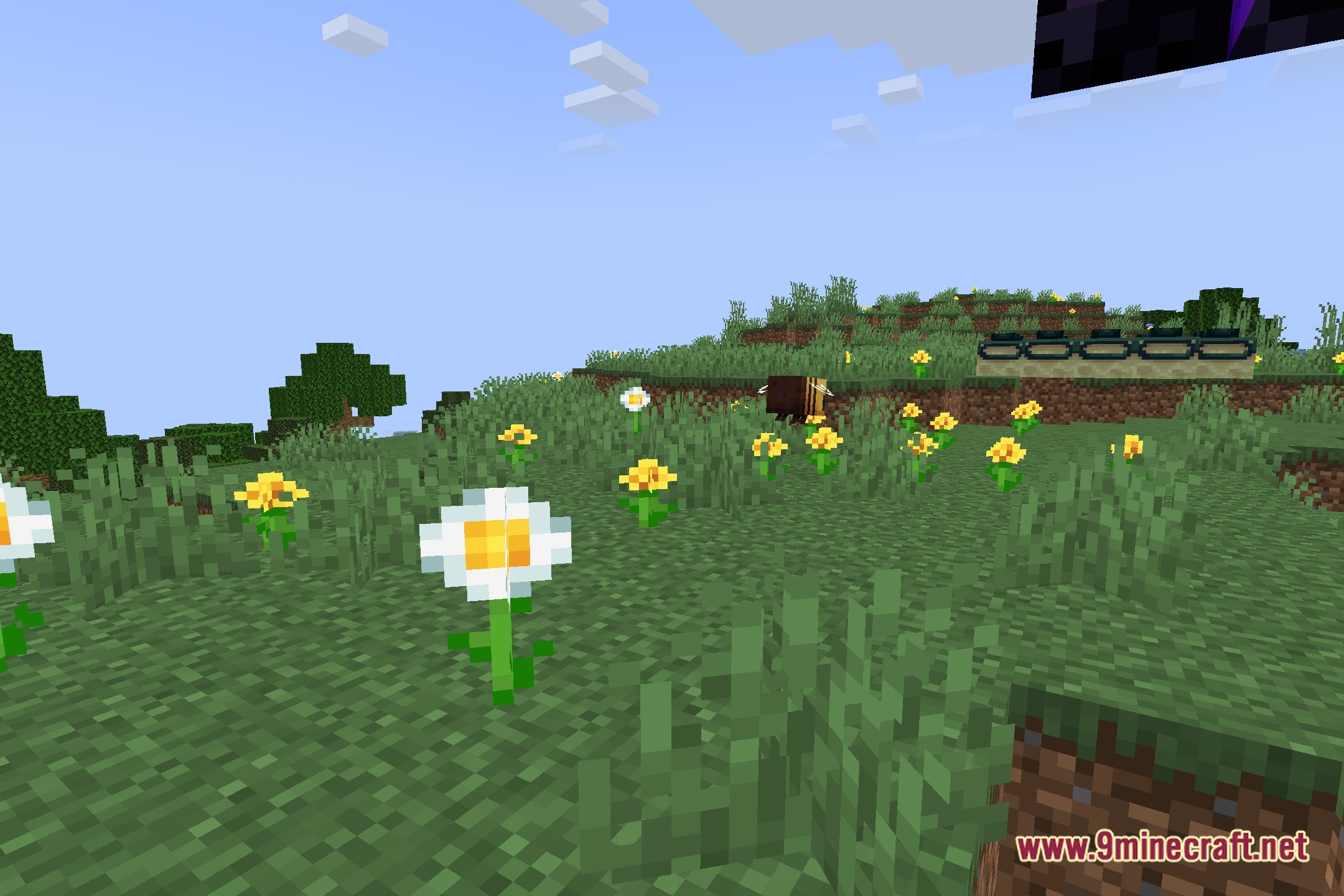
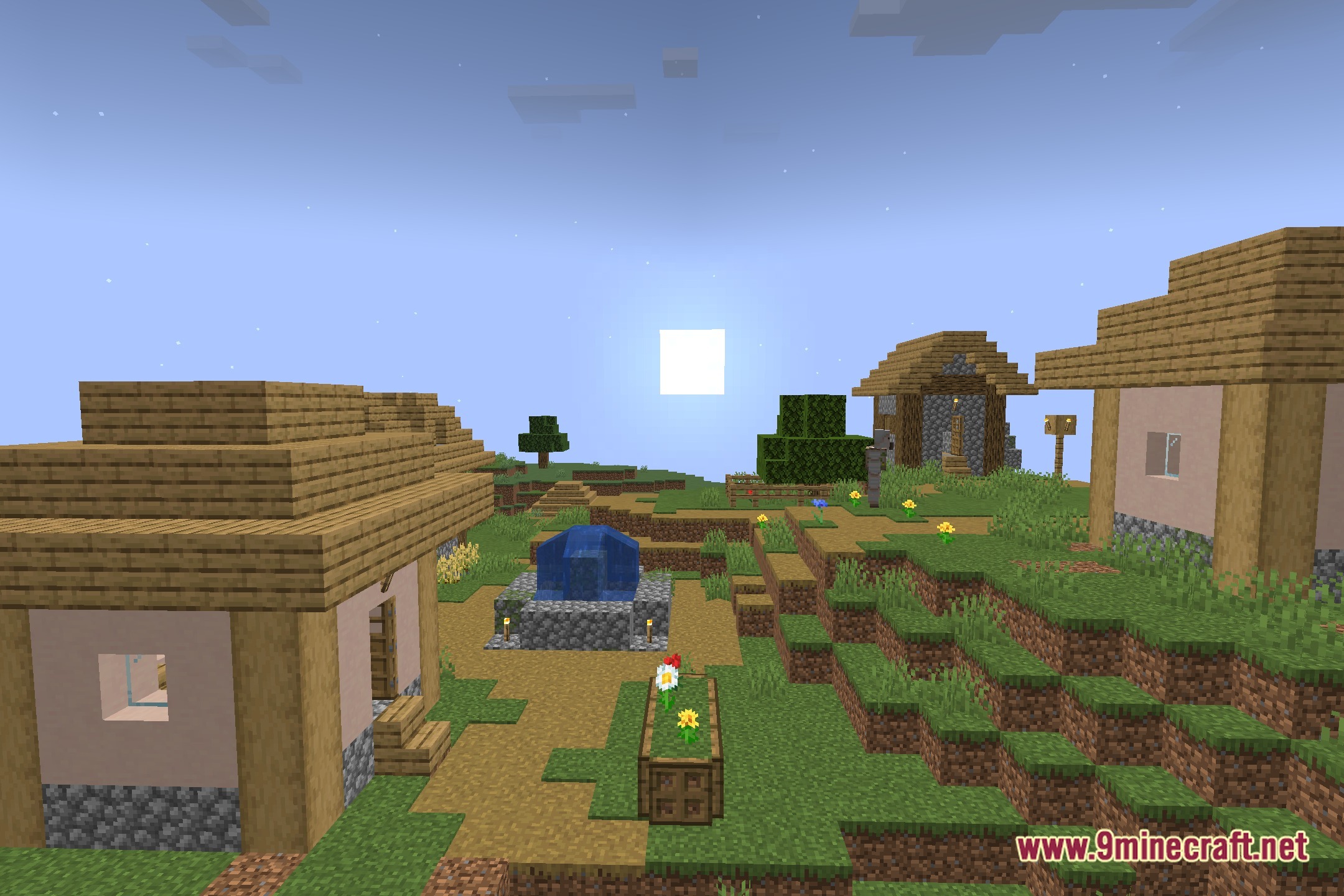
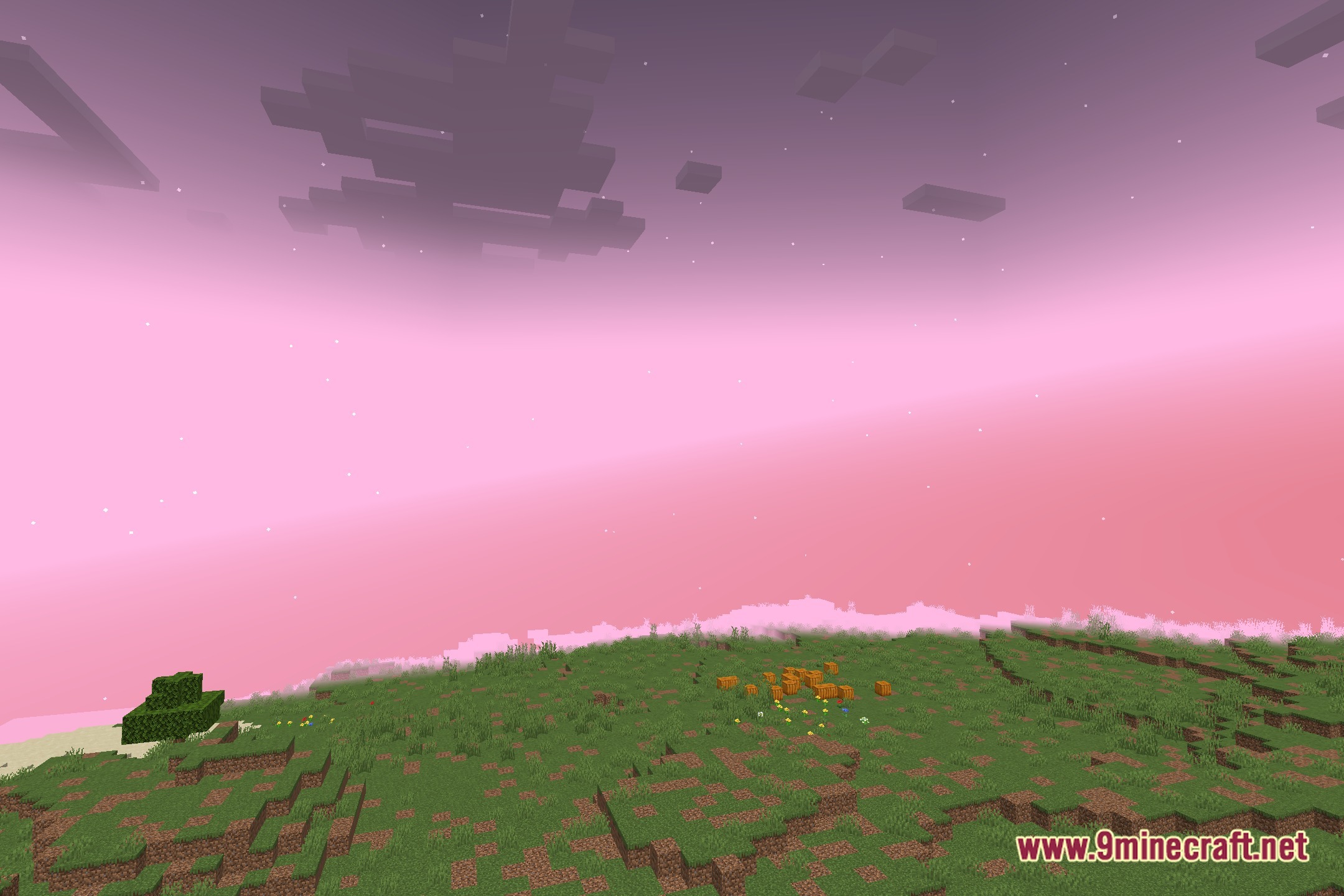
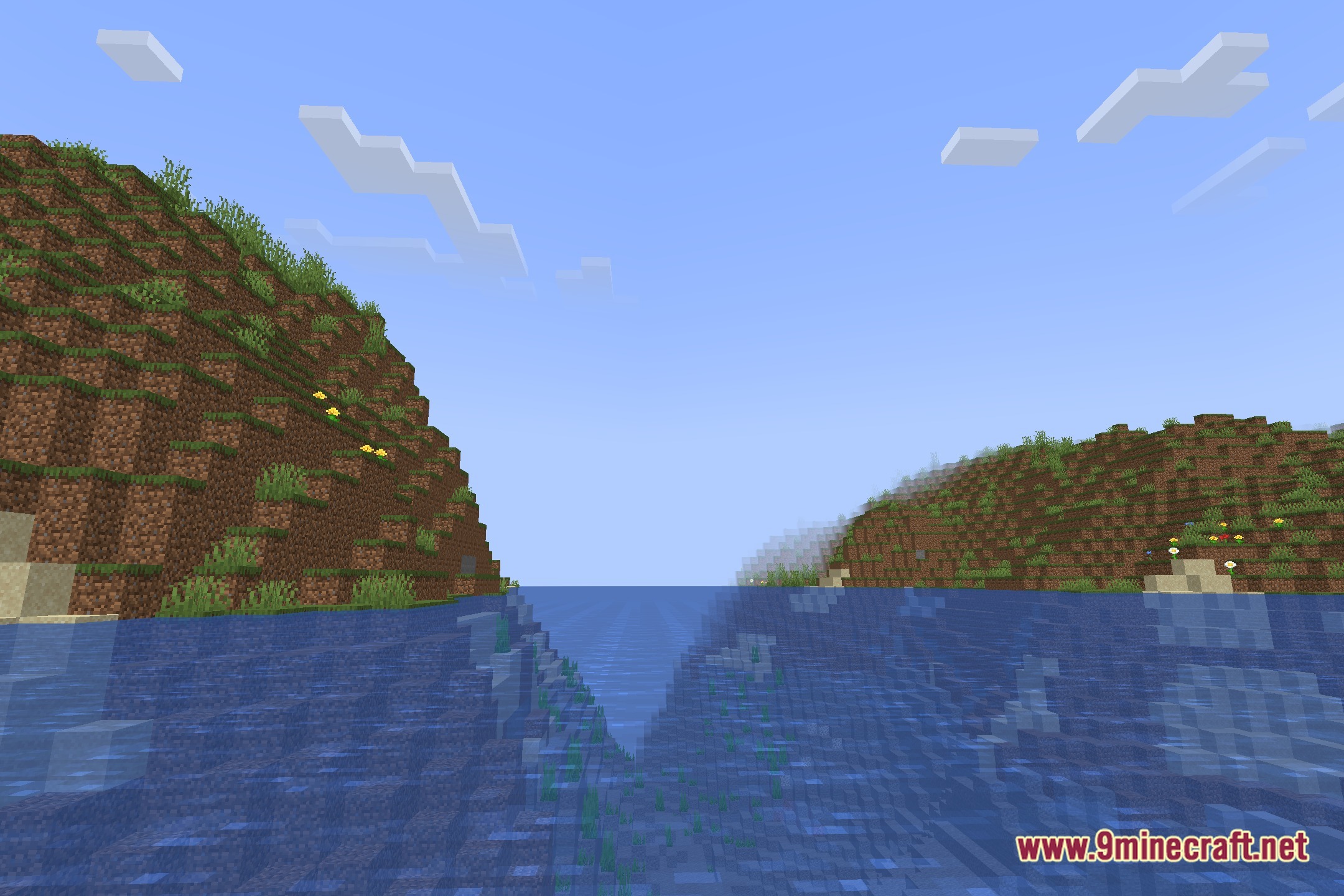
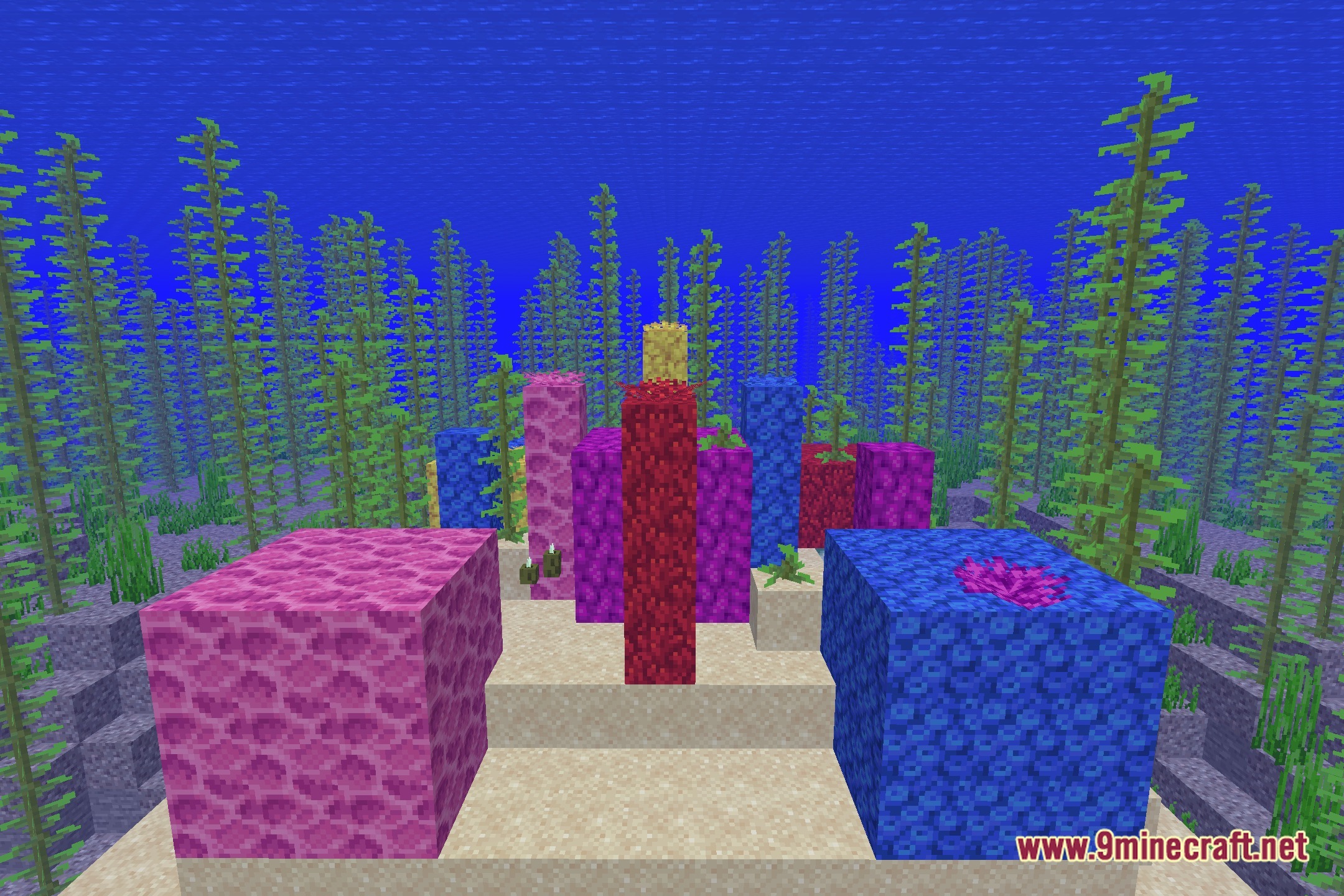
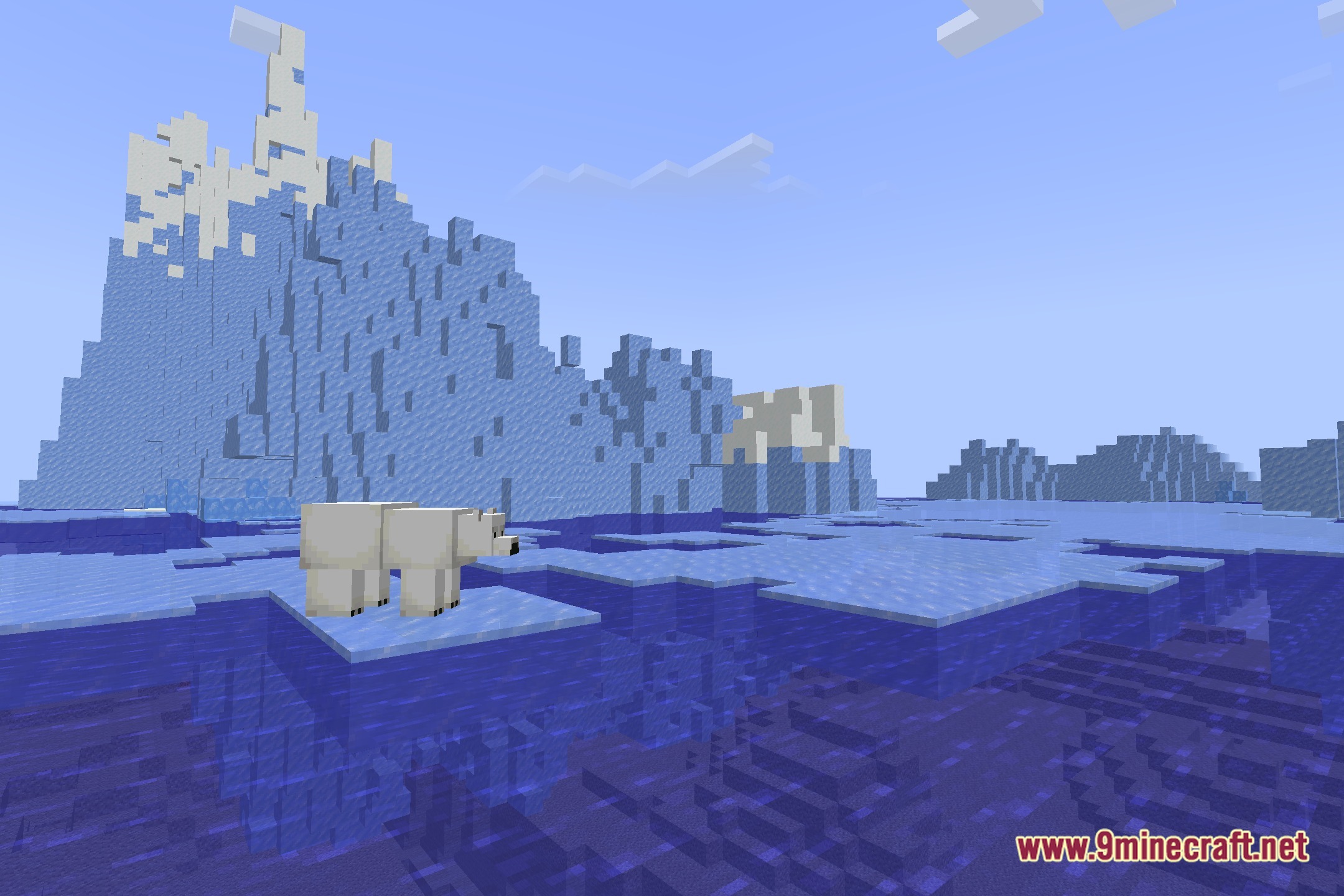
12 images from the Font Shaders page.
You May Also Like
Wikis that share the most with this one
 Smooth Font
Wikis on the same theme: end
More shader wikis on the site
 Flux Shaders
 Flow Reimagined Shaders
The most downloaded mods that have a wiki here