

 DownloadUltra Effects Mod
Get the files on 9Minecraft
Guides
Step-by-step, in-game.
Customize Your Combat Flash EffectsAccess the Settings Menu Open your mod settings from the main menu or pause screen. Look for the Ultra Effects Mod…Maximize Your Style Meter During CombatUnderstand Style Point Mechanics The Style Meter rewards varied and skillful combat actions. Simply attacking mobs…Play Ultra Effects Mod on Multiplayer ServersInstall and Enable Without Affecting Others The mod is fully compatible with multiplayer servers. Your visual…Use the Custom Hotbar EffectivelyFamiliarize Yourself with the New Layout The custom hotbar redesigns your inventory display to match Ultrakill's…
Frequently asked questions
How do I turn on the Ultra Effects Mod?
The mod activates automatically once installed. All visual effects are enabled by default, but you can customize which ones appear in your settings menu—access this through your pause screen or mod settings folder.
What does the style meter do?
The style meter tracks your combat performance as you fight mobs, awarding style points for landing hits, blocking attacks, and performing parries. Higher style builds up your meter and makes your combat feel more rewarding.
How do I get the parry flash to work?
The parry flash triggers automatically when you block a projectile or deflect an attack with your shield. Make sure the parry flash setting is enabled in your mod options if you're not seeing it.
Can I use this mod on a multiplayer server?
Yes, the mod is fully compatible with multiplayer servers. Your visual effects only display on your screen, so other players won't see your custom hotbar or combat flashes unless they have the mod installed too.
See all 10 Ultra Effects questions ›
Gallery
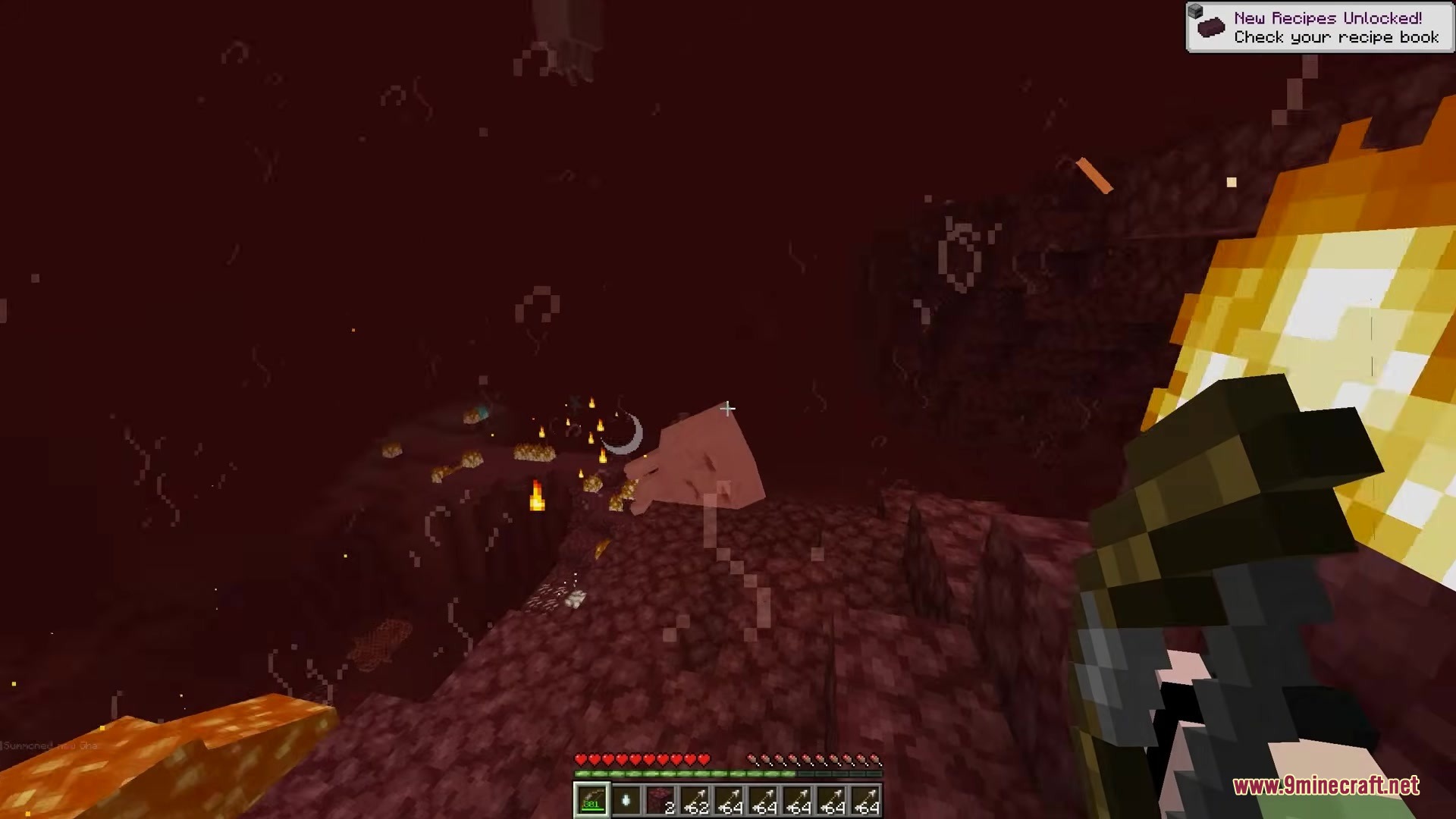
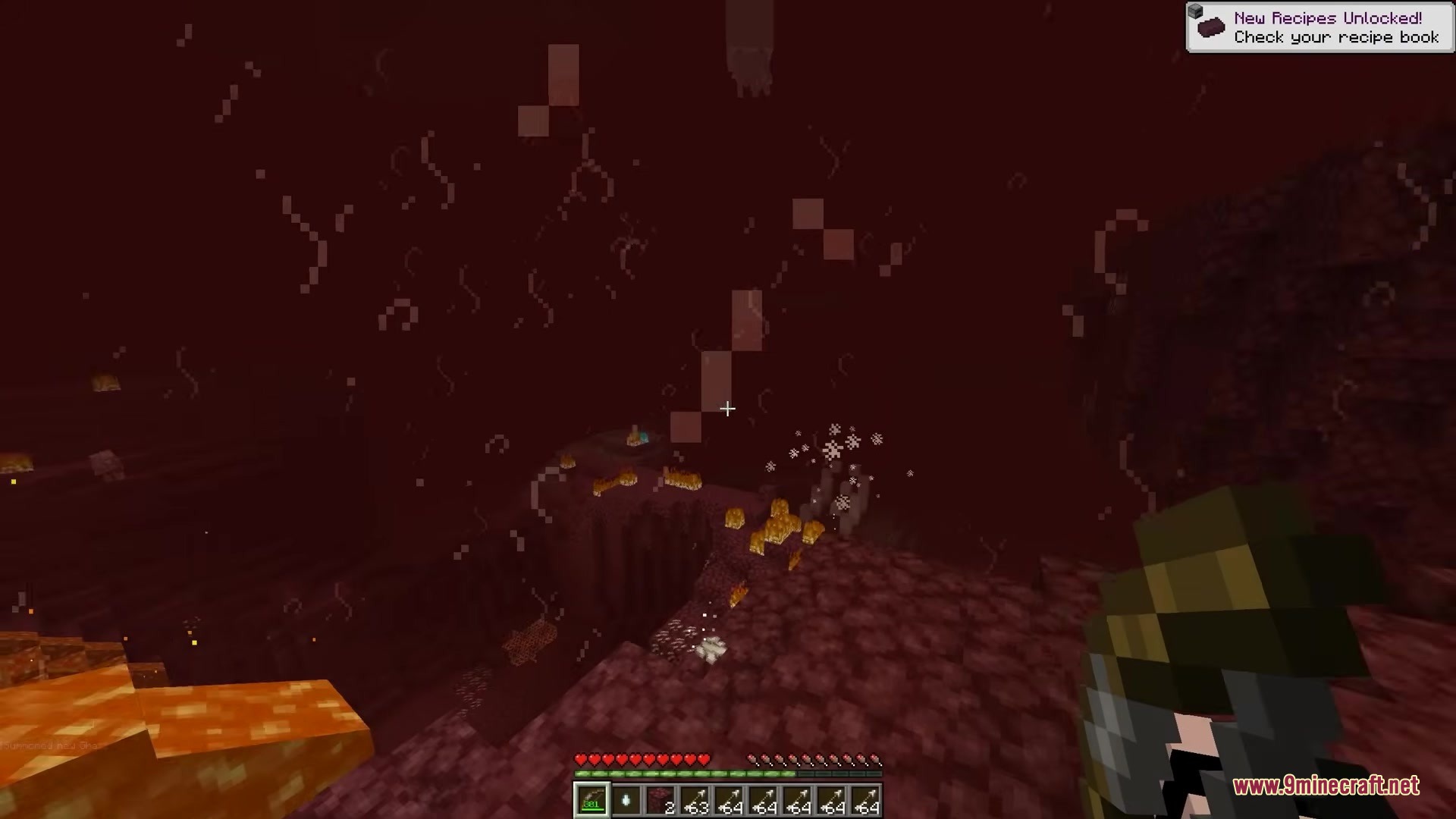
4 images from the Ultra Effects Mod page.

You May Also Like
Wikis that share the most with this one
More mod wikis on the site
The most downloaded mods that have a wiki here
A few wikis from each of the other kinds