

 DownloadAstral Ember Prism Shaders
Get the files on 9Minecraft
Guides
Step-by-step, in-game.
Adjusting Aurora Intensity and FrequencyAccess Shader Settings Open the shader options menu by pressing Right Shift + R (or your configured key) while…Enhancing Sunset Colors Without OversaturationAccess Color Settings Press Right Shift + R and navigate to Sky , Lighting , or Color Correction tabs. Adjust Sunset…Optimizing Performance While Keeping Visual QualityAccess Performance Settings Press Right Shift + R and look for Performance , Quality , or Advanced sections. Key…Reducing Nether Fog for Better VisibilityOpen Shader Configuration Press Right Shift + R to access shader options. Find the Nether or Dimension-Specific…
Frequently asked questions
How do I turn on the auroras?
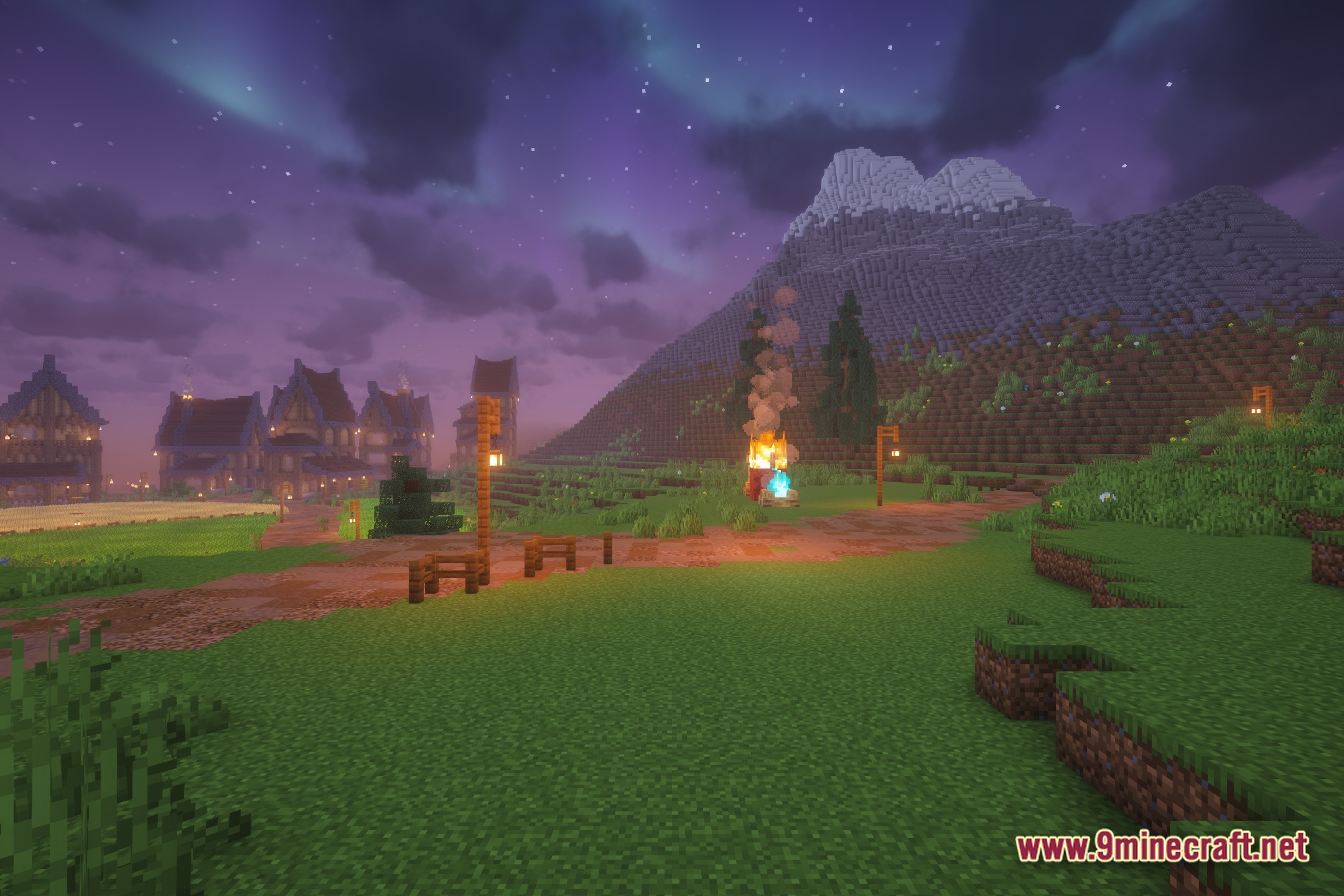
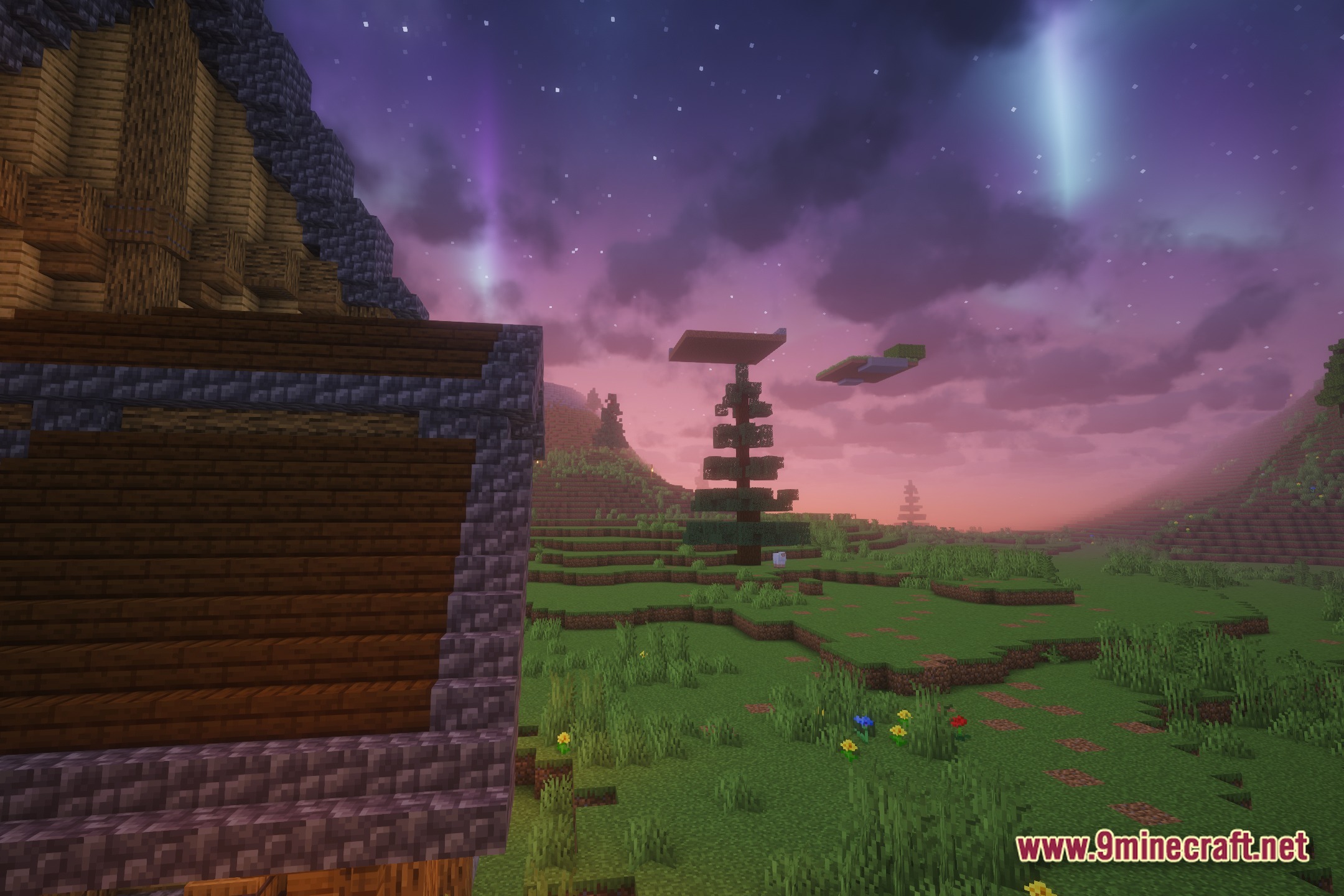
Auroras are enabled by default in Astral Ember Prism Shaders and appear every night automatically. If you don't see them, check that your shader settings haven't disabled sky effects, and make sure you're playing at night or in a dark enough area for them to be visible.
The auroras are too bright/dim for me. How do I adjust them?
Open your shader options (usually F2 or through your shader menu) and look for aurora intensity or brightness settings. You can also adjust aurora frequency to make them appear more or less often throughout the night.
Why is the Nether still foggy?
The Nether fog reduction is a built-in feature, but if you still see heavy fog, check that you haven't accidentally enabled fog effects in your shader settings or that another mod isn't overriding the fog behavior. Make sure your shader is fully loaded by restarting your game.
Can I make the sunset colors less intense?
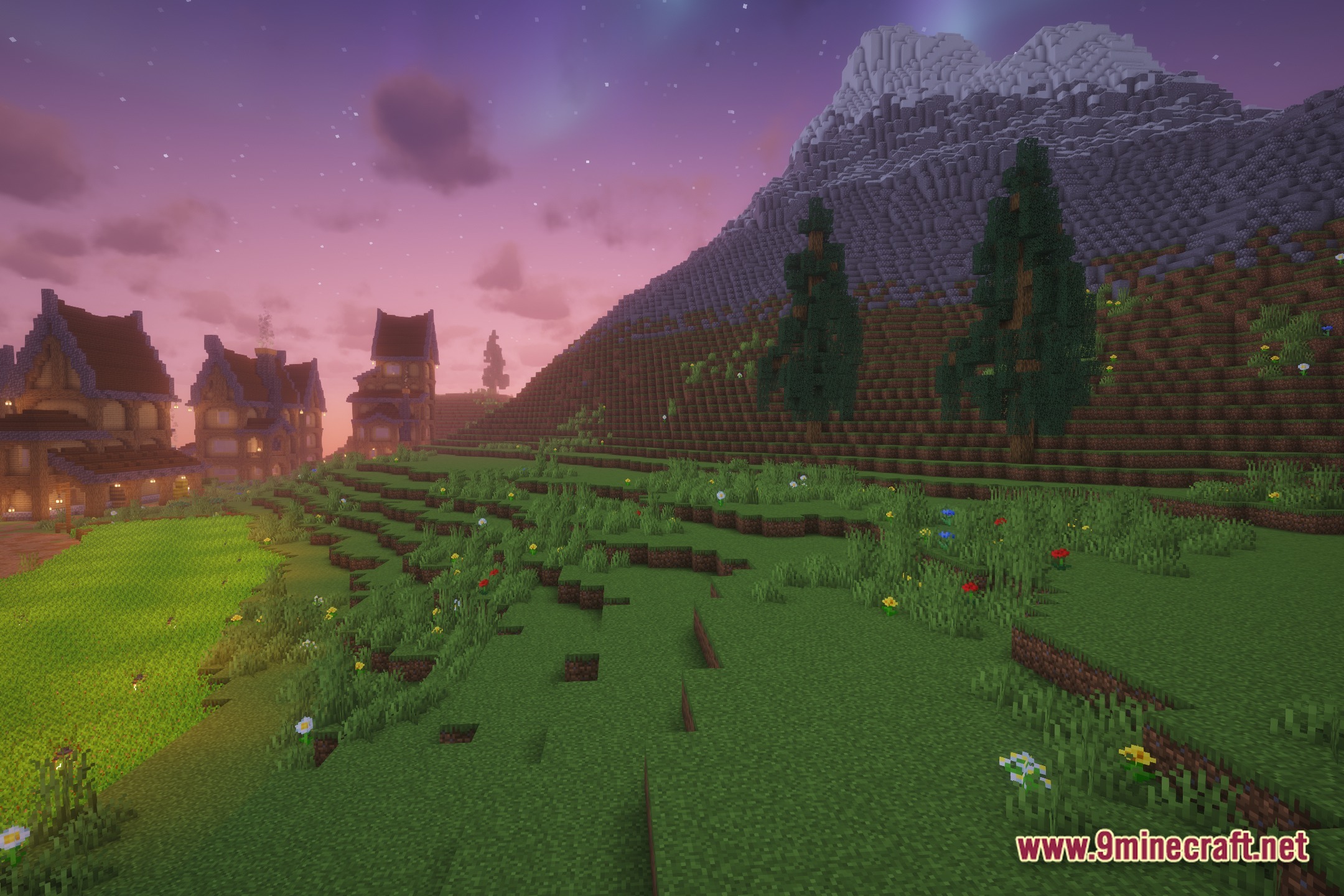
Yes—access your shader options and look for sunset saturation, color intensity, or sky color settings. Lowering these values will give you more subtle magenta and purple tones without oversaturation.
See all 10 Astral Ember Prism Shaders questions ›
Gallery
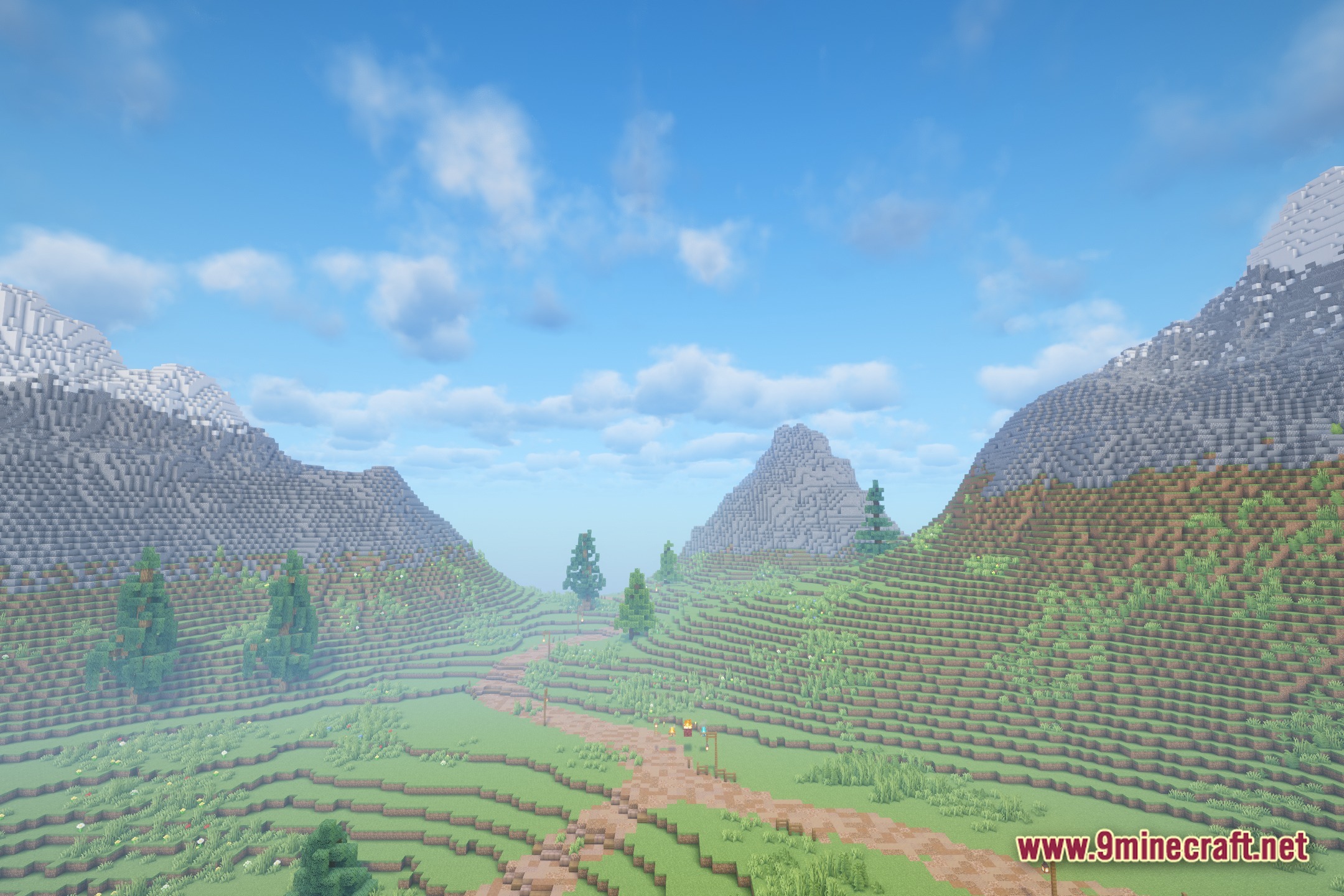
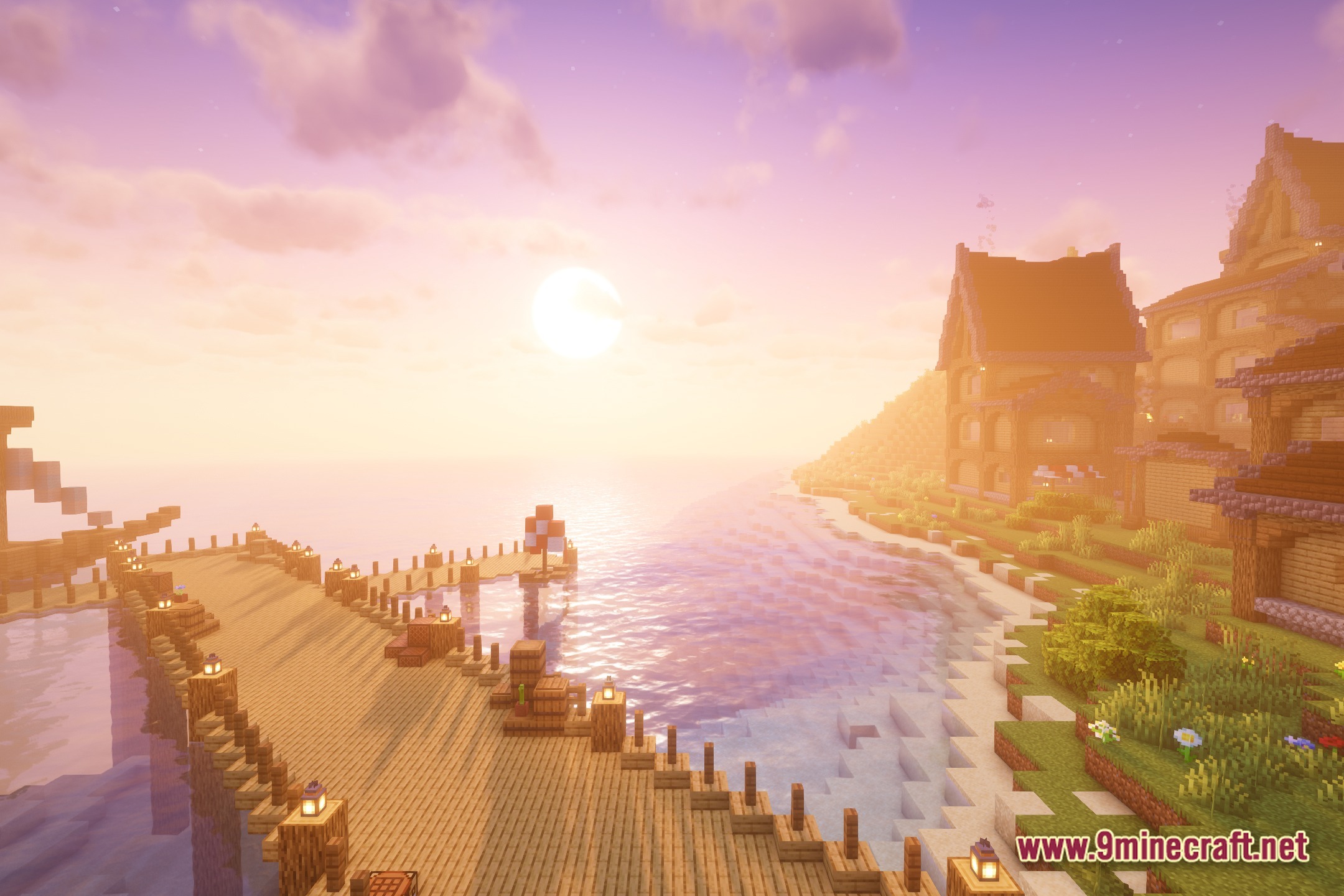
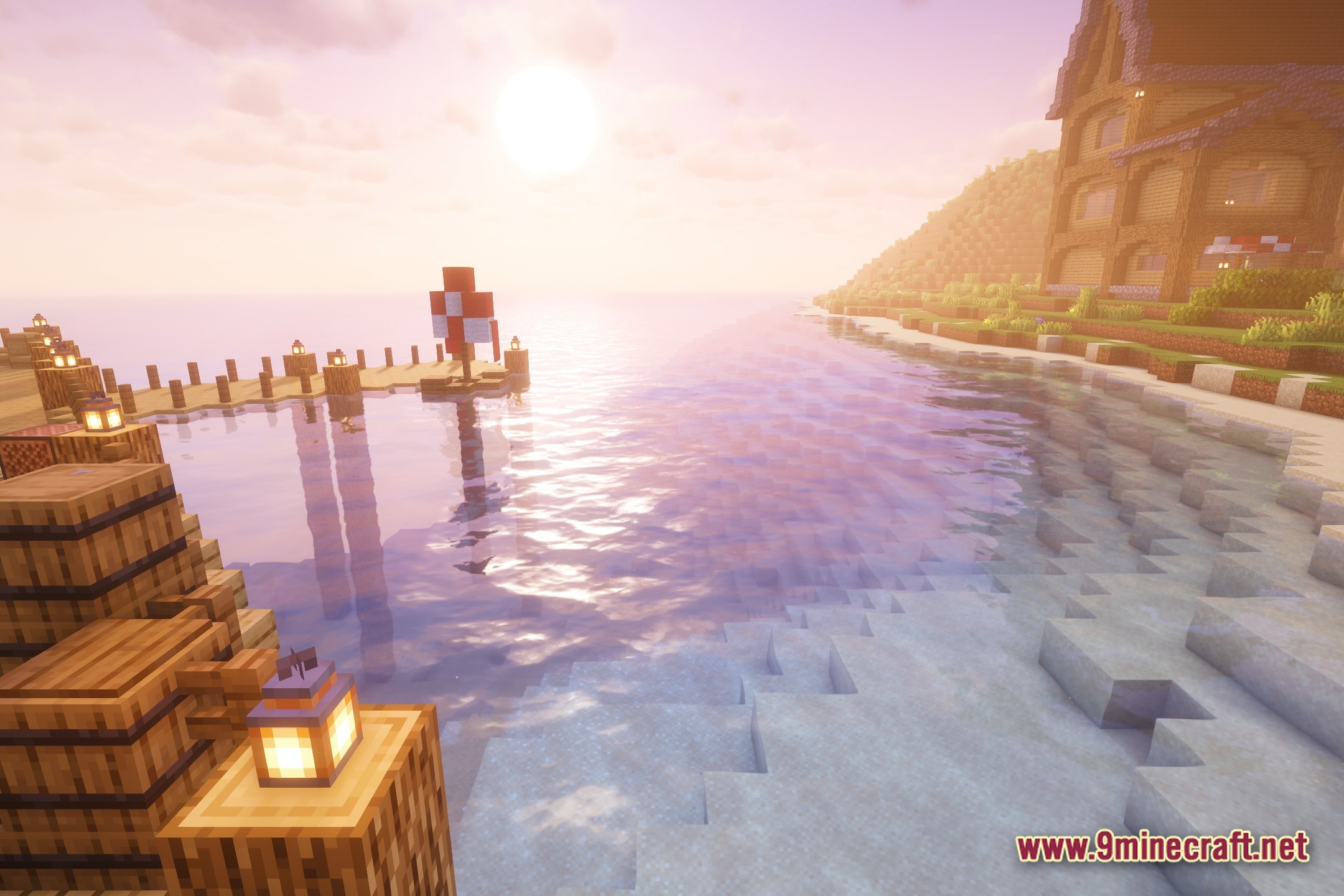
12 images from the Astral Ember Prism Shaders page.
You May Also Like
Wikis that share the most with this one
 Prism Skies Shaders
Wikis on the same theme: light
More shader wikis on the site
The most downloaded mods that have a wiki here