DownloadRefined Aesthetic Polish Resource Pack
Get the files on 9Minecraft
Contents (8)
Guides
Step-by-step, in-game.
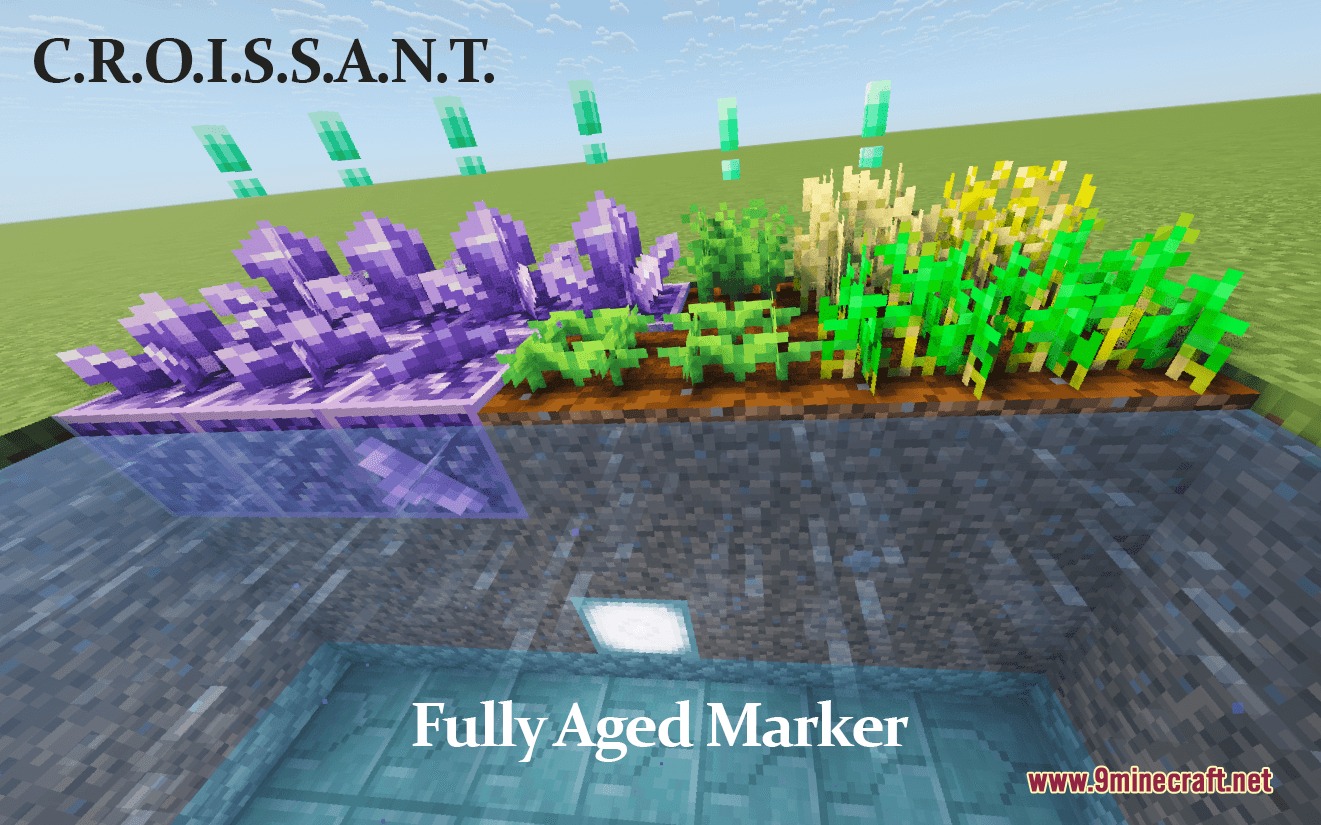
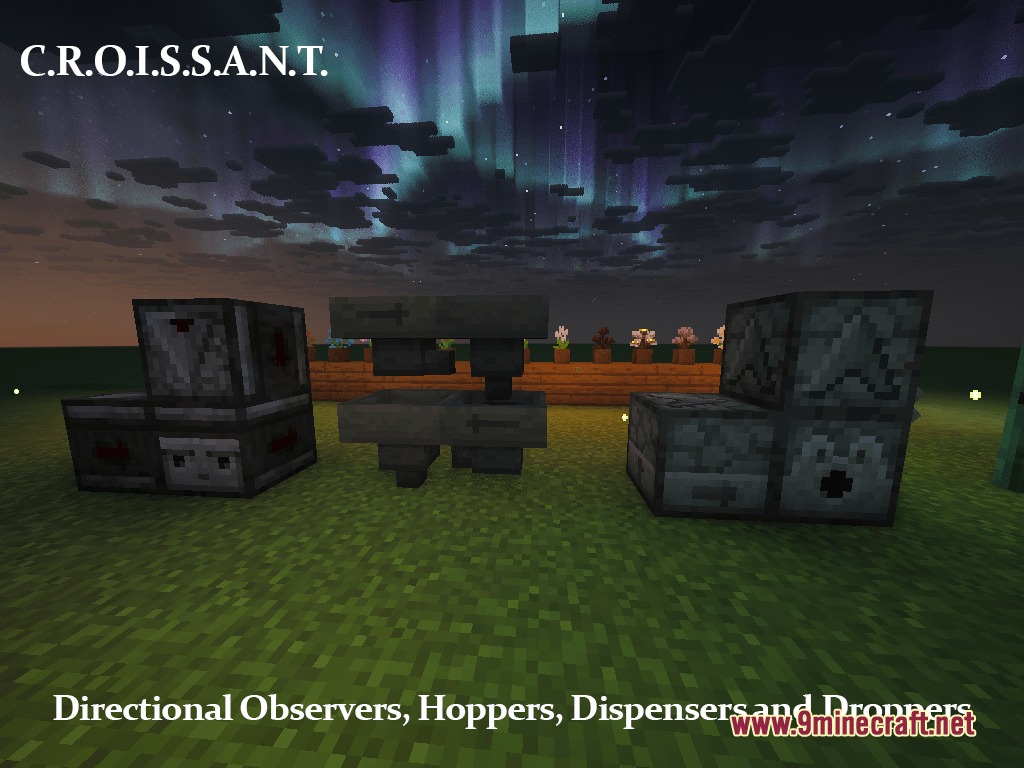
Creating Quieter, More Peaceful SurroundingsReducing Loud Environmental Sounds This pack significantly lowers the volume of disruptive sounds: nether portals,…Improving Visibility During Combat and ExplorationLowered Fire and Shield Positioning Fire and shields now render lower on your screen, giving you a significantly…Knowing When Crops and Amethyst Are Ready to HarvestGrowth Stage Markers Explained Crops, honeycombs, amethyst clusters, and other farmable blocks now display distinct…Reading Redstone Component Directions at a GlanceIdentify Direction Arrows on Redstone Blocks Observers, droppers, dispensers, and hoppers now display clear…
Items
90 items · showing 24. Browse all →
 Book
 Book and Quill
 Bucket
 Bucket of Axolotl
 Bucket of Tadpole
 Copper Helmet
 Diamond Helmet
 Diamond Spear
 Enchanted Book
 Golden Helmet
 Golden Spear
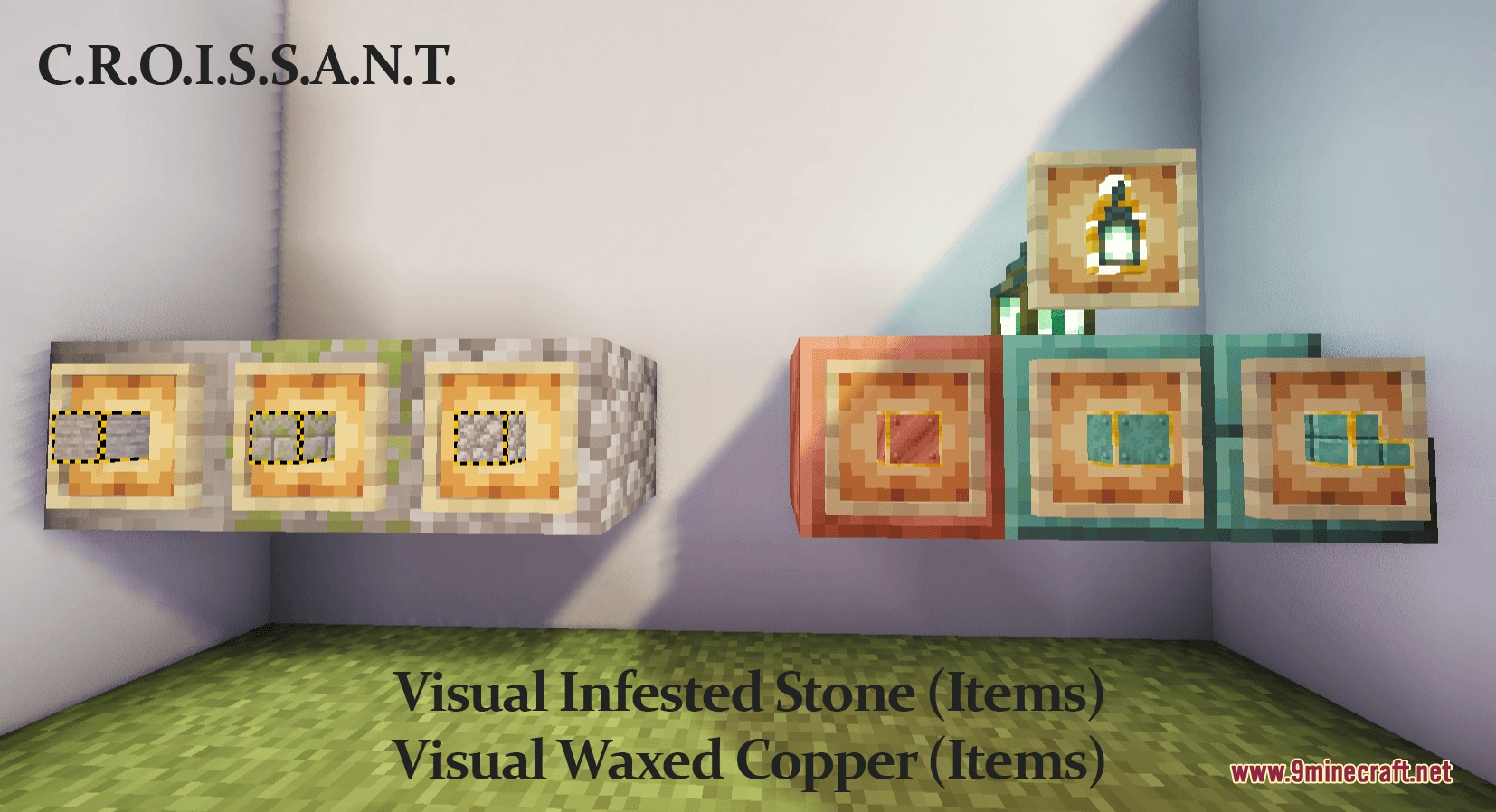
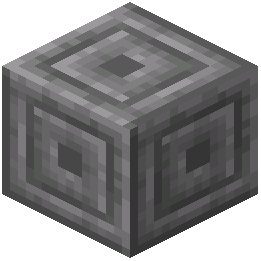 Infested Chiseled Stone Bricks
 Infested Cobblestone
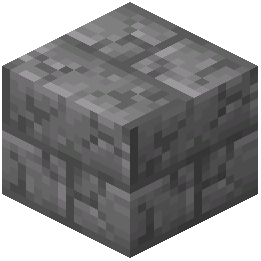 Infested Cracked Stone Bricks
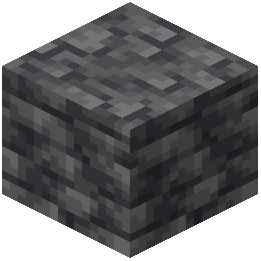 Infested Deepslate
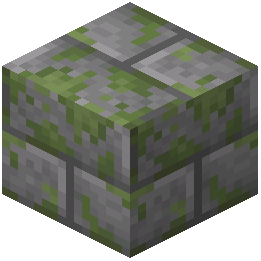 Infested Mossy Stone Bricks
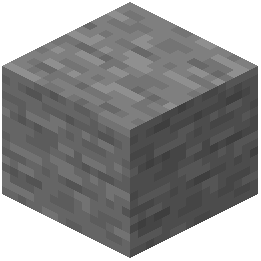 Infested Stone
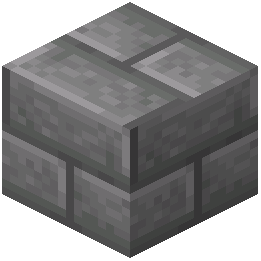 Infested Stone Bricks
 Iron Golem Spawn Egg
 Iron Helmet
 Iron Spear
 Knowledge Book
 Lava Bucket
 Leather Boots
Blocks
107 blocks · showing 24. Browse all →
 Attached Melon Stem
 Attached Pumpkin Stem
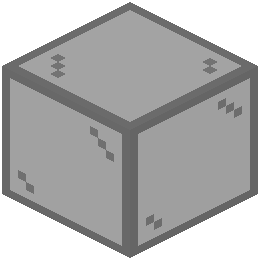 Black Stained Glass
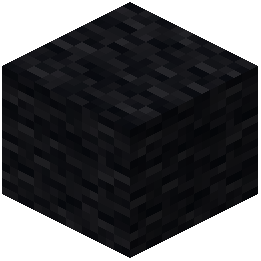 Black Wool
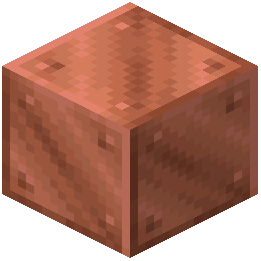 Block of Copper
 Block of Emerald
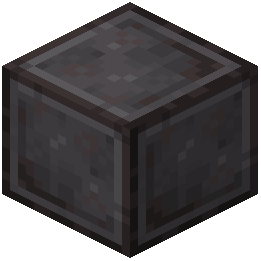 Block of Netherite
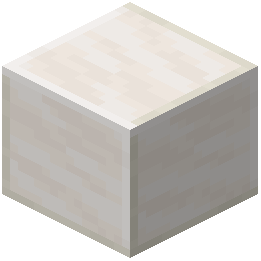 Block of Quartz
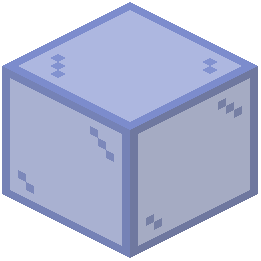 Blue Stained Glass
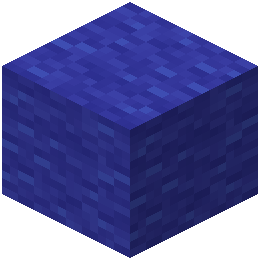 Blue Wool
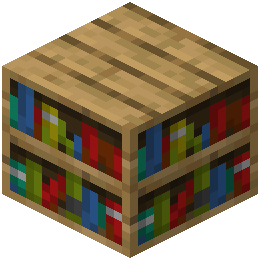 Bookshelf
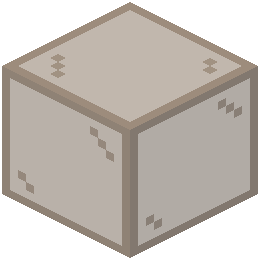 Brown Stained Glass
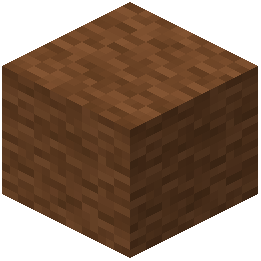 Brown Wool
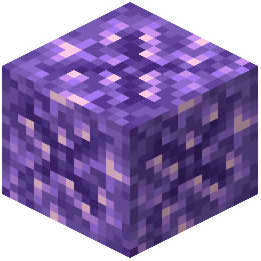 Budding Amethyst
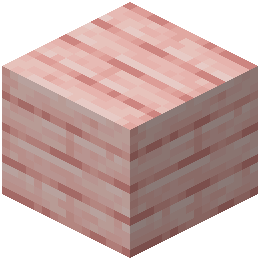 Cherry Planks
 Chiseled Nether Bricks
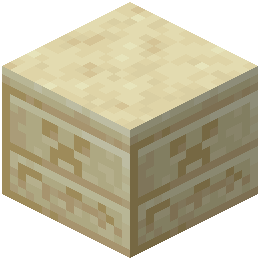 Chiseled Sandstone
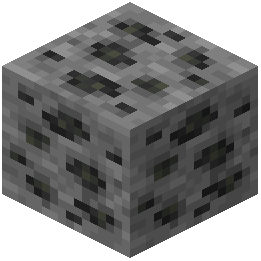 Coal Ore
 Copper Lantern
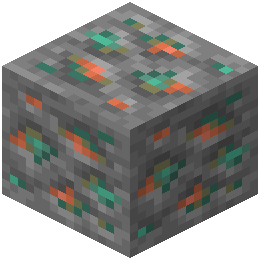 Copper Ore
 Copper Torch
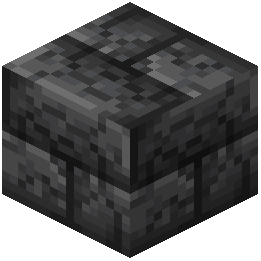 Cracked Deepslate Bricks
 Cracked Nether Bricks
 Cracked Polished Blackstone Bricks
What this pack changes
Every texture group the pack replaces, counted from the pack itself.
| Area | Textures replaced |
|---|---|
| Items | 1,124 |
| Blocks | 706 |
| GUI & menus | 295 |
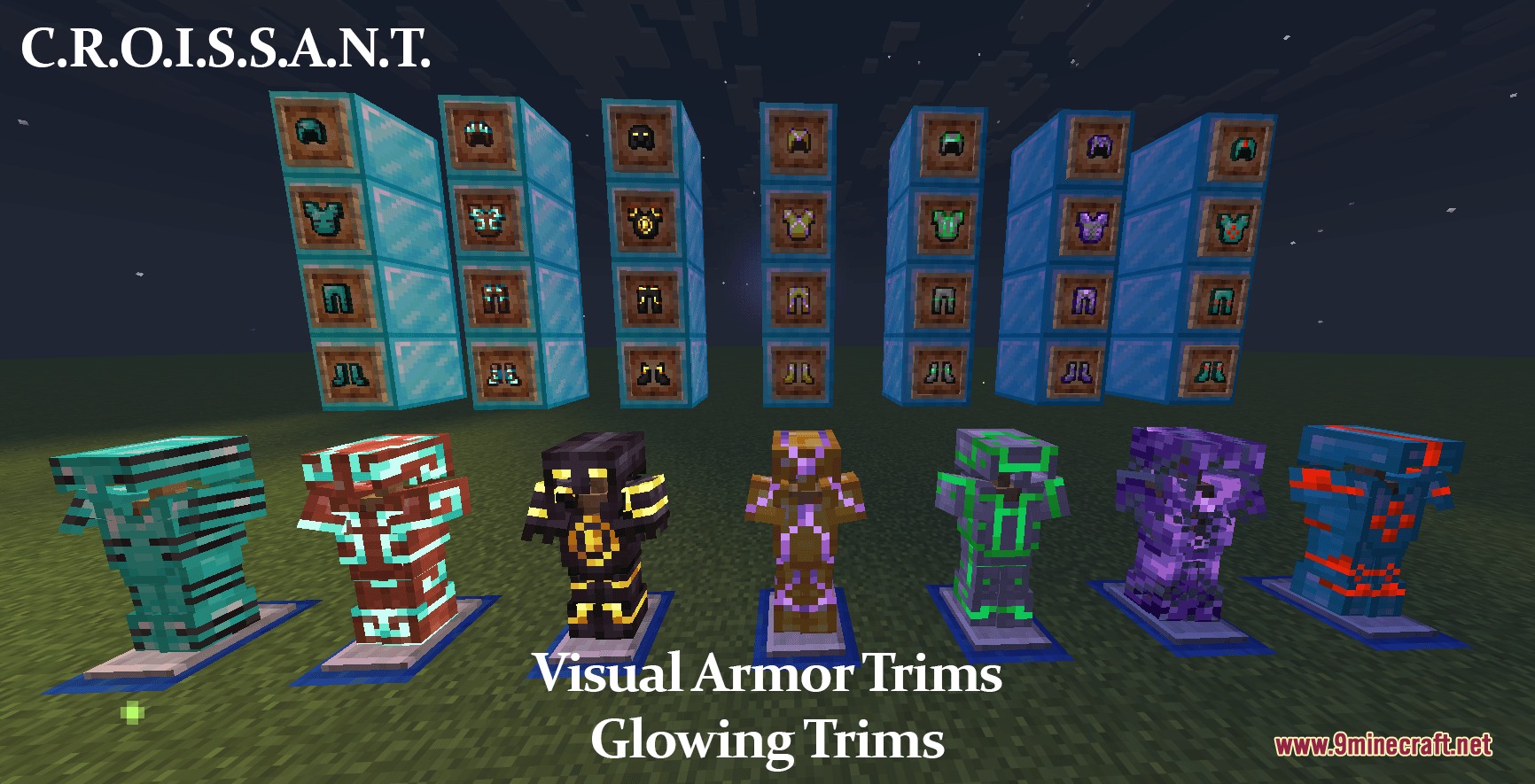
| Armor trims | 92 |
| Particles | 68 |
| Mobs & entities | 62 |
| Sky & weather | 13 |
| Misc | 7 |
| Font | 5 |
| Models | 2 |
Pack format 88 (Minecraft 1.21.9)12 per-version overlays2,375 texture files in total
Extra features
Custom entity models (OptiFine/CEM)
Custom shaders
Custom font
Sound overrides
Custom block/item models
Reworked GUI
Frequently asked questions
Do I need to do anything after installing the pack or does it just work?
The pack applies automatically once selected in your resource packs menu—no configuration needed. Simply activate it above the default pack and you'll see all the visual and audio changes take effect immediately.
How do I tell which direction a hopper or observer is facing?
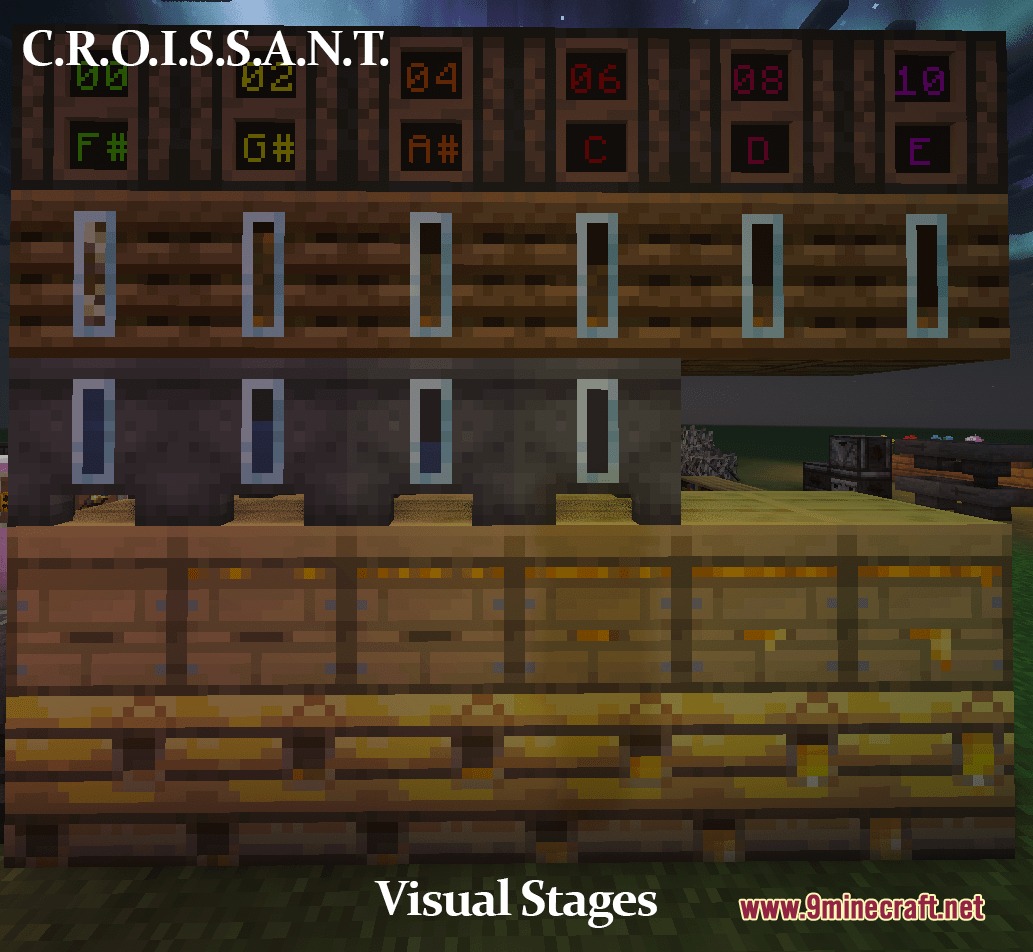
Can I see how full a cauldron or composter is?
Yes—the pack displays clear growth stages and fill levels for cauldrons, composters, and beehives so you can check their progress without interacting with them.
Why is the nether portal so quiet now?
The pack lowers the volume of loud ambient sounds including nether portals, minecarts, pistons, and sculk sensors to create a more peaceful survival experience.
Does this pack work with other resource packs?
Load this pack higher in your resource pack list than any conflicting packs—whichever pack is listed higher takes priority for overlapping textures and sounds.
Will this affect my performance or FPS?
The 3D models are lightweight and the pack is optimized for vanilla gameplay, so performance impact is minimal on most systems; if you experience lag, try disabling connected textures in your video settings.
How do I know when my crops are fully grown?
The pack marks fully grown crops with clear visual indicators so you can spot harvestable plants instantly without checking their growth stage manually.
Can I turn off specific features like the 3D doors or quieter animals?
This pack doesn't include a built-in toggle menu—to disable specific features, you would need to use a separate resource pack or mod configuration tool.
Do ores look different so I can spot them easier?
Yes—the pack adds special border outlines to ore blocks and suspicious sand so they stand out clearly from surrounding stone, making mining and exploration easier.
Does the pack change the UI for multiplayer servers?
The dark UI and colorful container improvements apply to all worlds and servers you play on, as long as the server allows resource packs.
You May Also Like
Wikis that share the most with this one
Wikis on the same theme: glass
More resource pack wikis on the site
Reduce the Vignette Effect Resource PackRedstone Tweaks Resource PackRedstone Auxiliary Resource PackRed Enchantment Glint Resource PackRecolourful Containers GUI + HUD Resource PackRecolored Plants Resource PackReapers Green Mace Resource PackRealtastic X512 Pbrpom Resource PackRealistico Resource PackRealistic Woods Resource PackRealistic Wolves Resource PackRealistic Villagers by Vaerph Resource Pack
The most downloaded mods that have a wiki here
A few wikis from each of the other kinds
Gallery
8 images from the Refined Aesthetic Polish Resource Pack page.