

 DownloadBorderless Glass Resource Pack
Get the files on 9Minecraft
Guides
Step-by-step, in-game.
Achieve Seamless Glass Builds Without Visual BordersUnderstanding the Visual Change The Borderless Glass Resource Pack removes the dark grid lines that normally appear…Create Modern and Minimalist Aesthetic BuildsDesign Philosophy Borderless glass aligns with contemporary architectural styles that prioritize clean lines and…Improve Visibility Through Glass StructuresWhy Borders Obstruct Vision Vanilla glass includes dark texture borders that create a grid pattern across the block…Maintain Immersion in Survival and Adventure WorldsImmersion Through Clarity The borderless texture removes a layer of artificiality from glass , making it feel more…
Blocks
B
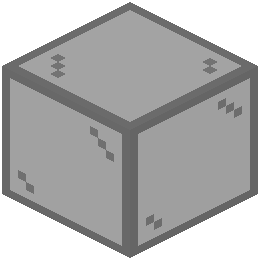 Black Stained Glass
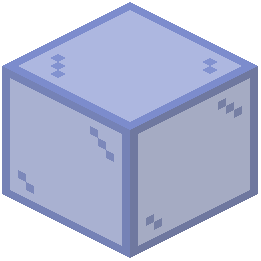 Blue Stained Glass
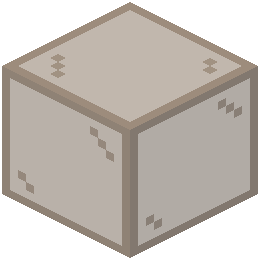 Brown Stained Glass
C
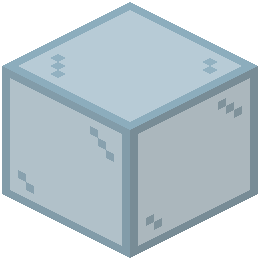 Cyan Stained Glass
G
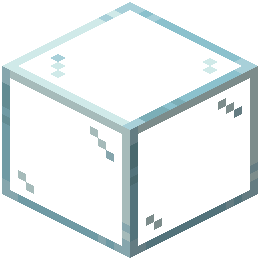 Glass
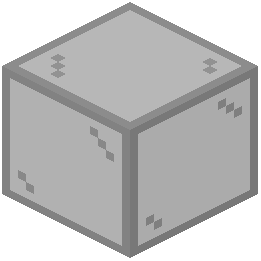 Gray Stained Glass
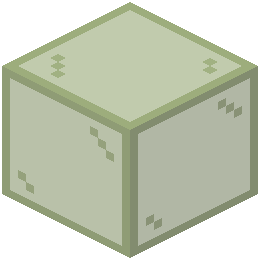 Green Stained Glass
L
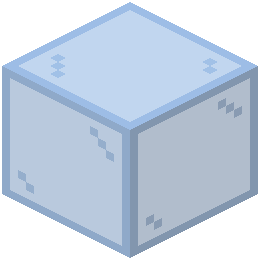 Light Blue Stained Glass
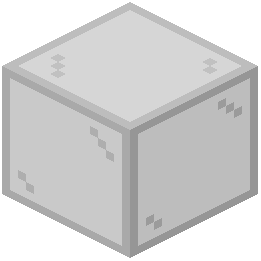 Light Gray Stained Glass
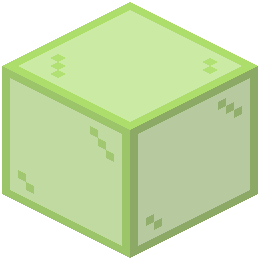 Lime Stained Glass
M
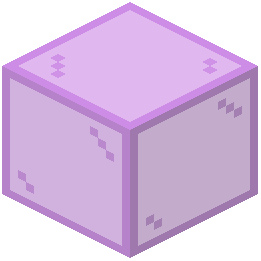 Magenta Stained Glass
O
 Orange Stained Glass
P
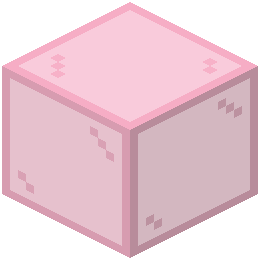 Pink Stained Glass
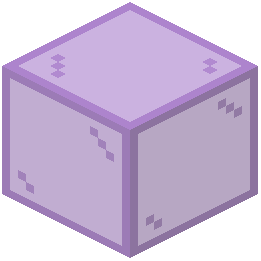 Purple Stained Glass
R
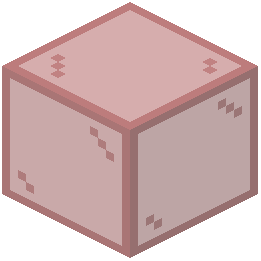 Red Stained Glass
T
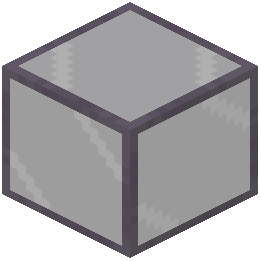 Tinted Glass
W
 White Stained Glass
Y
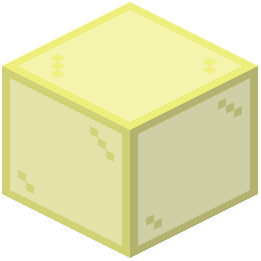 Yellow Stained Glass
What this pack changes
Every texture group the pack replaces, counted from the pack itself.
| Area | Textures replaced |
|---|---|
| Blocks | 35 |
Pack format 97–99 (Minecraft 1.21.9)35 texture files in total
Frequently asked questions
Does borderless glass work with tinted glass?
Yes, the pack removes borders from all glass types including tinted glass, so tinted glass will also appear borderless while maintaining its color filtering effect.
Will this pack work with other resource packs?
It depends on load order and what the other pack modifies; if another pack also changes glass textures, you may need to place Borderless Glass lower in your pack list to ensure its changes take priority.
Can I use this in multiplayer servers?
Yes, resource packs are client-side only, so you can use Borderless Glass on any server without needing permission or affecting other players.
Does borderless glass affect performance?
No, this is a lightweight pack that only modifies textures, so it has negligible impact on frame rate or performance.
How do I enable the pack after downloading?
Open your resource packs folder, place the pack file there, then in-game go to Options > Resource Packs, find Borderless Glass in the available list, and move it to the active side.
Does this work with glass panes and stairs?
Yes, the pack removes borders from all glass variants including glass panes and glass stairs, creating a completely seamless look across all glass blocks.
Will borderless glass work with my shader pack?
Yes, resource packs and shaders work together without conflict; the borderless glass textures will render with your shader's lighting and effects applied.
Does the pack change glass color or transparency?
No, it only removes the black borders around glass blocks; the transparency and color of all glass types remain exactly the same.
What Minecraft versions does this support?
Check the pack's download page for the specific versions it supports, as compatibility varies depending on texture format changes between updates.
Can I use this pack in creative mode only?
Yes, you can enable or disable the pack at any time in your resource packs menu, so you can toggle it on for creative building and off for survival if you prefer.
You May Also Like
Wikis that share the most with this one
Wikis on the same theme: glass
More resource pack wikis on the site
Boosted Brightness Resource PackBluxy Crystal Resource PackBlush Resource PackBlue’s Better Zombies Resource PackBlue’s Better Witches Resource PackBlue’s Better Skeletons Resource PackBlue’s Better Monsters Resource PackBlue Paradise Resource PackBlue Netherite Resource PackBlue Depths Resource PackBloom and Serenity UIBlockception Full Resource Pack
The most downloaded mods that have a wiki here
A few wikis from each of the other kinds
Gallery
10 images from the Borderless Glass Resource Pack page.


