

 DownloadRealistic Woods Resource Pack
Get the files on 9Minecraft
Guides
Step-by-step, in-game.
How to Build Furniture and Interiors That Show Off the Texture DetailRealistic Woods shines at close range, which makes interiors the best place to use it. Furniture built from small…How to Choose the Right Wood Type for Each Build StyleBecause Realistic Woods gives each wood species distinct grain and color character, picking the right species matters…How to Combine Realistic Woods Textures Across Wood TypesUnderstand What Varies Between Species Each vanilla wood type keeps its own base color under Realistic Woods, but the…How to Fix Realistic Woods Looking Wrong or Not LoadingConfirm the Pack Is Actually Active If wood still looks vanilla, the pack likely isn't enabled. Open your resource…How to Fix Wood That Looks Wrong or Too Busy After Installing the PackIf your existing builds suddenly look noisy or mismatched after enabling Realistic Woods, the problem is usually…How to Make Your Builds Look Realistic with Realistic WoodsPick the Right Blocks for the Look Realistic Woods changes the *textures* of vanilla wood, not the blocks themselves.…How to Use Realistic Woods in Survival Without Breaking Your BuildKnow What the Pack Does and Doesn't Change Realistic Woods is a resource pack, so it only alters how wood looks — not…Realistic Woods Resource PackWhat This Pack Changes Realistic Woods is a resource pack, not a mod with new blocks or items. It replaces the…
Blocks
A
 Acacia Log
 Acacia Planks
B
 Birch Log
 Birch Planks
 Birch Trapdoor
C
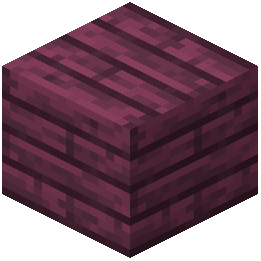 Crimson Planks
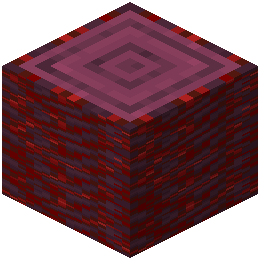 Crimson Stem
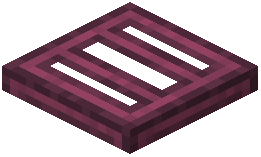 Crimson Trapdoor
D
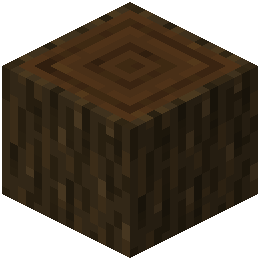 Dark Oak Log
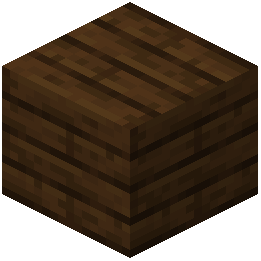 Dark Oak Planks
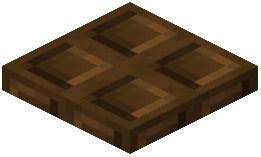 Dark Oak Trapdoor
J
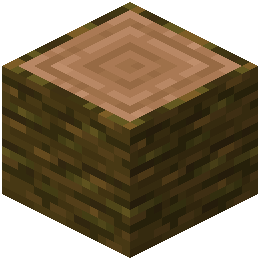 Jungle Log
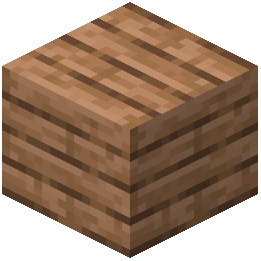 Jungle Planks
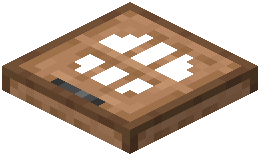 Jungle Trapdoor
O
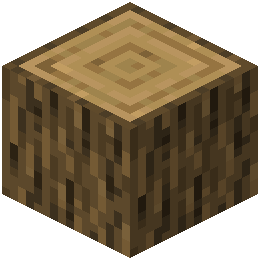 Oak Log
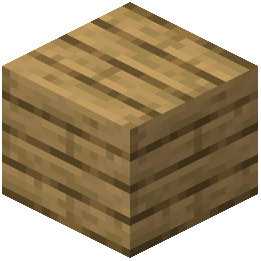 Oak Planks
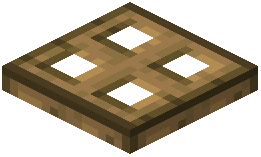 Oak Trapdoor
S
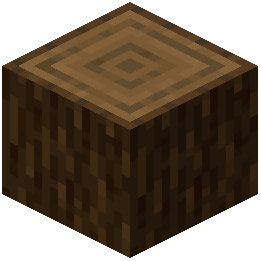 Spruce Log
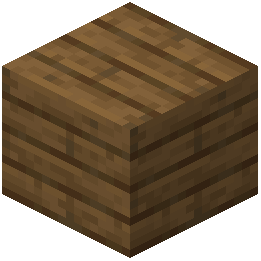 Spruce Planks
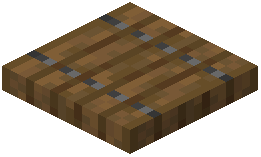 Spruce Trapdoor
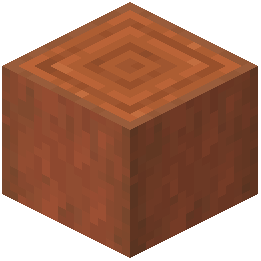 Stripped Acacia Log
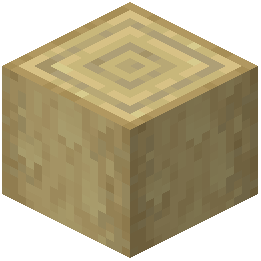 Stripped Birch Log
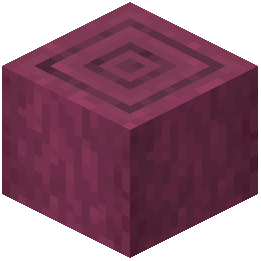 Stripped Crimson Stem
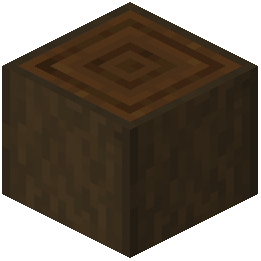 Stripped Dark Oak Log
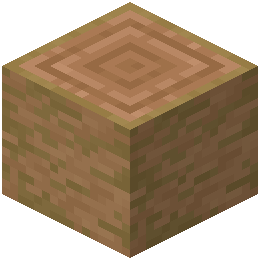 Stripped Jungle Log
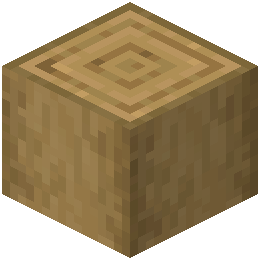 Stripped Oak Log
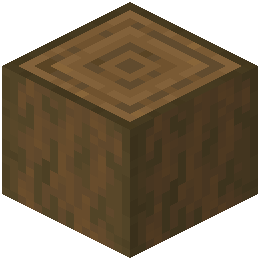 Stripped Spruce Log
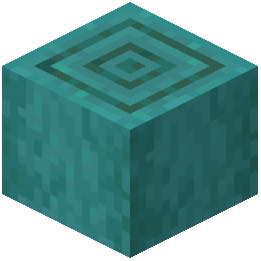 Stripped Warped Stem
W
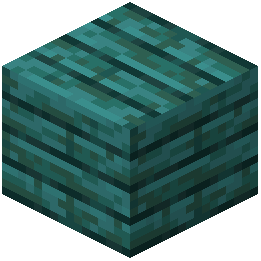 Warped Planks
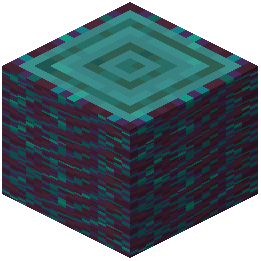 Warped Stem
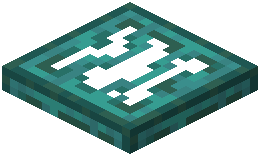 Warped Trapdoor
What this pack changes
Every texture group the pack replaces, counted from the pack itself.
| Area | Textures replaced |
|---|---|
| Blocks | 83 |
Pack format 15–1000 (Minecraft 1.20–1.21.9)83 texture files in total
Frequently asked questions
How do I actually enable Realistic Woods after installing it?
Open Options, then Resource Packs, and move Realistic Woods from the Available list to the Selected list. It needs to sit above any other pack that also changes wood textures, otherwise the other pack wins.
Does Realistic Woods change every wood type or just oak?
It retextures the vanilla wood families, so oak, spruce, birch, jungle, acacia, dark oak, and the Nether woods all get the grain-and-knot treatment. Each wood keeps its own palette so you can still tell them apart at a glance.
Why do my planks look flat compared to the logs?
Planks use a tiled texture, so the grain repeats and can read as flatter than the log's bark. Break up large plank walls with stripped logs, trapdoors, or a second wood type to add visual variation.
Will this pack work with my other resource packs?
Yes, as long as you order them correctly in the Resource Packs screen. Put Realistic Woods above packs you want it to override and below packs that should override it, since the top pack wins for any overlapping texture.
Does Realistic Woods hurt my FPS?
Texture packs only change images, not geometry or shaders, so the performance hit is usually negligible. If you do notice a drop, it's more likely from a shader pack running alongside it than from the textures themselves.
Can I use this on a server or with friends?
Resource packs are client-side, so you can use it on any server without the server needing it installed. Your friends will only see the realistic textures if they install the pack themselves.
Why do some wood blocks still look vanilla?
The pack may not cover every wood-derived block, like certain crafted items or modded woods. Check whether the block is from vanilla or another mod, since Realistic Woods only touches what it was built for.
How do I make my builds look more realistic with this pack?
Lean into the grain direction by running logs vertically on posts and horizontally on beams, and mix two wood types on the same build. Add stripped logs and trapdoors as trim so the knots and color variation actually show.
Can I use Realistic Woods in survival without it feeling out of place?
Yes, the textures are designed to fit vanilla's style, so they blend into normal survival builds. Just avoid mixing them with a drastically different pack in the same world, or the contrast will look odd.
The textures look wrong or aren't loading — what should I check?
Make sure Realistic Woods is at the top of your selected packs and that no other wood-texture pack is above it. If it still fails, remove and re-add the pack, then restart the game so it reloads the textures.
You May Also Like
Wikis that share the most with this one
 Realistic Dark Shaders
Wikis on the same theme: wood
More resource pack wikis on the site
Realistic Wolves Resource PackRealistic Villagers by Vaerph Resource PackRealistic Planks Resource PackRealistic Ores Resource PackRealistic Ocelots Resource PackRealistic Nature 3D Nature Resource PackRealistic Moon Resource PackRealistic Mobs Resource PackRealistic Chests Resource PackRealistic Cats Resource PackRealistic Animals Resource PackRealism Upscaled Resource Pack
The most downloaded mods that have a wiki here
A few wikis from each of the other kinds
Gallery
12 images from the Realistic Woods Resource Pack page.


