

 DownloadRefined Horizon Shaders
Get the files on 9Minecraft
Guides
Step-by-step, in-game.
Adjust Lighting and Ambient Effects Across BiomesAccess Lighting Controls Open shader options and navigate to the lighting, atmosphere, or ambient section. This menu…Adjust Water Clarity and Reflection IntensityAccess Shader Settings Open the shader options menu while in-game by pressing the designated shader menu key (usually…Enhance Foliage and Leaf Sway EffectsLocate Foliage Settings Enter the shader options menu and find the section labeled for vegetation, foliage, or wind…Optimize Shader Performance for Your SystemIdentify Performance Bottlenecks Enable the frame rate counter (usually F3 or a shader menu option) and note your FPS…
Frequently asked questions
How do I enable the shader after installing it?
Open Options > Video Settings > Shaders, then locate Refined Horizon Shaders in your shader folder and select it. The shader will apply immediately to your world.
Why does my water look flat or not reflective?
Check your shader settings for Water Clarity and Reflection Intensity options—these may be set to low values by default. Increase both sliders in the shader configuration menu to see more dramatic water effects.
Can I make the leaves sway more or less?
Yes, open the shader settings and look for Foliage or Leaf Sway options to adjust the intensity and speed of wind effects on trees and tall grass.
The shader is making my game lag. What should I do?
Try lowering shadow quality, reducing water reflection detail, or disabling advanced lighting effects in the shader settings. You can also lower your render distance to improve performance.
See all 10 Refined Horizon Shaders questions ›
Gallery
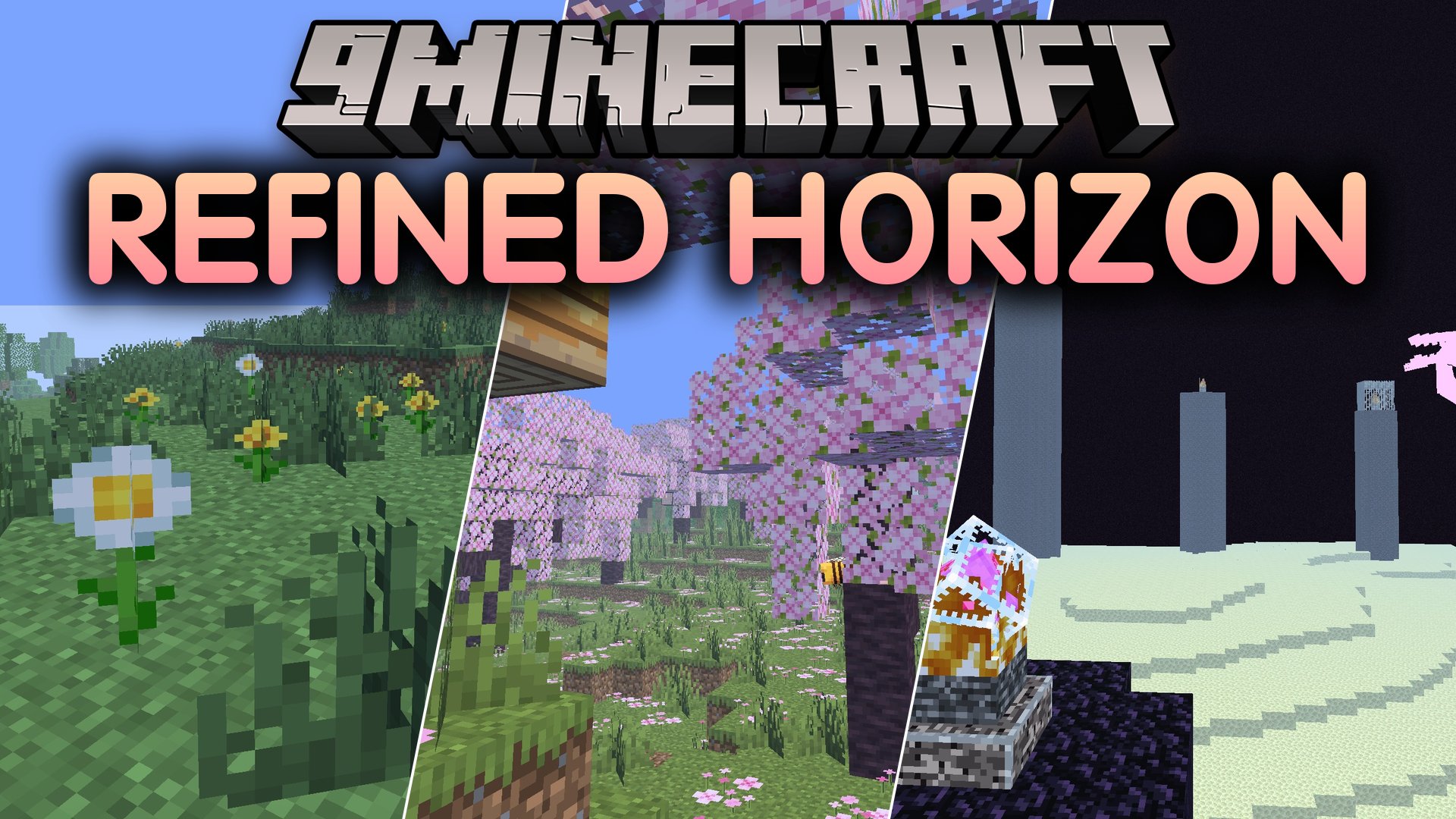
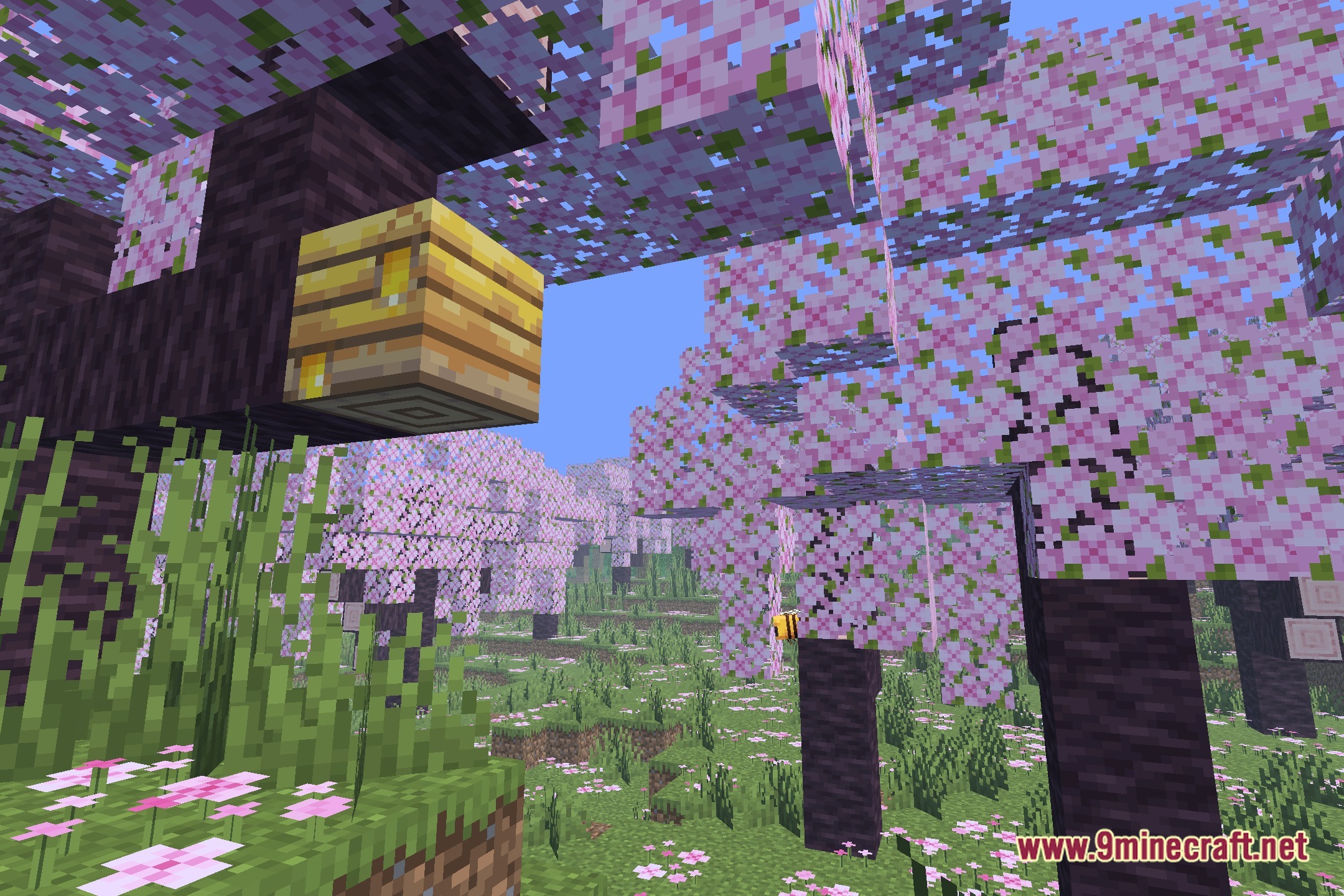
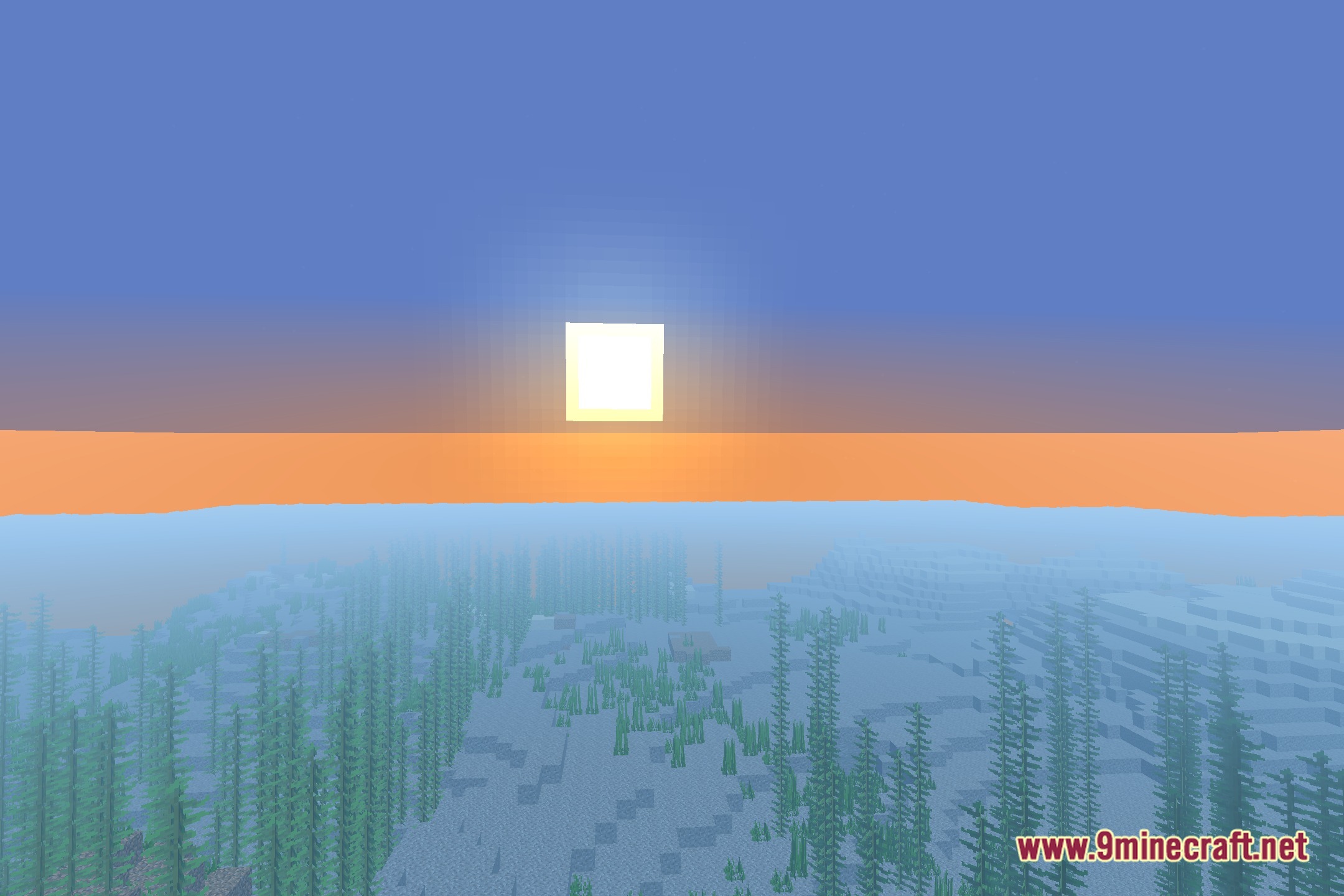
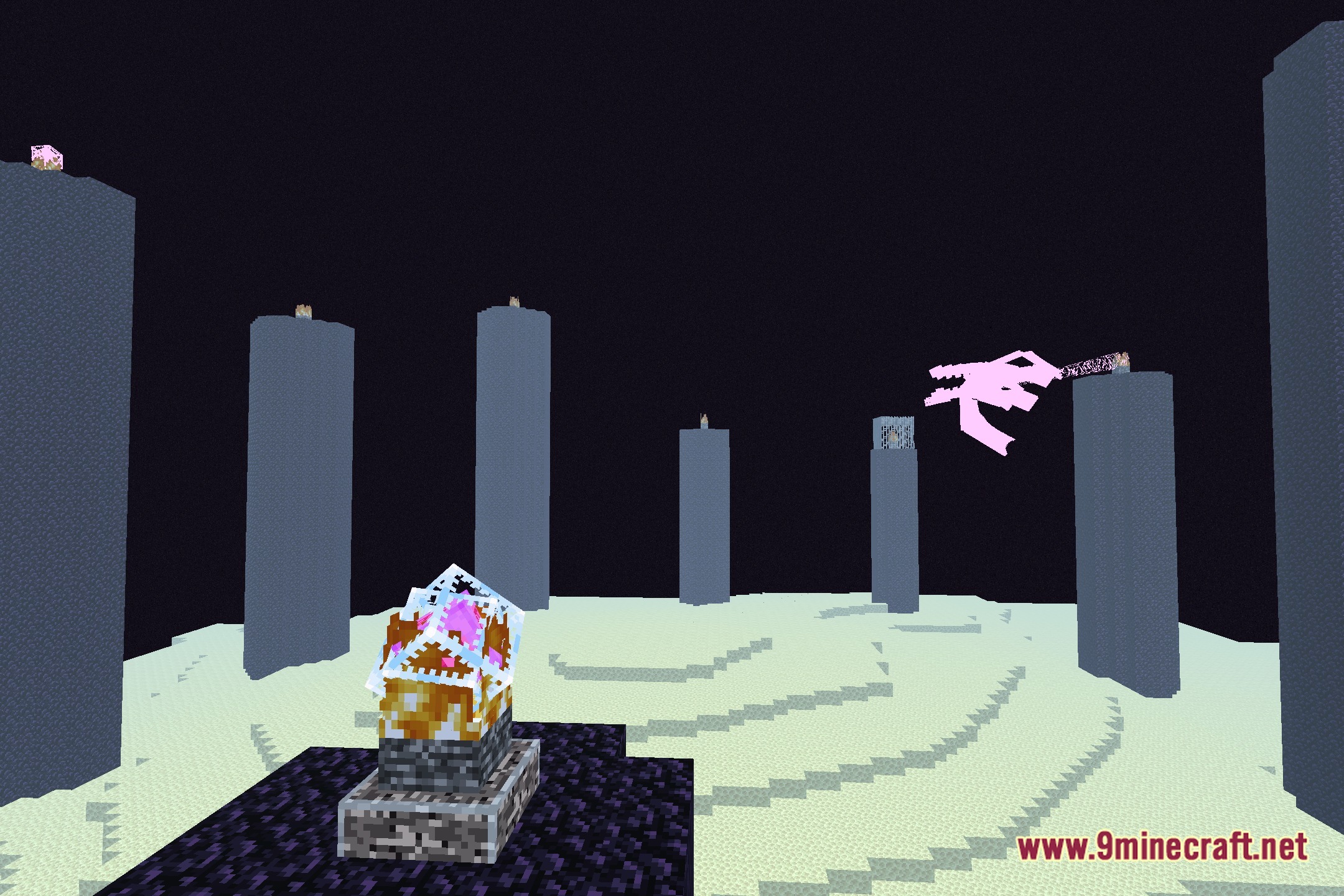
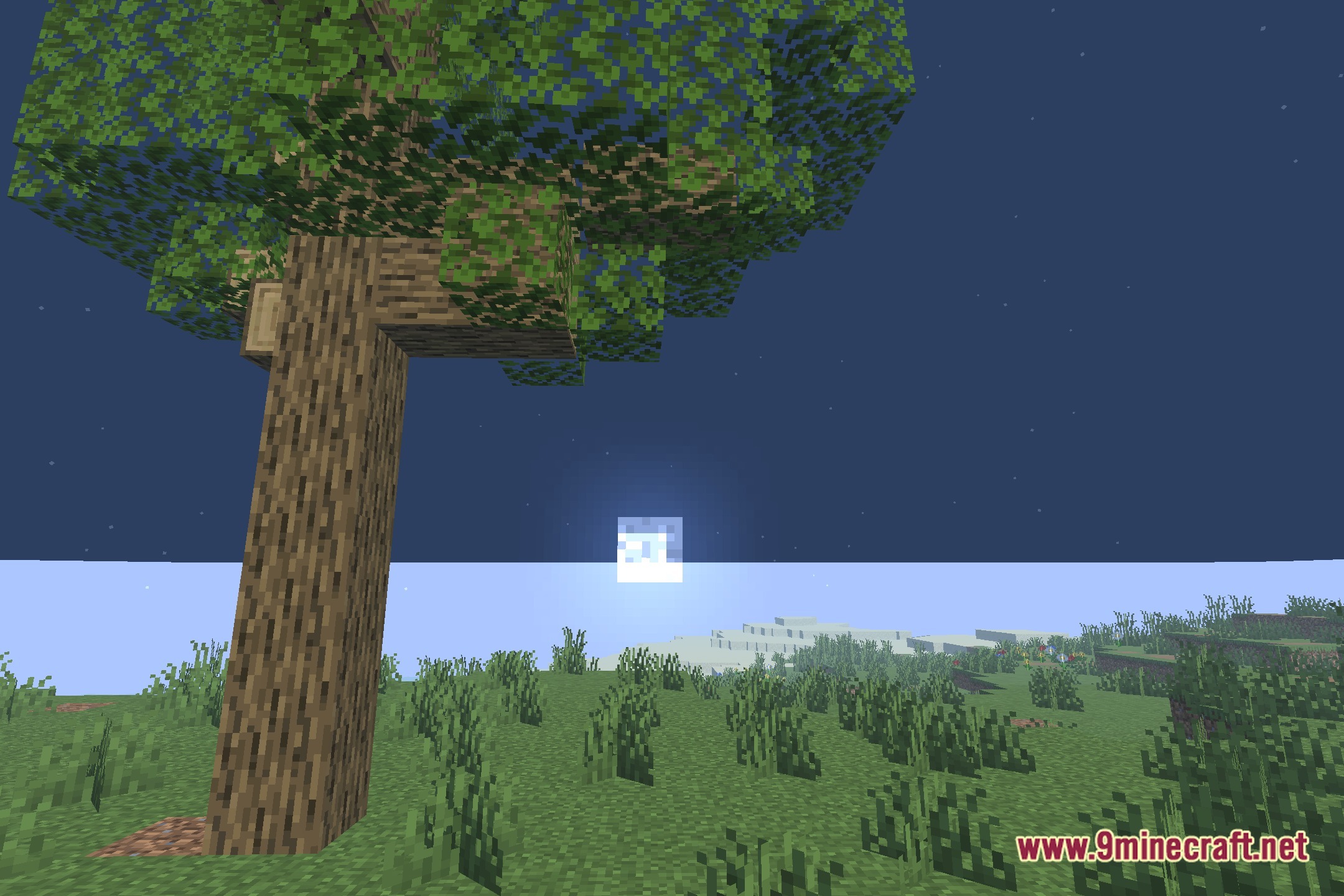
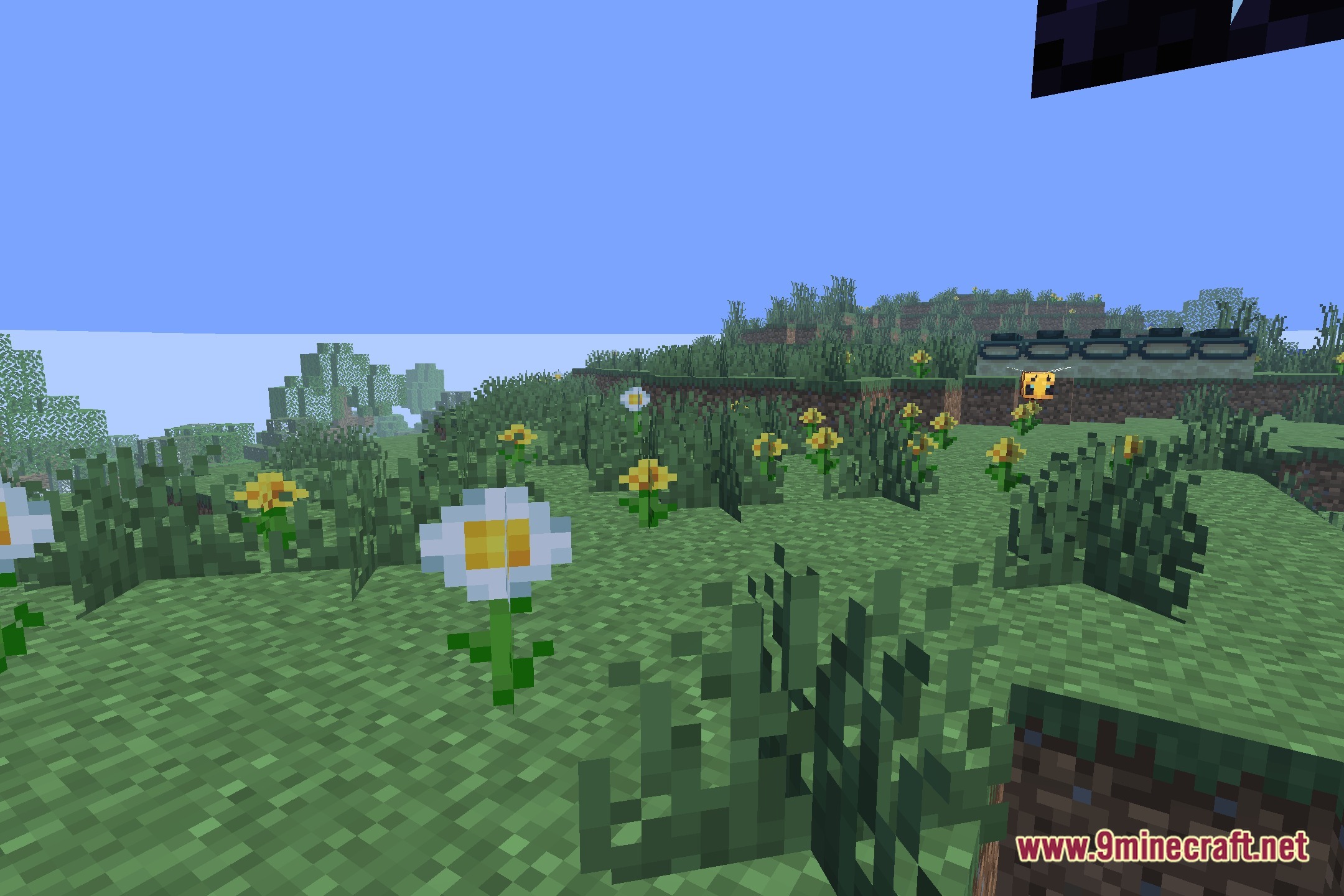
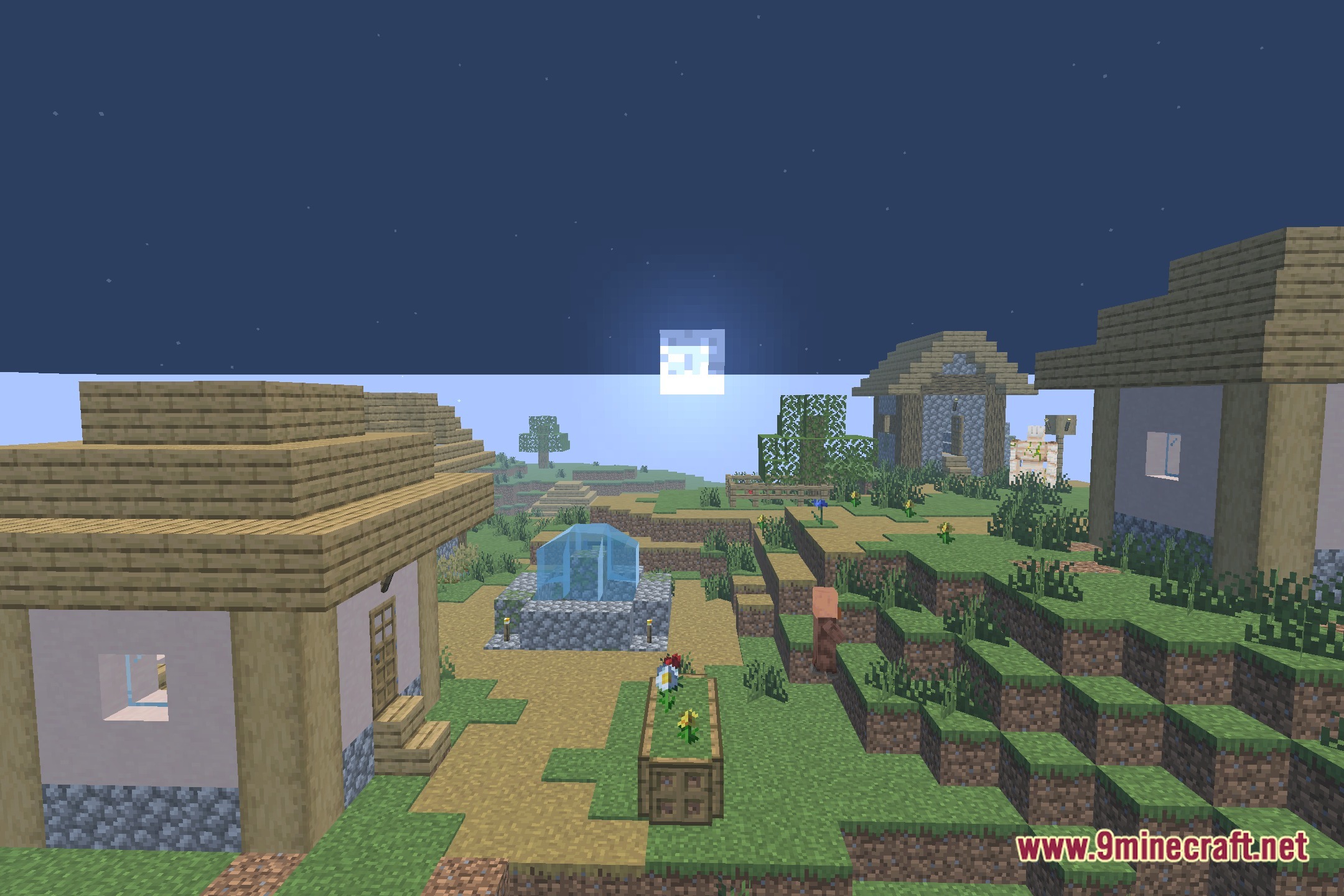
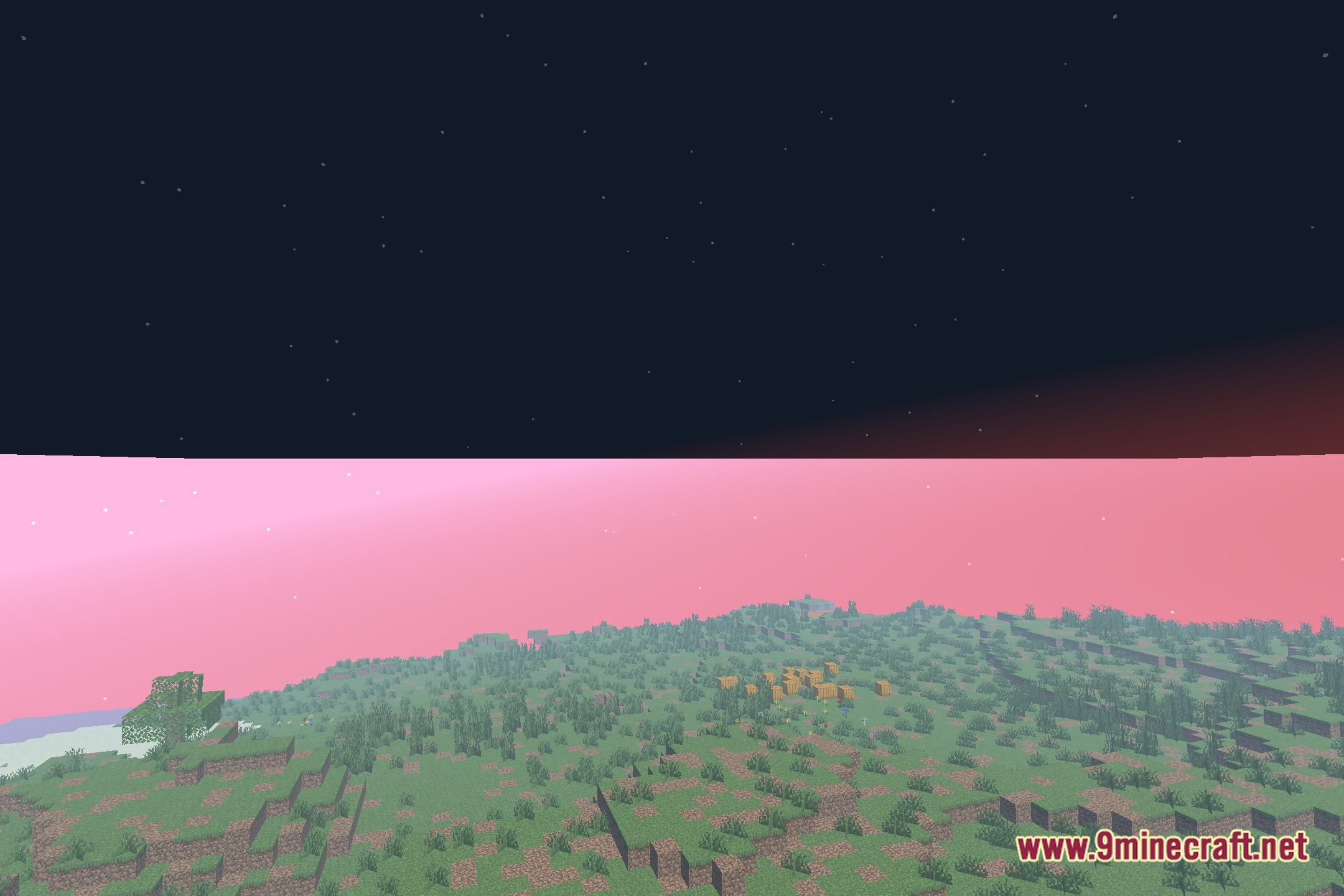
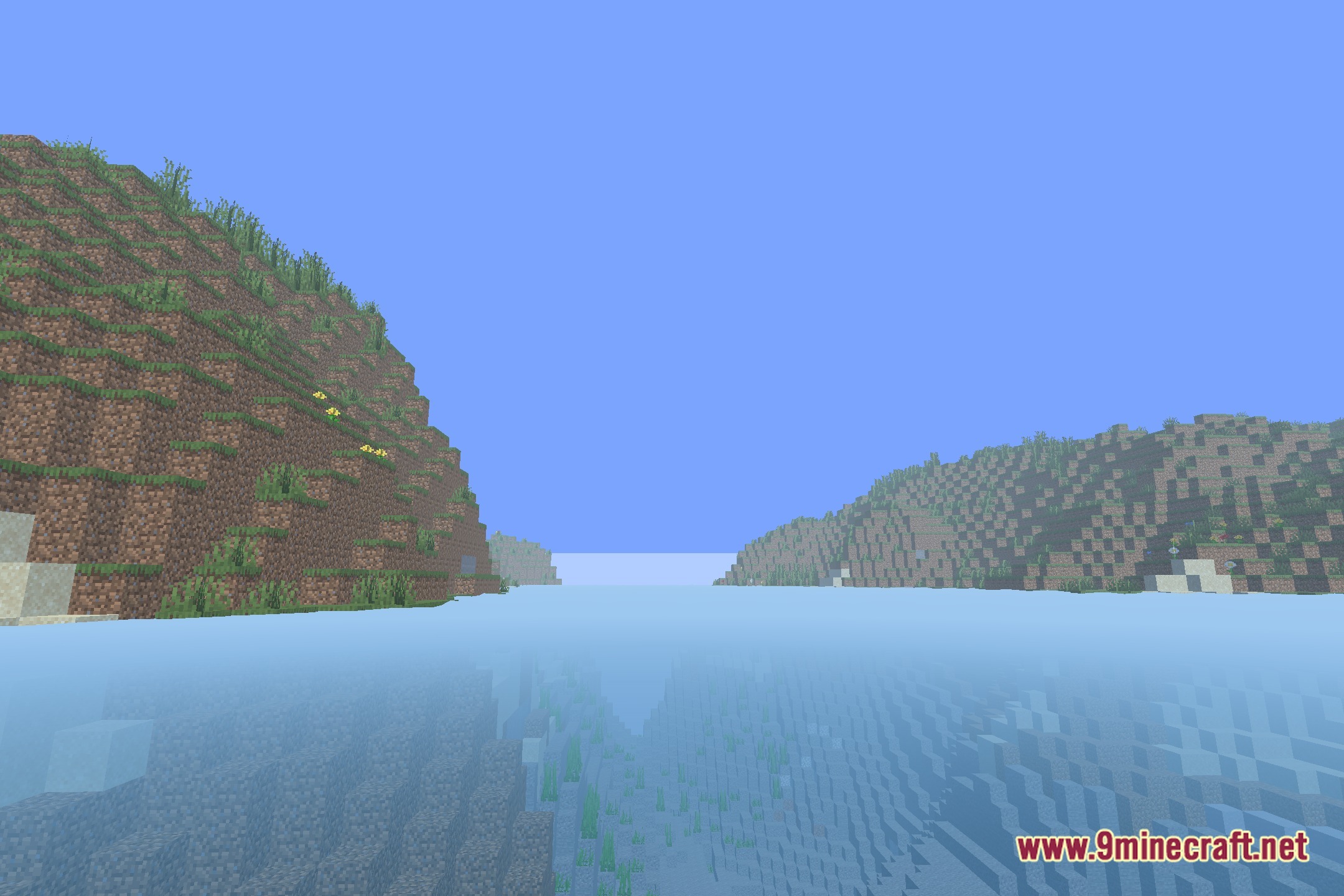
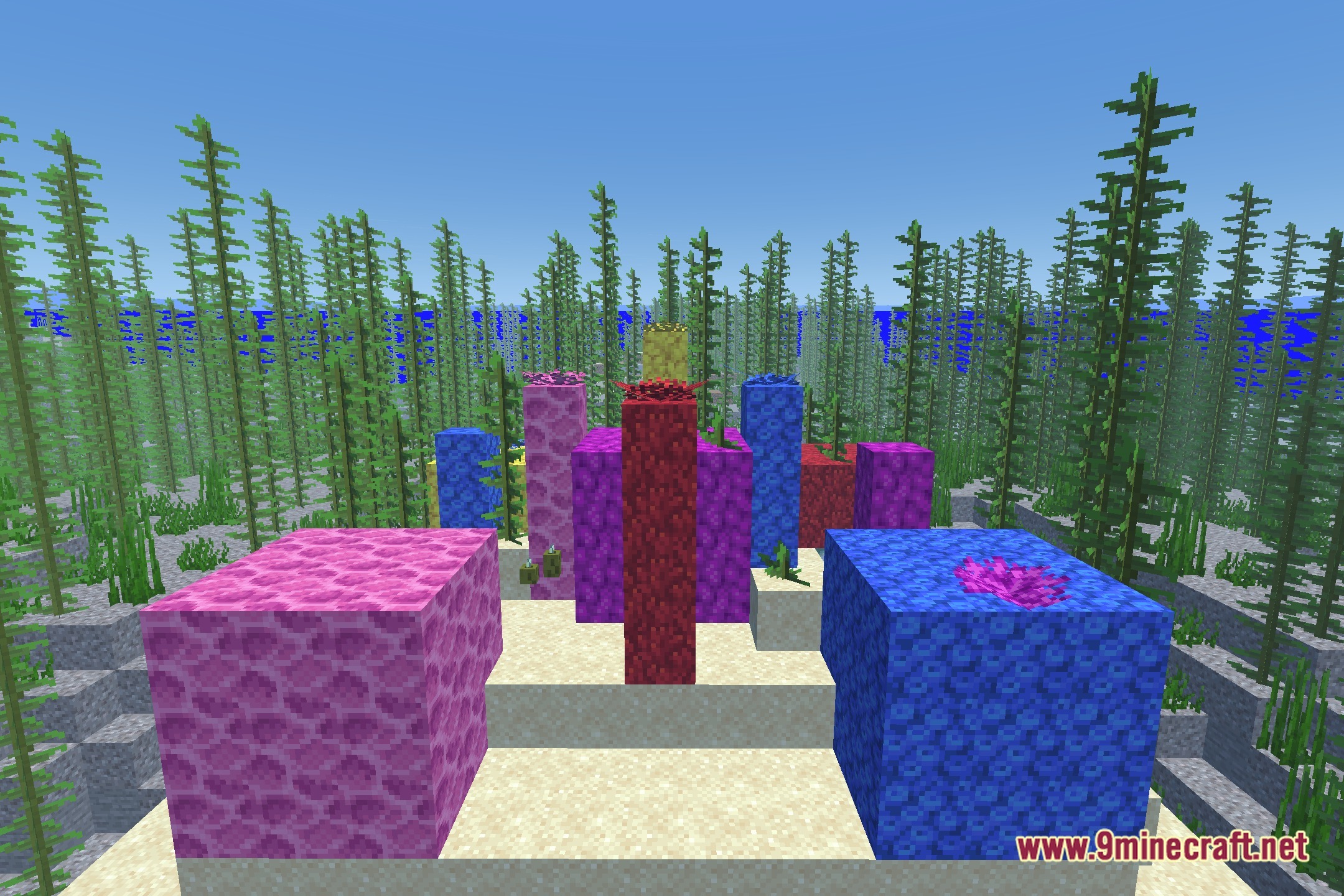
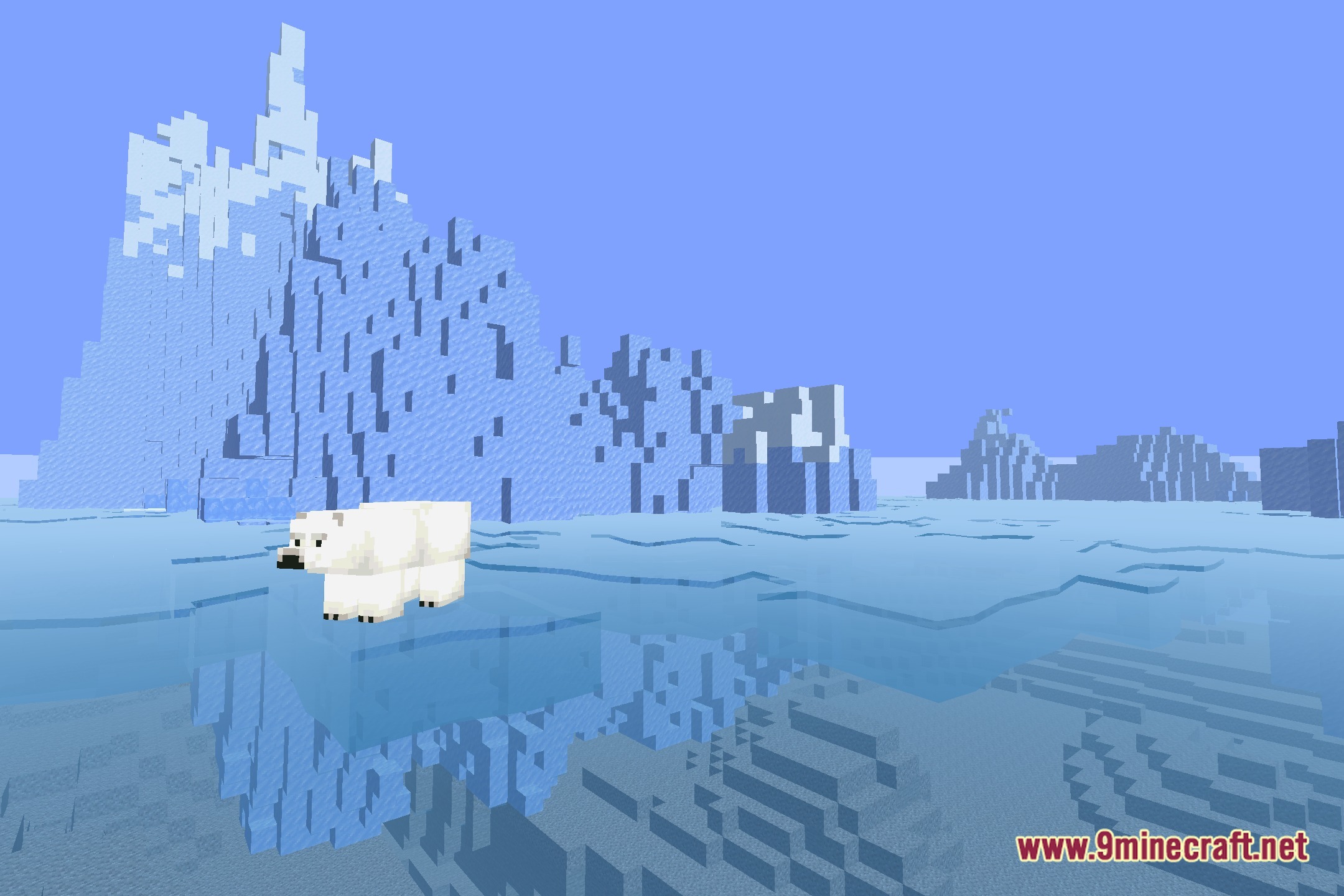
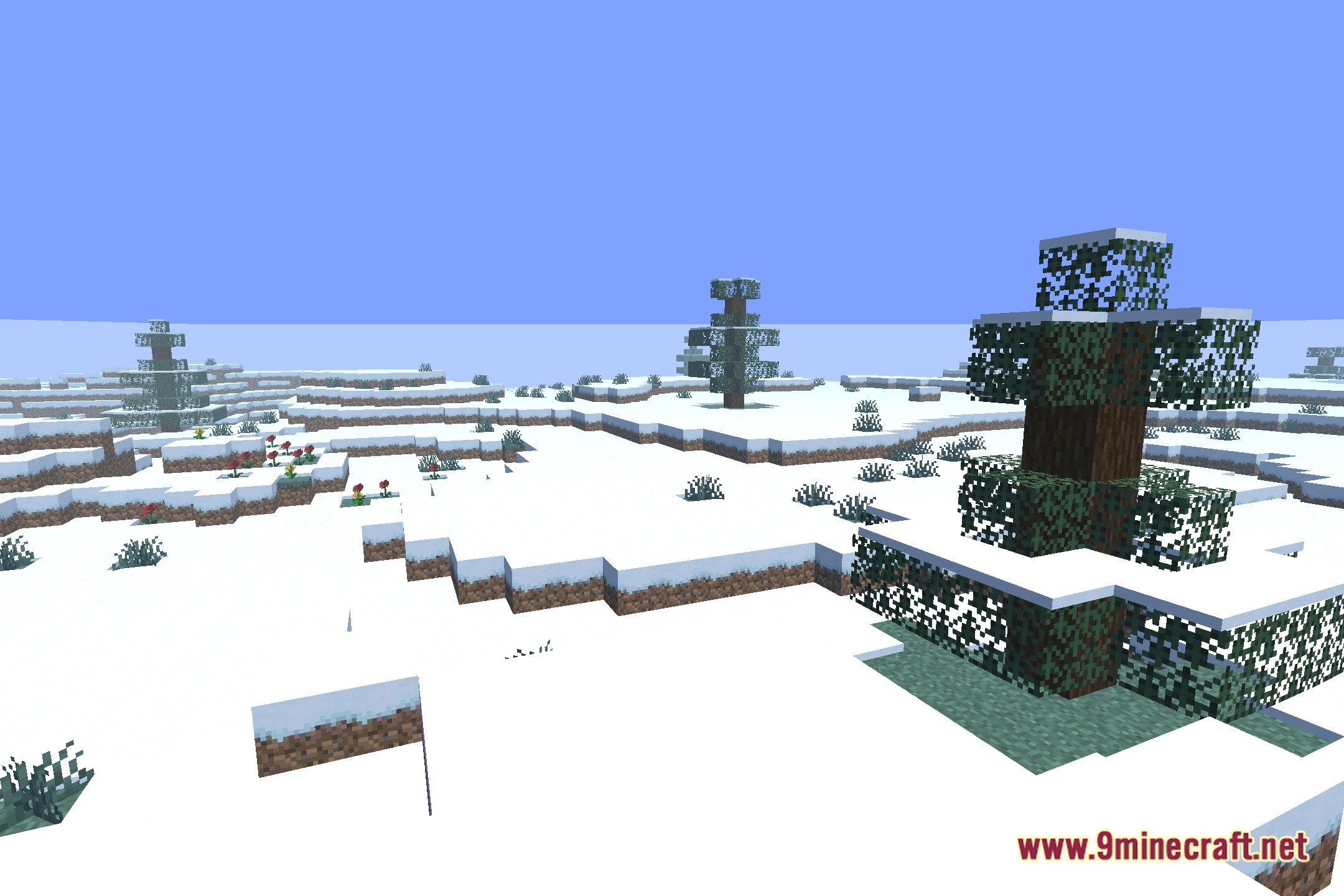
12 images from the Refined Horizon Shaders page.
You May Also Like
Wikis that share the most with this one
Wikis on the same theme: end
More shader wikis on the site
 REAlite Shaders
 Realistic Dark Shaders
The most downloaded mods that have a wiki here