

 DownloadDetailed Worlds Resource Pack
Get the files on 9Minecraft
Contents (8)
Guides
Step-by-step, in-game.
Adjust Detail Levels and Animation SettingsAccess the Settings Menu Detailed Worlds includes an in-game visual settings panel powered by Respackopts. You must…Customize Mob Appearance with Entity ModelsRequired Mods Custom mob models and textures require Entity Model Features (EMF) and Entity Texture Features (ETF) .…Enable LabPBR Lighting Effects on Your BuildsWhat You Need LabPBR effects require a shader loader. Install Iris (or equivalent) alongside the resource…Use Connected Textures and Block VariationsWhy Connected Textures Matter Connected textures make blocks blend seamlessly when placed side-by-side—wood planks…
Items
 Bucket
 Milk Bucket
Blocks
B
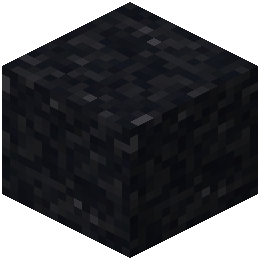 Black Concrete Powder
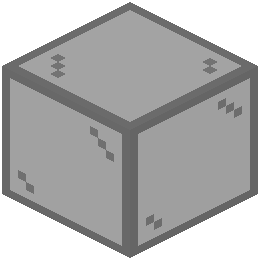 Black Stained Glass
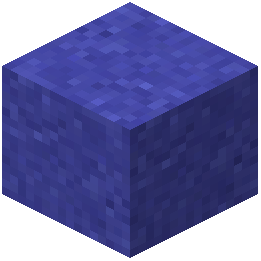 Blue Concrete Powder
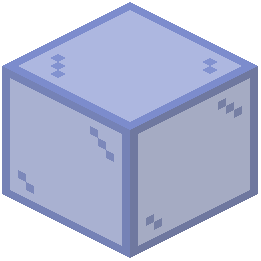 Blue Stained Glass
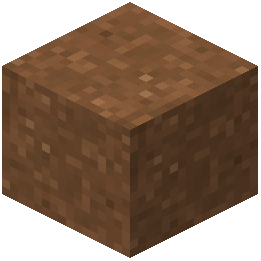 Brown Concrete Powder
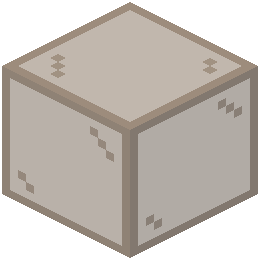 Brown Stained Glass
C
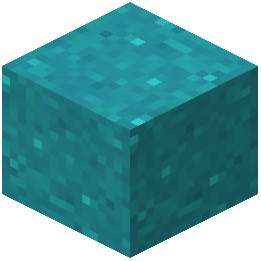 Cyan Concrete Powder
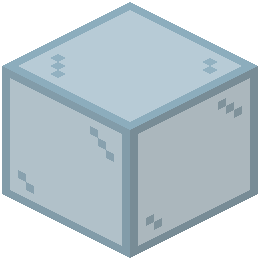 Cyan Stained Glass
G
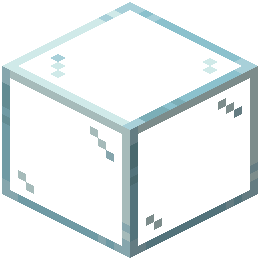 Glass
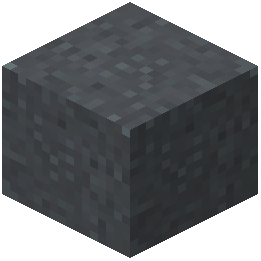 Gray Concrete Powder
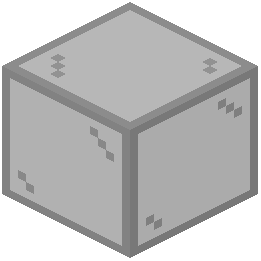 Gray Stained Glass
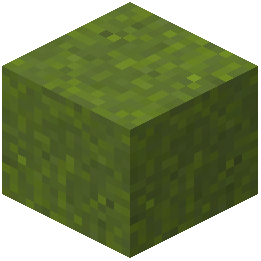 Green Concrete Powder
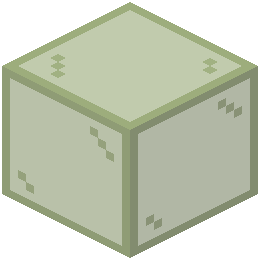 Green Stained Glass
L
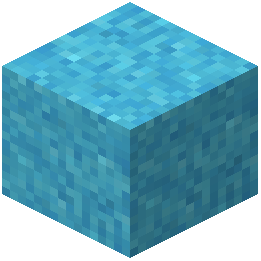 Light Blue Concrete Powder
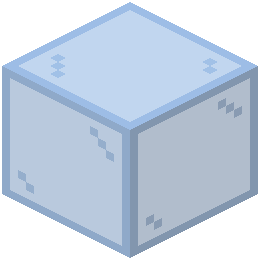 Light Blue Stained Glass
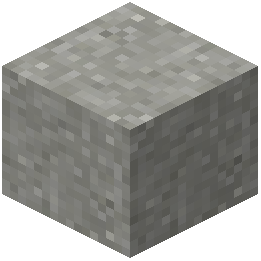 Light Gray Concrete Powder
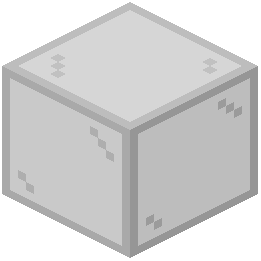 Light Gray Stained Glass
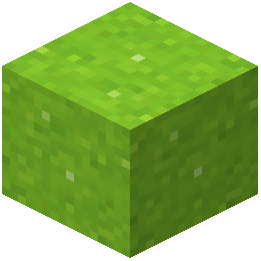 Lime Concrete Powder
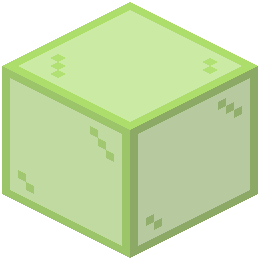 Lime Stained Glass
M
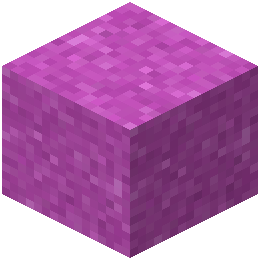 Magenta Concrete Powder
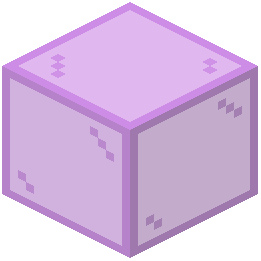 Magenta Stained Glass
N
 Nether Portal
O
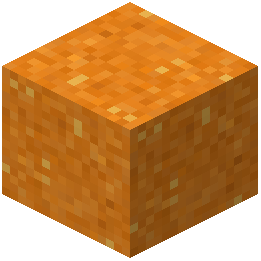 Orange Concrete Powder
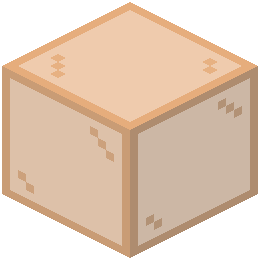 Orange Stained Glass
P
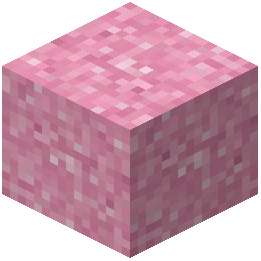 Pink Concrete Powder
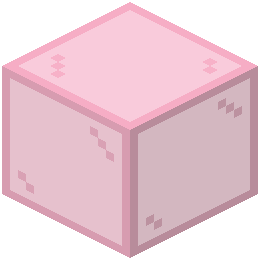 Pink Stained Glass
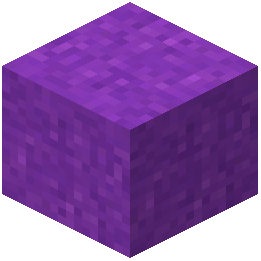 Purple Concrete Powder
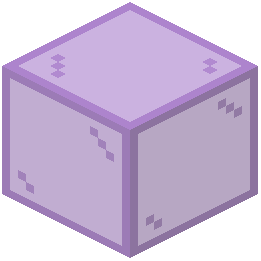 Purple Stained Glass
R
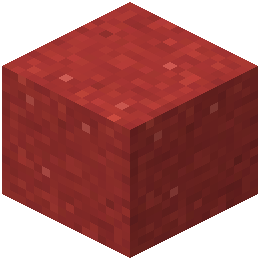 Red Concrete Powder
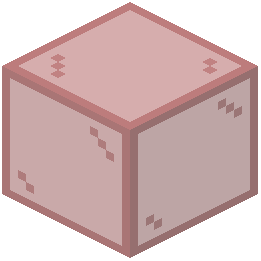 Red Stained Glass
T
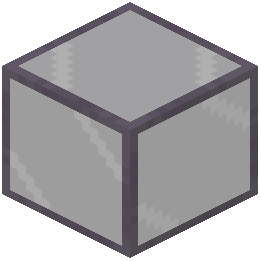 Tinted Glass
W
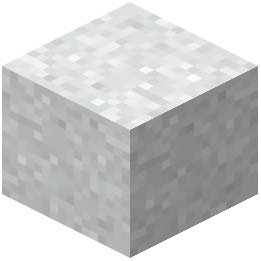 White Concrete Powder
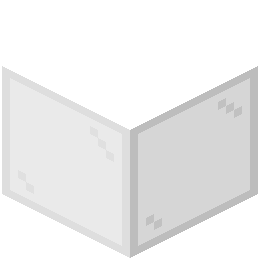 White Stained Glass
Y
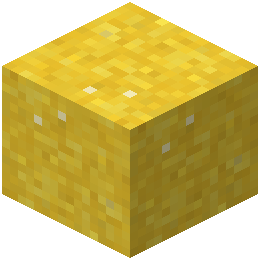 Yellow Concrete Powder
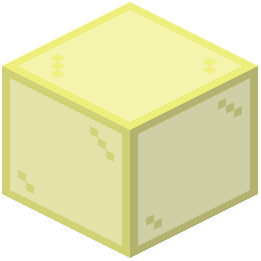 Yellow Stained Glass
What this pack changes
Every texture group the pack replaces, counted from the pack itself.
| Area | Textures replaced |
|---|---|
| Blocks | 5,339 |
| Items | 1,618 |
| Mobs & entities | 495 |
| Biome colours | 2 |
| GUI & menus | 2 |
Pack format 34–999 (Minecraft 1.21.2–1.21.9)1 per-version overlays7,456 texture files in total
Extra features
Custom entity models (OptiFine/CEM)
Random entity textures
Custom block/item models
Reworked GUI
Frequently asked questions
Do I need shaders to use this pack?
Shaders are optional but highly recommended. Without them, you'll see the crisp 32x textures and 3D models, but the LabPBR lighting effects (reflections, depth, and surface detail) only work when a shader loader like Iris is active.
Why do my blocks look flat or wrong after installing?
Make sure Continuity is installed and enabled—it handles connected textures and block variations that make surfaces blend naturally. Without it, blocks will appear disconnected and the pack won't look right.
How do I open the settings menu to change detail levels?
You need Respackopts installed. Once active, open your resource pack settings in-game and look for the Detailed Worlds options to adjust animation speed, detail intensity, and performance toggles.
My mobs look wrong or use default textures—what's missing?
Install both Entity Model Features (EMF) and Entity Texture Features (ETF). These mods load the custom mob models and updated textures that come with the pack; without them, mobs fall back to vanilla appearance.
Can I use this with other mods that add blocks?
Yes, the pack works automatically with compatible mods like Diagonal Fences without needing extra configuration files. For mods it doesn't include textures for, those blocks will use vanilla textures.
How do I get custom sapling colors for different biomes?
Pair the pack with Polytone, which applies biome-specific tinting to saplings and other blocks so they match their environment naturally.
Will this pack hurt my FPS?
The 32x textures and 3D models have minimal performance impact, but LabPBR lighting effects with shaders demand more GPU power. Use the in-game settings menu to lower animation detail or disable experimental features if you need better performance.
Why do some textures look shiny or reflective?
That's the LabPBR specular and normal maps responding to shader lighting. Every texture includes these maps built-in, so surfaces show realistic reflections and depth when shaders are active.
Do animated textures work without shaders?
Yes, animated textures like water and lava will animate regardless of shaders, but you can adjust animation speed through the Respackopts settings menu.
Can I use this pack with my existing builds without them looking weird?
Yes—the pack is designed to keep the core look of Minecraft intact so blocks blend together naturally instead of clashing, meaning your existing builds will look enhanced rather than replaced.
You May Also Like
Wikis that share the most with this one
Underground WorldsCherished Worlds ModCorrupted Worlds JarDelete Worlds To Trash ModDisable Custom Worlds AdviceDetailed Animations Resource PackDetailed Animations Tester Resource PackDistant Worlds Alien Temperate Fauna ModelArkudii’s Detailed Hypixel Skyblock Resource PackNature XApparent Ores Resource PackClearest Glass Resource Pack
Wikis on the same theme: glass
AlacrityMajesticaBww Resource PackSmooth Glass Resource PackBetter SpyGlass Resource PackBorderlessglass Resource PackGlamorous Glass Resource PackBorderless Glass Resource PackBorderlesswindow Resource PackClear Vision Plus Resource PackConnected Glasses Resource PackBetter Clear Glass Resource Pack
More resource pack wikis on the site
Detail BrushDestiny 128X Resource PackDemon Eye Phantoms Resource PackDeltarune Flowery JARONA Resource PackDeltacraft Weapons Resource Pack Delight Map Resource PackDefault Style Halloween Pack Resource PackDefault Style Fall Pack Resource PackDefault HD Sun and Moon Resource PackDefault Hd 64X Resource PackDefault Hd 512X Resource PackDefault Hd 256X Resource Pack
The most downloaded mods that have a wiki here
A few wikis from each of the other kinds
Gallery
9 images from the Detailed Worlds Resource Pack page.


