

 DownloadNursery Refined Mod
Get the files on 9Minecraft
Guides
Step-by-step, in-game.
Compare Baby Mob Appearance Before and After the ModCreate a Test World Start a new creative world to compare textures side by side. This works best in a controlled…Troubleshoot Baby Mobs Still Looking WrongConfirm Mod Installation Verify the mod file is in your mods folder and matches your Minecraft version. Restart your…Use This Mod on Multiplayer Servers Without Server InstallationClient-Side Installation Only Nursery Refined Mod requires no server-side setup. Simply install it in your client's…Verify Baby Mob Textures Are Loading CorrectlyCheck Your Game Display If baby mobs still appear with the original textures, confirm the mod is active. Open your…
Frequently asked questions
Do I need to install this mod on the server?
No, Nursery Refined is entirely client-side, so you can install it locally and see the improved baby mob textures on any multiplayer server without asking admins to add it.
Why do baby mobs still look wrong after installing the mod?
Make sure the mod is enabled in your mod loader and that you've fully restarted Minecraft. If you're on a server, try logging out and back in; sometimes texture caches need to refresh.
Does this mod change how baby mobs behave or spawn?
No, this mod only changes textures and appearance—baby mobs spawn, grow, and act exactly the same as vanilla.
Will this mod work with other texture packs?
Nursery Refined applies its own textures to baby mobs, so it may conflict with resource packs that also modify baby mob textures; you may need to choose one or the other depending on your setup.
See all 10 Nursery Refined questions ›
Gallery
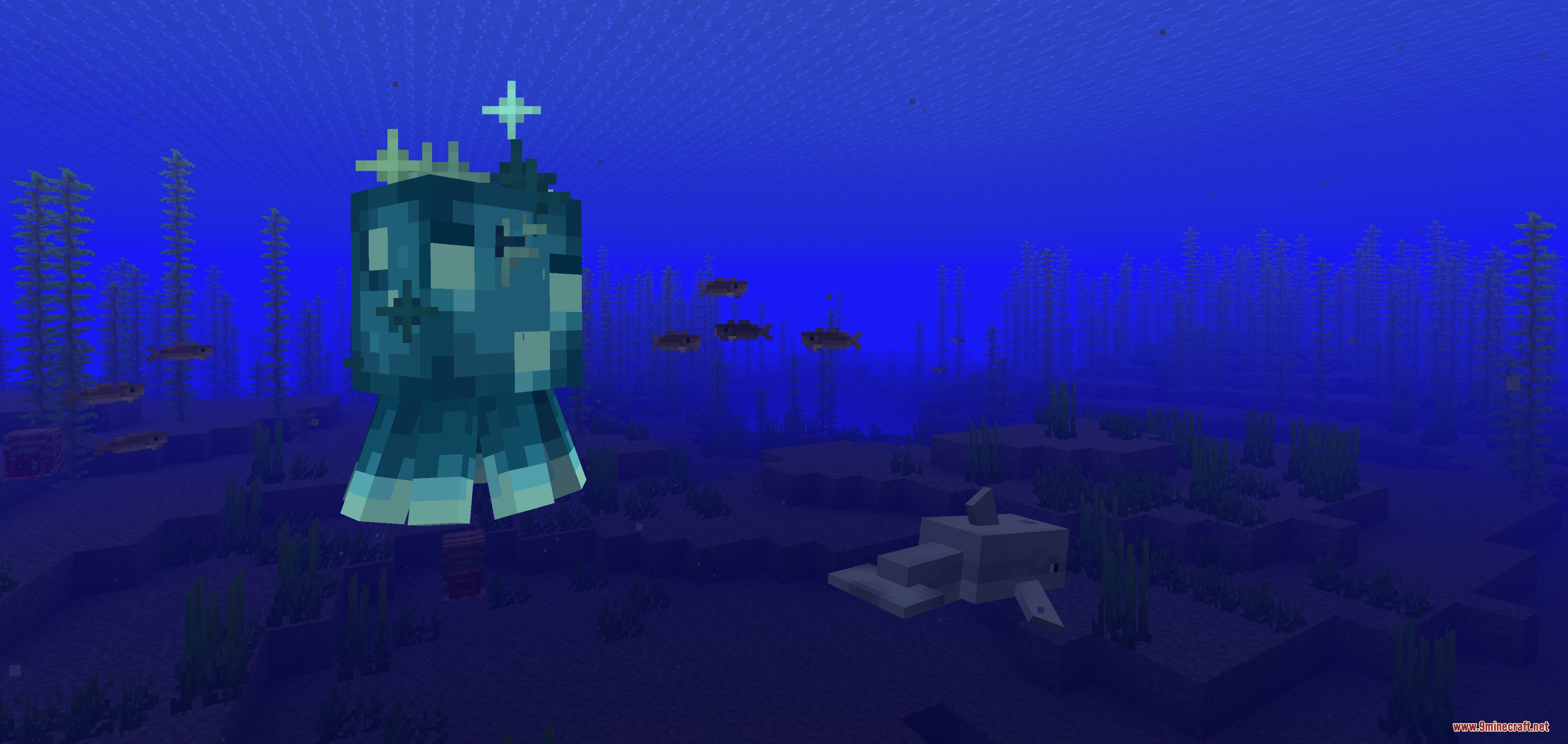
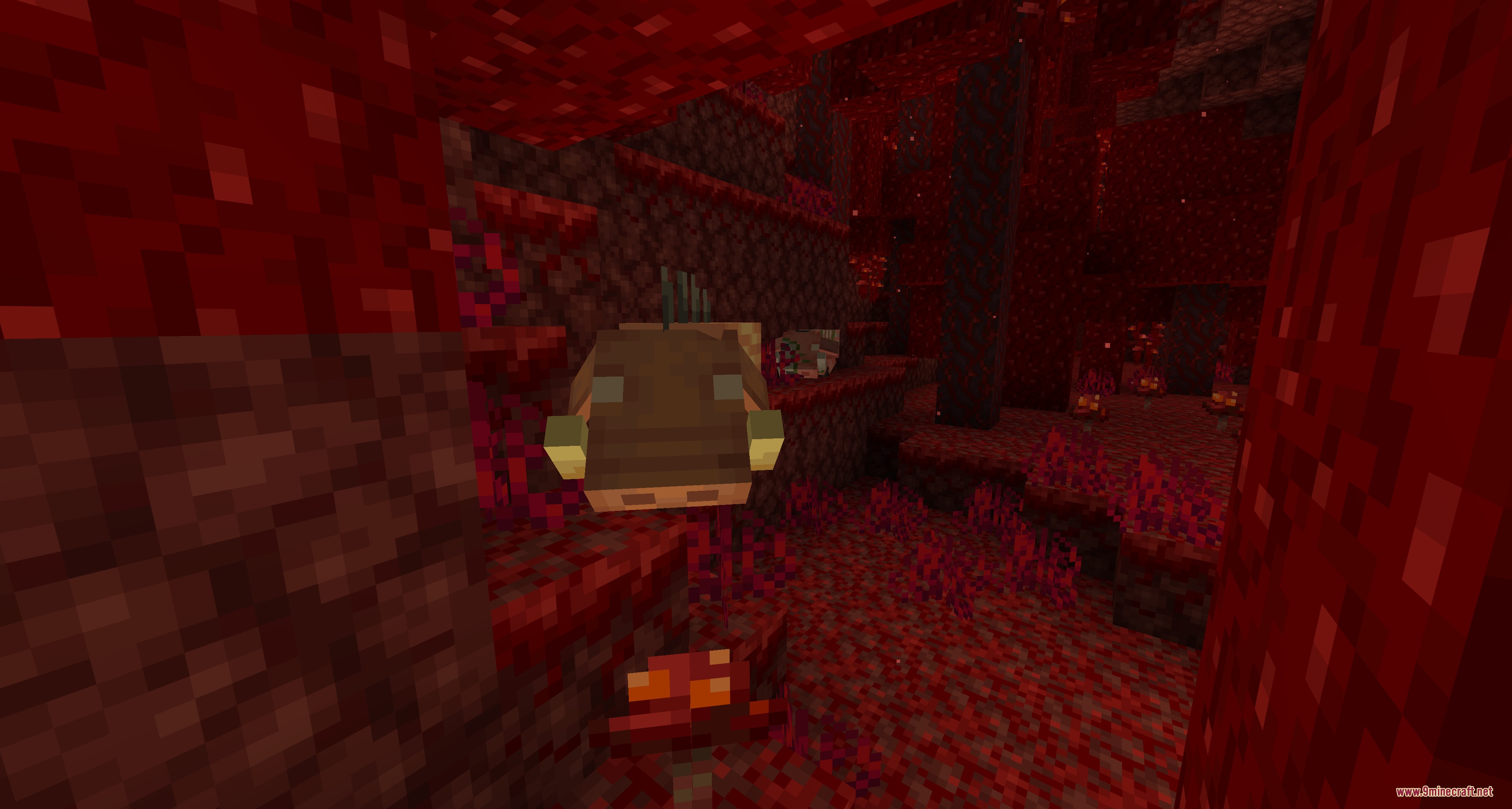
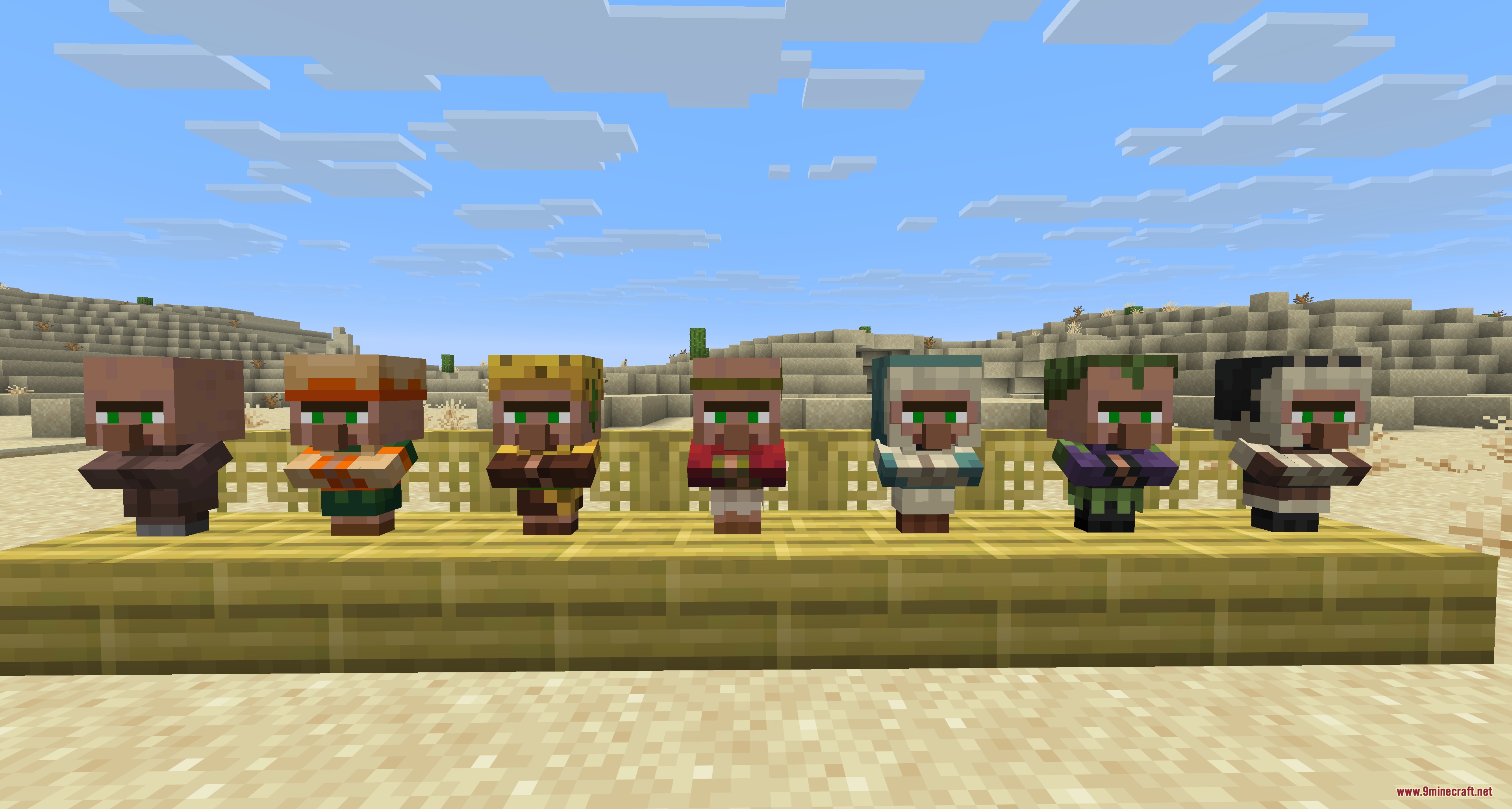
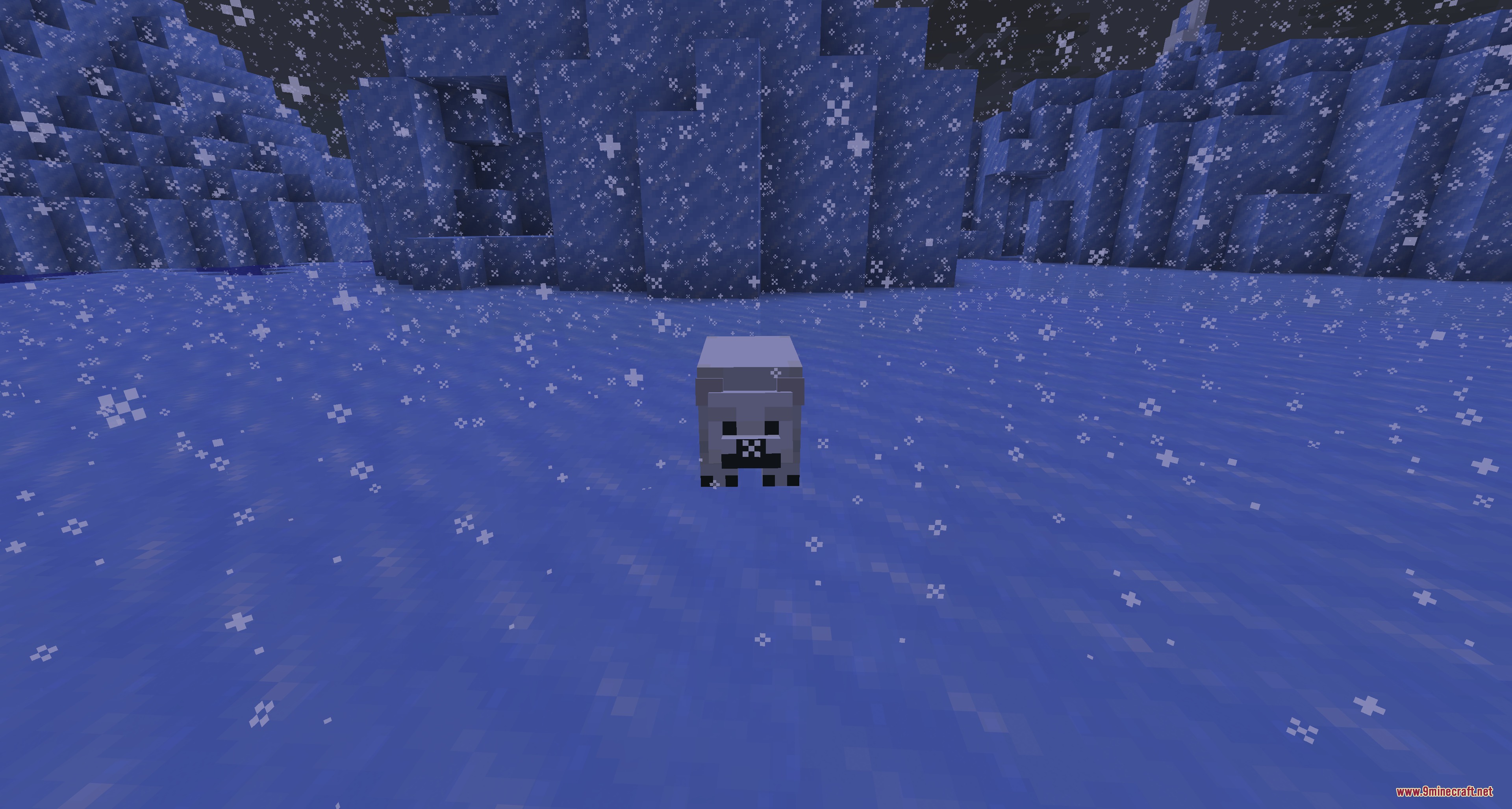
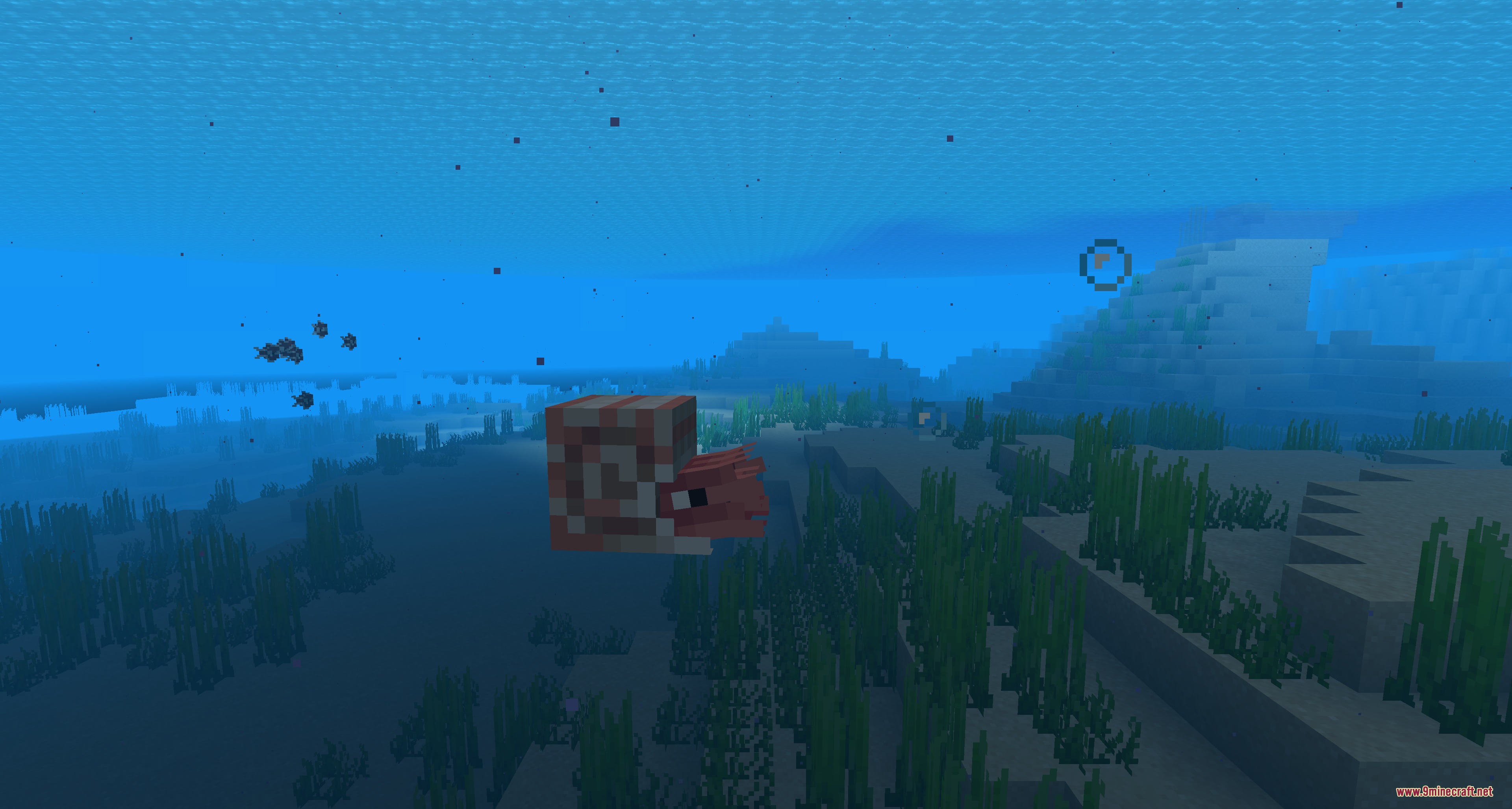
9 images from the Nursery Refined Mod page.
You May Also Like
Wikis that share the most with this one
Wikis on the same theme: animal
More mod wikis on the site
The most downloaded mods that have a wiki here
A few wikis from each of the other kinds