

 DownloadGlamorous Glass Resource Pack
Get the files on 9Minecraft
Guides
Step-by-step, in-game.
Comparing Regular, Tinted, and Stained Glass for Your BuildGlass Types and Their Uses Regular Glass : Completely transparent with no color. Use this as your primary glass type…Creating a Modern Greenhouse with Glamorous GlassPlanning Your Structure Glamorous Glass excels in greenhouse builds because of its clean, streak-free appearance.…Designing Skylights and Ceiling WindowsWhy Glamorous Glass Works for Skylights The removal of default glass streaks makes Glamorous Glass ideal for overhead…Using Stained Glass for Decorative AccentsUnderstanding Stained Glass Changes Glamorous Glass transforms stained glass into solid-color panes with 50%…
Blocks
B
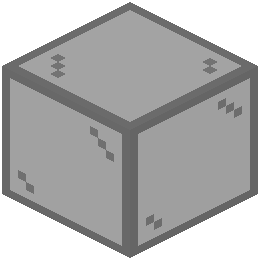 Black Stained Glass
 Blue Stained Glass
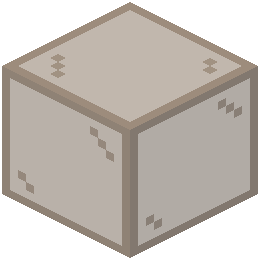 Brown Stained Glass
C
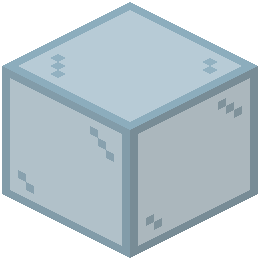 Cyan Stained Glass
G
 Glass
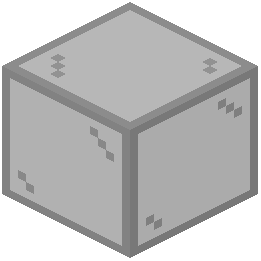 Gray Stained Glass
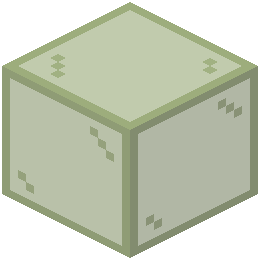 Green Stained Glass
L
 Light Blue Stained Glass
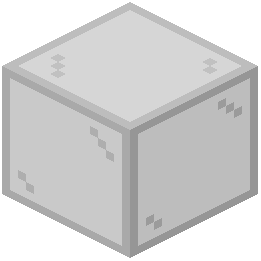 Light Gray Stained Glass
 Lime Stained Glass
M
 Magenta Stained Glass
O
 Orange Stained Glass
P
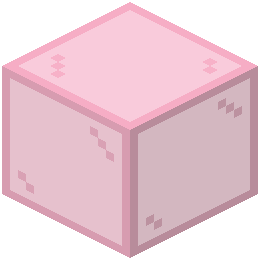 Pink Stained Glass
 Purple Stained Glass
R
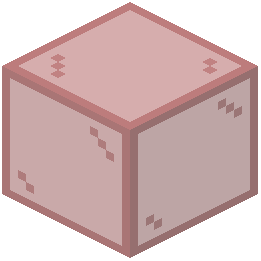 Red Stained Glass
T
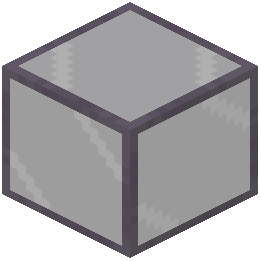 Tinted Glass
W
 White Stained Glass
Y
 Yellow Stained Glass
What this pack changes
Every texture group the pack replaces, counted from the pack itself.
| Area | Textures replaced |
|---|---|
| Blocks | 51 |
Pack format 69–999 (Minecraft 1.21.6–1.21.9)51 texture files in total
Extra features
Custom block/item models
Frequently asked questions
Do I need to restart Minecraft after installing this pack?
Yes, you'll need to restart Minecraft for the resource pack to load and apply the new glass textures to your world.
Will this pack work with my existing world or only new ones?
The pack works with both existing and new worlds—it only changes how glass looks visually, not the blocks themselves, so your builds won't be affected.
Can I use this with other resource packs?
Yes, but load order matters: place Glamorous Glass higher in your resource pack list if you want its textures to take priority over conflicting packs.
Does this pack change how glass functions in redstone or mechanics?
No, this is purely visual—all glass types behave exactly the same in redstone, light transmission, and block interactions.
Why do my stained glass panes look different colors than before?
This pack reworks stained glass to be solid colors with 50% transparency instead of the default patterned texture, giving a cleaner, more vibrant appearance.
Does tinted glass look completely clear now or still slightly dark?
Tinted glass retains its darkening effect but without the default streaks, so it still filters light while looking much cleaner.
Will this pack cause lag or performance issues?
No, this pack only replaces textures and doesn't add new blocks or entities, so it has minimal impact on performance.
Can I see through glass better now for building purposes?
Yes—the removal of streaks and harsh lines makes it much easier to see through glass and plan builds on the other side.
Does this work with connected textures or CTM mods?
This pack doesn't use connected textures, so it should work fine alongside CTM mods, though you may want to test for visual conflicts.
What's the difference between using regular glass and tinted glass with this pack?
Regular glass is completely transparent and colorless, while tinted glass is transparent but has a dark tint that reduces light transmission—both now have a cleaner appearance without streaks.
You May Also Like
Wikis that share the most with this one
Wikis on the same theme: glass
More resource pack wikis on the site
Gigachad Villager Resource PackGerudoku Faithful Resource PackGentler Weather Sounds Resource PackGenshin Villager Resource PackGen Assets Resource PackGeforcelegends 3D Default Resource PackGarfield Totem of Undying Resource PackGamma Boost Resource PackFyoncles 3D Trims Resource PackFusion Connected Glass Resource PackFusion 3D Items Resource PackFurry in Inventory Resource Pack
The most downloaded mods that have a wiki here
A few wikis from each of the other kinds
Gallery
12 images from the Glamorous Glass Resource Pack page.


