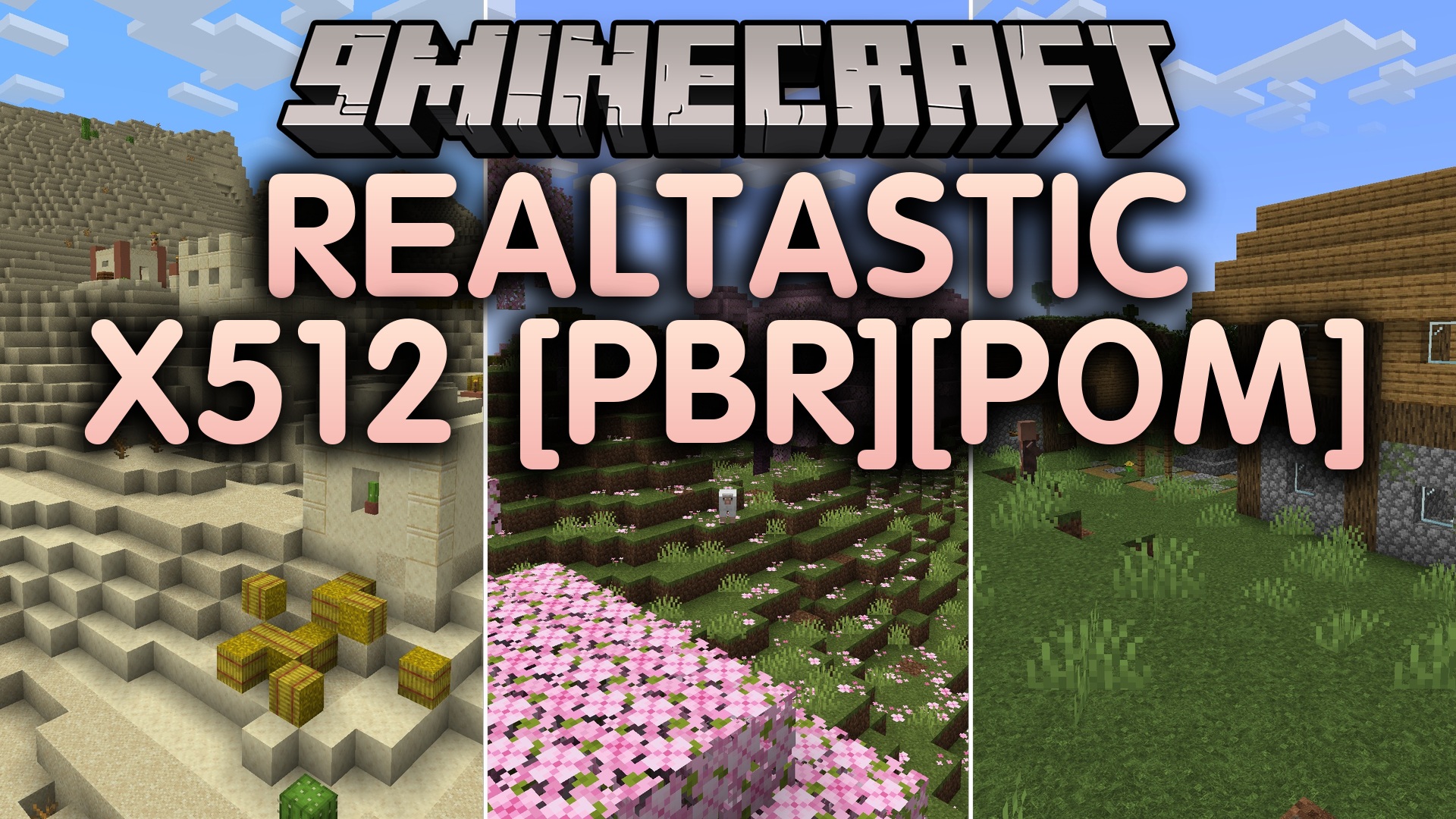
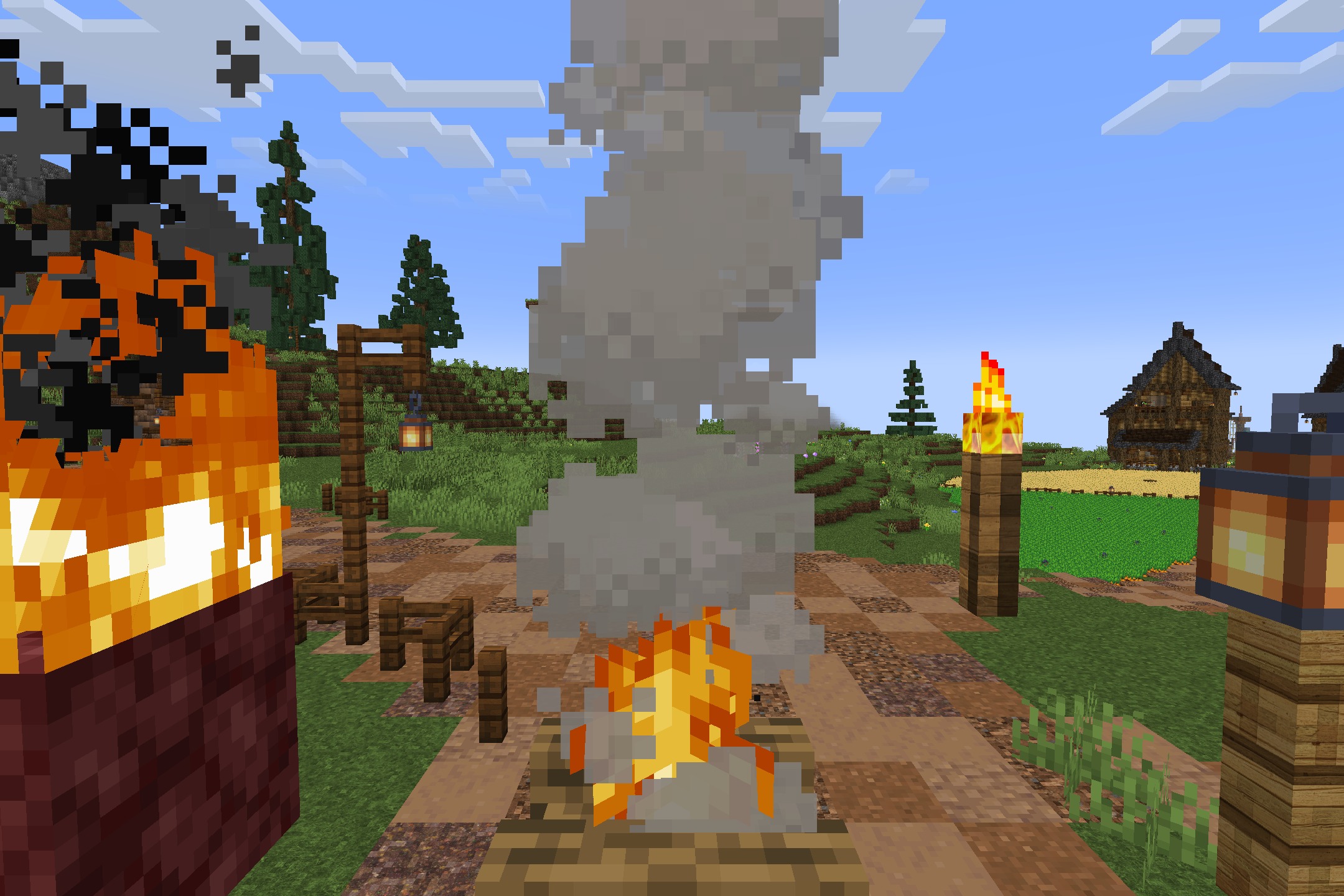
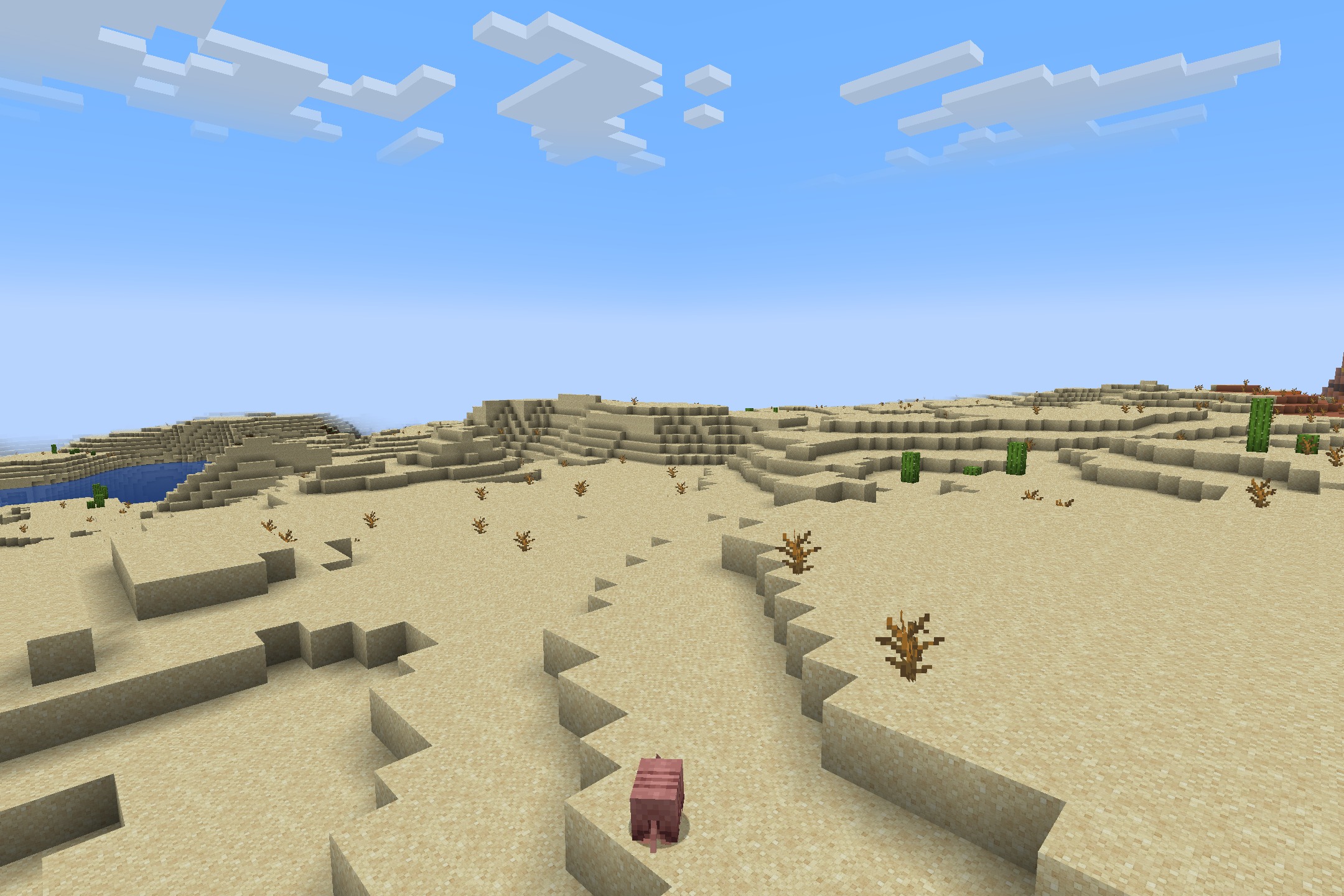
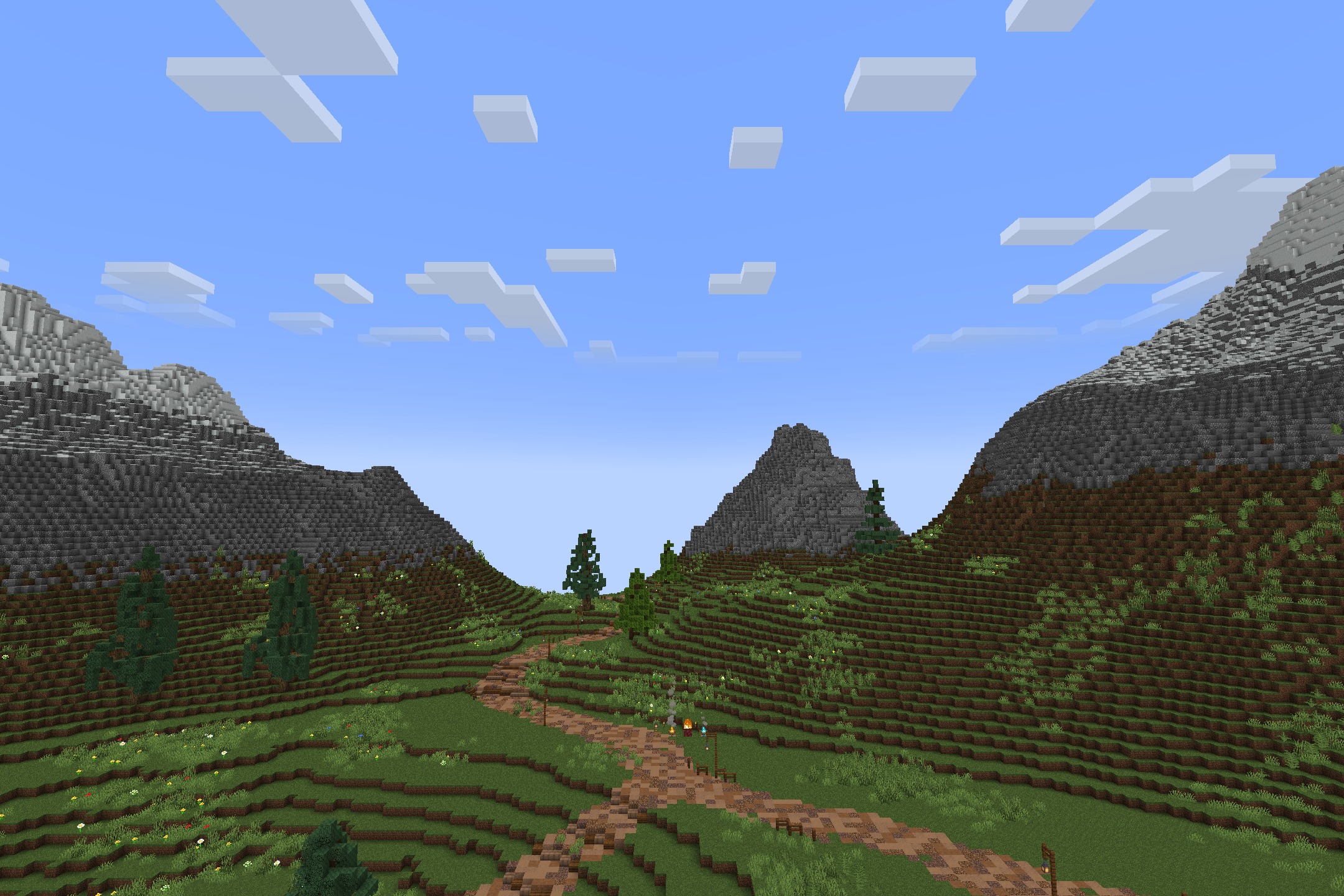
DownloadRealtastic X512 Pbrpom Resource Pack
Get the files on 9Minecraft
Contents (8)
Guides
Step-by-step, in-game.
Combine this pack with visual enhancement modsCompatible visual mods Realtastic X512 pairs well with mods that add animations and first-person details, such as…Optimize performance with high-resolution texturesUnderstand the performance cost 512×512 textures are significantly larger than vanilla's 16×16 resolution. This pack…Set up PBR and POM effects with a compatible shaderChoose a compatible shader pack Realtastic X512 is designed to work with shaders that support Physically Based…Troubleshoot missing or incorrect texturesCheck resource pack placement Verify that Realtastic X512 is loaded and ranked above other texture packs in your…
Items
C
 Cooked Chicken
 Cooked Mutton
 Cooked Porkchop
D
 Diamond Axe
 Diamond Hoe
 Diamond Pickaxe
 Diamond Shovel
 Diamond Sword
E
 Emerald
G
 Golden Axe
 Golden Hoe
 Golden Pickaxe
 Golden Shovel
 Golden Sword
I
 Iron Axe
 Iron Hoe
 Iron Pickaxe
 Iron Shovel
 Iron Sword
N
 Netherite Axe
 Netherite Hoe
 Netherite Pickaxe
 Netherite Shovel
 Netherite Sword
R
 Raw Beef
S
 Steak
 Stone Axe
 Stone Hoe
 Stone Pickaxe
 Stone Shovel
 Stone Sword
W
 Wooden Axe
 Wooden Hoe
 Wooden Pickaxe
 Wooden Shovel
 Wooden Sword
Blocks
142 blocks · showing 24. Browse all →
 Acacia Leaves
 Acacia Log
 Acacia Planks
 Acacia Trapdoor
 Amethyst Cluster
 Andesite
 Birch Leaves
 Birch Log
 Birch Planks
 Birch Trapdoor
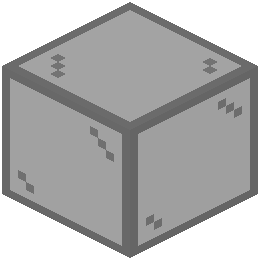 Black Stained Glass
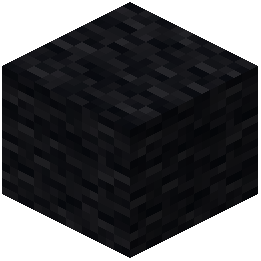 Black Wool
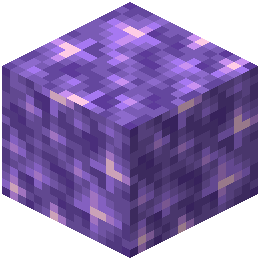 Block of Amethyst
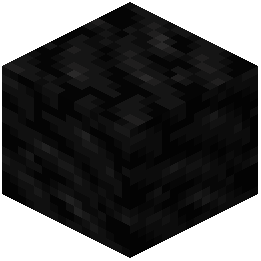 Block of Coal
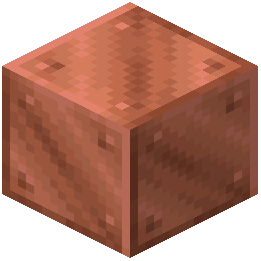 Block of Copper
 Block of Diamond
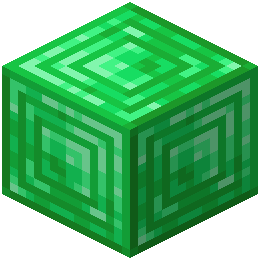 Block of Emerald
 Block of Gold
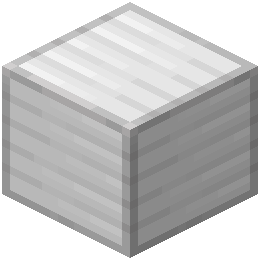 Block of Iron
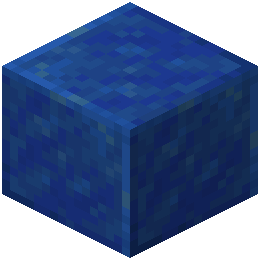 Block of Lapis Lazuli
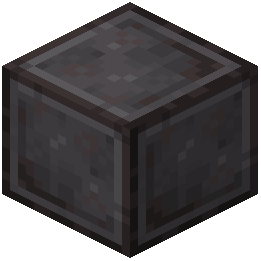 Block of Netherite
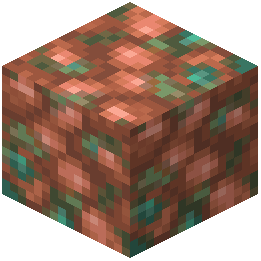 Block of Raw Copper
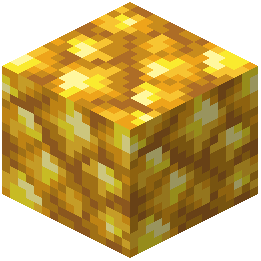 Block of Raw Gold
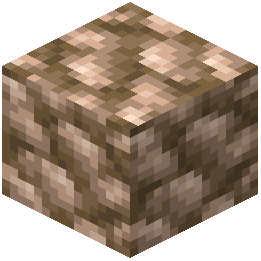 Block of Raw Iron
What this pack changes
Every texture group the pack replaces, counted from the pack itself.
| Area | Textures replaced |
|---|---|
| Blocks | 563 |
| Items | 104 |
| Mobs & entities | 50 |
| Models | 28 |
| Misc | 3 |
Pack format 8 (Minecraft 1.18)748 texture files in total
Extra features
Custom block/item models
Frequently asked questions
Do I need a shader pack for this resource pack to work?
No, the pack works without shaders, but you'll only see the high-resolution textures. To experience the PBR and POM effects (realistic reflections and 3D surface depth), you need to pair it with a compatible shader pack like SEUS Renewed, Sildur's Vibrant, or Chocapic13.
Why do my textures look flat even with a shader installed?
Make sure your shader pack has PBR and POM support enabled in its settings—not all shaders activate these features by default. Also verify the resource pack is loaded above other packs in your resource pack list, as conflicting packs can override the detailed textures.
How do I load the resource pack?
Place the pack file in your resourcepacks folder, then open Minecraft and go to Options > Resource Packs. Find Realtastic X512 in the available list and click the arrow to move it to the active side.
My game is lagging with this pack. How do I improve performance?
Lower your render distance and reduce shader quality settings, as 512×512 textures are demanding. You can also disable POM in your shader settings if performance is critical, which keeps the high-resolution look while reducing GPU load.
Can I use this pack with mods that add new blocks?
Yes, but new blocks from mods will use default textures unless the mod includes its own textures or another pack provides them. The Realtastic pack only replaces vanilla Minecraft blocks.
Does this pack work with Optifine?
Yes, Optifine is compatible and can help optimize performance. Make sure Optifine is installed before loading the resource pack, and enable connected textures in Optifine settings for best results.
Why do some blocks look different than I expected?
The pack maintains vanilla colors and style but adds significant detail and surface variation. If specific blocks look wrong, check that no conflicting resource packs are loaded above it, or verify your shader isn't applying unexpected color filters.
Can I combine this with visual mods like Eating Animations?
Yes, this pack is designed to work alongside visual enhancement mods. Just load both the resource pack and the mod, and they should work together without conflicts.
What's the difference between PBR and POM?
PBR (Physically Based Rendering) makes materials reflect light realistically based on their surface properties—metal shines, stone absorbs light, water reflects the sky. POM (Parallax Occlusion Mapping) adds the illusion of 3D bumps and crevices to flat block surfaces.
Do I need a powerful computer to use this pack?
You need a mid-range GPU to run this smoothly with shaders enabled, as 512×512 textures and PBR/POM effects are resource-intensive. Lower-end systems can still use the pack without shaders or by reducing render distance and shader quality.
You May Also Like
Wikis that share the most with this one
Song Of Resurrection I X128 I X256 I X512 I X1024 I Rtx I Pom I Lab Pbr Resource PackOdar Is Resource PackXalis Enhanced VanillaDotocraft Resource PackDotoworld Resource PackMoose Blocks Resource PackRealism Mats Resource PackBoxs Flag Spear Resource PackDark Mode Skyblock Resource PackAmberstone Textures Pack Resource PackAmstellhd Zombie Apocalypse Resource PackWooden And Stone Type Tools Resource Pack
Wikis on the same theme: stone
X-Ray Resource PackPvp Basics Resource PackFabulous 3D Resource PackOre Visible Resource PackX-Ray Pluss Resource PackAnimated Ore Resource PackNew End Stone Resource PackOutlined Ores Resource PackDungeons Stone Resource PackSwiftboost Pvp Resource PackXray For Bases Resource PackAngular Essence Resource Pack
More resource pack wikis on the site
Realistico Resource PackRealistic Woods Resource PackRealistic Wolves Resource PackRealistic Villagers by Vaerph Resource PackRealistic Planks Resource PackRealistic Ores Resource PackRealistic Ocelots Resource PackRealistic Nature 3D Nature Resource PackRealistic Moon Resource PackRealistic Mobs Resource PackRealistic Chests Resource PackRealistic Cats Resource Pack
The most downloaded mods that have a wiki here
A few wikis from each of the other kinds
Gallery
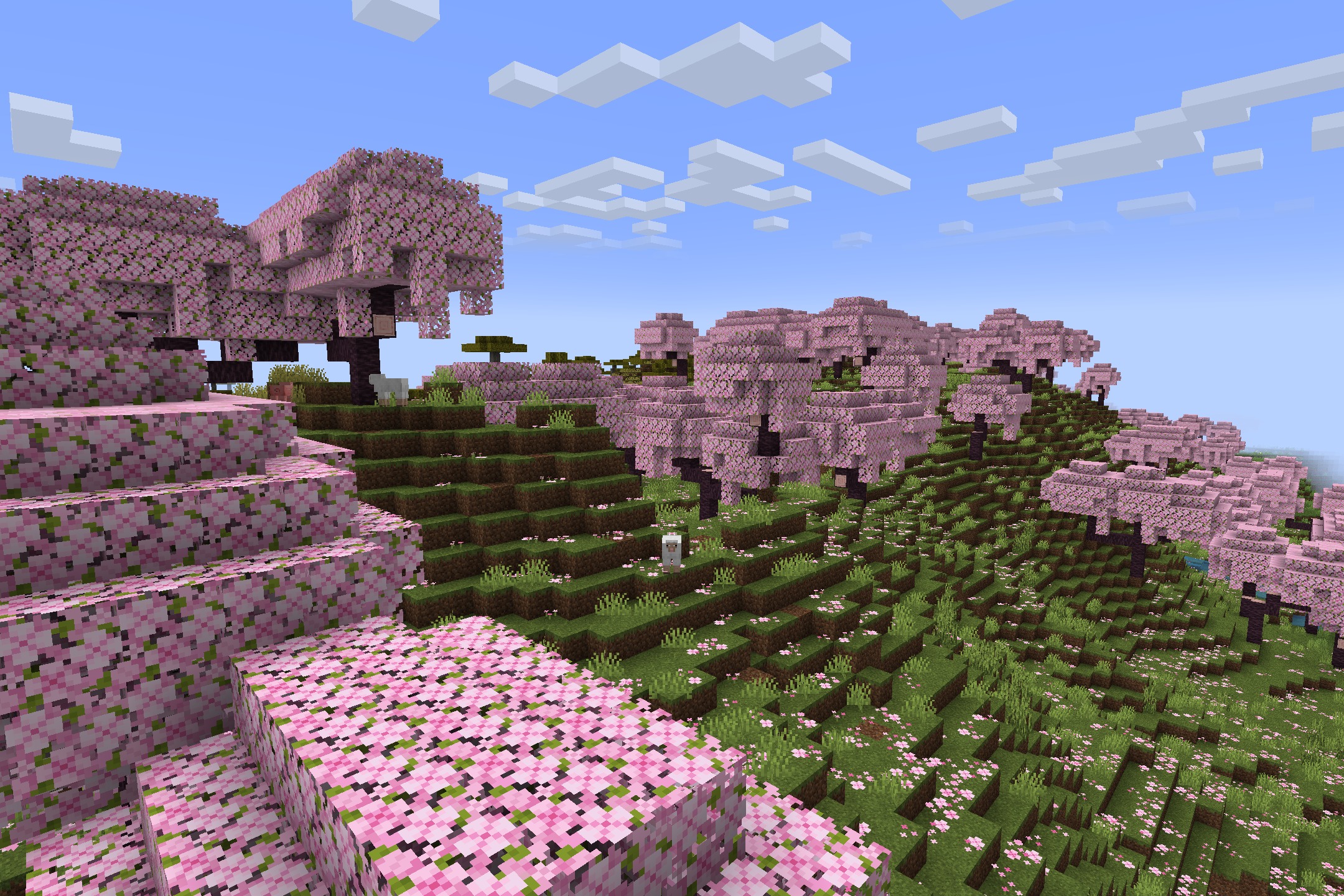
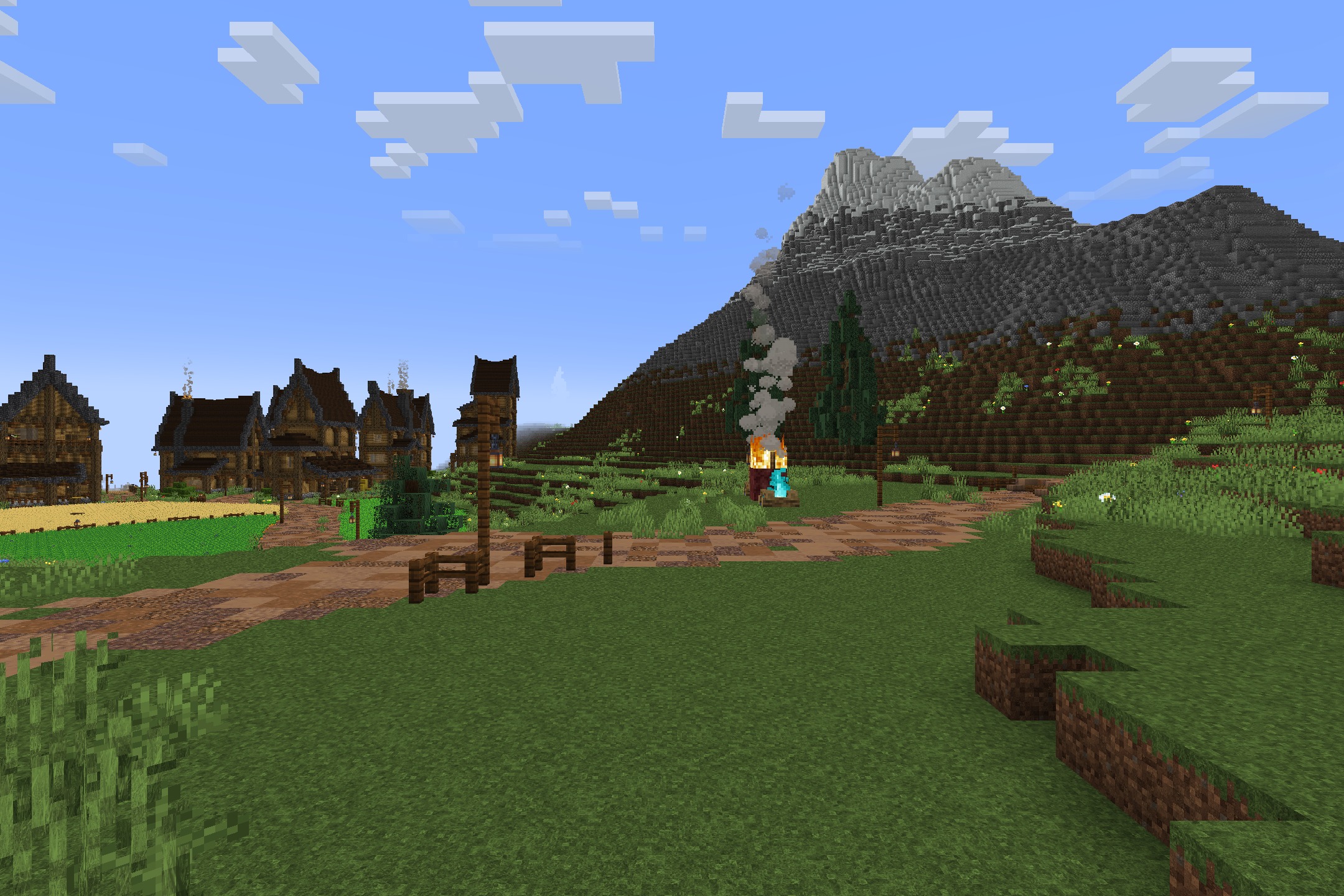
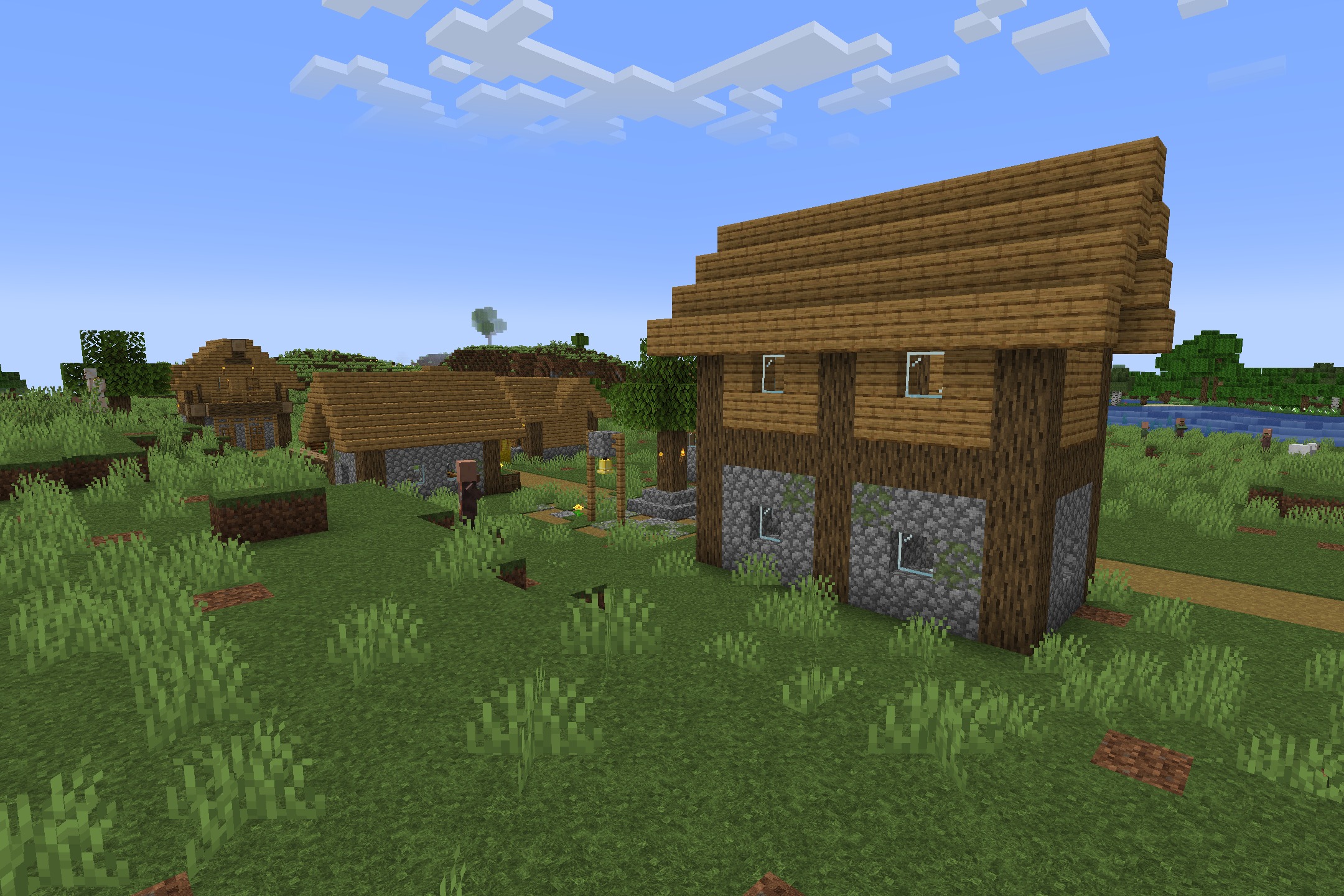
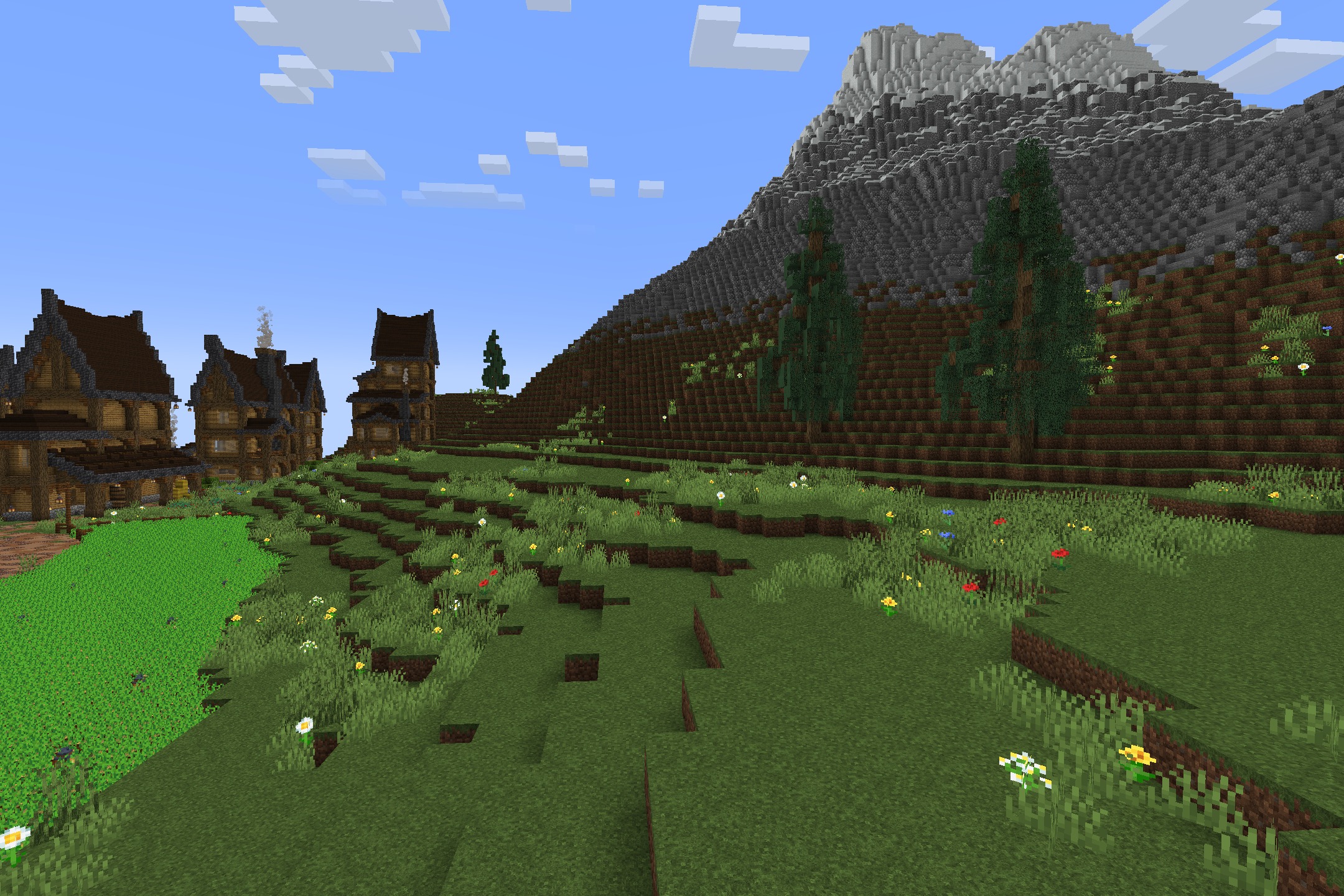
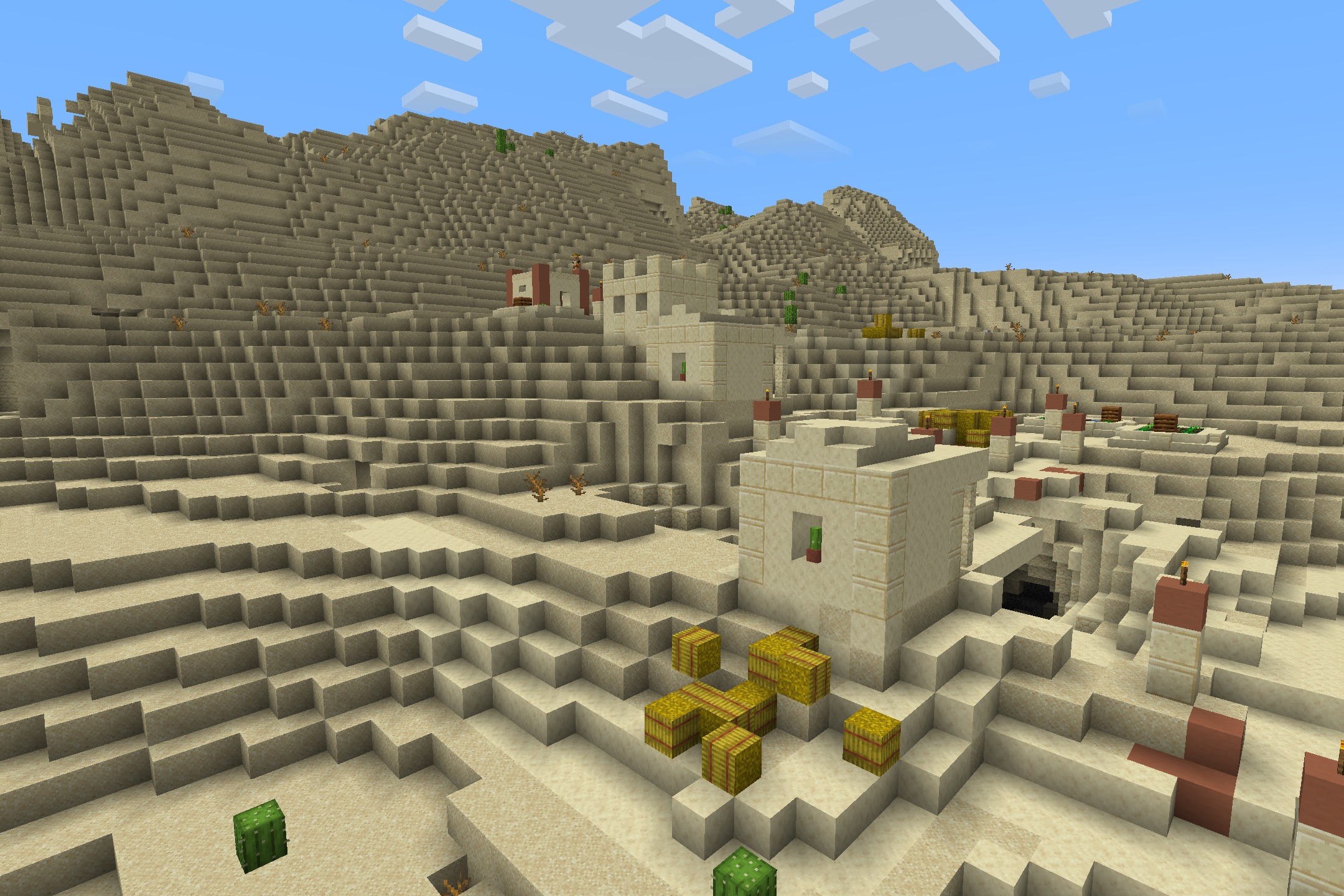
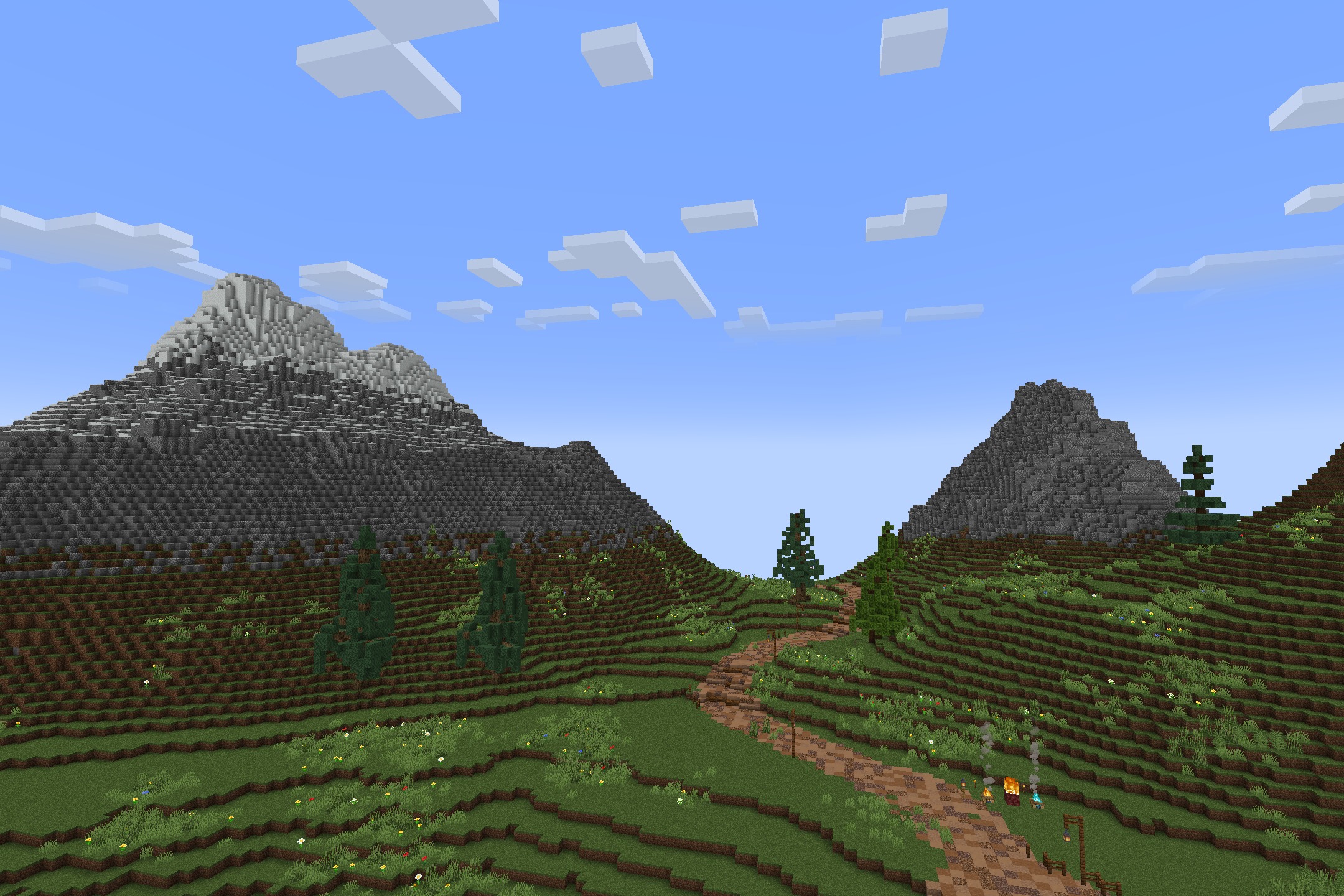
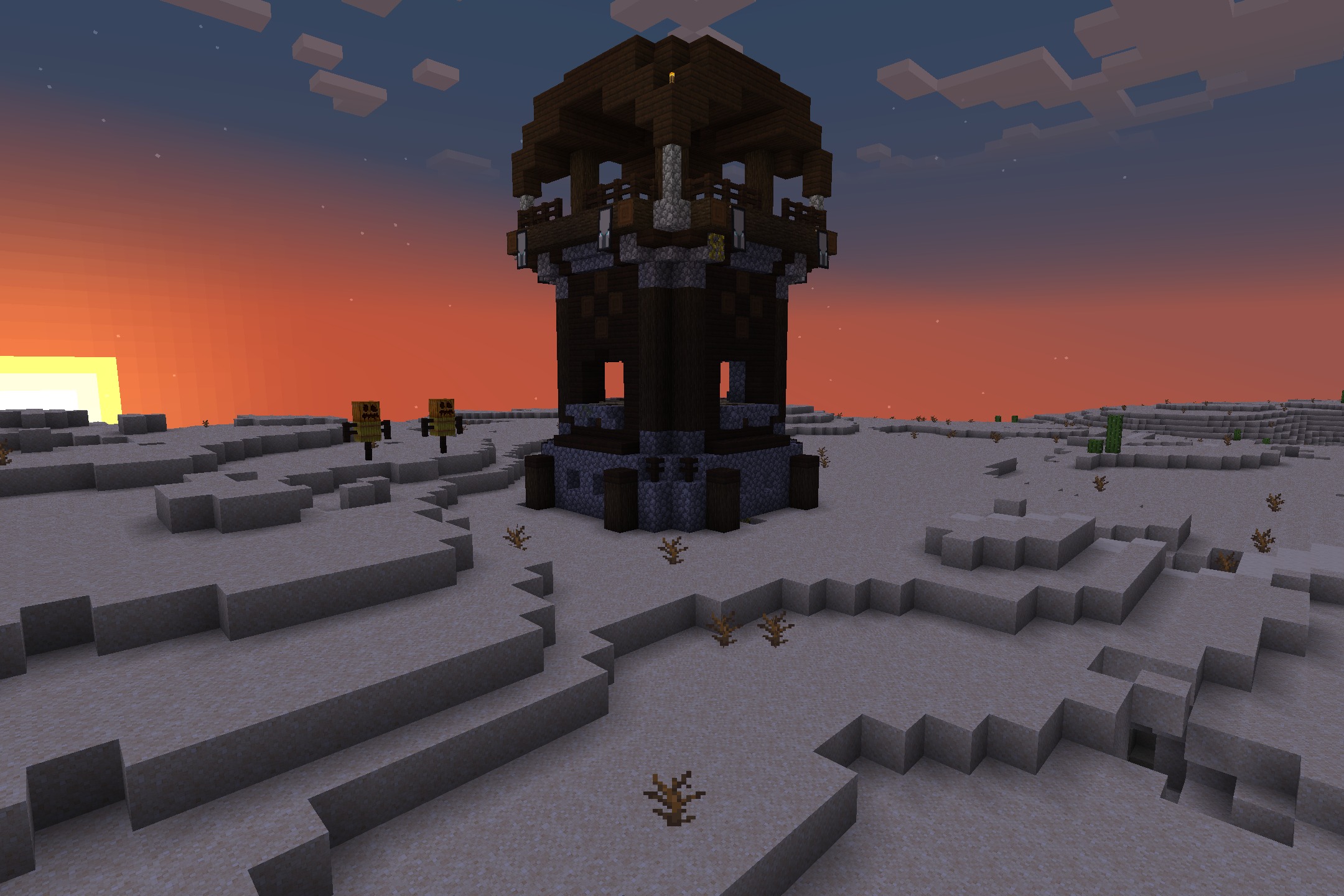
11 images from the Realtastic X512 Pbrpom Resource Pack page.