

 DownloadFeatured Old Textures And New Resource Pack
Get the files on 9Minecraft
Contents (8)
Guides
Step-by-step, in-game.
Find and Identify Infested Blocks UndergroundEnable the Optional Utilities Pack Infested blocks are notoriously hard to spot in vanilla Minecraft. This pack…Get Items with Old Textures Using CommandsUse the /give Command Instead of renaming items in an anvil, you can directly obtain items with their classic…Make Ores Glow and Add Borders for Better VisibilityInstall the Optional Utilities Pack The main pack includes randomized textures, but glowing ores require an…Switch an Item to Its Classic TextureUsing the Anvil Method To see an item in its old pre-1.17 style, you'll need to rename it in an anvil using a…
Items
 Gold Nugget
 Golden Carrot
 Iron Nugget
Blocks
A
 Acacia Log
 Acacia Planks
B
 Birch Planks
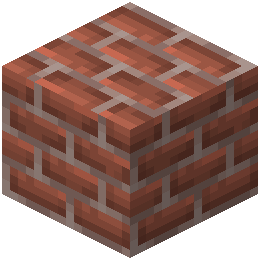 Bricks
C
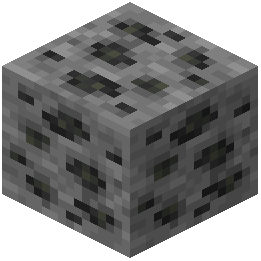 Coal Ore
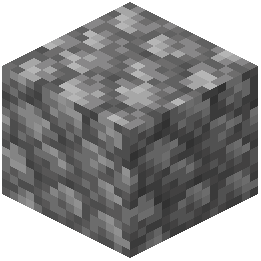 Cobblestone
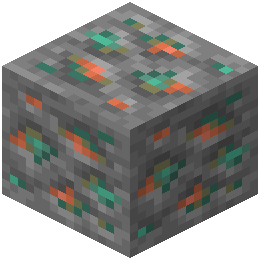 Copper Ore
D
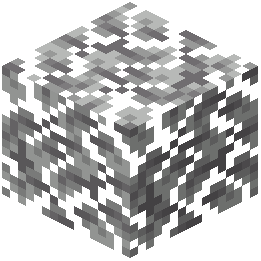 Dark Oak Leaves
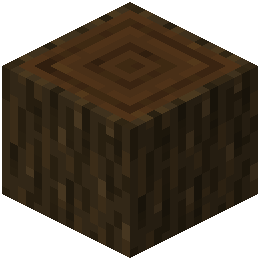 Dark Oak Log
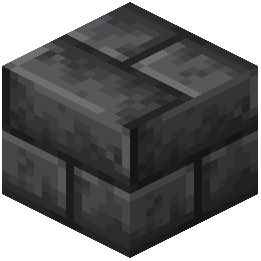 Deepslate Bricks
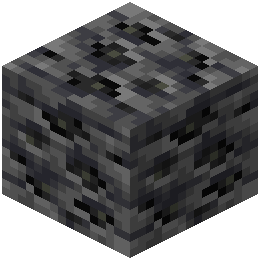 Deepslate Coal Ore
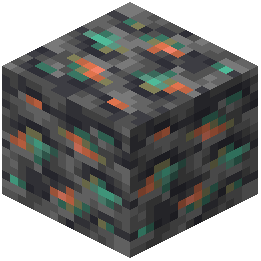 Deepslate Copper Ore
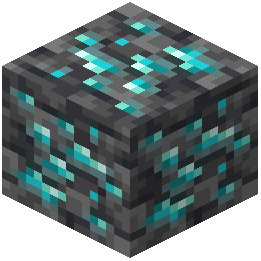 Deepslate Diamond Ore
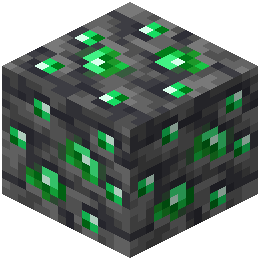 Deepslate Emerald Ore
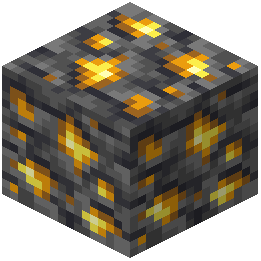 Deepslate Gold Ore
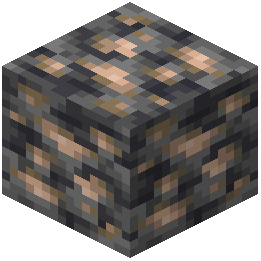 Deepslate Iron Ore
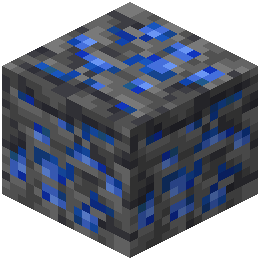 Deepslate Lapis Lazuli Ore
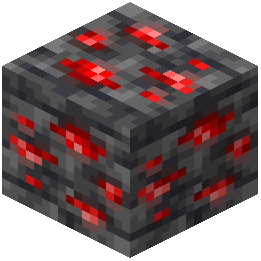 Deepslate Redstone Ore
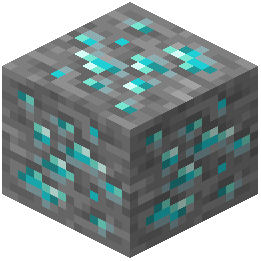 Diamond Ore
E
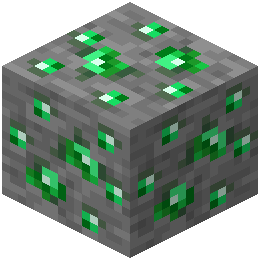 Emerald Ore
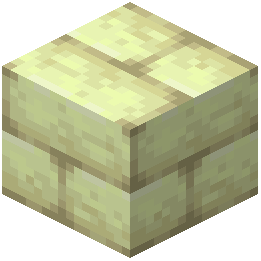 End Stone Bricks
G
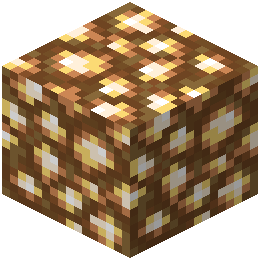 Glowstone
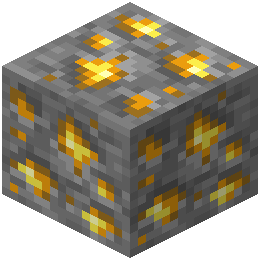 Gold Ore
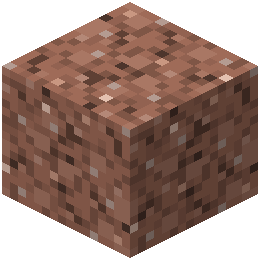 Granite
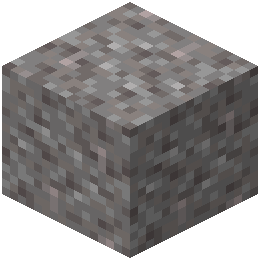 Gravel
I
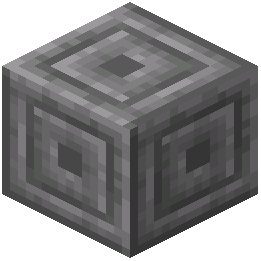 Infested Chiseled Stone Bricks
 Infested Cobblestone
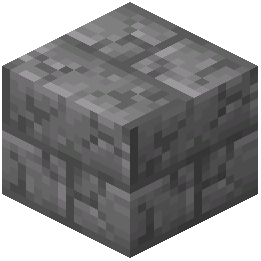 Infested Cracked Stone Bricks
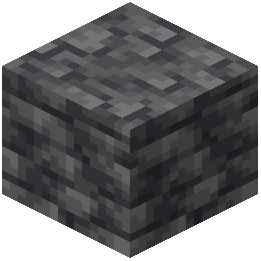 Infested Deepslate
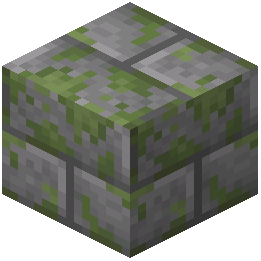 Infested Mossy Stone Bricks
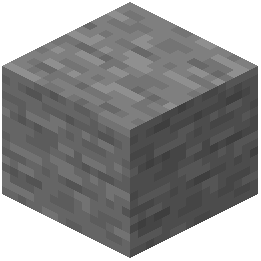 Infested Stone
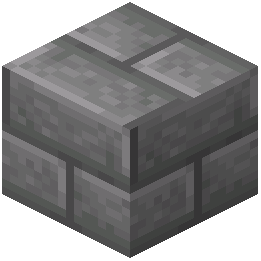 Infested Stone Bricks
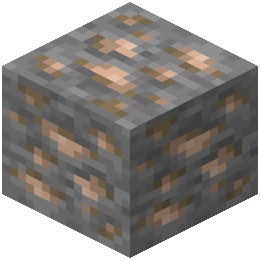 Iron Ore
J
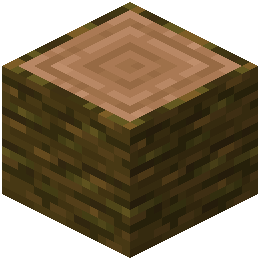 Jungle Log
L
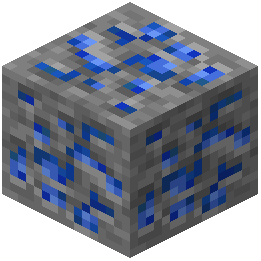 Lapis Lazuli Ore
N
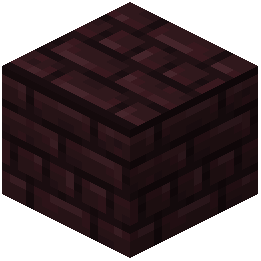 Nether Bricks
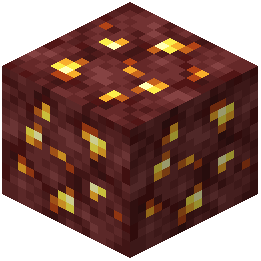 Nether Gold Ore
O
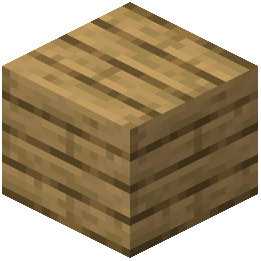 Oak Planks
R
 Red Mushroom
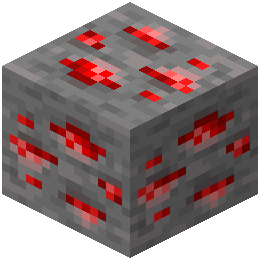 Redstone Ore
S
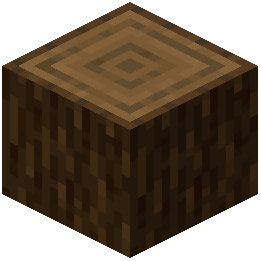 Spruce Log
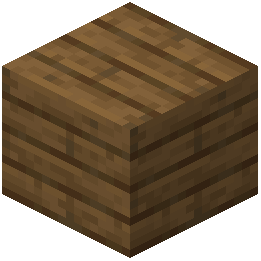 Spruce Planks
What this pack changes
Every texture group the pack replaces, counted from the pack itself.
| Area | Textures replaced |
|---|---|
| Font | 227 |
| Items | 227 |
| Blocks | 212 |
| Items | 16 |
Pack format 34–88 (Minecraft 1.21.2–1.21.9)682 texture files in total
Extra features
Custom font
Custom block/item models
Frequently asked questions
How do I start using this pack?
Download and load the pack as you would any resource pack. The randomized block textures will apply immediately to ores, planks, and cobblestone. If you want to use item renaming or the utilities features, you'll need to install CIT Resewn (for items) and optionally Iris/Continuity (for glowing ores and connected textures).
Why aren't my items changing to old textures when I rename them?
You need CIT Resewn installed for the item renaming feature to work. Make sure it's loaded alongside this pack, then rename your item in an anvil using a comma (",") in the name—for example, "Sword," will switch a sword to its classic texture.
Do I have to use the utilities pack or can I use just the main pack?
The main pack works completely on its own with randomized block textures and item renaming. The utilities pack is entirely optional and adds features like glowing ores, connected textures, and infested block detection—only install it if you want those extras.
How do I get glowing ores?
Install the Optional Utilities Pack alongside the main pack, then install Iris (for shaders) or Continuity (for non-shader glow). The ores will automatically glow in the dark and display borders around them for visibility.
Can I use this pack with other resource packs?
You can load multiple packs together, but they may conflict if they modify the same textures. Place this pack higher in your load order if you want its textures to take priority, or lower if you want other packs to override it.
What's the difference between the old and new textures I'm seeing?
The pack randomly mixes pre-1.17 textures (classic look) with post-1.17 textures (modern look) for blocks like ores, planks, and cobblestone as you explore. This gives you variety without committing fully to either style.
How do I identify infested blocks with this pack?
Install the Optional Utilities Pack—it makes infested blocks appear darker than regular stone, making them visually distinct and easier to spot before you accidentally break them.
Do armor trims work with the old textures?
Yes, the pack includes fixes that ensure armor trims display correctly on classic armor models, so you won't see visual glitches when wearing trimmed armor.
Can I use the /give command to get old-textured items?
Yes, you can use a simple /give command to obtain items with their old textures directly without needing to rename them in an anvil. The exact command format is shown in the mod's documentation.
Will this pack affect my game performance?
The main pack has minimal performance impact since it just swaps textures. The Optional Utilities Pack with glowing ores may have a small impact depending on your hardware, especially if you're using Iris shaders—test it in your world to see if it runs smoothly.
You May Also Like
Wikis that share the most with this one
Native Vein TexturesMissing Textures ShadersFusion (Connected Textures)Fresh Textures Resource PackFusion Connected Textures ModMC New Textures Resource PackAll White Textures Resource PackSsls Soft Textures Resource PackAngel Hare Textures Resource PackLegendary Rt Textures Resource PackTazkos Fresh Textures Resource PackKult Craft Pvp Textures Resource Pack
Wikis on the same theme: stone
More resource pack wikis on the site
Fat Cats Resource PackFat Cat Resource PackFasten An Ashen Compatibility Pack Resource PackFast Better Grass Resource PackFarming Valley GUI Resource PackFarmer GuiFarm 3D Resource PackFantasy Ores by CesarZorak Resource PackFantasy 3D Weapons CIT Resource PackFantastik Leaves Resource PackFancyFast Bushy Leaves Resource PackFancy GUI Overhaul 9minecraft Resource Pack
The most downloaded mods that have a wiki here
A few wikis from each of the other kinds
Gallery
9 images from the Featured Old Textures And New Resource Pack page.


