DownloadFabulous 3D Resource Pack
Get the files on 9Minecraft
Guides
Step-by-step, in-game.
Customizing Which Tools Get the 3D TreatmentUnderstanding Pack Coverage The Fabulous 3D Resource Pack replaces models for standard Minecraft tools and weapons:…Ensuring 3D Models Display CorrectlyCheck Your Graphics Settings For the 3D models to render properly, your game needs appropriate settings: Graphics…Optimizing Performance with 3D ModelsReduce Lag from Detailed Models If the 3D models cause frame rate drops: Lower render distance: Reduces the number of…Viewing Your 3D Tools and Weapons in First PersonSee Your New Models While Playing The 3D models in this pack are designed to display when you hold tools and weapons…
Blocks
D
 Diamond Axe
 Diamond Hoe
 Diamond Pickaxe
 Diamond Shovel
 Diamond Sword
G
 Golden Axe
 Golden Hoe
 Golden Pickaxe
 Golden Shovel
 Golden Sword
I
 Iron Axe
 Iron Hoe
 Iron Pickaxe
 Iron Shovel
 Iron Sword
N
 Netherite Axe
 Netherite Hoe
 Netherite Pickaxe
 Netherite Shovel
 Netherite Sword
S
 Stone Axe
 Stone Hoe
 Stone Pickaxe
 Stone Shovel
 Stone Sword
W
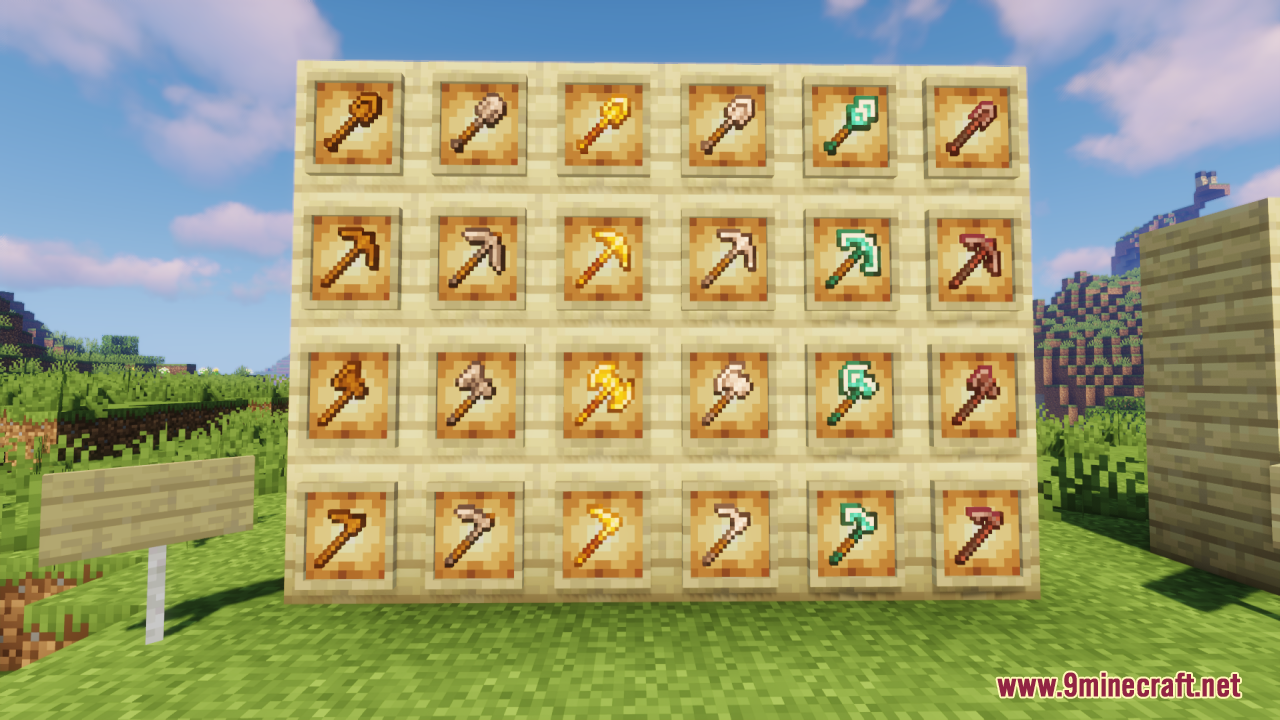
 Wooden Axe
 Wooden Hoe
 Wooden Pickaxe
 Wooden Shovel
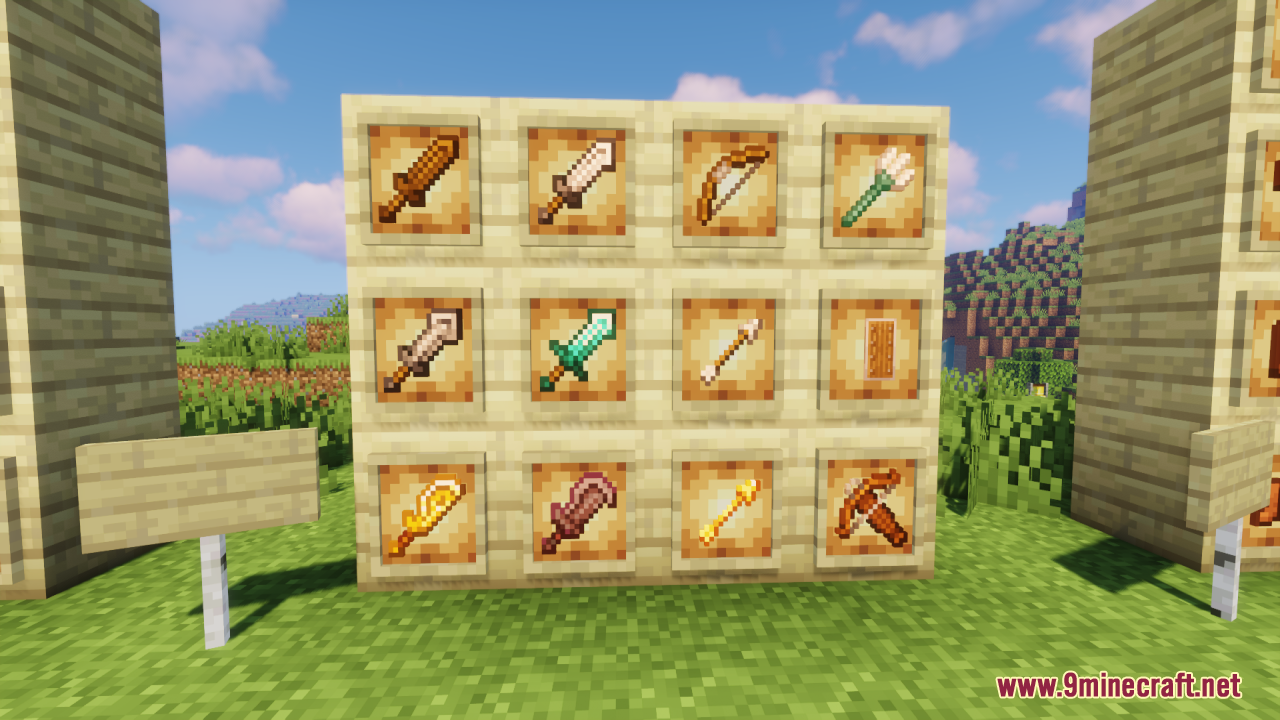
 Wooden Sword
What this pack changes
Every texture group the pack replaces, counted from the pack itself.
| Area | Textures replaced |
|---|---|
| Blocks | 160 |
| Items | 42 |
Pack format 46–75 (Minecraft 1.21.5–1.21.9)202 texture files in total
Extra features
Custom shaders
Custom block/item models
Frequently asked questions
How do I see the 3D models when I'm holding a tool?
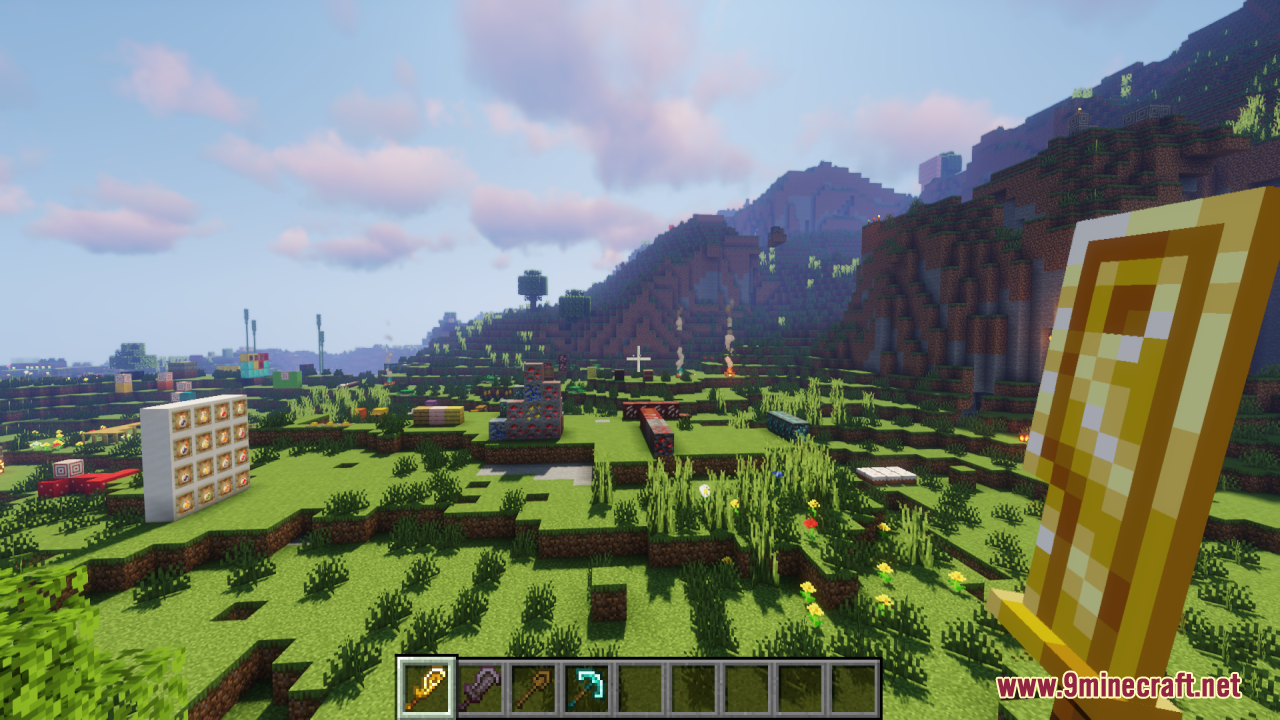
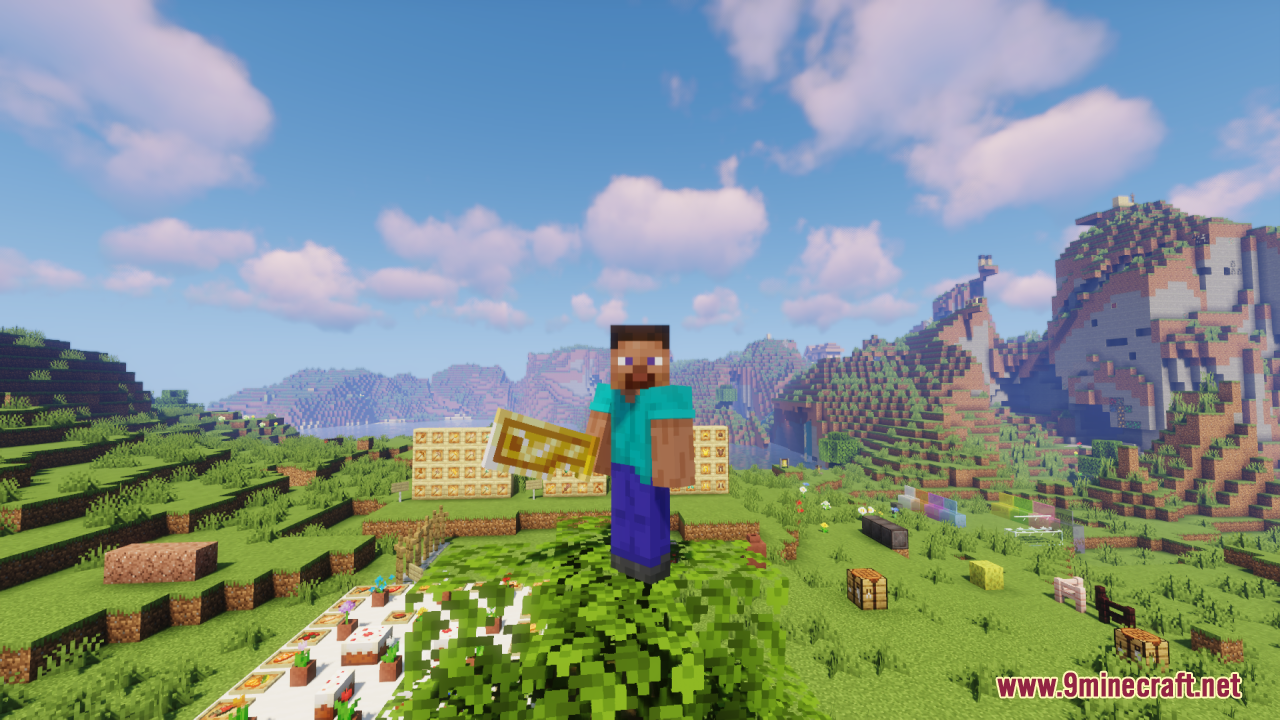
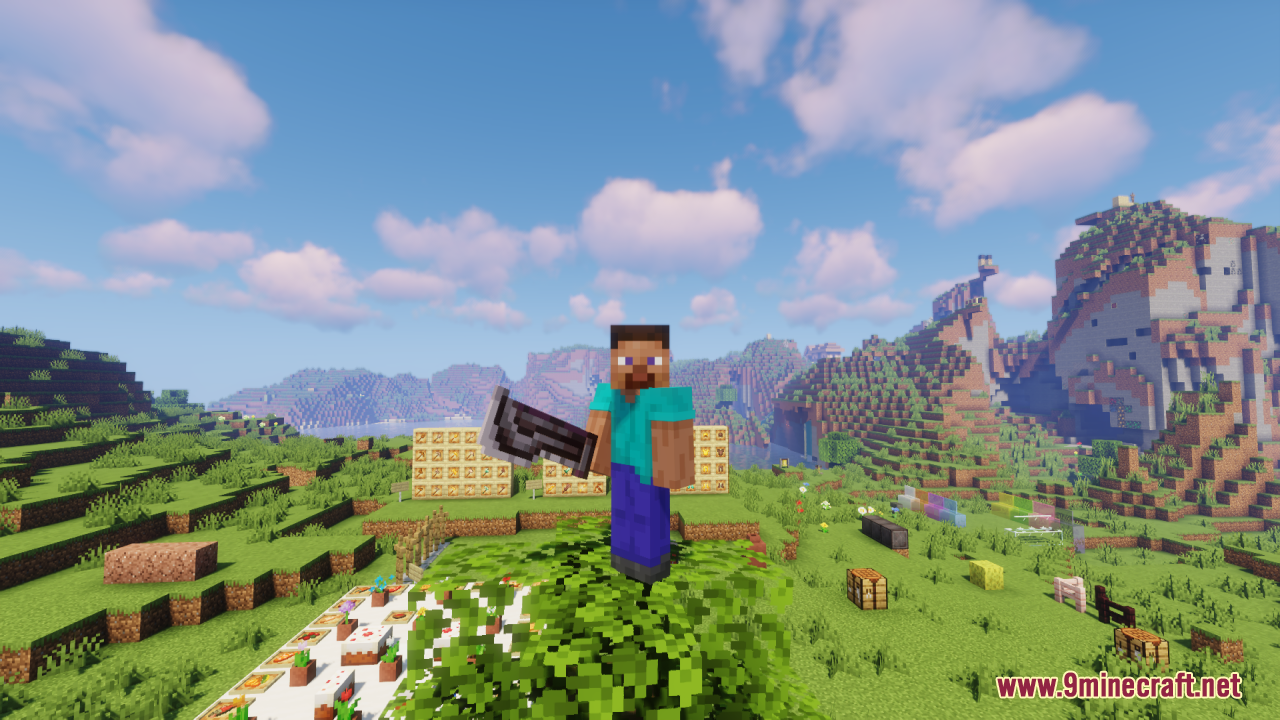
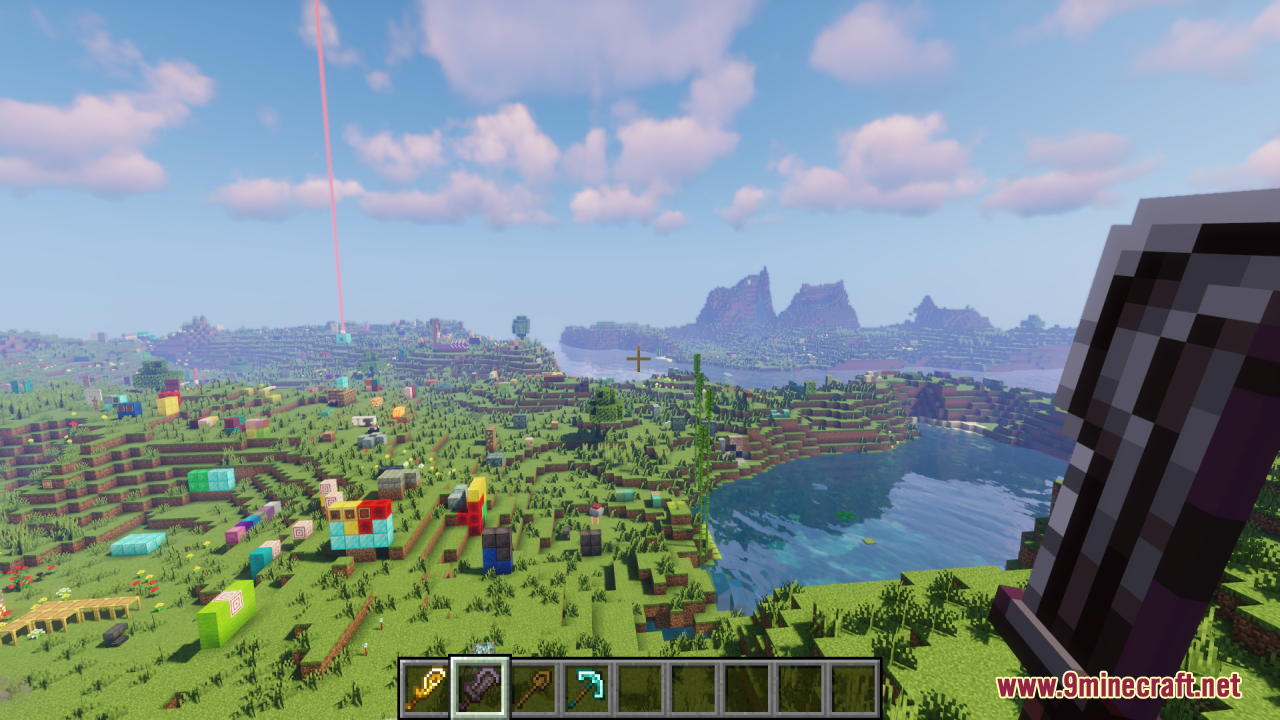
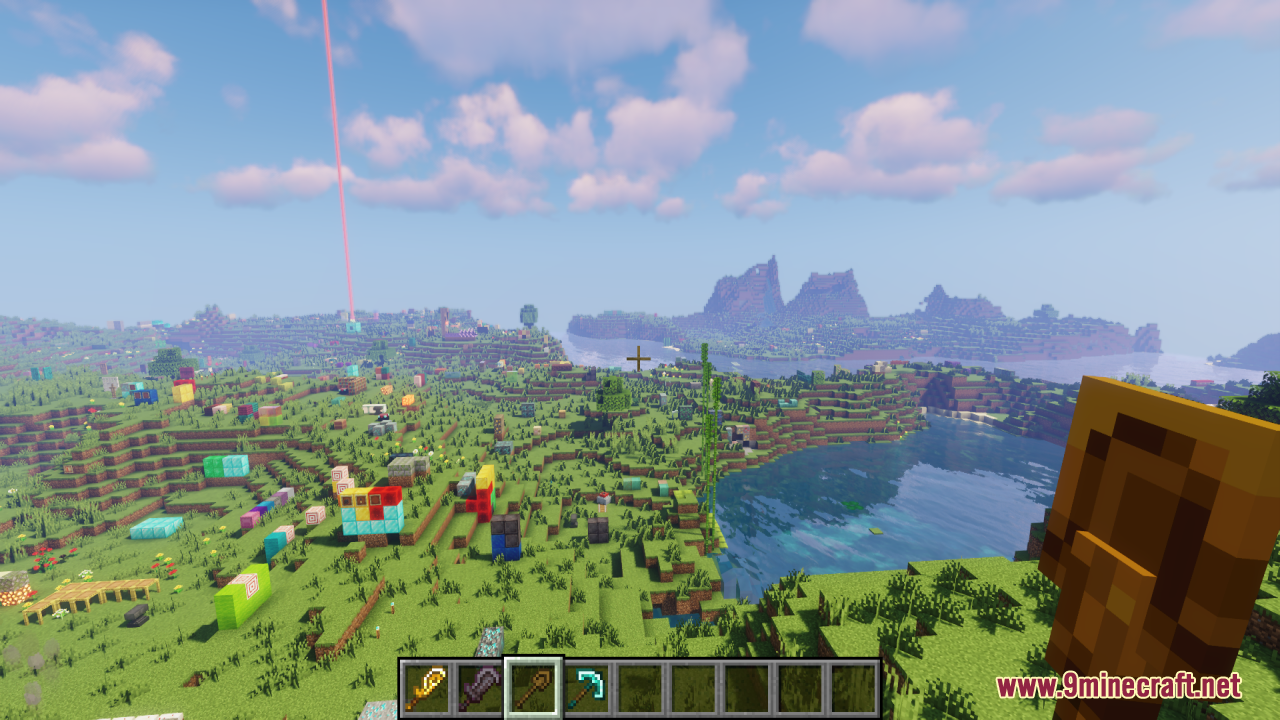
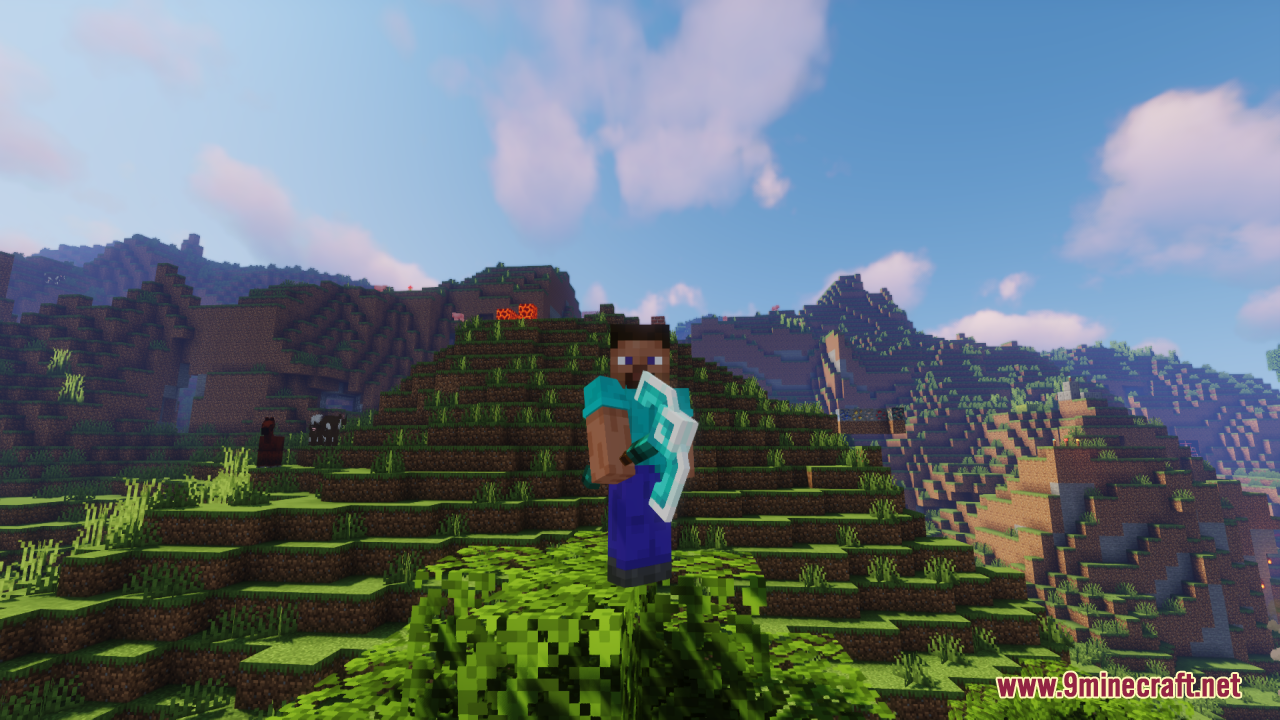
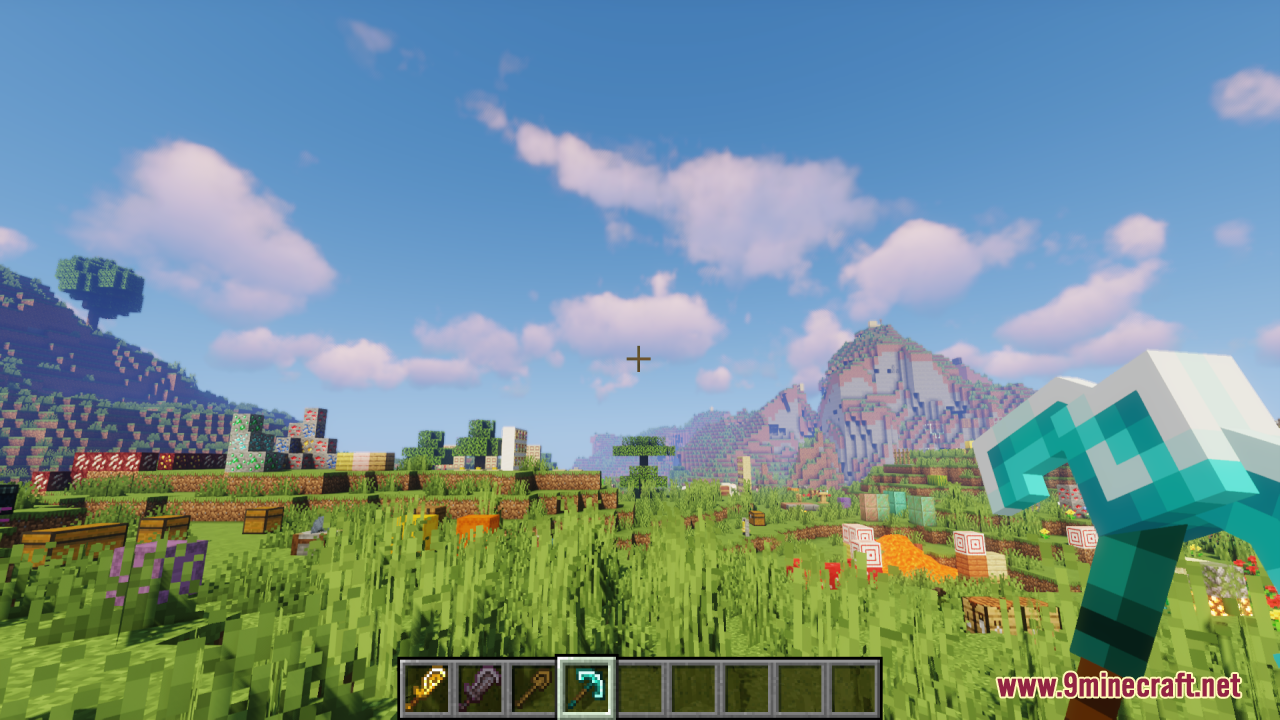
The 3D models appear automatically in first-person view when you hold any supported tool or weapon. Make sure you're looking at your hand in first-person mode (not third-person) and that the resource pack is enabled in your resource pack settings.
Why do my tools still look flat?
Check that the resource pack is actually loaded by opening your resource packs menu and confirming it appears in the active list. If it's enabled but tools still look flat, try moving the pack higher in the load order so it overrides other packs.
Does this work with other resource packs?
Yes, but load order matters—place Fabulous 3D Resource Pack above any other packs that modify tools so its models take priority. If conflicts occur, you may need to choose between packs or manually merge them.
Will this affect my FPS?
The 3D models are more detailed than flat textures, so performance impact depends on your hardware. If you experience lag, try disabling the pack on lower-end systems or use the performance optimization guide to adjust settings.
Can I customize which tools get 3D models?
Yes—you can edit the resource pack files to enable or disable 3D models for specific tools. The customization guide walks through which files to modify to choose which items display in 3D.
Do shields have 3D models too?
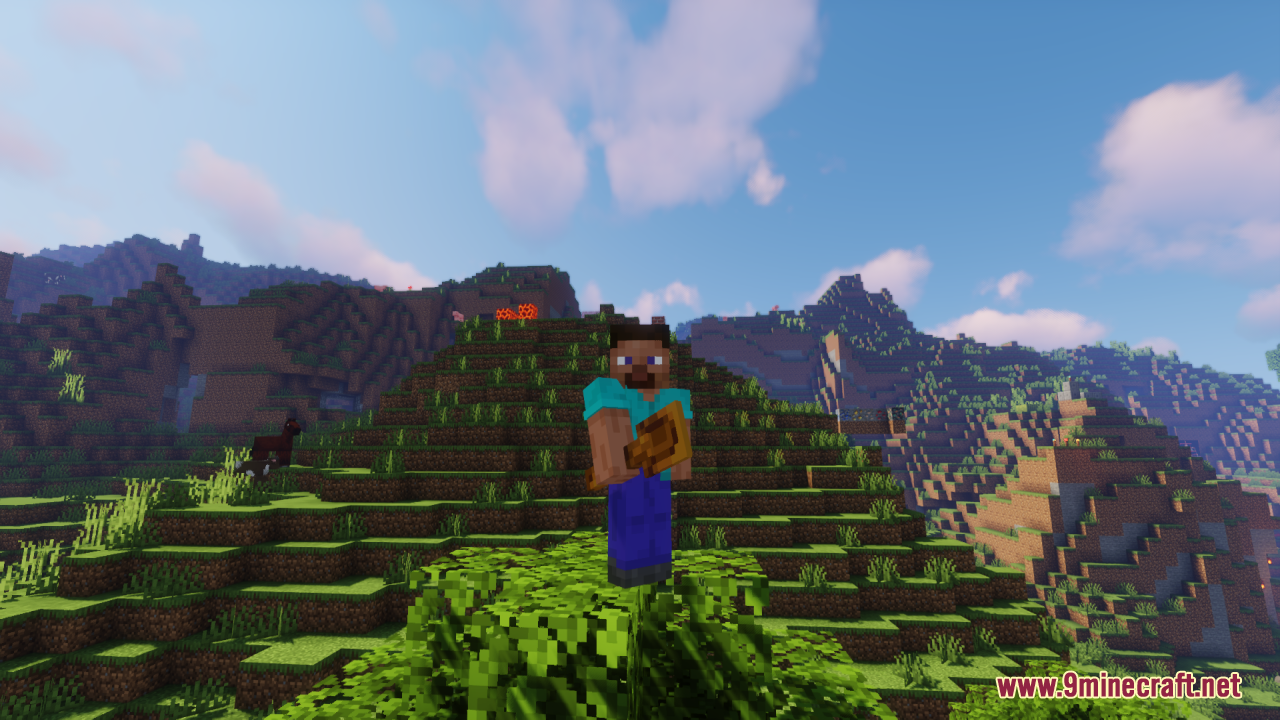
Yes, shields are included and display as 3D models when held. They appear in first-person view just like tools and weapons.
Does this mod work in multiplayer?
Yes—resource packs are client-side only, so you can use this pack on any server without needing the server to have it installed. Other players won't see your 3D models, only you will.
What tools and weapons are included?
The pack covers all standard Minecraft tools (pickaxes, axes, shovels, hoes) and weapons (swords, shields). Specialty tools from other mods may not be included unless you customize the pack.
Can I use this with a shader mod?
Yes, the resource pack works alongside shader mods like Optifine or Sodium. The 3D models will render with your shader effects applied.
How do I know if the models are displaying correctly?
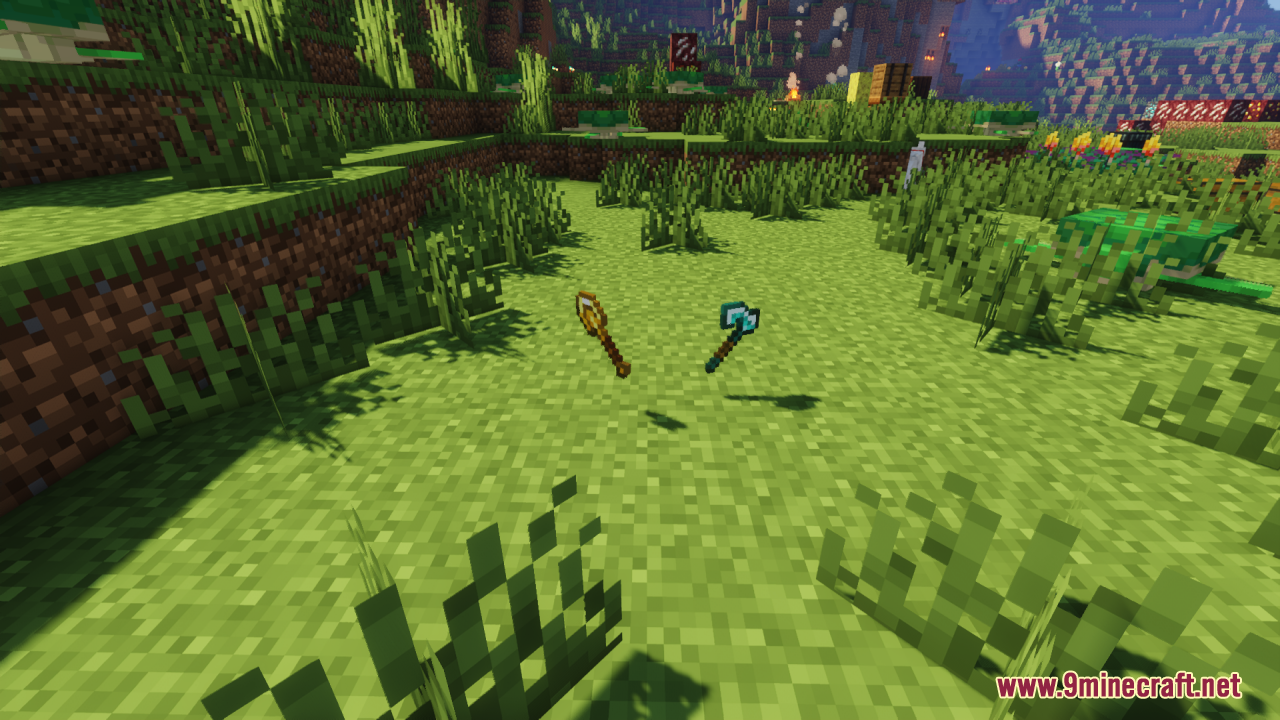
Look at your held tool in first-person view—you should see clear 3D depth and detail instead of a flat texture. If the model looks broken or distorted, check the troubleshooting guide for display issues.
You May Also Like
Wikis that share the most with this one
Fabulous VHS ShadersFabulous Claims PluginFabulous Furniture Java ModFabulous Fences Resource PackTiny Tools Txf Resource PackBoxs Flag Spear Resource PackTiny Pvp Swords And Tools Resource PackBd Hill Reforge The Sword Edge Resource PackVisible Ores Plus Resource PackCivilizations Roma Invicta Classical Civilizations Texture Pack Resource PackAnimated Ore Resource PackMatralys 16X Resource Pack
Wikis on the same theme: netherite
 Viking Armory Resource Pack
More resource pack wikis on the site
 Extra Data Models Trivia Resource PackExtended Illumina Resource PackExcalibur Sophisticated Support Resource PackExcaliburExcalibur Realm RPG Fallen Adventurers Support Resource PackExcalibur Lootr Support Resource PackExcalibur Just Enough Items JEI Support Resource PackExcalibur Just Enough Items JEI Support by Ruseki_ Resource PackExcalibur Friends and Foes Support Resource PackExcalibur Fresh Animations Patch Resource PackExcalibur Deeper and Darker Support Resource PackExcalibur Create Support Resource Pack
The most downloaded mods that have a wiki here
A few wikis from each of the other kinds
Gallery
12 images from the Fabulous 3D Resource Pack page.