

 DownloadFarming Valley GUI Resource Pack
Get the files on 9Minecraft
Guides
Step-by-step, in-game.
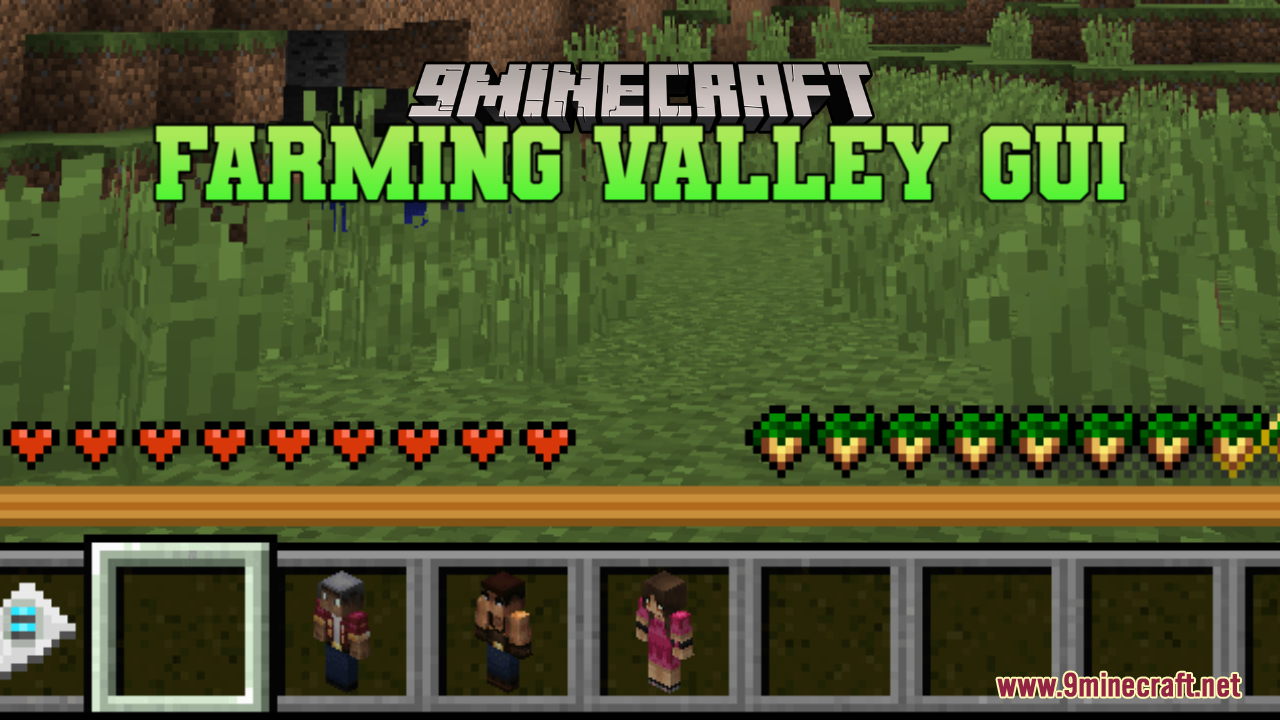
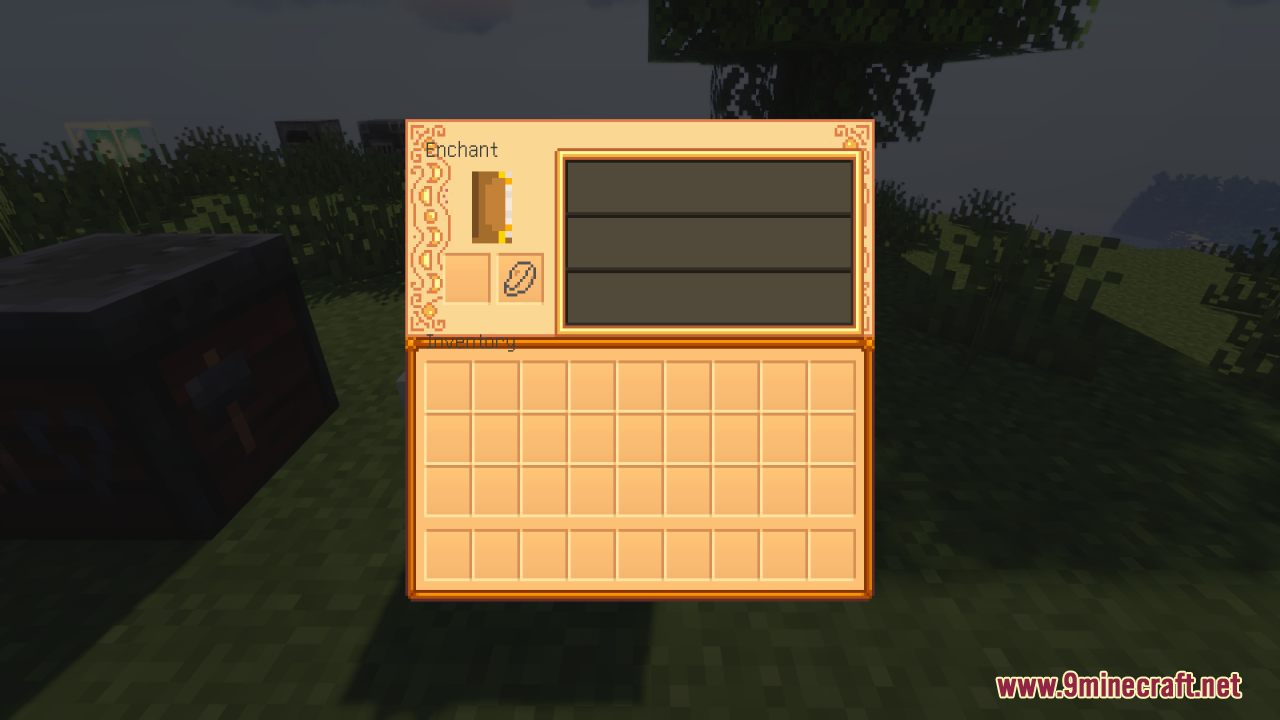
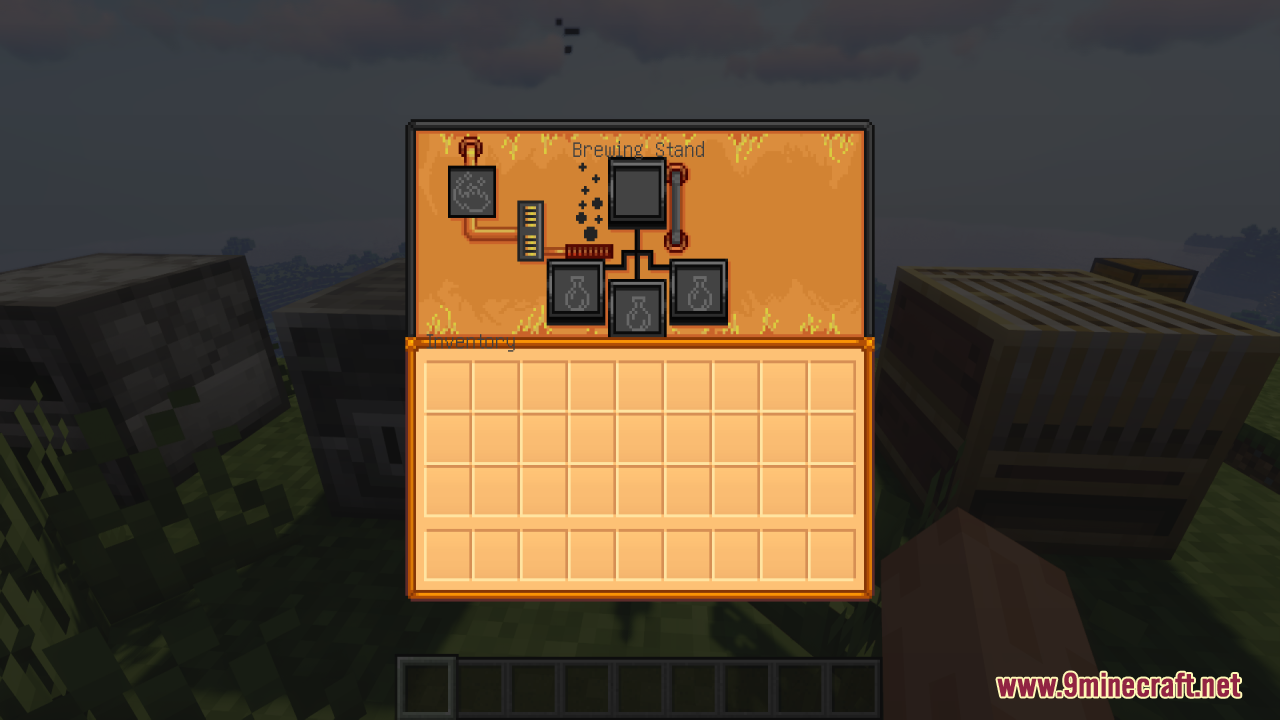
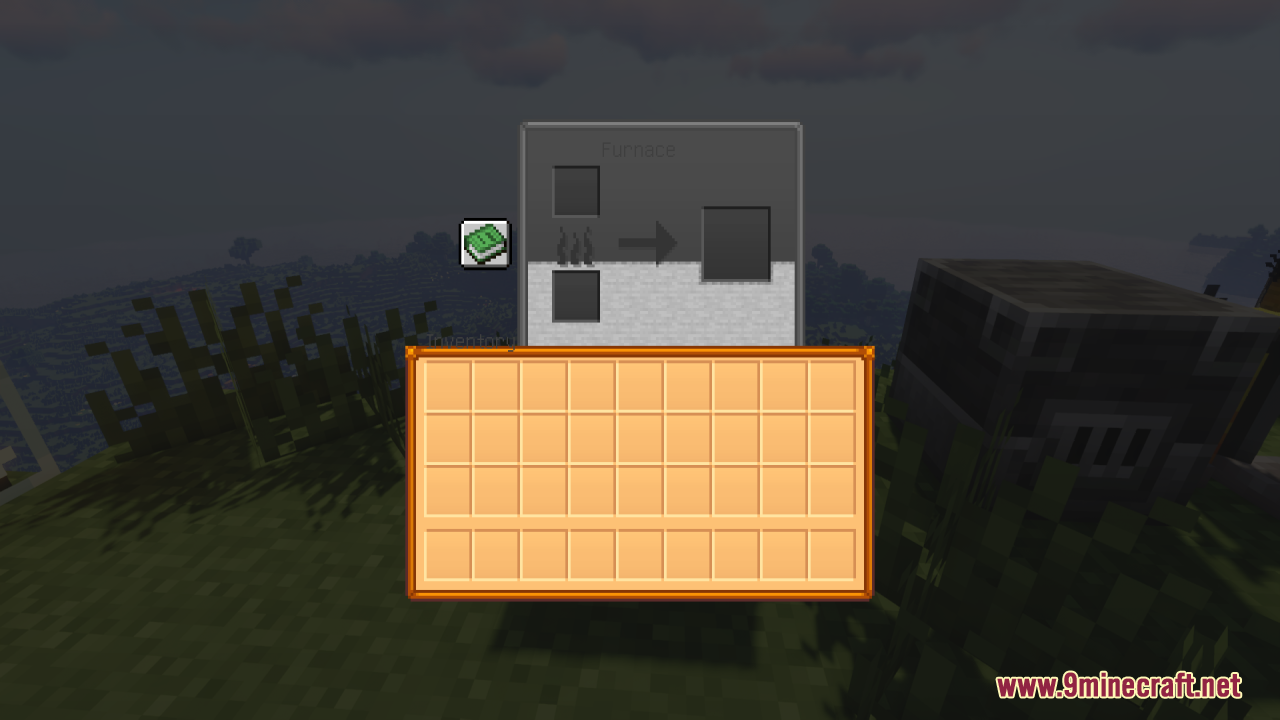
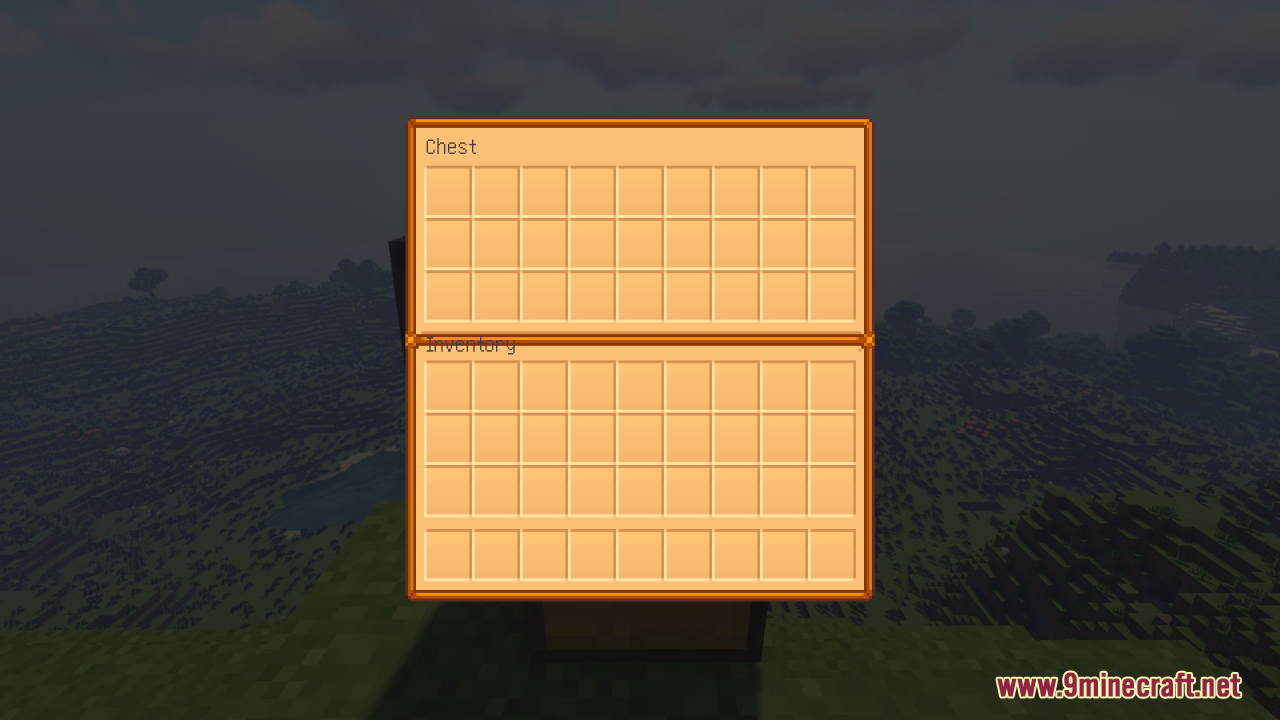
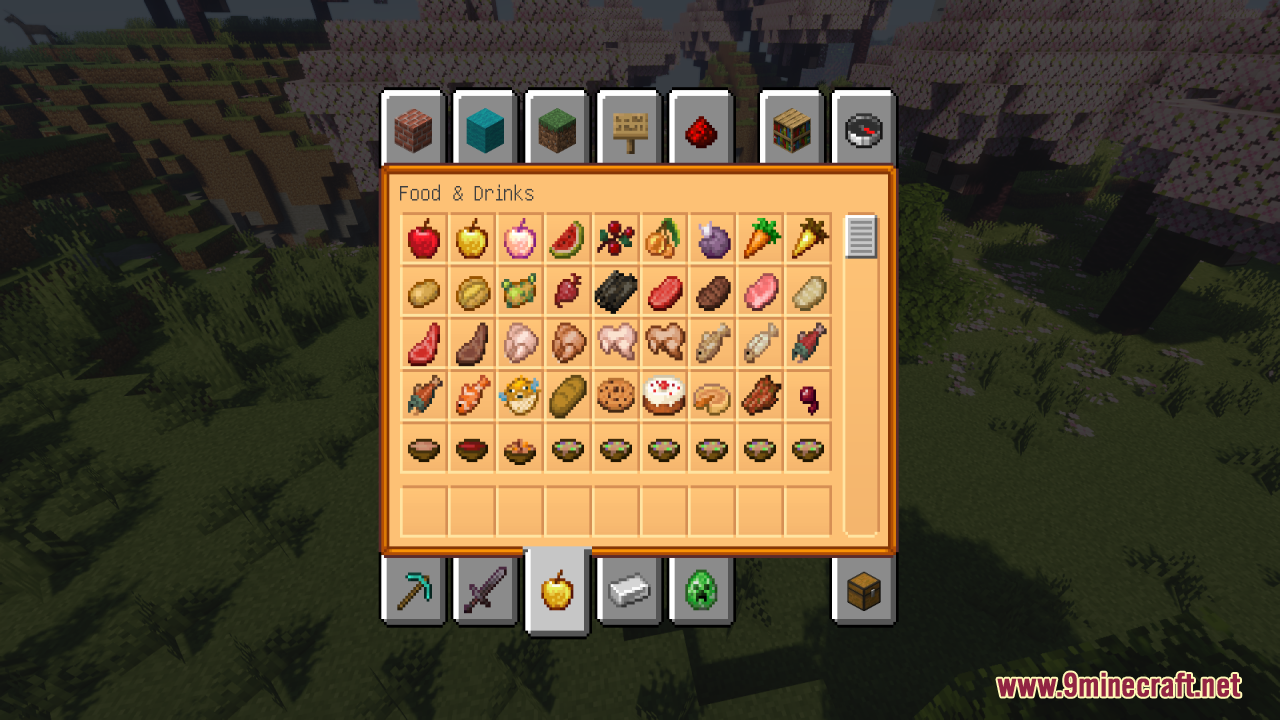
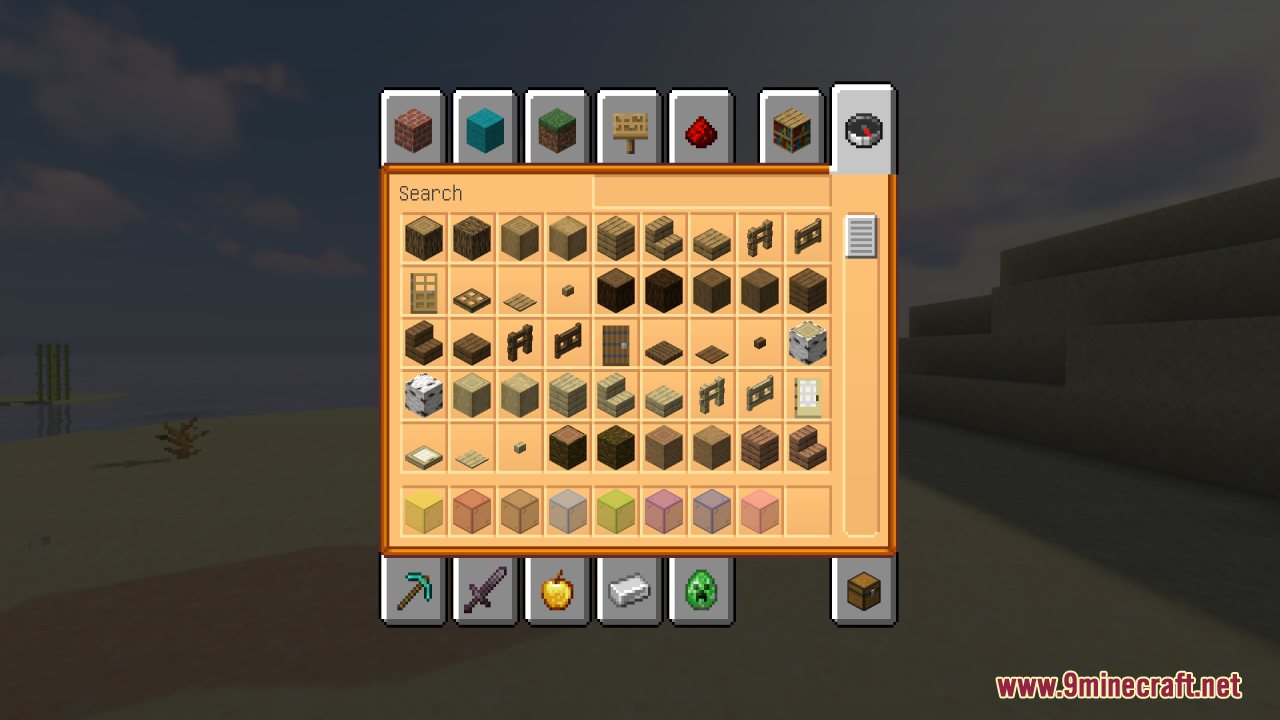
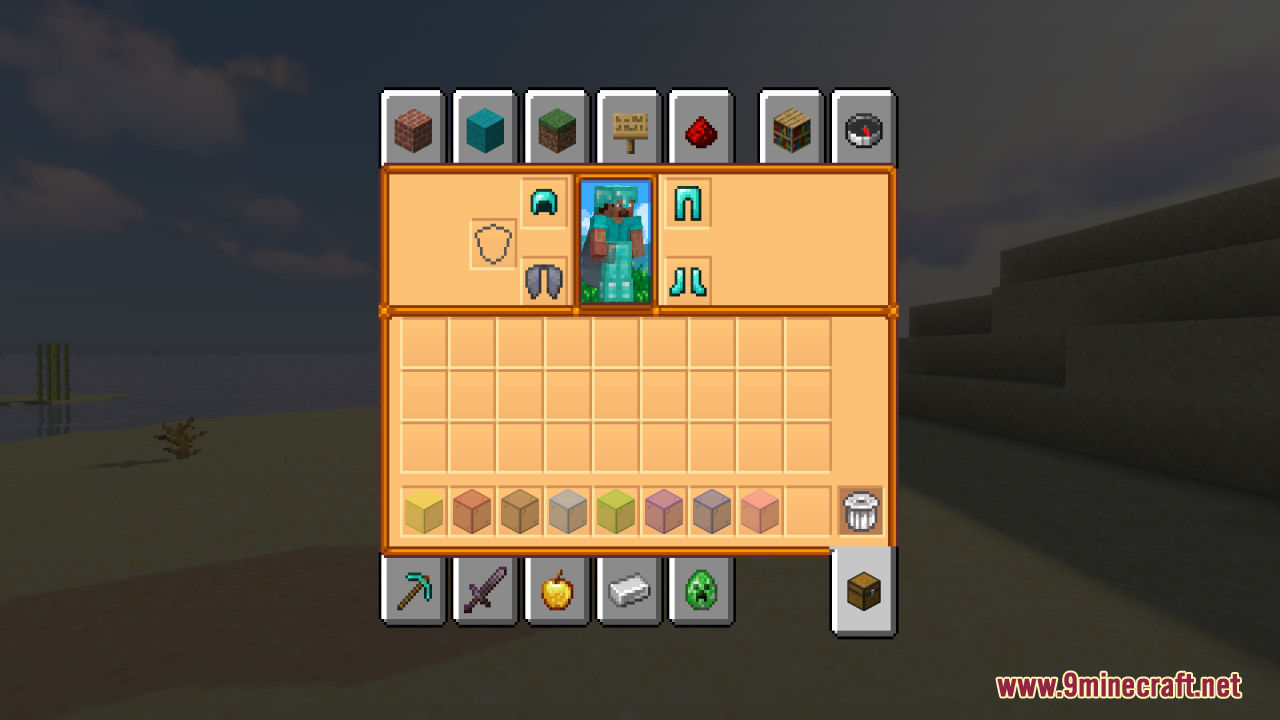
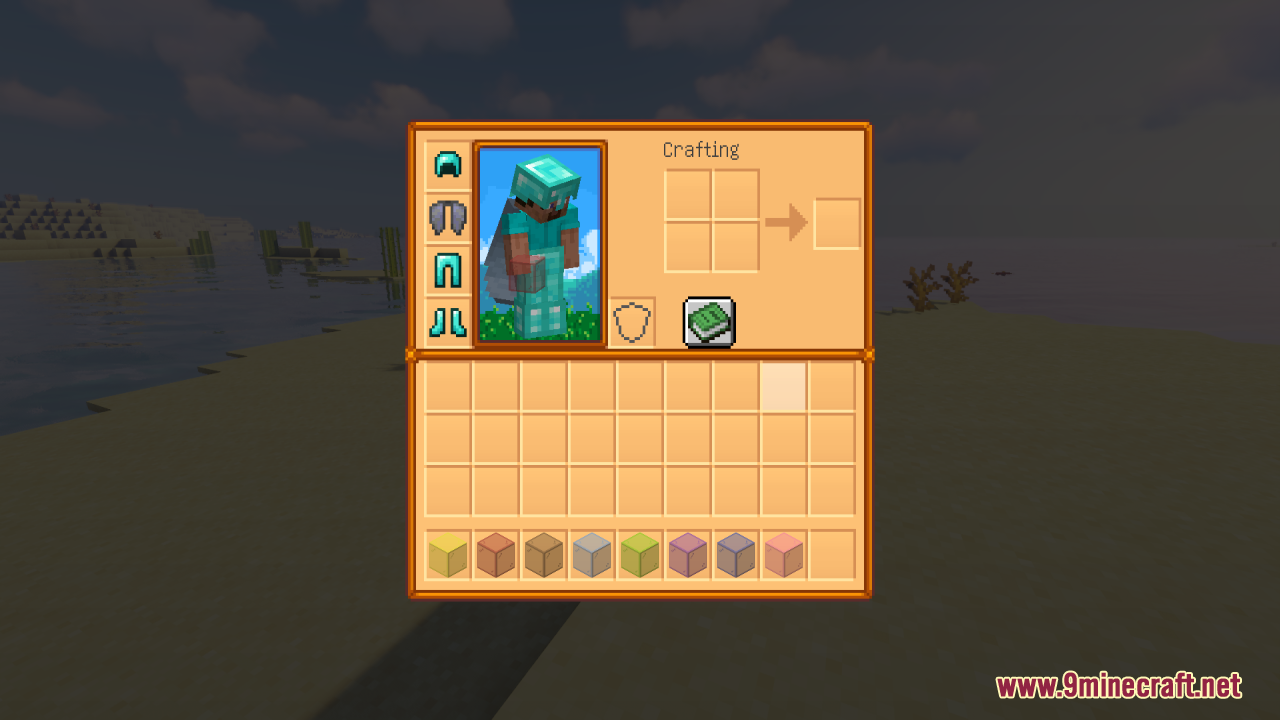
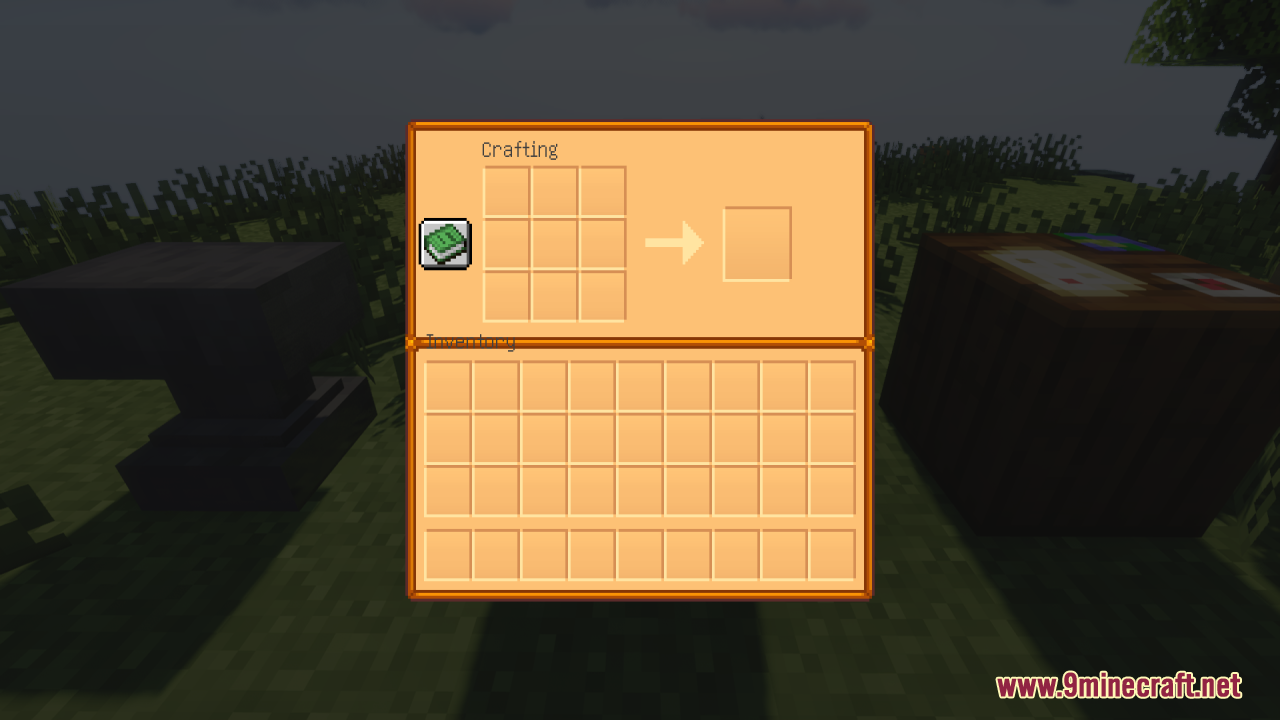
Adjust Pause Menu and Creative Mode AppearanceUpdating Vanilla Game Menus The Farming Valley GUI Resource Pack transforms your pause screen and creative mode item…Change Your Inventory and Storage Screen AppearanceApplying the Resource Pack Once the Farming Valley GUI Resource Pack is installed, your inventory and chest screens…Customize Your Hotbar with Farming-Themed StylingUpdated Hotbar Design The Farming Valley GUI Resource Pack includes a redesigned hotbar that replaces your default…Set Up Crafting and Furnace Screens with the New GUI StyleApplying GUI Changes to Workstations The Farming Valley GUI Resource Pack automatically updates the appearance of…
Frequently asked questions
How do I activate the resource pack after installing it?
Open your resource packs folder, find the Farming Valley GUI pack in your list, and click the arrow to move it to the 'Active' side. You'll see the changes take effect immediately in your menus.
Will this pack work with my modpack mods or just vanilla Minecraft?
The pack reskins vanilla Minecraft screens plus a few specific mod menus to keep the farming theme consistent. If a mod's interface isn't included, it will still use its default appearance.
Why do some of my mod GUIs still look normal?
This pack only includes custom textures for certain mod screens that were chosen to fit the Stardew Valley style. Other mods will display their standard interfaces unless they have their own resource packs.
Can I use this pack with other resource packs at the same time?
Yes, but the pack order matters—place Farming Valley GUI higher in your active list if you want its textures to take priority over conflicting designs from other packs.
See all 10 Farming Valley GUI questions ›
Gallery
12 images from the Farming Valley Gui Resource Pack page.
You May Also Like
Wikis that share the most with this one
 Repurposed Structures
Wikis on the same theme: farm
More resource pack wikis on the site
Fantasy Ores by CesarZorak Resource PackFantasy 3D Weapons CIT Resource PackFantastik Leaves Resource PackFancyFast Bushy Leaves Resource PackFancy GUI Overhaul 9minecraft Resource PackFancy Gear Reshaded Equipment Resource PackFancy End End Aesthetic Overhaul Resource PackFalse Hardcore Heart Resource PackFake Shades Iterationt Resource PackFake Hardcore Heart Resource PackFaithless UI Resource PackFaithless
The most downloaded mods that have a wiki here
A few wikis from each of the other kinds