

 DownloadOdar Is Resource Pack
Get the files on 9Minecraft
Guides
Step-by-step, in-game.
Choose the Right Resolution for Your ComputerUnderstanding Resolution Options Odar is offers seven resolution tiers from 32x up to 2048x. Higher resolutions mean…Make Forests Look Denser and More LushDefault Foliage Appearance By default, tree leaves in Odar is maintain standard Minecraft transparency and thickness.…Reduce Texture Repetition with Add-onsWhy Blocks Look Repetitive Without variation, large areas of the same block—like a grass field or stone wall—create…Use Odar is with Shader Packs for Enhanced LightingCompatibility with Shaders Odar is is fully compatible with popular shader packs without requiring OptiFine or…
Blocks
A
 Acacia Leaves
 Acacia Log
 Acacia Planks
B
 Birch Leaves
 Birch Log
 Birch Planks
C
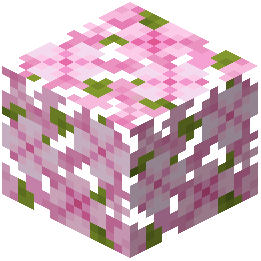 Cherry Leaves
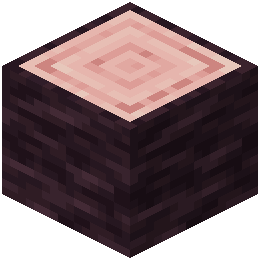 Cherry Log
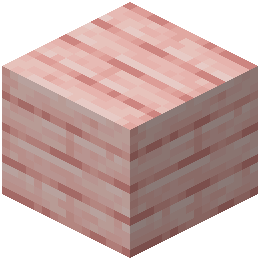 Cherry Planks
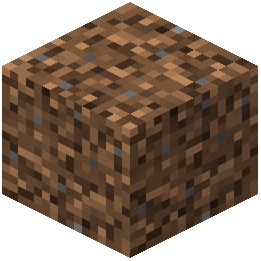 Coarse Dirt
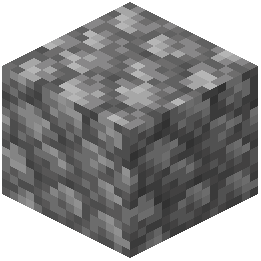 Cobblestone
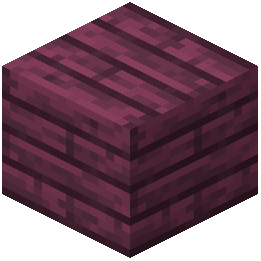 Crimson Planks
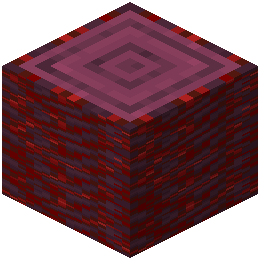 Crimson Stem
D
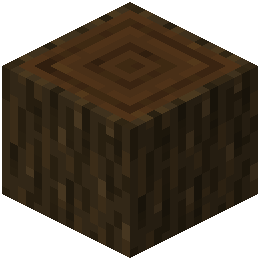 Dark Oak Log
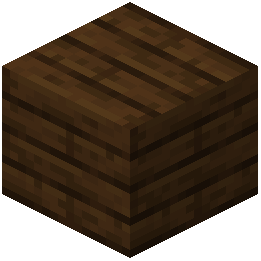 Dark Oak Planks
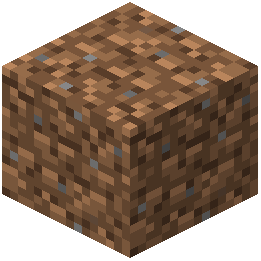 Dirt
J
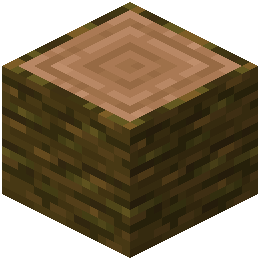 Jungle Log
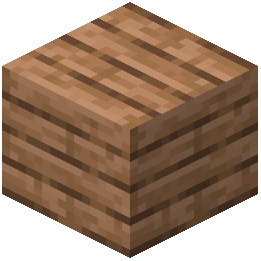 Jungle Planks
M
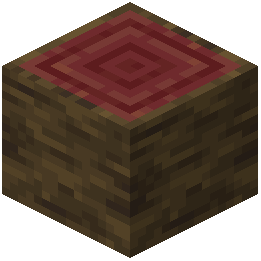 Mangrove Log
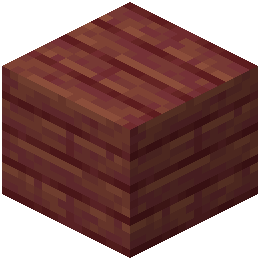 Mangrove Planks
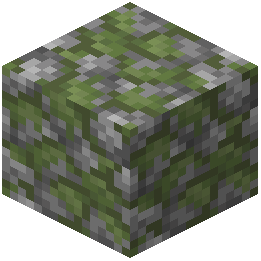 Mossy Cobblestone
O
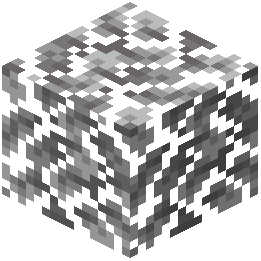 Oak Leaves
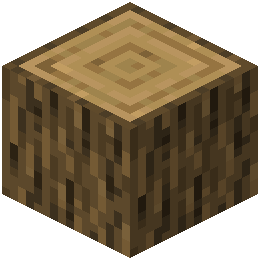 Oak Log
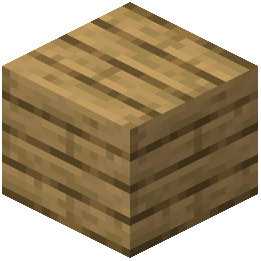 Oak Planks
R
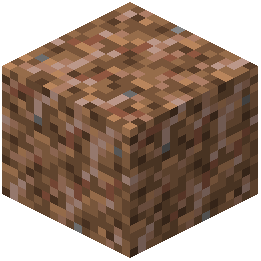 Rooted Dirt
S
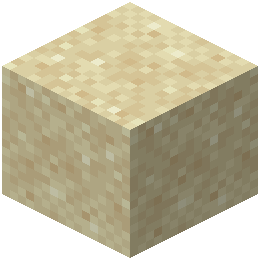 Sand
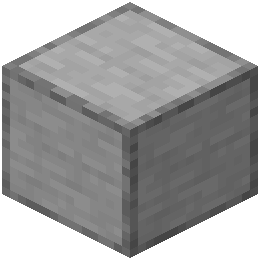 Smooth Stone
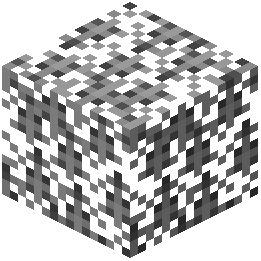 Spruce Leaves
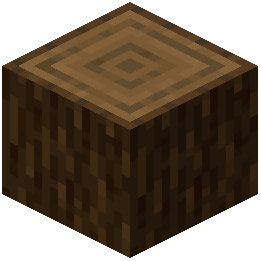 Spruce Log
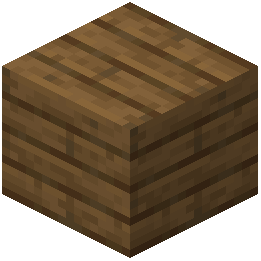 Spruce Planks
 Stone
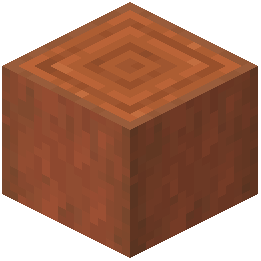 Stripped Acacia Log
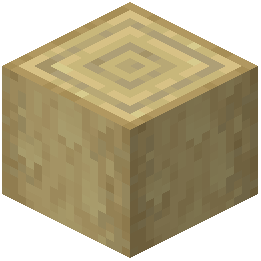 Stripped Birch Log
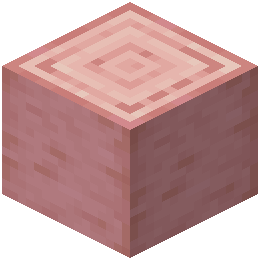 Stripped Cherry Log
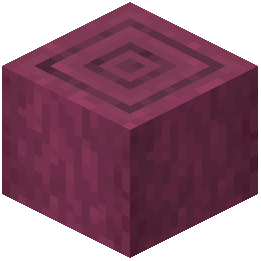 Stripped Crimson Stem
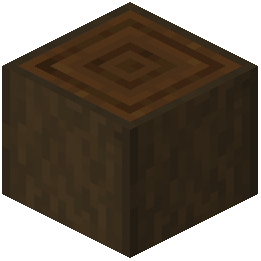 Stripped Dark Oak Log
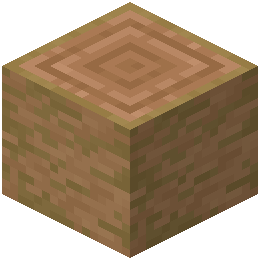 Stripped Jungle Log
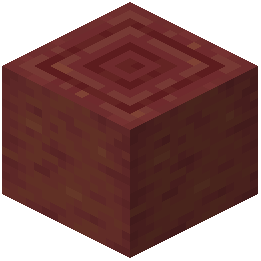 Stripped Mangrove Log
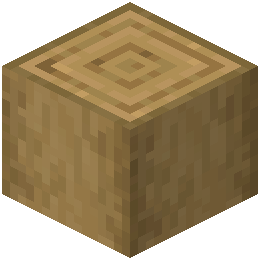 Stripped Oak Log
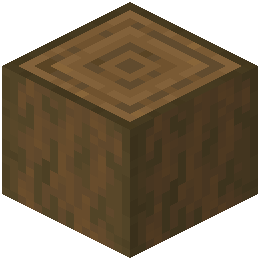 Stripped Spruce Log
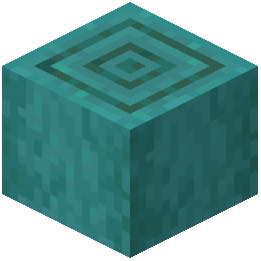 Stripped Warped Stem
W
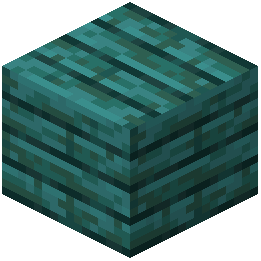 Warped Planks
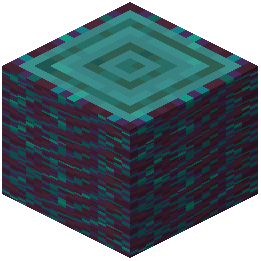 Warped Stem
What this pack changes
Every texture group the pack replaces, counted from the pack itself.
| Area | Textures replaced |
|---|---|
| Blocks | 172 |
| GUI & menus | 106 |
| Font | 5 |
| Items | 4 |
| Biome colours | 3 |
| Maps | 2 |
Pack format 15–255 (Minecraft 1.20–1.21.9)292 texture files in total
Extra features
Custom font
Custom block/item models
Reworked GUI
Frequently asked questions
Which resolution should I pick if my computer isn't very powerful?
Start with 32x or 64x resolution—these give you the crisp texture improvements without straining your GPU or CPU. You can always increase the resolution later if your performance feels smooth.
Why do my grass and stone blocks look repetitive even with this pack?
Enable the Random Blocks add-on, which gives each block a unique visual variation so large flat areas don't show obvious repeating patterns. Pair it with the Random Overlay add-on if you're using grass details for the best effect.
Can I use Odar is with a shader pack?
Yes—Odar is works perfectly alongside popular shader packs and will enhance both the textures and the lighting effects. The high-resolution textures actually look better under dynamic shadows and reflections from shaders.
Do I need OptiFine or another mod to run this pack?
No, Odar is runs on vanilla Java Edition without any extra mods or OptiFine required. OptiFine is optional if you want to squeeze out more performance or use advanced graphics settings.
How do I make my forests look thicker and more dense?
Install the Foliage add-on, which makes tree leaves significantly thicker and fuller. Combine it with the Overlay or Random Overlay add-on to add small plants and ground details for extra visual depth.
What blocks does this pack actually change?
Odar is updates 57 common early-survival blocks with 89 custom textures—think dirt, stone, grass, wood, and ores. It focuses on blocks you'll see constantly in the first hours of a new world.
Will this pack make my world look completely different?
No—Odar is keeps the original block shapes and styles recognizable, just with much sharper, more detailed textures based on real-world materials. Your world will look richer and deeper, not alien or unrecognizable.
Can I use multiple add-ons at the same time?
Yes, you can stack add-ons together—Random Blocks + Overlay, or Random Blocks + Random Overlay work well together. The Random Overlay add-on is specifically designed to match grass details with block variations for a cohesive look.
Does this pack improve the menus and inventory screens?
Yes, Odar is includes high-resolution UI textures that sharpen your menus and inventory screens to match the improved block textures.
What's the difference between the Overlay and Random Overlay add-ons?
The Overlay add-on places small plants and details onto grass surfaces with a consistent look, while Random Overlay varies those details to match the Random Blocks add-on for a more natural, less repetitive appearance.
You May Also Like
Wikis that share the most with this one
Odar IsXalis Enhanced VanillaDotocraft Resource PackDotoworld Resource PackMoose Blocks Resource PackRealism Mats Resource PackBoxs Flag Spear Resource PackDark Mode Skyblock Resource PackRealtastic X512 Pbrpom Resource PackAmberstone Textures Pack Resource PackAmstellhd Zombie Apocalypse Resource PackWooden And Stone Type Tools Resource Pack
Wikis on the same theme: stone
X-Ray Resource PackPvp Basics Resource PackFabulous 3D Resource PackOre Visible Resource PackX-Ray Pluss Resource PackAnimated Ore Resource PackNew End Stone Resource PackOutlined Ores Resource PackDungeons Stone Resource PackSwiftboost Pvp Resource PackXray For Bases Resource PackAngular Essence Resource Pack
More resource pack wikis on the site
Oculies Low Fire Resource PackObsidian Network Interface Resource PackObsidian Interface Resource PackObelisk Frontline VisualsNythral Pvp Resource PackNotch Totem of Undying Resource PackNorthern Council Panorama Resource PackNOO Aliens OV Outfit for Alien Evo Resource PackNo Resource Pack Warnings ModNo Pumpkin Blur Resource PackNo Fog Resource PackNo Explosion Particles Resource Pack
The most downloaded mods that have a wiki here
A few wikis from each of the other kinds
Gallery
9 images from the Odar Is Resource Pack page.


