

 DownloadTazkos Fresh Textures Resource Pack
Get the files on 9Minecraft
Contents (8)
Guides
Step-by-step, in-game.
Customize Your Font StyleSelecting a Custom Font Tazko's Fresh Textures includes four distinct font styles that change how text appears…Explore the Refreshed Terrain and Block TexturesWhat's Changed in the Landscape Tazko's Fresh Textures overhauls natural terrain blocks to create a brighter, cleaner…Switch Between Standard and PvP Weapon ModesUsing Respackopts Mod Tazko's Fresh Textures includes two weapon display modes that you can toggle when Respackopts…View Copper Tool Oxidation StagesUnderstanding Copper Tool Durability Display Copper tools in Tazko's Fresh Textures feature a unique visual system:…
Items
91 items · showing 24. Browse all →
 Armor Stand
 Arrow
 Book
 Bow
 Breeze Rod
 Bucket
 Bucket of Axolotl
 Bucket of Cod
 Bucket of Pufferfish
 Bucket of Salmon
 Bucket of Tadpole
 Bucket of Tropical Fish
 Chainmail Boots
 Chainmail Chestplate
 Chainmail Helmet
 Chainmail Leggings
 Copper Axe
 Copper Boots
 Copper Chestplate
 Copper Helmet
 Copper Hoe
 Copper Leggings
 Copper Pickaxe
 Copper Shovel
Blocks
A
 Acacia Log
 Acacia Planks
 Andesite
 Anvil
B
 Birch Log
 Birch Planks
C
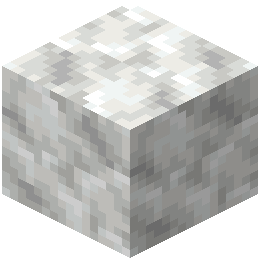 Calcite
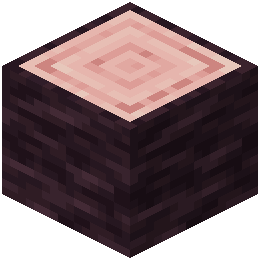 Cherry Log
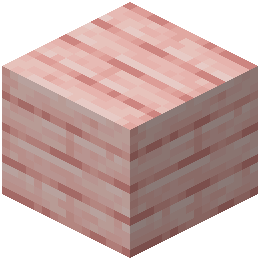 Cherry Planks
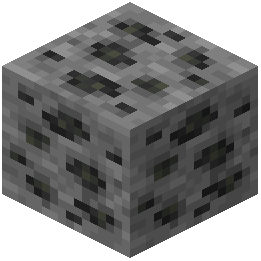 Coal Ore
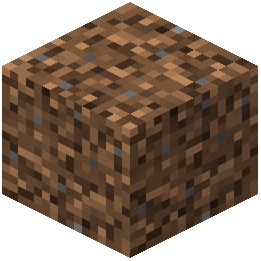 Coarse Dirt
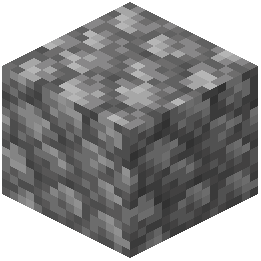 Cobblestone
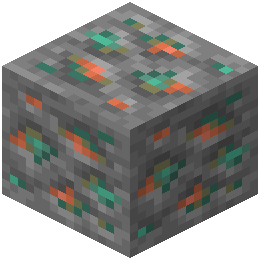 Copper Ore
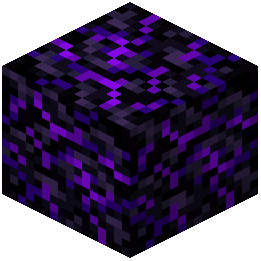 Crying Obsidian
D
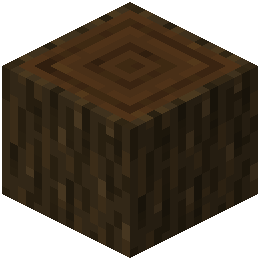 Dark Oak Log
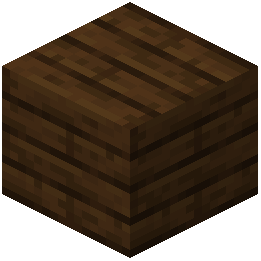 Dark Oak Planks
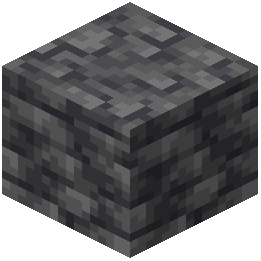 Deepslate
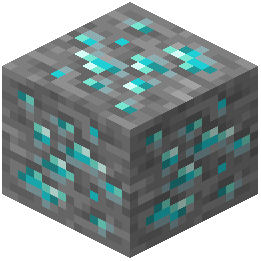 Diamond Ore
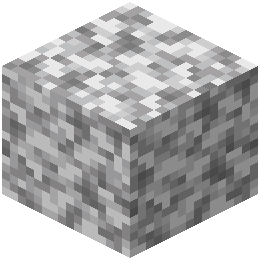 Diorite
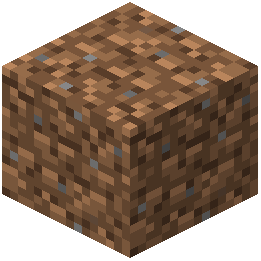 Dirt
E
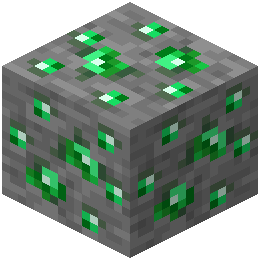 Emerald Ore
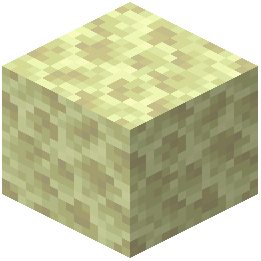 End Stone
G
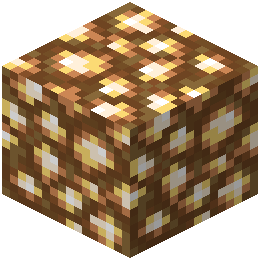 Glowstone
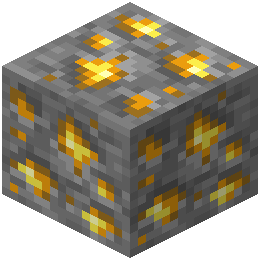 Gold Ore
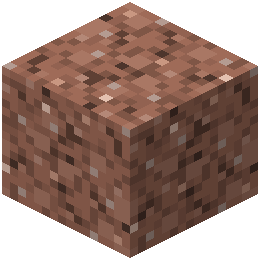 Granite
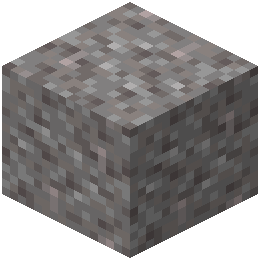 Gravel
I
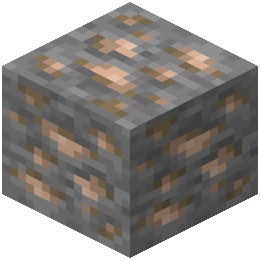 Iron Ore
J
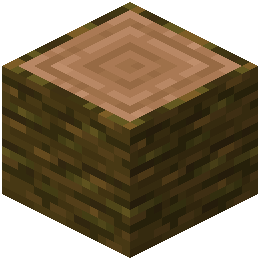 Jungle Log
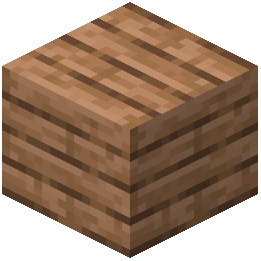 Jungle Planks
L
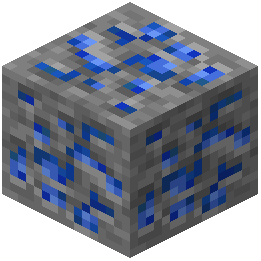 Lapis Lazuli Ore
M
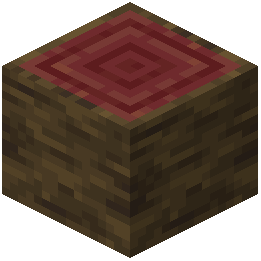 Mangrove Log
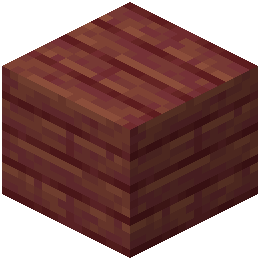 Mangrove Planks
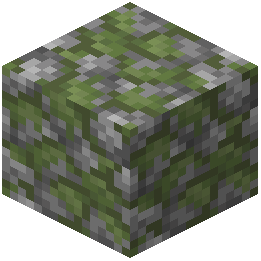 Mossy Cobblestone
N
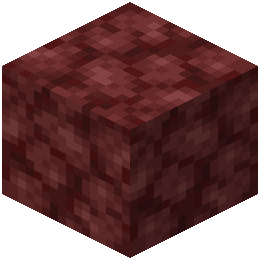 Netherrack
O
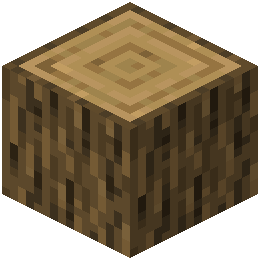 Oak Log
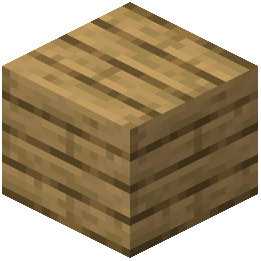 Oak Planks
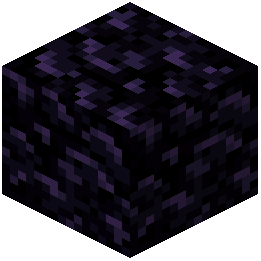 Obsidian
P
 Pale Oak Log
 Pale Oak Planks
R
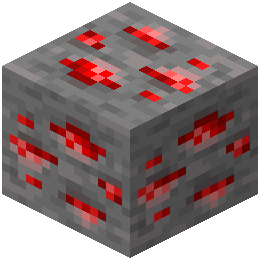 Redstone Ore
S
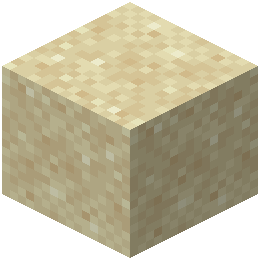 Sand
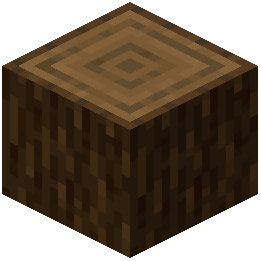 Spruce Log
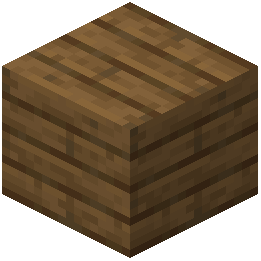 Spruce Planks
 Stone
T
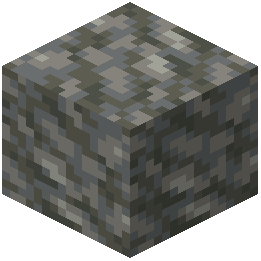 Tuff
What this pack changes
Every texture group the pack replaces, counted from the pack itself.
| Area | Textures replaced |
|---|---|
| Items | 126 |
| Blocks | 74 |
| Armor trims | 57 |
| Mobs & entities | 41 |
| GUI & menus | 23 |
| Particles | 11 |
| Font | 9 |
| Biome colours | 1 |
| Status effects | 1 |
Pack format 15–1024 (Minecraft 1.20–1.21.9)344 texture files in total
Extra features
Custom font
Custom block/item models
Reworked GUI
Frequently asked questions
How do I enable the resource pack in my world?
Open your world, go to Settings > Resource Packs, and move Tazko's Fresh Textures from the available packs list to the active packs list. The changes will apply immediately to your current session.
Why do my copper tools look different as I use them?
Copper tools display custom oxidation stages that progress as the tool's durability decreases, simulating the natural weathering of copper. This visual effect only works on game versions that support copper tools.
How do I switch between standard and PvP weapon modes?
Install the Respackopts mod alongside this pack, then access the pack options menu to toggle between standard mode (full-length weapons) and PvP mode (shorter weapon models for better visibility).
Can I change the font style in this pack?
Yes, open the resource pack options menu and select from four custom font styles available in the pack settings. Your choice will apply to all text in your world.
Does this pack work with other mods and resource packs?
Tazko's Fresh Textures is designed as a vanilla refresh, so it works best alone, but it's compatible with mods like Respackopts. Combining it with other resource packs may cause texture conflicts depending on what they modify.
Why do some of my blocks still look like the default texture?
The pack focuses on tools, armor, and natural terrain blocks, so decorative or mod-added blocks won't be retextured. Make sure the pack is loaded above any conflicting packs in your resource pack list.
Will this pack affect my game performance?
No, Tazko's Fresh Textures uses standard texture resolution and doesn't add extra models or particles, so it has minimal impact on performance.
Do I need to restart my game after changing font or weapon settings?
No, changes to pack options like font style or PvP mode take effect immediately without requiring a restart.
Are the terrain textures brighter than vanilla Minecraft?
Yes, the pack intentionally uses vibrant and polished colors for grass, dirt, and stone blocks to create a cleaner, brighter environment while maintaining the classic blocky aesthetic.
Which armor and tool tiers are included in this pack?
You May Also Like
Wikis that share the most with this one
Fresh Textures Resource PackFresh Mowzie’s Mobs Textures Resource PackFresh AnimationsNative Vein TexturesFresh Food Resource PackMissing Textures ShadersFresh Hearts Resource PackFusion (Connected Textures)Fresh Paintings Resource PackFusion Connected Textures ModMC New Textures Resource PackAll White Textures Resource Pack
Wikis on the same theme: wood
More resource pack wikis on the site
Tax Cave Sky Resource PackTank Boat Resource PackTales of Silta Resource PackTaco’s Rainbow XP Bar Resource PackTaanmc Resource PackSymbolic Subtitles Resource PackSword UI Resource PackSwiftboost Pvp Resource Pack Sweety’s Items Alex’s Mobs Resource PackSweet Sweet HUD Resource PackSV Kerbal Skies Resource PackSus Totems Resource Pack
The most downloaded mods that have a wiki here
A few wikis from each of the other kinds
Gallery
11 images from the Tazkos Fresh Textures Resource Pack page.


