

 DownloadDotoworld Resource Pack
Get the files on 9Minecraft
Contents (8)
Guides
Step-by-step, in-game.
Activate the Resource Pack in Your WorldLoad the Pack into Minecraft Before you can see Meisho Doto's face covering your blocks, you need to enable the…Explore and Mine with Character TexturesExperience the Themed World When exploring Survival mode with DotoWorld active, every block you encounter displays…Troubleshoot Missing or Incorrect TexturesCheck Pack Activation and Priority If you see default Minecraft textures instead of character images: 1. Go to…Use DotoWorld Textures in Creative BuildingBuild with Themed Blocks DotoWorld transforms ordinary building materials into character-themed textures, making…
Items
 Totem of Undying
Blocks
241 blocks · showing 24. Browse all →
 Acacia Leaves
 Acacia Log
 Acacia Planks
 Acacia Trapdoor
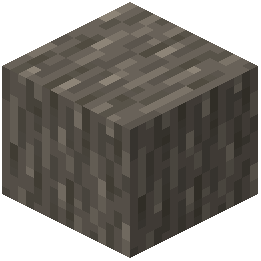 Acacia Wood
 Allium
 Andesite
 Azure Bluet
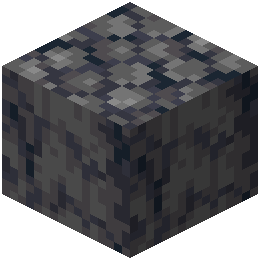 Basalt
 Bedrock
 Birch Leaves
 Birch Log
 Birch Planks
 Birch Trapdoor
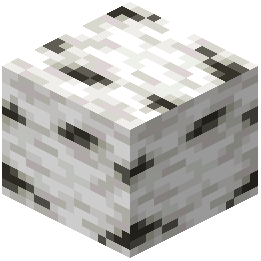 Birch Wood
 Black Concrete
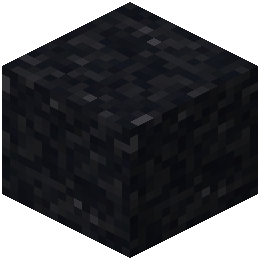 Black Concrete Powder
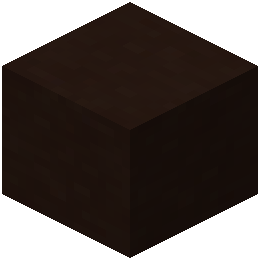 Black Terracotta
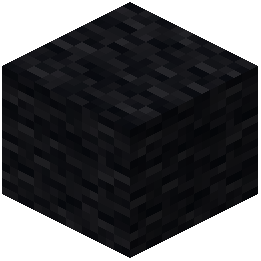 Black Wool
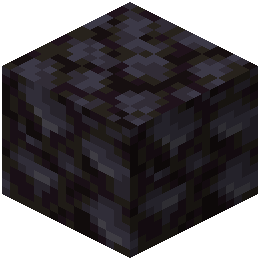 Blackstone
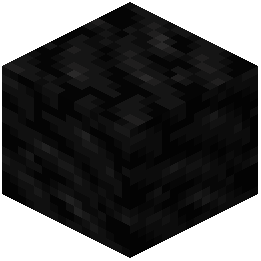 Block of Coal
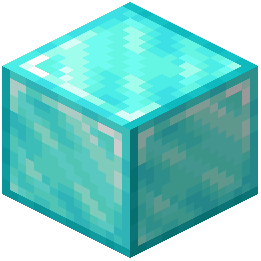 Block of Diamond
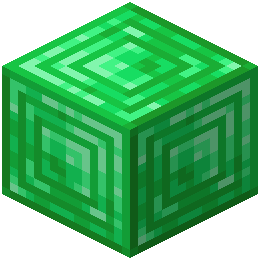 Block of Emerald
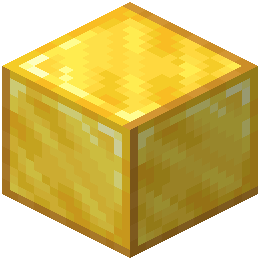 Block of Gold
What this pack changes
Every texture group the pack replaces, counted from the pack itself.
| Area | Textures replaced |
|---|---|
| Blocks | 478 |
| Items | 1 |
| Sky & weather | 1 |
Pack format 34 (Minecraft 1.21.2)480 texture files in total
Extra features
Custom sounds
Sound overrides
Frequently asked questions
How do I activate the resource pack in my world?
Open your world, go to Settings > Resource Packs, find DotoWorld in the available packs list, and move it to the active column. The textures will apply immediately once you confirm and return to your world.
Will DotoWorld work in Creative mode?
Yes, DotoWorld works in both Creative and Survival modes. All blocks you place or interact with will display the anime textures, making it great for building projects where you want the character theme throughout.
Do the textures show up on mobs and entities?
DotoWorld only replaces block textures, not mob or entity skins. You'll see the character textures on terrain, structures, and building materials, but mobs will keep their standard appearance.
Why are some blocks still showing default textures?
Make sure DotoWorld is positioned at the top of your resource pack list in Settings, as packs lower in the list can override it. If textures are still missing, try reloading your world or reinstalling the pack.
Does this work with other resource packs?
You can use DotoWorld alongside other packs, but placement matters—put DotoWorld above packs you want it to override, or below if you want other packs to take priority for specific blocks.
Will DotoWorld affect my game performance?
Resource packs have minimal performance impact since they only change textures, not game mechanics. You should see no noticeable FPS drop compared to vanilla Minecraft.
Can I use DotoWorld on a multiplayer server?
Yes, resource packs are client-side only, so you can use DotoWorld on any server without the server needing to install it. Other players won't see your textures unless they also have the pack installed.
Do enchanted tools and armor show the character textures?
DotoWorld replaces block textures in the world, not item textures in your inventory or when held. Enchanted tools will keep their standard appearance with enchantment effects.
What should I do if textures look blurry or pixelated?
Check your Video Settings and ensure Mipmap Levels is set appropriately for your preference. If using a high-resolution version of DotoWorld, make sure your GPU has enough VRAM allocated to Minecraft.
Will DotoWorld work with texture mods or shaders?
DotoWorld is a resource pack and works independently of mods, so it won't conflict with most texture mods. Shaders will apply their lighting effects on top of DotoWorld's textures normally.
You May Also Like
Wikis that share the most with this one
HafenOdar Is Resource PackXalis Enhanced VanillaDotocraft Resource PackMoose Blocks Resource PackRealism Mats Resource PackBoxs Flag Spear Resource PackDark Mode Skyblock Resource PackRealtastic X512 Pbrpom Resource PackAmberstone Textures Pack Resource PackAmstellhd Zombie Apocalypse Resource PackWooden And Stone Type Tools Resource Pack
Wikis on the same theme: stone
X-Ray Resource PackPvp Basics Resource PackFabulous 3D Resource PackOre Visible Resource PackX-Ray Pluss Resource PackAnimated Ore Resource PackNew End Stone Resource PackOutlined Ores Resource PackDungeons Stone Resource PackSwiftboost Pvp Resource PackXray For Bases Resource PackAngular Essence Resource Pack
More resource pack wikis on the site
DOT Crosshair Resource PackDoodled Resource PackDonut Smp Essentials Resource PackDonemc Pvp Resource PackDo Not Disable Resource PackDinosaur King Fossils and Archeology Revival Genesis Resource PackDimensional Vitals Case Resource PackDimension Red’s Alchemy Resource PackDigs Simple Pack Resource PackDigital Dreams Photorealistic Ressource Pack Resource PackDiamond To Malachite Resource PackDiamond Smp Pvp Default Resource Pack
The most downloaded mods that have a wiki here
A few wikis from each of the other kinds
Gallery
11 images from the Dotoworld Resource Pack page.


