

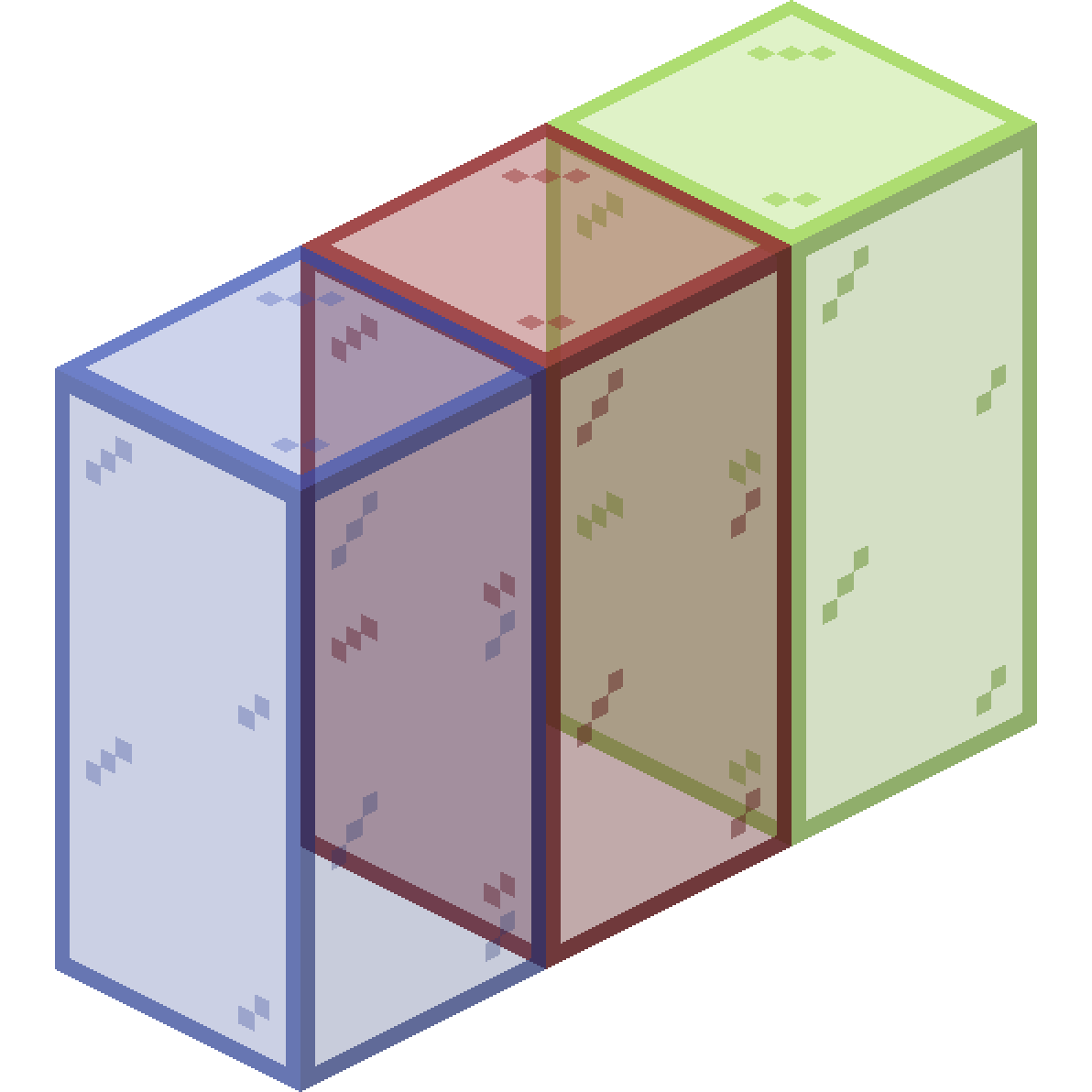
 connected glass
 blocks
 DownloadFusion Connected Textures Mod
Get the files on 9Minecraft
Guides
Step-by-step, in-game.
How to Add Overlays and Conditional Textures to Blocks and EntitiesOverlay Textures on Blocks Fusion can draw a second texture on top of a block using connecting models and textures.…How to Create Scrolling Textures for Conveyor Belts and EffectsPreparing the Scroll Strip A scrolling texture is an image that Fusion animates by shifting it over time. Draw your…How to Make Connected Glass Textures with FusionSetting Up the Base Texture Fusion works by reading a .properties file placed next to a texture in your resource…How to Make Textures Span Multiple BlocksWhy Spanning Matters Some builds — large murals, big machines, patterned floors — look wrong when every block repeats…
Frequently asked questions
How do I get started making connected textures with Fusion?
You need to create a resource pack and define a Fusion model or block definition that tells the mod which textures connect and how. The mod reads your pack's assets and applies the connection logic automatically, so no code compilation is needed. Start by copying an existing connected texture layout from the mod's documentation and swapping in your own texture files.
What are the seven connection layouts and when do I use each one?
The layouts control how a texture decides which neighbors it connects to, covering cases like full connection, horizontal-only, vertical-only, and corner-based patterns. Use full connection for  things like glass or stone walls, and narrower layouts for edges, borders, or blocks that should only merge in one direction. Pick the layout that matches the visual rule you want your block to follow.
Why aren't my connected textures showing up in-game?
The most common causes are a missing or malformed Fusion definition file, textures not matching the expected naming or folder structure, or the resource pack not being loaded above other packs. Double-check that your pack is enabled and that the block you're targeting actually has a Fusion model assigned to it. Reloading resources with F3+T often fixes cases where the pack loaded but textures didn't refresh.
How do I make a scrolling texture for a conveyor belt?
You define a scrolling texture in your resource pack by pointing Fusion at an image and specifying the scroll direction, including diagonal if you want it. The mod then animates the texture across the block face continuously. Make sure your source image tiles seamlessly, or you'll see a visible seam as it scrolls.
See all 10 Fusion Connected Textures questions ›
Gallery
6 images from the Fusion Connected Textures Mod page.


You May Also Like
Wikis that share the most with this one
Fusion (Connected Textures)Fusion Connected Glass Resource PackVanilla Connected Textures Resource PackClear Glass With Connected Textures Resource PackMidnighttigger’s Default Connected Textures Resource PackConnected GlassConnected Paths ModNative Vein TexturesStark Cosmic Fusion ModMissing Textures ShadersMace Fusion Resource PackDigital Frontier Fusion Mod
More mod wikis on the site
The most downloaded mods that have a wiki here
A few wikis from each of the other kinds