

 DownloadCamera Obscura Mod
Get the files on 9Minecraft
Guides
Step-by-step, in-game.
Create Map Art Collections and Document Server EventsUsing Photos for Server Documentation Camera Obscura excels at creating permanent records of your server's builds,…Customize Camera Settings for Different Photography StylesConfiguring Your Camera Behavior The camera-obscura.json configuration file controls how your camera renders photos.…Export High-Resolution PNG Photos to Your ServerSaving Photos as PNG Files While map items are great for in-game display, PNG exports let you save high-resolution…Take Your First Photo and Save It as a Map ItemGetting Started with the Camera The Camera Obscura item works like a spyglass—hold it, aim at your subject, and…
Frequently asked questions
How do I take my first photo?
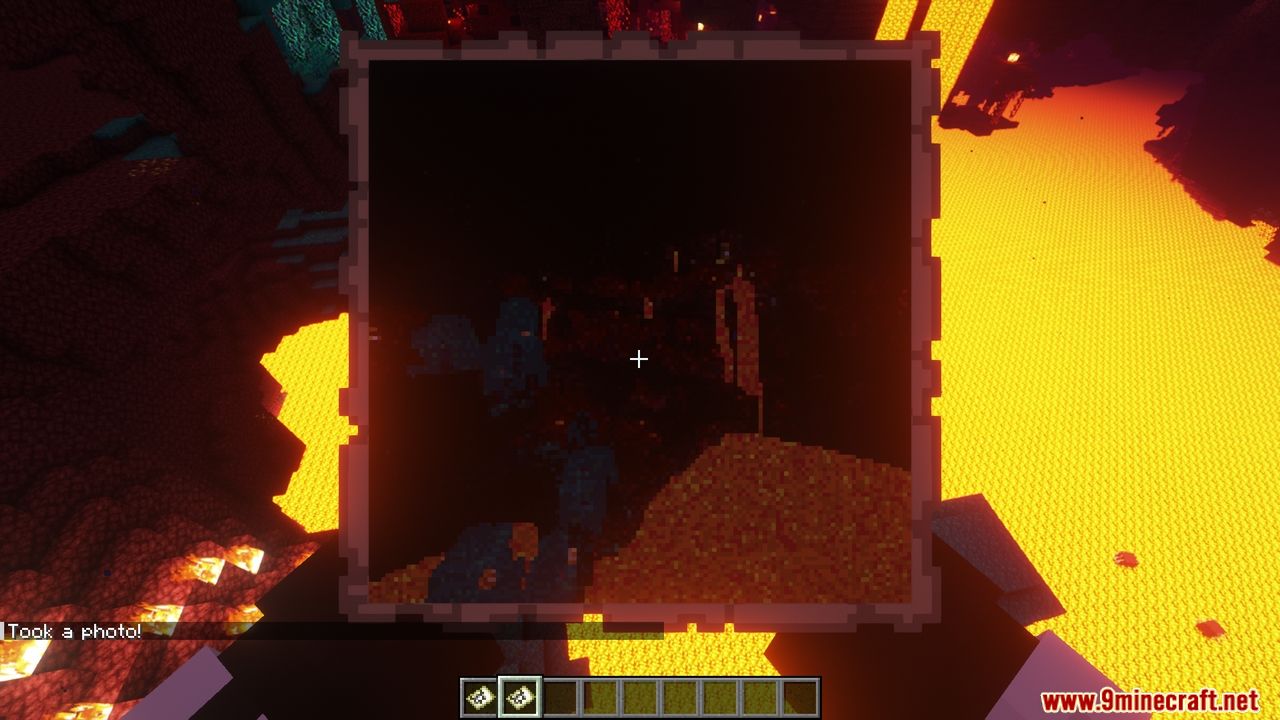
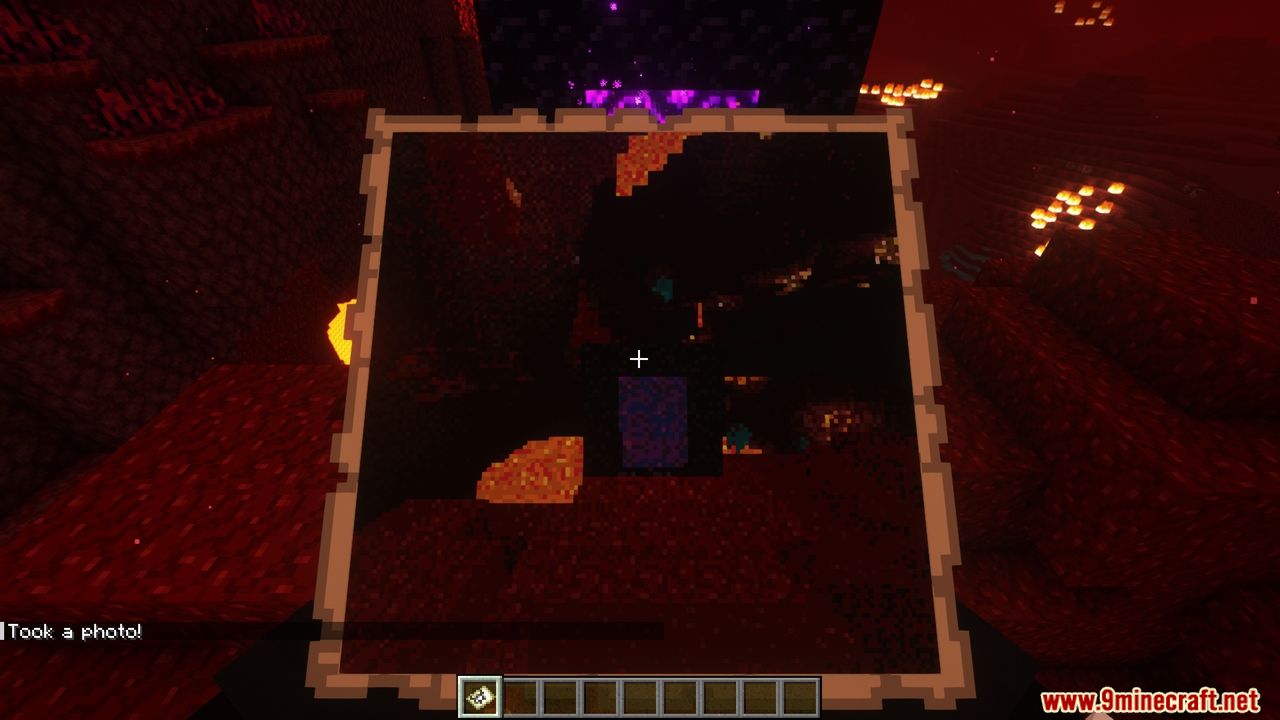
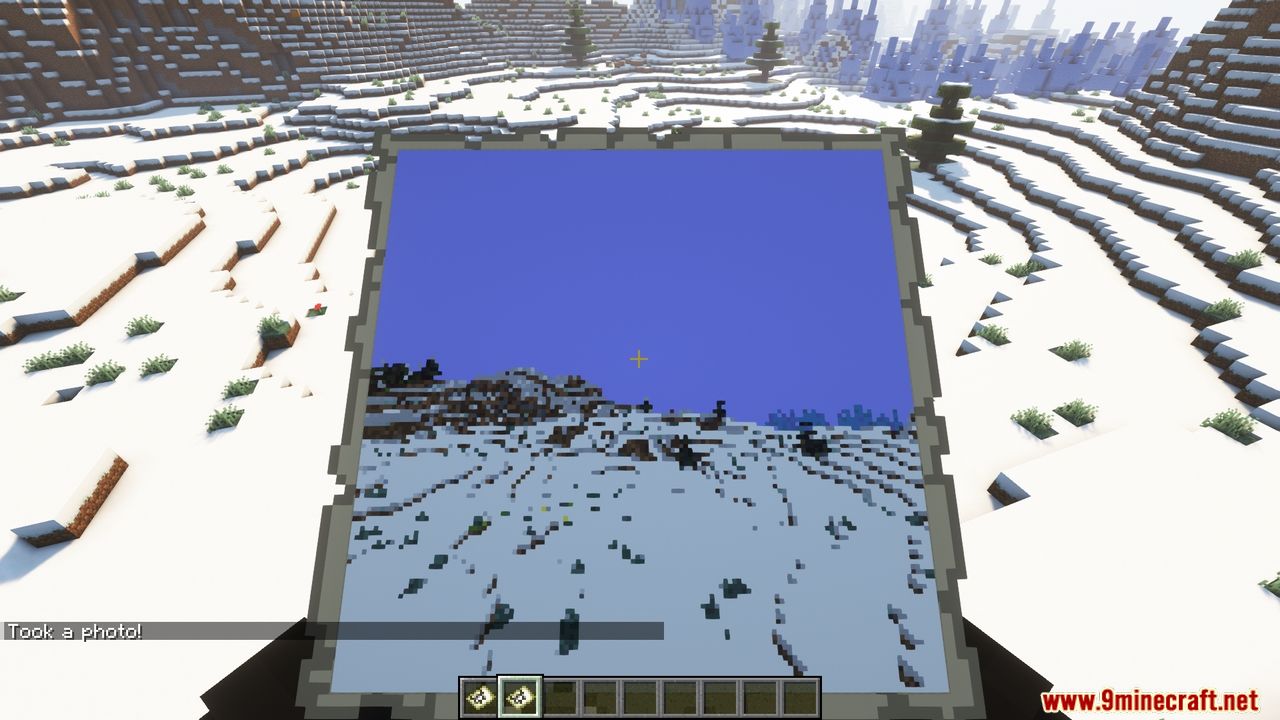
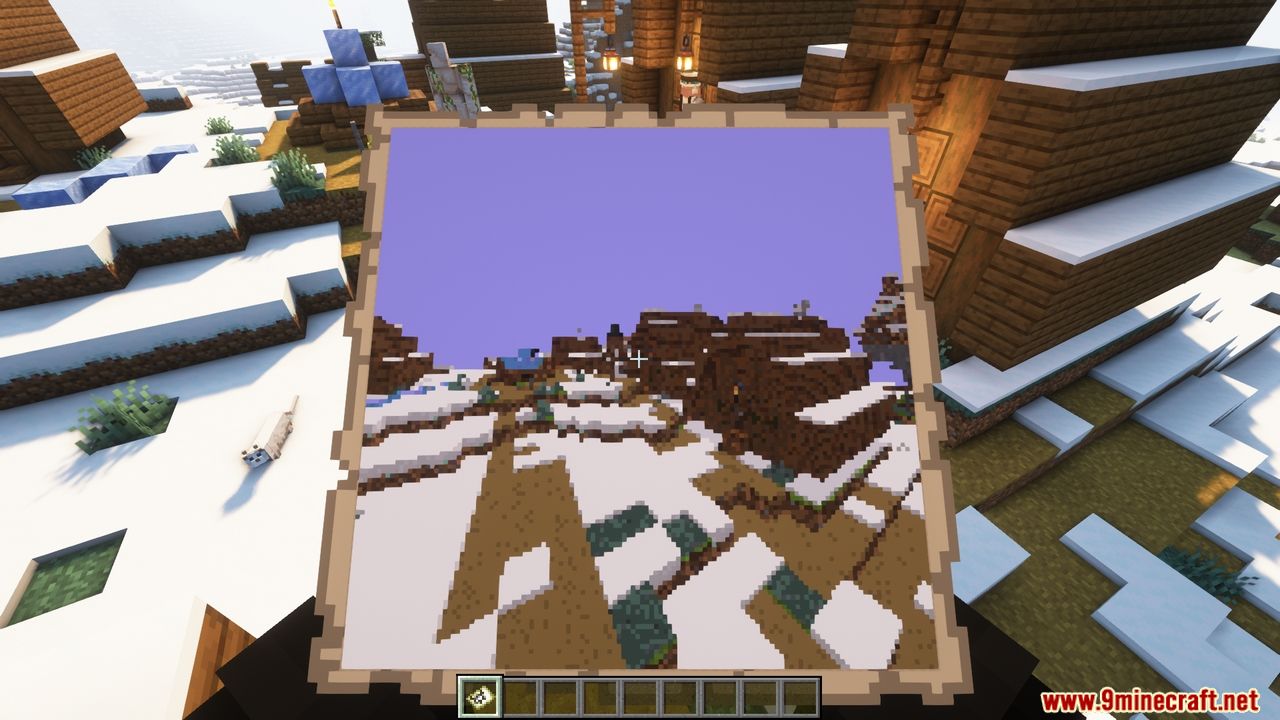
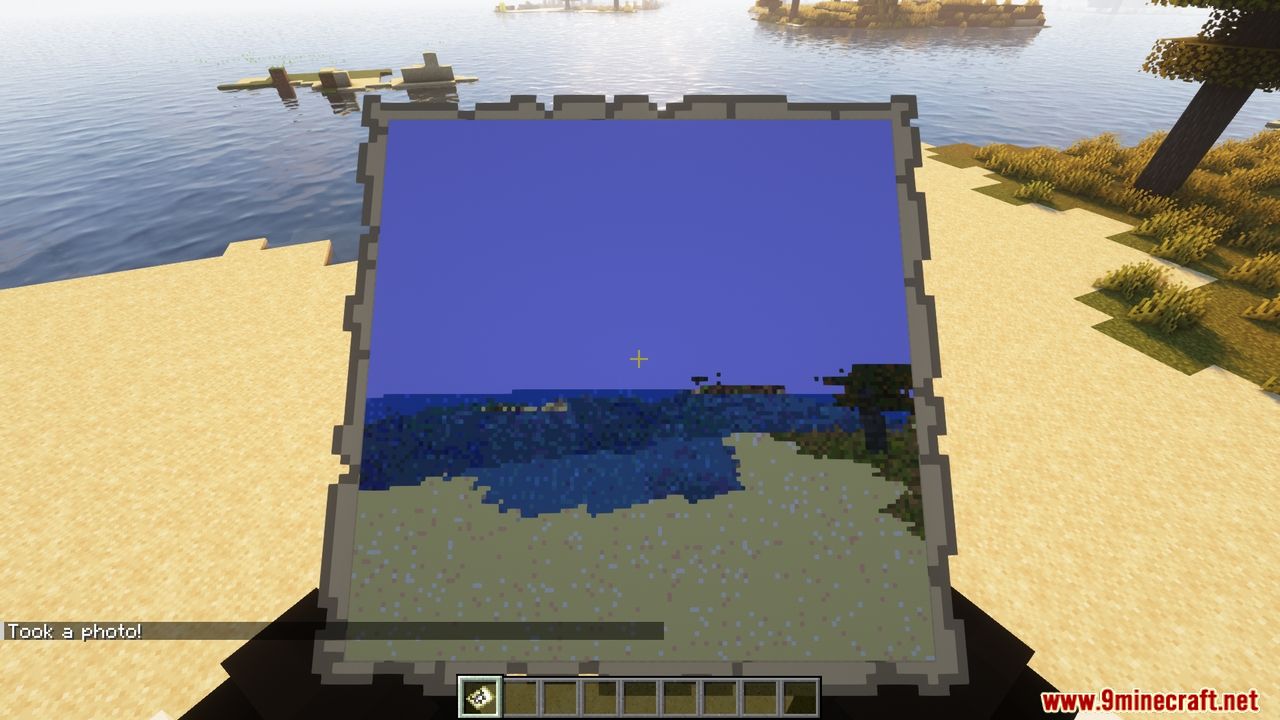
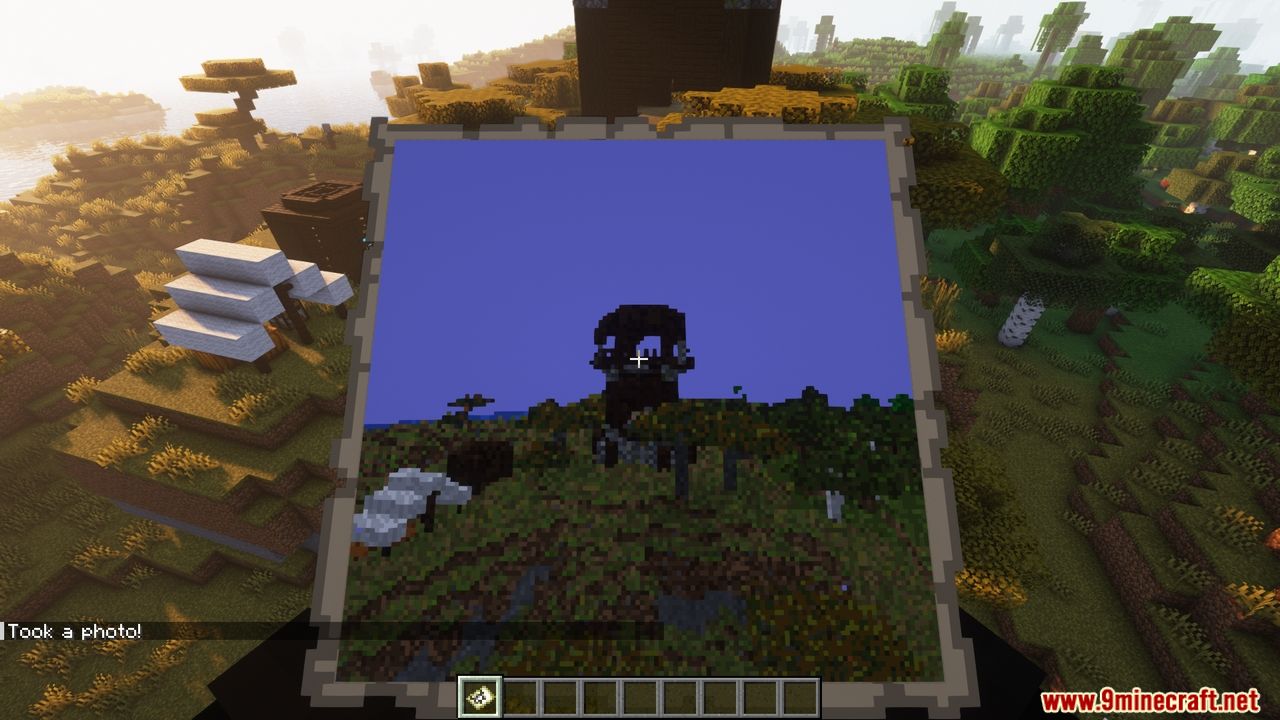
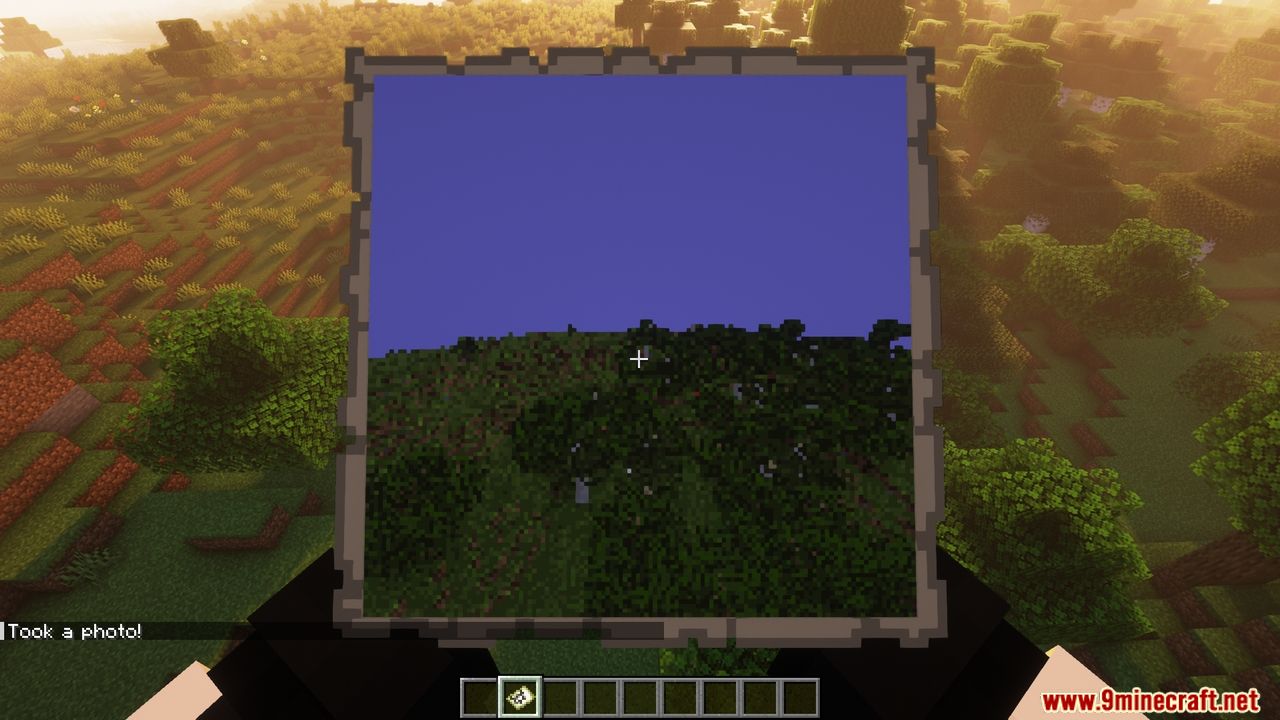
Craft or obtain a Camera item, hold it like a spyglass to frame your shot, then right-click to take a photo. The photo will be saved as a map item in your inventory (or as a PNG if you use the save command instead).
What do I need to use the camera?
You need the Camera item and a consumable item (usually a map, but this is configurable). Each time you take a photo, one of the consumable item is used up.
Do my players need to install anything on their client?
No, the mod is entirely server-side. All rendering happens on the server using raycasting, so players only need the mod installed on the server.
See all 10 Camera Obscura questions ›
Gallery
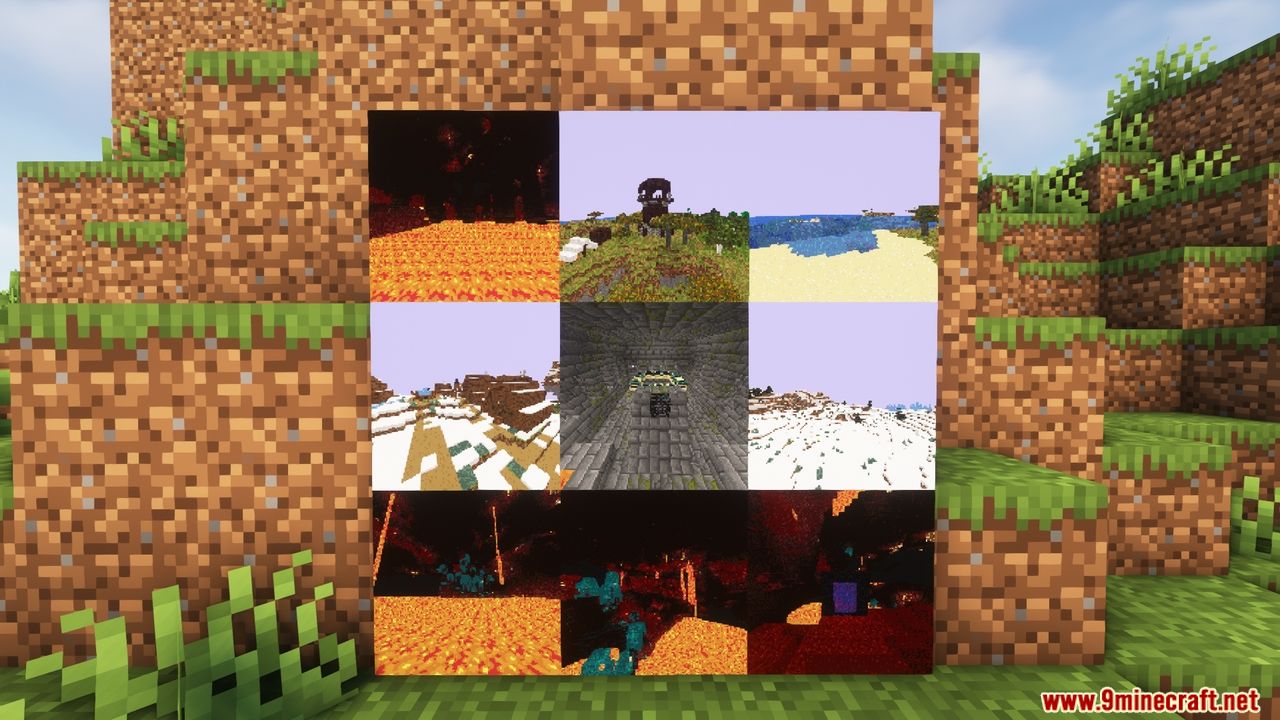
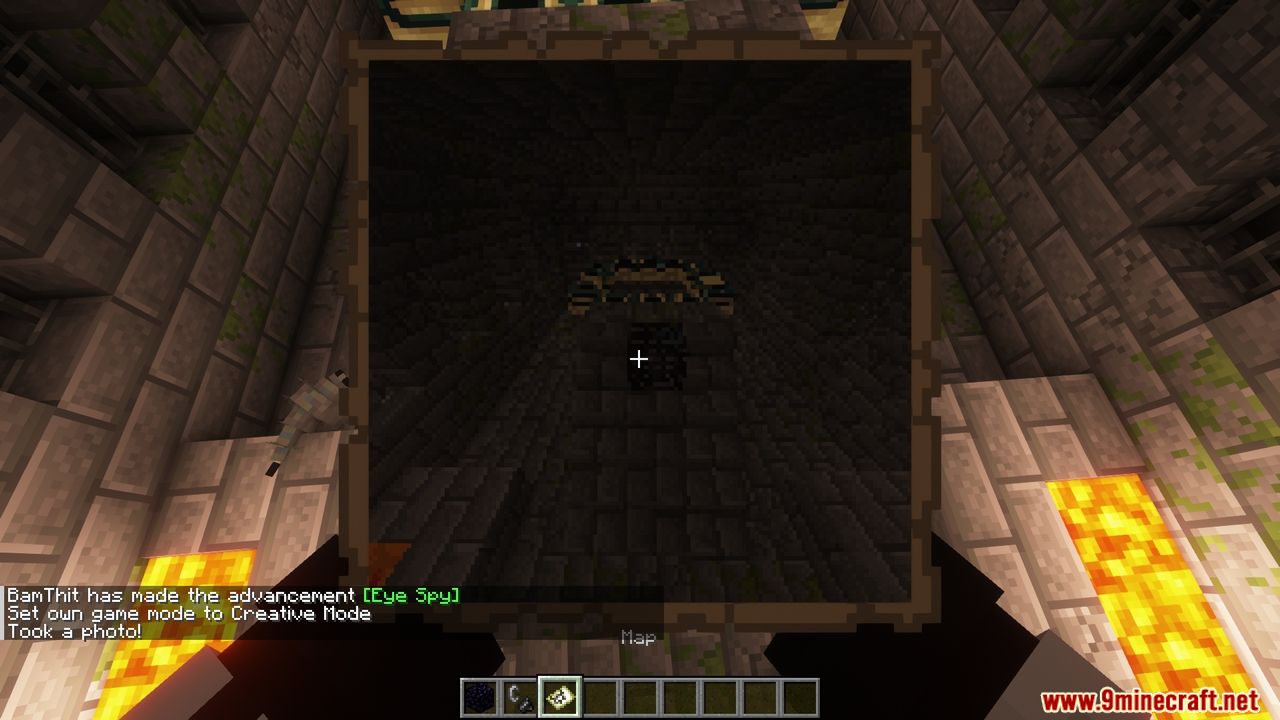
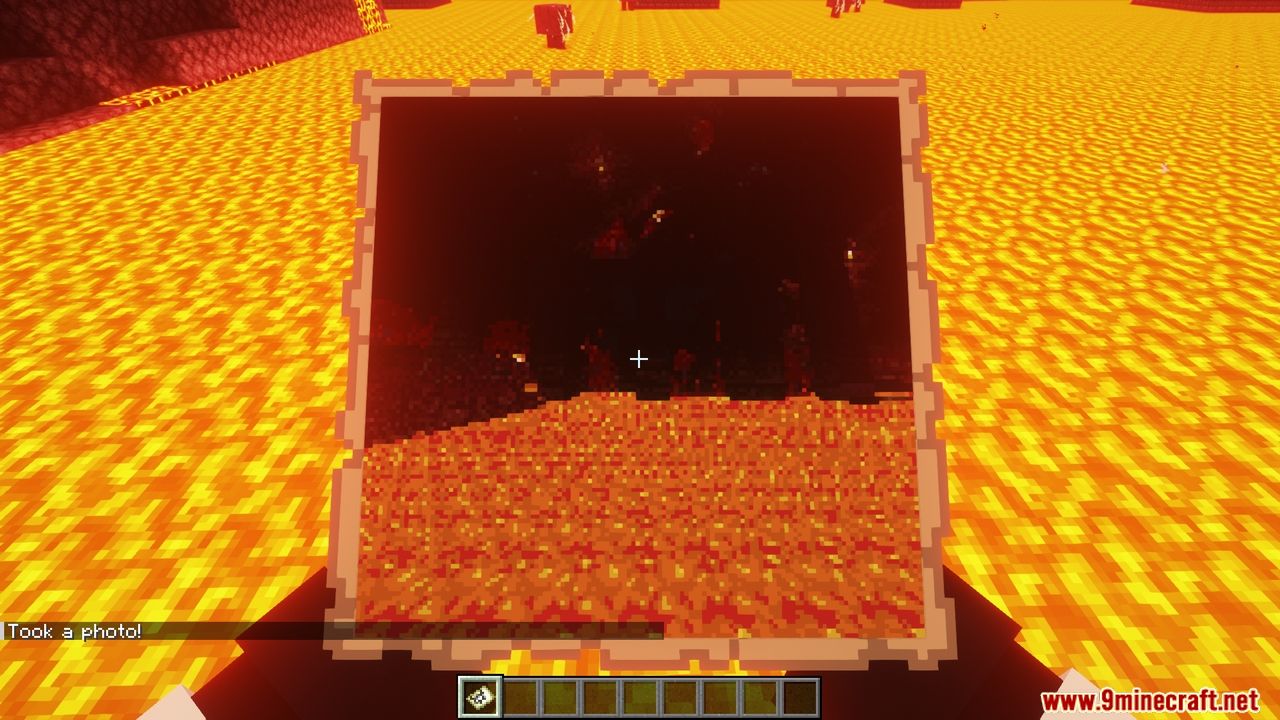
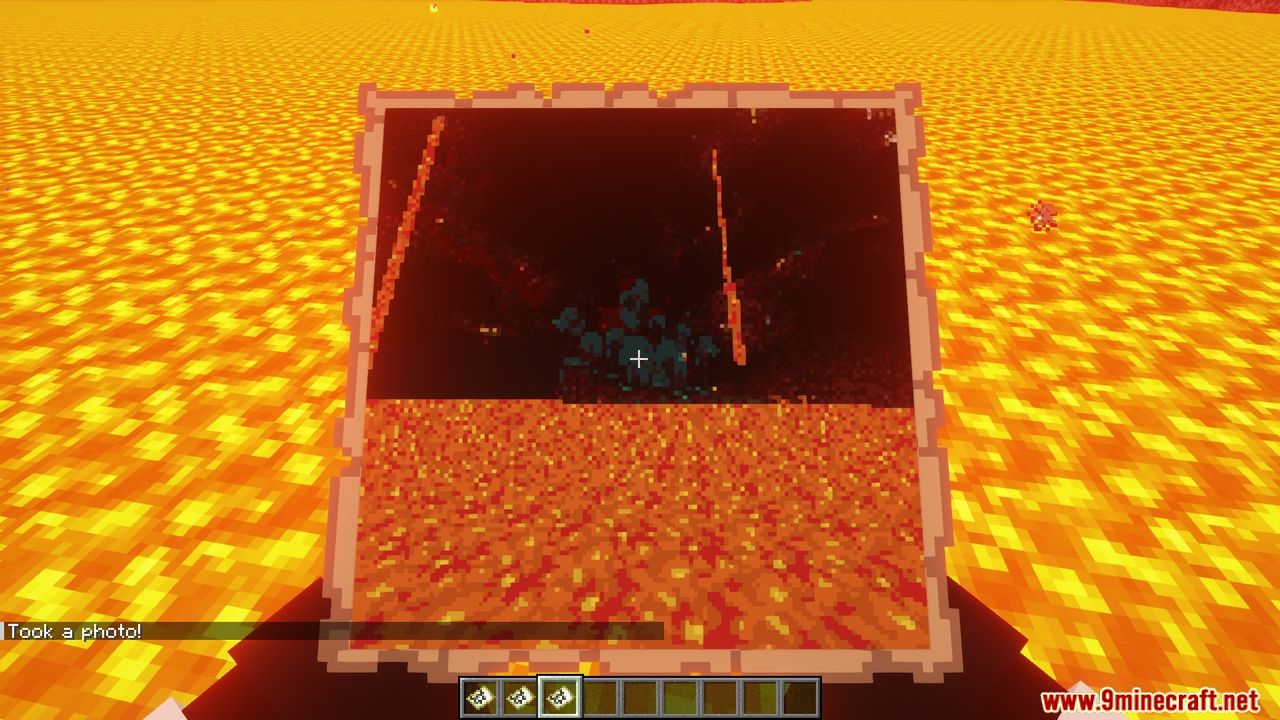
11 images from the Tomalbrc Camera Obscura Mod page.
You May Also Like
Wikis that share the most with this one
More mod wikis on the site
The most downloaded mods that have a wiki here
A few wikis from each of the other kinds