

 DownloadToggle Highlight Outline Box Mod
Get the files on 9Minecraft
Guides
Step-by-step, in-game.
Change Your Toggle KeybindOpen Game Controls Open your game settings and navigate to Controls (or Key Binds depending on your Minecraft…Explore Without the Selection Box DistractionHide the Outline for Immersion Press B to remove the black selection box. This gives you an unobstructed view of the…Hide Block Outlines for Clean ScreenshotsToggle the Outline Off When you're ready to take a screenshot, press B to hide the black selection box around blocks.…Reduce Visual Clutter While BuildingWhy Hide Outlines While Building When placing blocks or working on detailed structures, the black selection outline…
Frequently asked questions
How do I turn off the block outline?
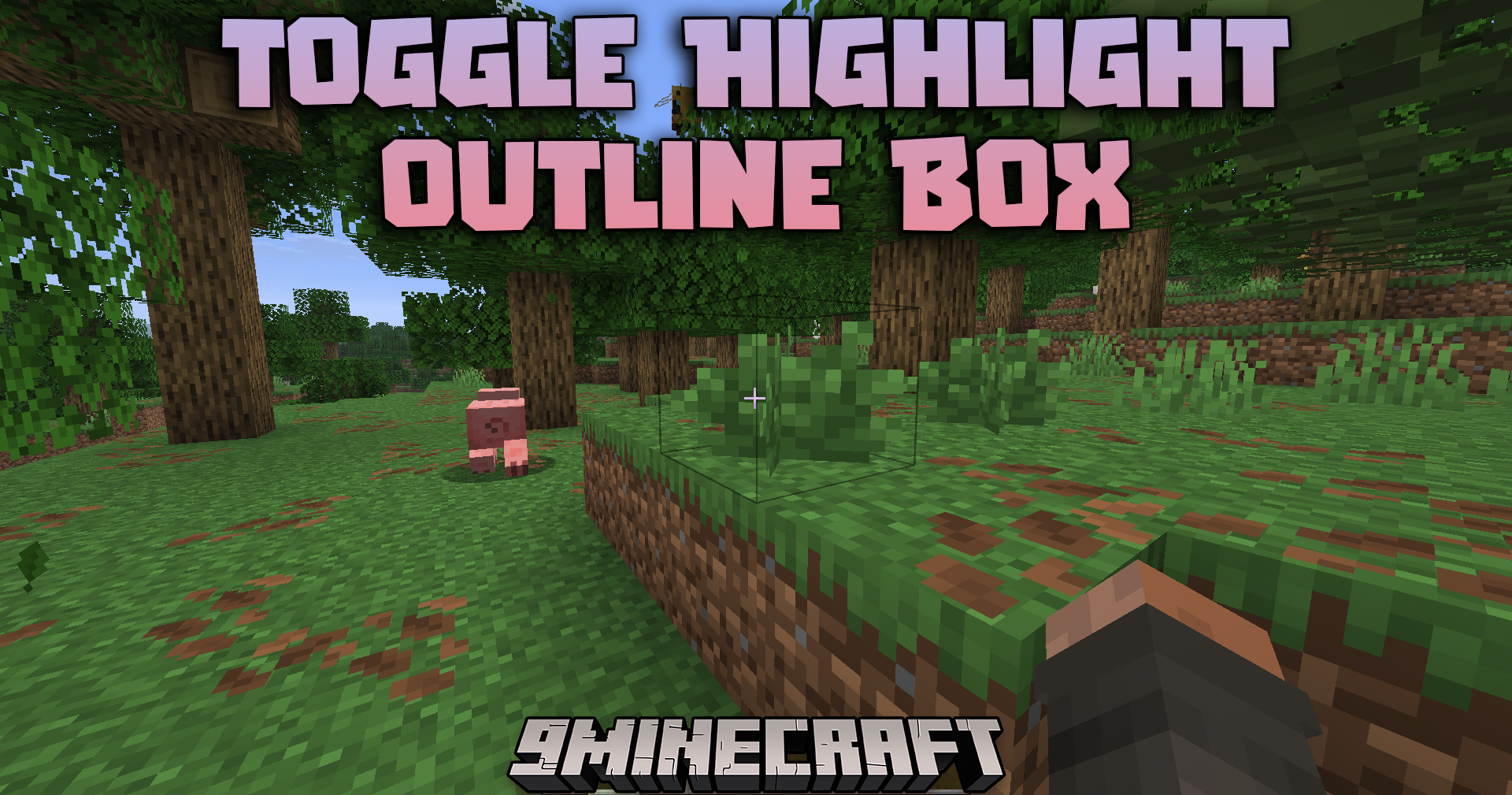
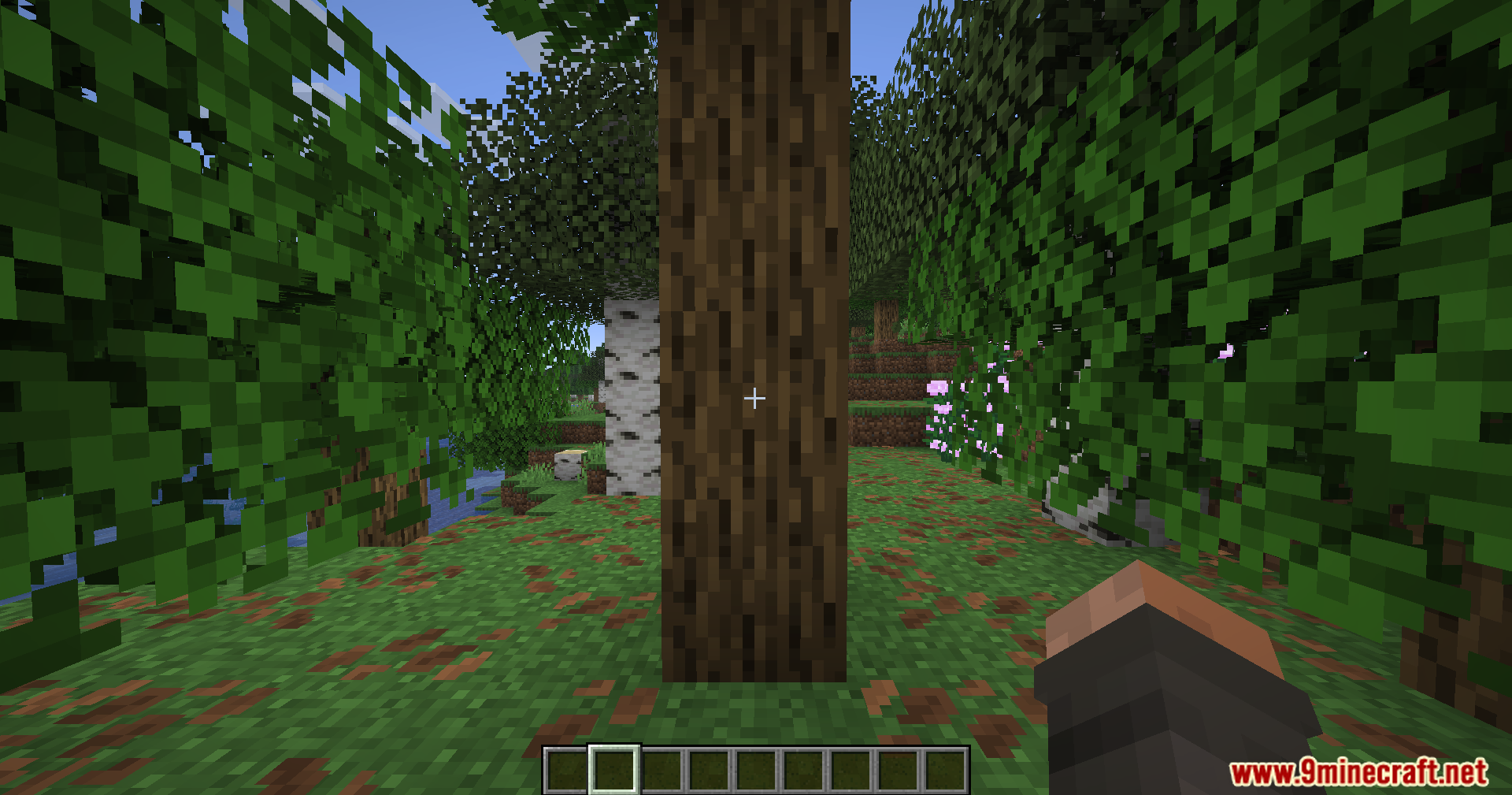
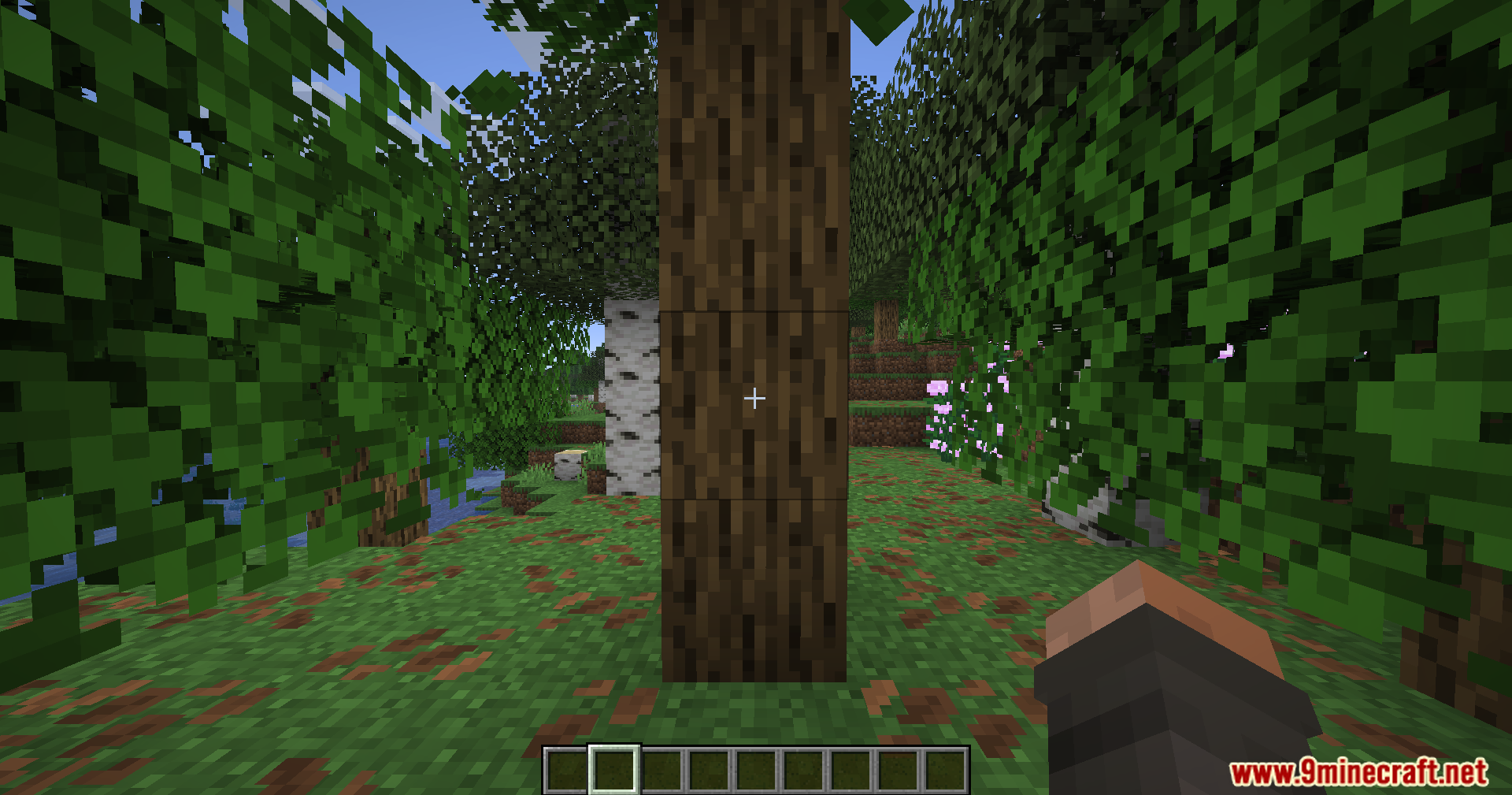
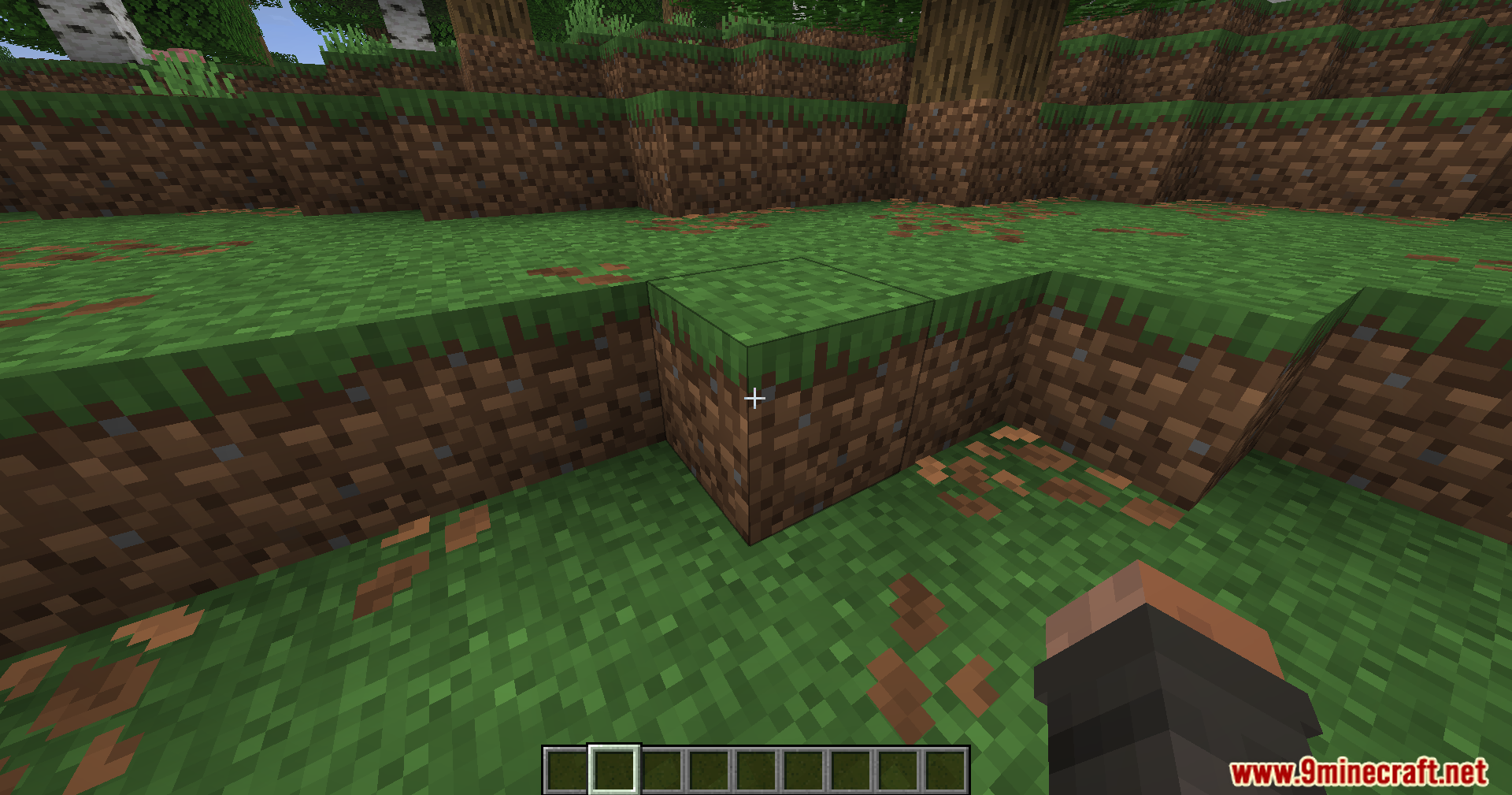
Press the B key (default keybind) while in your world to toggle the outline off. Press B again to turn it back on.
Can I change what key hides the outline?
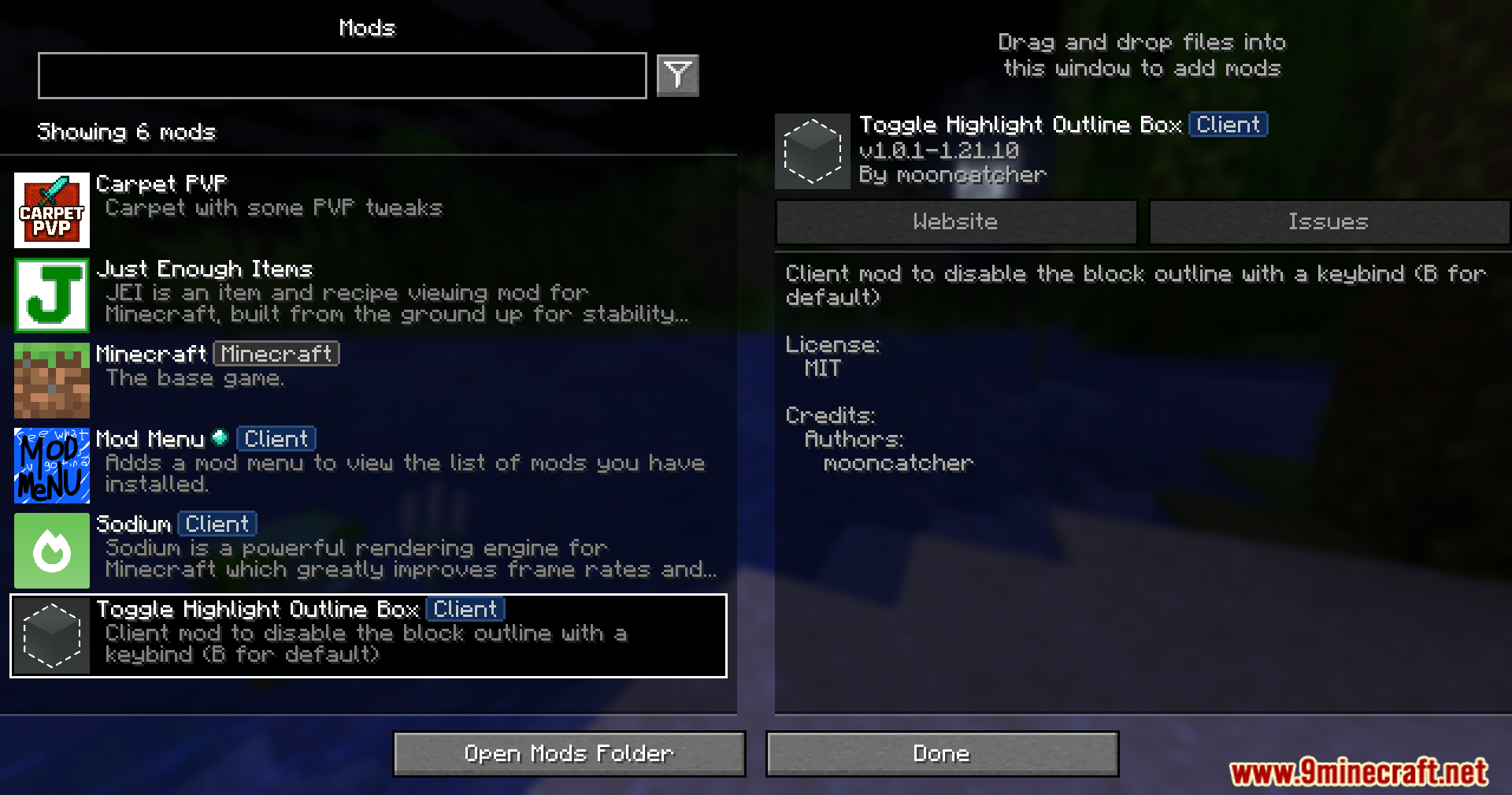
Yes, open your game control settings and search for the Toggle Highlight Outline Box keybind, then assign it to any key you prefer.
Does this mod work in multiplayer?
This mod only affects your own client's visuals, so it works in multiplayer servers without needing to be installed on the server.
Will toggling outlines off affect my ability to place or break blocks?
No, hiding the outline is purely visual and does not change how you interact with blocks—you can still place and break them normally.
See all 10 Toggle Highlight Outline Box questions ›
Gallery
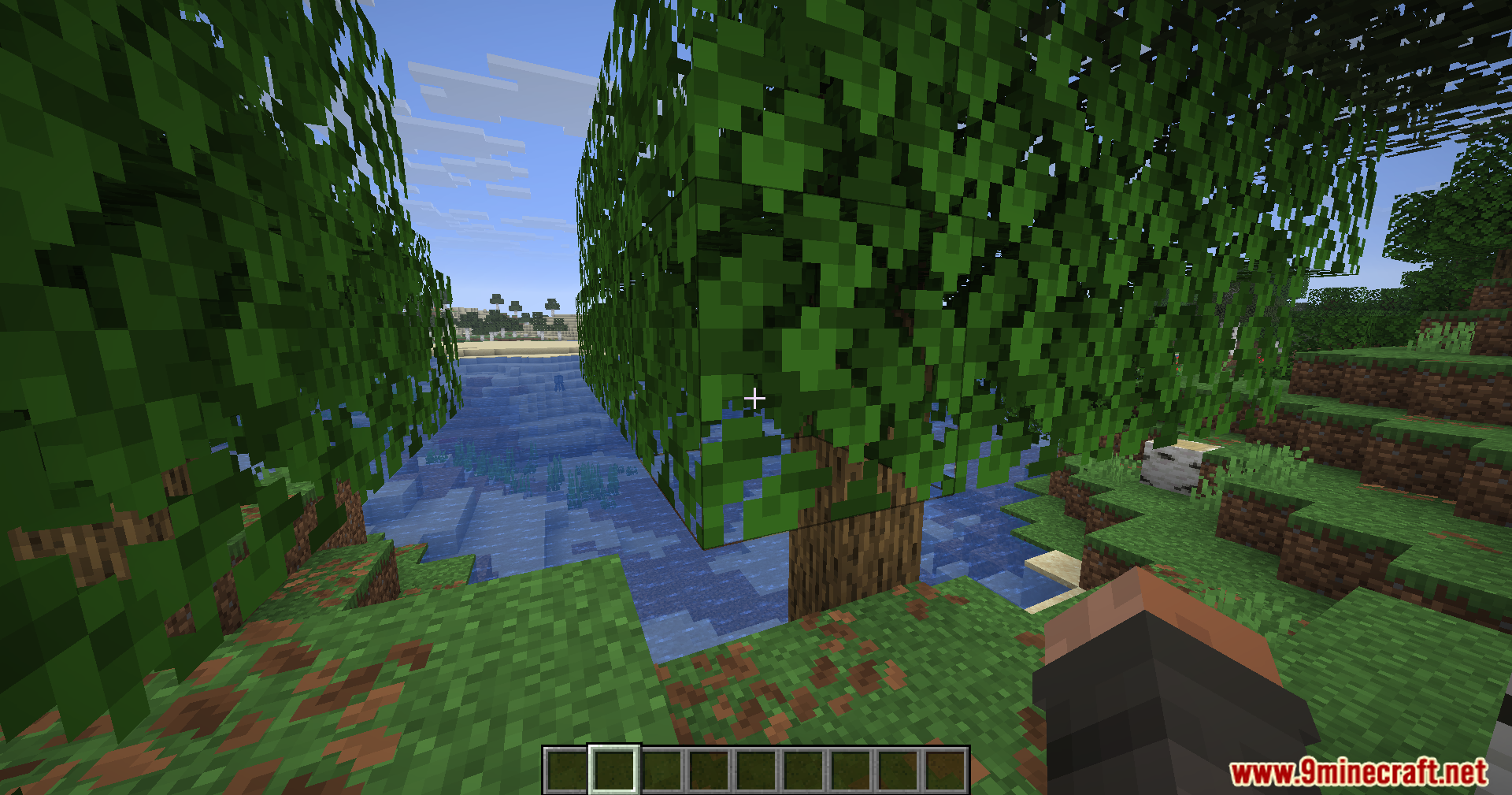
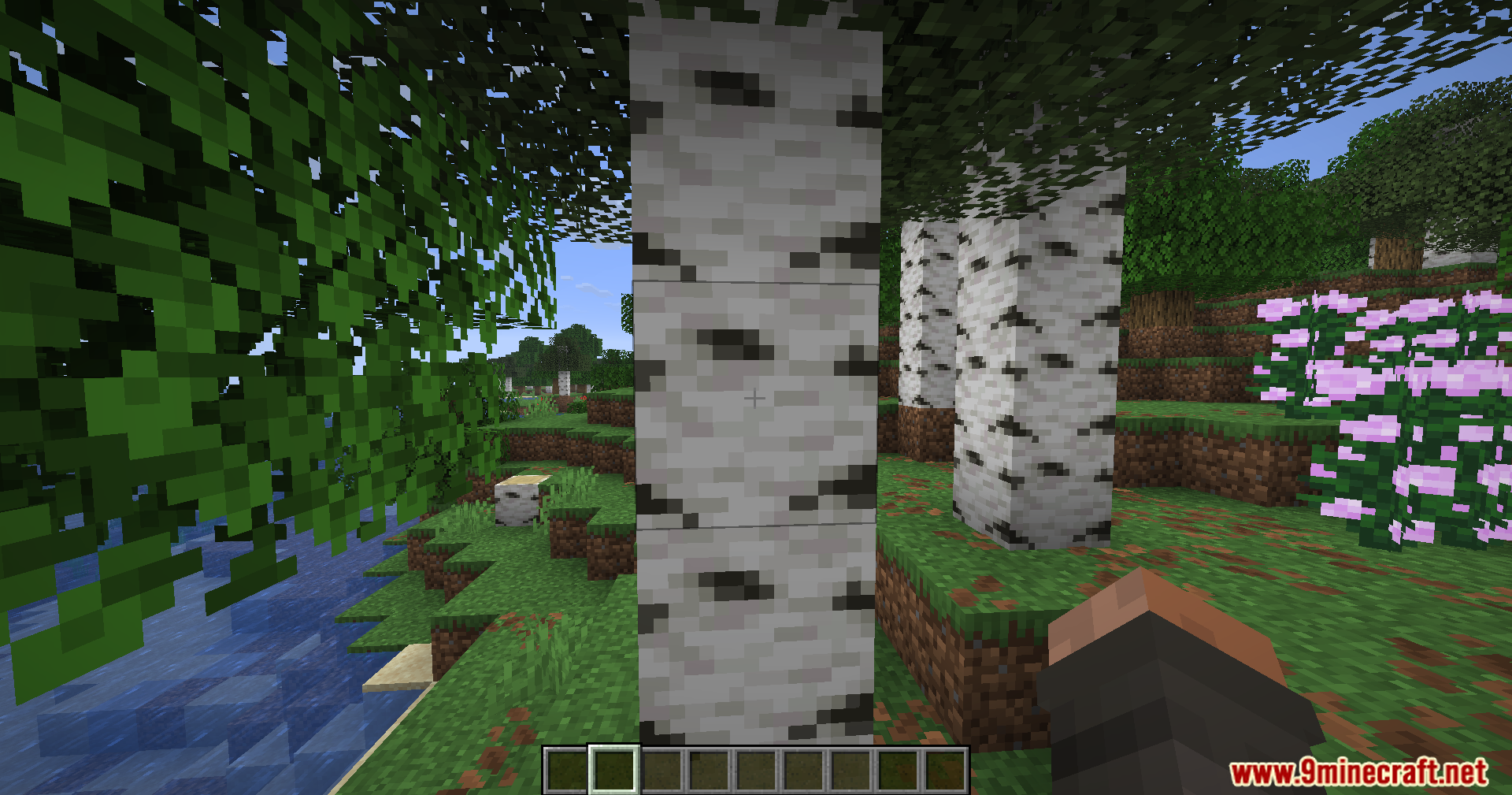
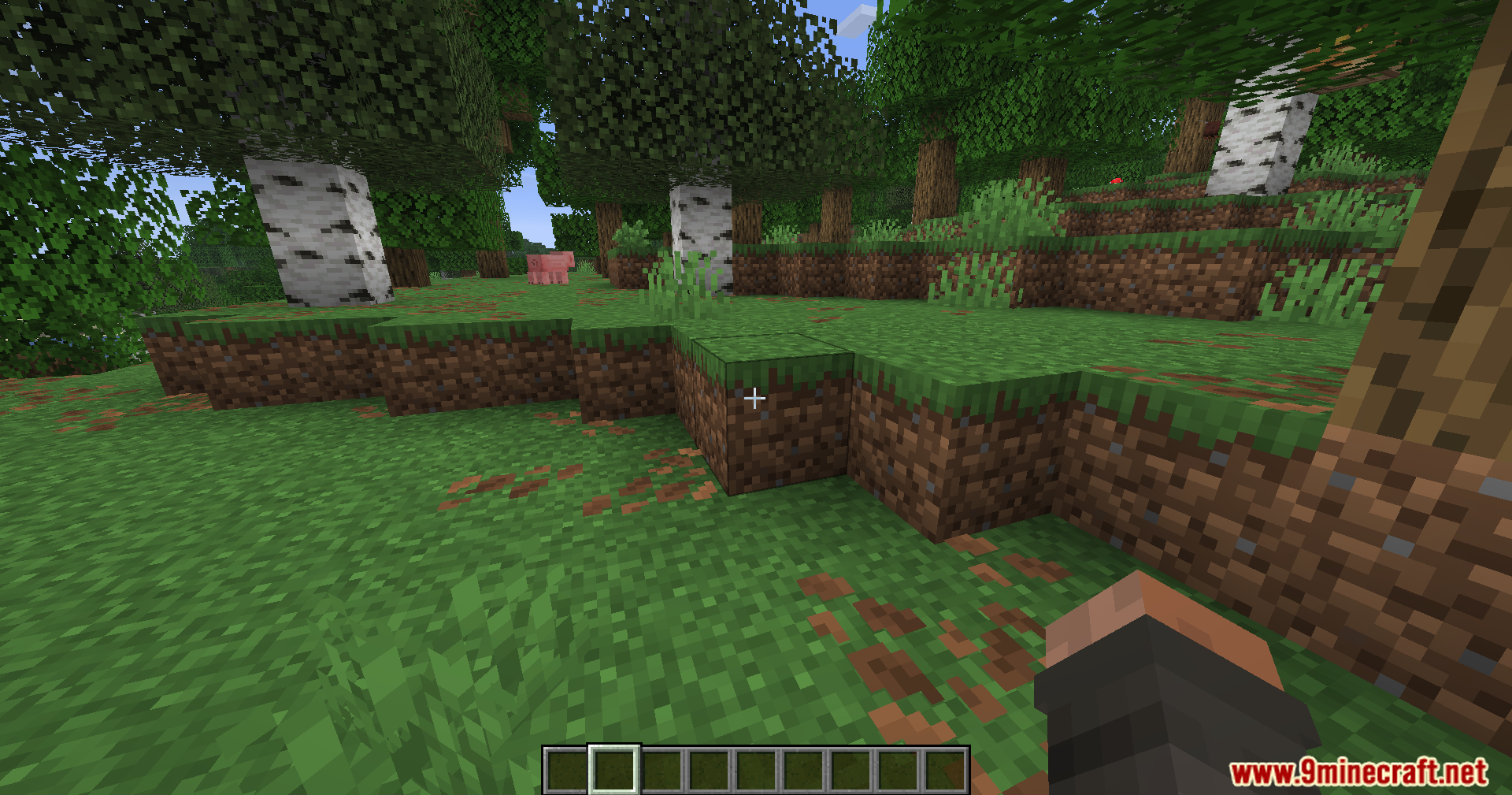
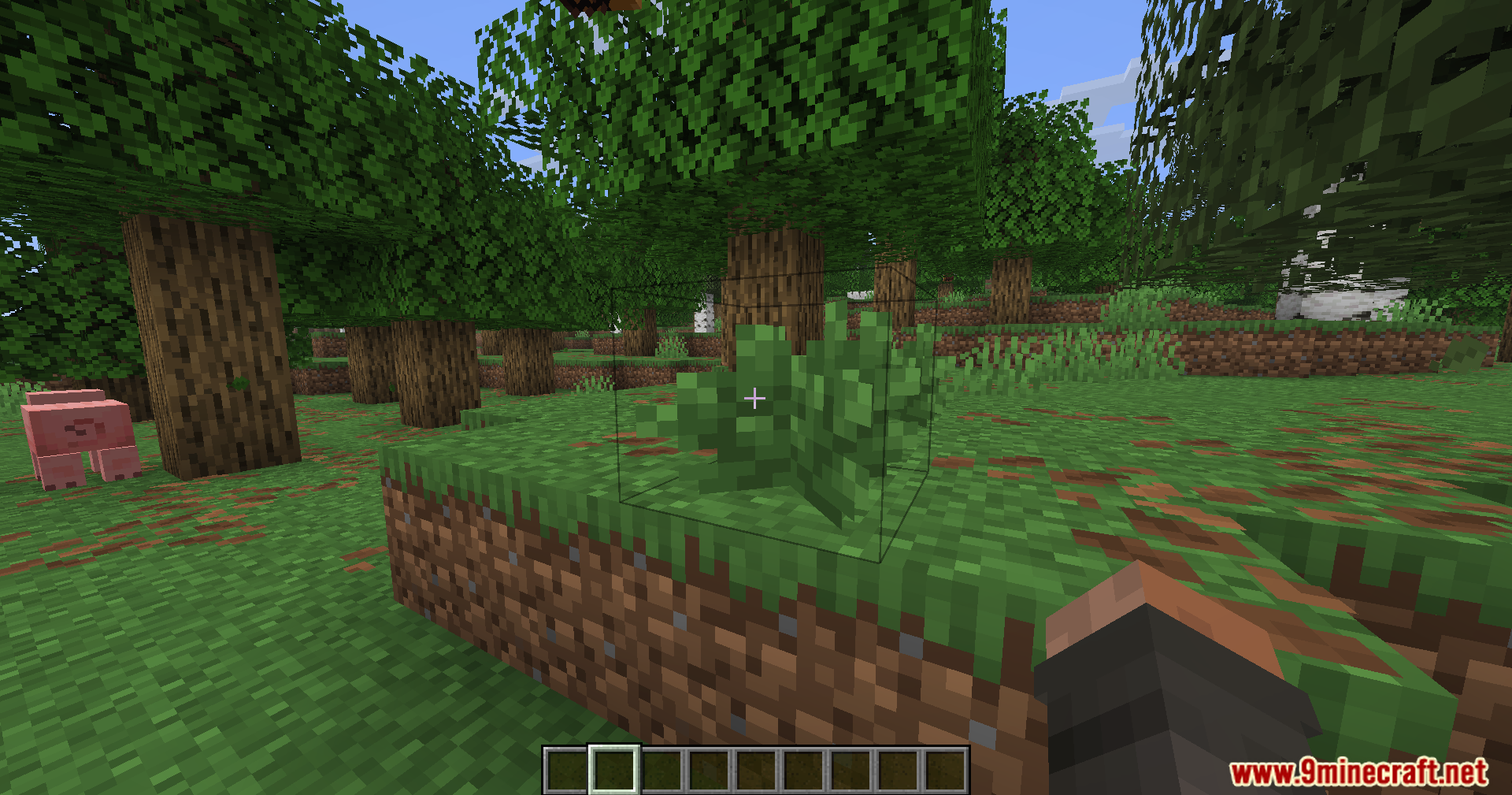
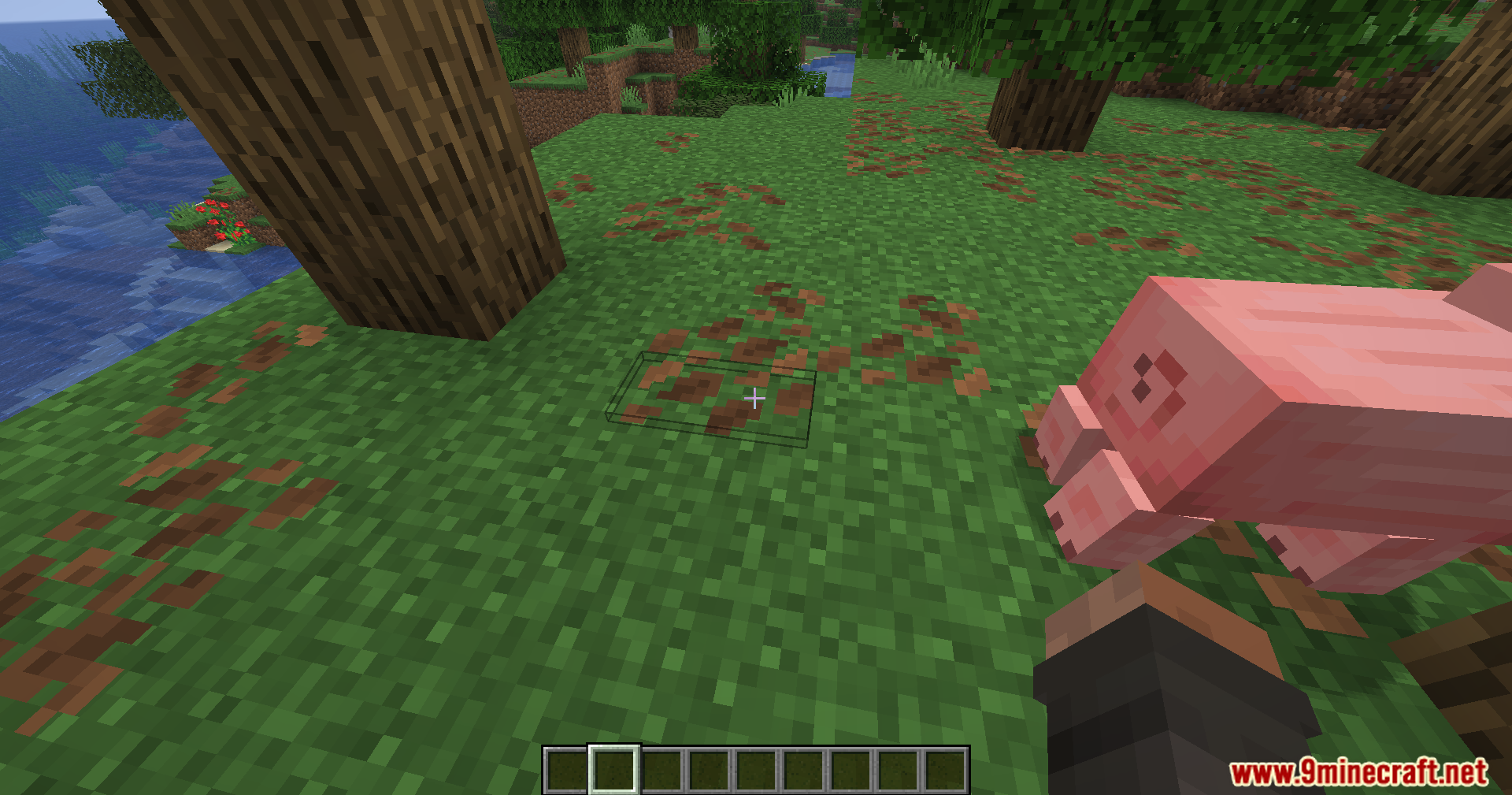
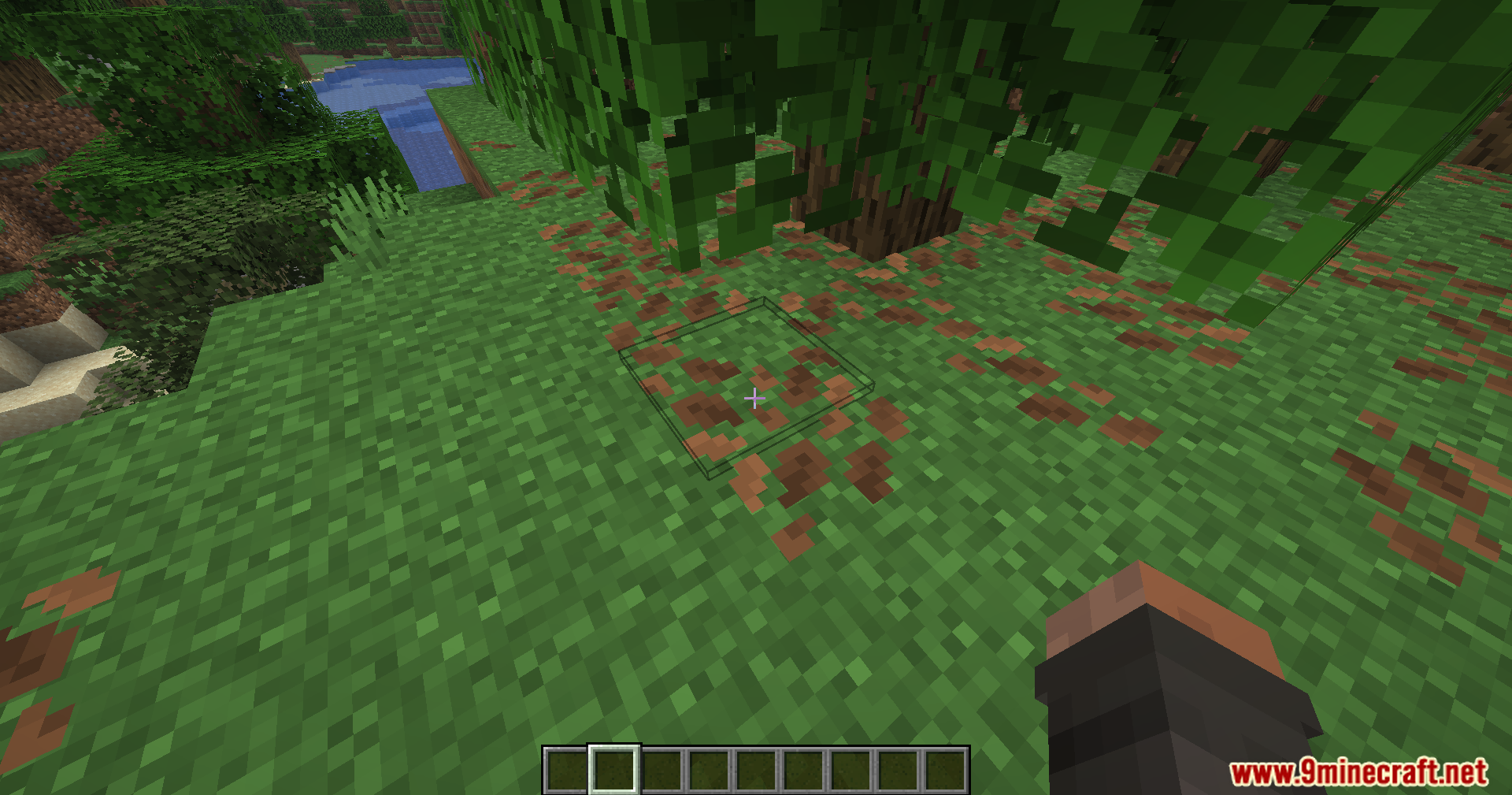
12 images from the Toggle Highlight Outline Box Mod page.
You May Also Like
Wikis that share the most with this one
Wikis on the same theme: light
More mod wikis on the site
The most downloaded mods that have a wiki here
A few wikis from each of the other kinds