

 DownloadToggleable Enchantments Mod
Get the files on 9Minecraft
Guides
Step-by-step, in-game.
Disable Specific Enchantments on Your ToolsOpening the Toggle Menu Hold an enchanted tool or weapon in your hand and press your assigned keybind. A settings…Set Up Your Enchantment Toggle KeybindAccessing Keybind Settings Before you can toggle enchantments, you need to assign a keybind. Open your Minecraft…Troubleshoot Enchantments Not TogglingVerify the Keybind is Working First, confirm your keybind is correctly assigned. Open the keybind settings menu and…Use Enchantment Toggling for Situational BuildsStrategic Enchantment Management Toggleable Enchantments lets you adapt a single tool to multiple situations without…
Frequently asked questions
How do I open the enchantment toggle menu?
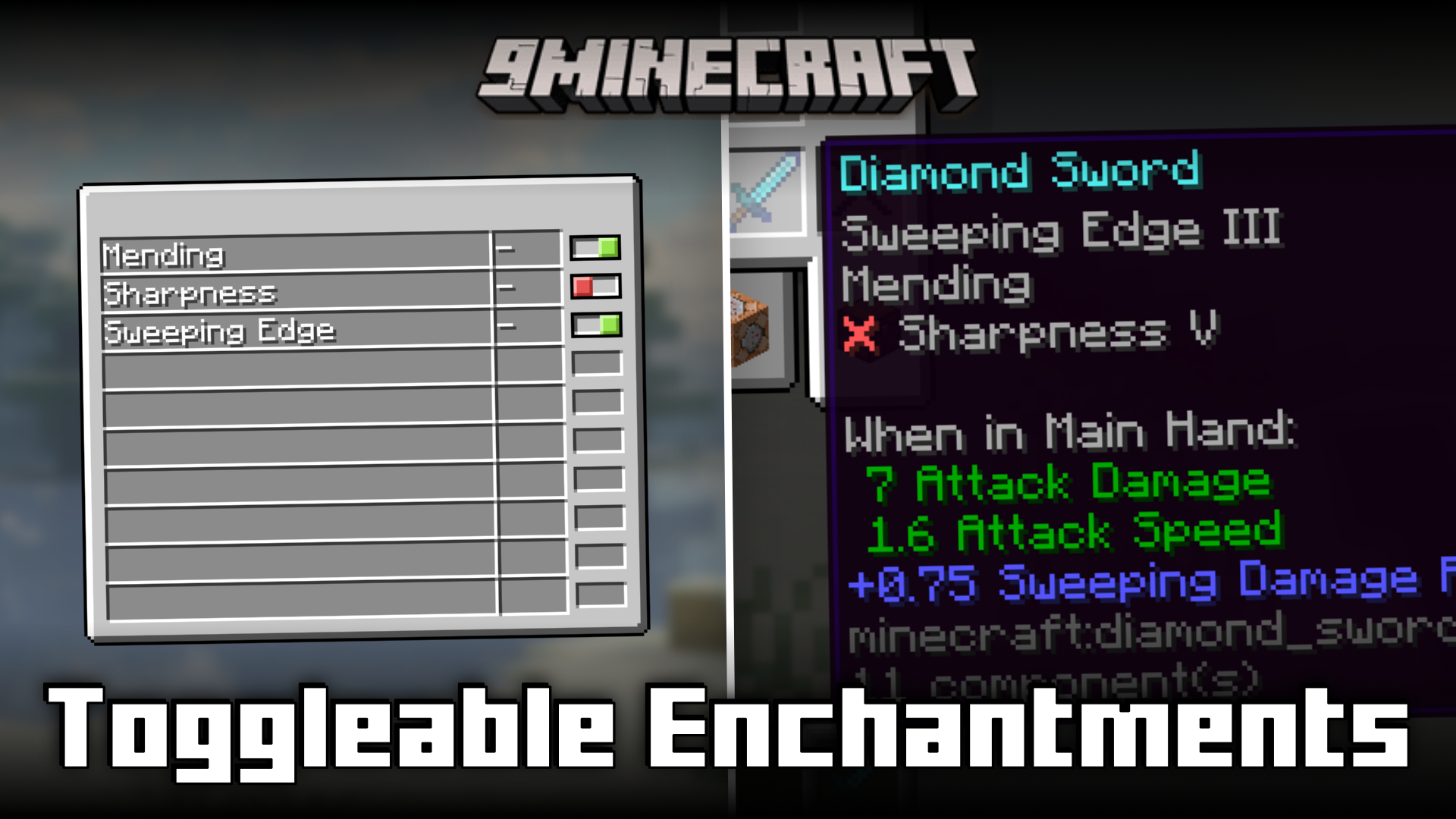
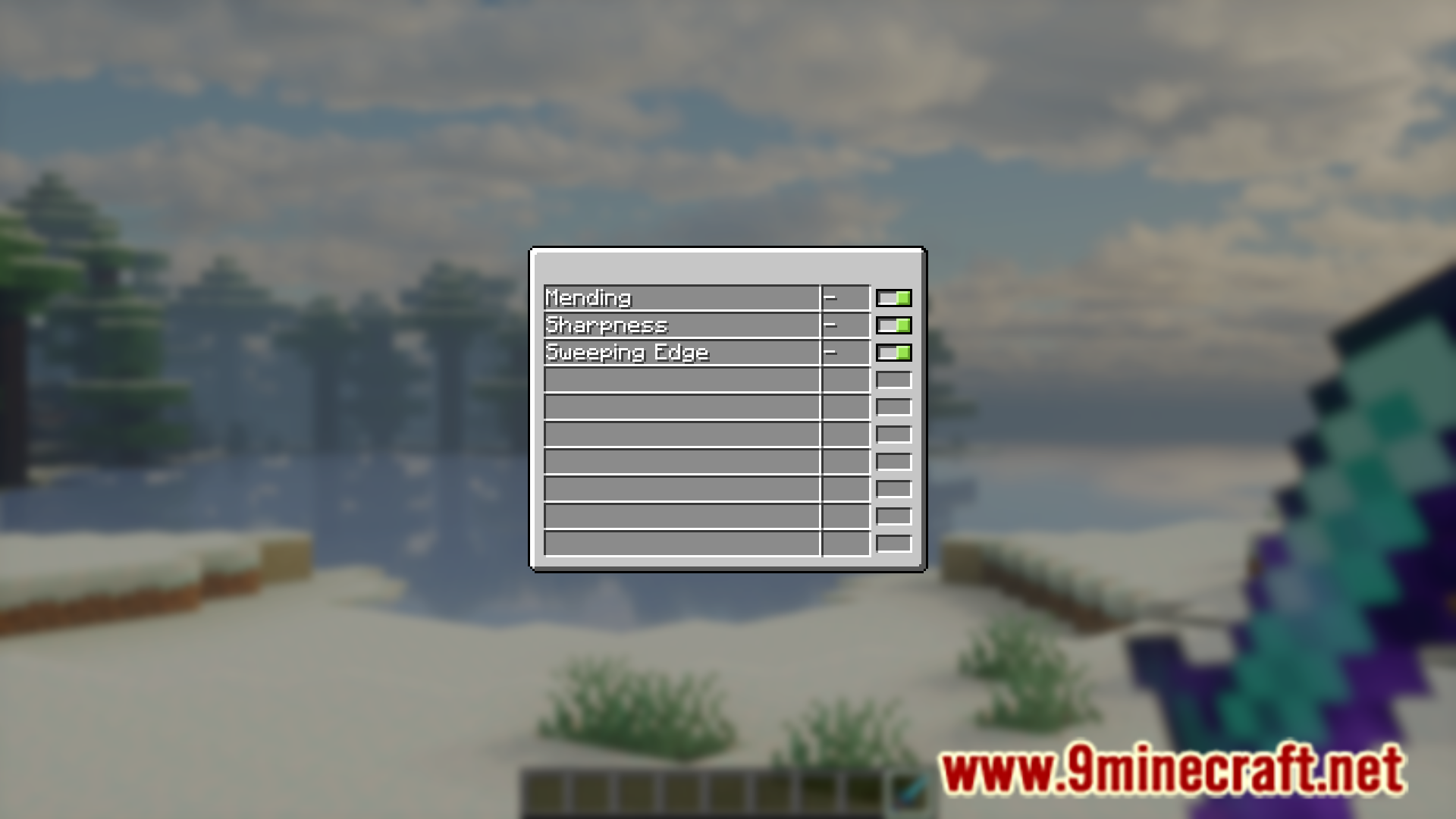
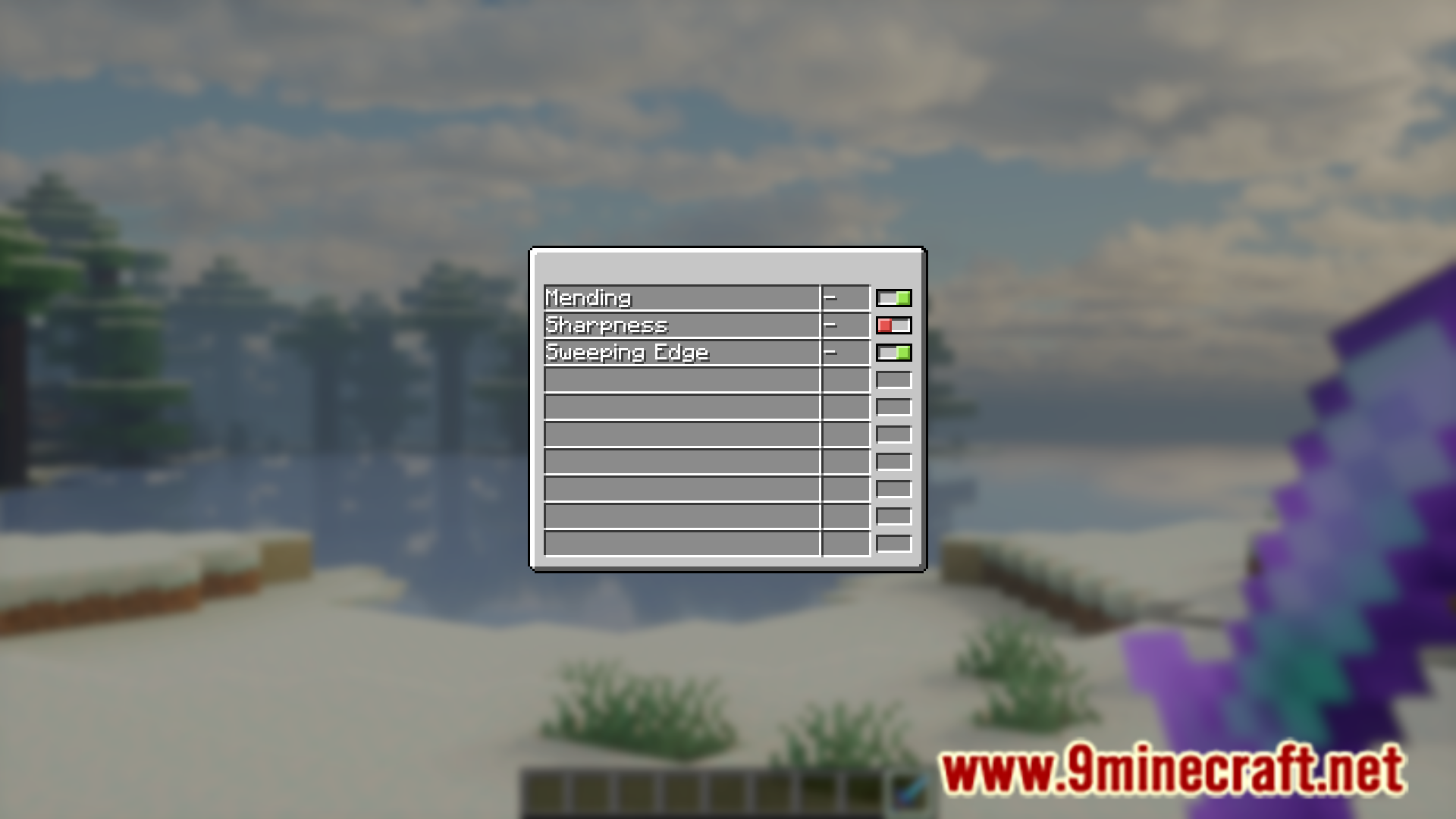
Hold the enchanted item in your hand and press the keybind you assigned in the keybind settings. The enchantment toggle menu will open, showing all enchantments on that item.
I don't know what keybind is set for this mod
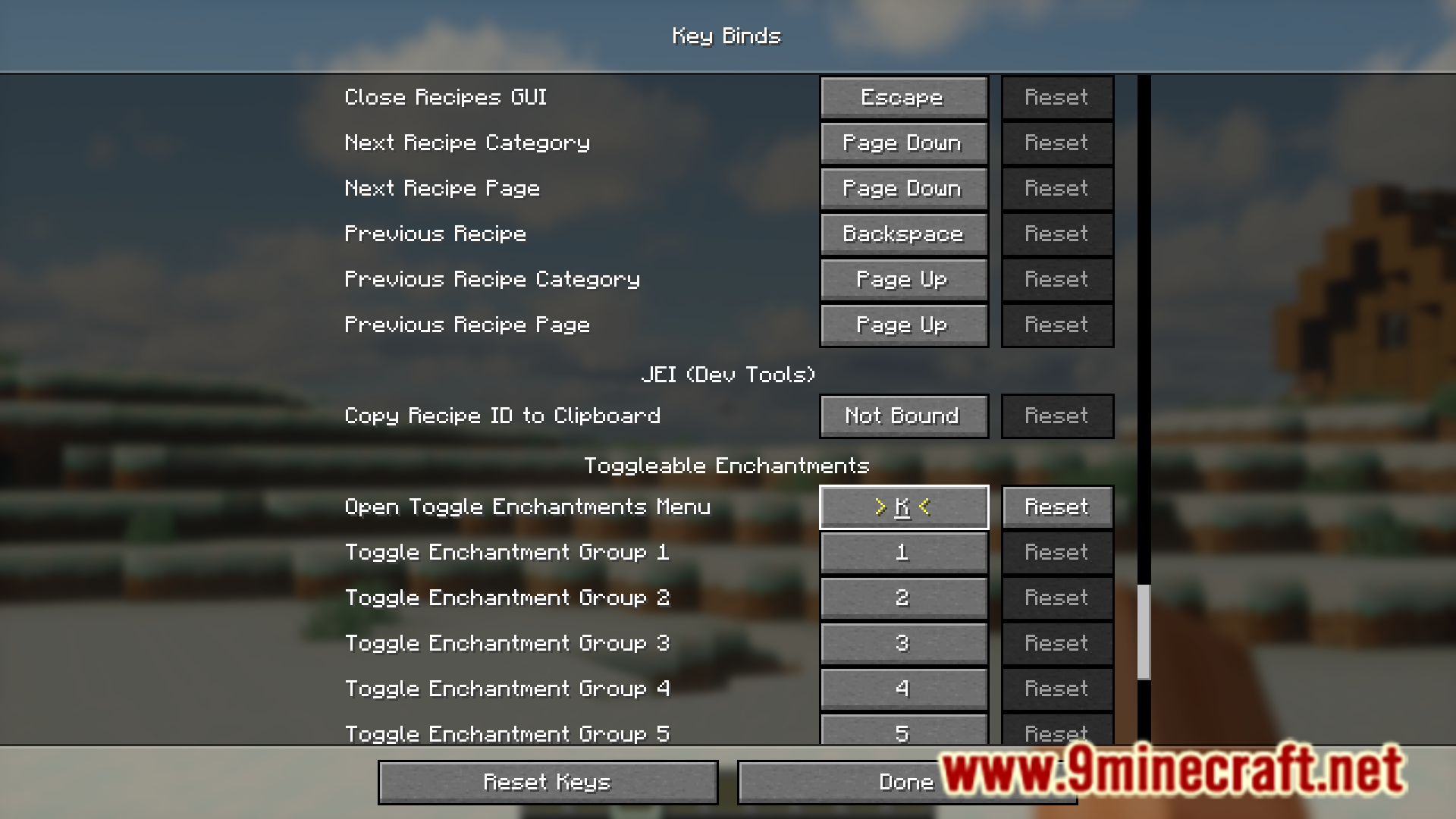
Open your keybind settings (usually in Options > Controls), search for Toggleable Enchantments, and you'll see the assigned key. You can change it there if needed.
Can I toggle enchantments on armor and tools?
Yes, you can toggle enchantments on any item that has them—tools, weapons, armor, and other enchanted items all work the same way.
What happens when I turn off an enchantment?
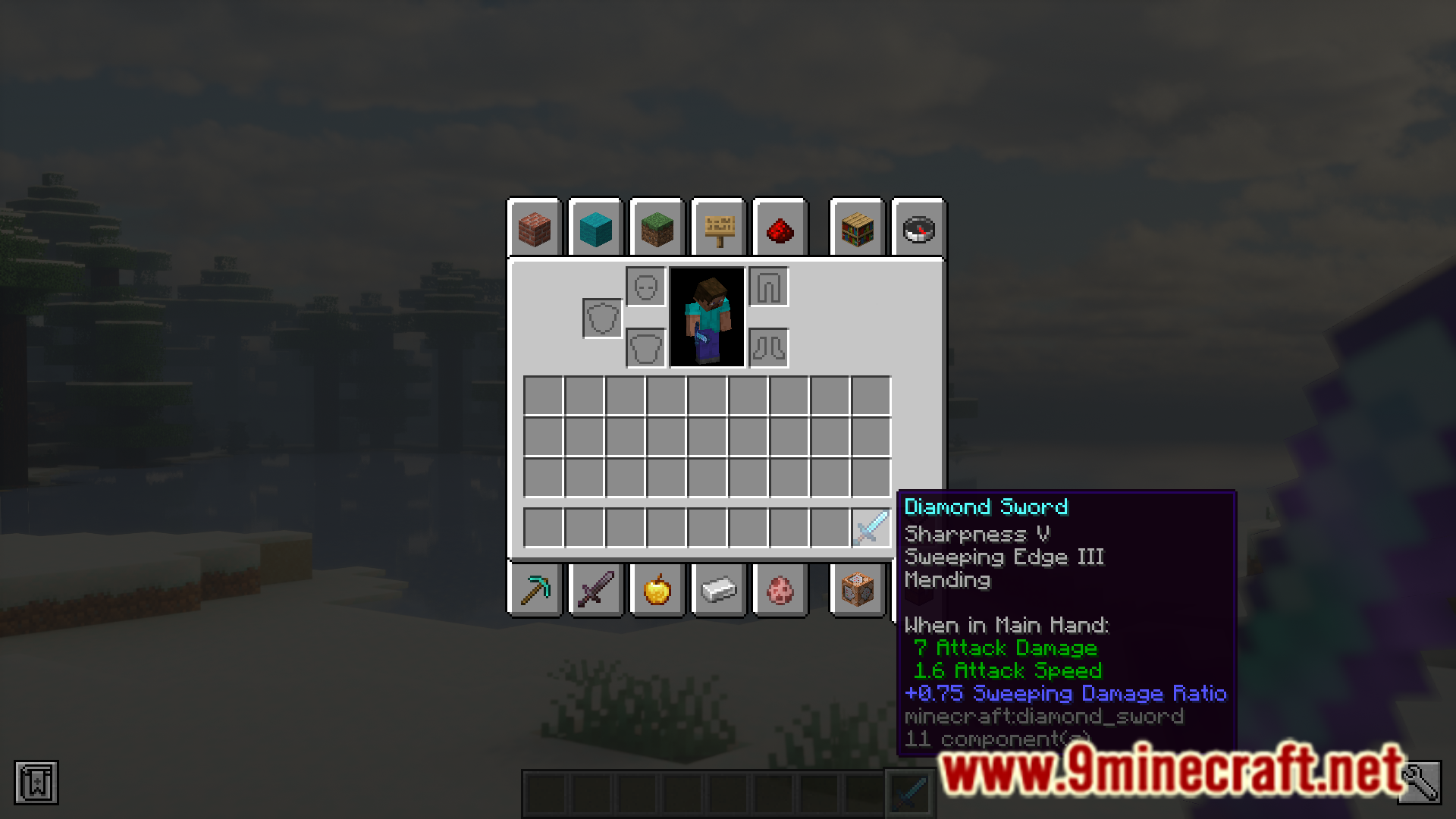
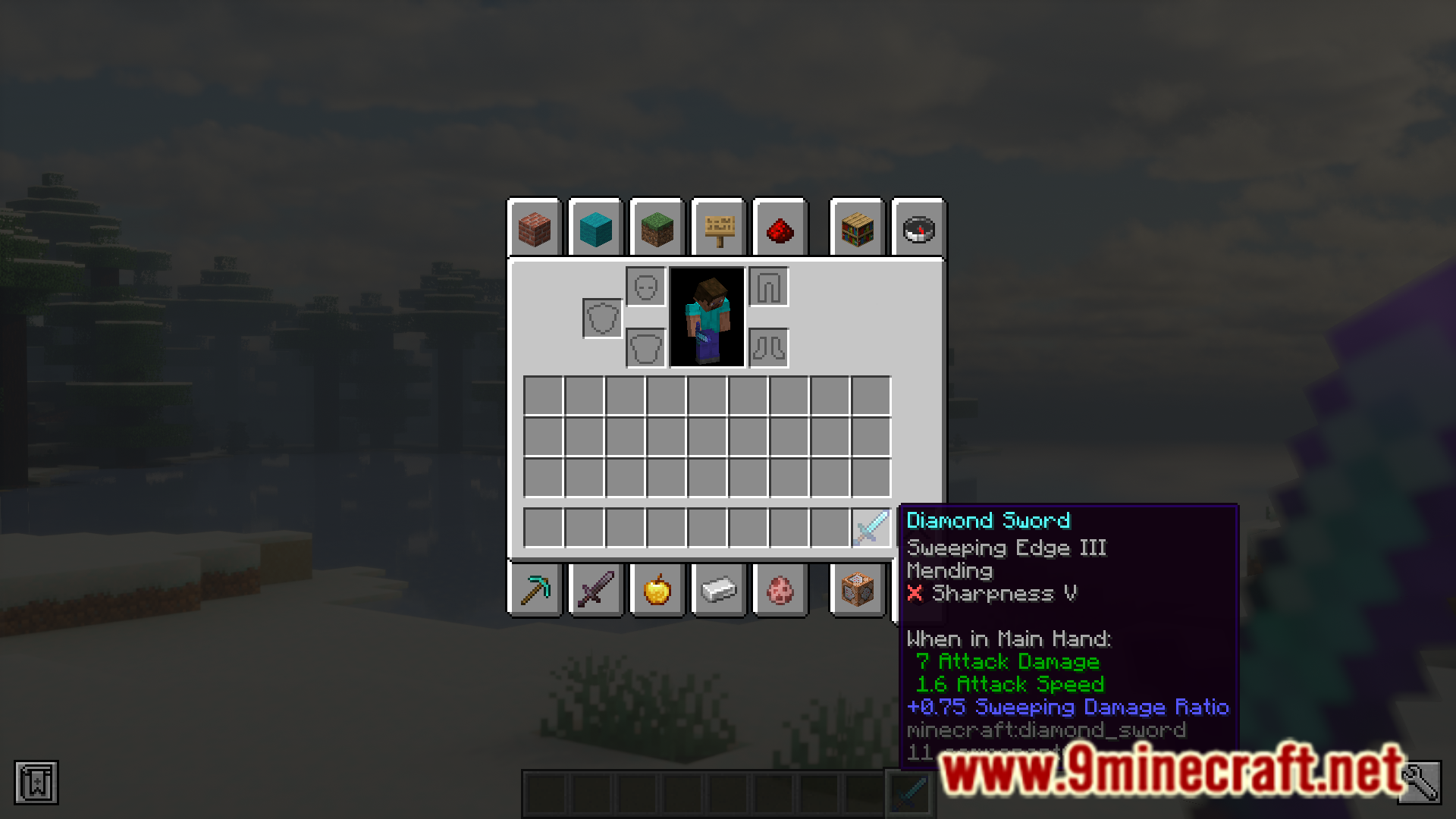
The enchantment's effects stop working, but the enchantment remains on the item. Toggled-off enchantments are marked in the item's tooltip so you can see which ones are disabled.
See all 10 Toggleable Enchantments questions ›
Gallery
7 images from the Toggleable Enchantments Mod page.

You May Also Like
Wikis that share the most with this one
Wikis on the same theme: enchant
More mod wikis on the site
The most downloaded mods that have a wiki here
A few wikis from each of the other kinds