

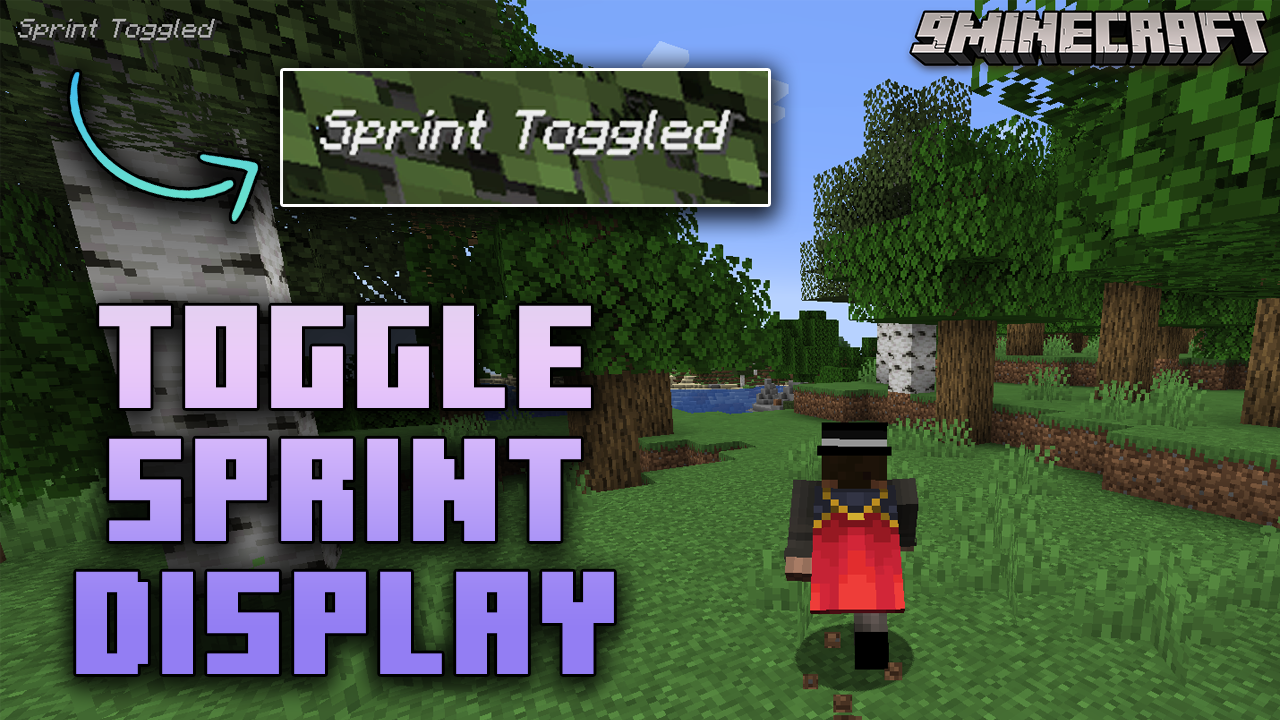
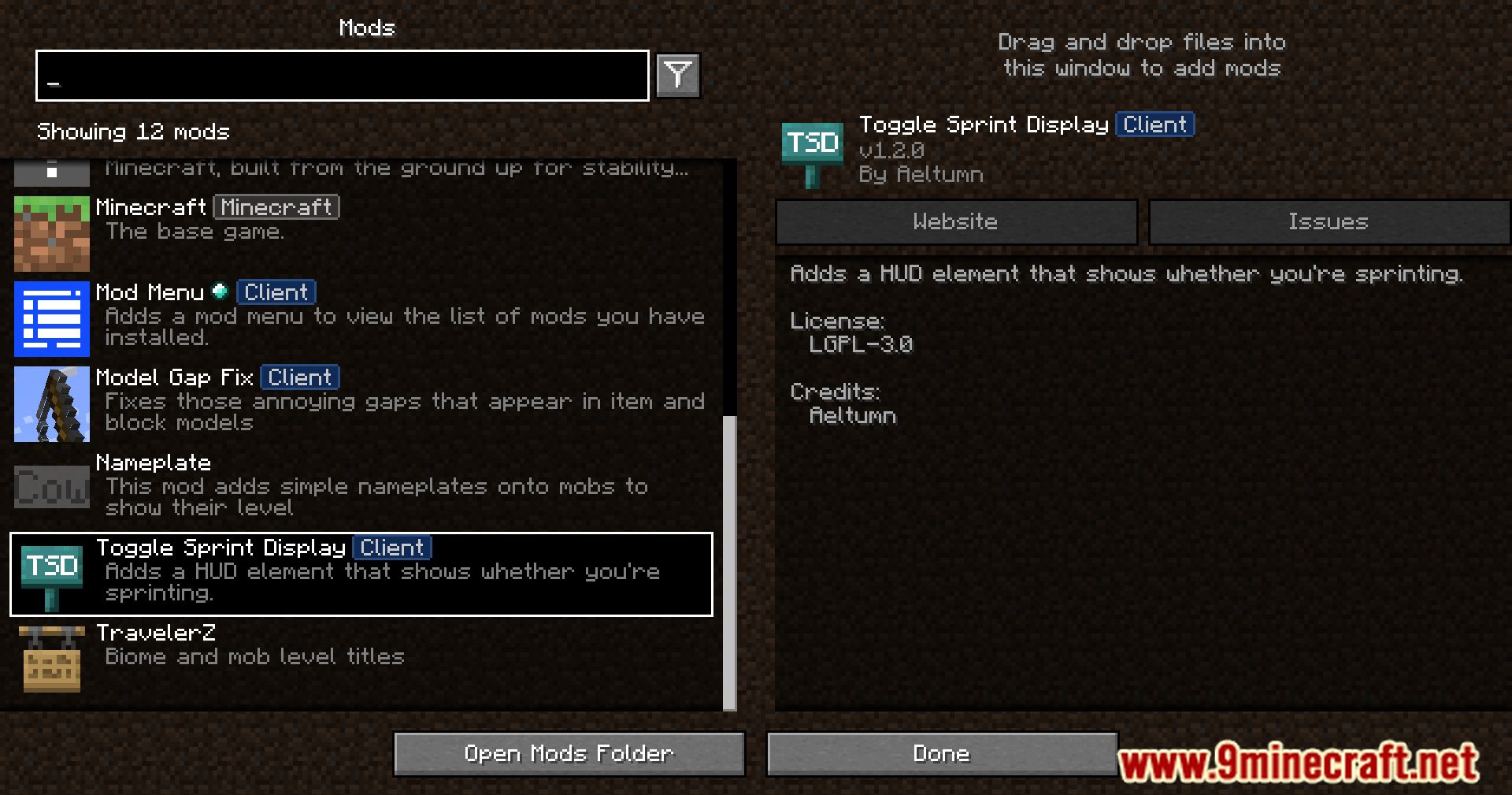
 DownloadToggle Sprint Display Mod
Get the files on 9Minecraft
Guides
Step-by-step, in-game.
Adjust the Size and Appearance of the Sprint Status TextCustomizing Display Appearance You can modify how the sprint indicator looks, including its size, color, and text…Customize the Position of the Sprint Indicator on Your ScreenRepositioning the HUD Display The sprint status indicator can be moved to different locations on your screen to suit…Enable and Disable the Sprint Status DisplayToggling the HUD Element The sprint status display can be turned on or off depending on your preference. Access the…Use the Sprint Display with Toggle Sprint ModeMonitoring Toggle Sprint Status When using toggle sprint mode, the display becomes especially valuable since sprint…
Frequently asked questions
How do I turn on the sprint status display?
Open your mod configuration menu (usually accessible from the main menu or in-game settings) and look for Toggle Sprint Display Mod settings. Enable the HUD element toggle to show the sprint status indicator on your screen.
Where does the sprint indicator appear by default?
The sprint status display appears in a default location on your screen, typically in a corner or edge area. You can reposition it using the mod's customization settings if you prefer it elsewhere.
Can I move the sprint display to a different part of my screen?
Yes, the mod includes position customization options in its config settings. You can adjust the horizontal and vertical placement to suit your preferred HUD layout.
How do I make the sprint text bigger or smaller?
Access the mod's appearance settings in your configuration menu, where you'll find options to adjust the size and scale of the sprint status text to your liking.
See all 10 Toggle Sprint Display questions ›
Gallery
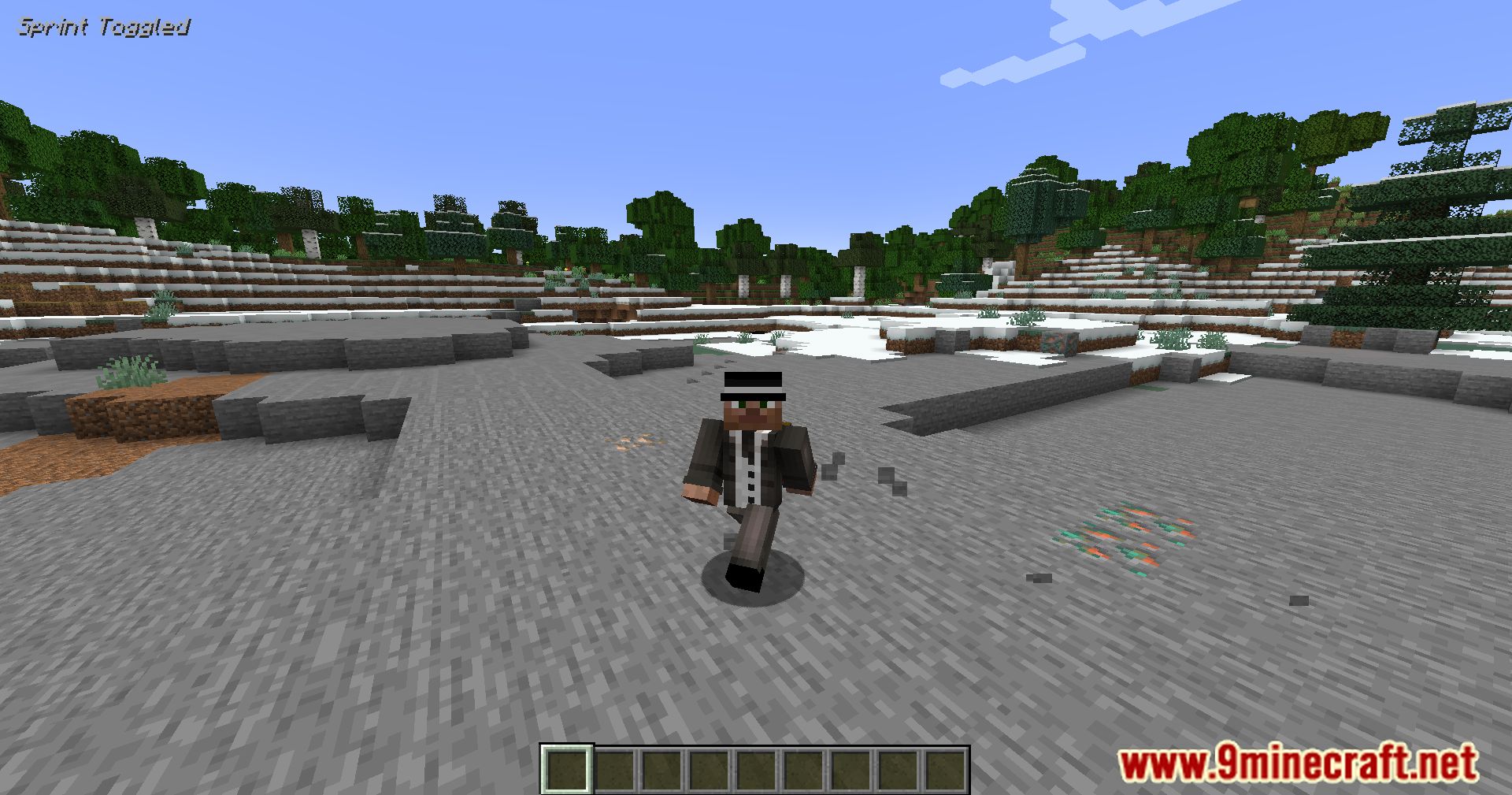
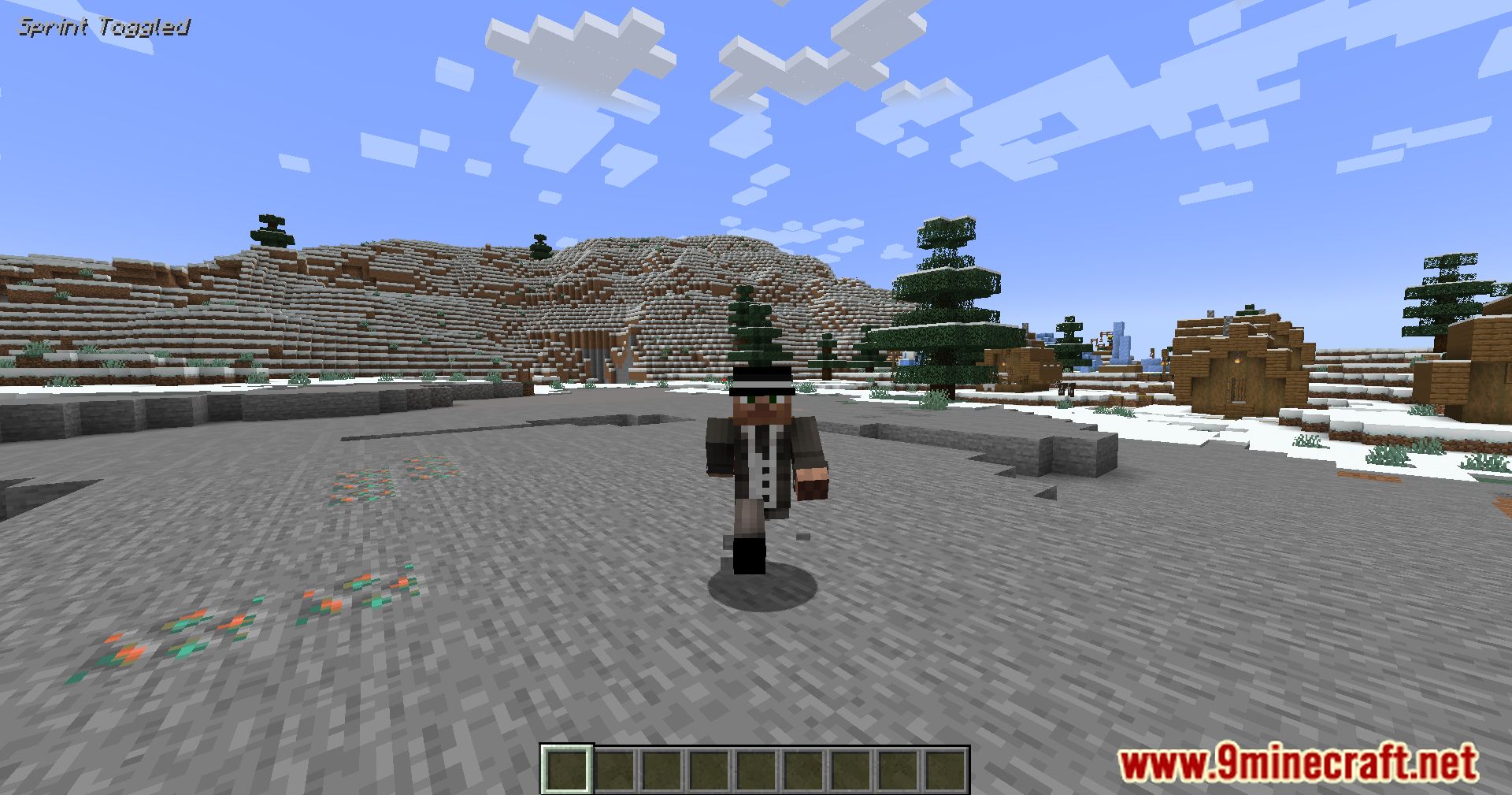
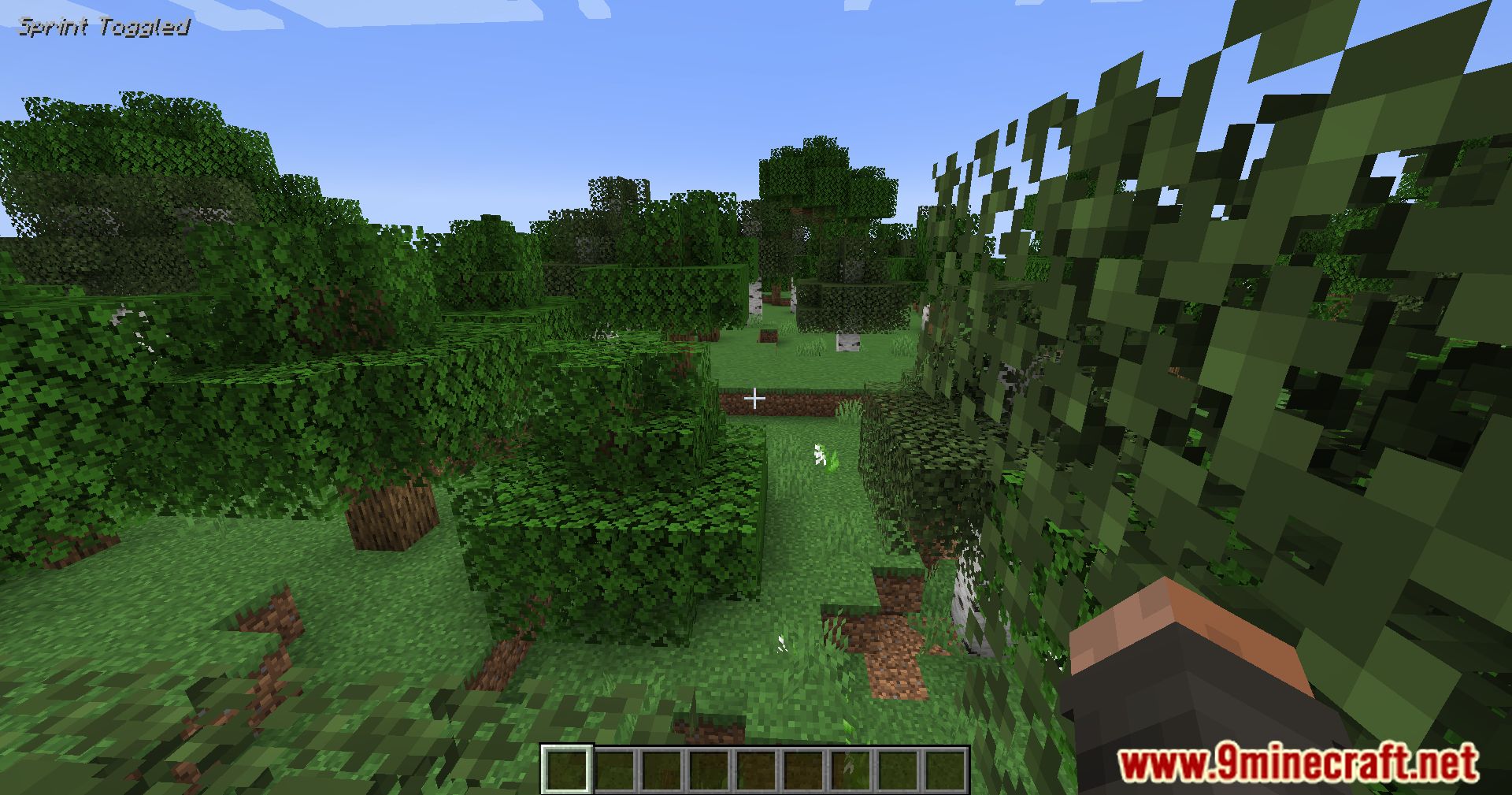
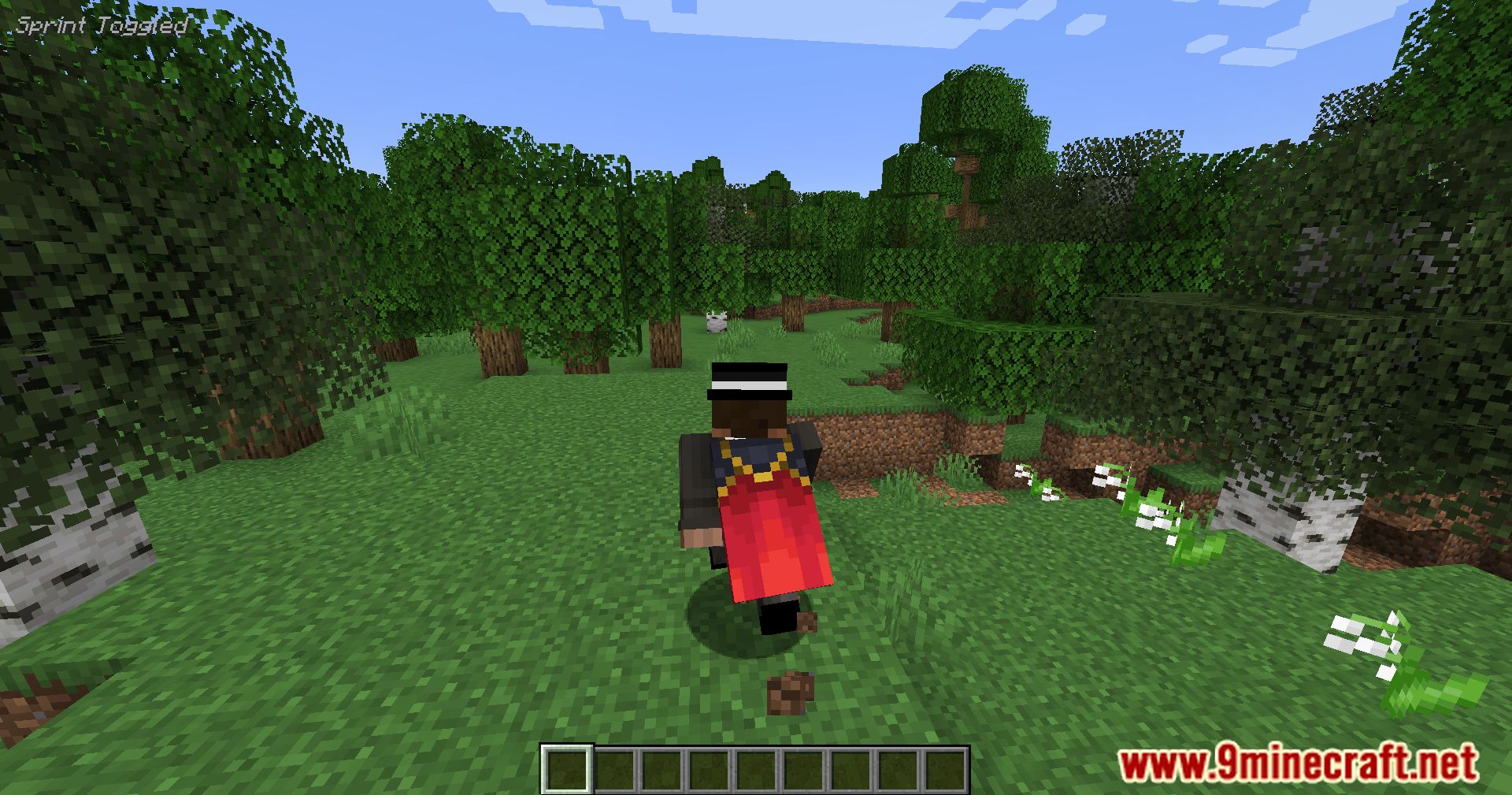
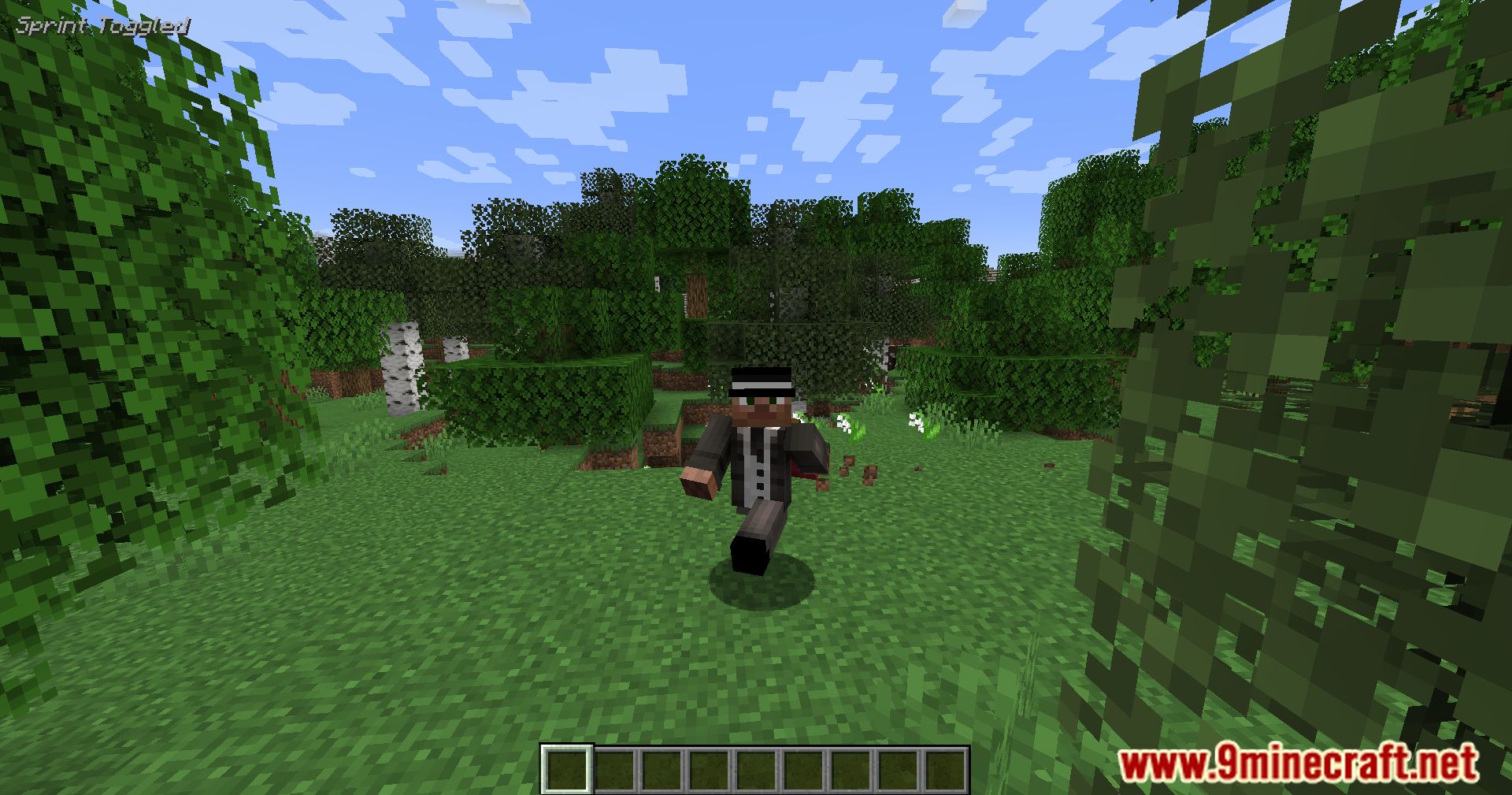
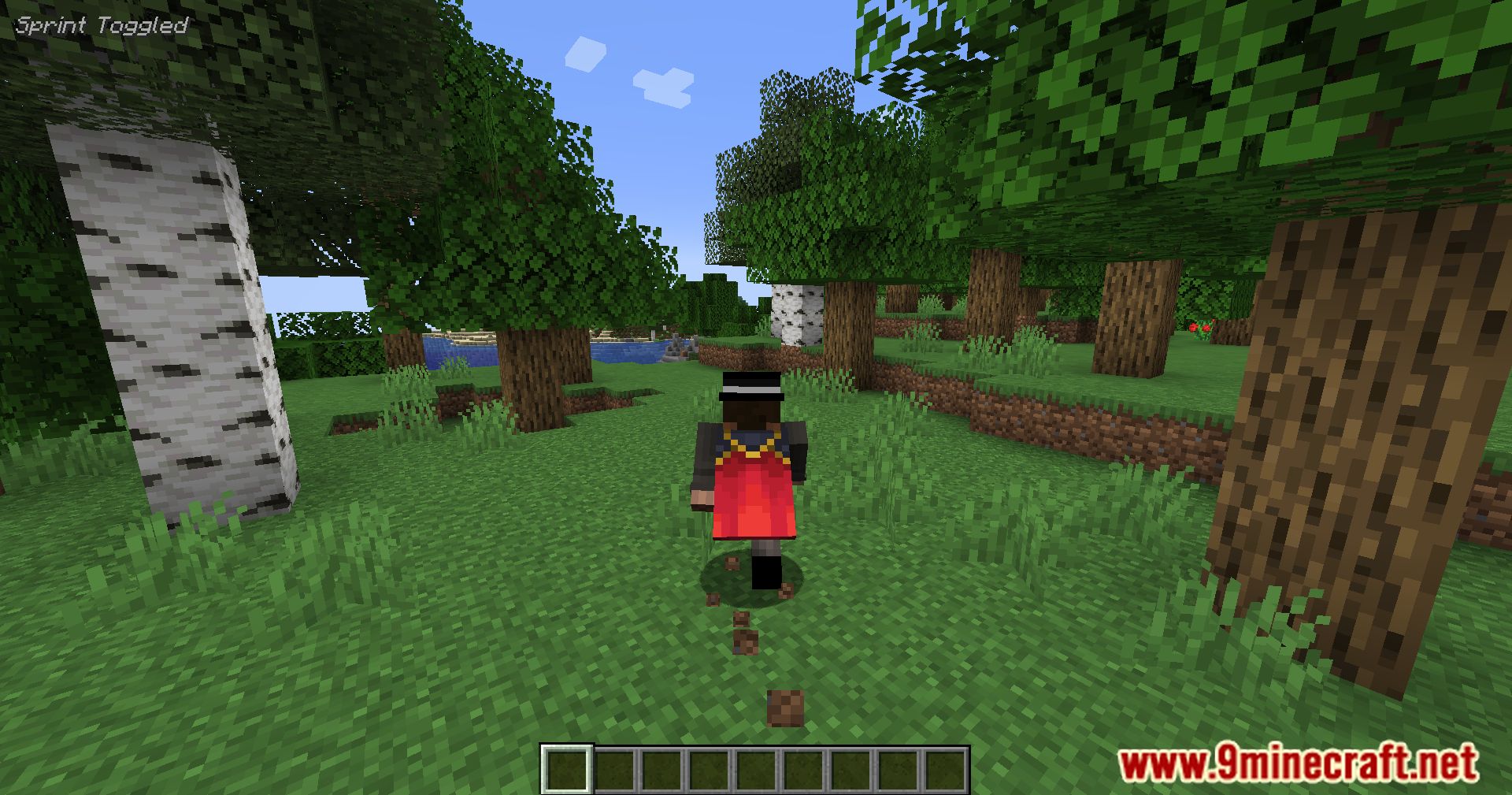
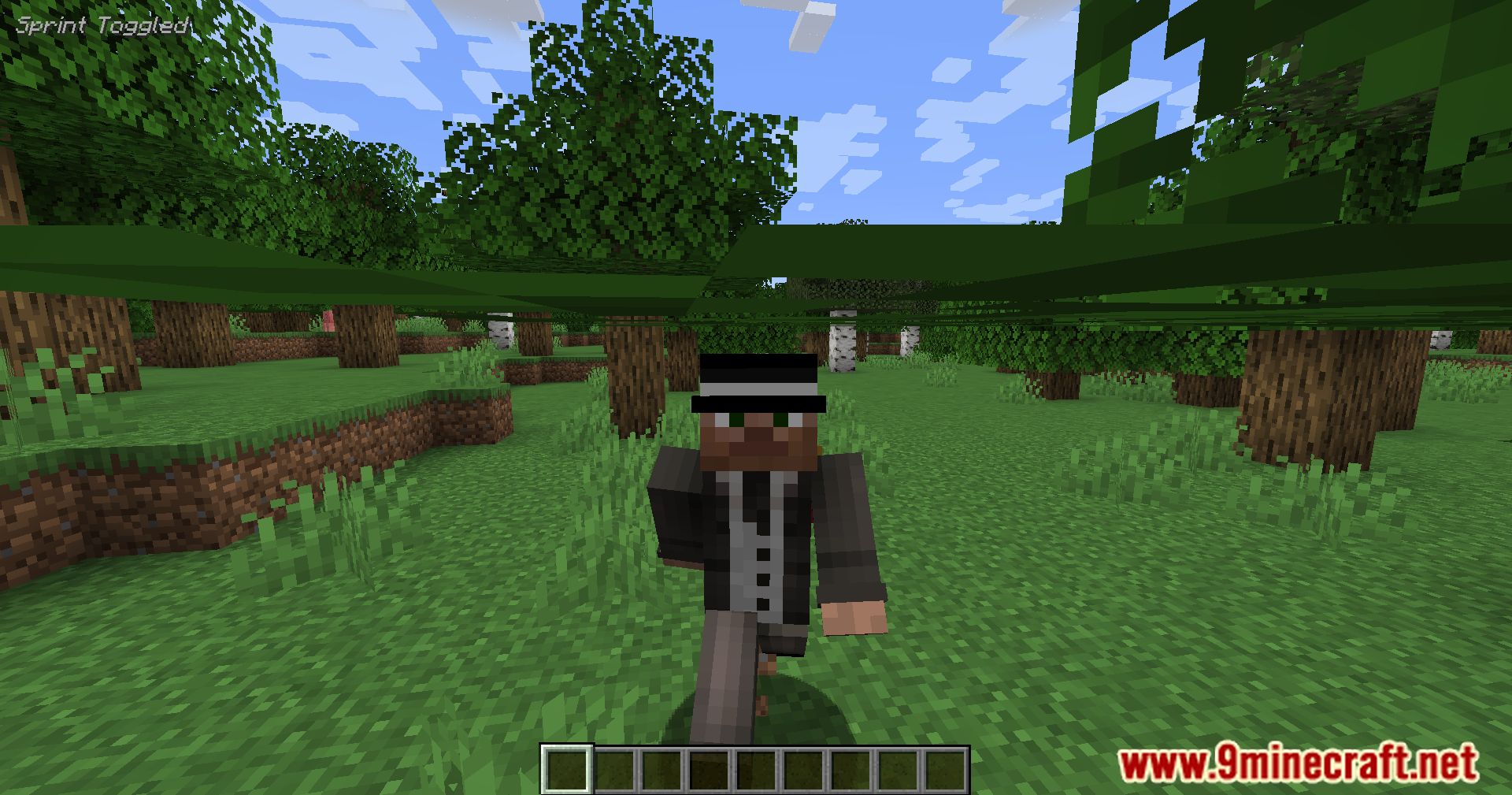
11 images from the Toggle Sprint Display Mod page.
You May Also Like
Wikis that share the most with this one
Wikis on the same theme: cat
More mod wikis on the site
The most downloaded mods that have a wiki here
A few wikis from each of the other kinds