

 DownloadReal Camera Mod
Get the files on 9Minecraft
Guides
Step-by-step, in-game.
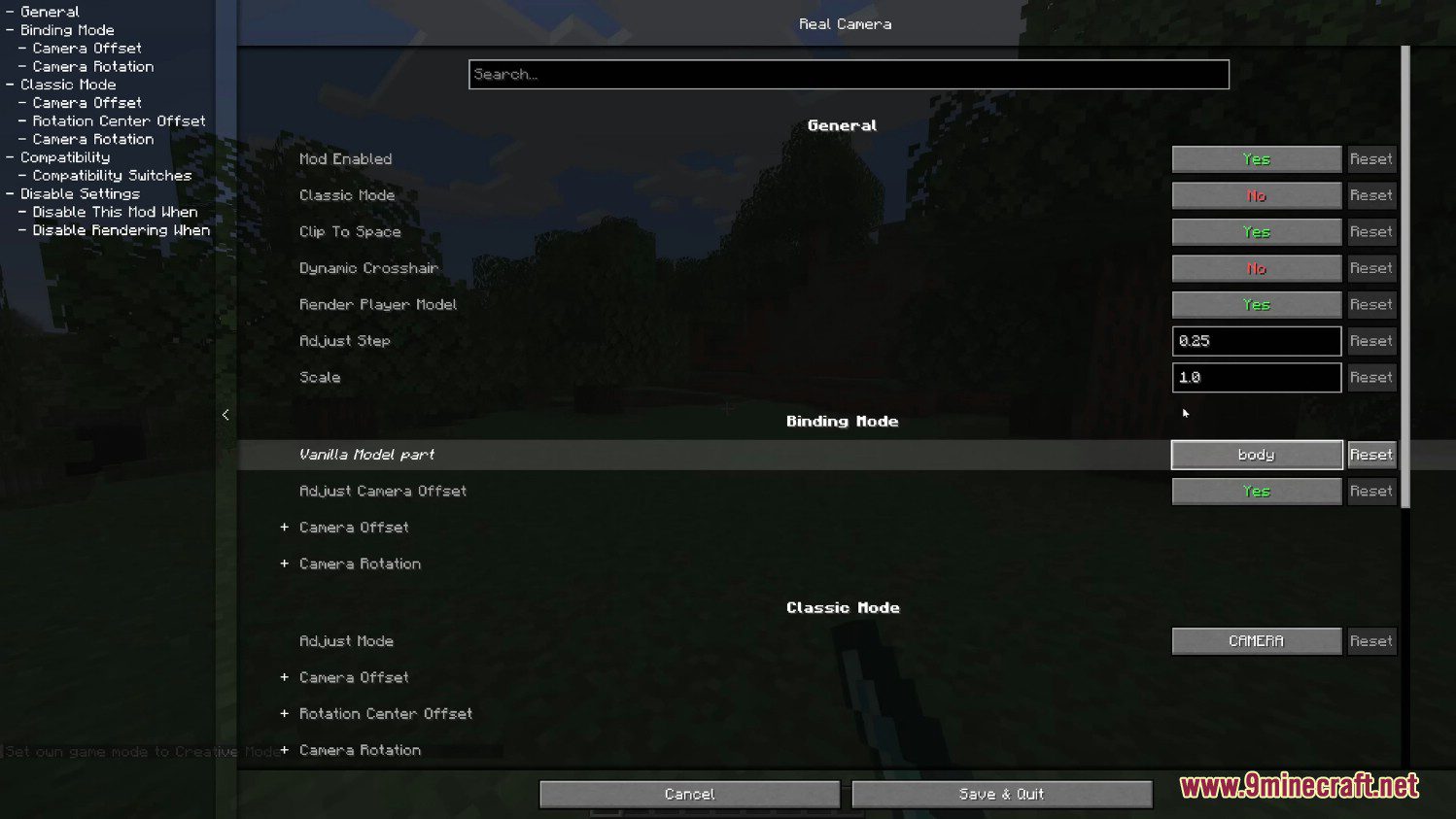
How to Enable and Configure the Realistic Camera in Real Camera ModFinding the Camera Settings Once the mod is installed, the realistic first-person camera is active by default, but…How to Fix Real Camera Mod Not Changing the ViewConfirm the Mod Is Active If the camera looks unchanged, first verify the mod loaded. Check your mod menu or the…How to Make the Camera Feel More Cinematic for RecordingSetting Up a Cinematic Look Real Camera Mod is popular for footage because it adds weight to the first-person view.…How to Reduce Motion Sickness While Using Real Camera ModWhy the Camera Feels Intense The mod adds realistic head movement, which can trigger motion sickness in some players.…
Frequently asked questions
How do I turn on the realistic camera in Real Camera Mod?
Why is my camera not changing even though the mod is installed?
What does the camera smoothing / inertia setting actually do?
How do I stop the camera from making me motion sick?
Lower or disable the smoothing, inertia, and head-bob style effects in the config, and reduce the field-of-view change or roll options. Turning off  camera roll and any sway while walking usually helps the most.
See all 10 Real Camera questions ›
Gallery
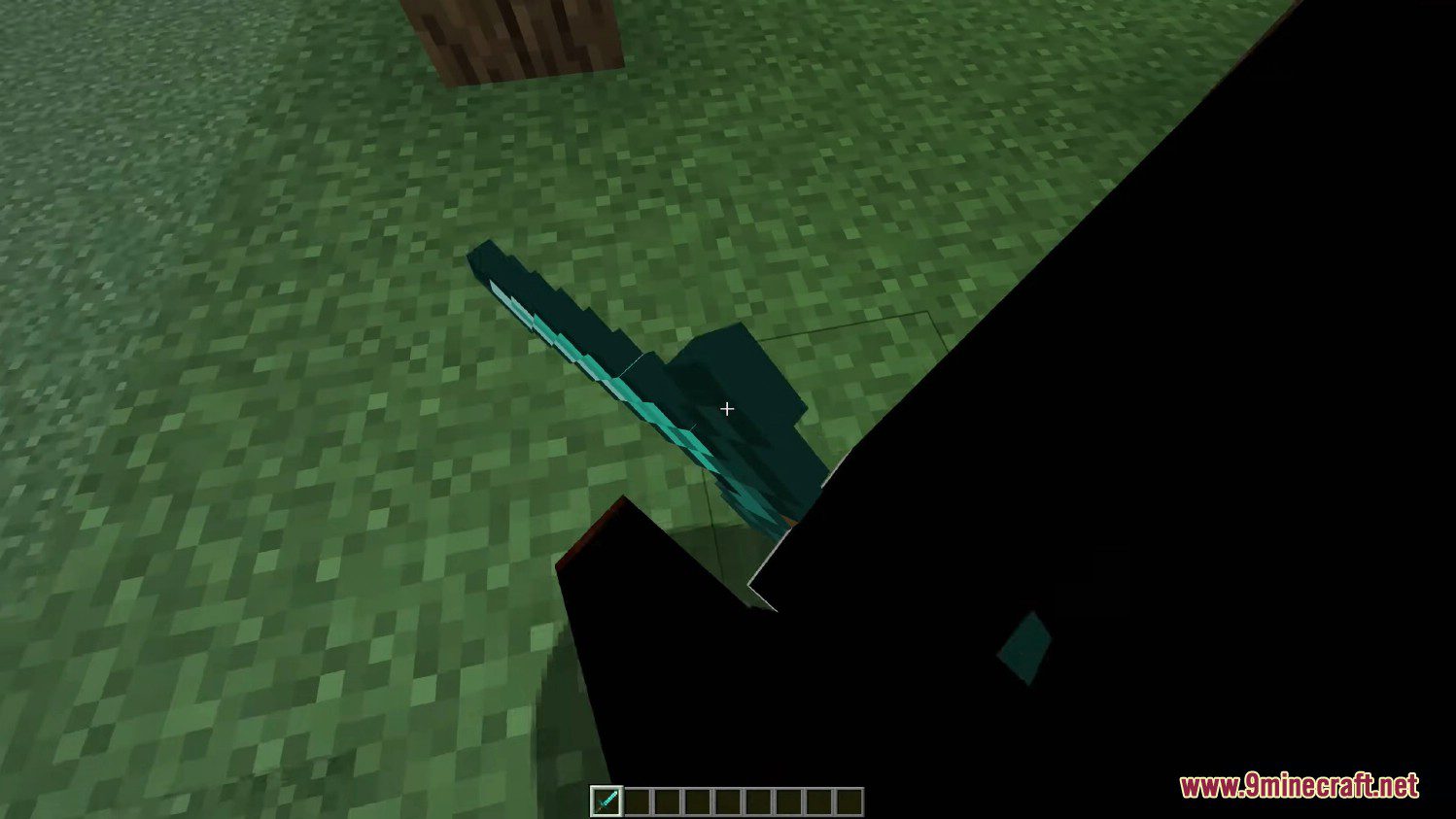
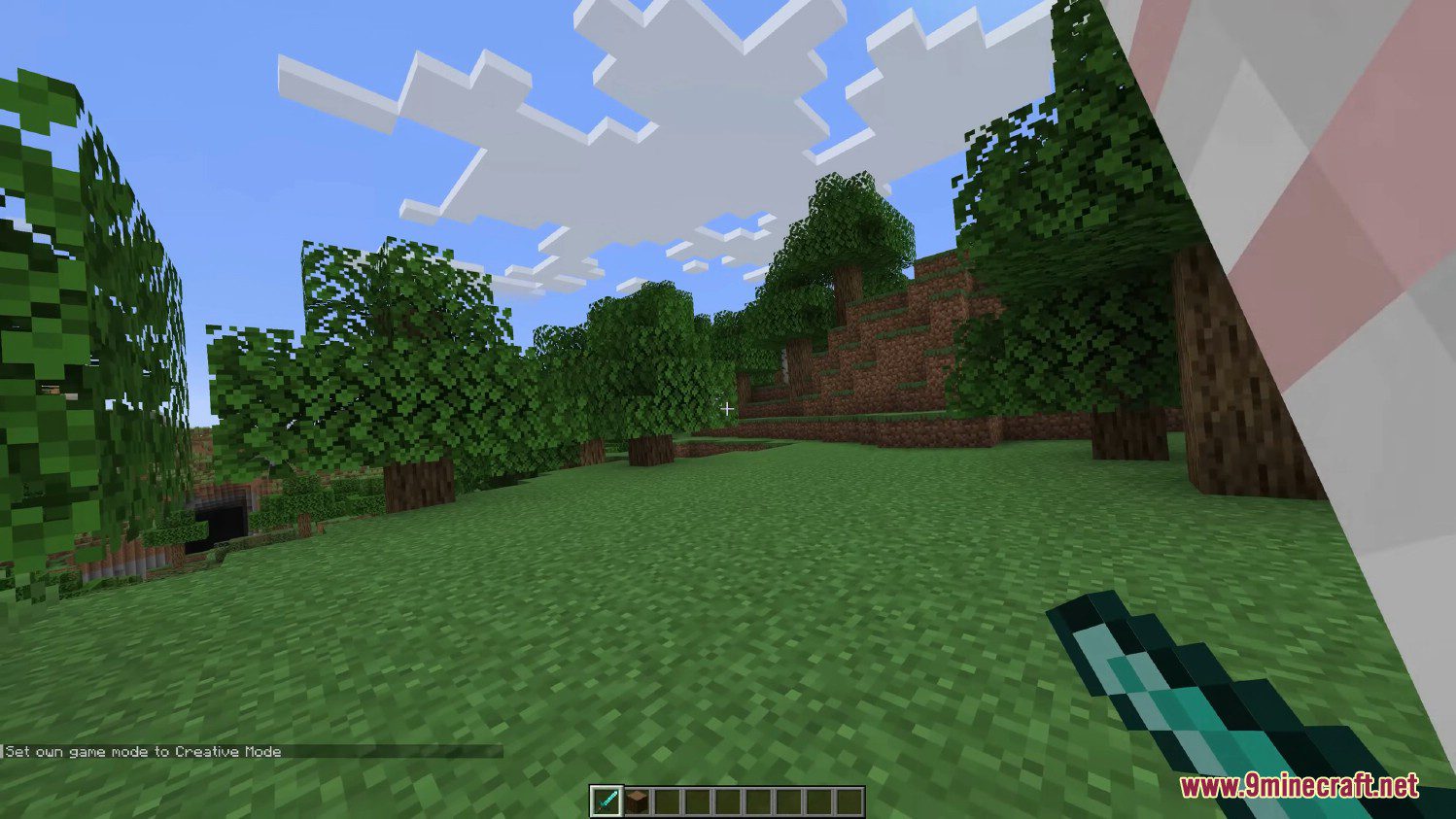
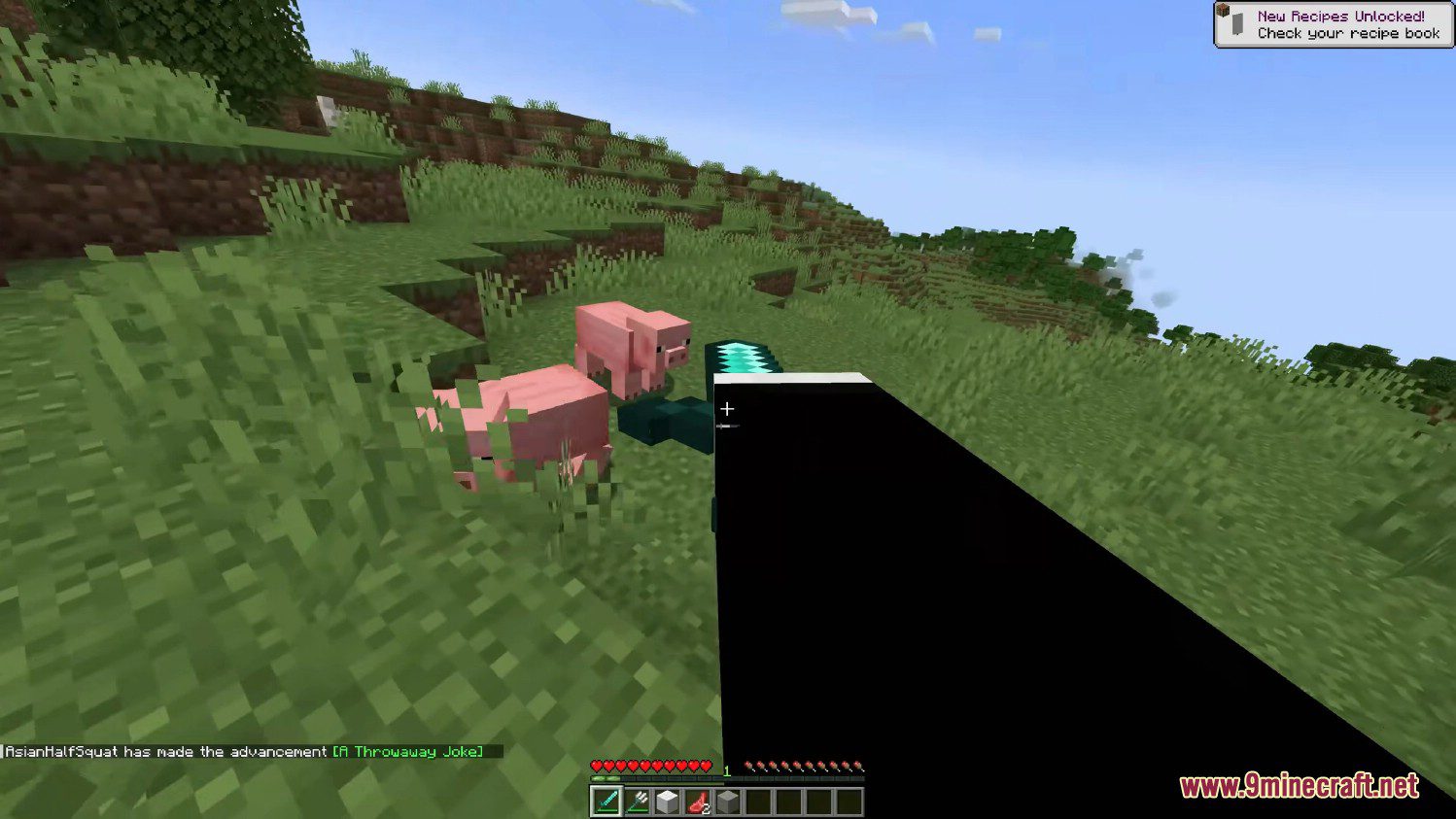
5 images from the Real Camera Mod page.
You May Also Like
Wikis that share the most with this one
More mod wikis on the site
The most downloaded mods that have a wiki here
A few wikis from each of the other kinds