

 DownloadModify Camera Collision Mod
Get the files on 9Minecraft
Guides
Step-by-step, in-game.
Customize Camera Behavior for Transparent BlocksWhy Transparent Blocks Matter Glass, leaves, and similar see-through blocks create an awkward third-person experience…Make Your Camera Pass Through Specific BlocksUnderstanding Camera Collision By default, many solid blocks will push your third-person camera away when you stand…Prevent Your Camera From Clipping Into BlocksAdding Blocks to Camera Collision Some blocks may not push your camera by default, but you want them to. This mod…Reset Camera Collision to Default SettingsRestoring Original Behavior If your configuration changes caused problems or you want to start fresh, you can reset…
Frequently asked questions
How do I start customizing camera collision?
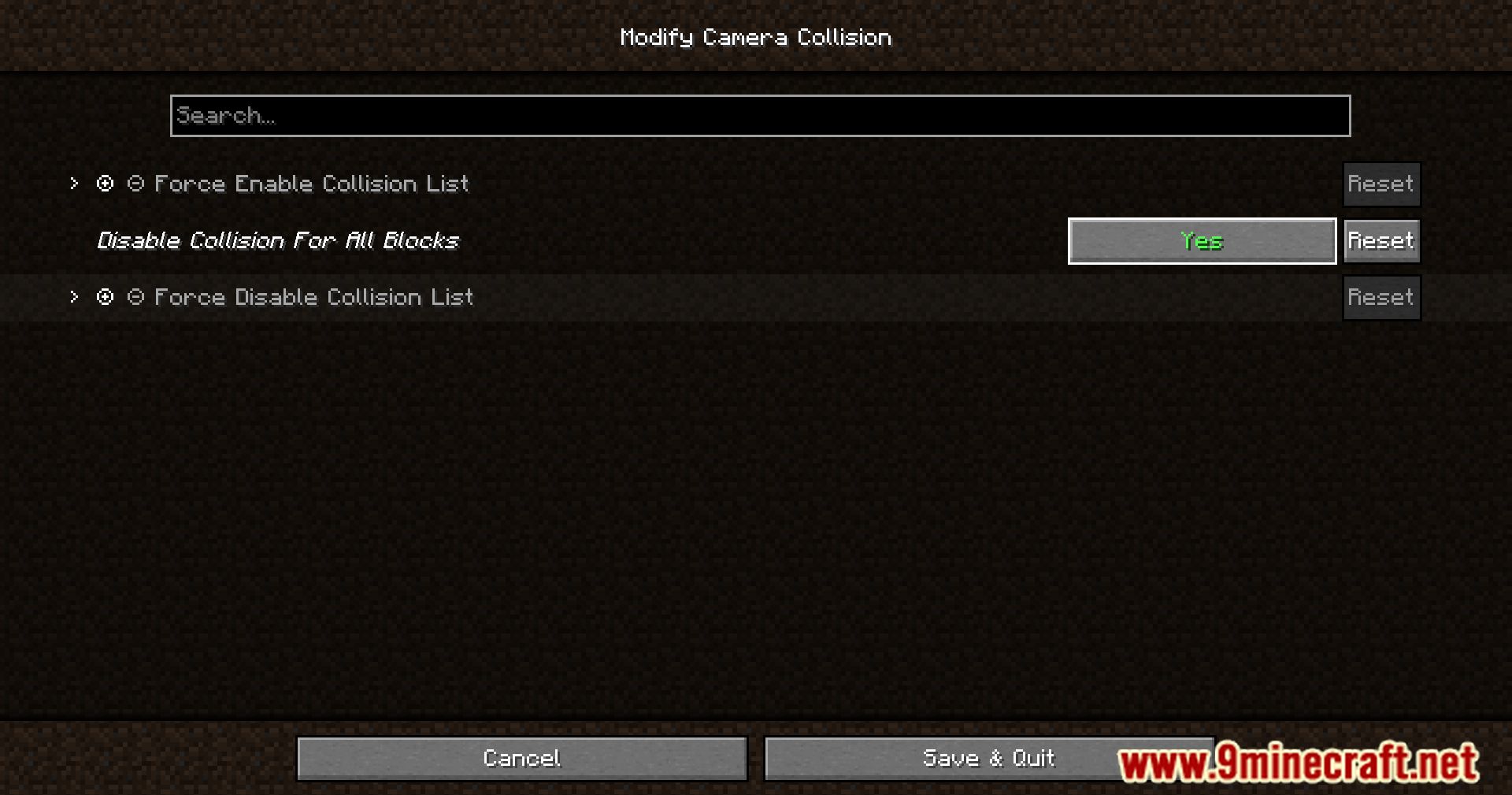
Open your mod configuration file or access the mod settings menu in-game. You'll see a list of blocks with toggle options—enable or disable camera collision for each block individually.
Why does my camera clip into some blocks but not others?
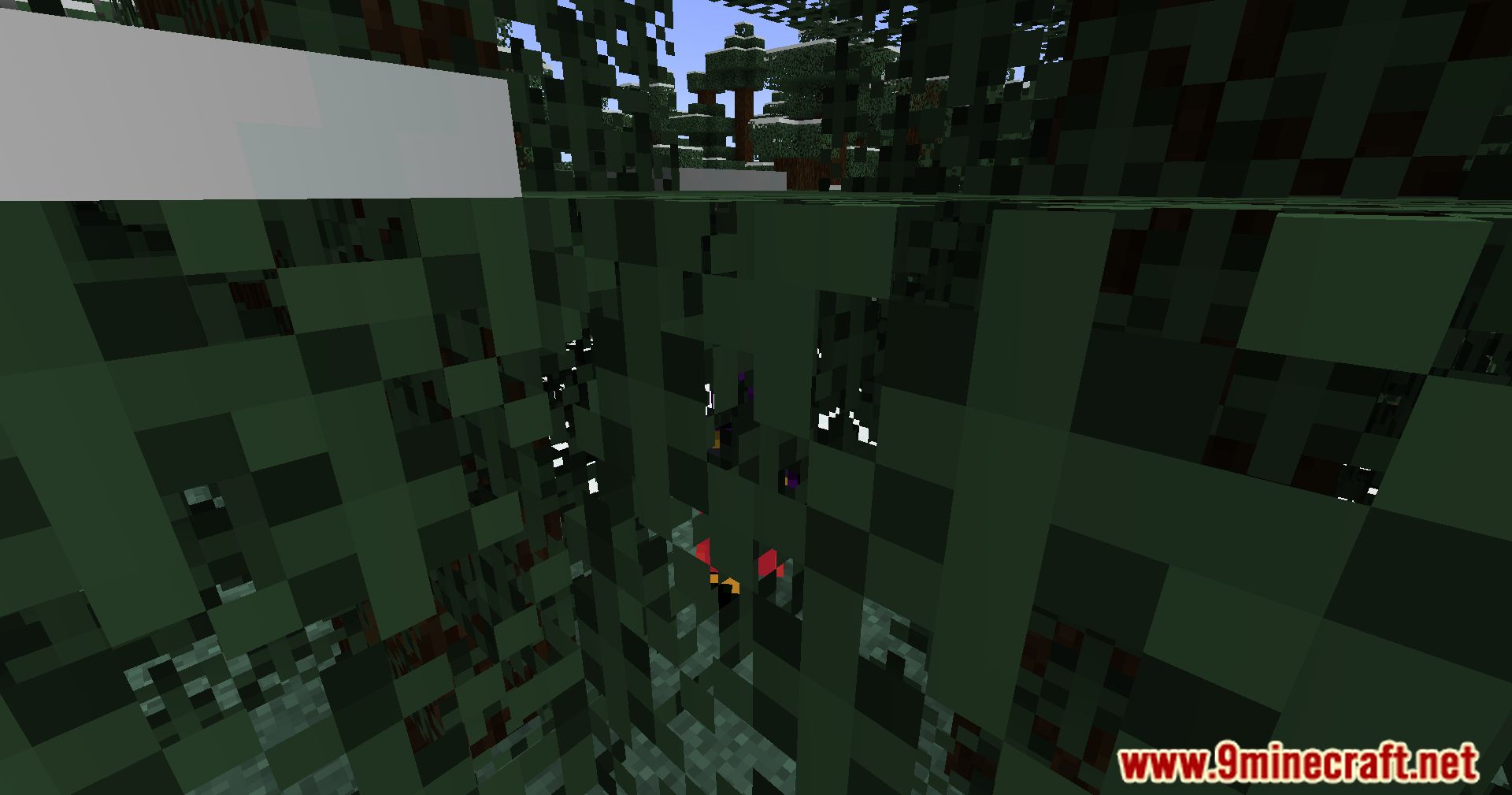
By default, solid blocks like stone and dirt squeeze your camera, while transparent blocks like glass don't. This mod lets you flip those rules for any block you want.
Can I make glass squeeze my camera like solid blocks do?
Yes—find Glass in your mod config and enable camera collision for it. Your camera will now be pushed away from glass blocks in third-person view.
How do I let my camera pass through a solid block?
Locate the block in your mod settings and disable camera collision for it. Your camera will now phase through that block instead of being pushed away.
See all 10 Modify Camera Collision questions ›
Gallery
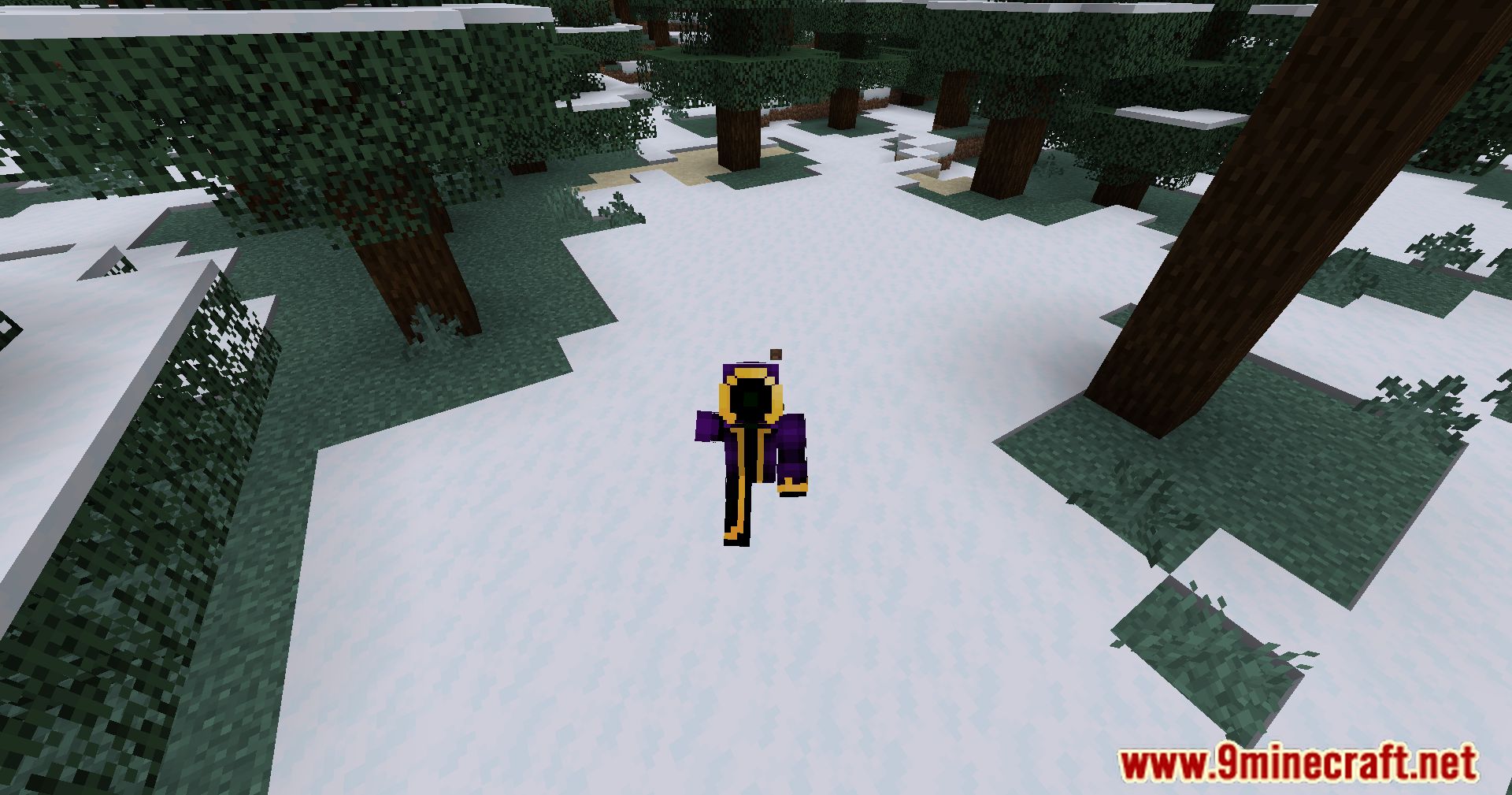
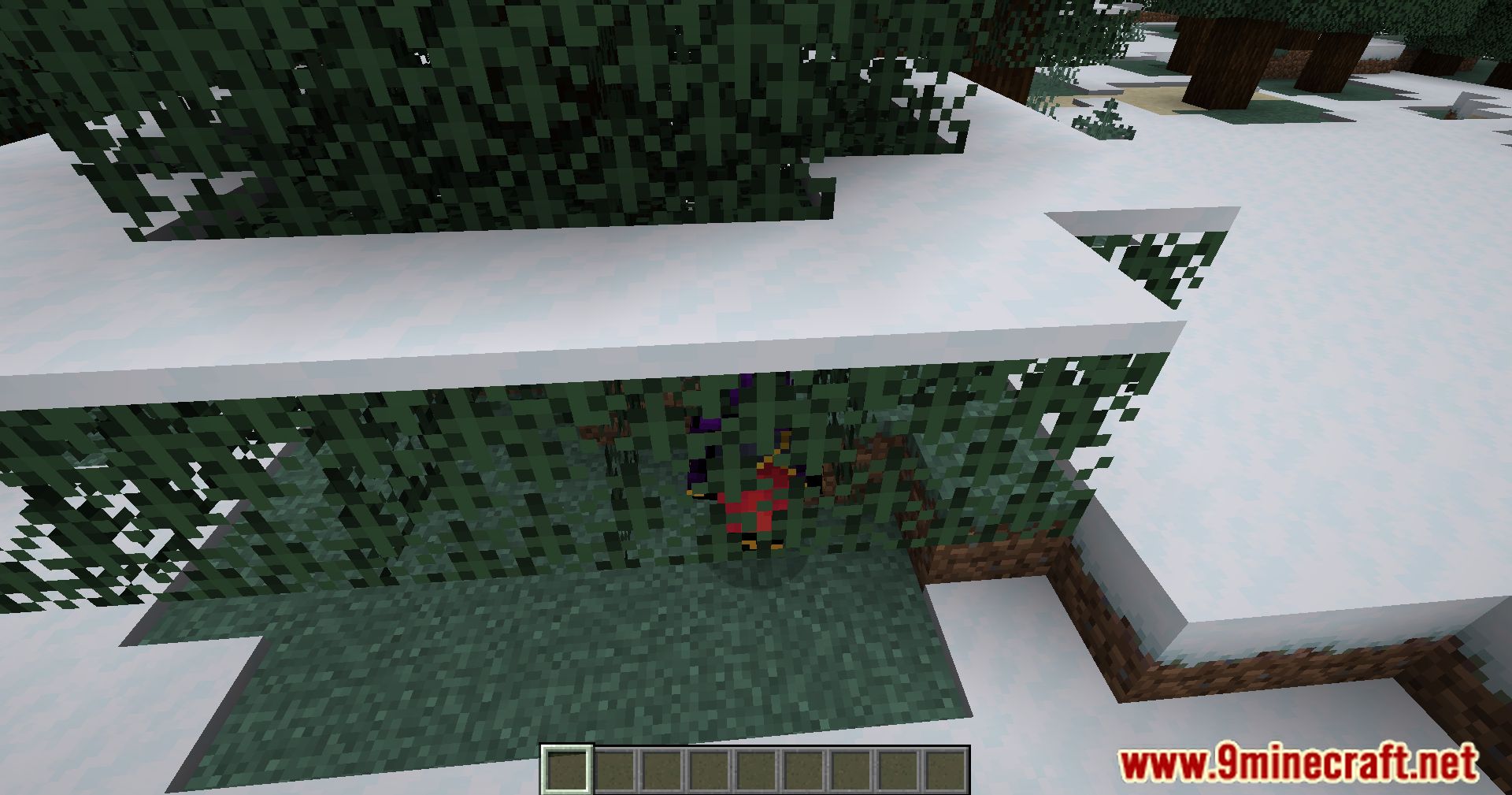
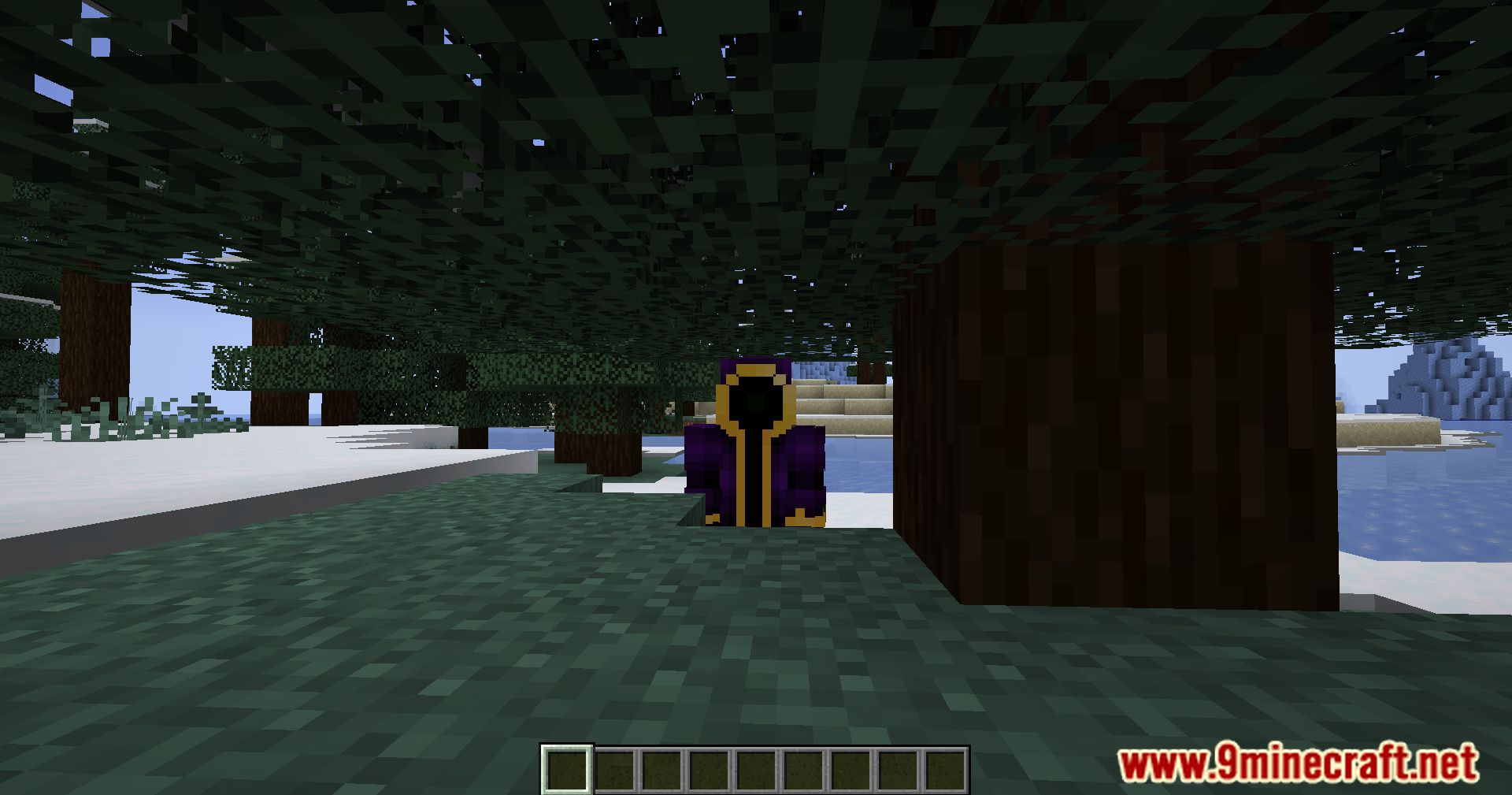
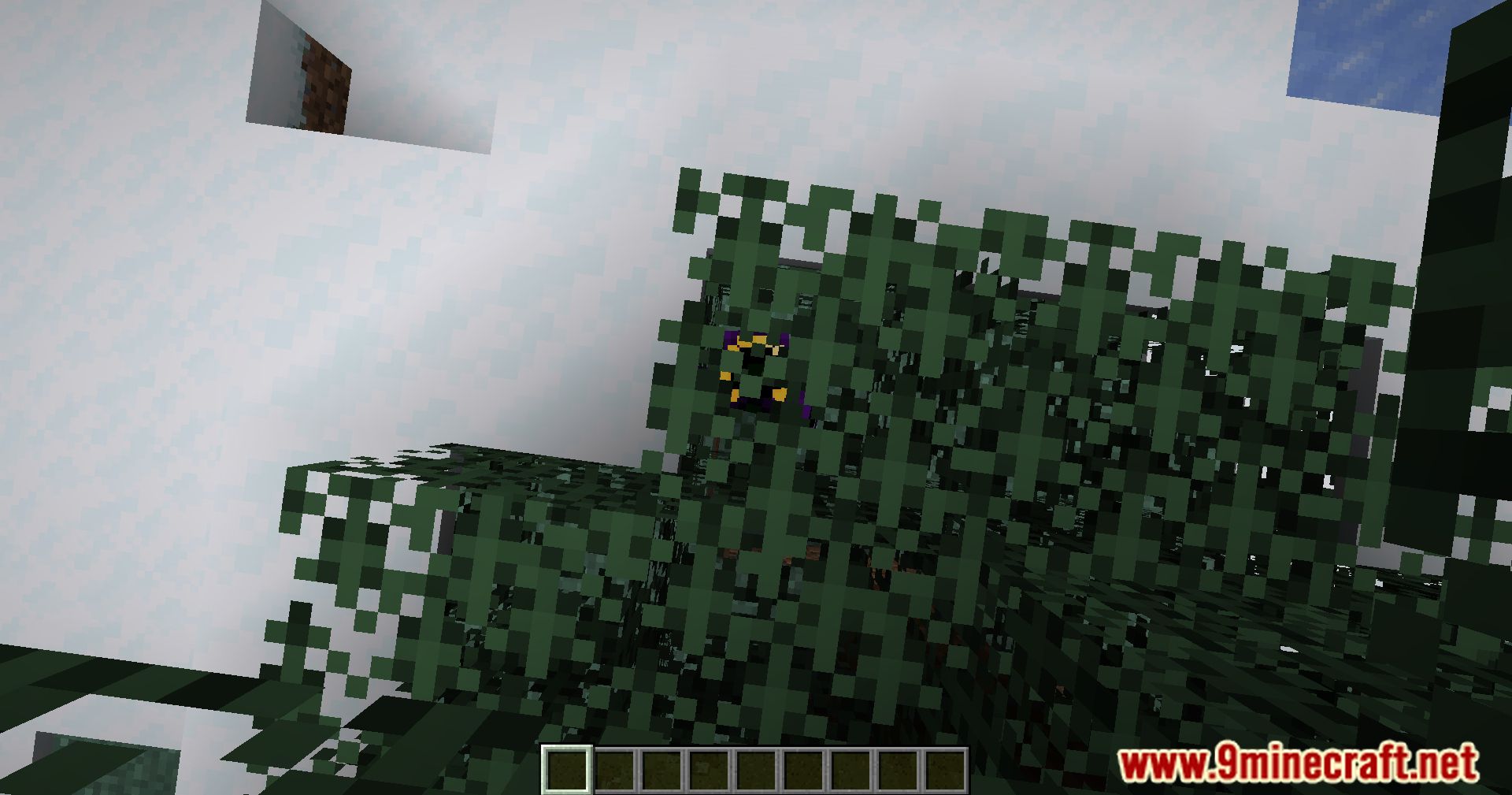
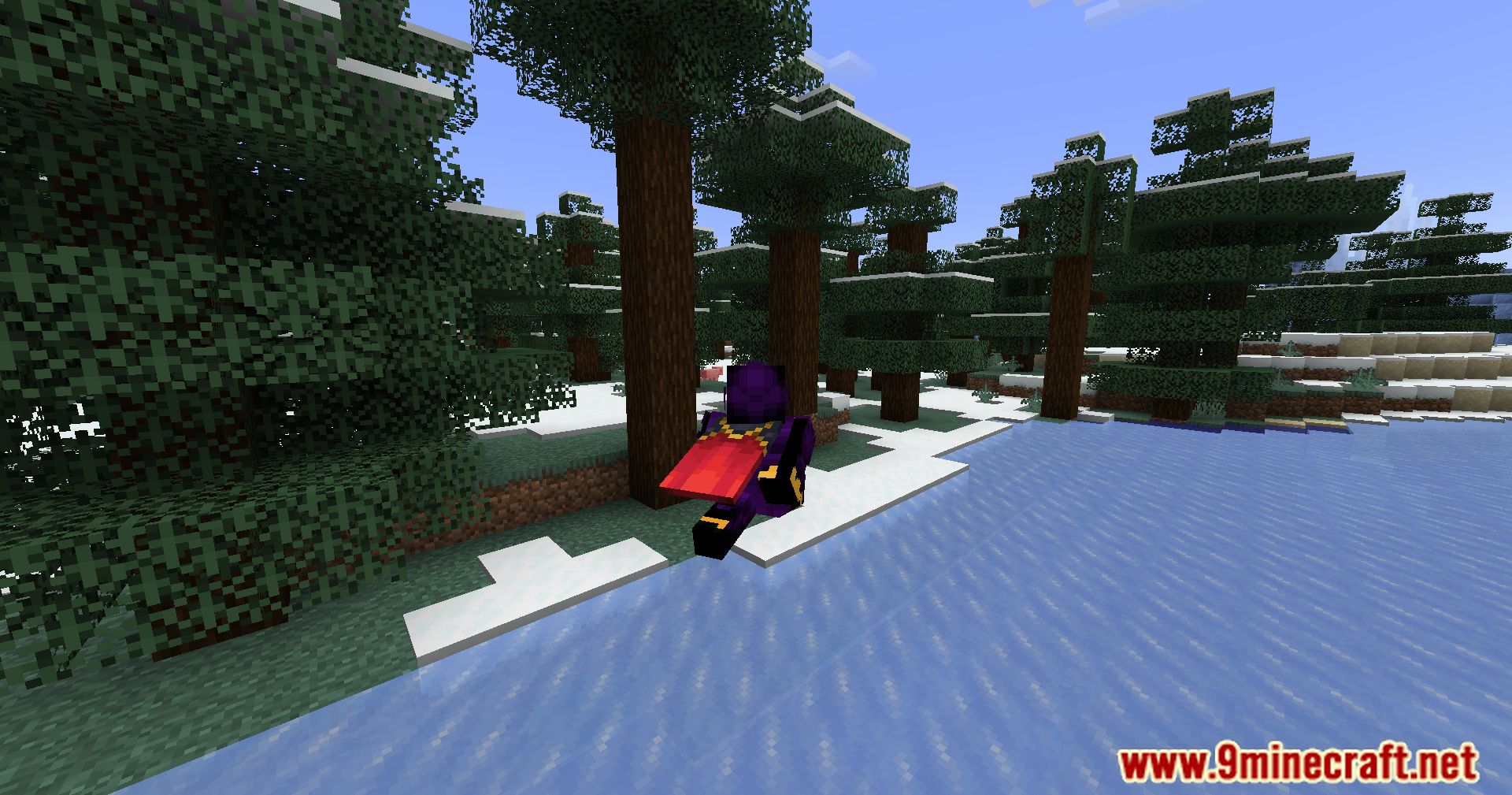
12 images from the Modify Camera Collision Mod page.
You May Also Like
Wikis that share the most with this one
More mod wikis on the site
The most downloaded mods that have a wiki here
A few wikis from each of the other kinds