

 DownloadCamera Overhaul by Mirsario Mod
Get the files on 9Minecraft
Guides
Step-by-step, in-game.
Flip or Invert Camera Effects With Negative ValuesIf the camera leans the opposite way from what feels natural, you can reverse an effect rather than only weakening…Reduce Camera Tilt and Sway if the Mod Makes You DizzyCamera Overhaul moves your view a lot by default. If it feels nauseating, lower the effects one at a time instead of…Reset or Hand-Edit Camera Overhaul Settings in the Config FileWhen the in-game menu is unavailable or you want to share your setup, you can work with the config file directly.…Tone Down Explosion Shake and Idle SwayTwo effects in Camera Overhaul have nothing to do with your walking. These are the screen shake from a nearby creeper…
Frequently asked questions
How do I change Camera Overhaul settings in-game?
Open the mod's in-game settings menu and adjust the slider or value for each effect (tilt, jump pitch, explosion shake, idle sway). Changes apply right away, so you can test them by walking around.
Camera Overhaul makes me dizzy or motion sick. What should I turn down first?
Lower the side-to-side tilt (strafing and turning roll) first, since it's the most noticeable effect, then the idle sway. If it's still too much, reduce the jump and forward/back pitch effects, or set them to zero to disable them.
How do I turn off just one effect without removing the mod?
Set that effect's strength to 0 in the settings menu or in cameraoverhaul.toml. The other effects keep working normally.
Can I use negative values in the settings?
Yes. A negative strength flips that effect, so the camera tilts or pitches the opposite way. This is useful if the default direction feels wrong to you.
See all 10 Camera Overhaul by Mirsario questions ›
Gallery
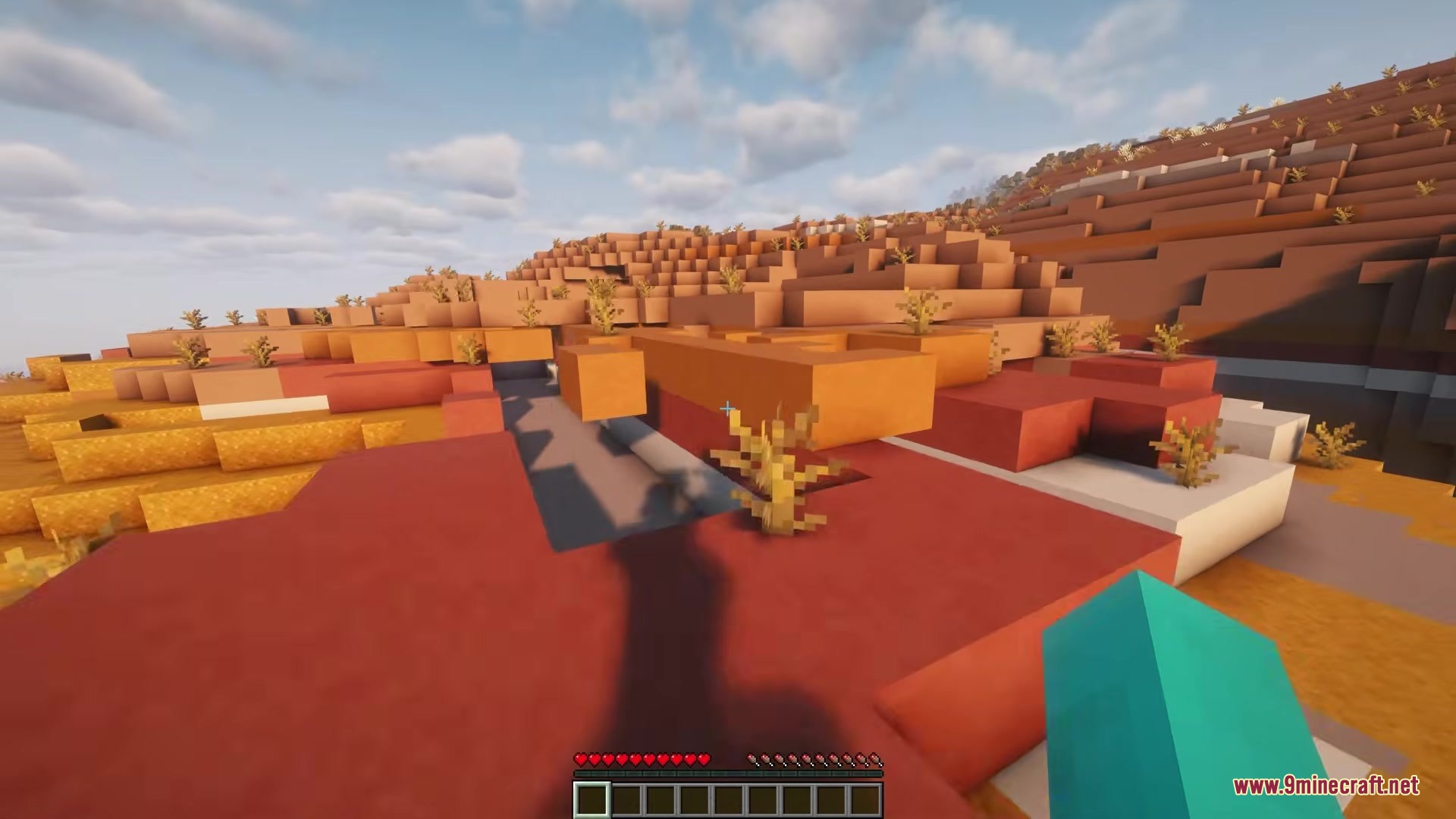
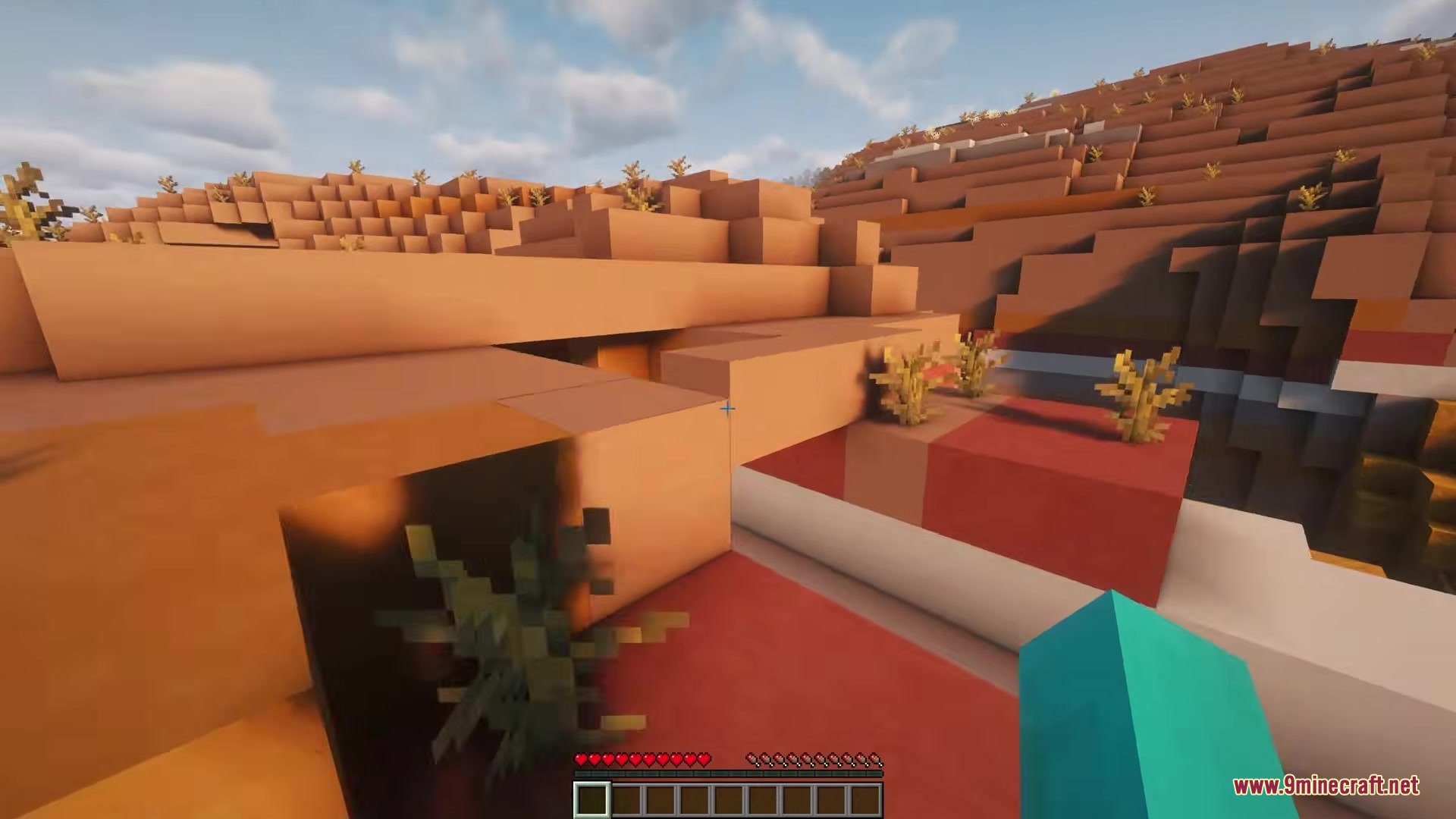
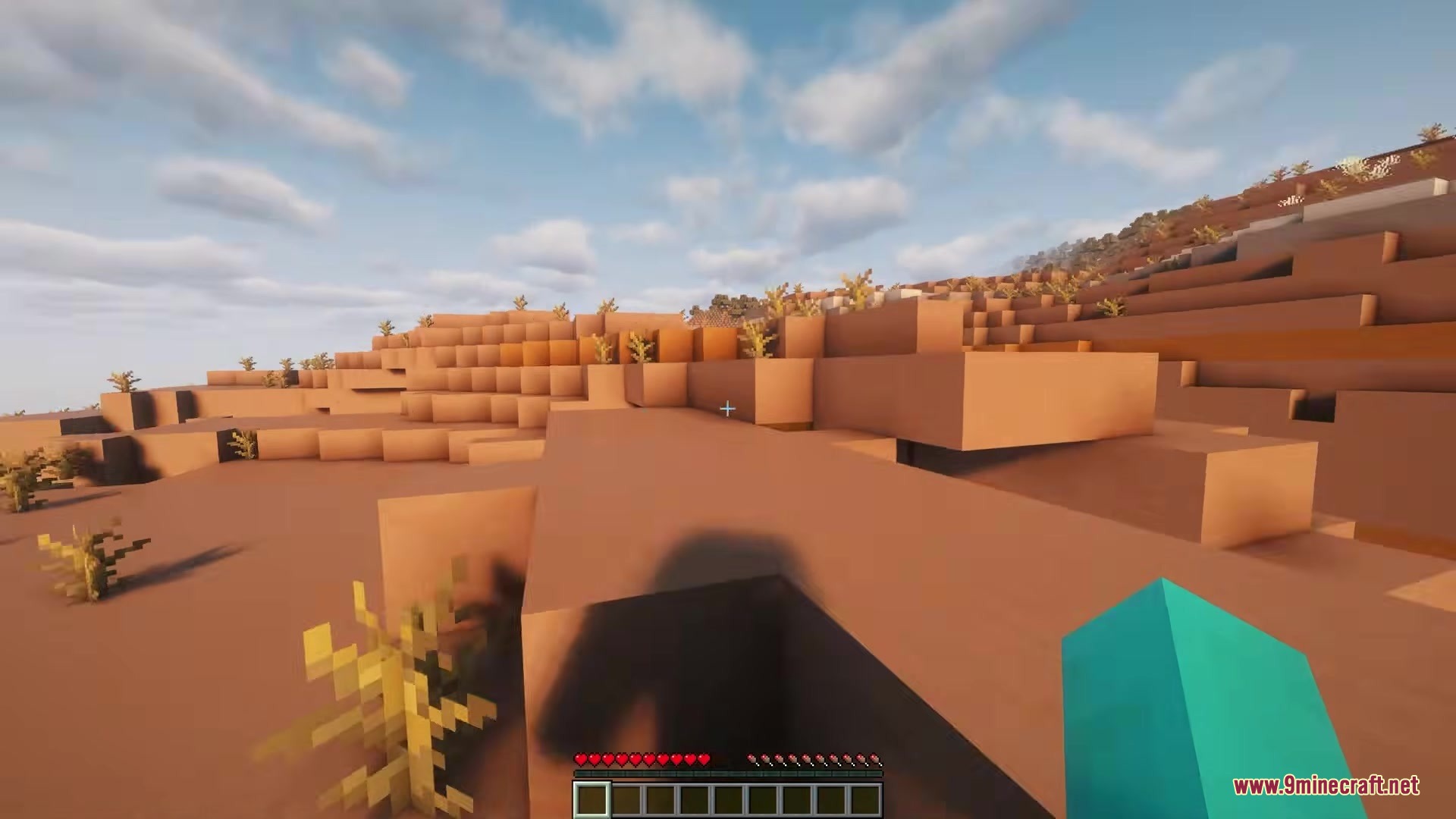
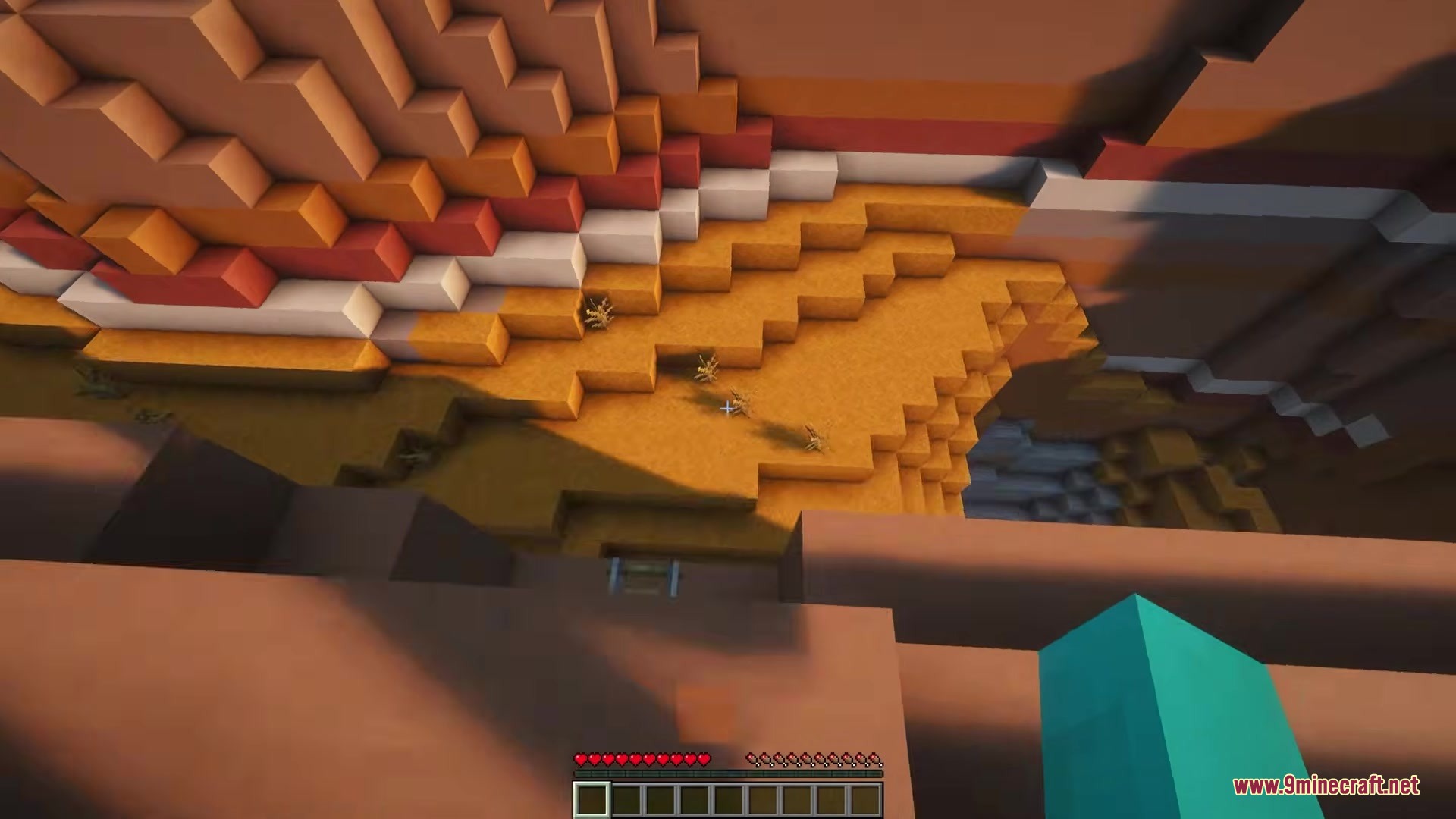
8 images from the Camera Overhaul By Mirsario Mod page.
You May Also Like
Wikis that share the most with this one
More mod wikis on the site
The most downloaded mods that have a wiki here
A few wikis from each of the other kinds