

 DownloadTolaserblade
Get the files on 9Minecraft
Guides
Step-by-step, in-game.
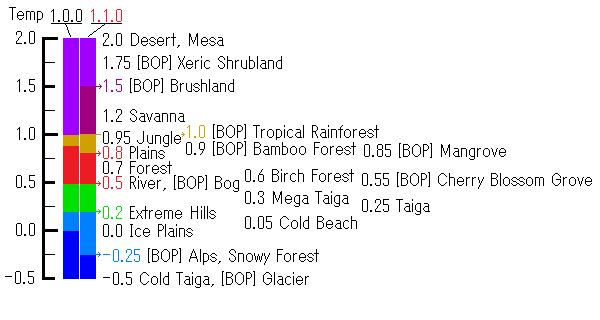
Change Your Laser Blade ColorHow Blade Color Works Your Laser Blade 's color is determined by the biome's temperature where you are currently…Craft Your First Laser BladeGathering Materials Before you can wield a laser blade , you'll need to gather the required crafting materials. Check…Upgrade Your Laser Blade to Higher ClassesUnderstanding Blade Classes The Laser Blade has four upgrade tiers: Class 1, Class 2, Class 3, and Class 4. Each tier…Use Redstone Torches to Repair DurabilityThe Redstone Torch Repair System Unlike most swords, the Laser Blade has a unique durability recovery mechanic using…
Recipes
Every recipe the mod adds, grouped by how it is made.
Items
 Laser Blade
 Laser Blade Casing (Lb)
 Laser Blade Casing (Lb Fp)
 Laser Blade Emitter
 Laser Medium
 LB Energy Cell
Enchantments
Enchantments this mod adds.
Laser BladeIncreases attack damage and attack speed of the weapon.
Light ElementIncreases damage against undead mobs and illagers.
Repulsive ForceAllows Laser Blades to block attacks and increases knockback strength at higher levels.
Frequently asked questions
How do I craft the basic Laser Blade?
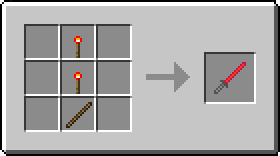
Check the Crafting Recipes section on the wiki for the exact recipe. Once crafted, you'll have a Prop Laser Blade with 5 Attack Damage and 2.8 Attack Speed that you can start using immediately.
What's the difference between Class 1, 2, 3, and 4 Laser Blades?
Each class upgrade increases Attack Damage and some classes boost Attack Speed. Class 3 and 4 also come with built-in enchantments (Smite V and Smite X respectively), making them stronger against undead mobs. Check the Properties section to see the exact stats for each class.
How do I upgrade my Laser Blade to a higher class?
See the Upgrade Your Laser Blade to Higher Classes guide for the full upgrade path and recipes needed to progress from one class to the next.
Why does my Laser Blade color keep changing?
The blade color automatically changes based on the biome's temperature where you're standing. Move to a different biome to see the color shift, or use the color modification system to lock in your preferred color.
How do I repair my Laser Blade's durability?
Right-click on a redstone torch with your Laser Blade to consume it and recover durability. You can place redstone torches by right-clicking blocks with the blade in your main hand, which costs durability but lets you create torches to repair with later.
Can I enchant my Laser Blade?
Yes, you can use an enchantment table on the Prop Laser Blade and Classes 1-2. Classes 3 and 4 come with fixed enchantments already applied and cannot be modified.
Why does my Laser Blade look broken or invisible with OptiFine?
The Laser Blade may not be compatible with certain OptiFine options and shader packs. Try disabling shader effects or OptiFine features like fancy graphics to see if that fixes the rendering issue.
Can I change my Laser Blade to a specific color?
Yes, see the Change Your Laser Blade Color guide for how to modify your blade. There are 9 different colors available to choose from.
What happens if my Laser Blade reaches 0 durability?
Once durability is depleted, you'll need to repair it using the redstone torch method described in the Use Redstone Torches to Repair Durability guide.
Does the Laser Blade work better in certain biomes?
The blade's color changes based on biome temperature, but this is purely visual. However, if you're using Class 3 or 4 with Smite enchantments, they'll deal extra damage to undead mobs regardless of biome.
Gallery
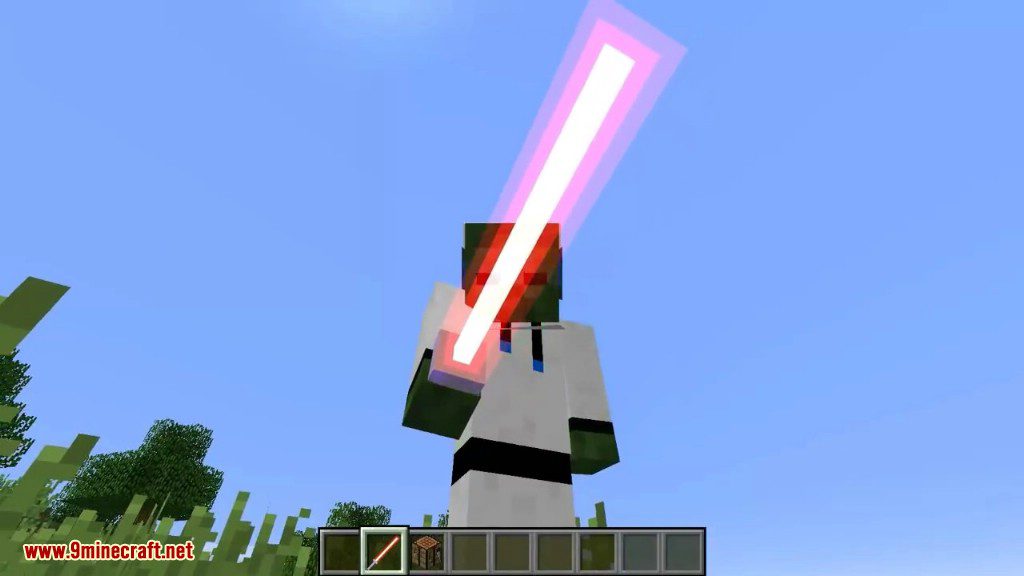
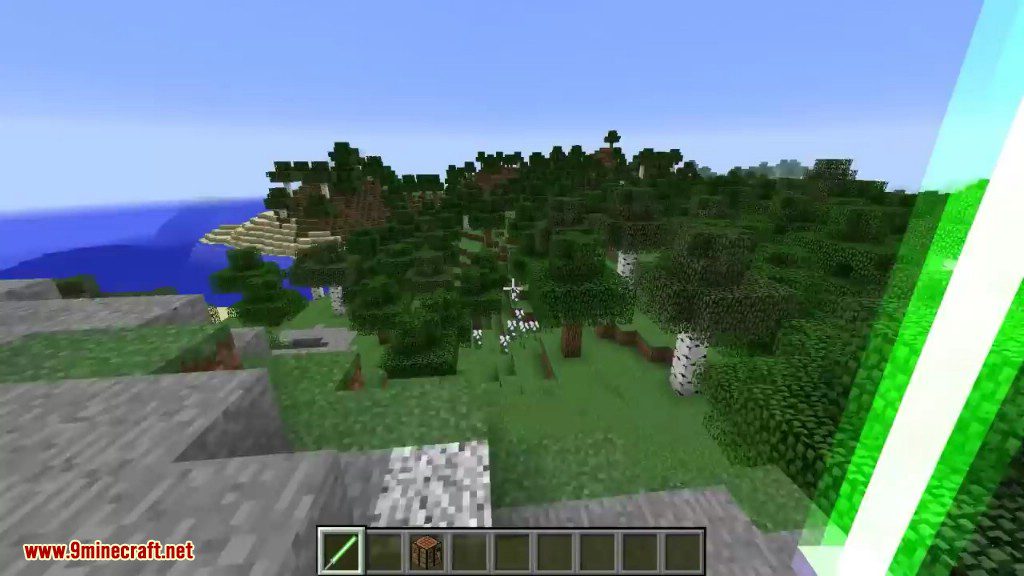
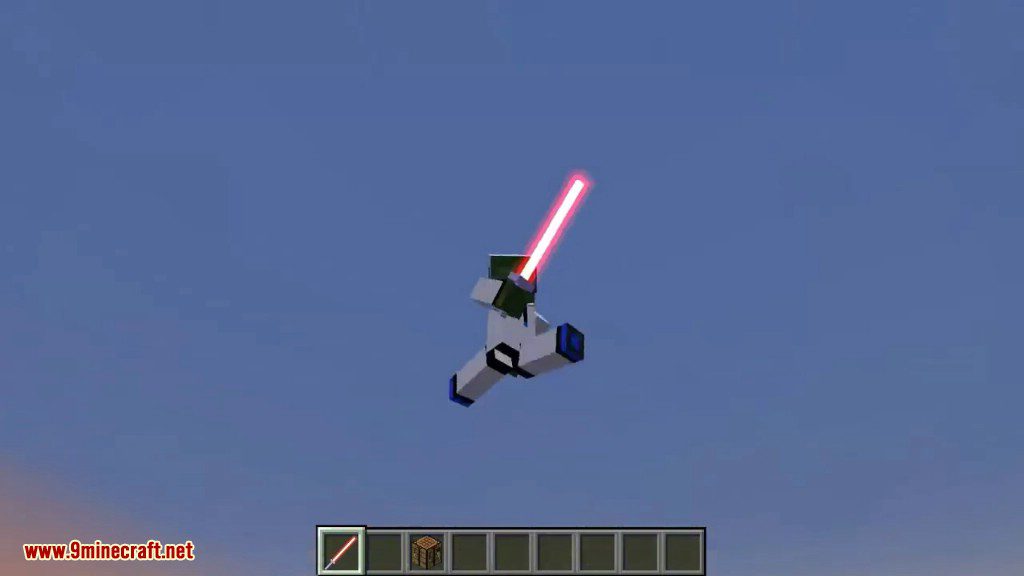
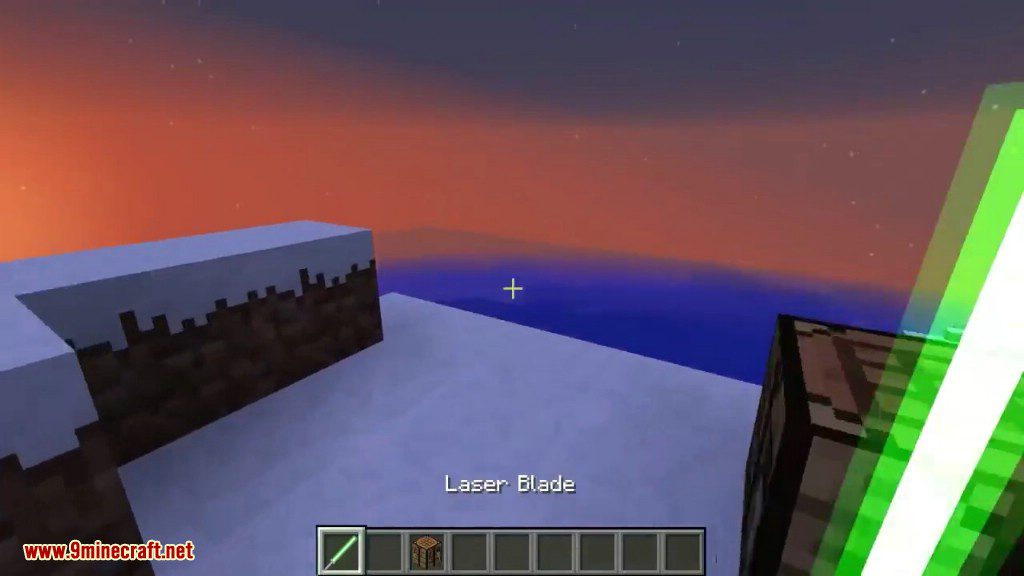
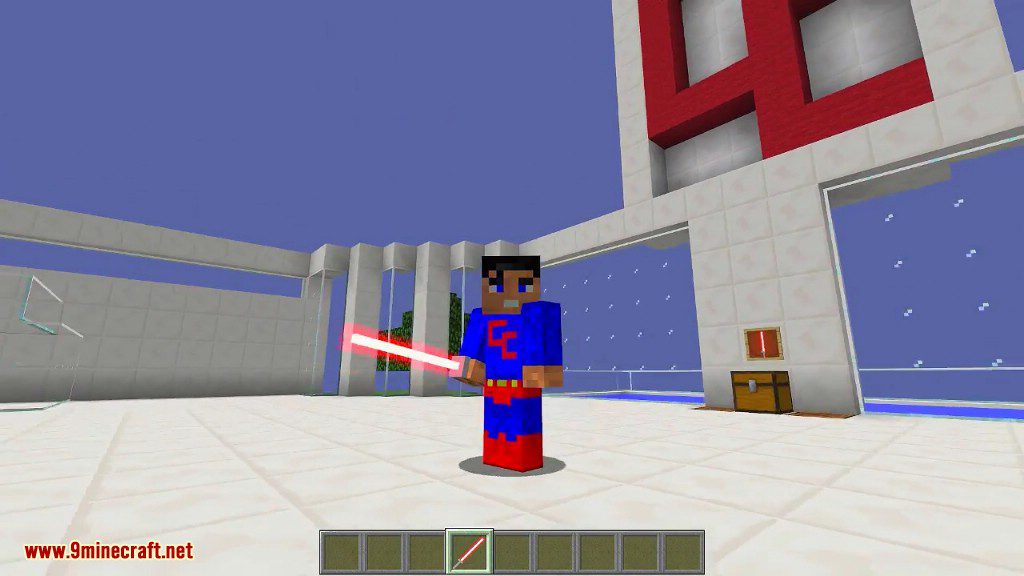
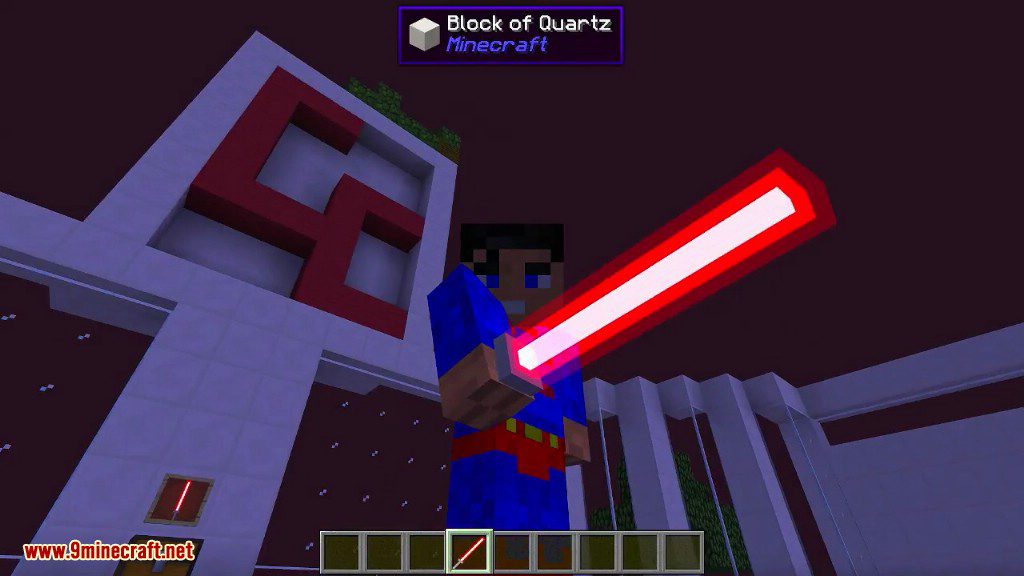
12 images from the Tolaserblade Mod page.

You May Also Like
Wikis that share the most with this one
Wikis on the same theme: weapon
More mod wikis on the site
The most downloaded mods that have a wiki here
A few wikis from each of the other kinds