

 Camera Mod
 DownloadOrtho Camera Mod
Get the files on 9Minecraft
Guides
Step-by-step, in-game.
Frequently asked questions
What does the Ortho Camera Mod add to Minecraft?
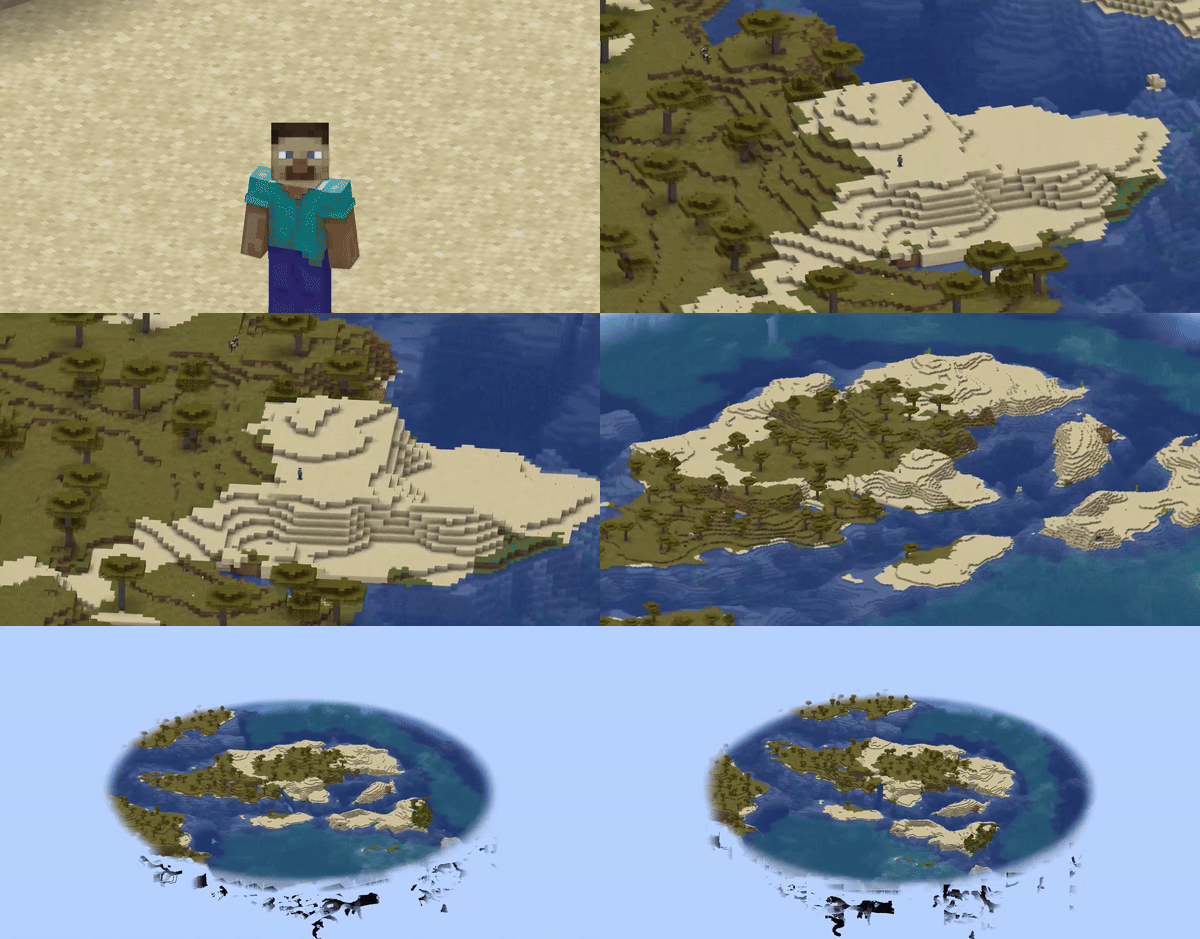
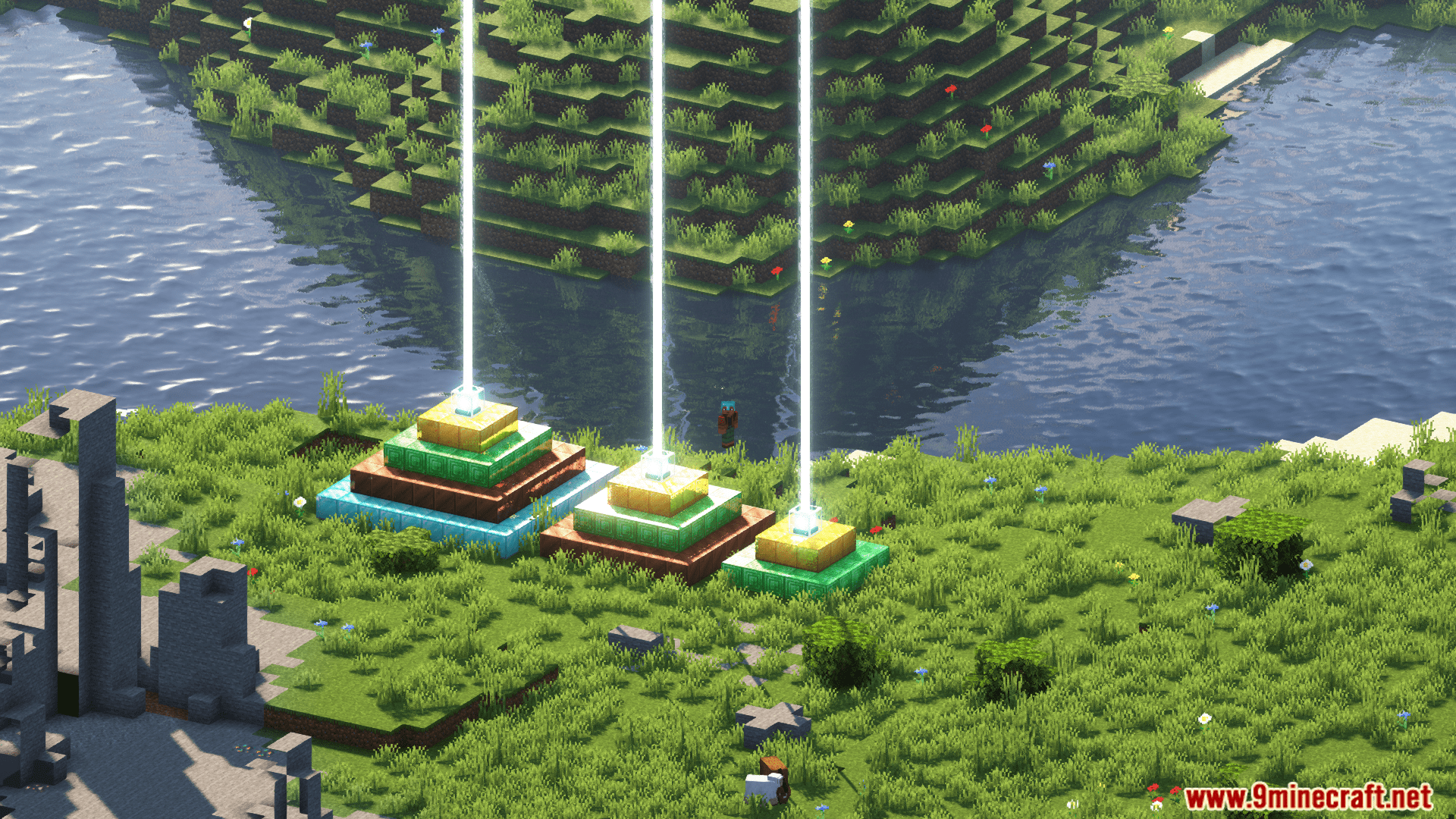
It adds an orthographic view mode where all objects on the screen are displayed at the same scale. This gives a different way to interact with the surrounding world compared to the default perspective view.
How does orthographic view differ from the default perspective view?
In perspective view, objects far away appear smaller than those nearby, giving a first-person feel. In orthographic view, all objects appear at the same scale regardless of distance.
What can you adjust in the mod's config screen?
You can adjust the scale on the X and Y axes, set the minimum and maximum view distance, and configure whether the enabled state is saved between client restarts.
How do you open the config screen?
You can open it from ModMenu or by using a hotkey.
See all 6 Ortho Camera questions ›
Gallery
5 images from the Ortho Camera Mod page.
You May Also Like
Wikis that share the most with this one
More mod wikis on the site
The most downloaded mods that have a wiki here
A few wikis from each of the other kinds