
 DownloadCamera Overhaul
Get the files on 9Minecraft
Contents (6)
Guides
Step-by-step, in-game.
How to Configure Camera Overhaul for a Smoother First-Person ViewCamera Overhaul changes how the camera rotates during movement, so the first thing most players want to do is tune it…How to Make Camera Overhaul Feel Like Vanilla AgainMaybe you installed Camera Overhaul, decided the extra motion isn't for you, but want to keep it around for other…How to Reduce Motion Sickness While Using Camera OverhaulCamera Overhaul's whole point is extra camera motion, which is exactly what can make some players feel ill. The good…How to Tune Camera Overhaul for PvP and Fast MovementIn PvP, camera motion that looks great while exploring can cost you fights by throwing off your aim. The trick is to…
Configuration
Every setting in the mod config file, with what it changes.
| Option | What it does |
|---|---|
descControls global interpolation of the camera's pitch & yaw. Does not affect gameplay (aim). | Sets how strong the idle random camera sway is |
swimming | Enables the mod's camera effects while the player is swimming |
vehicles | Enables the mod's camera effects while riding vehicles |
walking | Enables the mod's camera effects while walking |
Other settings in this file
5 more options the mod ships without its own description. Names are taken straight from the config file.
- nameCamera Smoothing Factor
- flying
- general
- mounts
- sprinting
Frequently asked questions
How do I open the Camera Overhaul config?
 Camera Overhaul is
 configured through the mod's config file, which you can edit directly or through a config screen if your mod loader provides one. Changes usually apply after saving the file and reloading the world or restarting the game.
Why does my camera feel weird or tilted when I move?
That's the mod's core feature: it adds rotation and sway to the camera based on your movement and turning. If you don't like it, you can dial the rotation strength down in the config until it feels closer to vanilla.
camera based on your movement and turning. If you don't like it, you can dial the rotation strength down in the config until it feels closer to vanilla.How do I turn Camera Overhaul off completely?
Set the master toggle or rotation strength in the config to its disabled/zero setting rather than removing the mod. This keeps the mod installed but restores a vanilla-style camera.
camera.Does Camera Overhaul work in third person?
The mod is primarily built around first-person camera behavior, so most of its effects are most noticeable there.  Third-person behavior depends on your config settings and may be limited or unaffected.
camera behavior, so most of its effects are most noticeable there. Third-person behavior depends on your config settings and may be limited or unaffected.See all 10 Camera Overhaul questions ›
Gallery
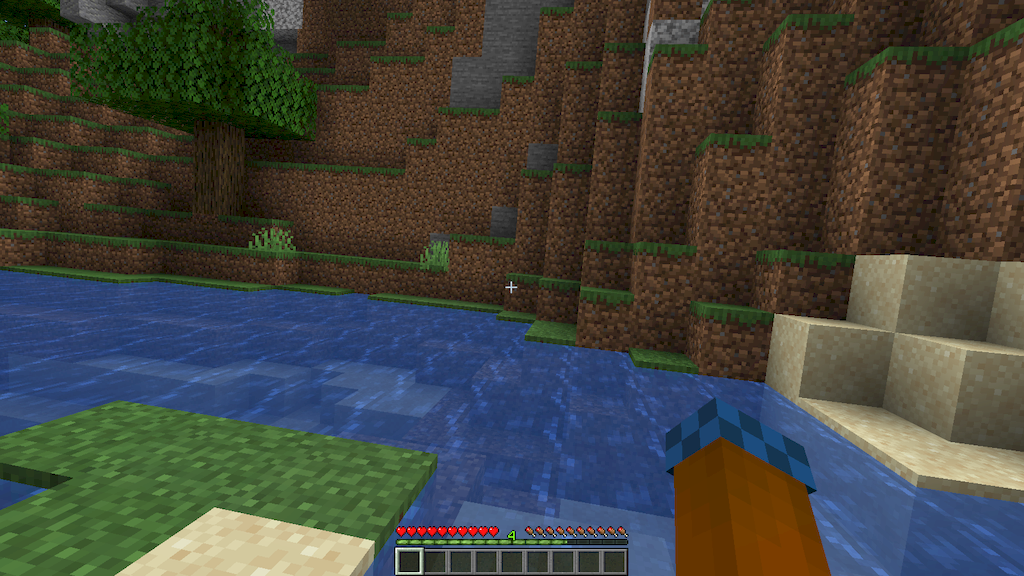
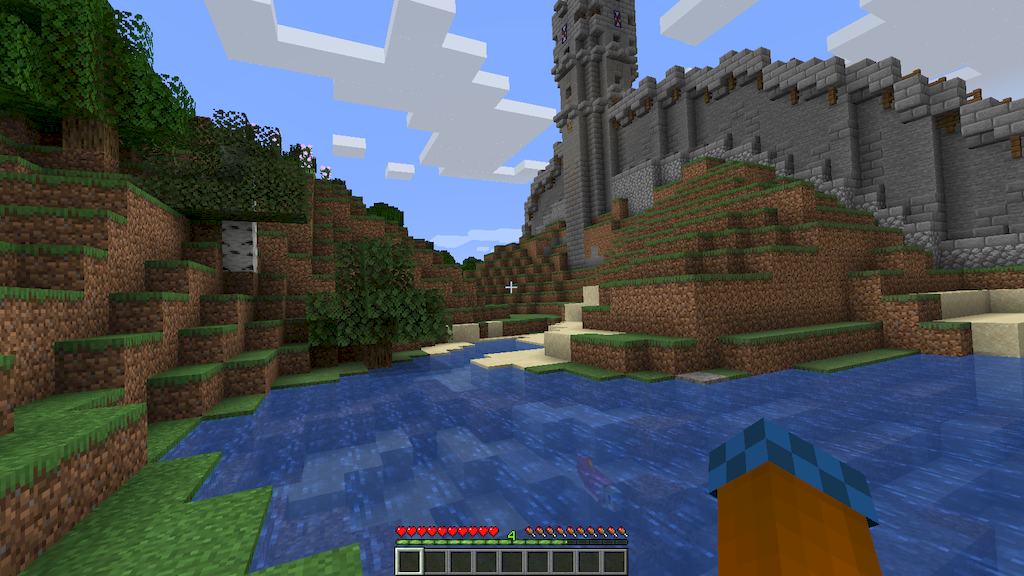
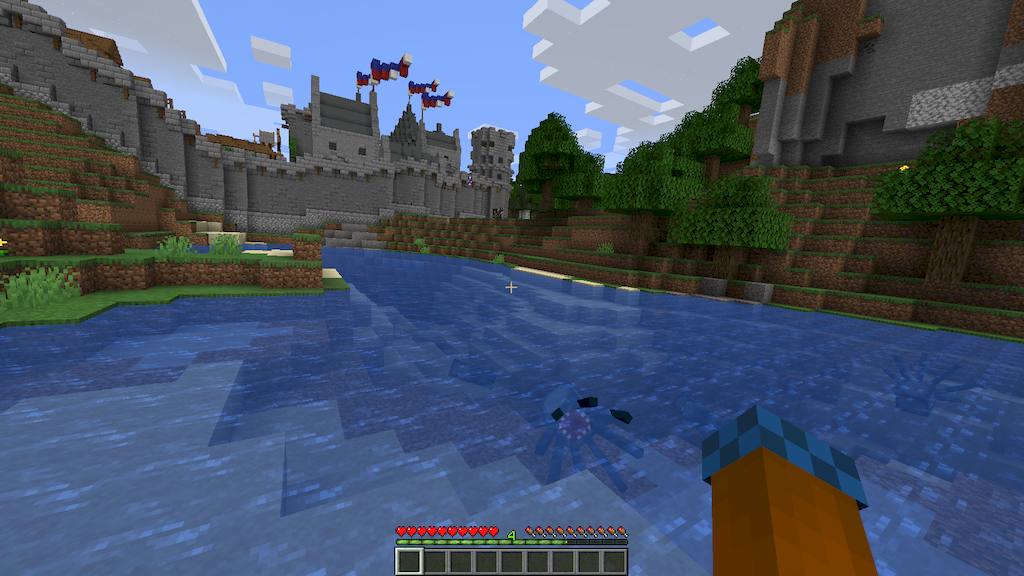
8 images from the Camera Overhaul Mod page.
You May Also Like
Wikis that share the most with this one
More mod wikis on the site
The most downloaded mods that have a wiki here
A few wikis from each of the other kinds