

 DownloadMod Sound Volume Options Mod
Get the files on 9Minecraft
Guides
Step-by-step, in-game.
Adjust Individual Mod Sound Volumes Without Affecting Game AudioWhy Use Per-Mod Volume Control Minecraft's default sound settings only let you adjust broad categories like "Master,"…Create a Custom Audio Balance for Your ModpackPlan Your Audio Priorities Before adjusting, think about which mod sounds are important to you. Decide which mods…Mute Sounds from a Specific ModAccess the Mod Volume Menu Open your Settings and navigate to Music & Sound Options . Look for the new button added…Reduce Lag Caused by Excessive Mod SoundsIdentify Sound-Heavy Mods Some mods produce frequent sound effects that can impact performance, especially on…
Frequently asked questions
Where do I access the mod sound volume settings?
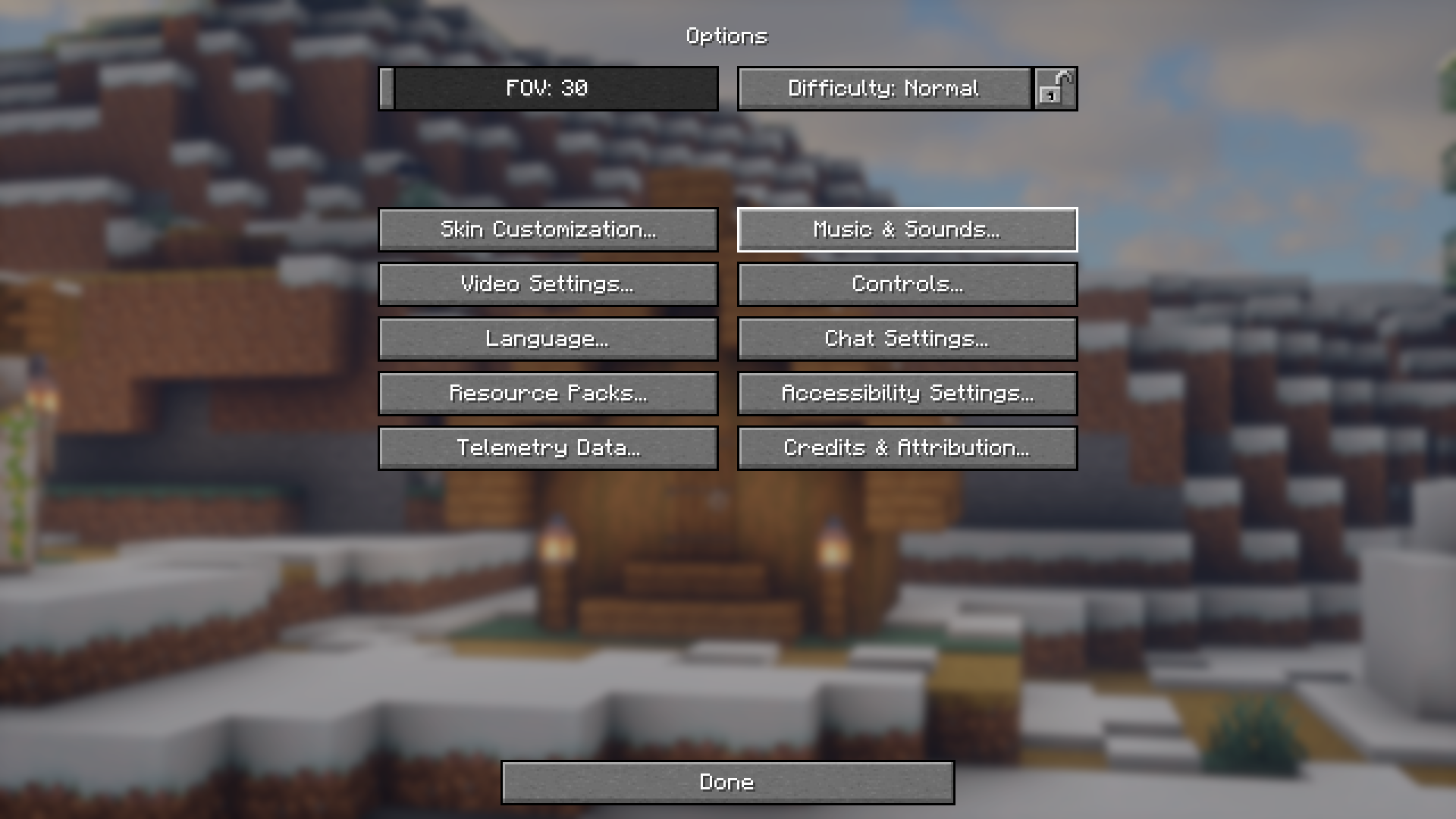
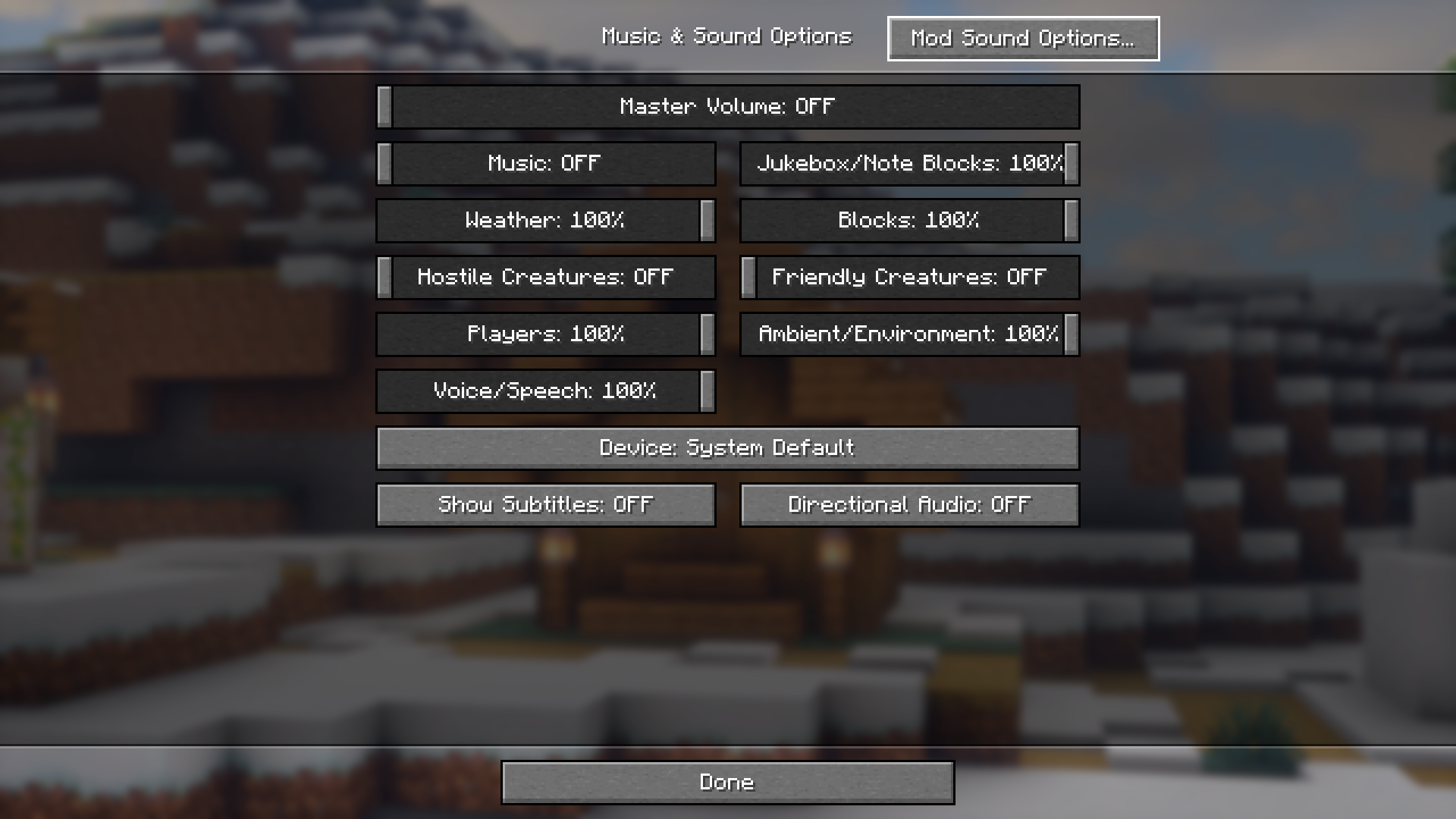
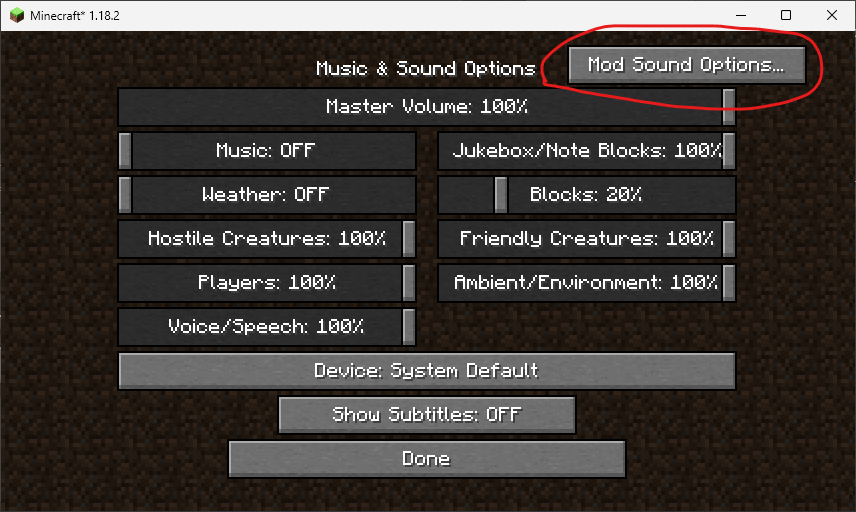
Open your Music & Sound Options settings tab in the pause menu, and you'll see a new button labeled for mod sound options. Click this button to access the volume controls for individual mods.
Can I mute sounds from just one mod without affecting others?
Yes, that's the main feature of this mod. In the mod sound options menu, find the mod you want to adjust and lower its volume slider to zero to mute it completely, or adjust it to any level you prefer.
Do I need to restart the game after changing mod sound volumes?
No, volume changes apply immediately when you adjust the slider. You can test different settings in real-time without restarting.
Will adjusting mod volumes affect the master game volume?
No, this mod's volume controls are separate from Minecraft's master volume and category sliders. Changing mod volumes won't affect your overall game audio settings.
See all 10 Mod Sound Volume Options questions ›
Gallery
4 images from the Mod Sound Volume Options Mod page.
You May Also Like
Wikis that share the most with this one
Wikis on the same theme: cat
More mod wikis on the site
The most downloaded mods that have a wiki here
A few wikis from each of the other kinds