

 DownloadPing Mod
Get the files on 9Minecraft
Guides
Step-by-step, in-game.
Coordinate Construction with Your TeamPlanning Before You Build Before starting a large project, have your team gather at the site. Use pings to mark:…Ping a Block for Your TeamBasic Ping Aim your crosshair directly at the block you want to highlight, then press your ping key (default: V). A…Send a Ping Through ChatChat-Based Pings If you want to ping a block for players who may not have the mod installed, or to create a permanent…Warn Teammates About DangersImmediate Hazard Alerts When you spot a threat—lava, a mob, a trap, or unstable terrain—aim at it and ping with the…
Frequently asked questions
How do I ping a block?
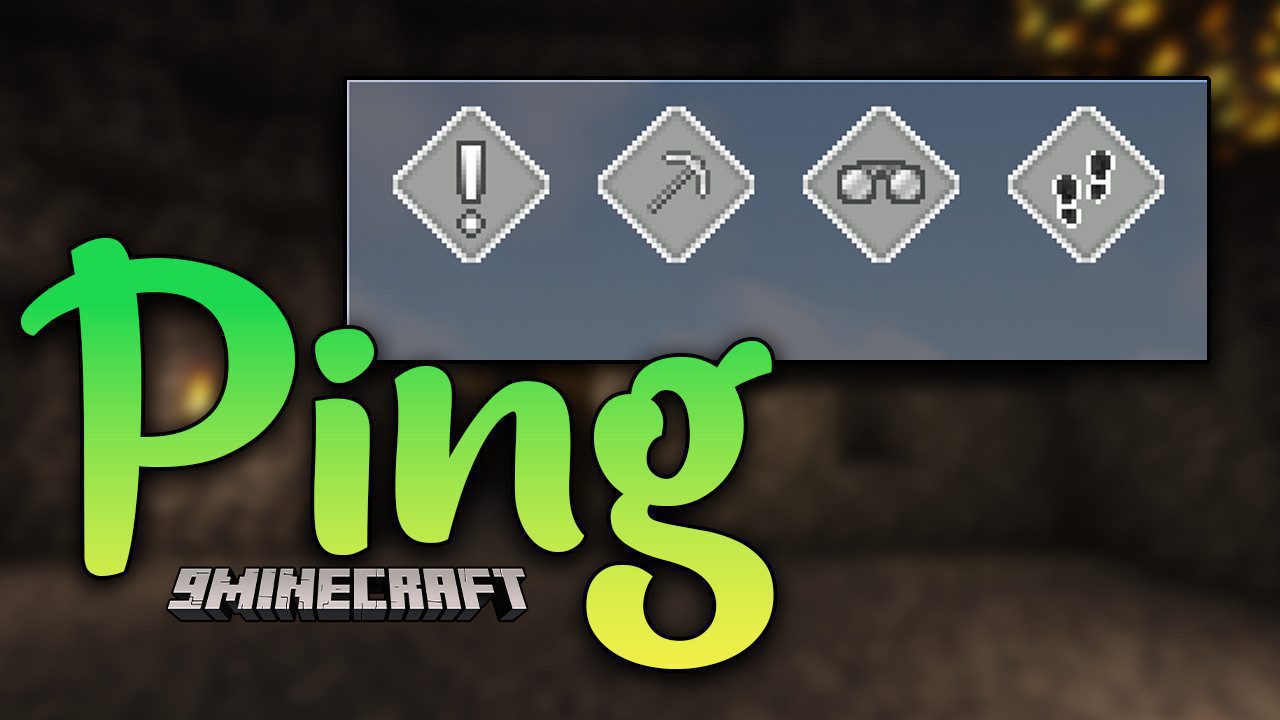
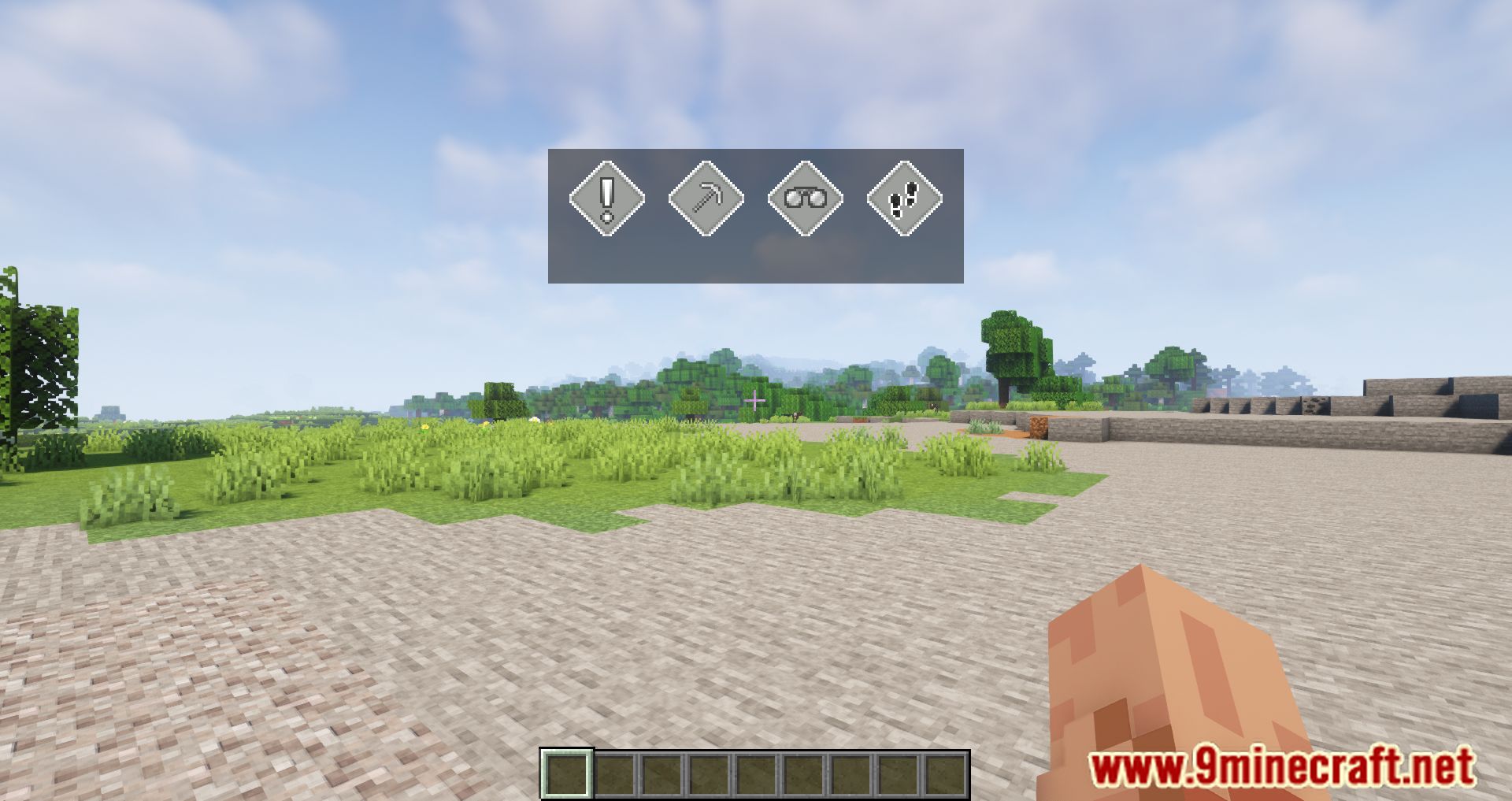
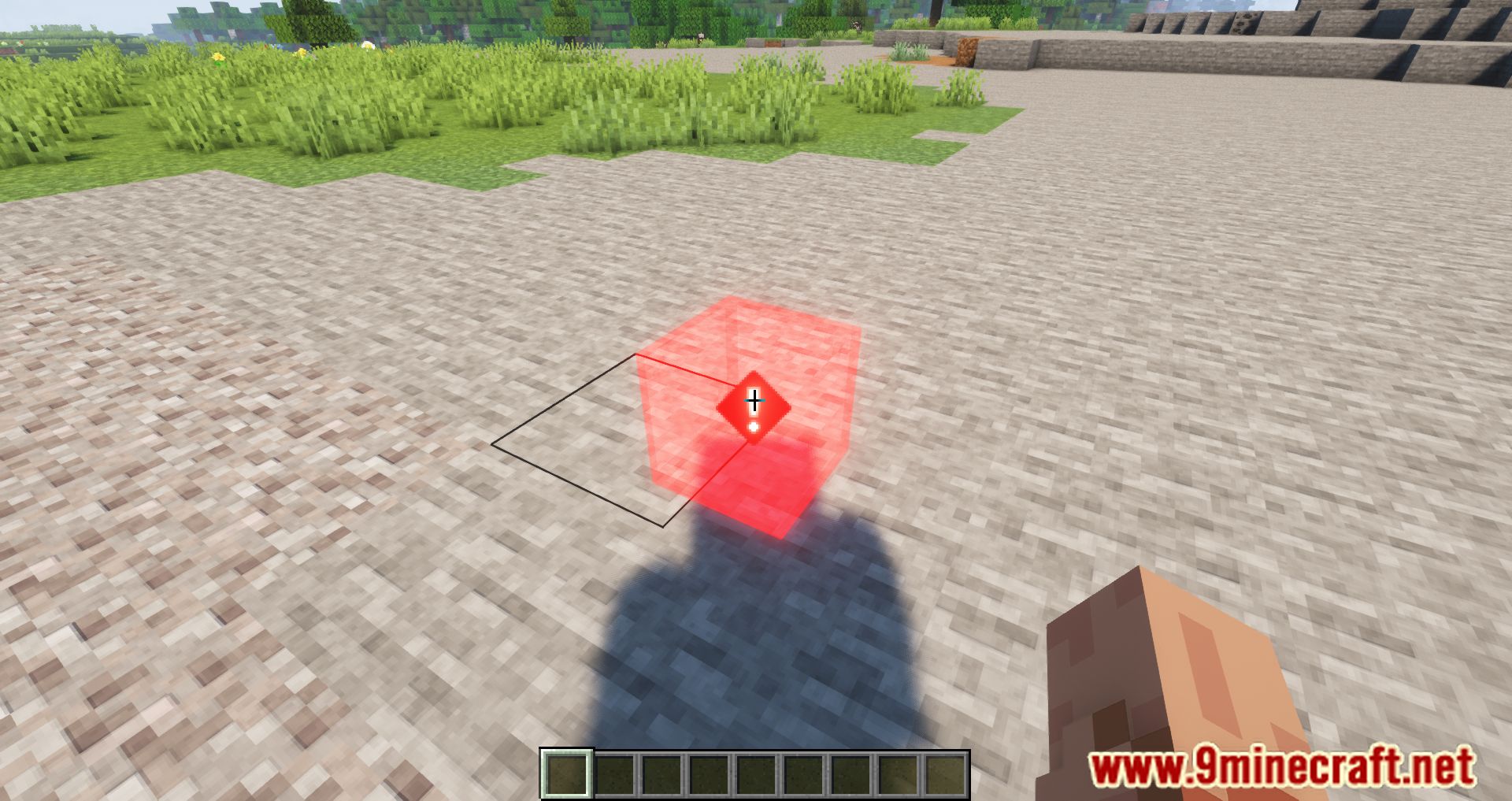
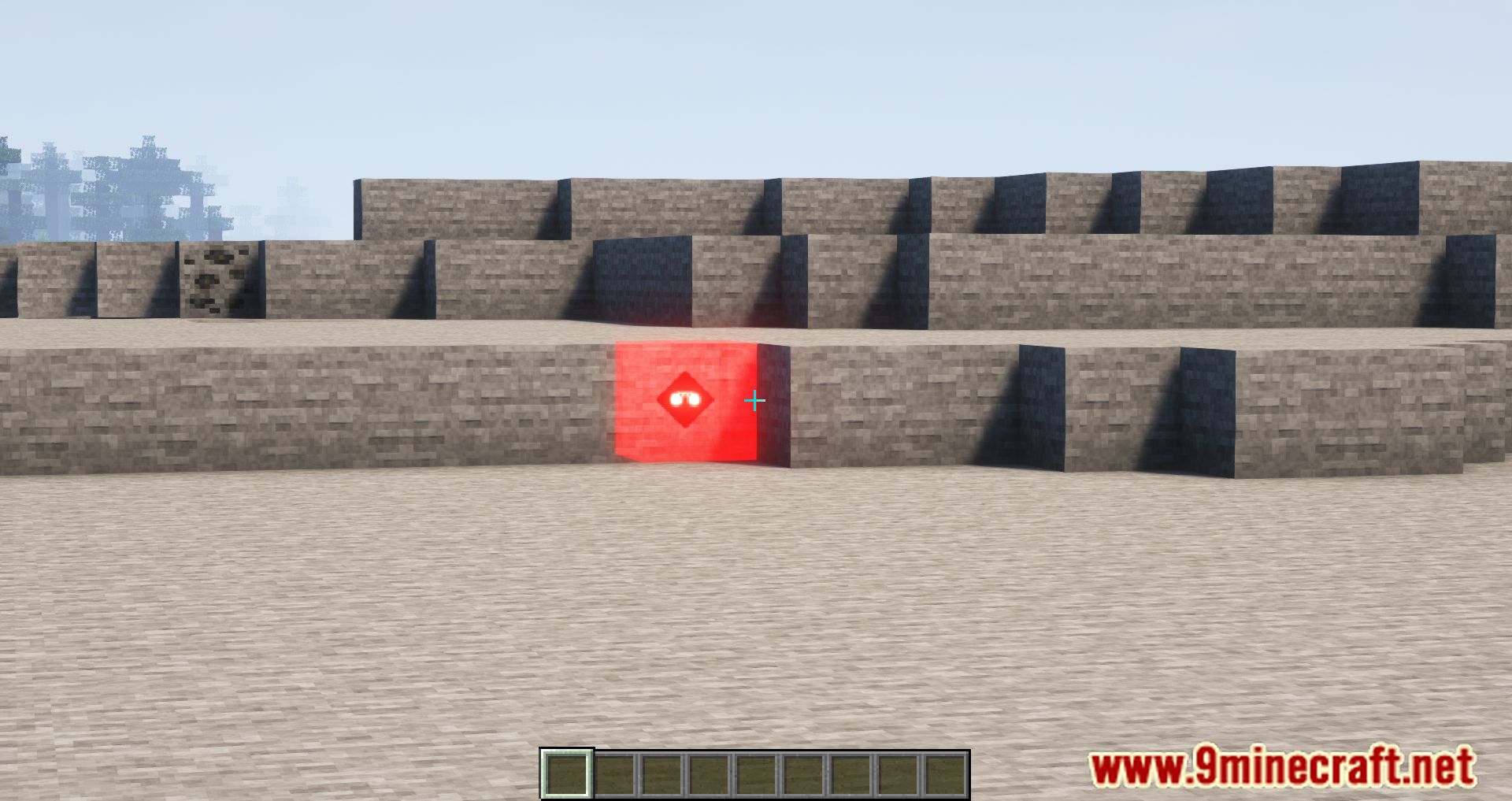
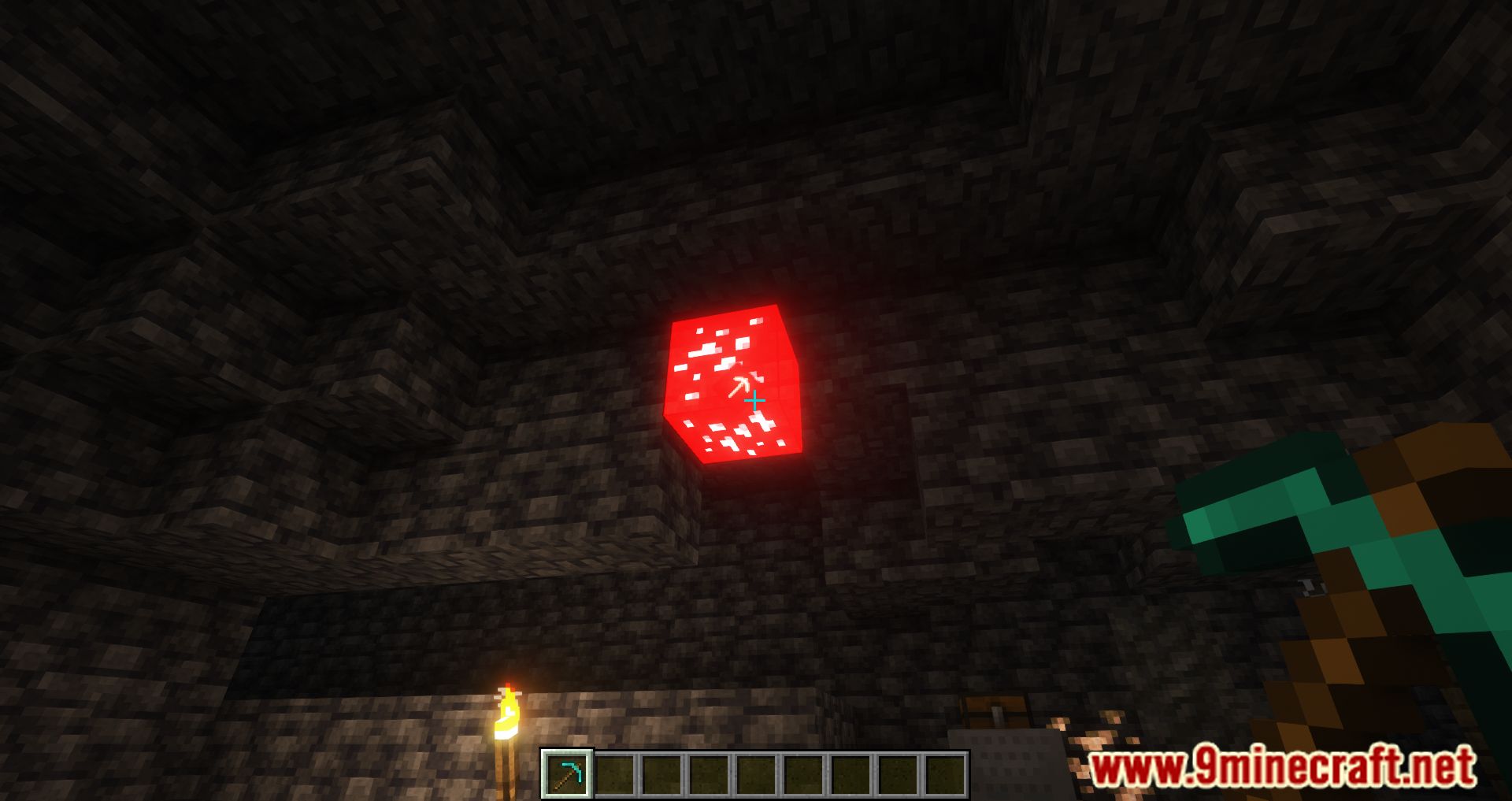
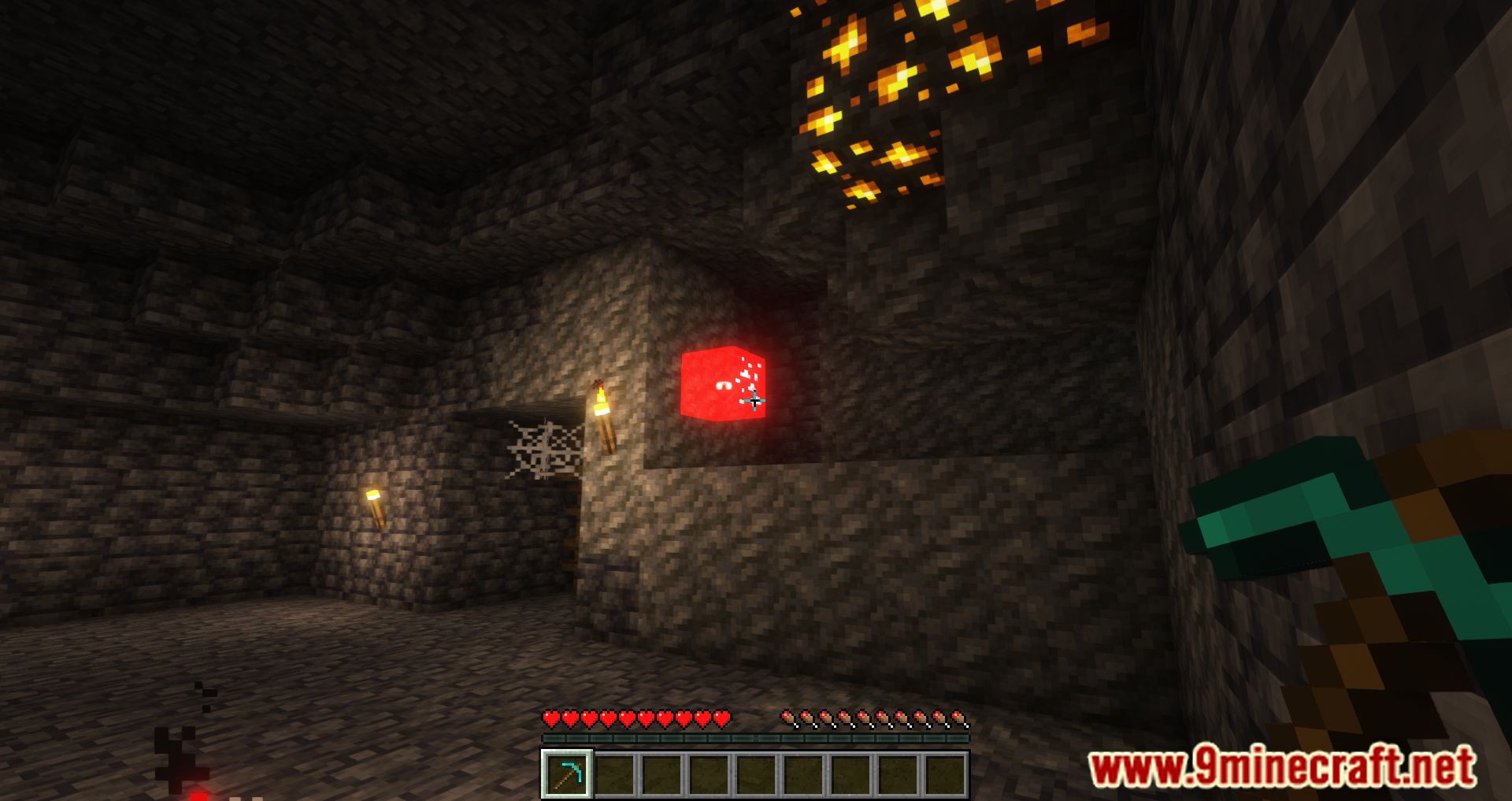
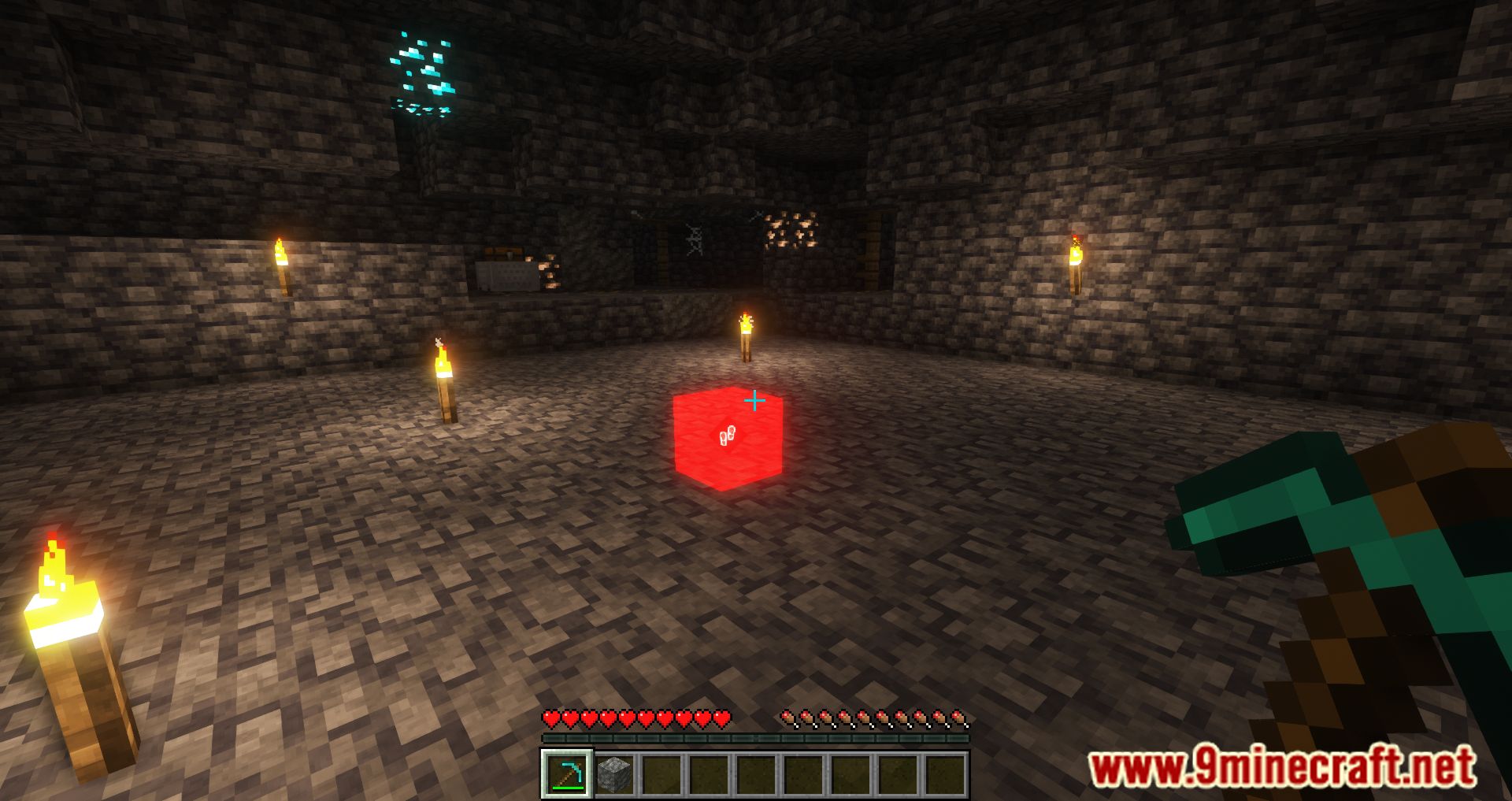
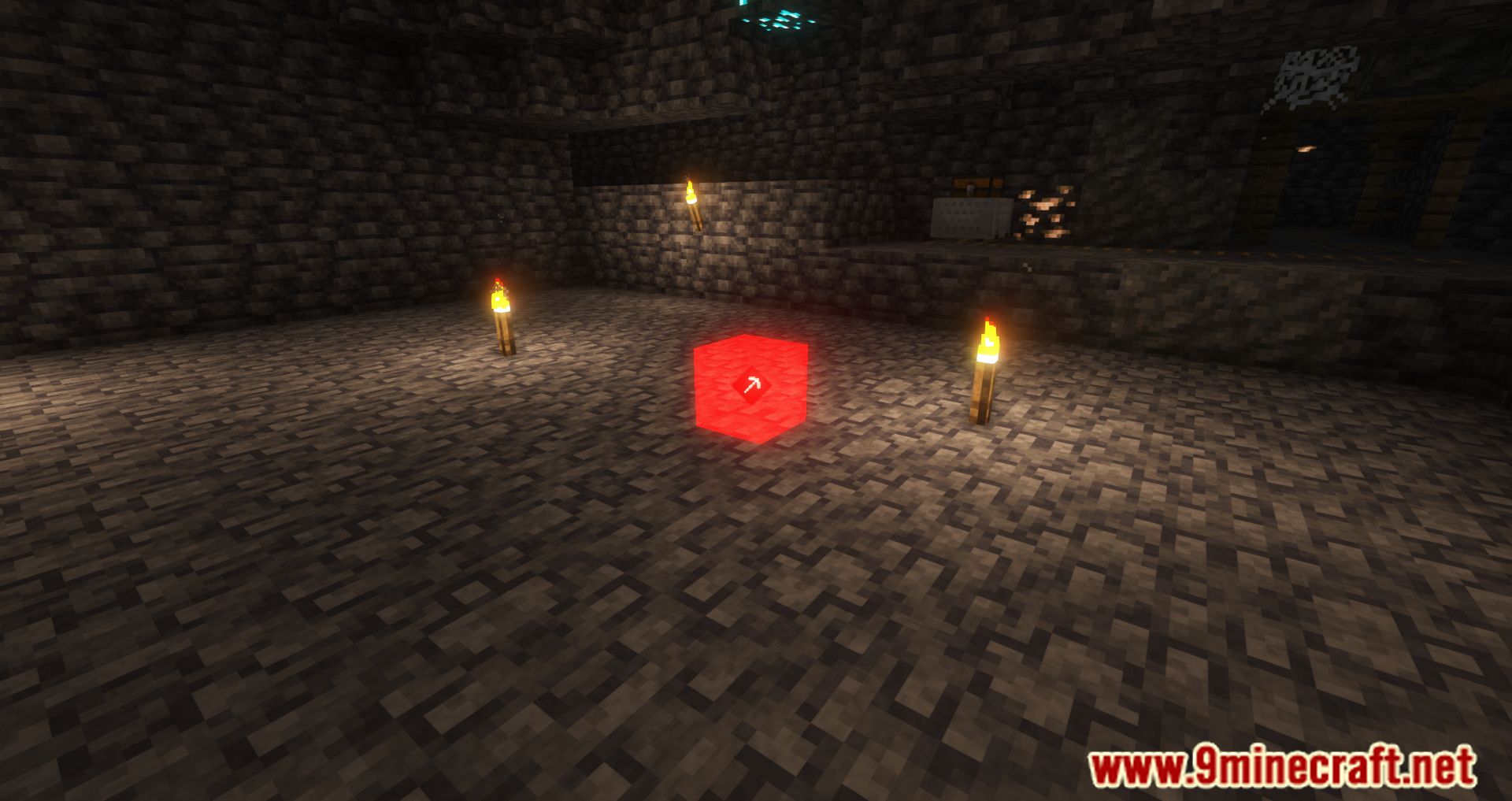
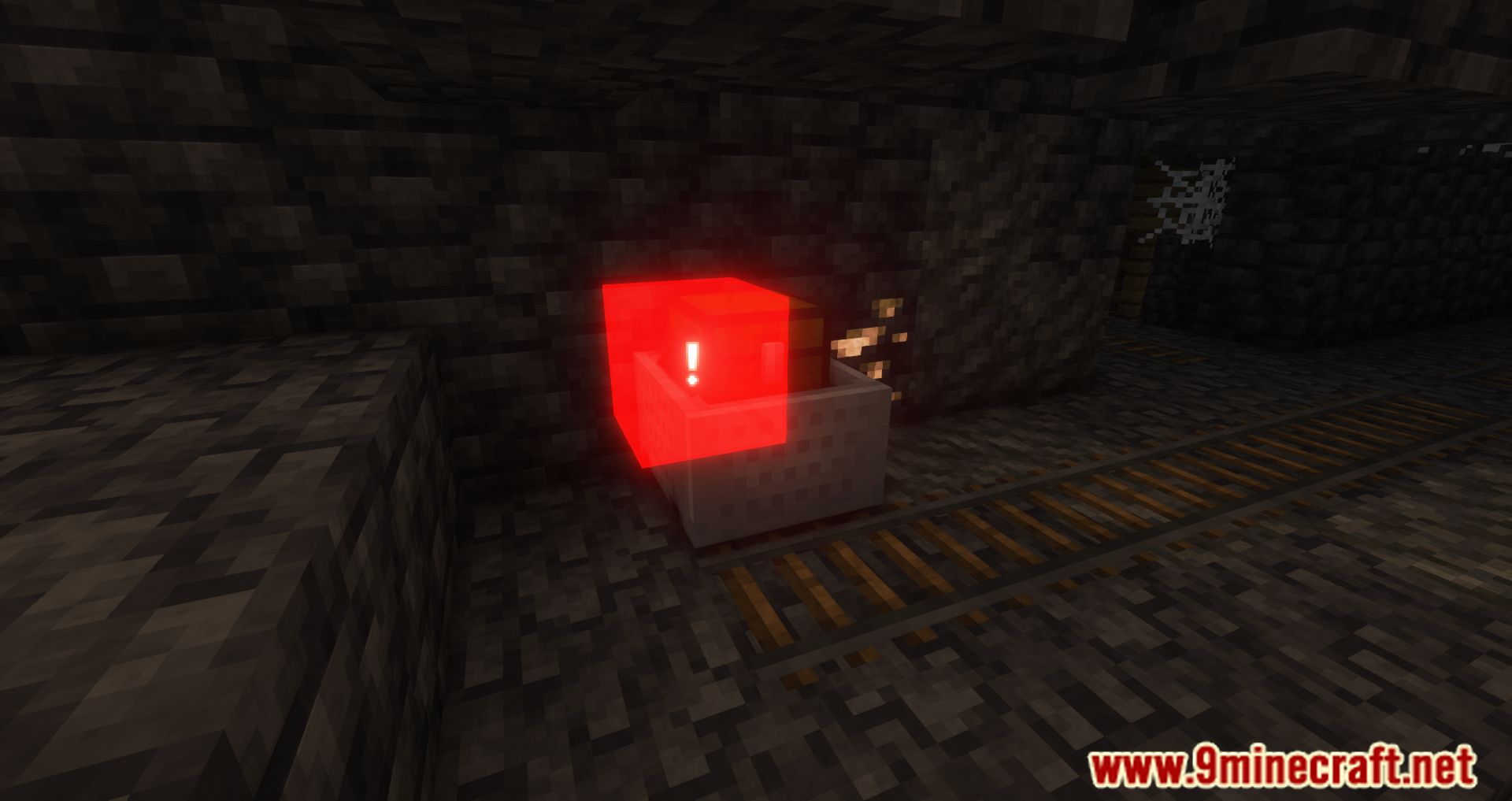
Aim at the block you want to mark and press your ping key (V by default, or F in older versions). A menu will appear with four marking options to choose from.
Why can't my teammate see my ping?
Pings only show to players within a certain range of you—if your teammate is too far away, they won't see it. Make sure both of you have the mod installed on your clients.
Can I ping through walls or from far away?
You can ping any block you can see, but the ping will only be visible to nearby teammates within the mod's range limit, regardless of obstacles between you.
What if someone on the server doesn't have the mod installed?
Players without the mod won't see your pings on their screen, but you can send a ping through chat instead, which will appear as a message for everyone to read.
Gallery
11 images from the Ping Mod page.
You May Also Like
Wikis that share the most with this one
Wikis on the same theme: cat
More mod wikis on the site
The most downloaded mods that have a wiki here
A few wikis from each of the other kinds