

 DownloadSound Physics Mod
Get the files on 9Minecraft
Guides
Step-by-step, in-game.
How to Fix Sounds That Always Play at Full VolumeDiagnosing the Problem If a particular sound never gets quieter with distance and never pans left or right, the mod…How to Get Accurate Sound Cues in Caves and Around CornersUnderstanding What the Mod Is Telling You Sound Physics Mod changes how you hear the world, so the first step is…How to Tell If a Mob Is Visible or Hidden Using Sound AloneThe Core Skill Sound Physics Mod lets you determine whether a mob can be directly seen, is just around a corner, or…How to Tune the Mod for the Best Immersion in Large BuildsWhy Large Structures Sound Different Reverberation is the mod's headline feature. A grand hall, a deep ravine, or a…
Frequently asked questions
How do I know if Sound Physics Mod is actually working?
Walk into a cave or a large enclosed room and listen for reverb and echo that vanilla Minecraft doesn't have. If  sounds fade naturally around corners and get muffled through walls, the mod is active. If everything sounds flat and identical to vanilla, check that your audio output isn't set to mono-downmix or that another sound mod isn't overriding it.
Why do some sounds play at full volume no matter how far away they are?
How do I make my custom sounds work with this mod?
Export every custom sound as a mono file, not stereo. Open the file in a free editor like Audacity, split the stereo track to mono, and re-export. Once it's mono, the mod will apply occlusion, reverb, and distance attenuation correctly.
Why does the mod tank my FPS or cause stuttering?
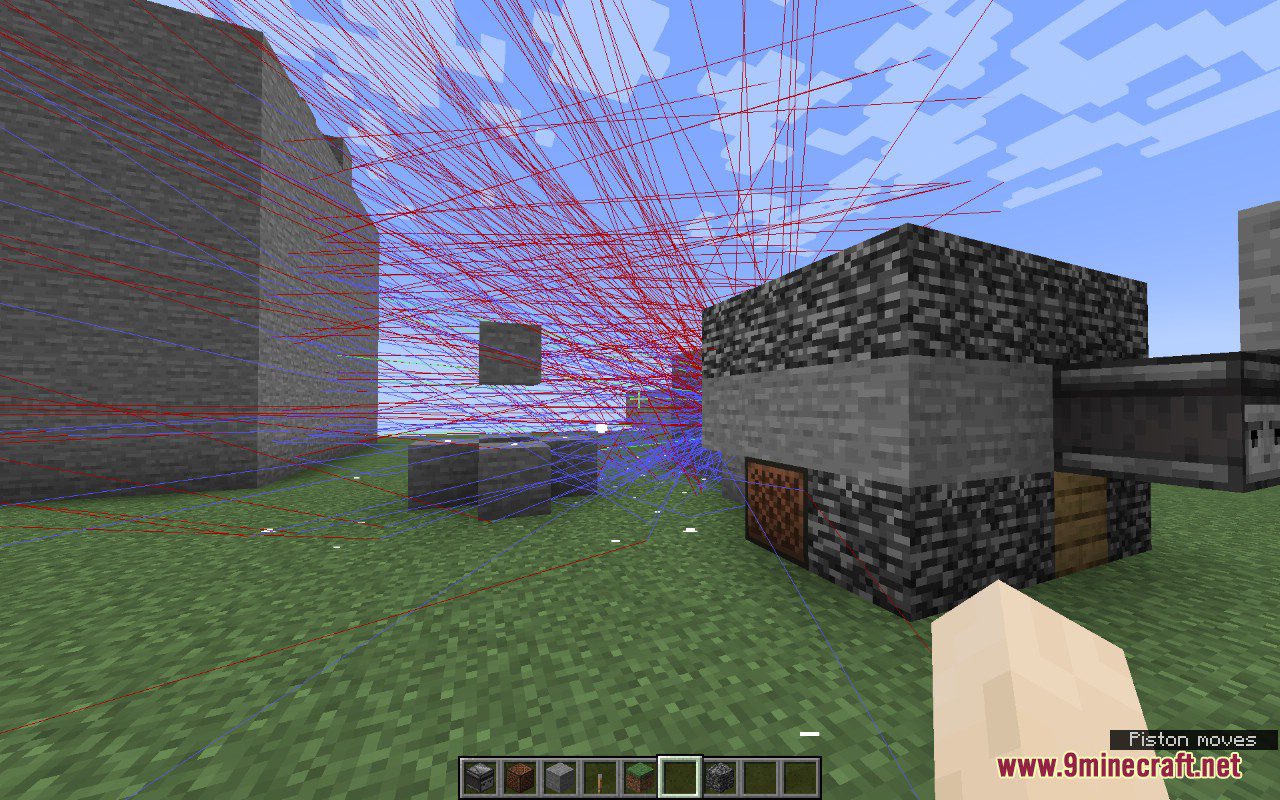
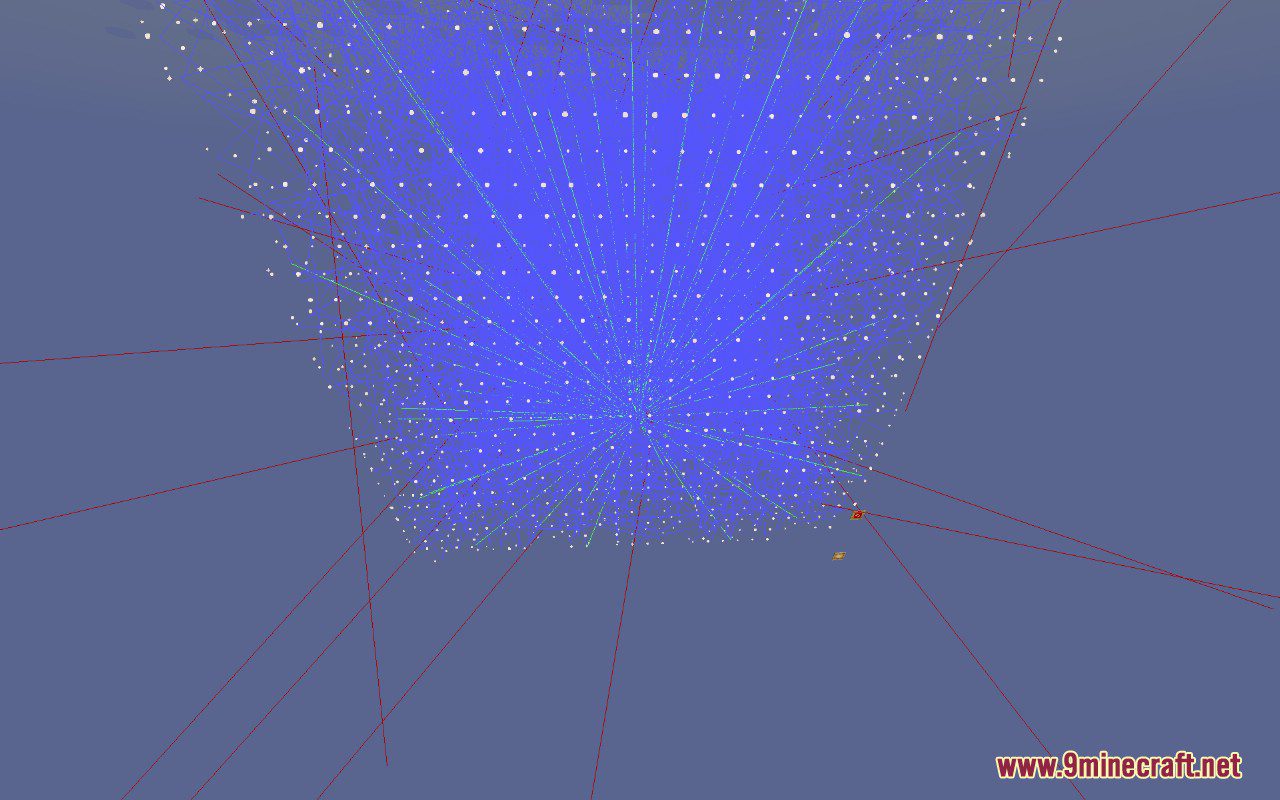
The sound simulation does real-time raycasting for occlusion and reverb, which is CPU-heavy. Lower the reverb quality, reduce the number of simulated sound sources, or disable occlusion in the config if performance drops. Testing in a busy area with many mobs will show the worst-case impact.
See all 18 Sound Physics questions ›
Gallery
7 images from the Sound Physics Mod page.


You May Also Like
Wikis that share the most with this one
More mod wikis on the site
The most downloaded mods that have a wiki here
A few wikis from each of the other kinds