

 DownloadOpSec Mod
Get the files on 9Minecraft
Guides
Step-by-step, in-game.
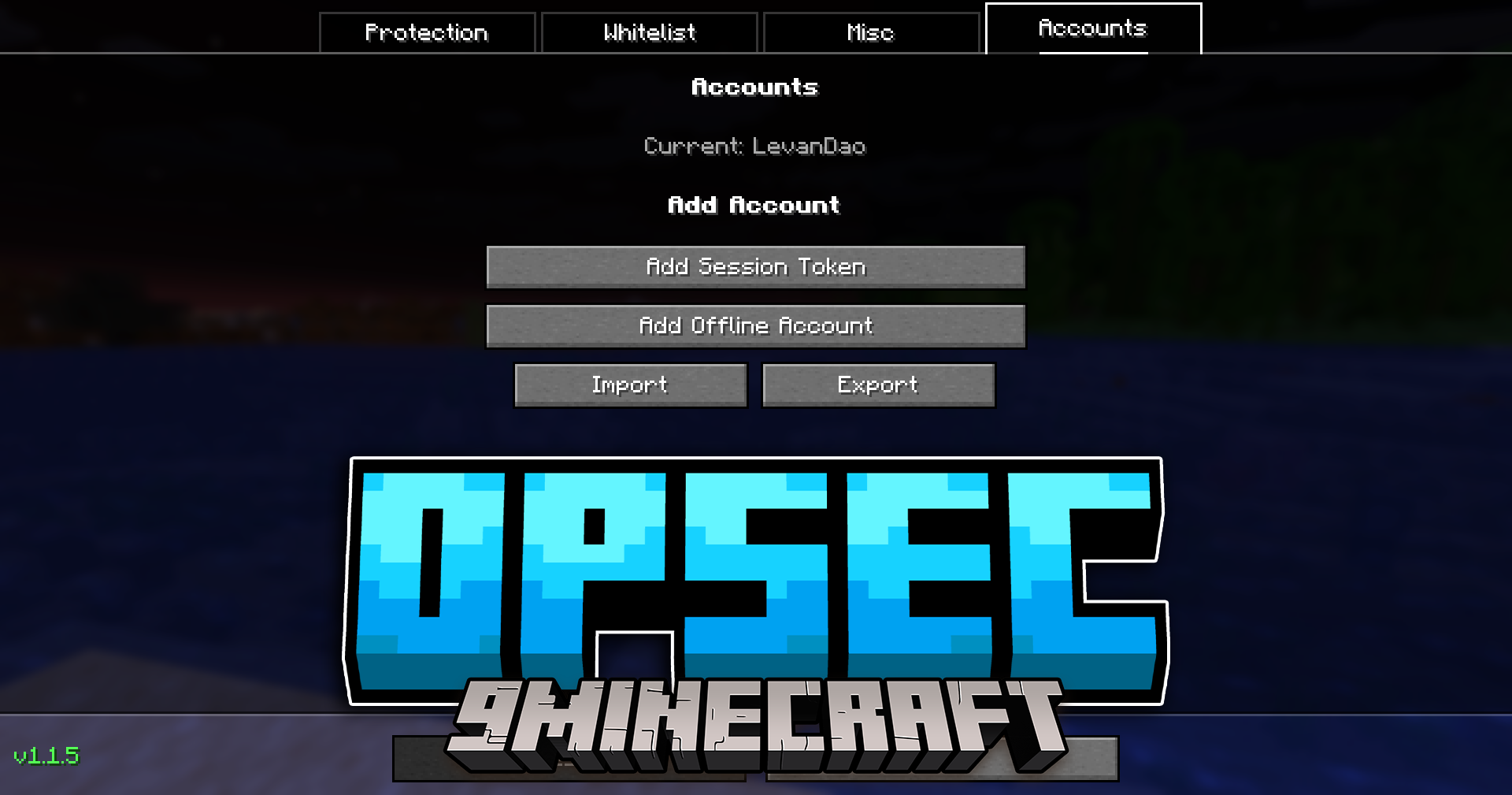
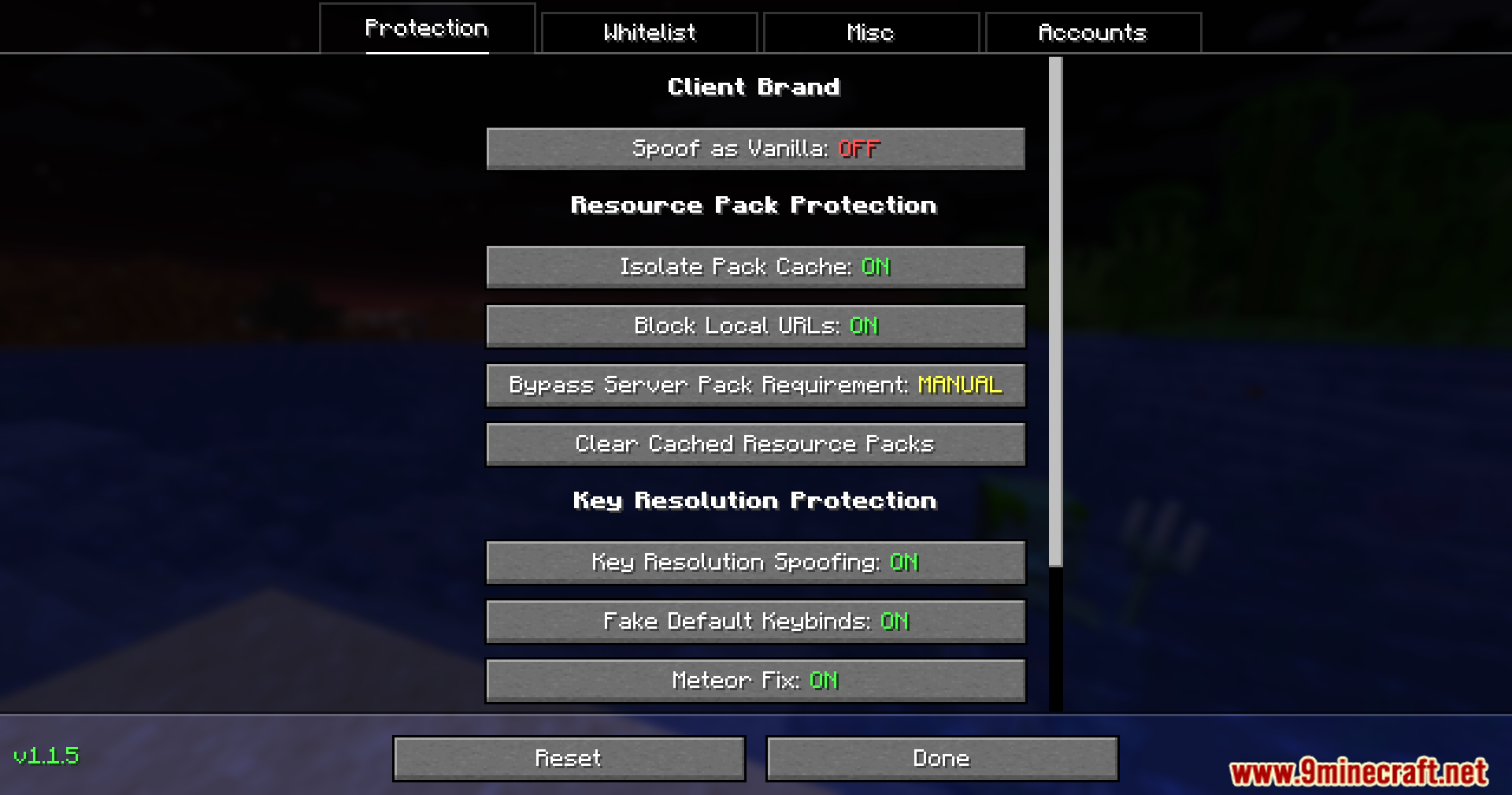
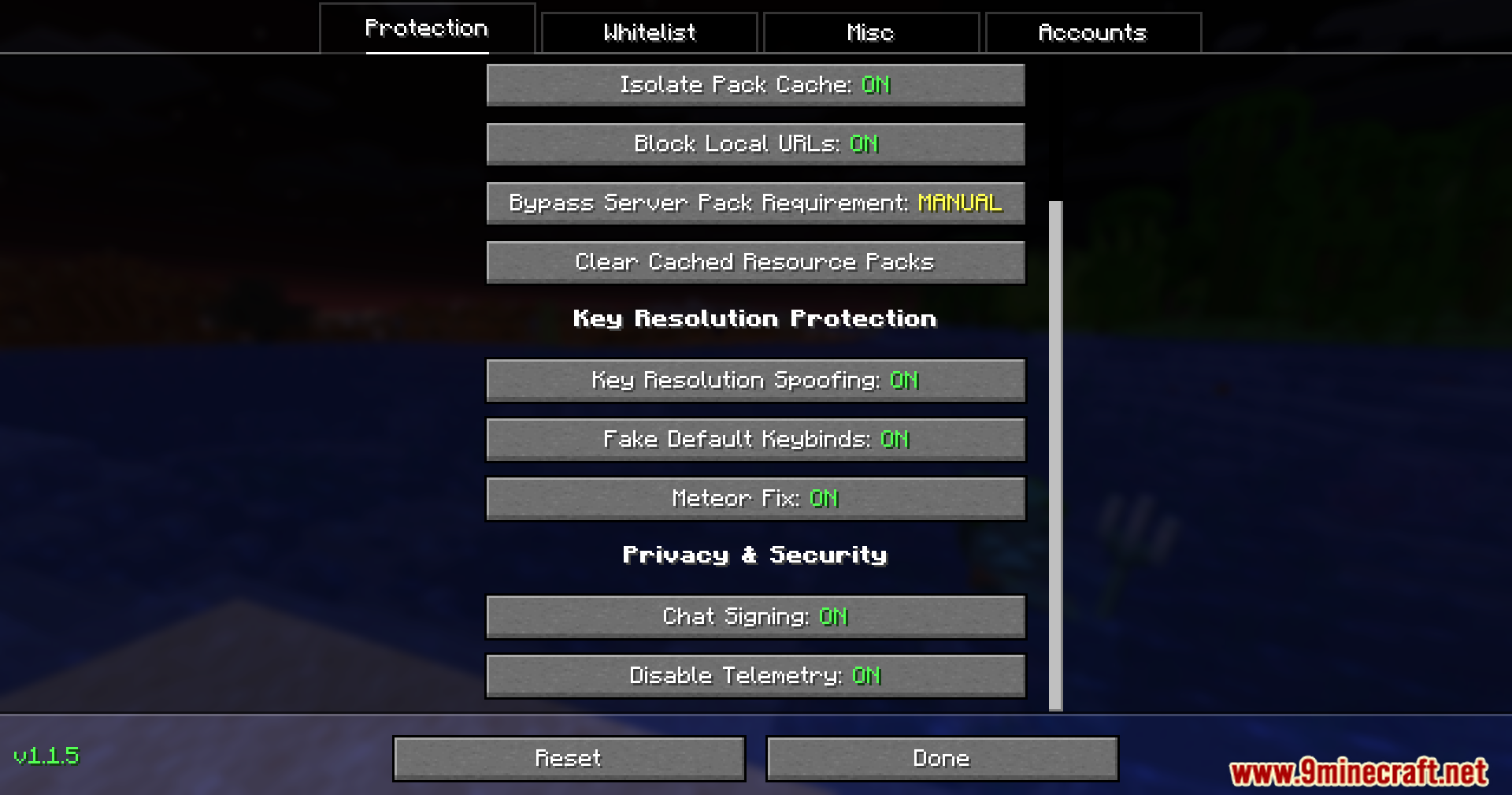
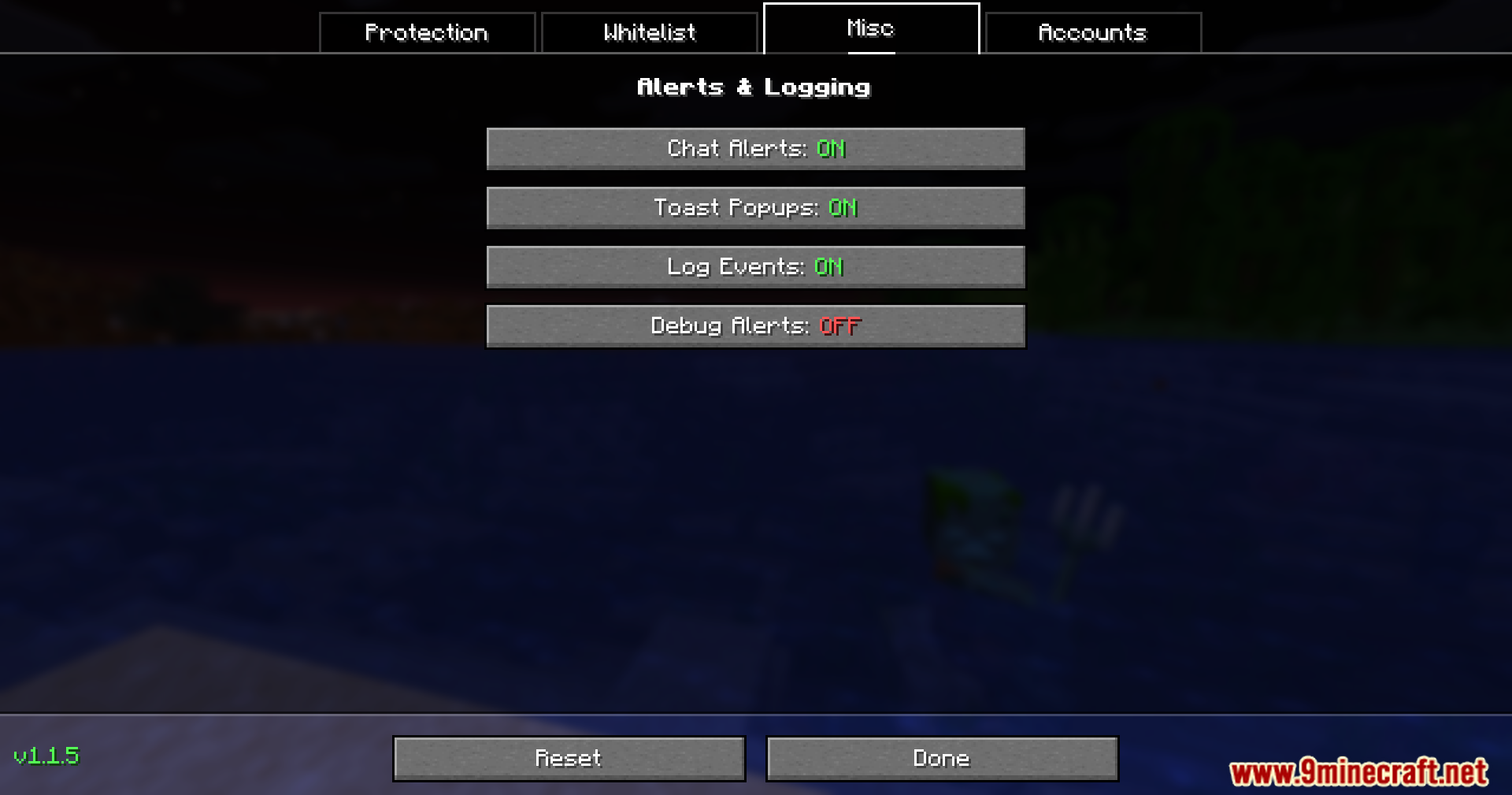
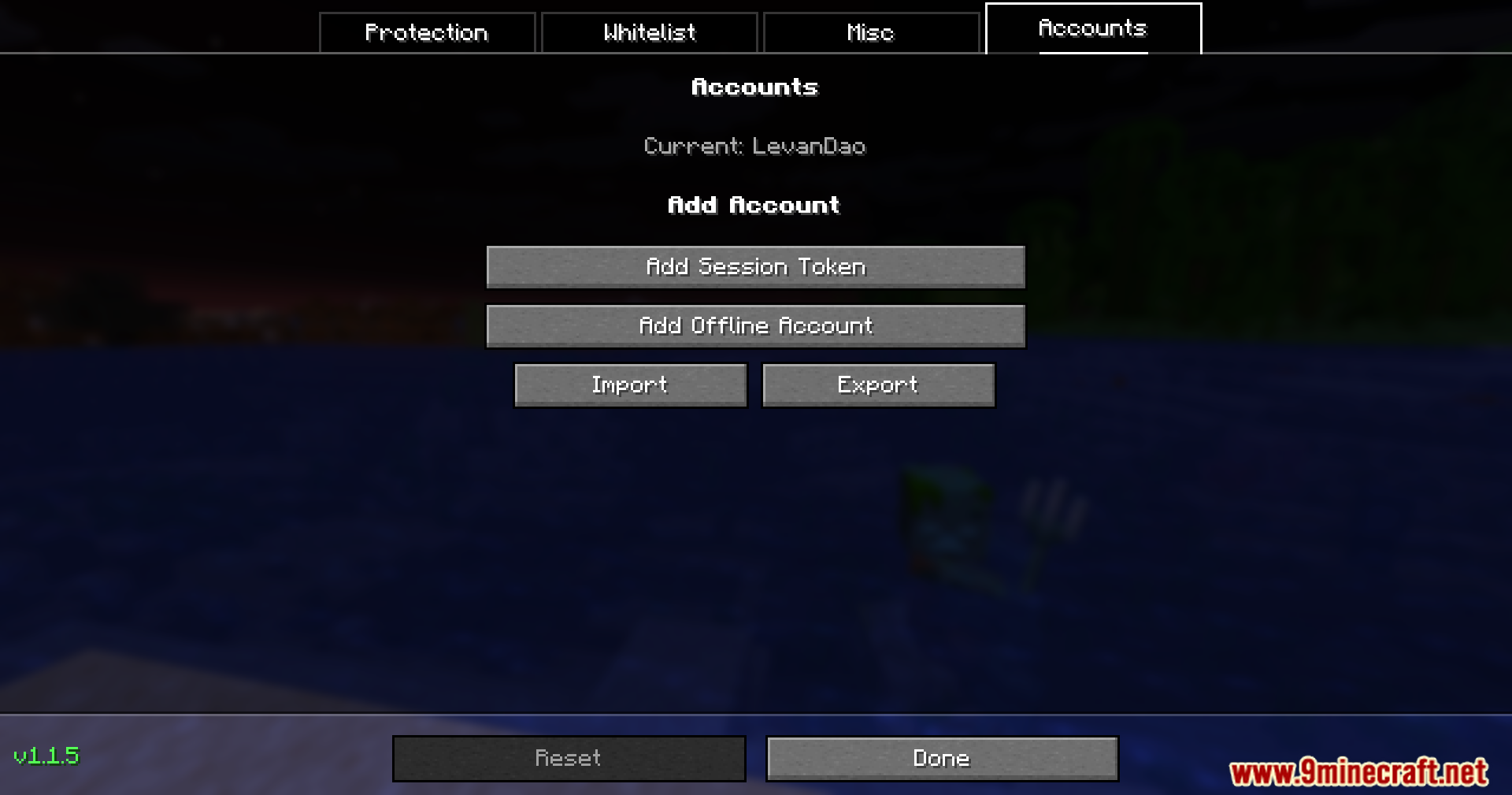
Monitor and Respond to Server Tracking AttemptsEnable Chat and Popup Alerts OpSec Mod can warn you when servers try to track or scan your client. 1. Open OpSec…Prevent Servers from Detecting Your ModsEnable Vanilla Spoofing Servers can see which mods you have installed and may kick you for using them. OpSec Mod lets…Stop Servers from Tracking Your Account Across SessionsUnderstand Resource Pack Isolation Servers can use resource packs to track your account identity. OpSec Mod saves…Switch Between Multiple Minecraft Accounts QuicklyAdd Your Accounts 1. Open the OpSec settings from the multiplayer menu 2. Click the Accounts tab 3. Select Add…
Frequently asked questions
Where do I find the OpSec settings?
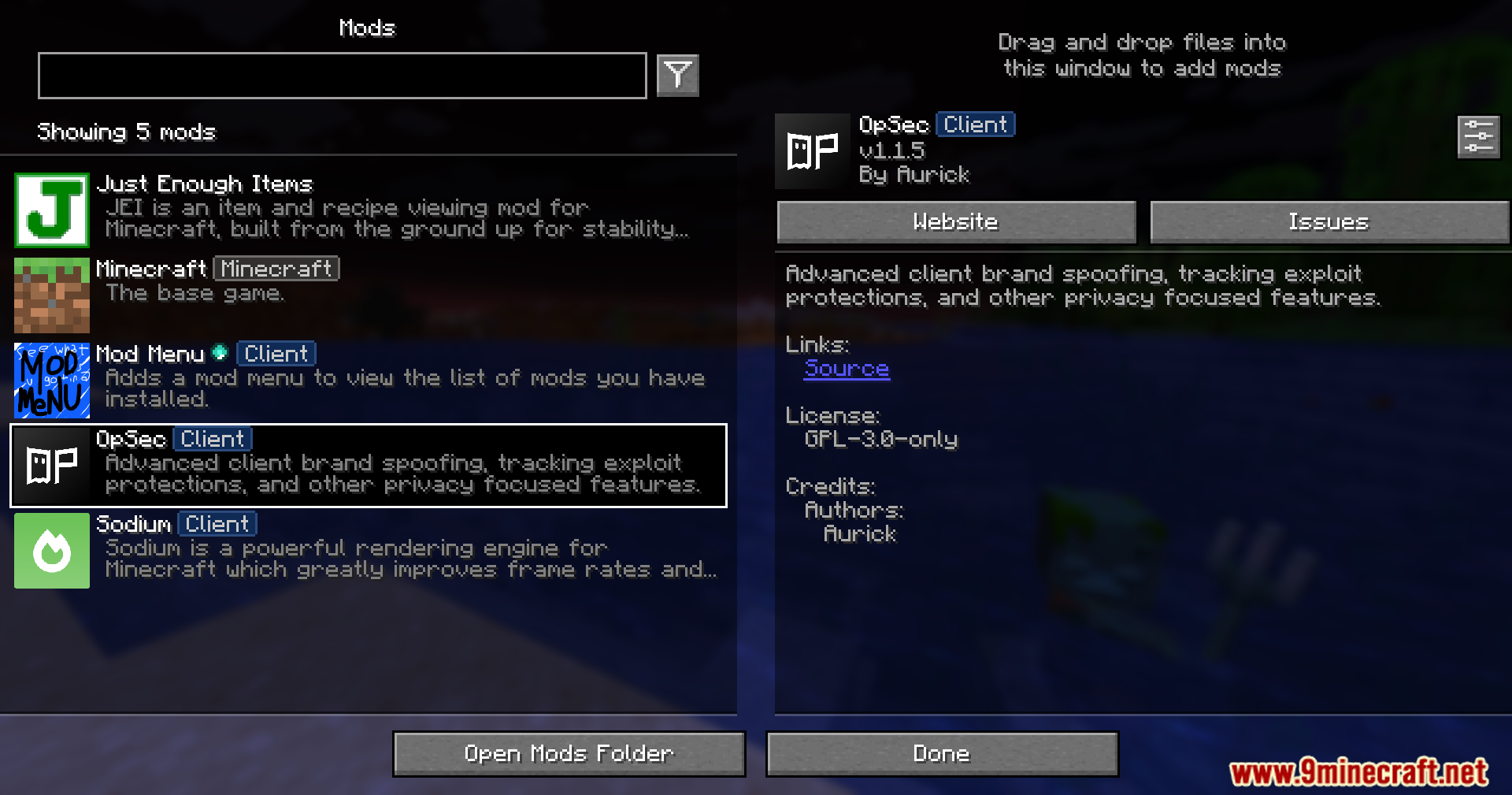
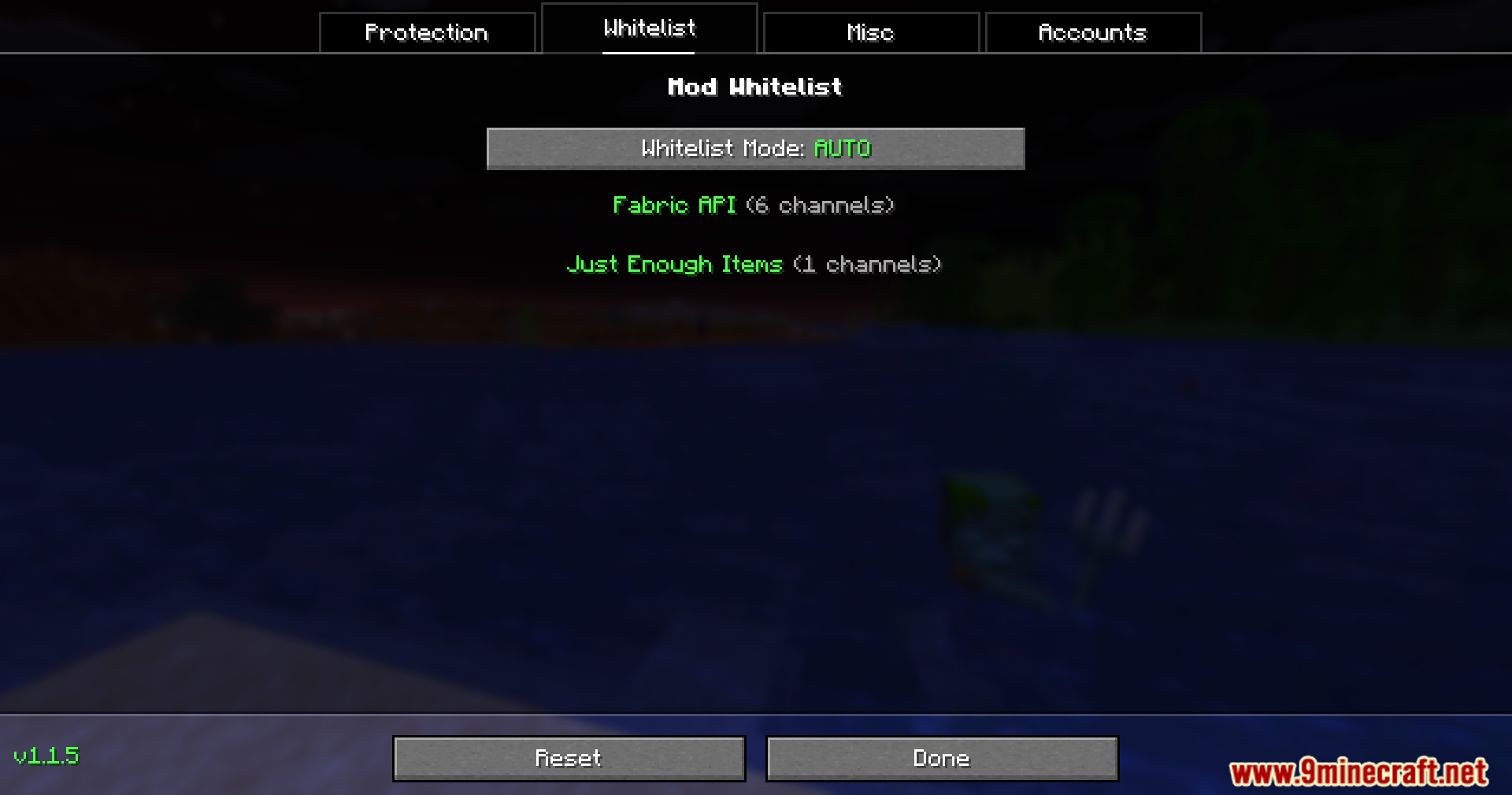
Open the multiplayer server list and look for the OpSec button at the top of the screen. Click it to open the settings menu with tabs for Protection, Whitelist, Accounts, and Miscellaneous options.
How do I stop servers from seeing what mods I have?
Go to the Protection tab in OpSec settings and enable vanilla spoofing. This makes your game appear unmodded to servers so they cannot detect or block you for using mods.
How do I add multiple Minecraft accounts to switch between?
Go to the Accounts tab in OpSec settings and add your different accounts using offline mode or session tokens. You can then swap between them directly from the game menu without restarting.
Gallery
7 images from the Opsec Mod page.
You May Also Like
Wikis that share the most with this one
Wikis on the same theme: cat
More mod wikis on the site
The most downloaded mods that have a wiki here
A few wikis from each of the other kinds