

 DownloadOptions Profiles Mod
Get the files on 9Minecraft
Guides
Step-by-step, in-game.
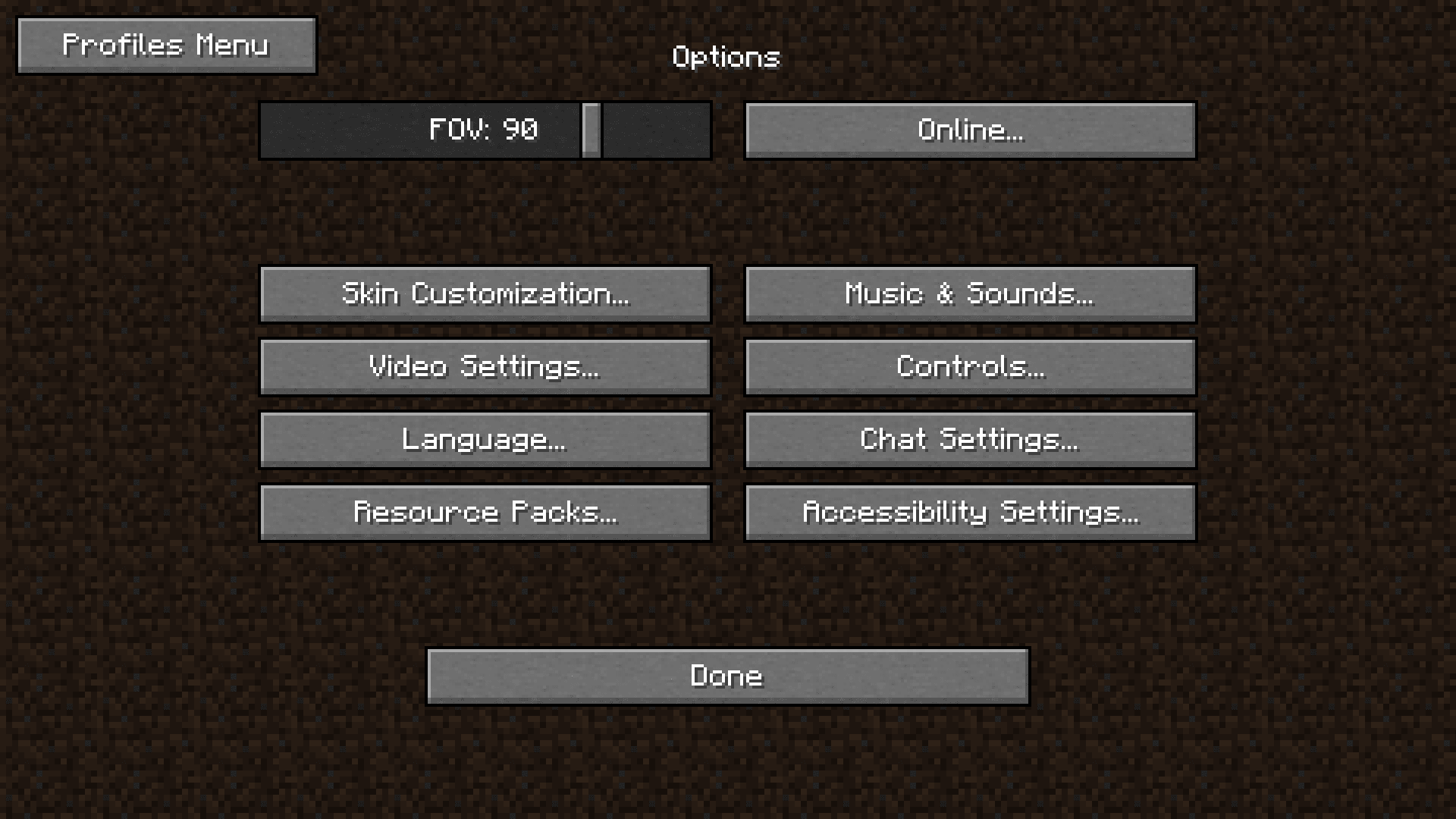
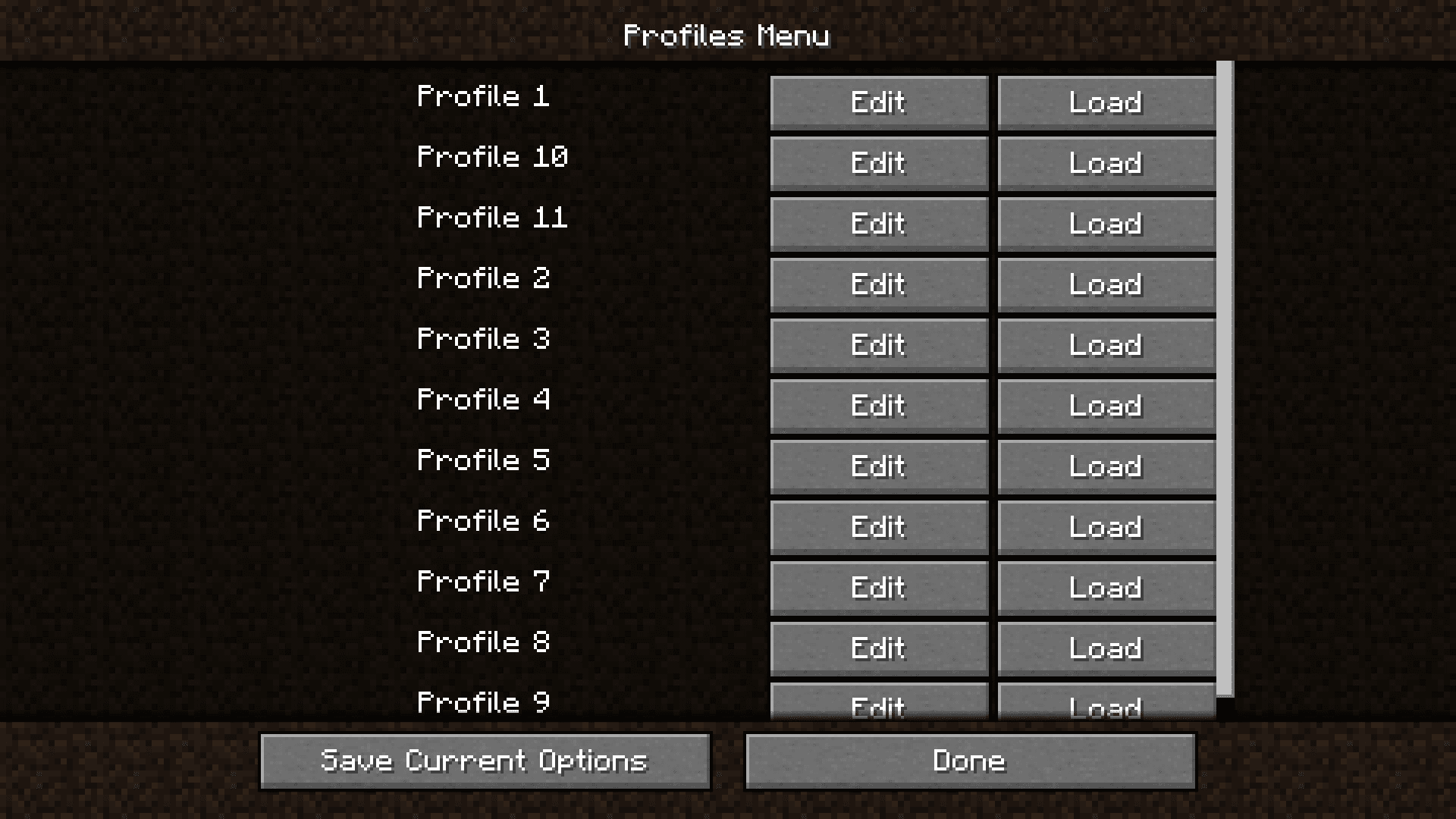
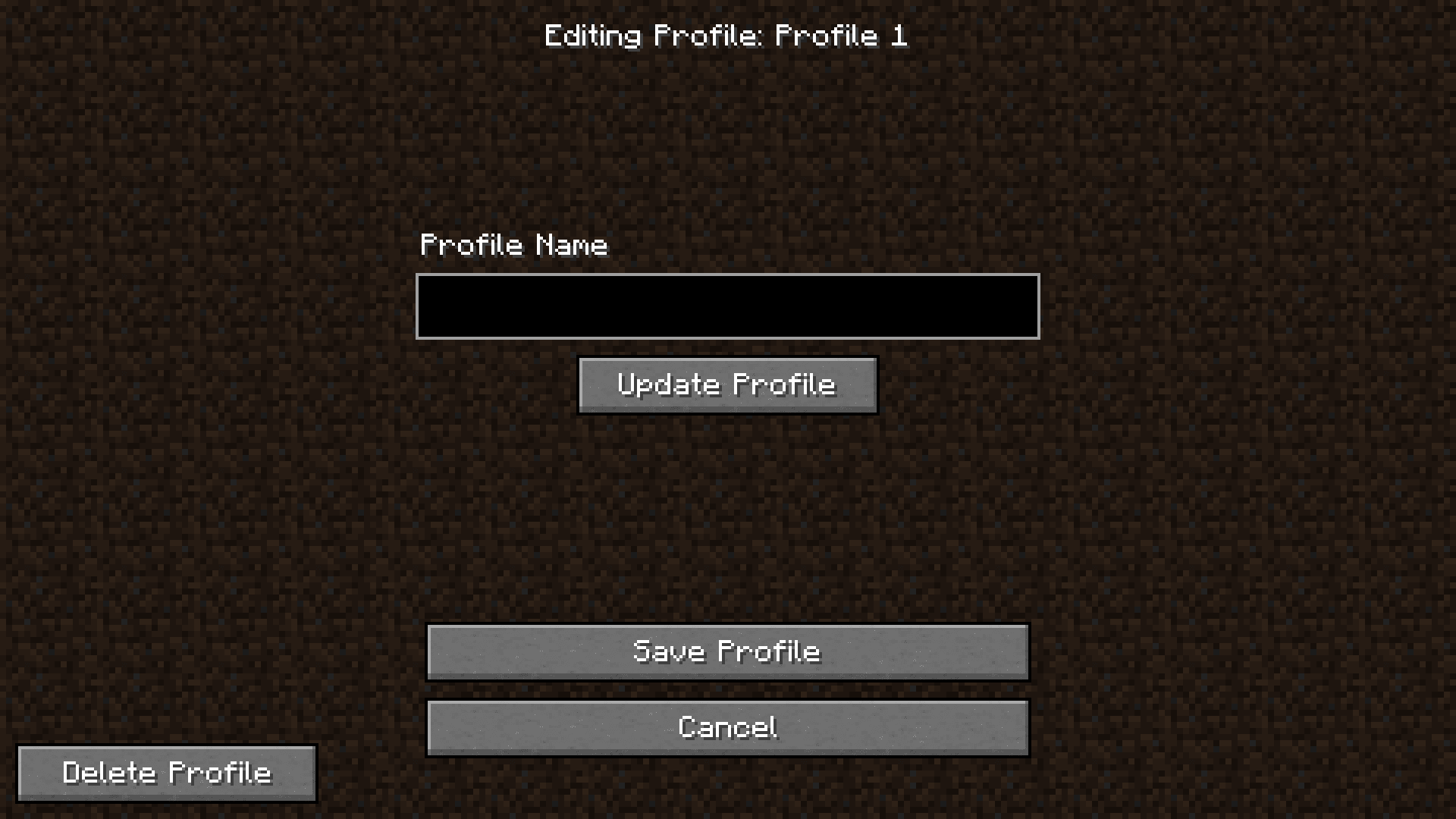
Create and Save Your First Options ProfileAccess the Profiles Menu Open your Options menu in-game, then look for the Options Profiles button. This will open…Delete Profiles You No Longer NeedOpen the Delete Menu Navigate to Options Profiles and select Delete Profiles . This displays all your currently saved…Edit or Rename an Existing ProfileAccess Profile Editing Open Options Profiles and select Edit Profiles Names . This menu shows all your saved profiles…Switch Between Multiple Profiles QuicklyView Available Profiles Open Options, then select Options Profiles. Click Profiles List to see all your saved…
Frequently asked questions
Where do my profiles get saved?
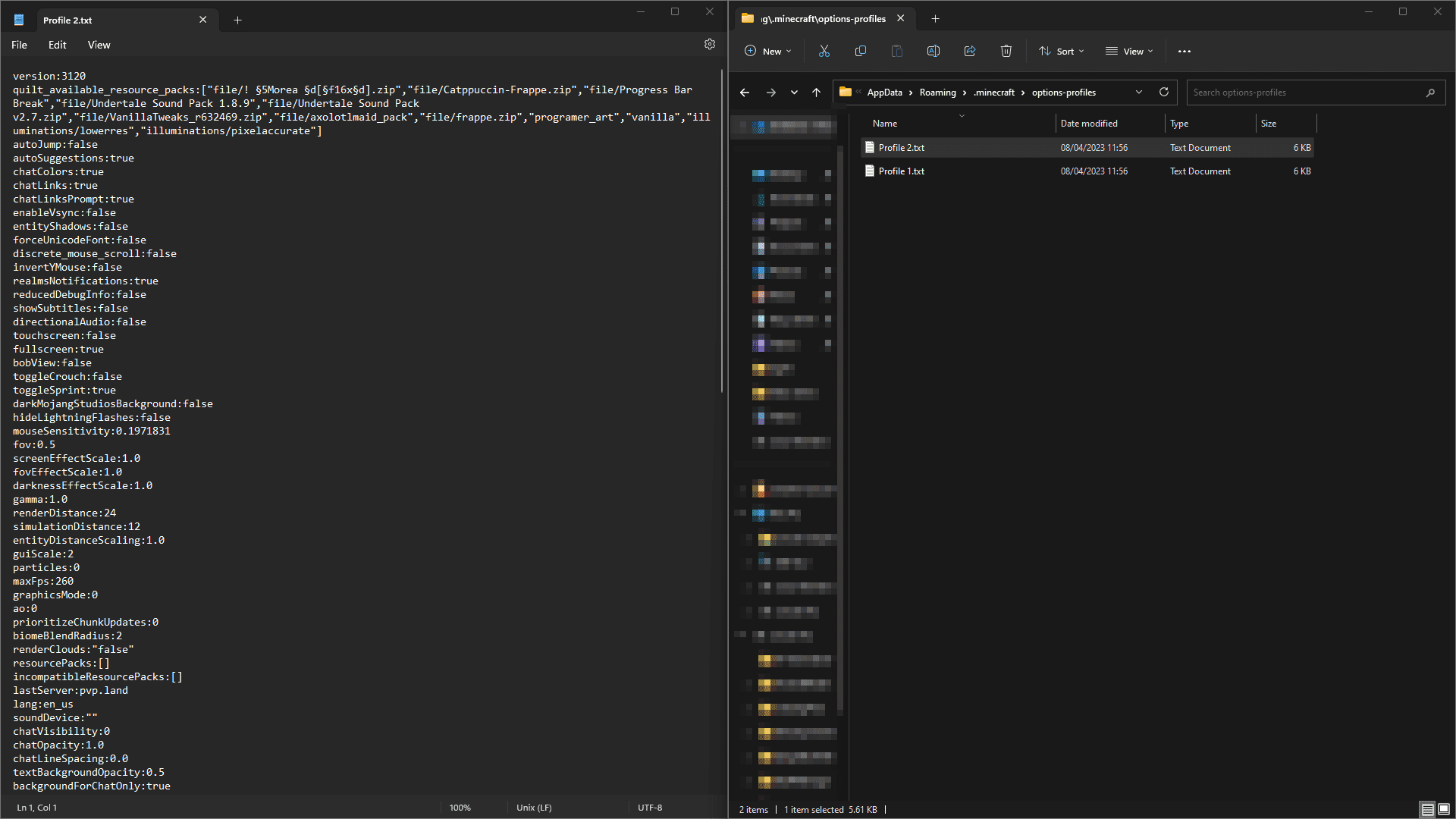
Profiles are automatically saved in a folder called "options-profiles" inside your .minecraft directory. You can navigate there to back up or manually manage your profile files if needed.
Can I use this mod with Sodium?
The mod is compatible with Sodium, but changing video settings through Options Profiles while Sodium is installed will not work. You can still save and load other settings like controls, audio, and gameplay options.
How do I create my first profile?
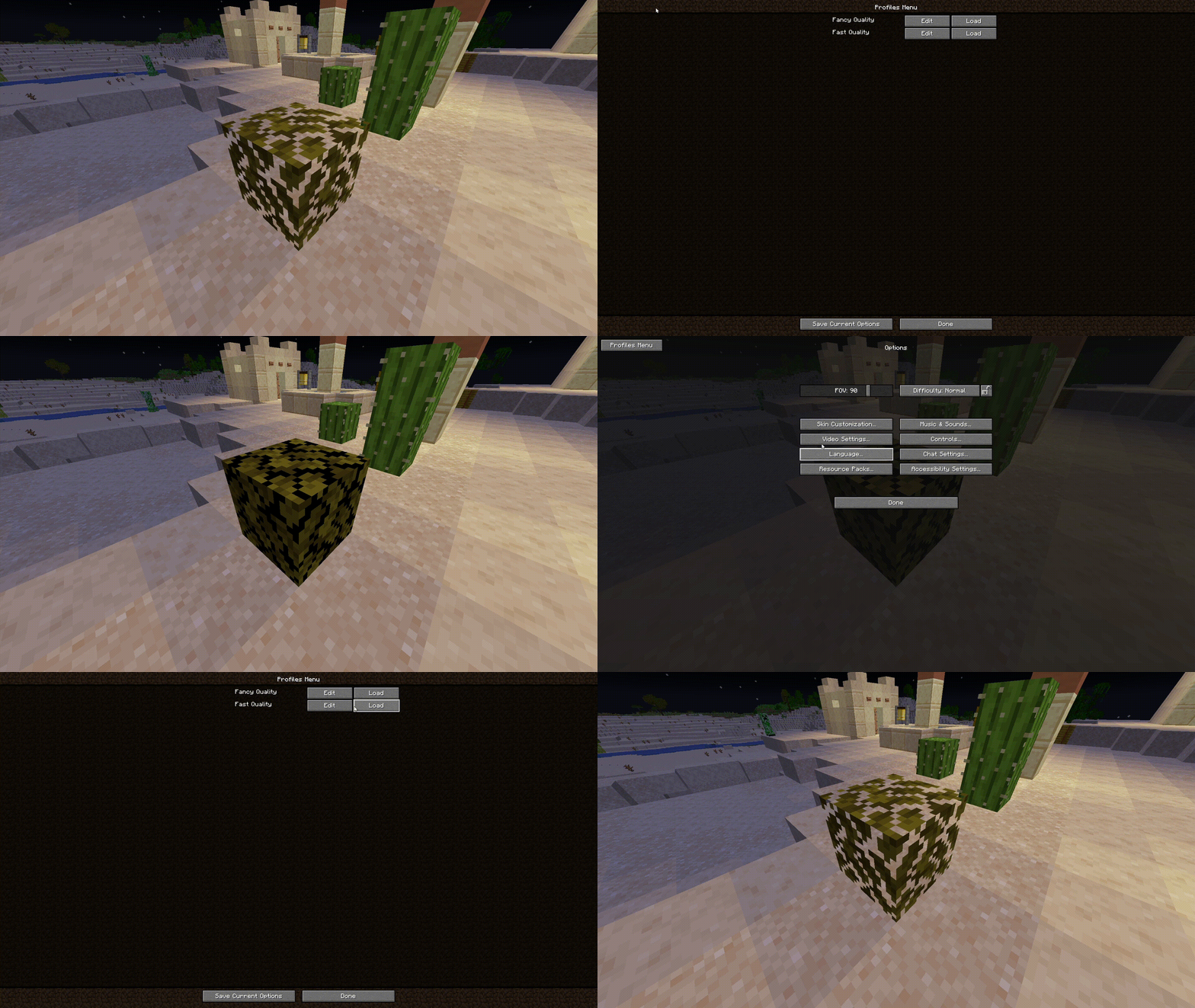
Open the mod's menu in-game, adjust your options to how you want them, then use the "Save Current Options" button to create a new profile. You'll be prompted to name it.
Can I rename a profile after I create it?
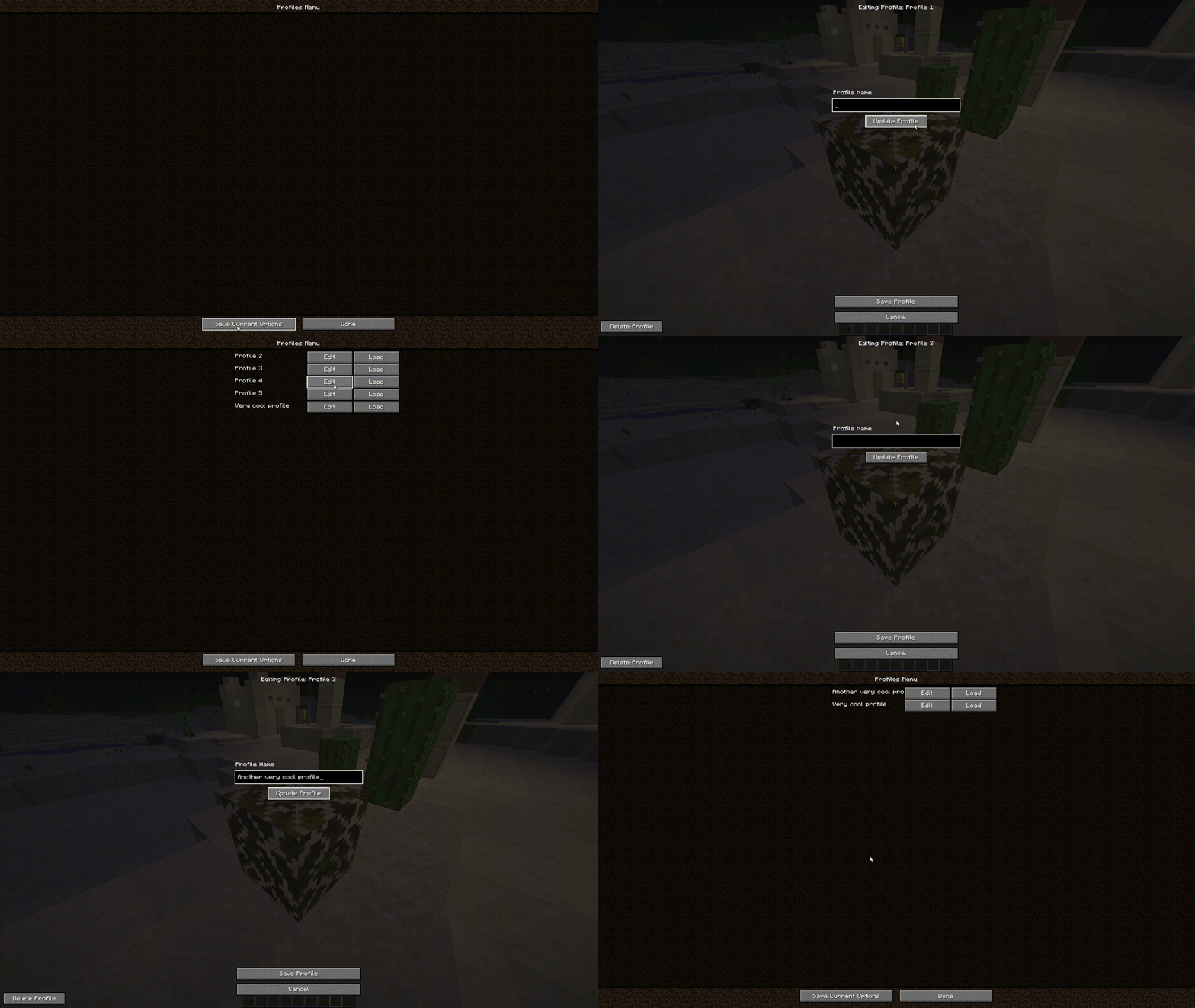
Yes, use the "Edit Profiles Names" option in the mod menu to rename any existing profile without losing its settings.
See all 10 Options Profiles questions ›
Gallery
7 images from the Options Profiles Mod page.
You May Also Like
Wikis that share the most with this one
More mod wikis on the site
 Optimized Bushy Leaves Model
The most downloaded mods that have a wiki here
A few wikis from each of the other kinds