

 DownloadSodium Options Mod
Get the files on 9Minecraft
Guides
Step-by-step, in-game.
How to Find Any Setting Fast Using the Search BarThe search bar is the single biggest quality-of-life upgrade this mod brings to Sodium 's options. Instead of hunting…How to Fine-Tune Slider Values Precisely with SHIFT + ScrollDragging a slider with the mouse is imprecise — you overshoot, undershoot, and can't land on the exact value you…How to Navigate Tabs and Pages Without Getting LostSodium 's options are numerous, and this mod reorganizes them into scrollable tabs and scrollable pages so nothing…How to Open and Switch Iris Shader Packs from the Options ScreenIf you use Iris for shaders alongside Sodium , this mod puts a shader pack button directly on the options screen, so…
Frequently asked questions
How do I open the Sodium Options screen?
Open Video Settings from the vanilla options menu, or use the Mods list to reach  Sodium's config. The mod replaces Sodium's
 default options screen, so wherever you'd normally land on Sodium's settings, you'll now see the new tabbed interface.
Sodium's config. The mod replaces Sodium's default options screen, so wherever you'd normally land on Sodium's settings, you'll now see the new tabbed interface.How do I search for a setting in Sodium Options?
Click the search bar at the top of the screen and start typing the name of the setting you want. Matching options are filtered across tabs and pages so you don't have to hunt through each category manually.
How do I change a slider value more precisely?
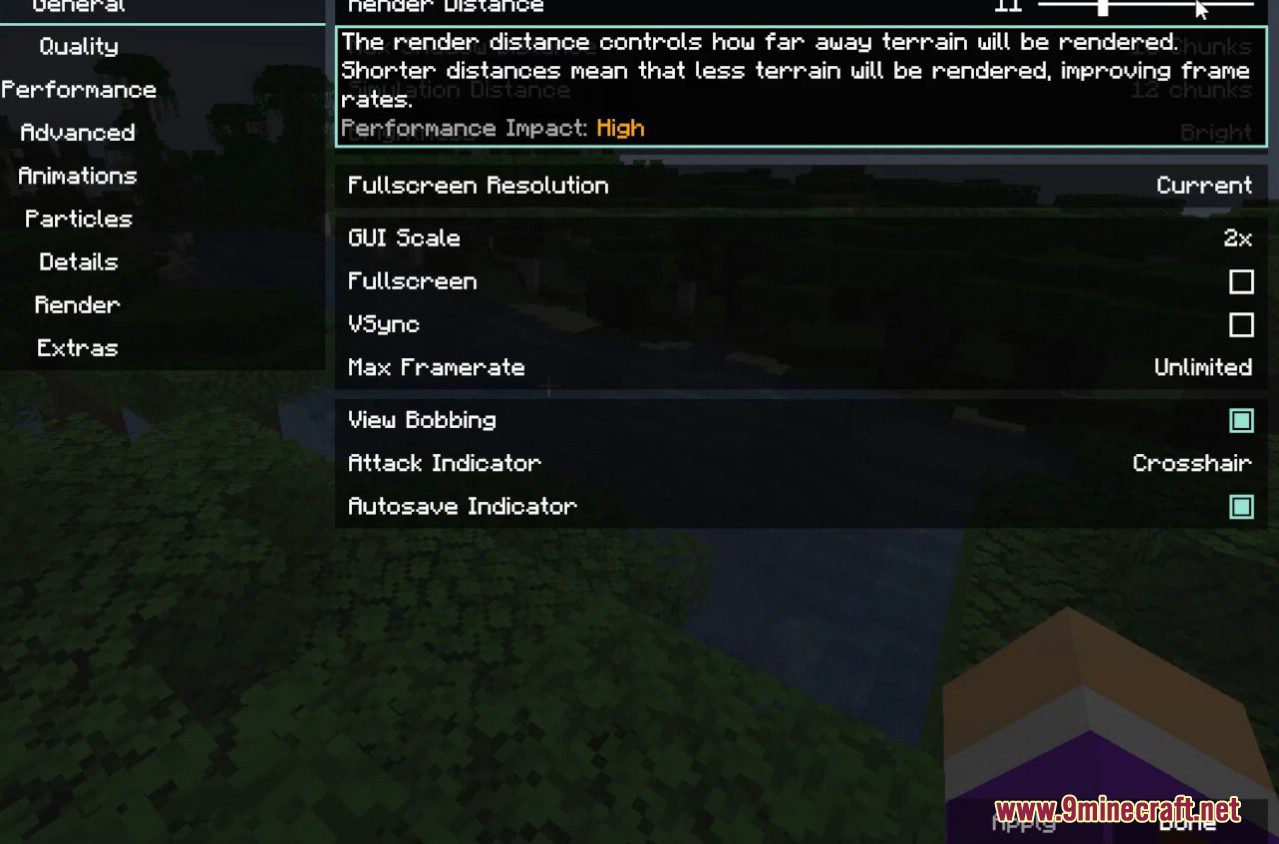
Hold SHIFT while scrolling over a slider to adjust its value in smaller steps than a normal drag allows. This lets you fine-tune settings without the slider snapping past the value you want.
Why can't I see all the settings on one page?
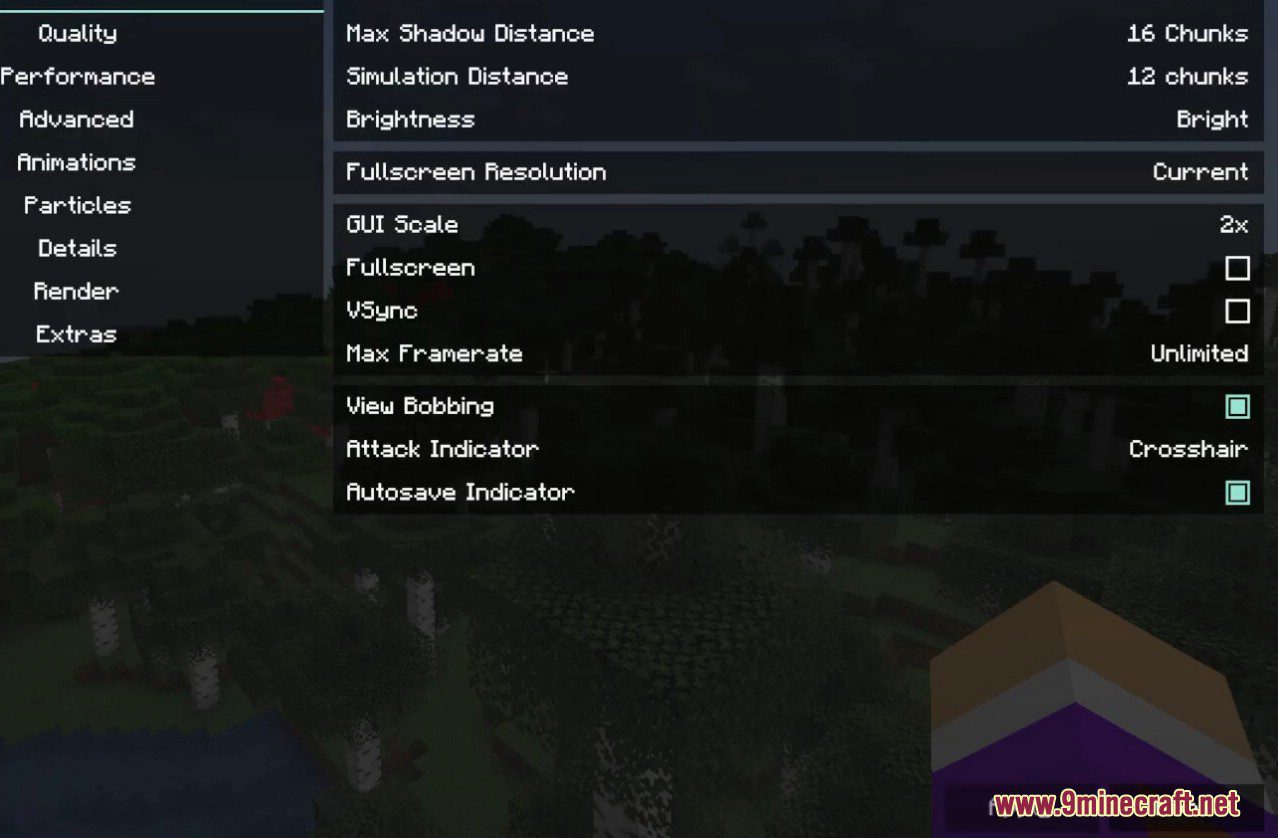
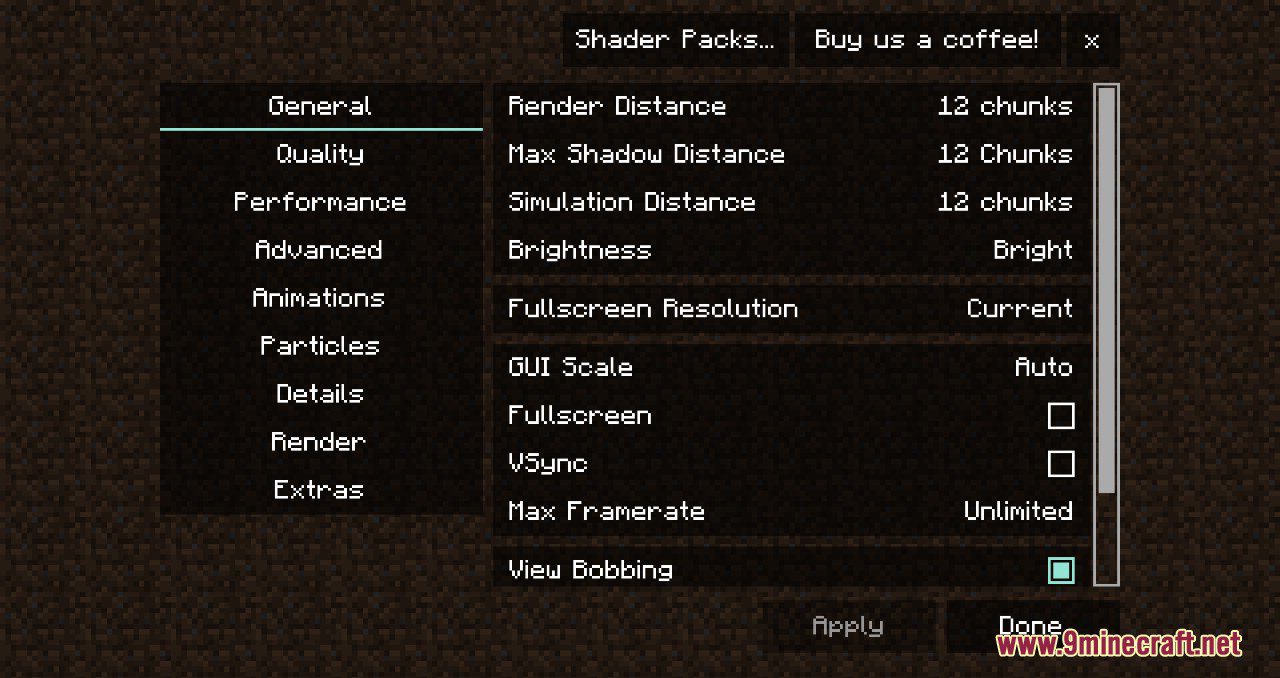
The screen uses scrollable tabs and scrollable pages, so some categories extend below the visible area. Scroll down within a tab, or use the search bar to jump straight to a specific option.
See all 19 Sodium Options questions ›
Dependencies
Other mods needed to run this one.
Sodium (required)
Gallery
4 images from the Sodium Options Mod page.
You May Also Like
Wikis that share the most with this one
More mod wikis on the site
The most downloaded mods that have a wiki here
A few wikis from each of the other kinds