

 DownloadMod Settings Mod
Get the files on 9Minecraft
Guides
Step-by-step, in-game.
Change a Mod Setting and Save ItLocating the Setting After opening a mod's configuration panel through the Mod Settings Mod screen, browse through…Navigate and Search for a Specific Mod's SettingsFinding Your Mod in the List When you open the Mod Settings Mod configuration screen, you'll see a list or menu of…Open the Mod Settings ScreenUsing the Default Hotkey The quickest way to access mod settings is through the dedicated hotkey. By default, this is…Reset a Mod's Settings to DefaultFinding the Reset Option Within a mod's configuration panel, look for a "Reset," "Restore Defaults," or similar…
Frequently asked questions
How do I open the mod settings screen?
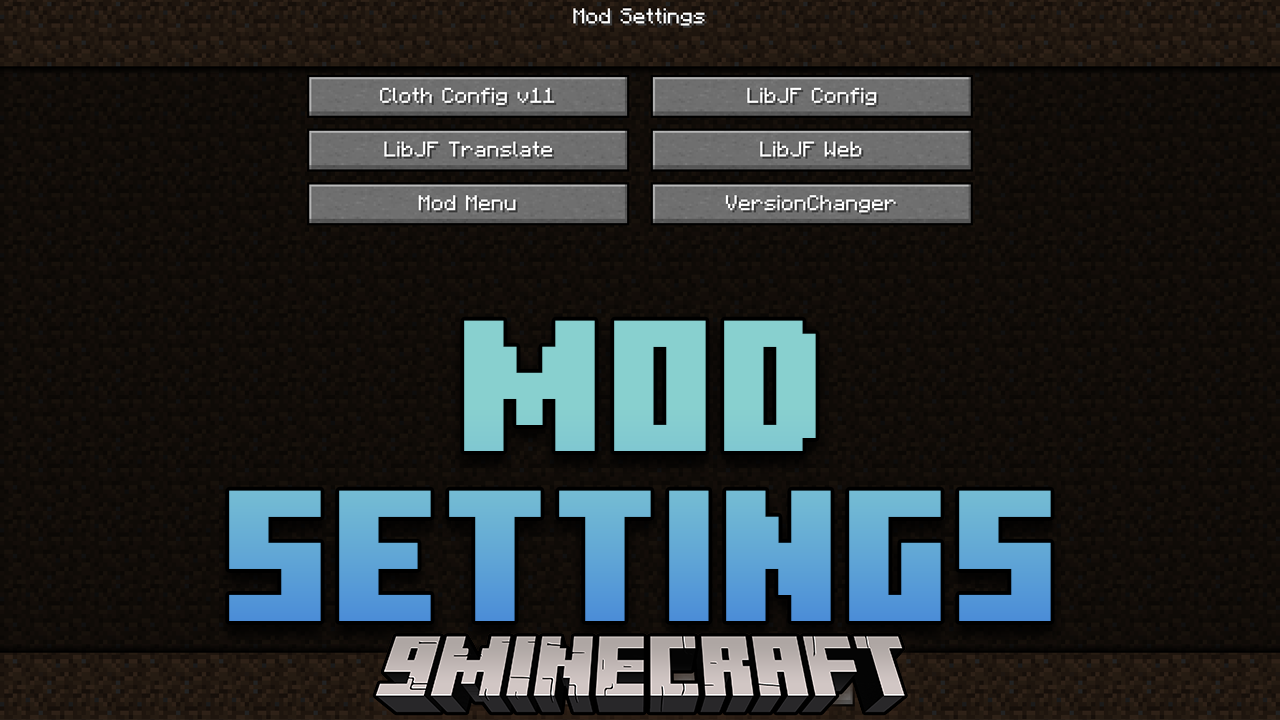
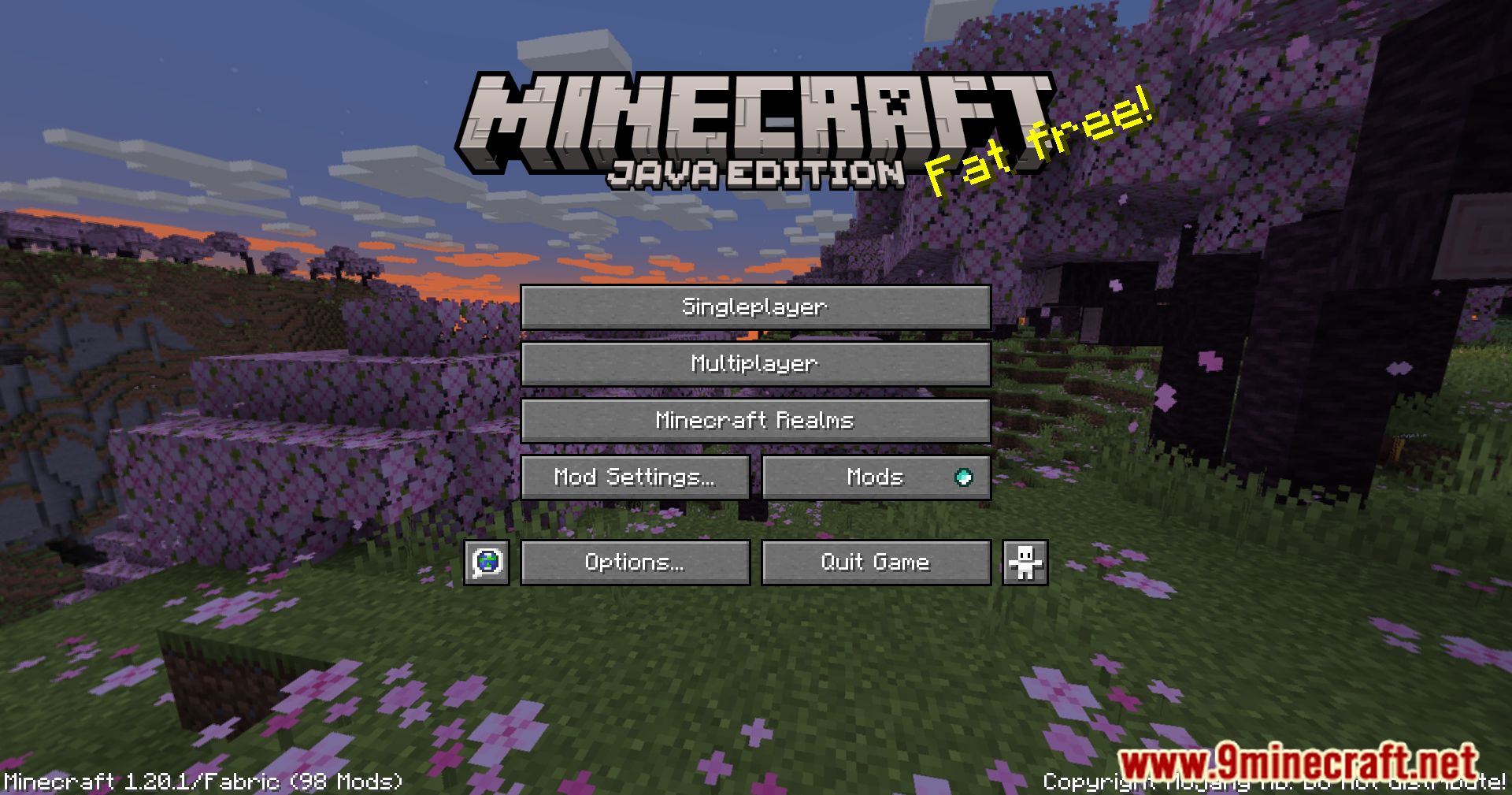
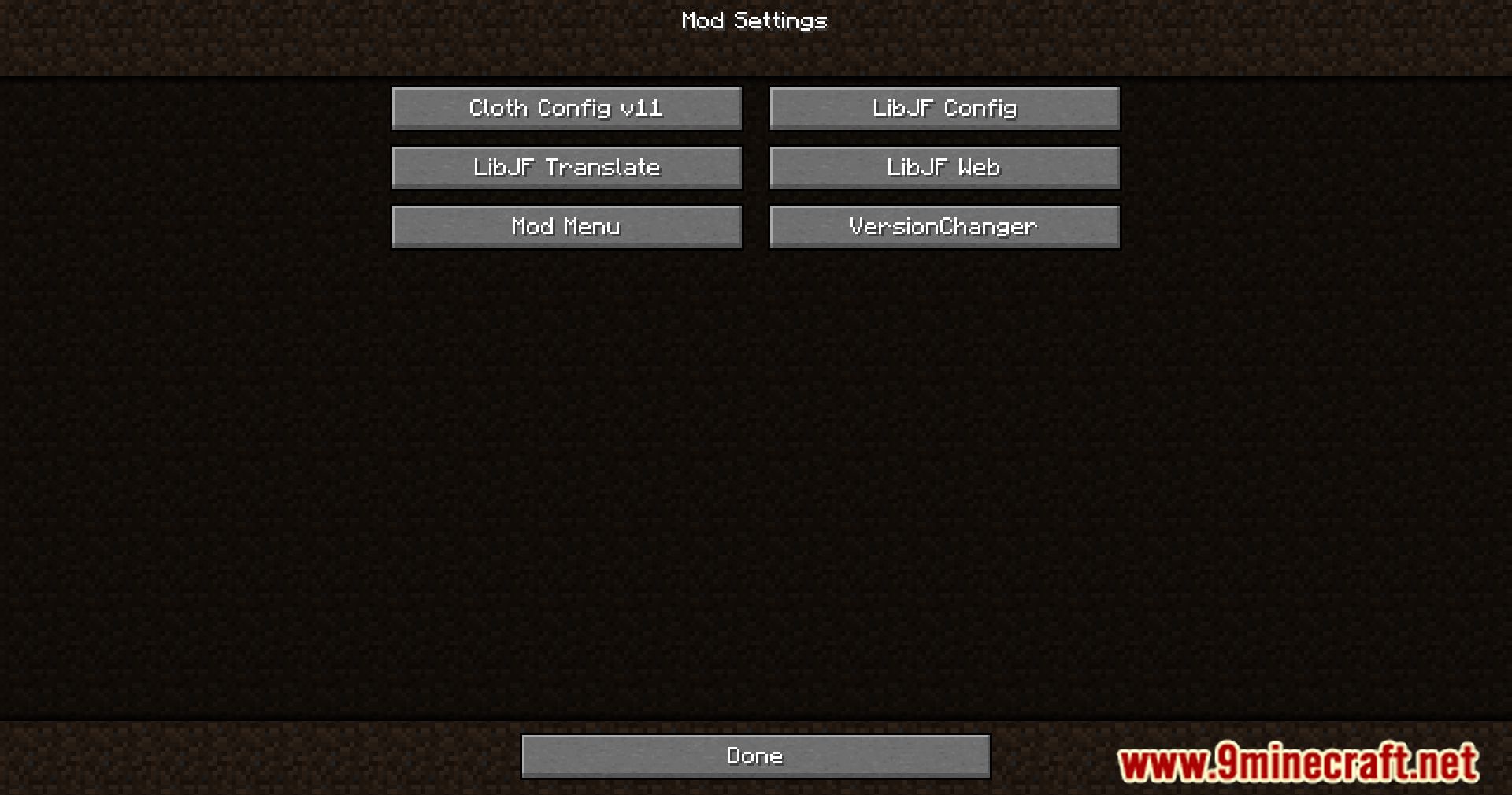
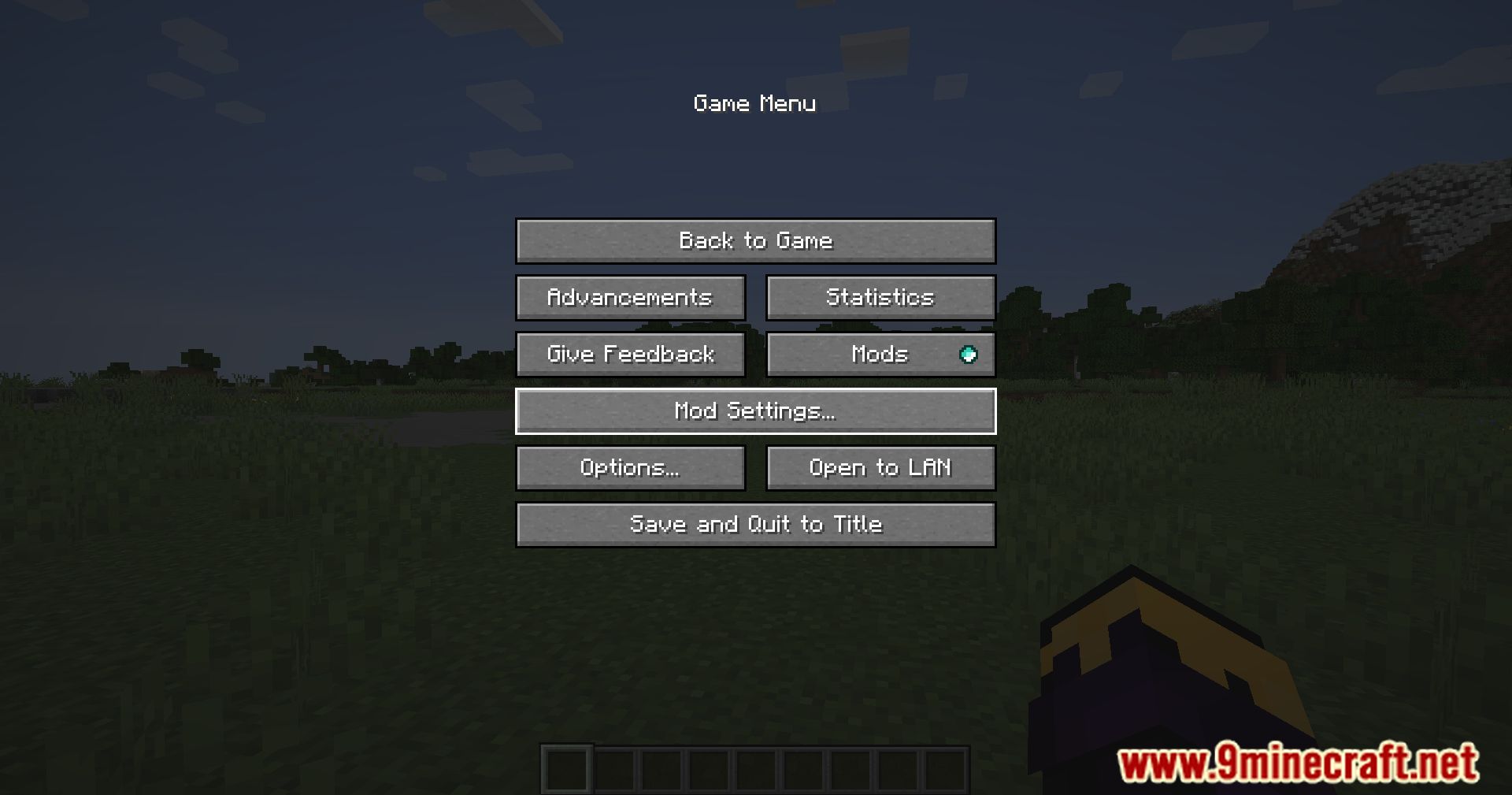
Press the dedicated hotkey (default is usually a configurable key like a function key or custom bind) to instantly open the Mod Settings Mod menu. Alternatively, you can access it through your pause menu if the mod is configured to appear there.
Can I search for a specific mod's settings?
Yes, the configuration screen includes a search function that lets you type a mod name to quickly filter and locate its settings without scrolling through the entire list.
How do I change a setting and make sure it saves?
Adjust the setting in the configuration screen, then look for a Save or Apply button (usually at the bottom of the screen) to confirm your changes. Some settings may require a game restart to take effect.
What if I mess up a mod's settings and want to undo my changes?
Most mods have a Reset to Default option within the Mod Settings Mod interface—look for a reset button or option specific to that mod to restore its original configuration.
See all 10 Mod Settings questions ›
Gallery
9 images from the Mod Settings Mod page.
You May Also Like
Wikis that share the most with this one
More mod wikis on the site
 Mob Vote Model
The most downloaded mods that have a wiki here
A few wikis from each of the other kinds