

 DownloadMod Menu Mod
Get the files on 9Minecraft
Guides
Step-by-step, in-game.
How to Check Mod Details and Available UpdatesViewing Mod Details Open the mod list and click any mod to expand it. The details panel shows the mod's description ,…How to Open a Mod's Config Screen In-GameReaching the Config Button Open the mod list from the title screen, then click the mod whose settings you want to…How to Open the Mod Menu from the Main MenuFinding the Button When you launch Minecraft and reach the title screen, look along the row of buttons where you…How to Search and Filter Your Installed ModsUsing the Search Bar Once the mod list is open, find the search bar near the top of the screen. Click into it and…
Configuration
Every setting in the mod config file, with what it changes.
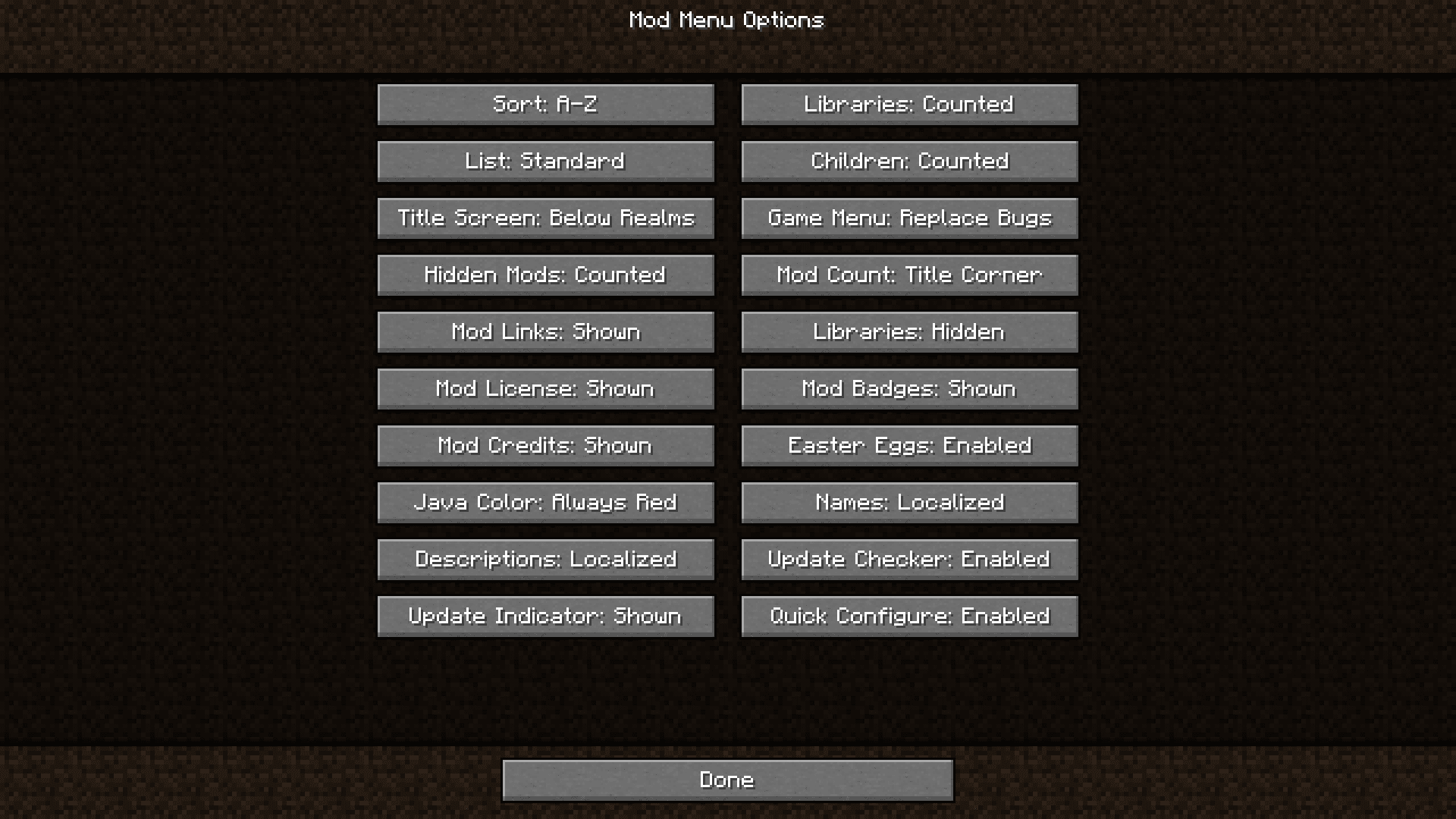
| Option | What it does |
|---|---|
ascending | A-Z |
shrink | Adjacent |
alpha | All |
false | Always Red |
classic | Below Realms |
title_screen_and_mods_button | Both |
count_children | Children |
true | Compact |
hide_config_buttons | Config Buttons |
true | Counted |
translate_descriptions | Descriptions |
false | Disabled |
easter_eggs | Easter Eggs |
true | Enabled |
game_menu_button_style | Game Menu |
has_update | Has Update |
false | Hidden |
true | Hidden |
count_hidden_mods | Hidden Mods |
icon | Icon |
insert | Insert |
random_java_colors | Java Color |
count_libraries | Libraries |
show_libraries | Libraries |
Frequently asked questions
How do I open the mod list in-game?
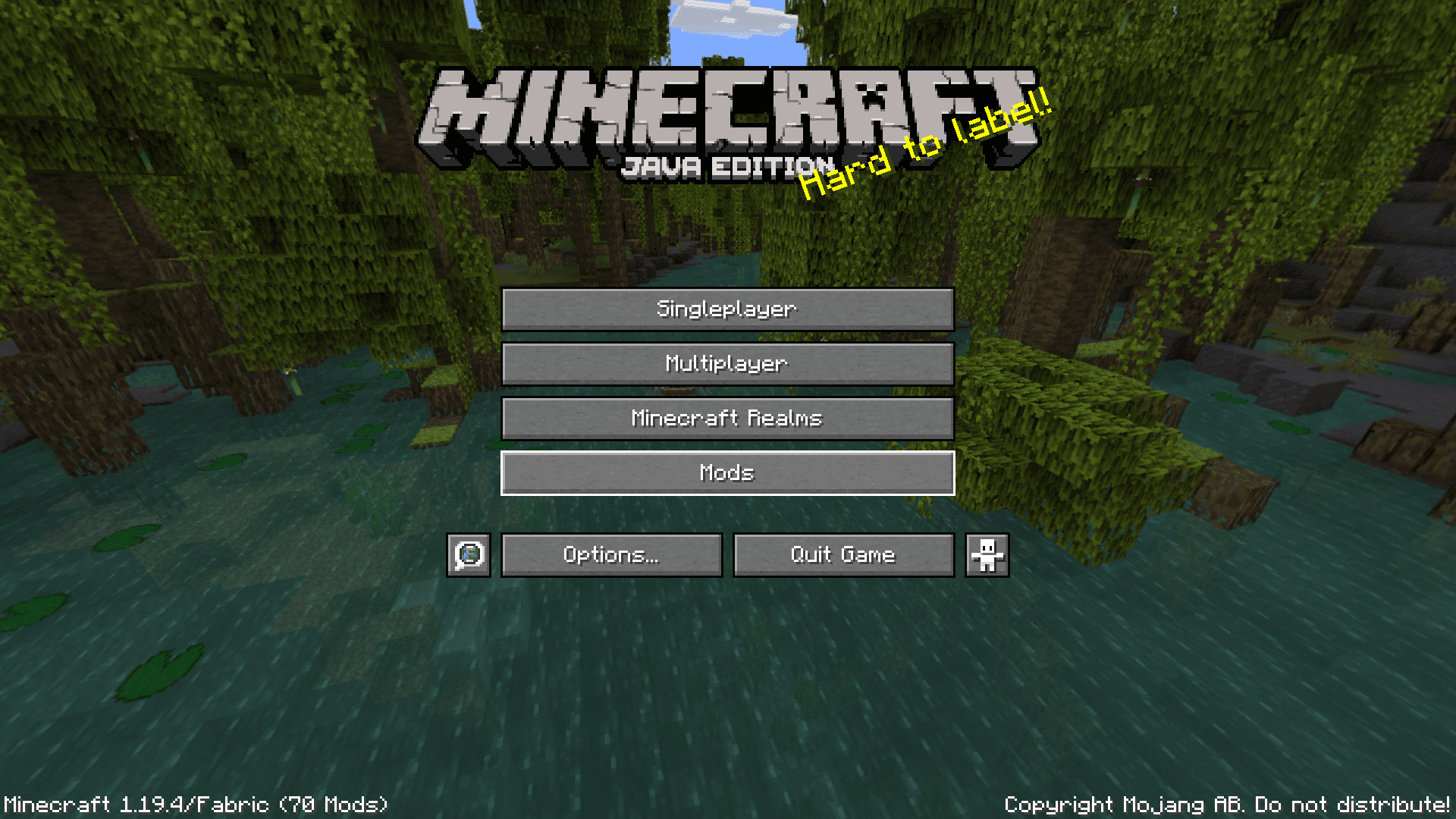
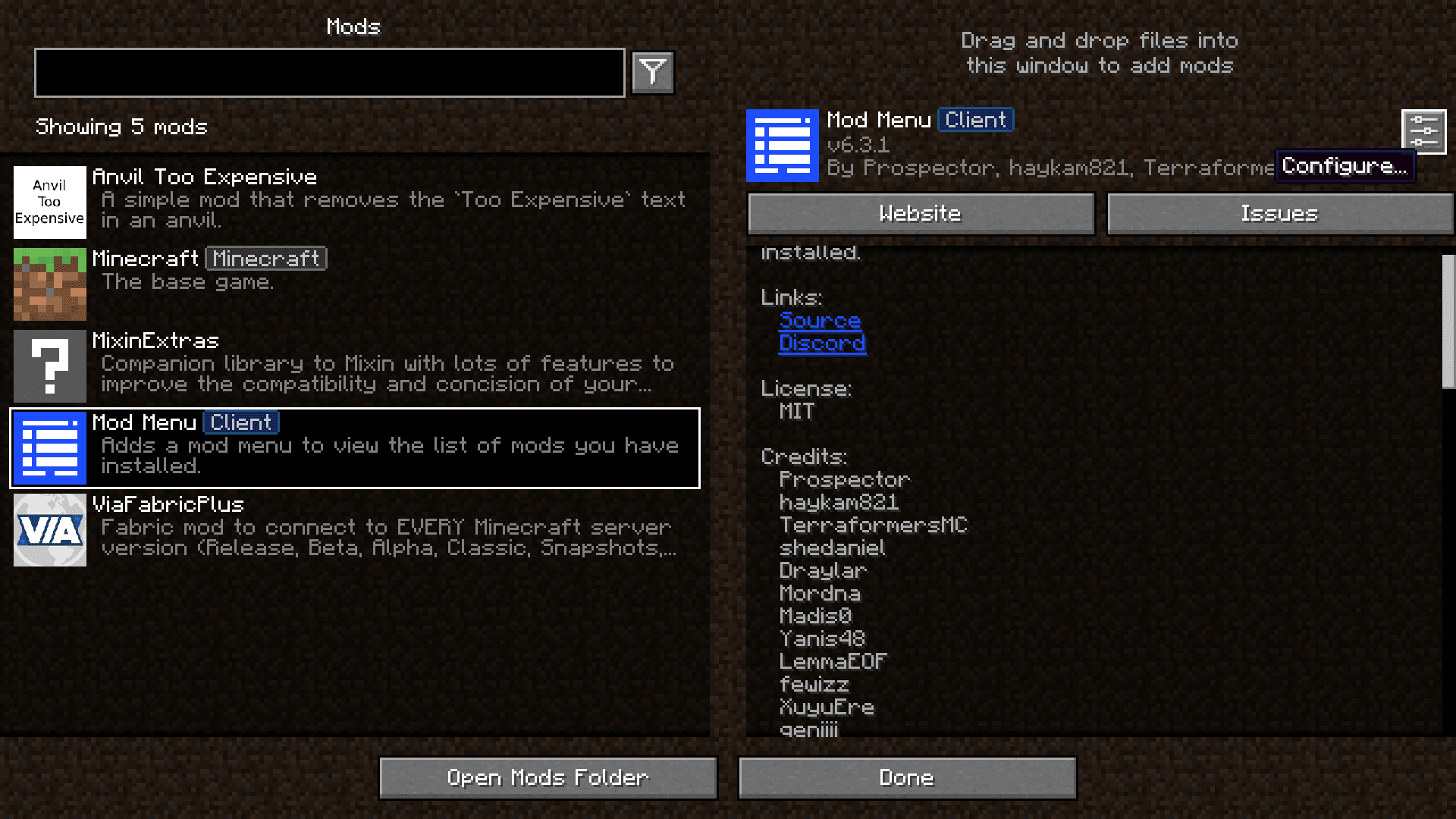
Click the "Mods" button on the main menu — it sits alongside the other title screen buttons. You can also reach the same list from the pause menu in some setups, but the main menu button is the standard way in.
Why can't I see a mod I know is installed?
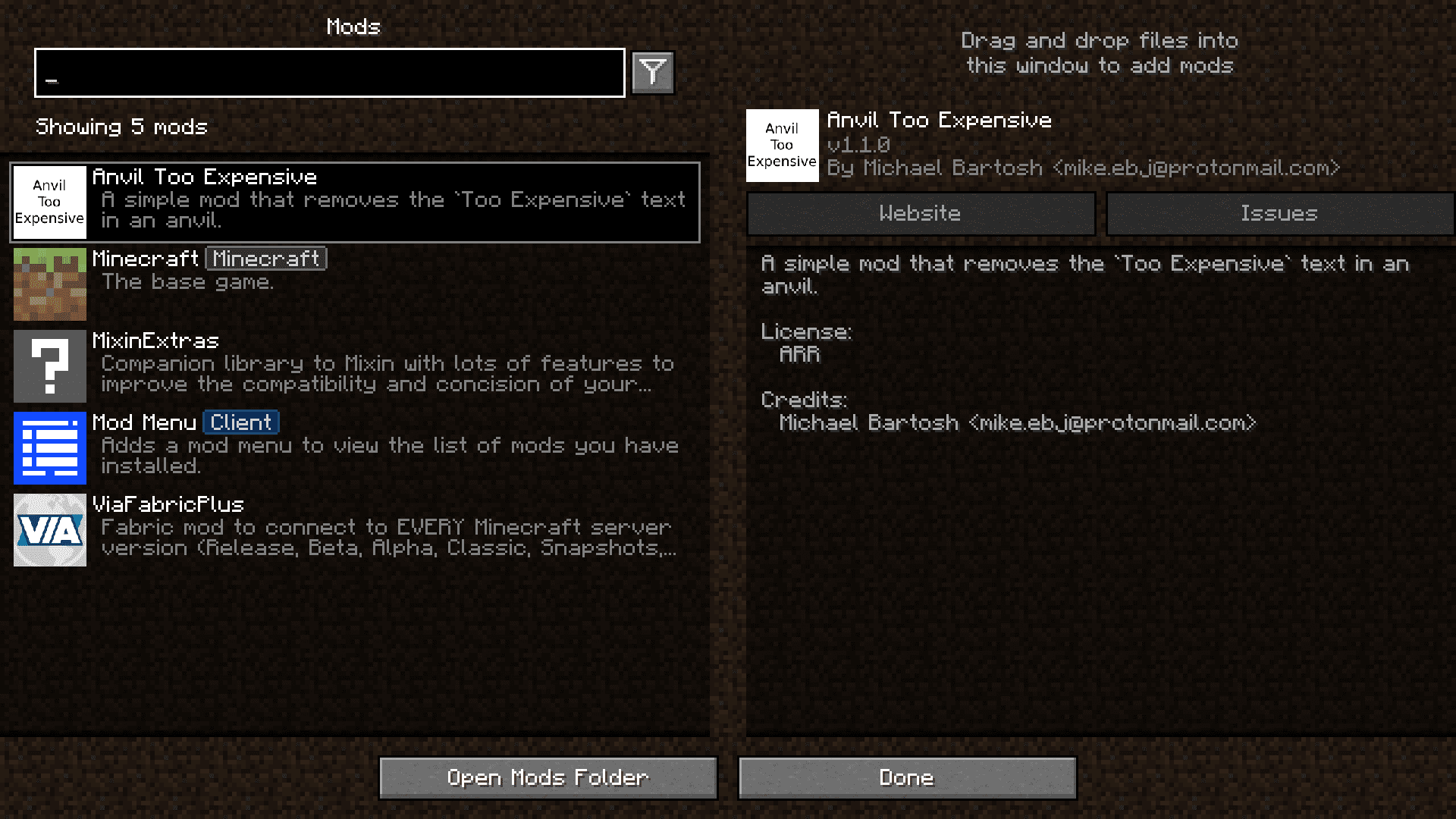
Library and dependency mods are hidden by default, so check whether the mod you're looking for is being filtered out as a library. Toggle the option to show library mods, or use the search bar to confirm whether it's actually loaded.
How do I search for a specific mod in the list?
Type part of the mod's name into the search bar at the top of the mod list. The list filters as you type, so you don't need to scroll through everything manually.
How do I open a mod's config screen?
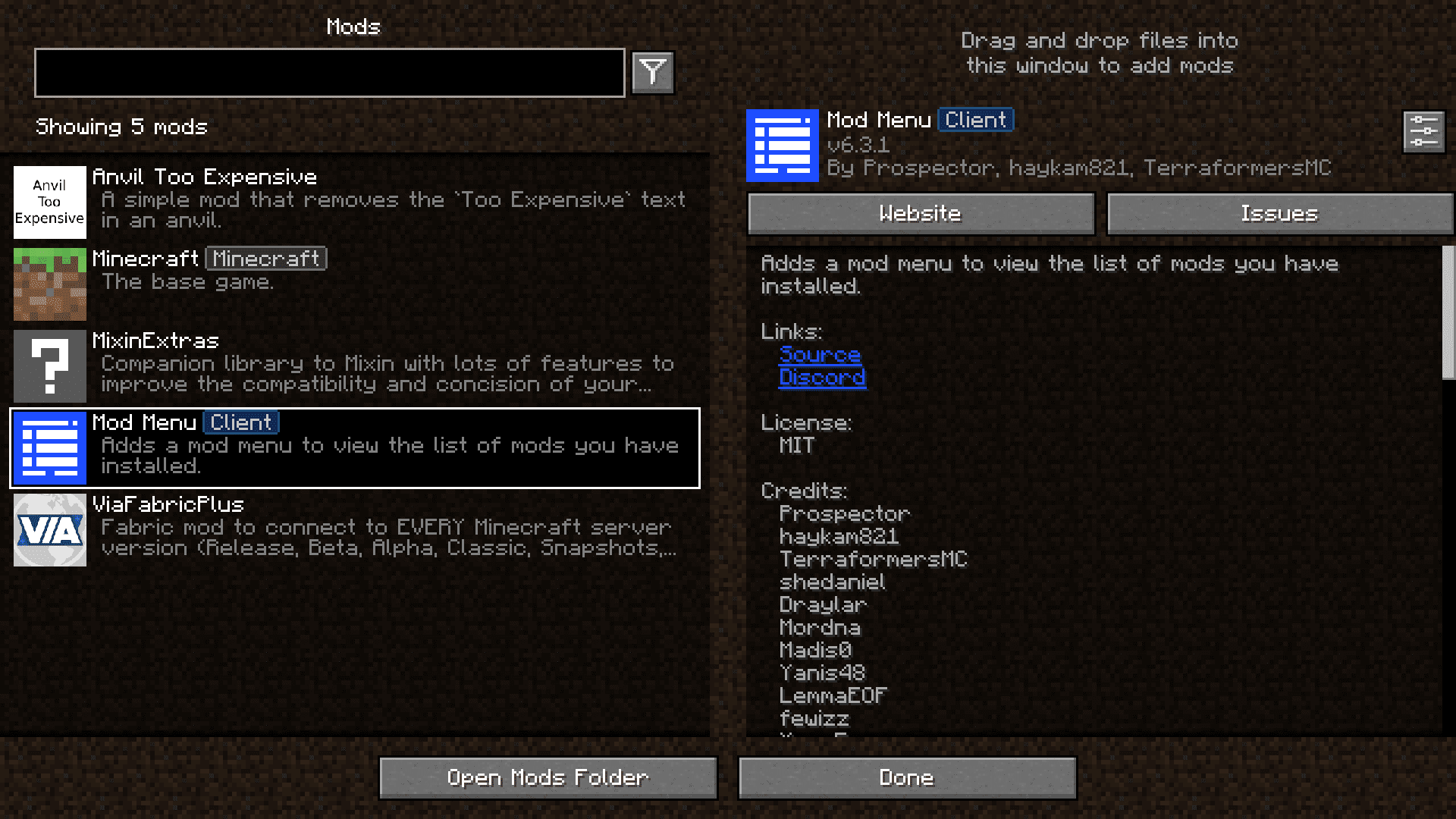
Click on the mod in the list to open its detail page, then use the config button if the mod provides one. Mods that don't support in-game config won't show that button, and you'll need to edit their config file instead.
See all 19 Mod Menu questions ›
Gallery
6 images from the Mod Menu Mod page.
You May Also Like
Wikis that share the most with this one
More mod wikis on the site
 Mob Vote Model
The most downloaded mods that have a wiki here
A few wikis from each of the other kinds